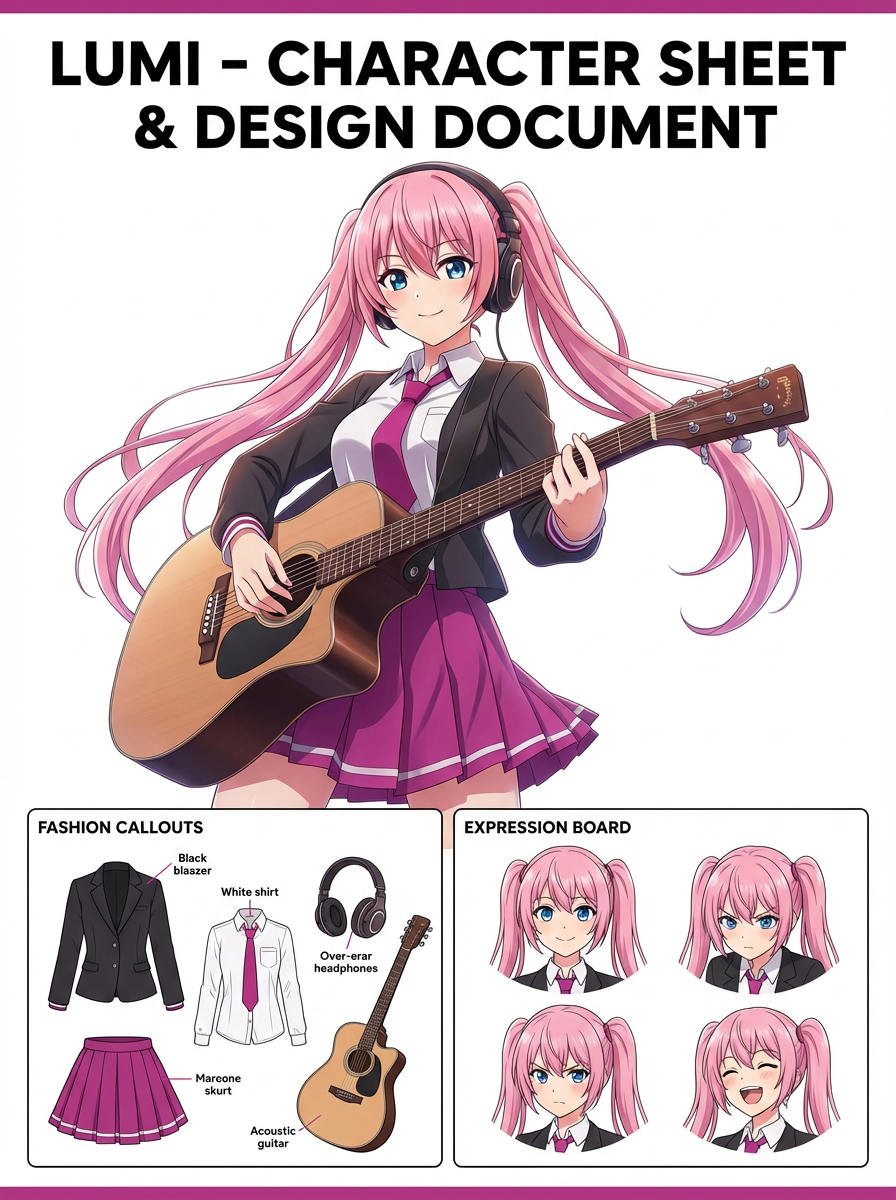
Problem
Generic portraits do not automatically feel like covers; they need subject hierarchy, negative space, lighting, and editorial attitude.


Turn characters, OCs, portraits, or mascots into glossy editorial cover visuals with strong framing, premium mood, and magazine-style positioning. Try for free with free credits. Check in daily to earn more. No credit card required.
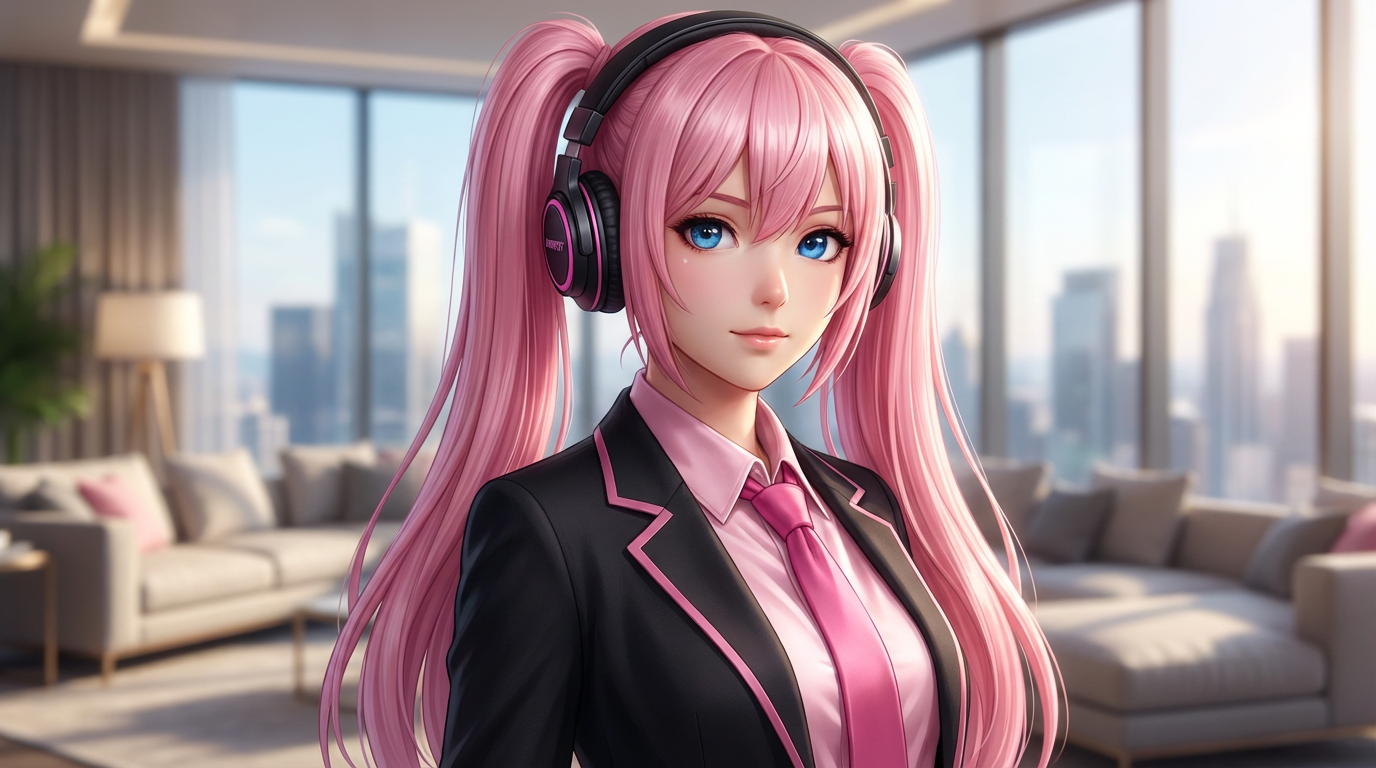
Reserve space for a masthead and cover text while keeping the person or subject visually dominant.
Generic portraits do not automatically feel like covers; they need subject hierarchy, negative space, lighting, and editorial attitude.
Creator portfolios, mock magazine covers, social campaigns, music visuals, character reveals, and editorial-style thumbnails.
An editorial cover-style image with premium framing, strong subject hierarchy, and cover-ready negative space.
Plan the main subject, camera framing, lighting, and text-safe areas before refining the cover.
Use a text prompt for new ideas or upload a reference image when identity, pose, product shape, or character continuity matters.
Ask for premium editorial lighting, centered cover subject, strong title-safe space, fashion-magazine mood, and clean background depth. Name what must stay unchanged and what can be redesigned.
Create the image, then check face clarity, cover-safe negative space, wardrobe detail, background depth, and whether fake text is avoided or intentional before downloading or using the result elsewhere.
Cover concepts with editorial lighting, visual hierarchy, and room for typography.
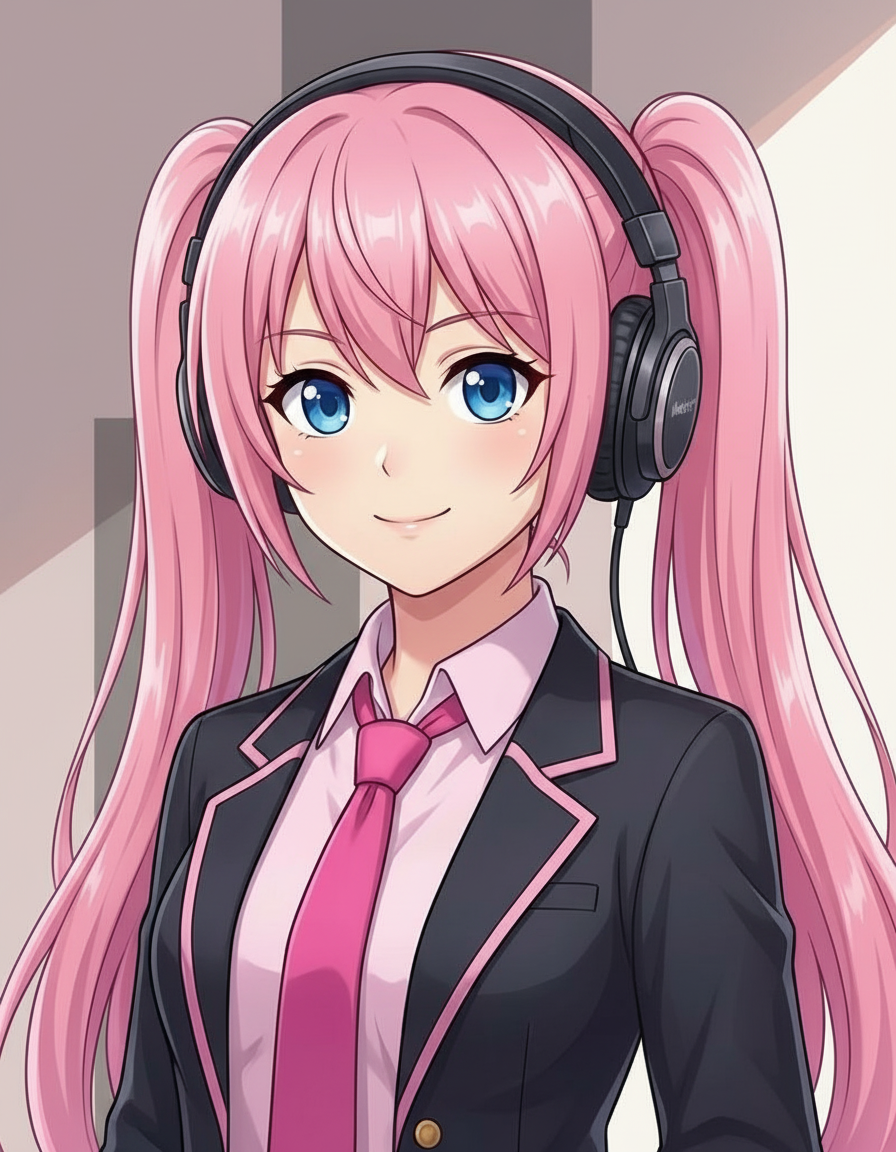
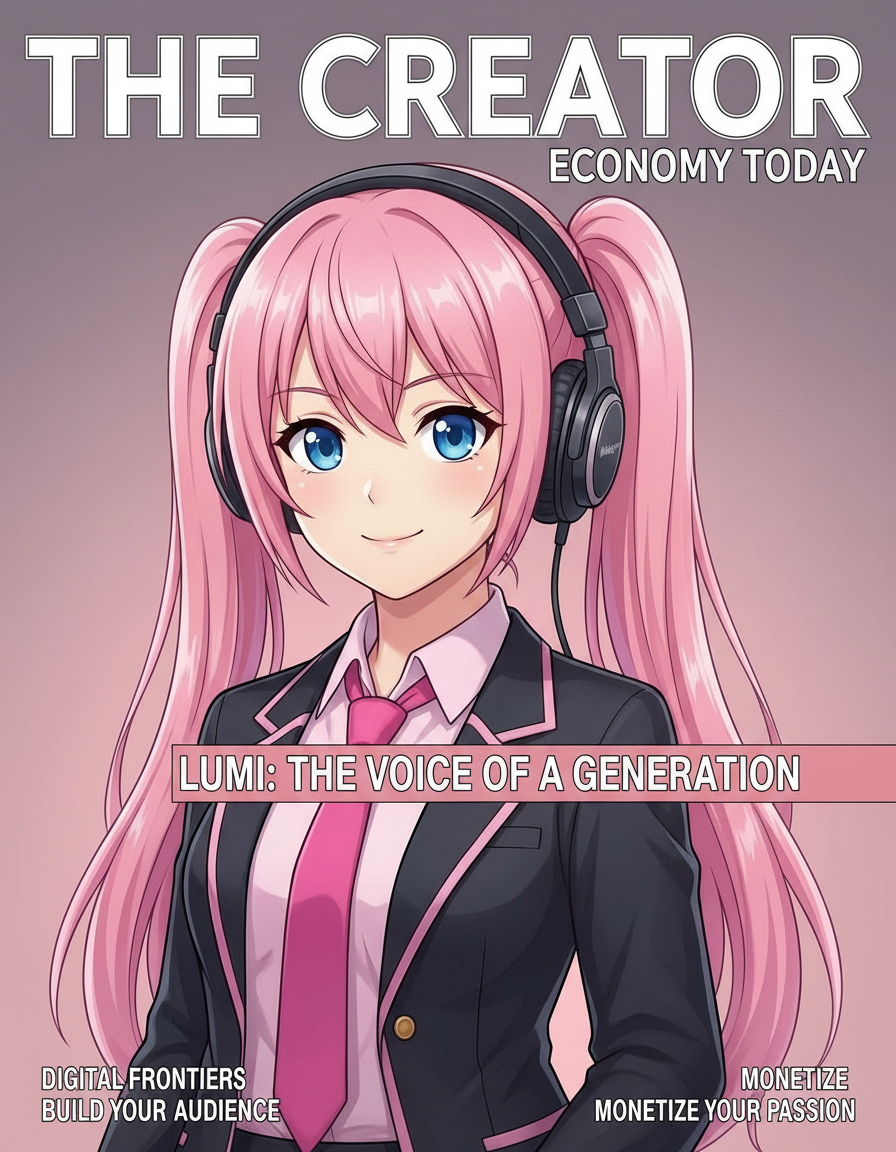
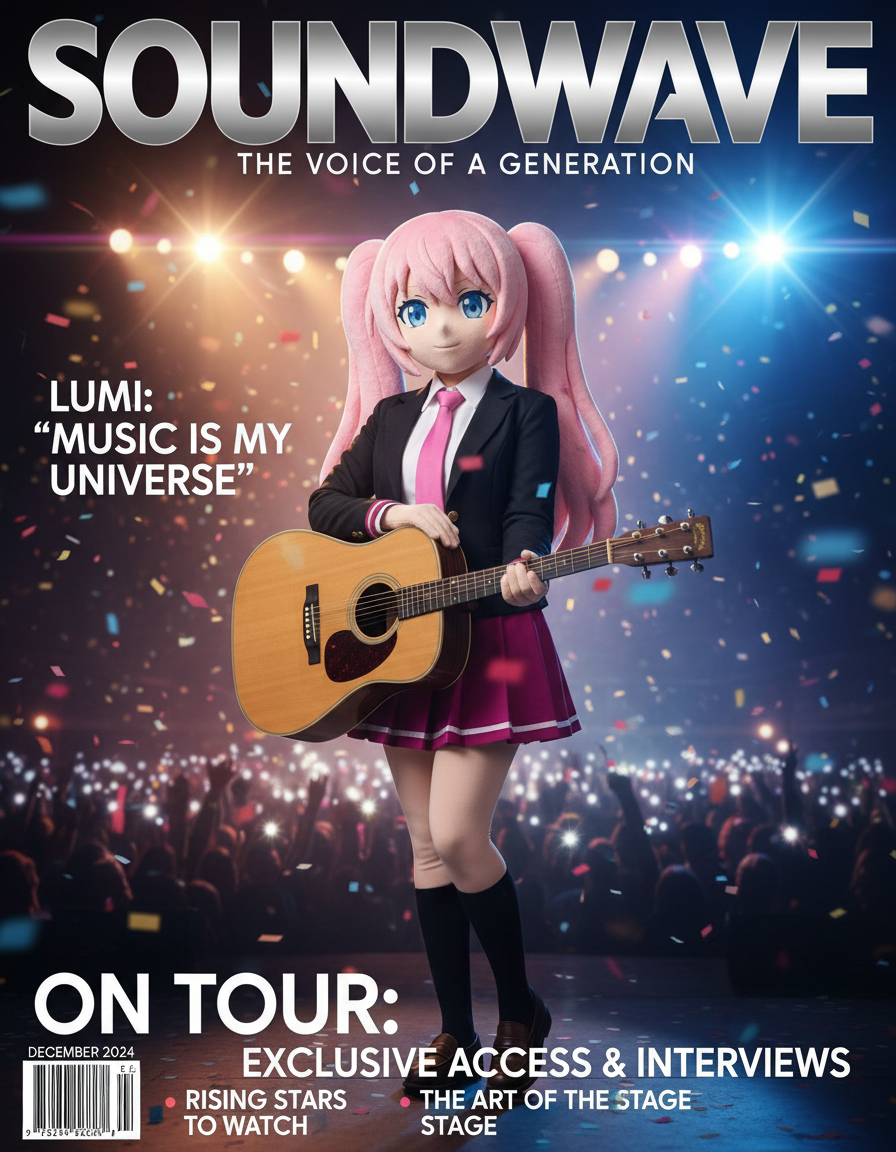
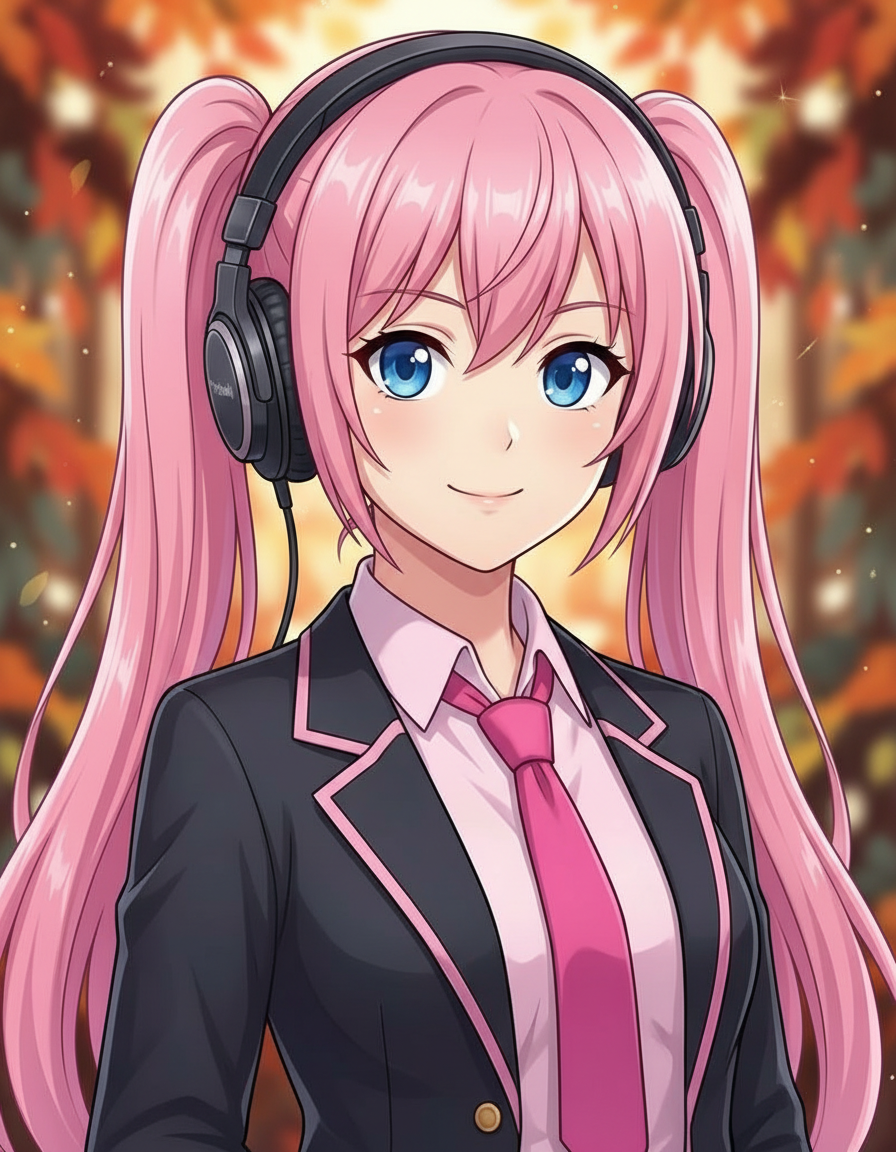
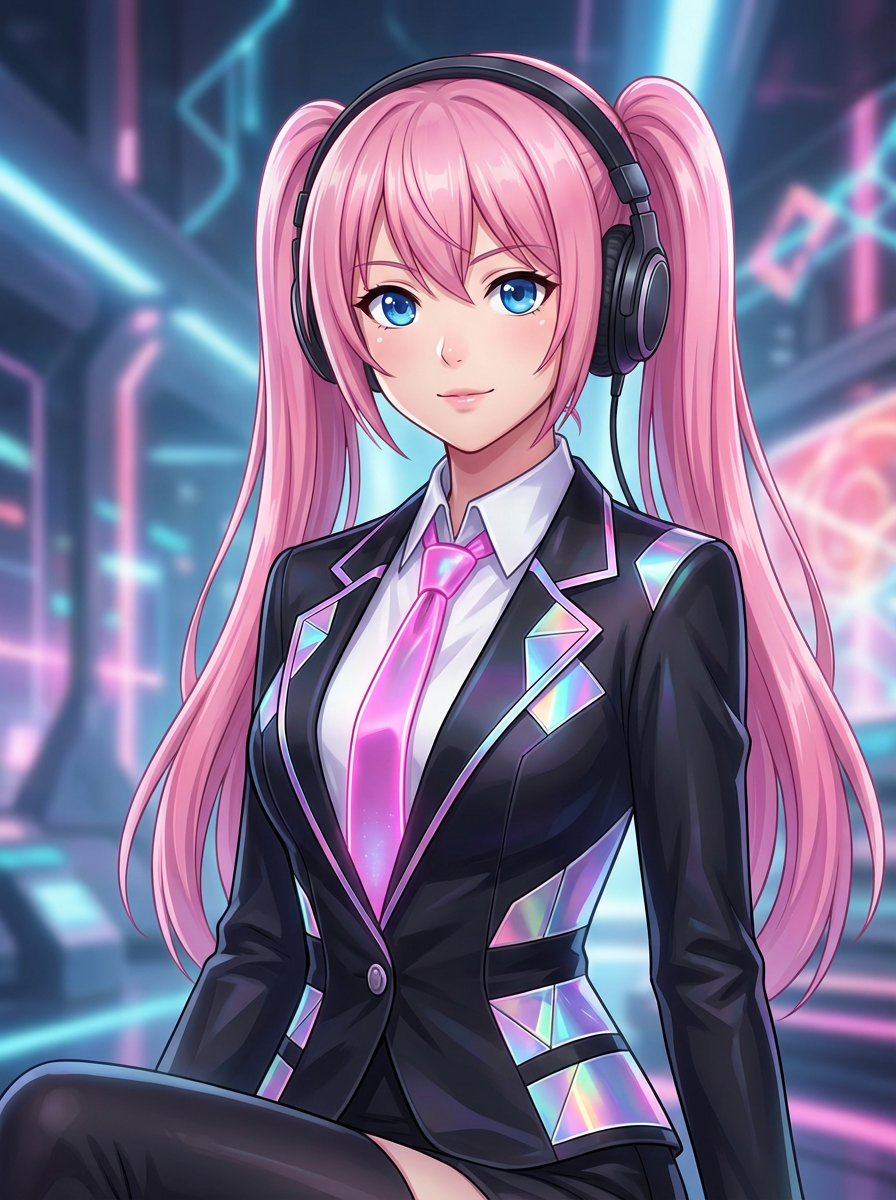
The page focuses on the decisions that make magazine cover outputs usable: input clarity, format constraints, and a practical quality check.
Helps the subject read like the main story of a cover instead of a random portrait crop.
Leaves room for real design work later instead of relying on AI to create accurate magazine copy.
Guides lighting, styling, and camera angle so the image feels premium and intentional.
Use these prompts as starting points. Replace the subject, source image, style, and destination with your own project details.
Use my uploaded image as the identity reference. Create magazine cover with premium editorial lighting, centered cover subject, strong title-safe space, fashion-magazine mood, and clean background depth. Keep the key face, color, outfit, and silhouette details recognizable.
This tells the model what must stay stable before asking it to change the presentation.
Create magazine cover for a portfolio cover, campaign visual, or editorial character reveal. Use a clear main subject, strong composition, and premium editorial lighting, centered cover subject, strong title-safe space, fashion-magazine mood, and clean background depth.
This works when you do not have a reference image yet but still need a practical output format.
Refine this result into a polished magazine cover. Prioritize face clarity, cover-safe negative space, wardrobe detail, background depth, and whether fake text is avoided or intentional. Remove distracting artifacts and keep the final image easy to reuse.
This turns a first draft into a more useful asset by naming the quality checks directly.
Before treating an AI result as finished, review whether it solves the real creative job and survives practical reuse.
Compare the result with the source or brief. The face, silhouette, palette, and signature details should still feel intentional.
The image should clearly read as magazine cover, not as a generic portrait with a light style change.
Check crop, negative space, subject scale, and whether the image will work as a cover, icon, card, mockup, or scene.
Inspect hands, edges, fake text, small accessories, background clutter, and repeated patterns before publishing.
A useful image should be easy to crop, edit, reference, or hand off to a collaborator without explaining hidden context.
Yes. Start your free trial with free credits and earn more free credits through daily check-ins. No credit card is required. Sign in to manage your credits. Generation costs and model availability vary; paid plans offer more credits and additional export options.
Move to the neighboring workflow when your starting point changes from text, to a reference image, to editing, to video.