Manga SFX Generator
Shape comic lettering and export PNG, SVG or layered files.
How to use · FAQ · Font licenses
How to make manga sound effects
- 01
Find the right sound
Find Japanese onomatopoeia and English sound effects by meaning. Add a caption or a separate translation layer.
- 02
Give it a voice
Try a signature look, then edit letter shapes, ink texture, and shadows. Save the look for another panel.
- 03
Put it in the picture
Add artwork, compose multiple sounds and export transparent PNG, vector SVG, layered ZIP or PSD. Save the project to continue later.
Japanese onomatopoeia and comic sound effects
Japanese manga uses giongo (擬音語) for words that imitate sounds and gitaigo (擬態語) for words that suggest motion or a state. In English comics, the drawn lettering is usually called a sound effect, or SFX.
From sound cue to finished panel
- Choose by meaning
- Search in your language, Japanese, English or romaji.
- Compare before committing
- Compare lettering looks, generate variations, and save a sound sampler.
- Work on the actual page
- Preview script cues and place layers over reference art or in drawn panels.
- Keep your work portable
- Outlined SVG lettering, transparent PNG, layered ZIP / PSD and editable project JSON.
CREATE WITH LLAMAGEN.AI
Give your sound effects a story.
Start a comic with LlamaGen or open the Mangaka workspace. Keep your exported sound effects ready for your lettering workflow.
Frequently asked questions
Is this manga SFX generator free?
Yes. Lettering, variations, the dictionary, multi-layer composition and every export format are available without signup, watermarks or generation credits.
How do I make vertical Japanese sound effects?
Open Sounds and choose a Japanese word, or type your own. Choose Dela Gothic, switch to Vertical and adjust curve, taper, outline and individual letters. Dictionary meanings are starting points; check the context with a fluent reader.
Are my words, fonts or images uploaded?
No. Editing and exports happen in your browser. The workspace and uploaded fonts are saved in this browser on this device when storage is available. Download a project for a portable backup. Sharing a link includes your lettering settings in the URL fragment; reference art and font files are excluded.
Can I use the sound effects commercially?
The bundled fonts use the SIL Open Font License or Apache License, with their original notices shipped alongside each font. You can use lettering made with them in commercial work. Your uploaded artwork and fonts remain subject to their own licenses.
Will my fonts survive SVG, PNG and PSD export?
Main lettering and captions become vector paths in SVG, so the receiving app does not need those fonts. PNG is flattened; layered PSD and ZIP provide separate raster fill, outline, shadow and motion layers. Editable projects preserve the original settings and imported font files.
Can I place sound effects from a script?
Yes. Enter one cue per line in Script, preview the layers and choose a reading order. Add the cues to your canvas or replace the unlocked text layers. Captions can follow a | separator.
Bundled font licenses: Bangers · Dela Gothic One · Permanent Marker · Anton · Luckiest Guy · Creepster · Black Ops One · RocknRoll One · Yusei Magic · Rampart One · Yuji Boku · Potta One · Rubik Glitch · Bungee Inline · Graduate · Sedgwick Ave Display · Silkscreen · Noto Sans CJK fallback.
From manga sound effect to transparent PNG
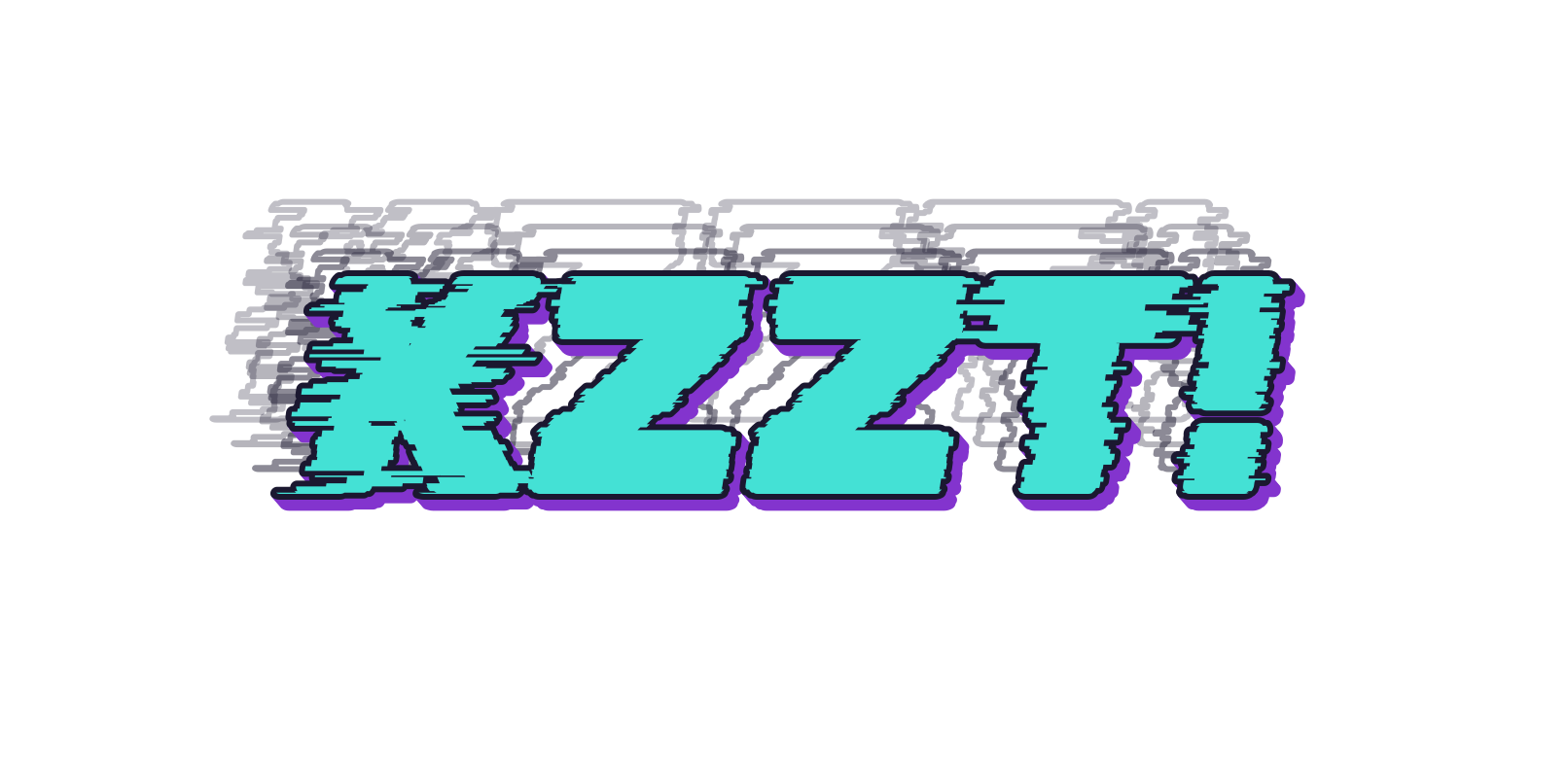
KZZT! suggests electrical interference. Place the lettering near the source of the sound so the panel stays easy to read.
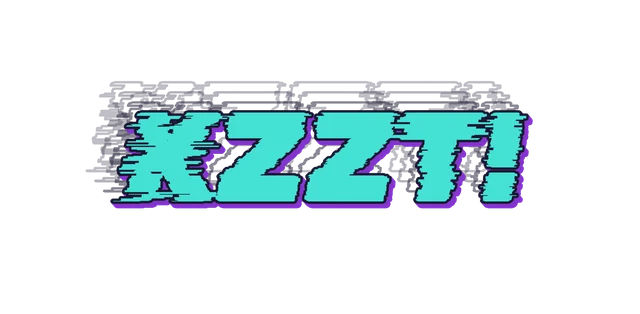
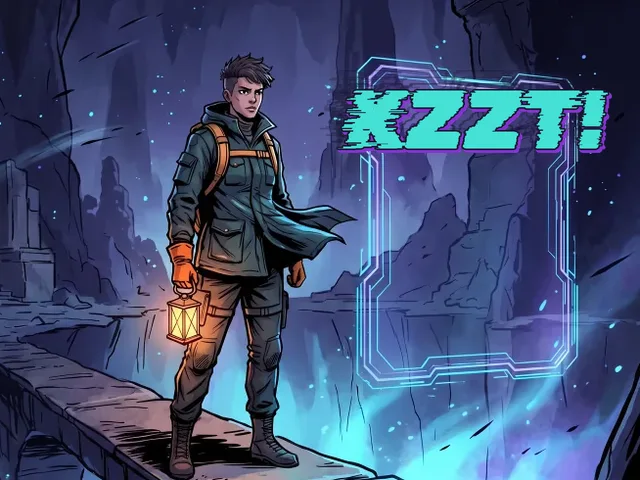
- Letter the sound. Type KZZT! in the editor and choose a look with a sharp silhouette.
- Export the lettering. In Export, choose Selected sound and a Transparent background, then download the PNG.
- Place it on the panel. Import the PNG into your comic editor as an image layer. Resize it and keep faces and dialogue clear.