Panel 1
Upload to score

Compare palette fingerprints automatically, then review face, hair, costume, and prop anchors with an honest production checklist.
Add the approved reference
Upload comparison panels
Create a repair brief
Get a concrete report before spending credits on regeneration.
Interactive workspace
Upload an approved reference and comparison panels. Palette fingerprints are calculated locally.
Approved character reference
Manual identity anchors
Check each anchor only after visually comparing the uploaded panels.
Comparison panels
Upload local files to calculate palette fingerprints.
Panel 1
Upload to score
Panel 2
Upload to score
Panel 3
Upload to score
Panel 4
Upload to scorePalette similarity
Upload a reference and panels to measure
Identity checklist
0 of 4 anchors manually confirmed
Upload the clearest version of the character design that later panels should preserve.
Upload local panels for palette fingerprint scoring, then visually confirm face, hair, outfit, and prop anchors.
Copy a regeneration brief that separates fixed identity anchors from pose, expression, camera, and lighting changes.
Production value
Each result is designed to continue into Storyboard, Comic Studio, or a focused image repair workflow.
Compare color distribution and luminance in the browser without uploading the source images.
Review the visual properties color alone cannot prove: face geometry, hair silhouette, outfit construction, and props.
Turn failed checks into a concise prompt that locks identity while allowing the intended scene change.
No. Automatic scoring compares color distribution and luminance only. Face, hair, outfit, and prop identity are reviewed with the explicit manual checklist.
Palette drift often exposes changed hair, costume, skin, or scene treatment. It is useful evidence, but it cannot prove that two images show the same character.
The fingerprint comparison runs in the browser with local canvas pixels. This checker does not send the files to a server.
It asks the next generation to preserve identity, proportions, hair, outfit, palette, and props while changing only the requested pose, expression, camera, or lighting.
Pagsusuri sa pagkakakilanlan ng character
Ihambing ang realistic portrait at semi-realistic illustration laban sa iisang reference. Panatilihing magkatulad ang framing at ilaw, tapos suriin ang mukha, buhok, at damit nang hiwalay sa rendering style.
Gamitin ang reference bilang comparison point mo. Puwedeng style choice ang mas malambot na shading; ang ibang panga, haba ng buhok, o jacket ay character change na dapat suriin bago mo muling gamitin ang image.
Ang orihinal na character concept na ito ay hiwalay na ginenerate gamit ang Vertex para ipakita ang review. Hindi ito customer photos, LlamaGen test outputs, o ebidensya ng verified repair.
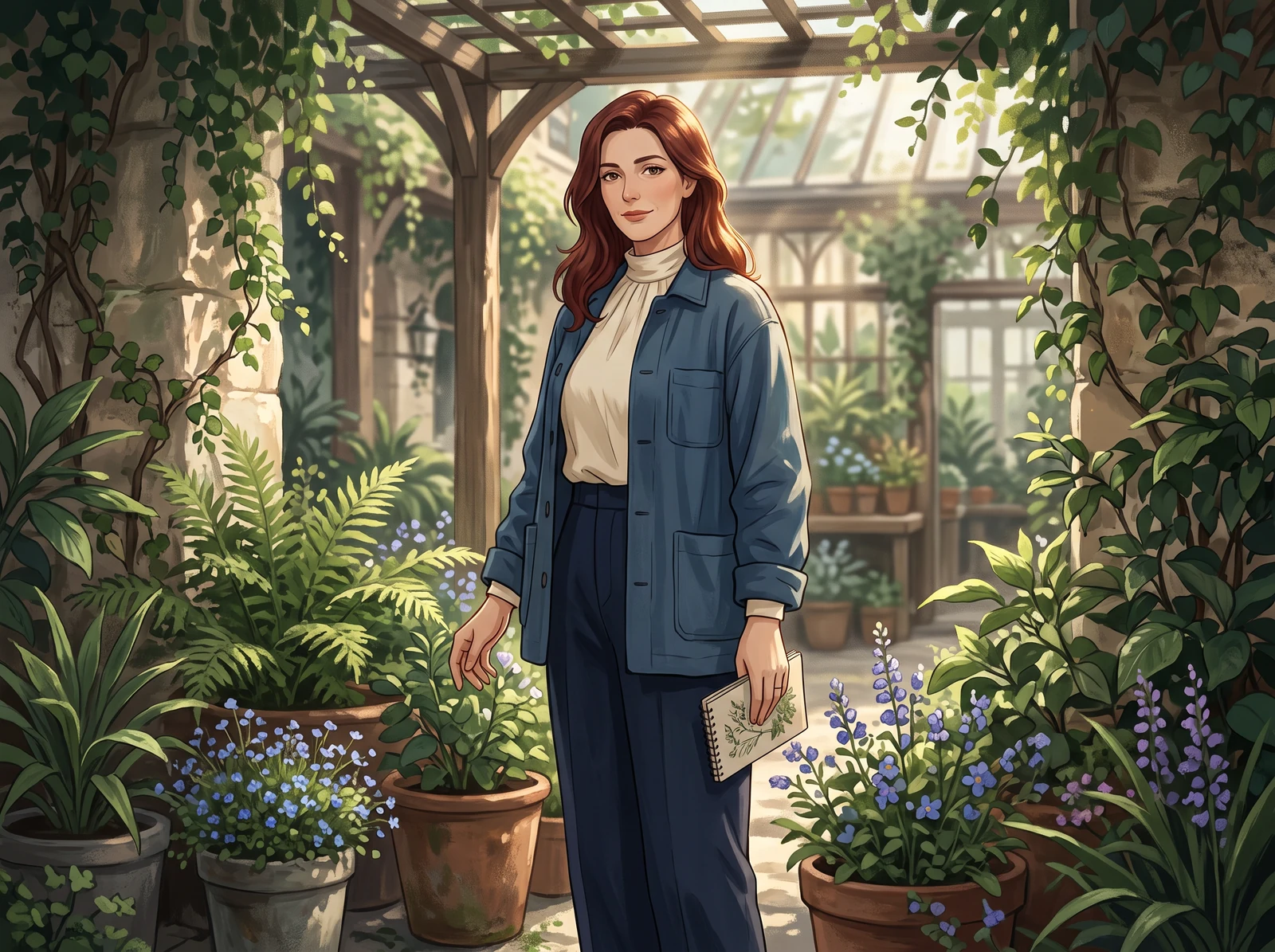
Ang orihinal na concept ang nagbibigay ng nakapirming character, outfit, at setting para sa paghahambing.
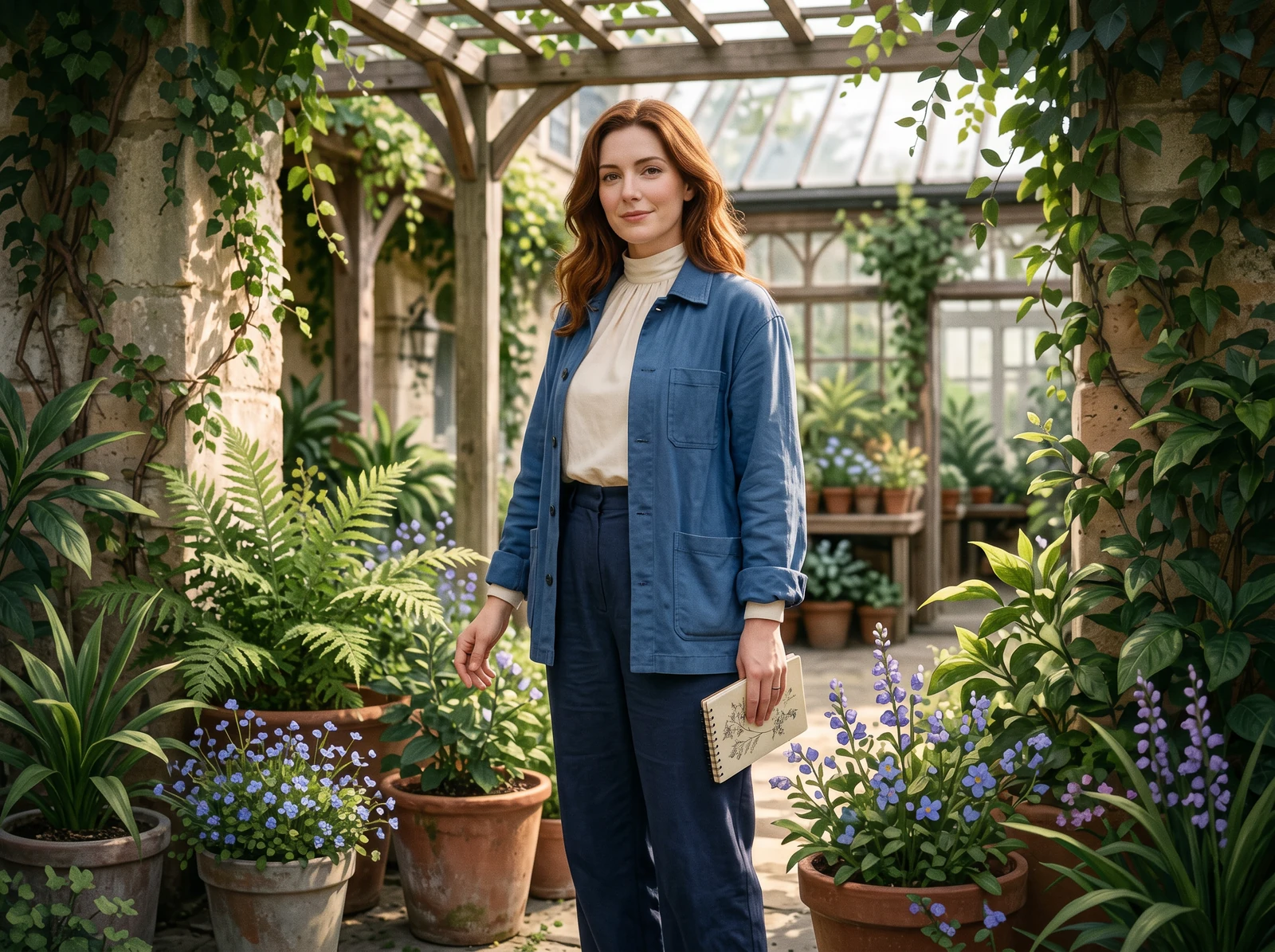
Suriin ang proporsyon ng mukha at hugis ng buhok, hindi lang ang realistic texture bilang patunay ng pagkakakilanlan.
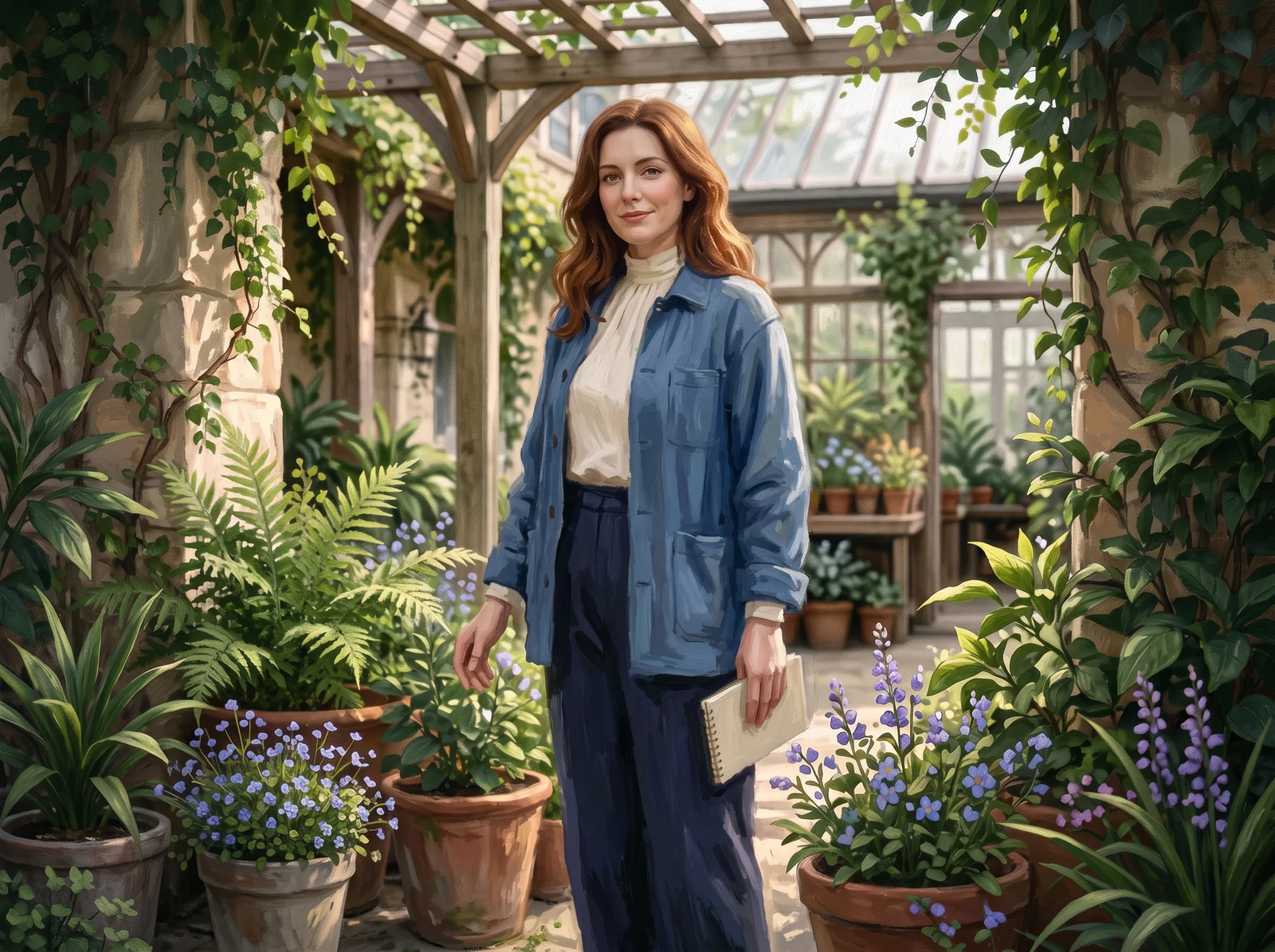
Maaaring magbago ang painted surfaces; ihambing ang parehong mukha, haba ng buhok, at mga palatandaan ng damit.
Sumulat ng ilang nakikitang identity anchor sa halip na humiling ng perpektong consistency. Gamitin ang mga feature na talagang makikita mo sa reference; huwag hulaan ang nakatagong detalye mula sa iisang view.
Ayusin ang isang hindi tugma
Ang mas mahabang hairstyle ay isang partikular na hindi tugma na puwede mong ilarawan. Itabi ang orihinal na reference at ang napiling result side by side at baguhin ang isang isyu sa isang beses lang, para makita mo kung nakatulong ang revision.
Halimbawang issue na dapat i-flag
Ang buhok sa reference ay bahagyang lampas balikat. Ang mas mahabang hairstyle ay nagbabago sa panlabas na silhouette, kahit maganda ang mukha at painted finish.
Itabi nang magkasama ang orihinal at ang candidate. Kung ang nalilihis na resulta lang ang gagamitin muli, maaari nitong madala ang hindi tugma sa mga susunod na scene.
Kung may local edit o mask, limitahan ang edit sa buhok at sa gilid nito. Kung wala, humiling ng bagong candidate at ihambing muli ang buong image.
Suriin ang buhok laban sa original, tapos inspeksyunin ang mukha, kwelyo, at background kung may hindi sinasadyang pagbabago. Ang nakatutok na instruction ay hindi garantiya ng nakatutok na resulta.
Gamitin ang orihinal na reference para sa auburn na buhok ng character na bahagyang lampas balikat. Ibalik ang haba at silhouette na iyon. Panatilihing hindi nagbabago ang facial proportions, asul na chore jacket, cream high-neck top, framing, ilaw, at rendering style ng napiling image. Huwag magdagdag ng accessories.
Tingnan ang fictional character bilang notebook cover, handheld folio, iba’t ibang print layout, at isang pinagsamang print-and-screen collection.
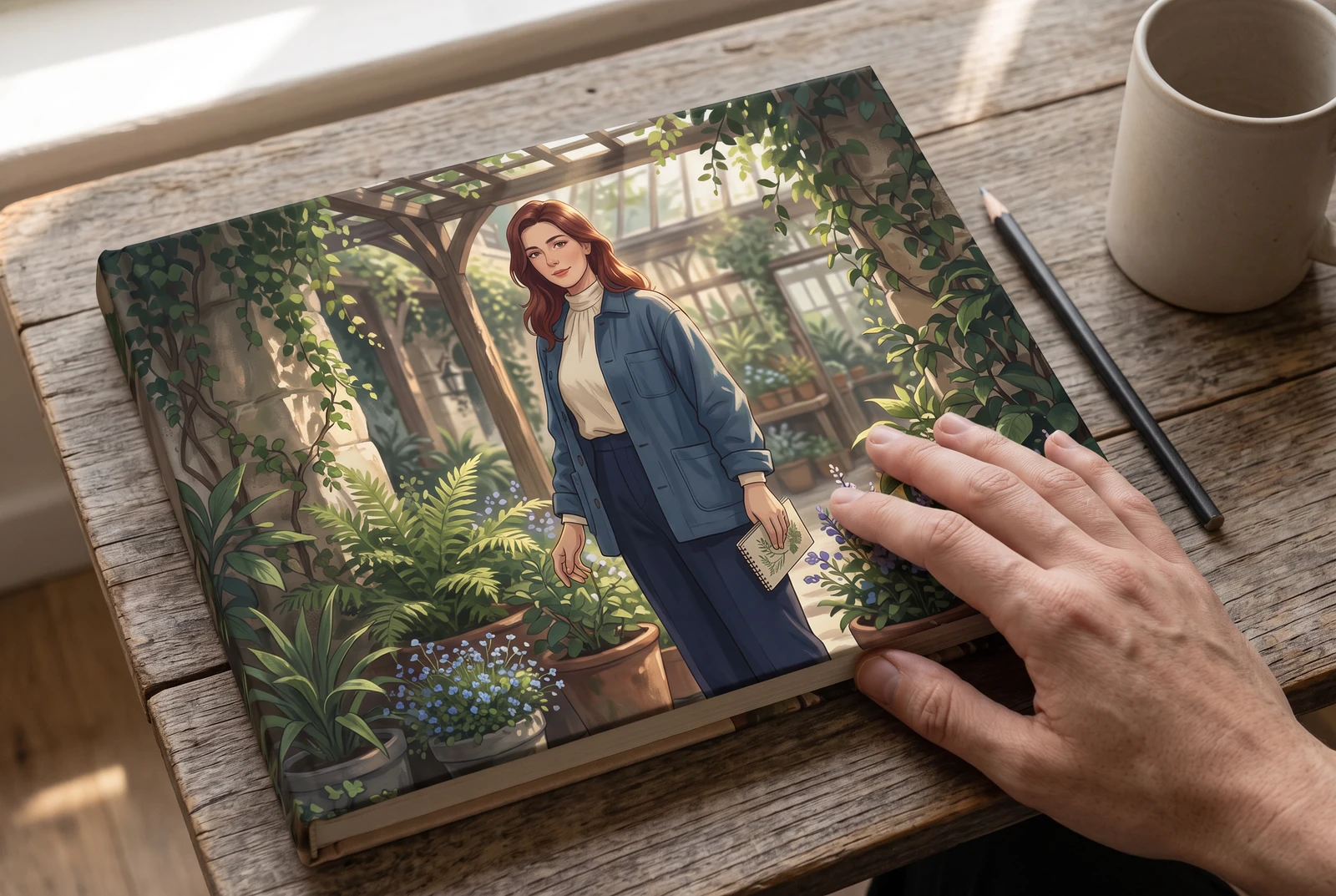
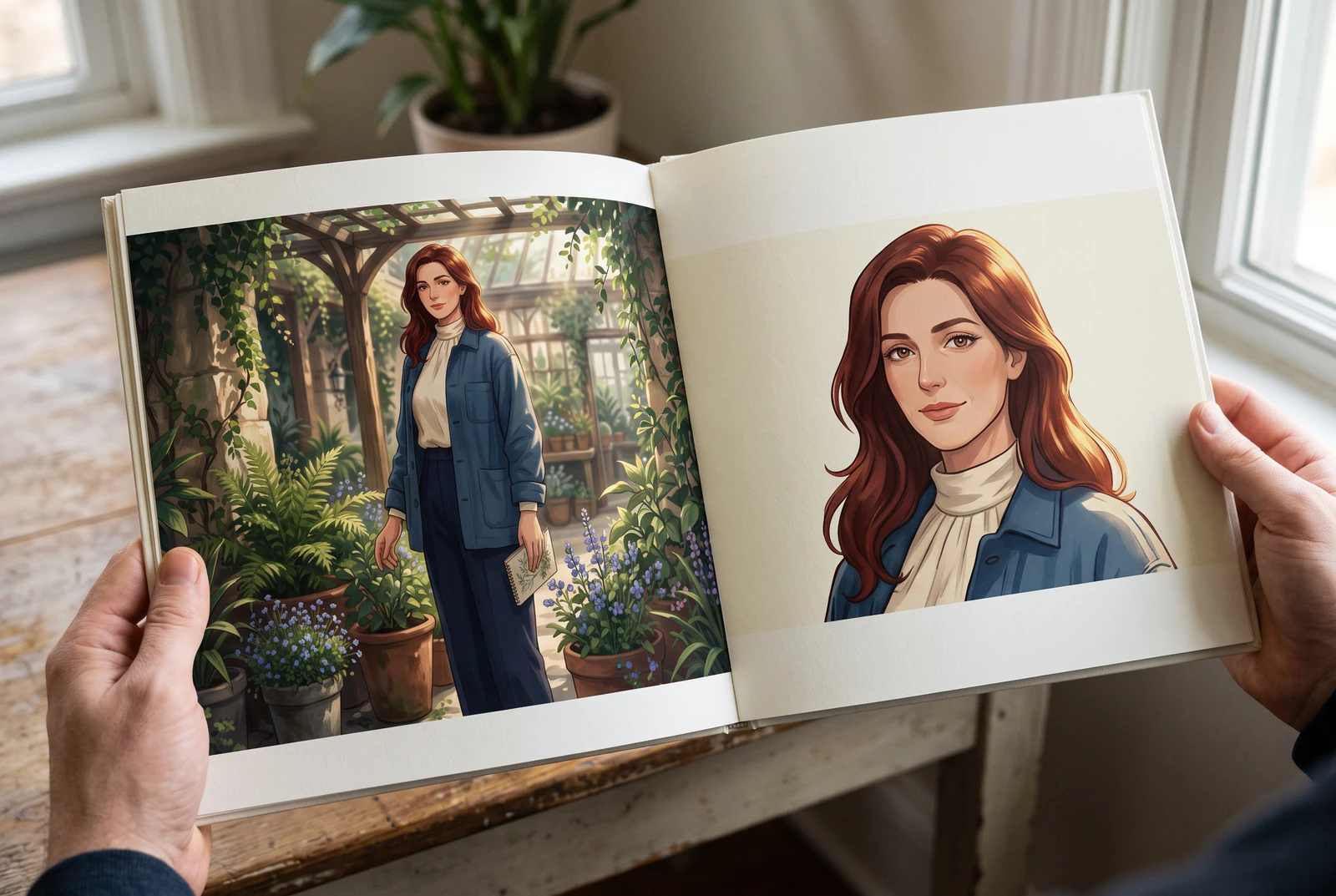
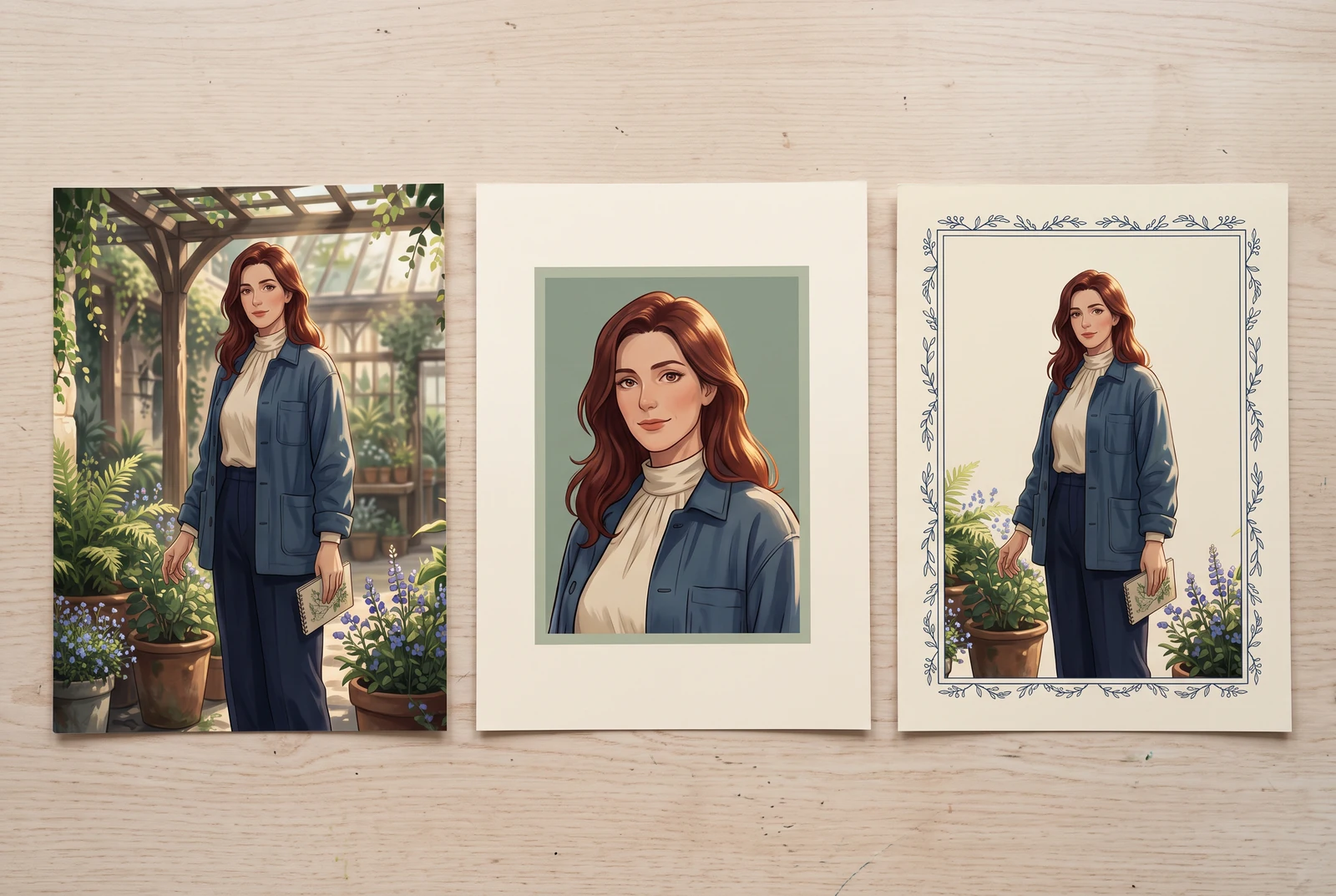
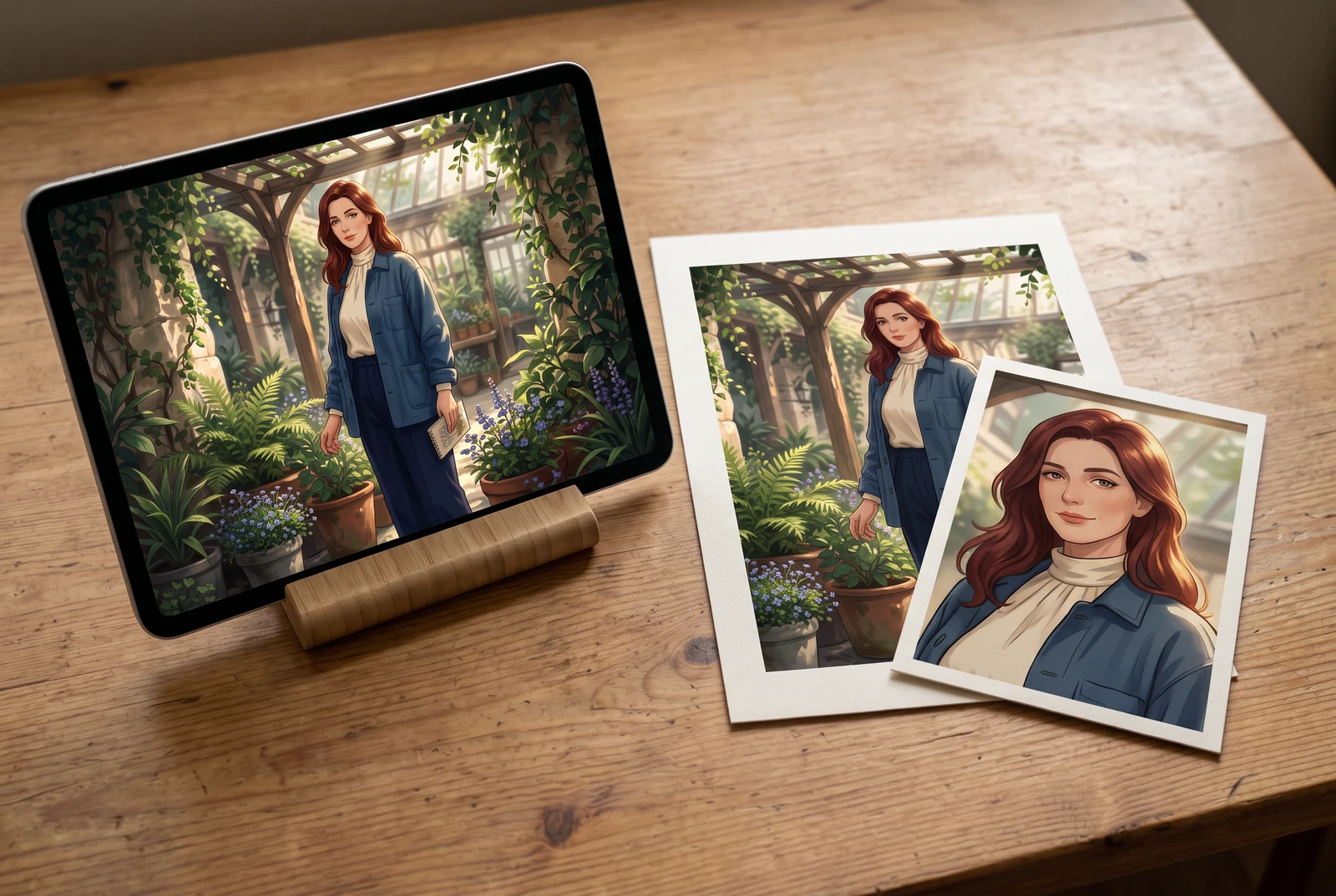
AI-generated lifestyle concepts, ginawa gamit ang Vertex Nano Banana 2.1. Ipinapakita ng mga scene na ito ang posibleng downstream display ideas, hindi customer photos, product screenshots, o printing at fulfillment service.
Move from a single generated image or video into comics, manga, storyboards, and connected visual stories.