LlamaGen 標誌LlamaGen 品牌
開始使用立即訂閱八折優惠
  1. 首頁
Turn One Novel Chapter into Comic Beats
所有文章

Turn One Novel Chapter into Comic Beats

Jay
Jay
2026年8月24日
複製連結
  • The Short Answer
  • Why Writers Need a Beat Pass
  • Test Setup
  • Source Chapter
  • Step 1: Build the Chapter Beat Map
  • Step 2: Do Not Adapt Every Paragraph
  • Step 3: Turn a Paragraph into a Six-Panel Plan
  • Step 4: Upload the Chapter and Ask for Beats
  • Step 5: Decide the Output Format
  • Step 6: Protect Character and Location Continuity
  • Step 7: Add a Visual Novel Variant
  • Failed Pass: The Paragraph-by-Paragraph Version
  • Writer Checklist
  • FAQ
  • How long should a chapter-to-comic sample be?
  • Should every scene in the chapter become a panel?
  • Can I use the same beat map for visual novels?
  • Where should I start?
  • Final Takeaway
elevate-your-comics.png
用 LlamaGen 提升你的漫畫質素

The Short Answer

One novel chapter does not become one comic page automatically.

First, turn the chapter into visual beats:

chapter promise -> pressure -> reveal -> choice -> consequence -> hook

Then decide which beats deserve panels, which beats can become captions, and which beats should become reusable visual assets.

The fastest starting point is to upload the chapter to LlamaGen.AI Upload and ask for a beat map before generating panels.

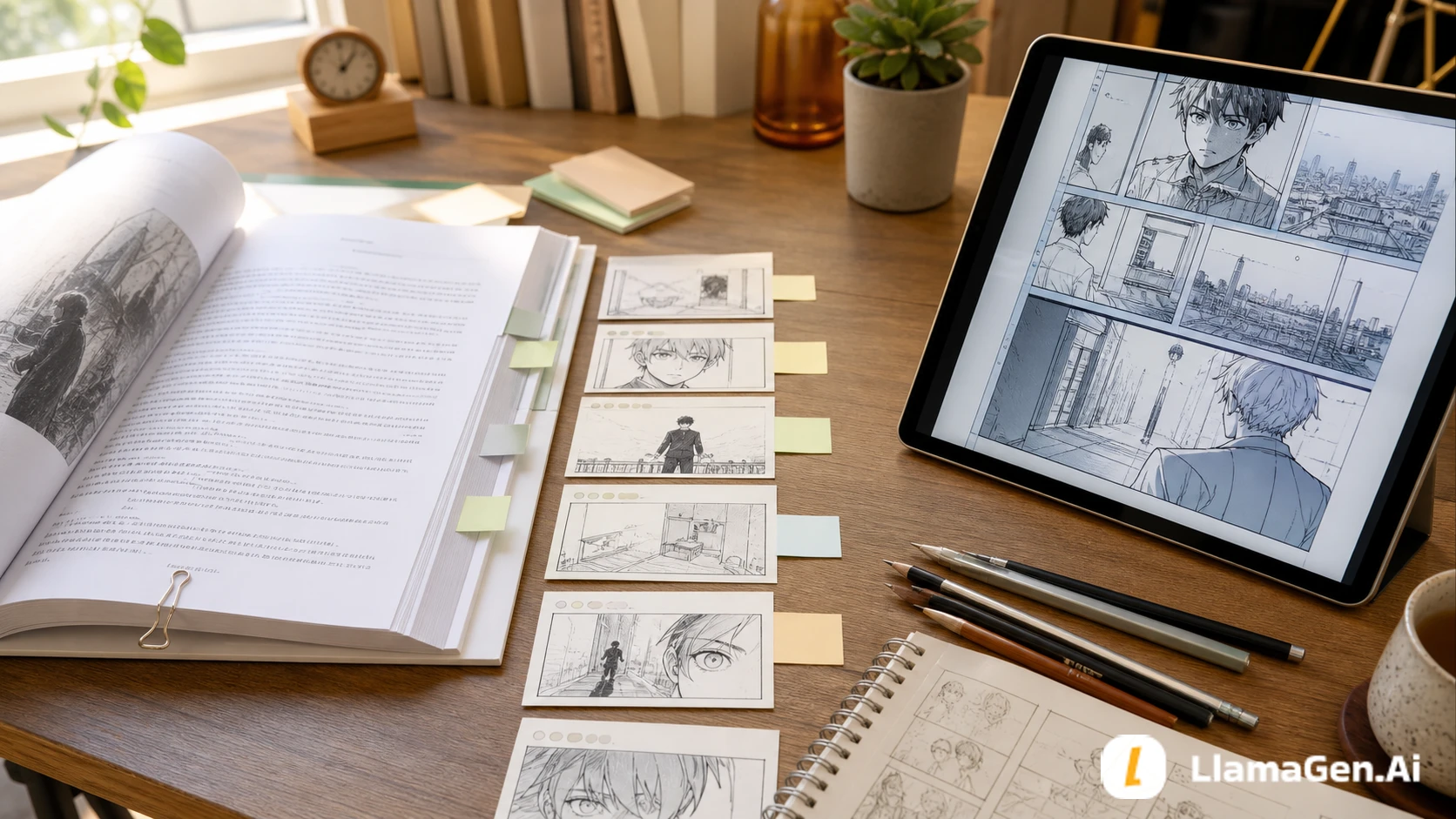
A novel chapter split into beat cards and comic storyboard panels

Why Writers Need a Beat Pass

Novel chapters often mix several kinds of material:

Chapter materialWhat it becomes visually
Scene openingEstablishing image
Character desireClear action or blocked goal
DescriptionLocation signal or mood reference
DialogueSpeech bubbles, captions, or visual silence
Internal thoughtExpression, posture, object, or camera distance
TurnPanel reveal or scroll beat
Ending hook
更新日誌

點燃年輕人的夢想
讓數百萬個故事活靈活現

彙整最新的 LlamaGen 功能發布、產品強化、設計更新與重要錯誤修正。

✦
✧
✦
✧

全新的媒介,為了 故事創作

用靈感在幾秒內創作無限的故事、漫畫、動畫、遊戲等內容,打動現代觀眾

Turn One Novel Chapter into Comic Beats - LlamaGen.AI Blog
Page turn, vertical cliffhanger, or visual novel choice

If you skip the beat pass, the comic usually becomes either too text-heavy or too random.

Test Setup

This tutorial uses one original chapter summary and converts it into a comic beat plan.

Test itemSetup
Date testedAugust 24, 2026
SourceOne chapter from a fictional long-form story
Main tool entryLlamaGen.AI Upload
Target outputBeat map, 6-panel plan, revision checklist, visual novel variant
Creator stageBefore final comic generation
Active editing timeAbout 24 minutes
Total elapsed timeAbout 49 minutes including one repair pass
Editorial noteThis is a workflow test for writers, not a speed or pricing benchmark.

The test question was:

Can one prose chapter become a visual beat map without losing the chapter's emotional turn?

Source Chapter

Here is the chapter summary:

Eli works the night shift in a closed coastal library. He is waiting for the storm to pass so he can go home, but the oldest reading room keeps unlocking itself.

Inside, the atlas table is open to a page that did not exist yesterday. The map shows the town as it will look tomorrow after the tide rises.

Eli wants to leave, but his sister's name is written beside the flooded pier.

The chapter ends when he finds a ferry token under the atlas. It is warm, as if someone has just used it.

The chapter has a clean structure:

ordinary night -> impossible room -> future map -> personal stake -> warm token hook

That structure is the adaptation spine.

Step 1: Build the Chapter Beat Map

Start by identifying the chapter promise. In this example:

The library knows tomorrow before Eli does.

Now break the chapter into visual beats.

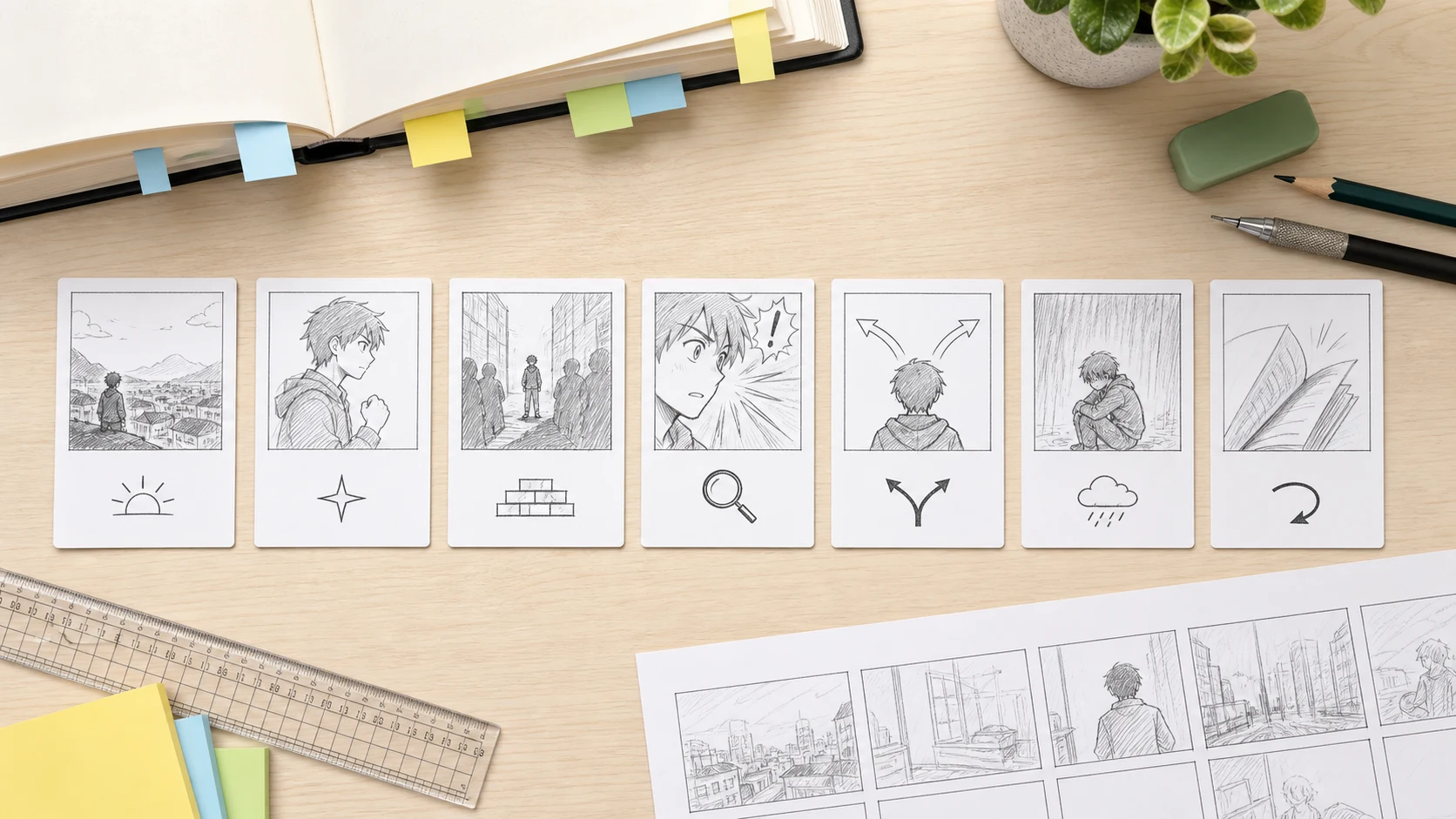
A row of beat cards showing one novel chapter becoming comic story moments
BeatVisual questionPanel purpose
Opening imageWhere are we?Closed coastal library at night
Character wantWhat does Eli want?He wants to finish shift and leave
PressureWhat stops him?Reading room unlocks itself
RevealWhat is impossible?Atlas shows tomorrow's flood
Personal stakeWhy does it matter?Sister's name appears beside the pier
ChoiceWhat must Eli do?Leave or investigate
HookWhat image ends the chapter?Warm ferry token in his hand

This map is enough to begin comic planning.

Step 2: Do Not Adapt Every Paragraph

A chapter may have 2,000 words, but the comic page may need only six to ten visual decisions.

Use this filter:

Prose passageBeat decision
Library descriptionOne establishing panel
Storm atmosphereBackground and lighting, not separate panels
Eli's boredomOne posture or action
Door unlockingOne clear sound or motion beat
Future mapOne large reveal panel
Sister's nameClose-up insert
Ferry tokenFinal hook panel

You are not shrinking the chapter. You are choosing what the reader must see.

Step 3: Turn a Paragraph into a Six-Panel Plan

For a first sample, six panels are enough.

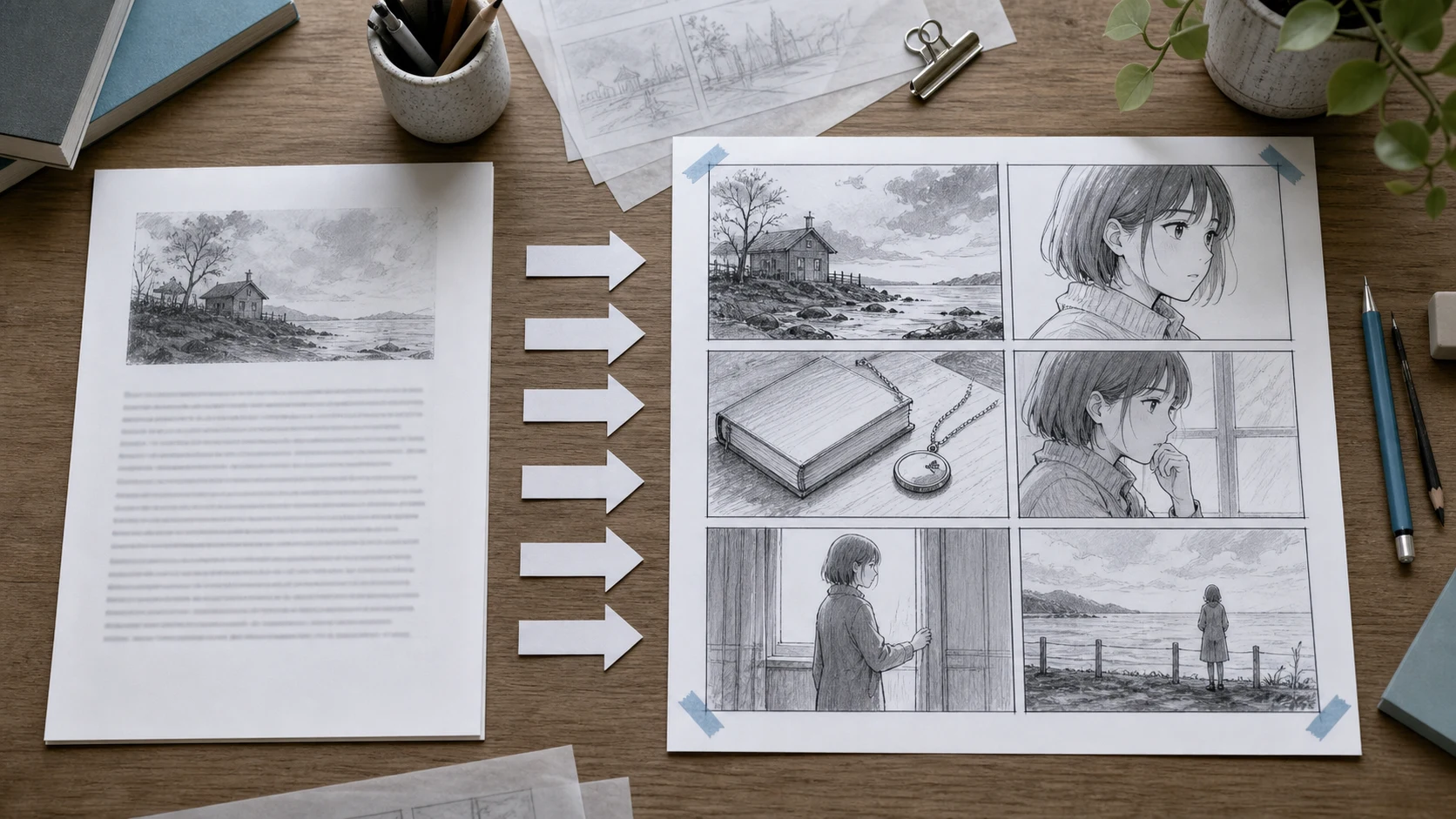
A prose paragraph becoming a six-panel comic plan

Here is a compact panel plan:

PanelCameraImageStory job
1WideClosed library, storm outsideEstablish isolation
2MediumEli checks the locked reading roomShow ordinary routine
3CloseDoor latch turns by itselfIntroduce pressure
4WideAtlas table open under one lampReveal impossible space
5InsertSister's name beside the pierMake the danger personal
6CloseWarm ferry token in Eli's handEnd with hook

This page plan works because every panel changes the reader's information.

Step 4: Upload the Chapter and Ask for Beats

Use LlamaGen.AI Upload when you have a real chapter, draft, outline, or scene file.

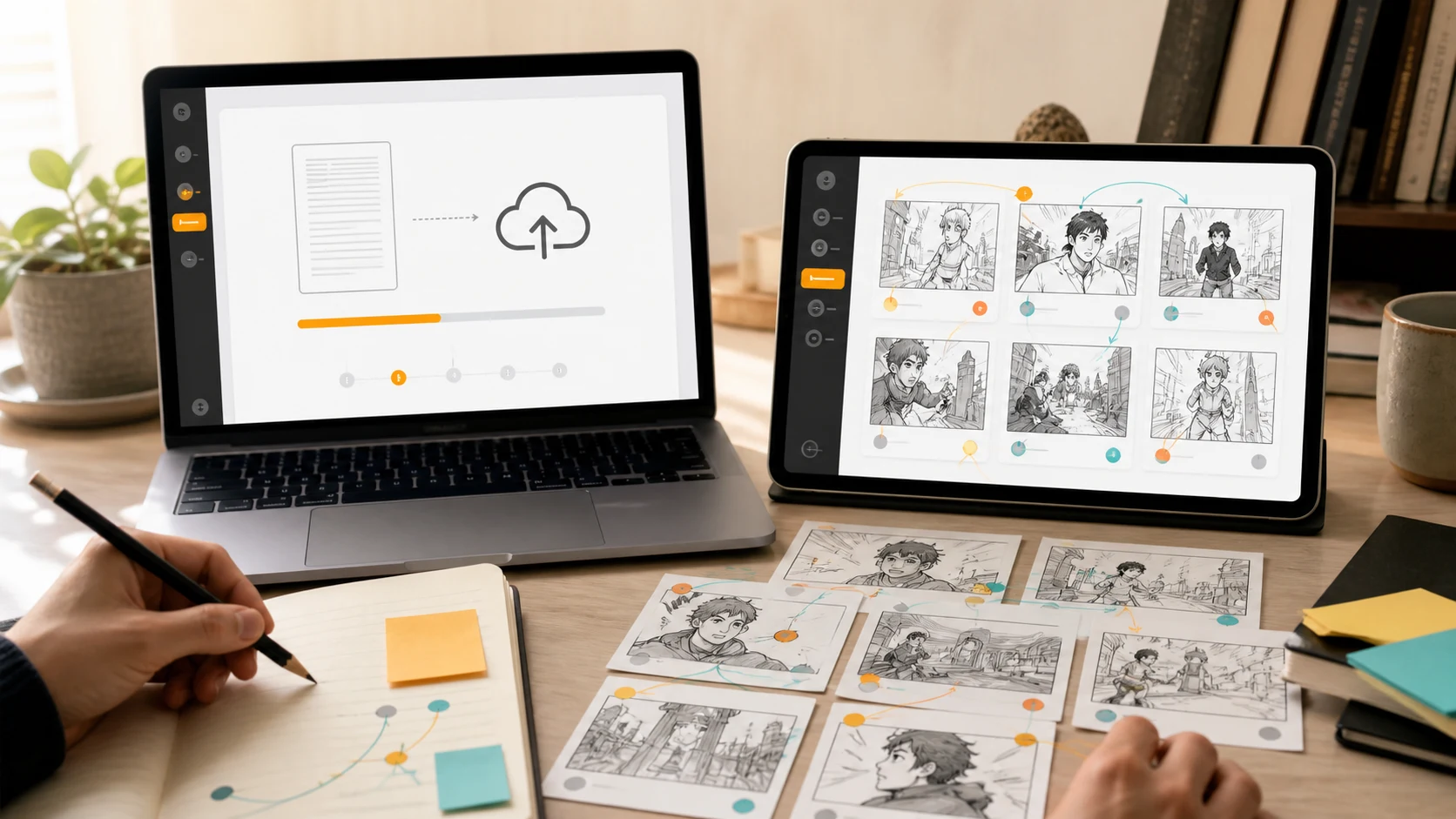
A writer uploading a manuscript and reviewing generated storyboard beats

Use this instruction:

I am adapting this novel chapter into comic beats.

Please return:
1. The chapter promise in one sentence.
2. The emotional turn.
3. The 6-10 visual beats.
4. What to cut, keep, and visualize.
5. A panel plan for a sample comic page.
6. A webtoon scroll version.
7. A visual novel scene version.
8. Character, location, and prop continuity notes.
9. A repair checklist for weak panels.

Do not rewrite the whole chapter. Turn it into visual production decisions.

Then upload the chapter and review the result as a plan, not a final script.

Step 5: Decide the Output Format

One chapter can become multiple visual outputs.

OutputBeat countBest structure
Comic sample page6-8 beatsOne clear page turn
Manga scene8-12 beatsMore reaction and silence
Webtoon episode10-18 beatsVertical rhythm and cliffhanger
Visual novel scene5-9 beatsBackground, dialogue, choice, result
Pitch deck sample4-6 beatsFast proof of tone and character

If the goal is to test adaptation quality, begin with one sample page. If the goal is a reader-facing webtoon, expand the same beats into scroll rhythm.

Step 6: Protect Character and Location Continuity

Before final generation, write a small continuity packet.

AssetNotes to lock
EliAge range, silhouette, hair, clothing, recurring expression
LibraryCoastal town, old reading room, lamp, atlas table, storm windows
AtlasLarge book, map page, worn paper, central reveal object
Ferry tokenSmall round object, warm light, final hook
MoodQuiet, tense, investigative, not action-heavy

This gives every panel the same story universe.

Step 7: Add a Visual Novel Variant

For visual novels, the same beat map becomes scene logic:

BeatVisual novel asset
Library nightBackground
Eli notices doorSprite expression change
Atlas revealCG scene or close-up
Sister's nameInsert image
Leave or investigateChoice
Warm tokenScene ending image

The key is choice placement. Do not branch before the reader understands the stakes.

Failed Pass: The Paragraph-by-Paragraph Version

The failed version used this prompt:

Convert each paragraph of this chapter into a comic panel.

It created too many panels and weak pacing.

ProblemCauseFix
Too many quiet panelsParagraphs were treated as panelsUse beats, not paragraphs
The hook felt smallNo final image priorityReserve the last panel for the token
Character motivation was unclearEli's want was not namedDefine the chapter promise first
The visual novel choice felt randomStakes arrived too latePut sister's name before the choice
Backgrounds driftedNo location packetLock library and atlas references

The repair was to rebuild the beat map.

Writer Checklist

Before generating panels, confirm:

QuestionPass condition
What does the chapter promise?One visual sentence
What does the character want?Visible action or blocked goal
Where is the turn?One beat changes the reader's understanding
What image ends the sample?Strong hook panel
What can be cut?Any prose repeated by image
What must stay consistent?Character, location, prop, mood

FAQ

How long should a chapter-to-comic sample be?

For a first test, use one page or one short scroll section. You are testing whether the story becomes visual, not adapting the whole book.

Should every scene in the chapter become a panel?

No. Use panels for changes in information, emotion, action, or suspense. Summary and atmosphere can often become one strong image.

Can I use the same beat map for visual novels?

Yes. Convert beats into background states, sprite expressions, CG moments, and choice timing.

Where should I start?

Start with LlamaGen.AI Upload. Upload one chapter, ask for a beat map, then turn the strongest beats into storyboard panels.

Final Takeaway

The best chapter adaptation is not a direct conversion. It is a beat map.

Upload one chapter to LlamaGen.AI Upload, identify the chapter promise, choose six to ten visual beats, and build the comic or visual novel scene from those decisions.


Related hot tags

Writers

Storyboarding

AI漫畫

Visual Novel

熱門創作工具

將靈感變成下一個故事

使用 LlamaGen 創作漫畫、分鏡同風格化相片。

01

AI漫畫生成器

幾分鐘內將構思變成精美條漫。

製作漫畫
02

AI漫畫生成器

創作生動漫畫畫面同多格故事。

用 AI 創作日漫
03

AI 故事板生成器

製作前預覽每個場景。

用 AI 製作分鏡
04

相片轉漫畫

將相片轉成漫畫風格插畫。

將相片轉成漫畫
05

AI漫畫製造器

保持角色一致性,製作方便分享嘅條漫。

用 AI 創作條漫

LlamaGen community

checkmark

Get hands-on help with your comics

checkmark

Showcase your comics to fellow LlamaGen creators

checkmark

Participate in special events to win gifts

LlamaGen.Ai
  • United States
  • Español
  • Français (France)
  • 日本語
  • 한국어
  • Deutsch
  • 繁體中文 (台灣)
  • 繁體中文 (香港)
  • 简体中文
  • Português
  • Italiano
  • Español (México)
  • العربية
  • Русский
  • Português (Brasil)
  • Tiếng Việt

引領 AI 漫畫生成的未來

  • 全天候支援
  • 每週更新
  • 安全且符合規定
  • 99.9%的運行時間

免費下載 LlamaGen

AndroidiOS桌面版

產品

  • 最新推出
  • 特性
  • 漫畫條製作器
  • Comic Stores新
  • 日漫工作室新
  • 圖片轉漫畫
  • 漫畫轉視頻
  • AI漫畫工廠
  • 漫畫代理
  • iOS和Android
  • Mac和Windows
  • 下載
  • Comic Zap新
  • AI漫畫生成器
  • AI卡通生成器
  • AI 網絡漫畫生成器
  • 條漫製作工具
  • 圖片轉漫畫
  • AI漫畫生成器
  • 日漫翻譯器
  • 照片轉動漫
  • 圖片轉提示詞
  • 動漫角色真實化
  • 漫畫上色工具
  • 動漫角色產生器
  • 像素遊戲素材工具
  • AI 精靈圖表生成器
  • 2026 年最佳像素遊戲工具
  • 相片漫畫製作器
  • Comic Life 替代方案

相關產品

  • LlamaGen 系列
  • CineoBoard新
  • Comics API

計劃

  • 價格
  • 入門版
  • 專業版

社區

  • 創作者
  • 聯盟
  • 合作夥伴

AI 模型

  • GPT Image 2.6 Flare
  • GPT Image 2.6 Sunburst
  • Grok Imagine Image 2.0
  • Wan 3.0
LinkedInX (Twitter)
  • 首頁
  • 文章
  • 博客
  • 建立
  • 價格
  • API
  • Affiliate ProgramNEW

向 AI 詢問 LlamaGen 相關問題

  • Comic Zap
  • Velika
  • 企業
  • 教育
  • 漫畫 API
  • 聯絡銷售
  • 教育方案
  • 教師
  • 學生
  • 教師和學生
  • 新創企業
  • 教育折扣
  • 公司

    • 與創辦人傾偈
    • 關於
    • 產品路線圖

    幫助

    • 幫助中心
    • 信賴
    • 安全 AI
    推薦
  • 愛之牆
  • LlamaGen MCP新
  • LlamaGen 開發者
  • 資源

    • 更新日誌
    • 博客
    • 指南

    工具

    • AI 標誌生成器
    • Grokbot 風格角色生成器
    • PNG 轉漫畫
  • Wan 3.0 Prime
  • Seedance 2.5
  • MiniMax H3
  • Nano Banana 2.1
  • Nano Banana 2 Lite
  • Seedream 5.0 Flash
  • Seedream 5.0 Pro
  • Seedance 2.0 Mini
  • Kling 3.0 Turbo
  • Nano Banana 2
  • GPT Image 2
  • Gemini Omni Flash
  • All AI Models
  • AI工具

    • AI 服裝擷取工具
    • AI 髮型更換工具
    • AI 漫畫髮型更換工具
    Instagram
    YouTube
    Facebook 群組
    Reddit
    Discord
    電郵支持
    隱私條款網站地圖
    下載品牌資產
    © 2026 LlamaGen.Ai 版權所有所有服務均在線

    先前的網誌

    Human-Led AI Game Cutscenes: Keep the Script, Storyboards, and Timing Under Your Control

    Human-Led AI Game Cutscenes: Keep the Script, Storyboards, and Timing Under Your Control

    A practical, creator-led AI game cutscene workflow for selecting storyboard candidates, rejecting we

    Jay
    Jay
    2026年11月23日
    Make an AI Film Feel Real: Blocking, Reactions, and Continuity in a Quiet Scene

    Make an AI Film Feel Real: Blocking, Reactions, and Continuity in a Quiet Scene

    A worked quiet-scene repair case: room geography, prop behavior, reactions, and edit choices that im

    Jay
    Jay
    2026年11月23日
    How to Make an AI Drama: A Six-Shot Pilot and Series Continuity Plan

    How to Make an AI Drama: A Six-Shot Pilot and Series Continuity Plan

    Create a 30-second illustrated AI drama pilot, review real motion failures, and package continuity n

    Jay
    Jay
    2026年11月23日
    Two OCs in One Comic Panel: Keep Identities and Speakers Clear

    Two OCs in One Comic Panel: Keep Identities and Speakers Clear

    A six-panel Maya and Theo dialogue case showing separate references, a handoff repair, a reverse-sho

    Jay
    Jay
    2026年11月20日
    職業
  • 電郵我們
  • 我們的吉祥物世界
  • 媒體套件
  • KOL 合作
  • 內容
  • 專業服務
  • 常見問題
  • 安全
  • 無障礙
  • 視頻教程
  • 聯繫我們
  • 網站地圖
  • 個人化漫畫
  • 特性
  • 替代方案
  • 最佳 AI 應用
  • GPT-6 漫畫上色指南
  • Claude 漫畫創作技能
  • Gemini AI 漫畫指南
  • 漫畫作品
  • 教育折扣
  • 學生優惠
  • Text 轉漫畫
  • PDF 轉漫畫
  • 劇本轉漫畫
  • 書本轉漫畫
  • 圖片轉漫畫
  • AI 像素藝術生成器
  • 教育漫畫
  • AI 影片產生器
  • Gemini AI 影片生成器
  • 免費無臉AI影片生成器
  • 漫畫轉視頻
  • 分鏡製作軟件
  • AI 故事板生成器
  • 劇本寫作軟件
  • 劇本編輯器
  • 故事 AI
  • AI故事生成器
  • 繪本生成器
  • AI圖像生成器
  • AI圖層分離器
  • AI 鏡頭角度控制
  • AI 像素藝術生成器
  • 像素遊戲素材工具
  • AI 精靈圖表生成器
  • 精靈圖表切分工具
  • 2026 年最佳像素遊戲工具
  • 動畫 API
  • ChatGPT/Codex 插件
  • ChatGPT 安裝指南
  • Claude Code 插件
  • Claude Code 安裝指南
  • AI 風效生成器
  • AI 深度圖生成器
  • AI 白色背景生成器
  • AI 物件移除工具
  • AI 虛擬試穿
  • AI 圖片去模糊
  • AI 圖片降噪
  • AI 相片修復
  • AI 商品陰影生成
  • AI背景生成器
  • AI 專業頭像生成器
  • AI 表情符號生成器
  • AI 背景更換工具
  • AI 睜眼修復
  • AI 美顏工具
  • AI 商品攝影
  • 查看所有網誌