

AI Christmas Card Maker

Make a Christmas card that feels like you.

Start with a family portrait, a beloved pet or an original winter illustration. Design the visual first, leave clean room for the message, then make the greeting personal.

Content reviewed:

Generation uses the account credits, models and export options shown in the studio. Check the current cost before you generate. Plans and credits

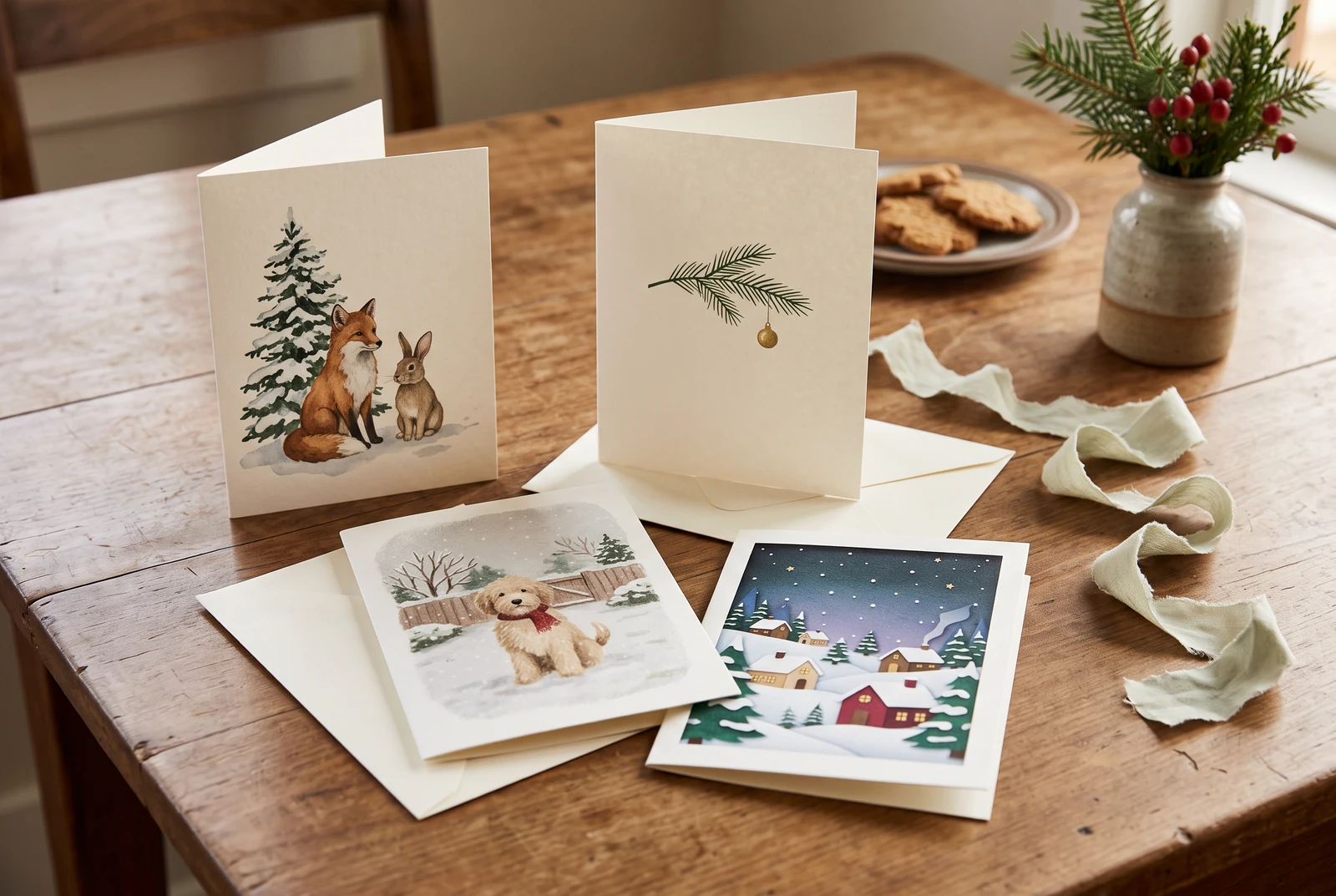
Several different illustrated Christmas cards with envelopes arranged on a home table
An AI presentation of card designs and envelopes. Card artwork still needs your text, size checks and separate printing arrangements.

The short answer

For an AI Christmas card, create the picture with the destination in mind: 5×7 in portrait, square digital card or a horizontal email greeting. Reserve an uncluttered text area and add or check every word yourself. The image generator provides artwork, not a physical printing or delivery service.

A workable process

From a clear brief to a reviewed result.

  1. 1

    Pick a card format

    Choose a digital square or a target printed size such as 5×7 in. The studio’s available image ratio may differ; place the artwork in the final card layout and confirm trim, bleed and margins with your printer.

  2. 2

    Generate artwork with blank space

    Describe a specific festive subject and mood. Ask the model to leave a clear area for your own short message instead of relying on AI to letter every word.

  3. 3

    Personalize and proofread

    Add names and greeting in an editor, verify spelling and contrast, then inspect the export at actual size before sharing.

The finished design in everyday life

Review one card before making a set.

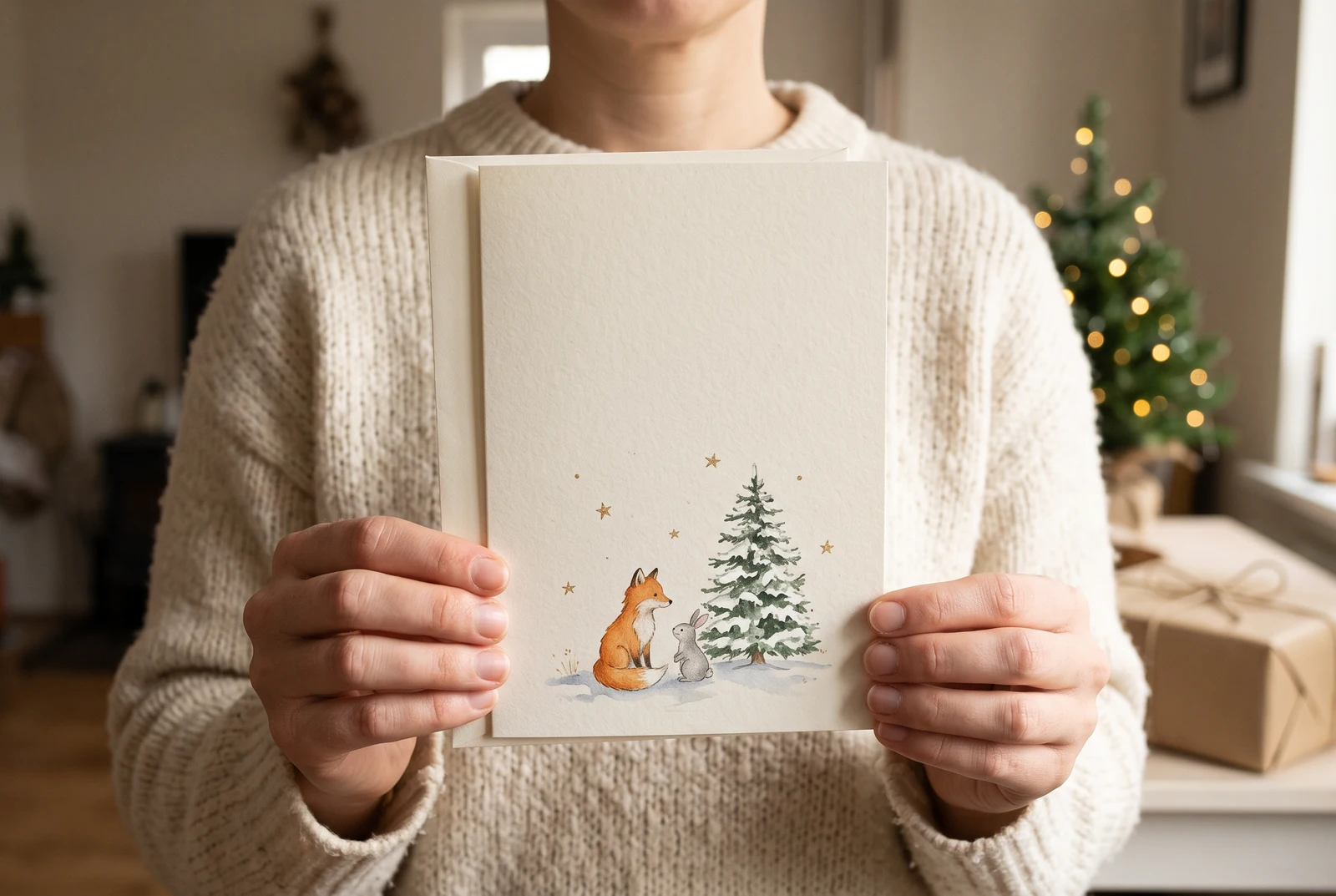
Hands holding a finished illustrated Christmas card near a set of festive stationery
A possible hand-held card presentation made with AI. Check your own file and a physical proof before ordering a print run.

Hold a proof at the intended size, check the greeting and edge spacing, and only then prepare more copies. Keep an easy-to-send digital version for recipients who prefer a message.

AI-generated presentation concepts made with fictional people and original designs. They show possible uses, not customer photographs, application screenshots or evidence of a physical printing service.

Editable recipes

Three prompts with a specific purpose.

Copy a prompt and replace the example with your own subject. These are suggested briefs, not records of successful studio runs. Choose a supported aspect ratio and duration in the studio.

Minimal family photo card

An understated card built around a real portrait.

Prepare this input
A permitted family photo and the printer’s intended card size.
Intended result
Front artwork to place in a separate card layout and typeset; no print-ready PDF is promised.
Create the front artwork for a modern Christmas greeting card from my family photo. Preserve the identities of all family members. Add a soft warm winter background, subtle evergreen details and generous blank space along the lower third for a greeting. Portrait composition for a later 5×7 in card layout, high contrast, no generated text.

Check before sharing

Check facial likeness and ensure the bottom third is actually readable.

Hand-painted woodland card

An illustrated greeting without a source photo.

Prepare this input
A fictional woodland subject and a preferred color palette.
Intended result
An illustrated card front with room for your own greeting.
Illustrate an original cozy Christmas card: a little fox and rabbit beside a snowy evergreen tree, delicate watercolor textures, muted cream and forest green, small warm stars. Portrait composition for a later 5×7 in card layout with a blank light area for a handwritten holiday greeting. No words, no logos.

Check before sharing

Check the illustration holds together at phone size and print scale.

Pet holiday greeting

A friendly personalized pet card.

Prepare this input
A permitted pet reference and a square digital-card layout.
Intended result
A card-art draft for digital sharing; review the markings and add the final greeting yourself.
Turn my pet photo into a soft illustrated Christmas card front. Keep the animal's face and markings recognizable. Add a tiny festive scarf, a few paper-cut snowflakes and a simple off-white background. Leave the top quarter empty for my greeting, square 1:1, no text.

Check before sharing

Review fur markings and keep the greeting area uncluttered.

Useful quality checks

Details to check in your own output.

Make the message the hero

Save one short personal greeting for later typesetting; long AI-generated text is likely to need proofreading.

Check real print dimensions

For a 5×7 in card at 300 pixels per inch, the trim-size artwork target is 1500×2100 pixels before bleed. Check the actual export, then follow your printer’s size and margin requirements.

Keep a digital fallback

Digital sharing avoids delivery deadlines and is appropriate when there is not enough time for physical printing.

Keep creating for Christmas.

Choose a separate workflow when the next project needs a different format.

Frequently asked questions.

Can I make a Christmas card from my own photo?

Yes. Use a reference-image workflow in the image studio and ask it to preserve faces or pet features while changing the holiday setting.

Can the AI write the greeting inside my Christmas card?

It may generate lettering, but exact spelling and positioning can be unreliable. For a personal card, create the artwork first and add or proofread the final message yourself.

Will LlamaGen print and mail my Christmas cards?

No. This workflow helps create digital card artwork. Review your export and arrange printing or delivery with a separate provider if you want physical cards.

Ready when you are

Start with a specific creative task.

Open the studio, review its models and credits, then adapt a prompt and inspect the result.

Design card artwork