

AI Christmas Photo Generator

Your favorite photo, dressed for Christmas.

Use a clear portrait as a reference, or describe a new fictional holiday scene. Ask for the wardrobe and background you want, then compare the result with the source before using it as a greeting.

Content reviewed:

Generation uses the account credits, models and export options shown in the studio. Check the current cost before you generate. Plans and credits

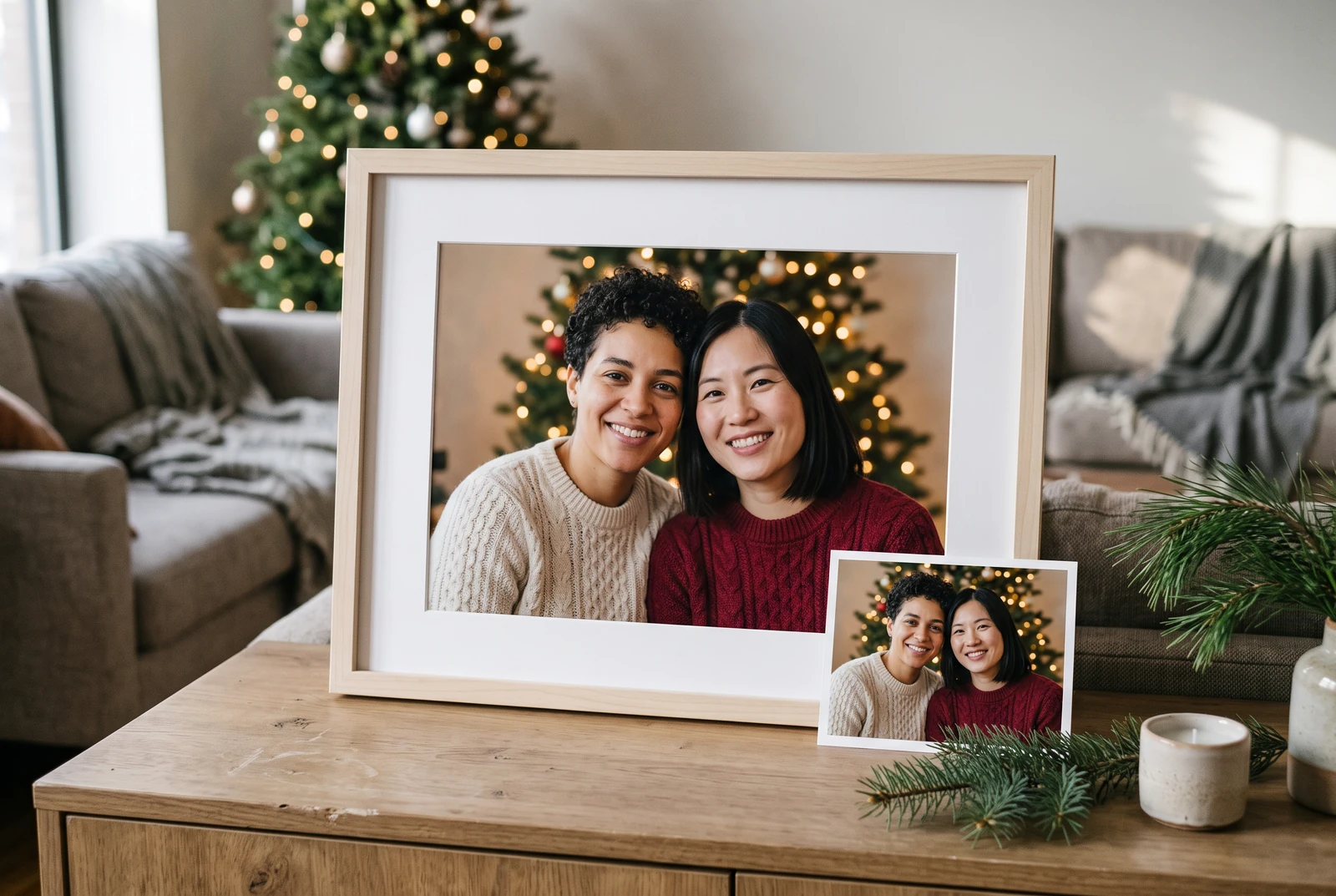
A Christmas portrait design presented in a frame in a warmly lit living room
An AI presentation concept for displaying a festive portrait. No uploaded source photograph or measured identity-preservation result is shown.

The short answer

For an AI Christmas photo, upload one clear source portrait if likeness matters, ask for a specific holiday setting, and tell the image model what must remain unchanged. Treat the first result as a draft: close-up face and hand checks matter more than additional decorations.

A workable process

From a clear brief to a reviewed result.

  1. 1

    Upload a clear reference

    Choose a sharp, well-lit portrait. For a family image, say exactly how many people are present and which relationships or facial features to preserve.

  2. 2

    Describe the holiday transformation

    Specify Santa outfit, a cozy living room, snow outside a window, or a winter studio scene. Define crop, lighting and background changes without changing identity.

  3. 3

    Review every person

    Compare faces, hands, glasses, pet markings and clothing. Regenerate or edit anything that changed identity or introduced uninvited people.

The finished design in everyday life

Check the small details before displaying a portrait.

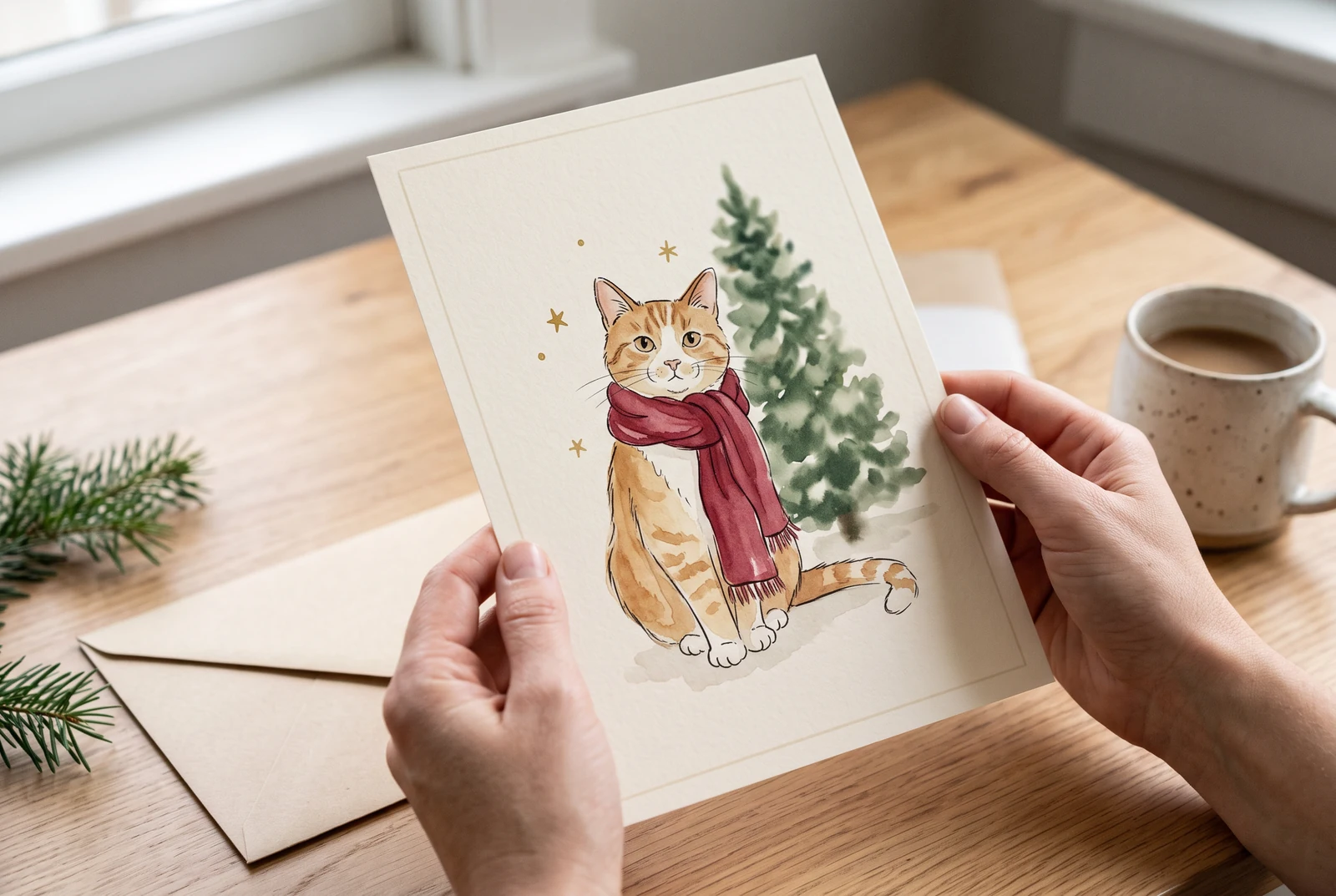
Hands holding an illustrated Christmas pet portrait near a festive home display
A fictional pet-portrait presentation in a home setting. It illustrates a possible use rather than a before-and-after photo edit.

A framed portrait is viewed close up. Inspect eyes, glasses, hairlines and hands at full image size; for a pet, compare the face and distinctive markings with your reference.

AI-generated presentation concepts made with fictional people and original designs. They show possible uses, not customer photographs, application screenshots or evidence of a physical printing service.

Editable recipes

Three prompts with a specific purpose.

Copy a prompt and replace the example with your own subject. These are suggested briefs, not records of successful studio runs. Choose a supported aspect ratio and duration in the studio.

Family Christmas portrait

Natural group greeting with recognizable relatives.

Prepare this input
A sharp group photo used with each person’s permission.
Intended result
A holiday portrait draft with the same intended people; compare every face with the source.
Edit the uploaded family portrait into a Christmas photo. Preserve all people's identities, ages, facial features, eyewear and positions. Add warm fairy lights, a decorated fir tree and coordinated winter knitwear. Realistic light, gentle smiles, landscape 4:3, no added people, no text.

Check before sharing

Count faces and hands; compare each person with the reference.

Santa outfit photo

One-person seasonal social avatar.

Prepare this input
One clear head-and-shoulders portrait.
Intended result
A square Santa-outfit draft; clothing changes must not become a claim of exact identity preservation.
Use my uploaded head-and-shoulders photo. Keep my exact face and hairstyle. Dress me in a classic red Santa coat with natural fabric texture, subtle holiday lights behind me, flattering realistic portrait lighting. Square crop, no beard unless it is already in the reference.

Check before sharing

Check glasses, hairline and whether added accessories obscure the face.

Christmas pet portrait

A dog or cat portrait for a greeting.

Prepare this input
A well-lit pet reference with visible markings.
Intended result
A portrait draft for a greeting; compare eye color, ears, paws and markings before use.
Transform my pet photo into a warm Christmas portrait. Keep the same breed, face shape, eye color and distinctive fur markings. Add a light knitted holiday scarf, soft golden tree lights and a calm indoor setting. No human hands, no extra animals, portrait 4:5.

Check before sharing

Inspect paws and markings; never force a costume that changes the pet.

Useful quality checks

Details to check in your own output.

Use one hero subject

A clear face or well-composed family group preserves visual intent better than an overstuffed scene.

Leave greeting space

If this will become a card, ask for negative space rather than generated lettering.

Avoid impossible promises

AI tools can change likeness. Review generated photos before representing them as a real event or a real portrait.

Keep creating for Christmas.

Choose a separate workflow when the next project needs a different format.

Frequently asked questions.

Can I turn my existing photo into a Christmas photo?

Yes. Open the image studio and choose a workflow that accepts a reference image. Supply the source photo and instructions about which people, facial features and pet markings to keep.

Will my face stay exactly the same?

No model guarantees exact identity in every generation. Use a clear source and explicit preservation instructions, then compare the result before sharing.

Can I create an AI Christmas photo without uploading a picture?

Yes. Start from a text description for a fictional festive scene. A reference image is useful only when a real person's likeness matters.

Ready when you are

Start with a specific creative task.

Open the studio, review its models and credits, then adapt a prompt and inspect the result.

Open the image studio