

AI Christmas Generator · 2026 ideas

Make Christmas personal with AI.

One holiday, many ways to create. Turn a favorite photo into a festive portrait, animate a Christmas greeting, design a card, or prepare a coloring activity. Start with the format you actually want to share.

Content reviewed:

Generation uses the account credits, models and export options shown in the studio. Check the current cost before you generate. Plans and credits

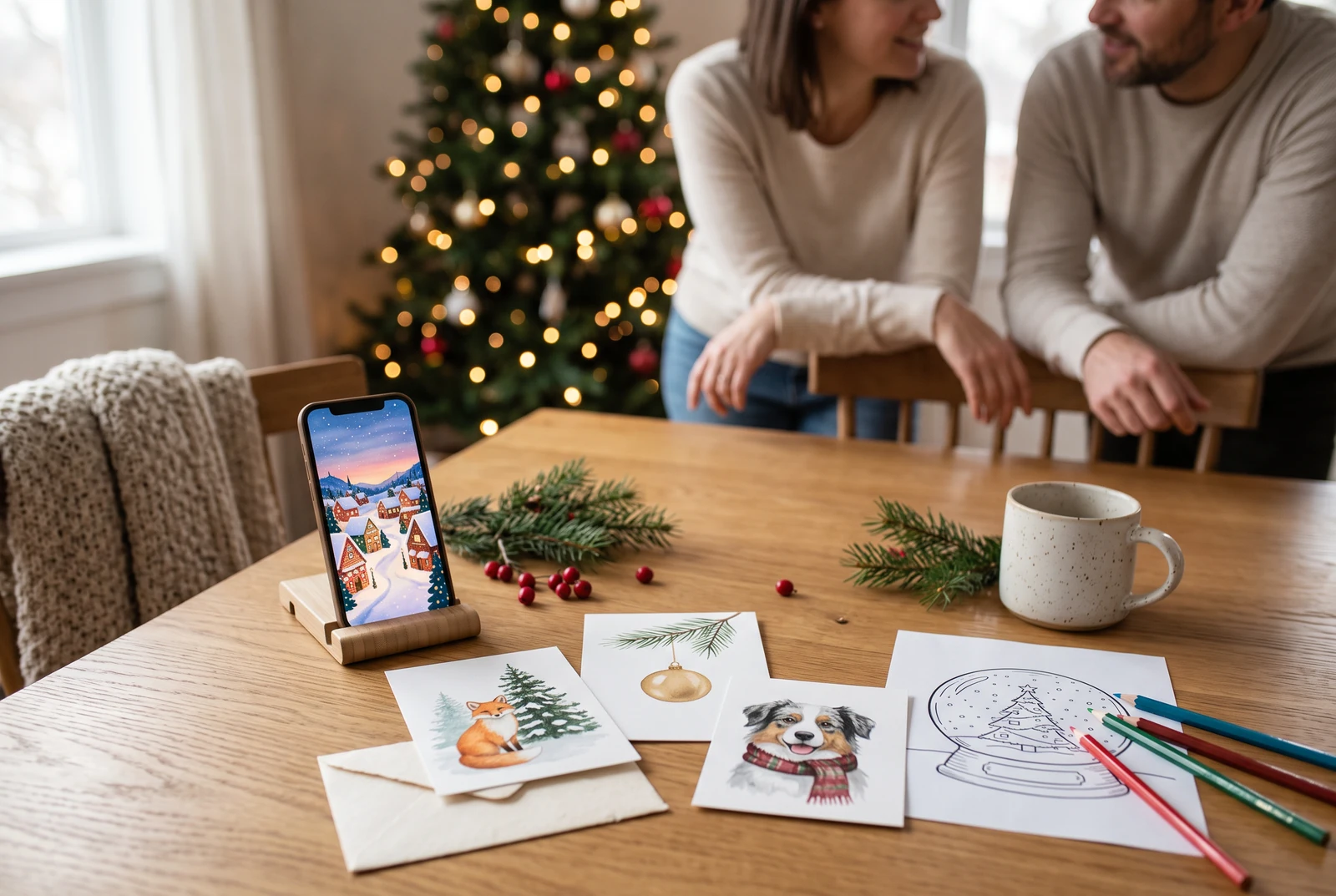
A warm Christmas table with a phone image, several illustrated card designs and festive creative materials
A presentation concept showing digital artwork alongside cards and family activities. Printing and delivery are arranged separately.

The short answer

Start with the destination: a shareable holiday photo, a short video, a digital/printable card, a coloring sheet, or a personal comic. Each workflow uses a different input and quality check; a generic 'Christmas AI' prompt rarely gives you the right aspect ratio, readable message, and consistent people at once.

Choose your result

A different starting point for each Christmas project.

Browse existing coloring sheets, create new artwork, or plan a short greeting. Follow the route for the result you need.

A workable process

From a clear brief to a reviewed result.

  1. 1

    Choose one output

    Photos and cards need a stable subject and clear composition. Videos need short movement and a suitable source frame. Coloring pages need clean black outlines.

  2. 2

    Bring the right reference

    Use a well-lit source image when likeness matters. For a brand-new illustration, describe your subject, scene, style, and intended use instead.

  3. 3

    Generate, check, and share

    Inspect faces, hands, seasonal symbols, spelling, cropping and aspect ratio. Review the available download options before promising a printed or animated final.

The finished design in everyday life

Choose the way your family will use it.

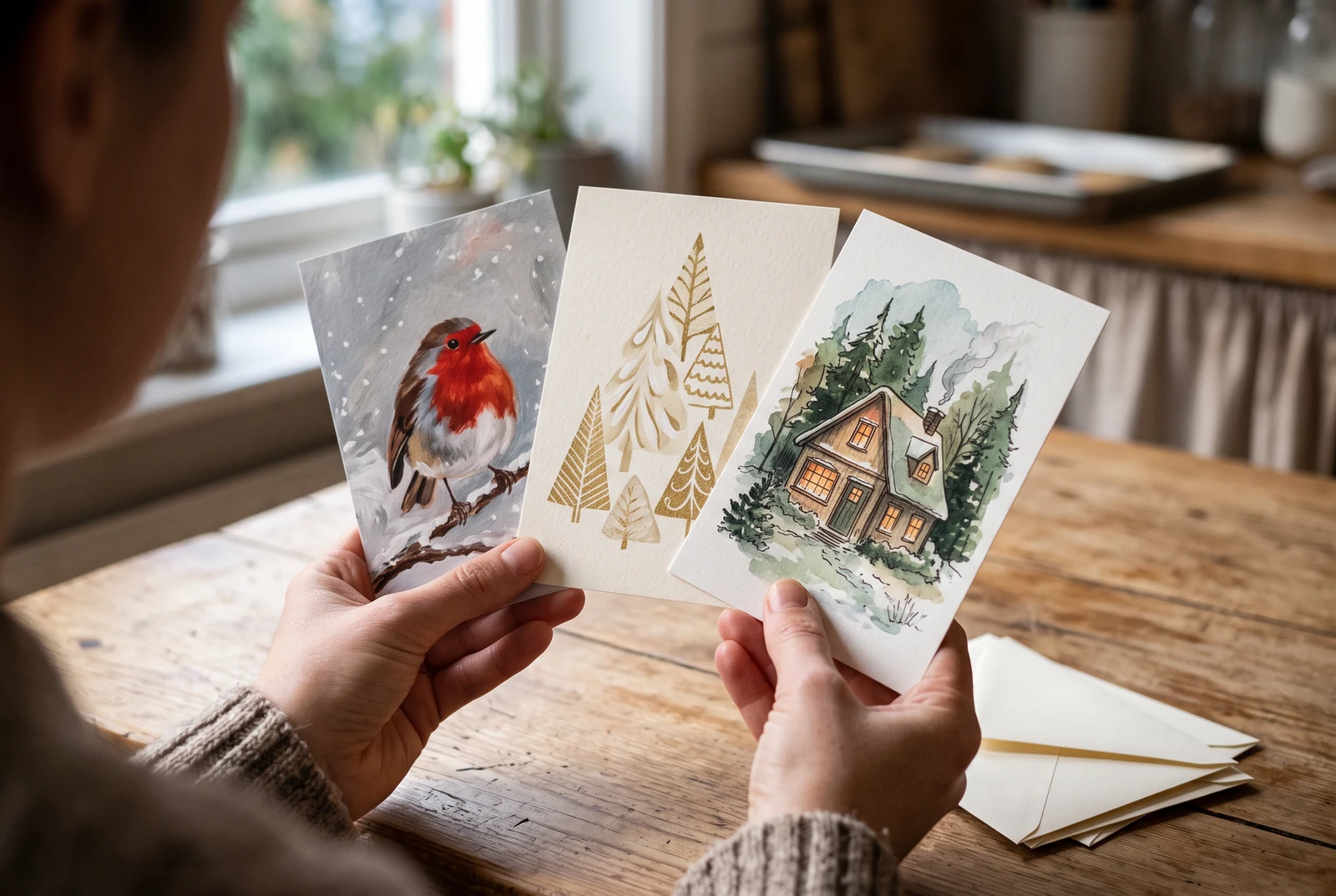
Hands holding a set of distinct Christmas card designs in a cozy home setting
Different card designs shown together as a possible finished set. This AI scene does not establish the paper stock, print quality or output of a particular studio prompt.

A phone greeting, a card on a mantel and a small activity set need different framing. Decide the use first, then choose the matching workflow above.

AI-generated presentation concepts made with fictional people and original designs. They show possible uses, not customer photographs, application screenshots or evidence of a physical printing service.

Editable recipes

Three prompts with a specific purpose.

Copy a prompt and replace the example with your own subject. These are suggested briefs, not records of successful studio runs. Choose a supported aspect ratio and duration in the studio.

A family holiday portrait

For a digital greeting or family group chat.

Prepare this input
One permitted portrait, a recipient and a digital sharing format.
Intended result
One landscape portrait draft to inspect before sending to a family chat.
Use my uploaded photo as the reference for the same people. Create a cozy Christmas portrait with warm tree lights, natural expressions and winter knitwear. Preserve faces, ages, skin tones and the number of people. Landscape 4:3, room for a short greeting at the bottom.

Check before sharing

Verify everyone is recognizable and no extra people or hands appeared.

A short animated Christmas greeting

For a mobile-friendly story or private message.

Prepare this input
One reviewed festive illustration and a supported video duration.
Intended result
One short continuous shot; animation, sound and export remain model-dependent.
Animate this festive illustration as a single 8-second vertical shot: gentle snowfall, twinkling tree lights and a slow camera push-in. Keep the faces and the Christmas greeting area stable. No scene cuts or new characters.

Check before sharing

Check motion continuity, facial stability and the model's actual duration/export limits.

A printable festive activity

For family or classroom coloring.

Prepare this input
A subject and the target paper size; no reference photo is needed.
Intended result
A line-art draft to inspect and place on the intended print page.
Draw a Christmas village snow globe as a single black-and-white coloring page. Thick closed outlines, large open areas, no grayscale shading, no written words, centered portrait composition for Letter or A4 printing.

Check before sharing

Preview at print size and ensure all lines are dark and easy to color.

Useful quality checks

Details to check in your own output.

Pick a channel first

A phone story usually needs 9:16; a greeting card benefits from blank space; a worksheet needs portrait print margins.

Keep text separate when possible

AI image lettering can be unreliable. Leave clean space for a greeting and verify the final text before sending or printing.

Respect the reference

Ask permission before uploading anyone else's photo, especially a child's, and review each generated likeness before sharing.

Frequently asked questions.

What can I create with an AI Christmas generator?

Use the linked image workflow for portraits and card artwork, the animation workflow for short festive videos, the AI coloring tool for your own line-art prompt, the existing Christmas coloring collection for printable sheets, and the personalized comic starter for a story-based gift.

Can I start for free?

You can explore the pages and their prompts without paying. Generation uses the credits and model limits shown in the relevant LlamaGen studio; some models or exports require a paid plan.

Does LlamaGen print and deliver Christmas cards or books?

No physical Christmas printing or delivery service is promised here. You can prepare a digital design, inspect the available export format, and arrange printing separately if needed.

Ready when you are

Start with a specific creative task.

Open the studio, review its models and credits, then adapt a prompt and inspect the result.

Open the image studio