

AI clipart generator
Make a simple, original piece of clipart for a lesson, slide or handout. Give the image one recognizable subject, crisp edges and a plain background that works with your layout.
Your prompt opens in the image studio. Sign in, choose an available model, add a reference image if needed, and review credits before generating.
Explore a visual direction
Create one usable object at a time
The clipart job is different from a full AI painting. Ask for one isolated subject, an even line weight and no lettering so the result can fit a small box in a worksheet or presentation.
Make clipart with AI
Match your page's visual language
Keep a consistent palette and outline weight across multiple assets. Export as an image and check its background against your document before using it.
Make clipart with AI
Give a small illustration a practical place
Ideas for a classroom activity page, a card in your hand, a consistent group of subjects and a coordinated learning set.
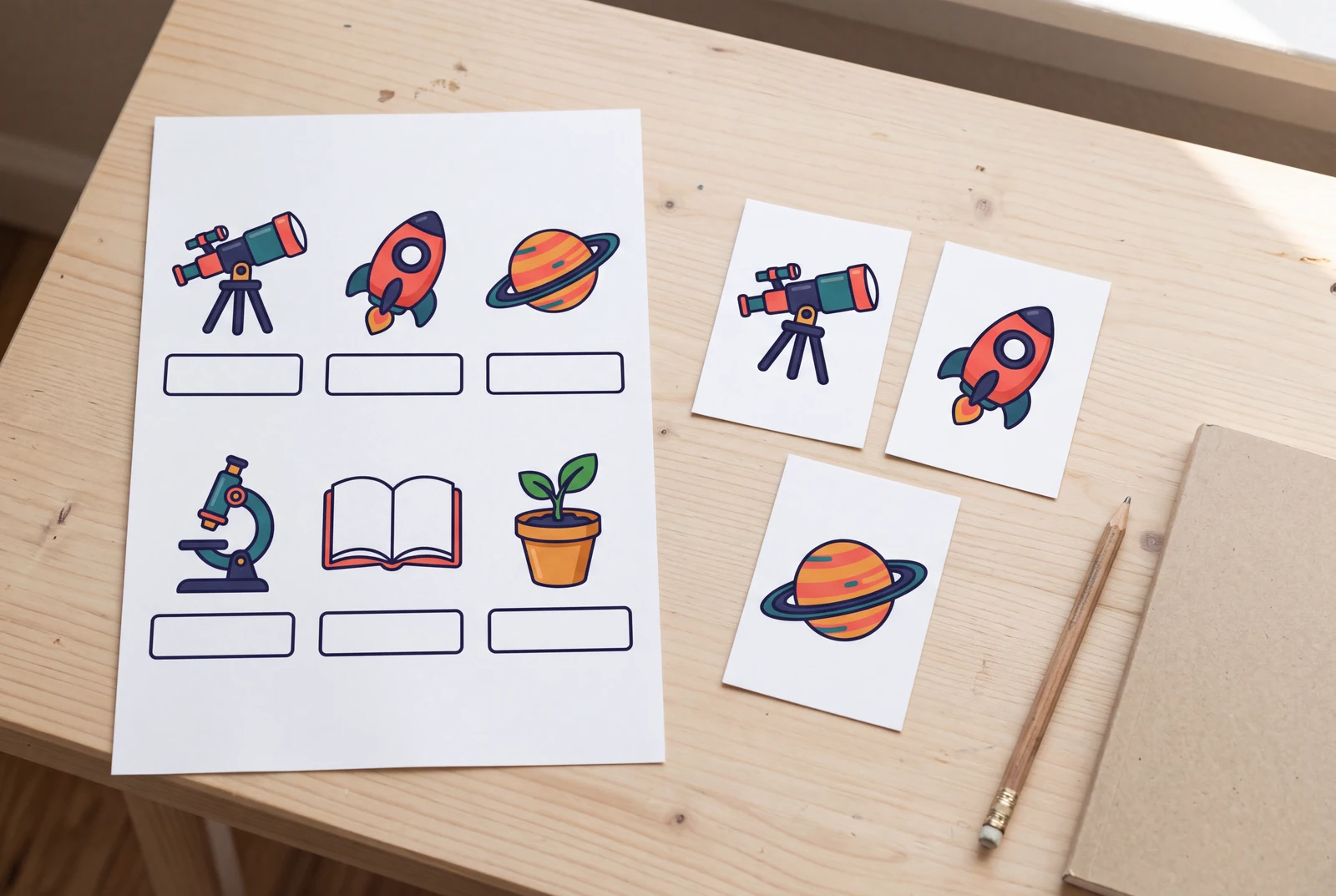
AI-generated lifestyle concepts with fictional people. These illustrate ways to use downloaded artwork; they are not customer trial photographs or proof of physical delivery.
Inspect four recorded image generations
These files have their own generation records. Inspect the original artwork and prompt separately from the presentation concepts and suggested prompts on this page.
 View original
 Classroom
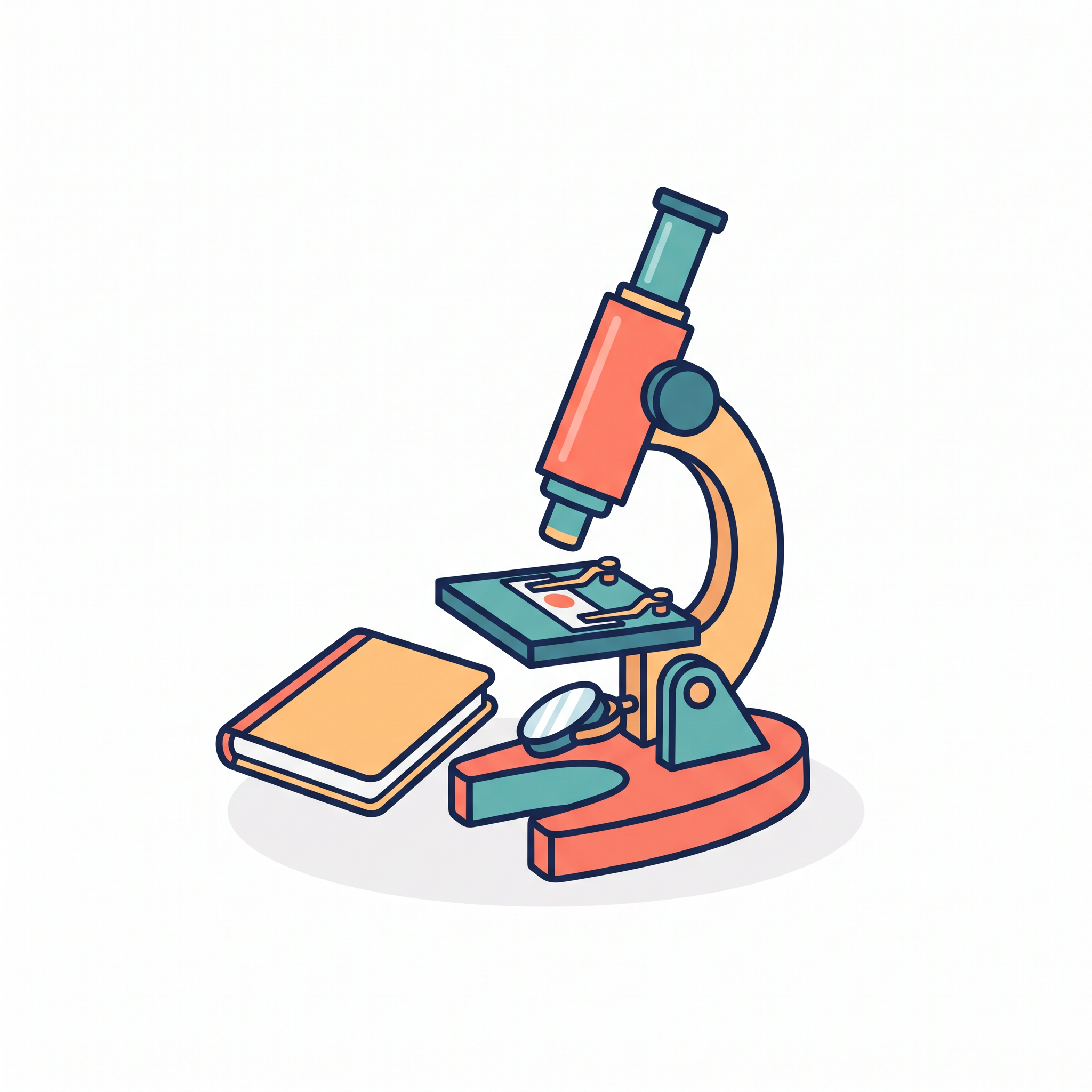
Reviewed a recognizable microscope and blank notebook with crisp outlines and generous solid white background. It is raster classroom clipart; no alpha transparency, SVG paths or lettering are present.
2048 × 2048 px · AI-generated example
Inspect prompt and generation record
Original educational raster clipart of a single clearly recognizable simple microscope with a small closed blank notebook beside its base. Clean flat geometric color shapes, thick consistent navy outlines, limited coral teal and pale amber palette, practical correct microscope silhouette with one eyepiece and stage. Centered isolated compact object group with generous uninterrupted pure white background on all four sides, no cast shadow beyond a tiny subtle base shadow, no scene. The notebook has no letters or lines. Simple useful worksheet artwork, not a photograph or complex painting. White background is solid, not transparent. Create one original polished image, not a collage, mockup, screenshot or sample grid. No existing fictional characters, franchise design, logos, signatures, watermark or readable writing. Any human is visibly an adult aged 25 or older, fully clothed and nonsexual. Do not imitate a named living artist. Keep the entire subject composition intentional.
- Model
- gemini-3.1-flash-image
- Provider
- Google Vertex AI
- Generated

 View original
 Geometric
Reviewed a compact stack of books and plant using simple geometric forms and a limited palette. All leaves and book corners stay in frame; the background is solid white raster, not transparent.
2048 × 2048 px · AI-generated example
Inspect prompt and generation record
Original geometric flat raster clipart, a neat compact stack of three colorful books with one tiny potted green plant resting to the right. Bold angular simple forms, limited teal coral mustard and navy palette, no gradients, crisp restrained outline, clean centered silhouette that reads at small size. Generous pure white background all around the entire object group, every leaf and book corner fully visible. No scene, no border, no text on books, no diagram labels. Solid white raster background, no transparency or checkerboard. Create one original polished image, not a collage, mockup, screenshot or sample grid. No existing fictional characters, franchise design, logos, signatures, watermark or readable writing. Any human is visibly an adult aged 25 or older, fully clothed and nonsexual. Do not imitate a named living artist. Keep the entire subject composition intentional.
- Model
- gemini-3.1-flash-image
- Provider
- Google Vertex AI
- Generated

 View original
 Editorial
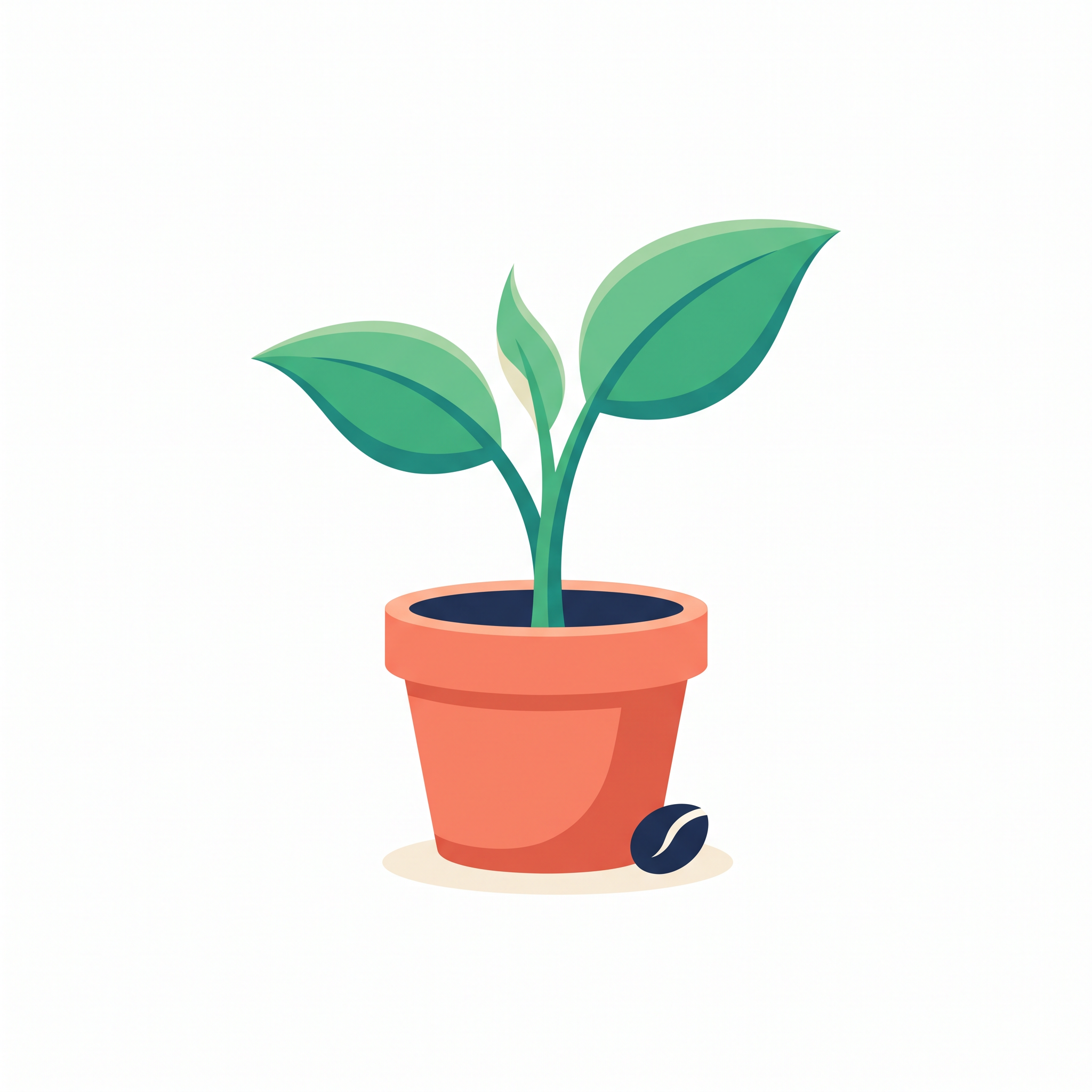
Reviewed a centered seedling and pot with restrained flat color and ample white space. It remains readable at small size; the file is a raster illustration rather than an editable vector.
2048 × 2048 px · AI-generated example
Inspect prompt and generation record
Original editorial raster clipart of one healthy young seedling growing from a simple terracotta pot, two broad green leaves and one smaller emerging leaf, one tiny abstract seed motif beside the base. Restrained coral teal cream and deep navy palette, confident clean curved contours, minimal flat shading and balanced modern editorial illustration. One compact centered object with generous pure white background, no scenery, no typography, no frame, every leaf and pot edge fully visible. Designed to remain recognizable at worksheet or presentation thumbnail size. Solid white raster background, not an SVG or transparent asset. Create one original polished image, not a collage, mockup, screenshot or sample grid. No existing fictional characters, franchise design, logos, signatures, watermark or readable writing. Any human is visibly an adult aged 25 or older, fully clothed and nonsexual. Do not imitate a named living artist. Keep the entire subject composition intentional.
- Model
- gemini-3.1-flash-image
- Provider
- Google Vertex AI
- Generated

 View original
 Friendly
Reviewed an original cloud and umbrella with a clean silhouette, few details and no lettering. The white background is solid raster; background removal is a separate operation.
2048 × 2048 px · AI-generated example
Inspect prompt and generation record
Original friendly cartoon raster clipart: one simple rounded white-and-pale-blue smiling cloud mascot with two tiny arms holding a small coral umbrella at its side. Distinct clean dark navy outline, simple dot eyes and friendly smile, limited palette, no resemblance to an existing mascot, one tiny raindrop. Compact fully visible object centered with ample pure white background, crisp contour without intricate scenery or lettering. No sticker border, no text, no checkerboard. Solid white raster background, not alpha transparency. Create one original polished image, not a collage, mockup, screenshot or sample grid. No existing fictional characters, franchise design, logos, signatures, watermark or readable writing. Any human is visibly an adult aged 25 or older, fully clothed and nonsexual. Do not imitate a named living artist. Keep the entire subject composition intentional.
- Model
- gemini-3.1-flash-image
- Provider
- Google Vertex AI
- Generated

Generation records describe these particular reference files, not a verified Studio run. Studio model choices and settings may produce a different result.
Plan and review this kind of image
These planning examples help you prepare and inspect a draft. Before generating, check the selected model's plan requirements and credit estimate in the image studio. Pixel sizes are editing targets; check the actual file dimensions and downstream requirements before final use.
One-inch worksheet illustration
- Prepare
- Name one recognizable learning subject and the smallest printed size. Example: a telescope next to a short exercise, with no numbers or words inside the image.
- Set up
- Request one centered object, a plain background, limited colors and clear outlines. If your document needs a one-inch image at 300 pixels per inch, 300 × 300 pixels is an editing target to check in the downloaded file.
Before you use the draft
- Place the image at the real worksheet size and print a sample; thin outlines and small parts should remain distinct.
- Inspect the image for invented labels, extra object parts and a background that conflicts with the page.
If it needs another pass: If details disappear, request fewer parts and thicker outlines. If the file lacks enough pixels for the chosen size, use it smaller or choose a separate finishing workflow; a pixel count in the prompt is not an export guarantee.
A slide accent on light and dark backgrounds
- Prepare
- Choose one object and the two slide colors it must work against. Example: a small coral-and-teal watering can, with a simple silhouette and no scenery.
- Set up
- Generate the artwork, then inspect the actual downloaded format. If transparency is needed, use a separate background-removal or editing step and export a file with an alpha channel.
Before you use the draft
- Place the final file on both light and dark rectangles; look for an opaque white box, pale fringes or clipped edges.
- Check the object at the intended slide size. A PNG extension alone does not prove that its background is transparent.
If it needs another pass: If a white box remains, inspect and remove the background in an editor rather than renaming the file. If edge cleanup damages the subject, start from a simpler outline and higher background contrast.
A raster concept for a later editable SVG
- Prepare
- Write the simple geometry you need to edit later. Example: three broad book shapes and one plant, in two colors, with no texture or tiny decorative details.
- Set up
- Treat the generated image as a raster reference. Rebuild or trace it in a vector editor if editable paths are required; this generator does not export those paths.
Before you use the draft
- Open the final SVG in a vector editor and confirm that the intended shapes are editable path objects, not only an embedded bitmap.
- Compare small-size readability and outlines after tracing; check the actual paths rather than relying on the file extension.
If it needs another pass: If tracing creates too many uneven points, simplify the source shapes or redraw them manually. If you only need a document illustration, keep the raster version instead of promising an editable vector deliverable.
- W3C: PNG specification
Describes PNG as a raster format with optional alpha transparency; each actual file still needs to be checked.
- W3C: SVG introduction
Explains SVG graphics, including vector shapes and embedded images; a raster-looking graphic is not automatically editable paths.
One idea. Different ways to use it.
Choose the output that fits your project instead of starting from a generic image prompt.
Worksheets and lesson handouts
Use a friendly visual to identify a topic or exercise.
Presentation accents
Create small illustrations for slides instead of a full-width hero image.
Learning flashcards
Explore consistent subjects with simple, readable shapes.
Make original artwork. Review with care.
Use reference material you have permission to share. Check the image for errors and respect third-party rights before using it commercially. LlamaGen creates image drafts; it does not guarantee exact similarity, ownership clearance or physical delivery.
Created for a specific job
Teachers
Design original subject illustrations for handouts and activity sheets.
Presenters
Give a slide a clear visual cue without adding complex scenery.
DIY creators
Explore a simple graphic style for personal creative materials.
Gallery images illustrate visual directions, not guaranteed results or user testimonials.
Explore four creative directions
Each direction includes a starting prompt that you can edit in the image studio.
Classroom
Make the subject instantly recognizable at worksheet size.
Geometric
Use simple forms that work in a small slide placeholder.
Editorial
Limit the palette to match the surrounding article or presentation.

Friendly
Avoid detailed scenery when you need a clean standalone asset.
How to get started
Describe one subject
Keep the prompt focused on a single object or small group.
Choose the visual rules
Ask for flat colors, simple outlines and an uncluttered background.
Generate and verify
Check edge quality, background and legibility at the intended size.
Check the result for your project
Review these details before you export, share or print your artwork.
Check the actual worksheet size
Place the illustration in your handout or slide before accepting it. If outlines or details disappear when reduced, ask for a simpler silhouette and fewer small elements.
Check the background honestly
Put the exported image on both a white and a colored page. A white rectangle is not transparency; use a separate background-removal step and inspect the edges if you need a cutout.
Build a coherent learning set
Repeat the palette, outline weight and visual scale for related objects. Add activity instructions and labels in your document editor, then inspect the printed page for clarity.
Visual references and sample prompts
Open each direction to see what to describe and how to refine the output. The sample generation prompts are intentionally shown in English and can be edited in Studio.
Classroom
What to look for
Make the subject instantly recognizable at worksheet size.
Try this starting prompt
Original educational clipart of a microscope and notebook, bright flat colors, clean outline, plain white background, no text
Try this prompt in StudioGeometric
What to look for
Use simple forms that work in a small slide placeholder.
Try this starting prompt
Geometric flat clipart of a stack of colorful books and one plant, bold shapes, no gradient, isolated on white, no letters
Try this prompt in StudioEditorial
What to look for
Limit the palette to match the surrounding article or presentation.
Try this starting prompt
Original editorial clipart of a growing seed in a pot, restrained coral teal cream palette, minimal shading, centered on white, no lettering
Try this prompt in StudioFriendly
What to look for
Avoid detailed scenery when you need a clean standalone asset.
Try this starting prompt
Cute original mascot-like clipart of a smiling cloud holding an umbrella, simple sticker-like contour, plain white background, no text
Try this prompt in StudioFrequently asked questions
Does this generate transparent PNG files?
It creates raster image artwork. A plain white background can be requested, but transparency and exact alpha edges are not guaranteed. Use a background-removal workflow if you need transparency.
Will I receive editable SVG clipart?
No. The generated artwork is a raster image. Vector-like styling does not turn it into editable SVG paths.
Can I start for free?
Trial eligibility, available credits and generation costs depend on the current account and model. Review the plan and credit information in Studio before generating.
Is this the same as AI Vector Generator?
This page is about practical isolated clipart for documents and classrooms. The existing AI Vector Generator covers a wider range of graphic and icon visual styles.
Useful tools and resources
Adobe: raster and vector graphics
Learn why an image made of pixels differs from editable vector paths and why enlarging a raster image can reduce sharpness.
Printable Templates
Find practical ways to use visual assets.
Content Policy
Review rights and acceptable use.
Continue your creative workflow
Make a small image do one clear job
Start with one original subject, a clean silhouette and the colors that match your project.
Your prompt opens in the image studio. Sign in, choose an available model, add a reference image if needed, and review credits before generating.
Explore a visual direction