

Make a black and white anime profile picture
Crop your own anime artwork into a square profile image, convert it to grayscale and check a circular preview. Optional AI artwork generation is a separate step.
Your photo stays in this browser. No upload, account or AI generation is needed.
1024 × 1024 · PNG
Need new artwork first? Create an original anime portrait, then bring the image here to crop. AI generation uses a separate tool and its displayed plan and credits.
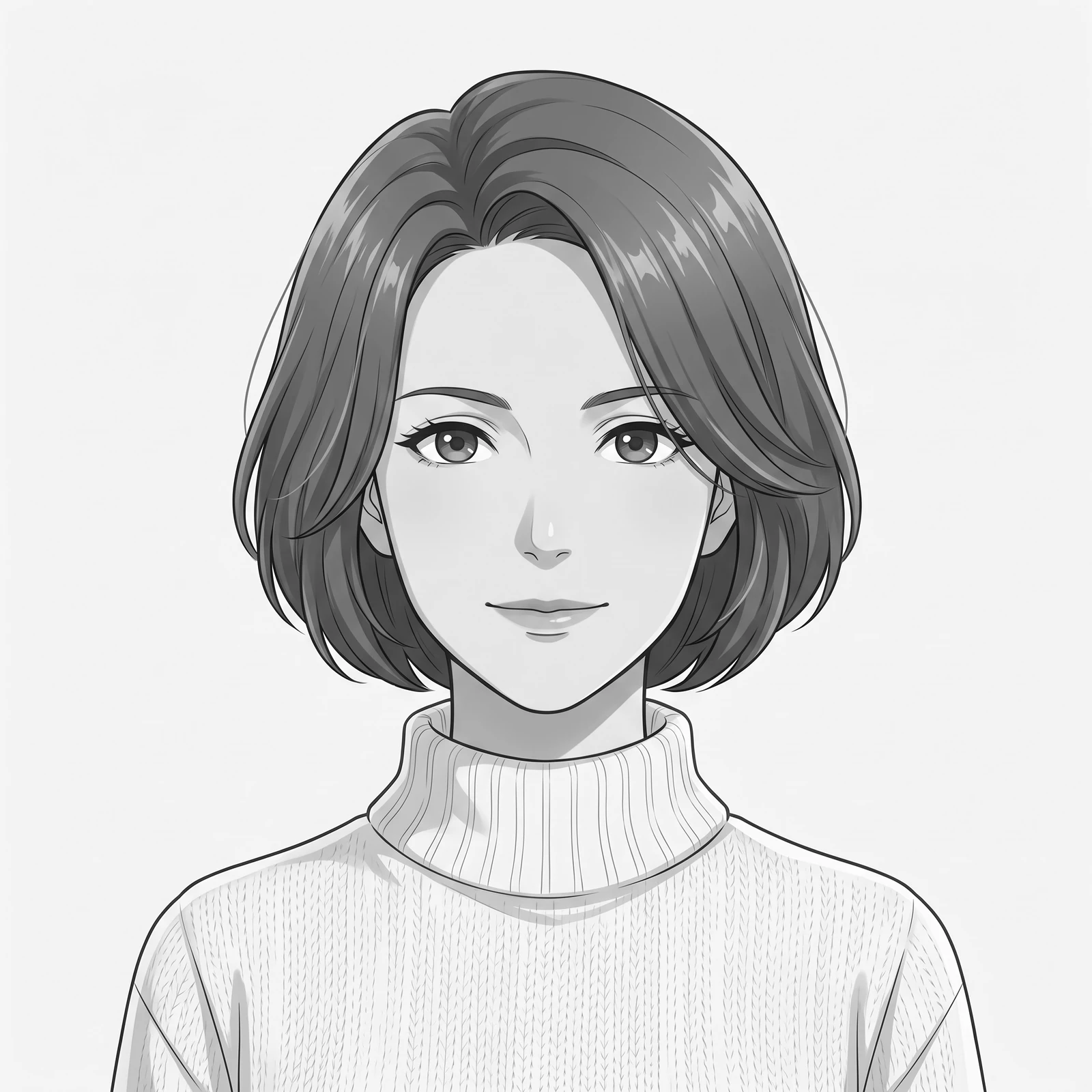
See a portrait at profile-picture scale
Compare the original monochrome artwork in circular phone previews, handheld profile cards and coordinated portrait layouts.
AI-staged mockups place original artwork in everyday creative settings. They are presentation ideas, not customer photographs, physical product samples or screenshots of the generation tool. Circular crops and profile-card layouts are prepared for the mockups; they are not live accounts, platform interfaces or evidence of a published profile.
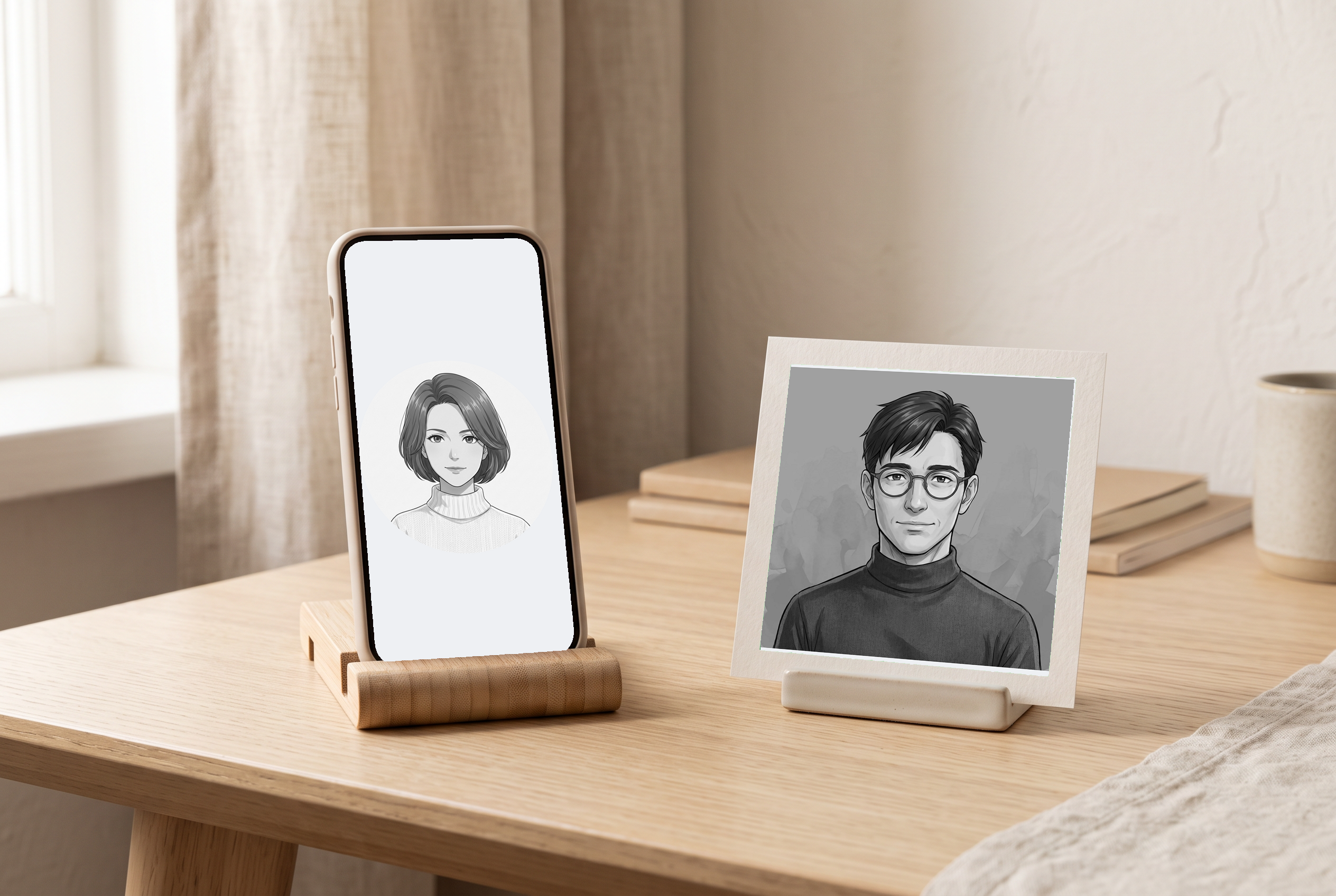
At the design desk
An original monochrome portrait shown as a circular profile preview on a phone beside a matching paper card.
Before you use this layout
- Check the face at the small size where your profile image will appear.
- Use the local crop controls to review the actual square or circular output before saving.
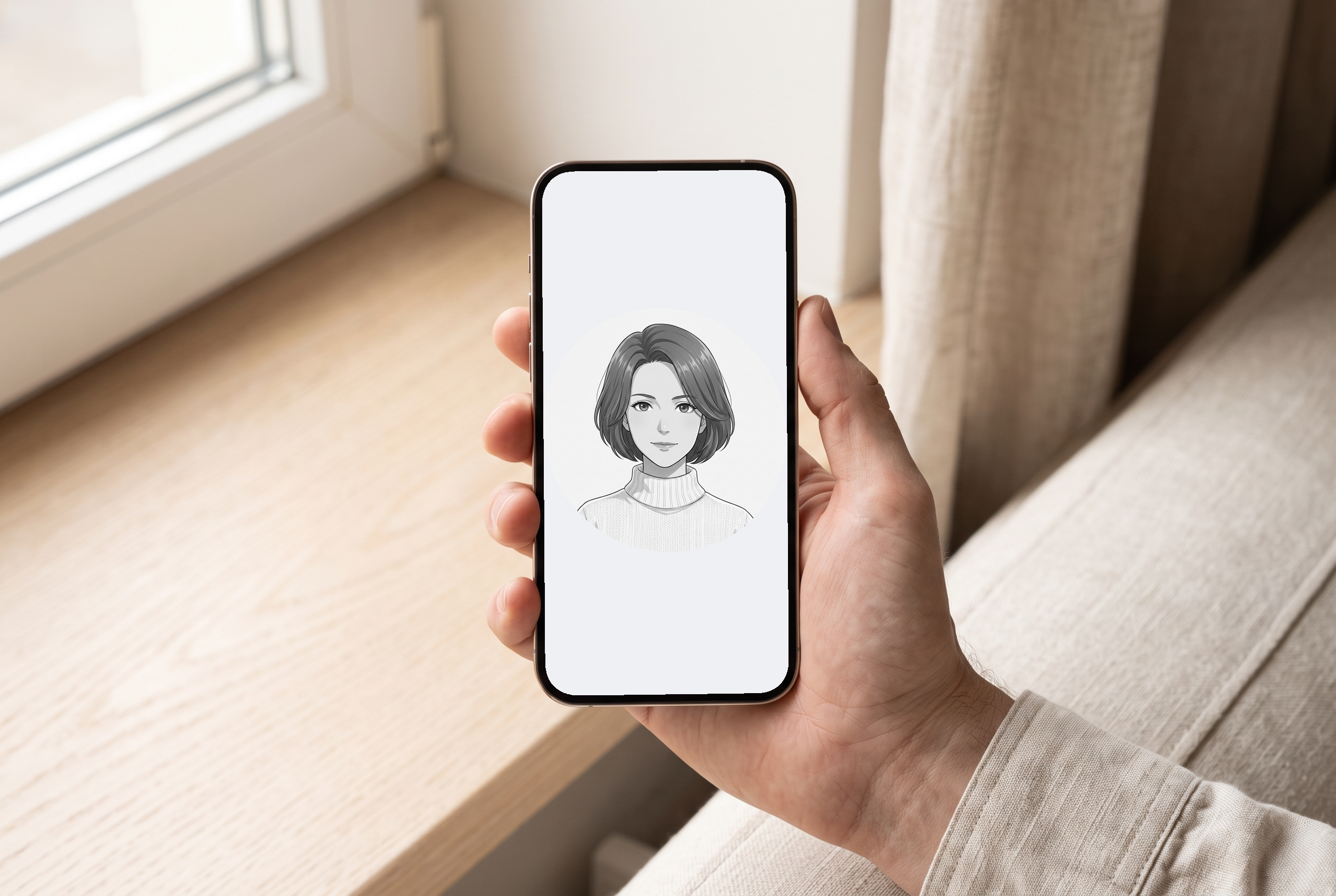
A design in hand
An adult hand holds a phone mockup with a circular crop of the original black-and-white portrait.
Before you use this layout
- Check that the circle keeps the hair, chin and important facial details visible.
- Preview the actual exported PNG against both light and dark backgrounds.
Artwork in this scene: 1
View full scene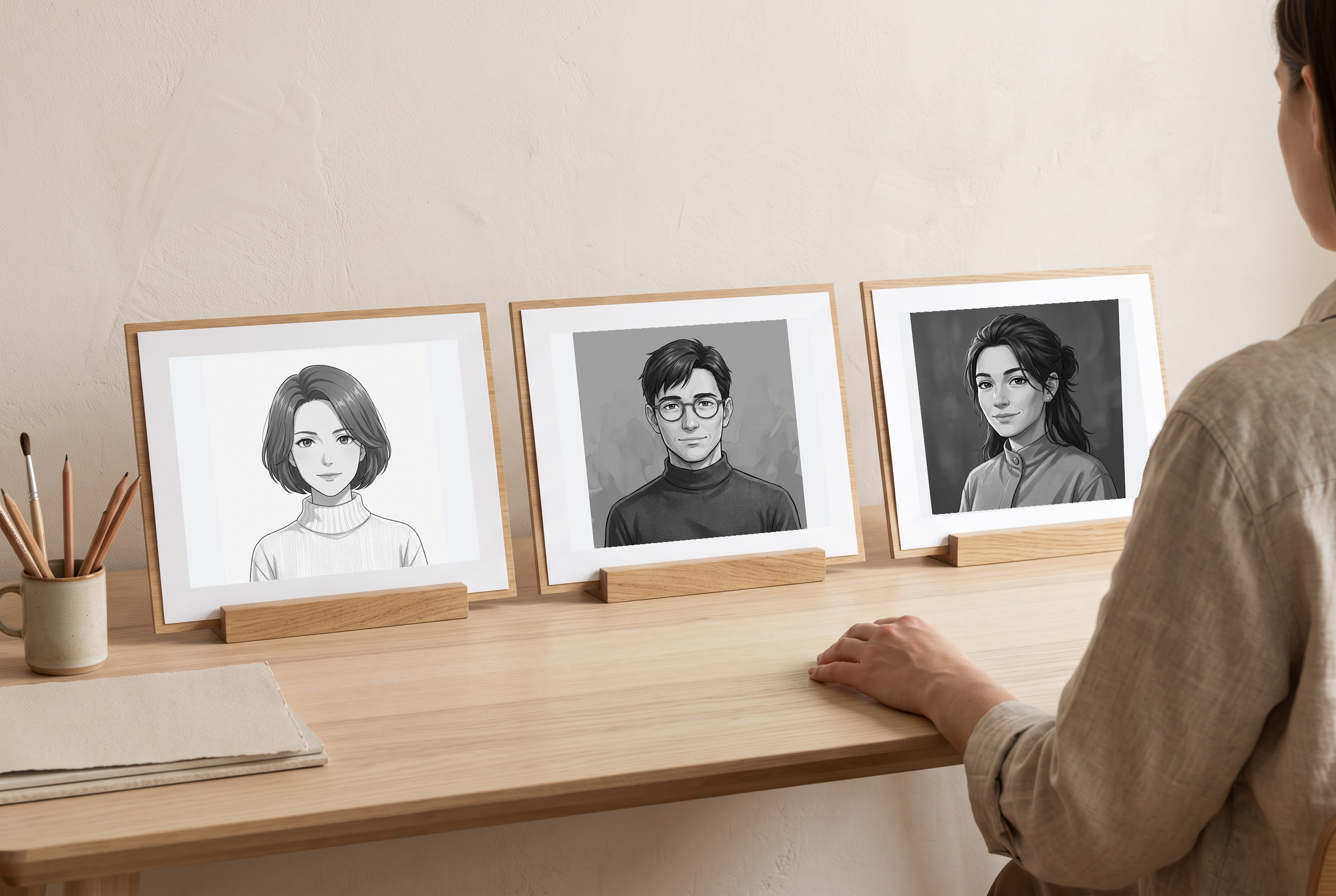
Compare illustration directions
Three original adult anime portraits displayed as separate monochrome profile-card directions.
Before you use this layout
- Compare facial readability and light-dark separation at the intended avatar size.
- Keep each character separate; a matching layout does not imply the same identity across portraits.
Artwork in this scene: 1, 2, 3
View full scene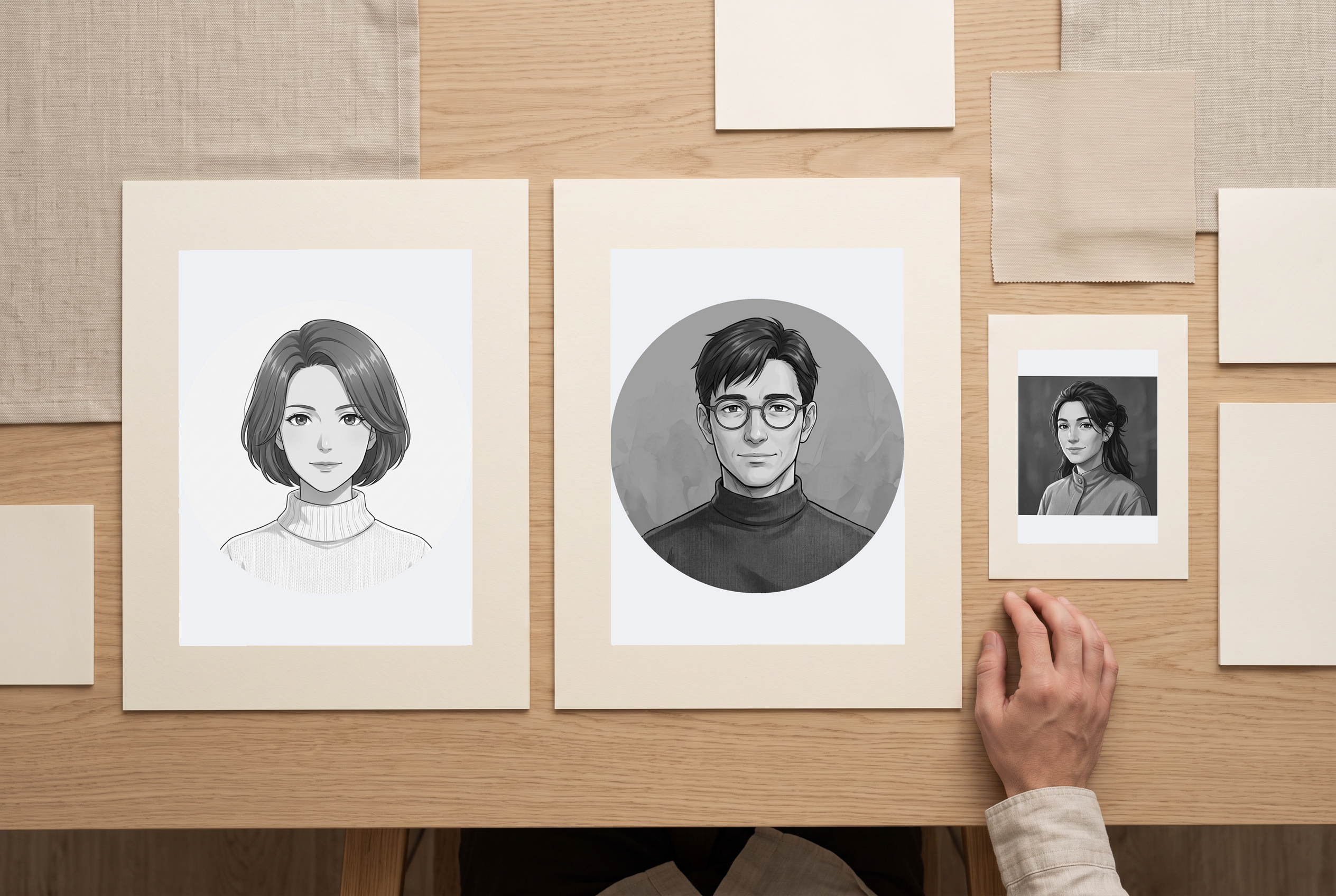
A coordinated concept set
A coordinated set of circular portrait previews and square profile cards on a simple desk.
Before you use this layout
- Use consistent crop margins and card spacing when preparing the set.
- Check the actual saved file dimensions and transparency outside a circular crop.
Artwork in this scene: 1, 2, 3
View full scene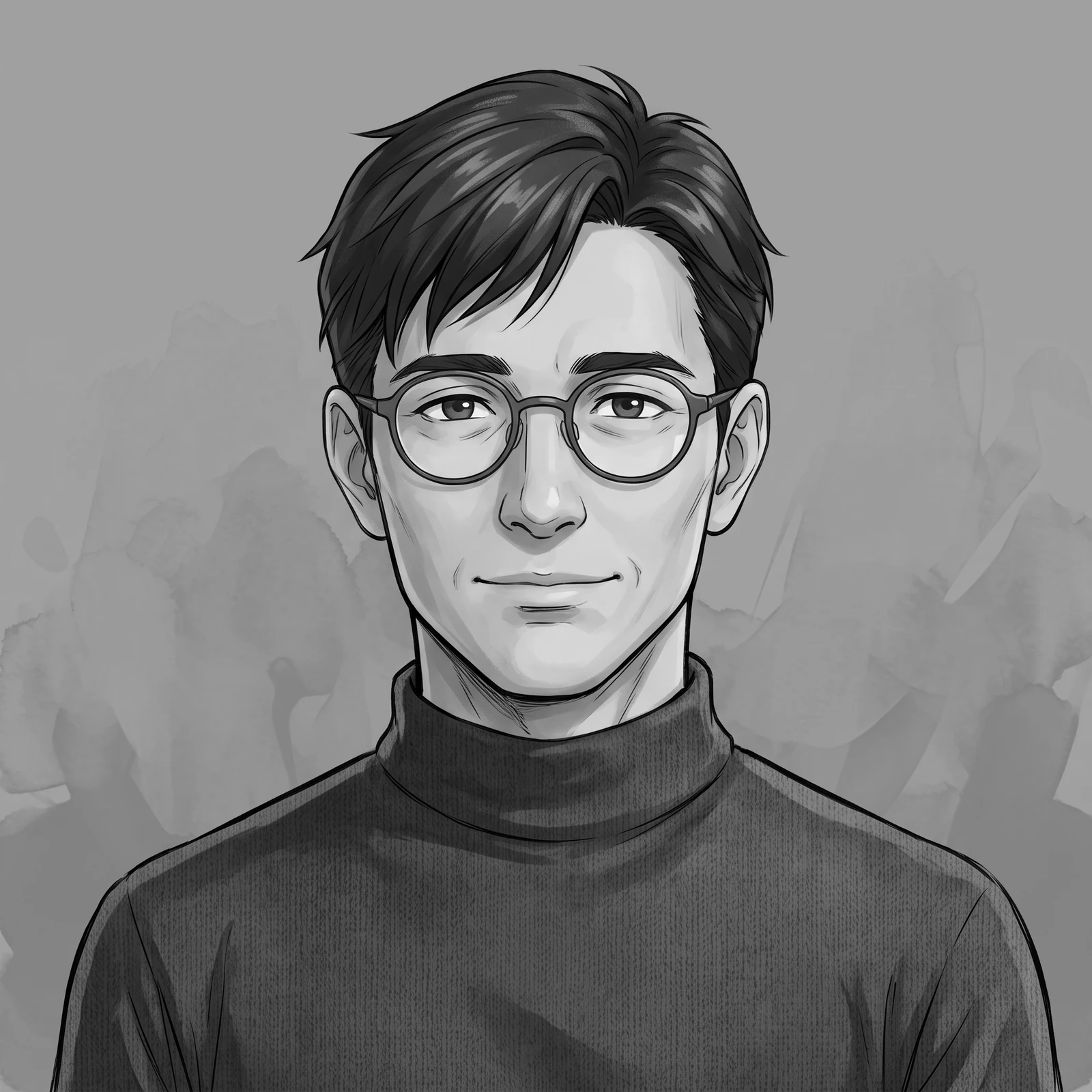
Prepare an avatar from art you already have
A monochrome portrait still needs a useful crop. Place the face or mascot inside a square, check what a circular mask removes and export the grayscale image. This local preparation task is separate from generating a new character or applying an AI art style.
Make my profile pictureKeep the face readable at a small size
The local editor changes the crop, grayscale strength and contrast of your existing image; it does not redraw the character or apply an AI art style. Need new artwork first? The separate anime portrait link opens another tool. Inspect that artwork, then load the saved image here.
Make my profile picture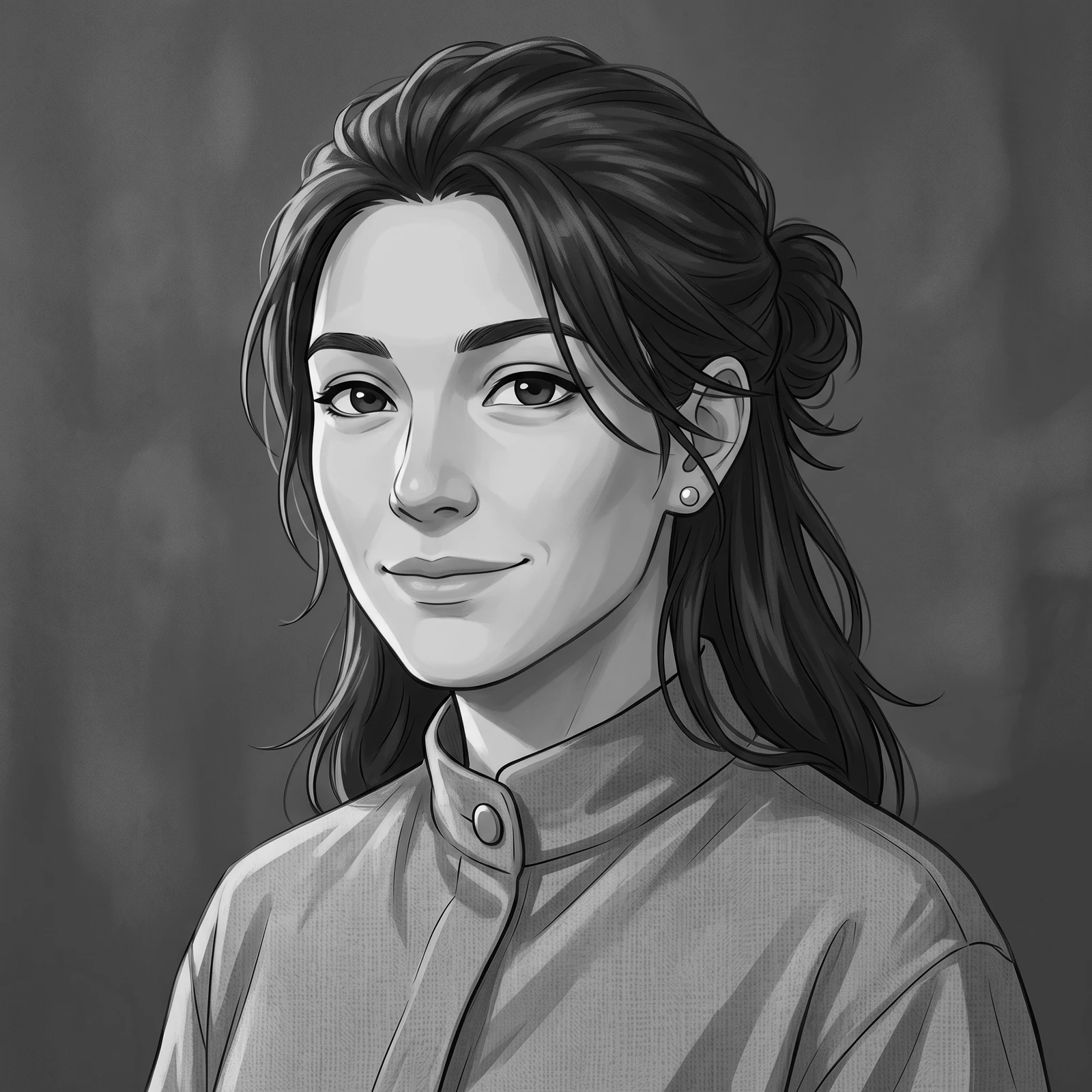
Make a profile picture that feels like you
A deliberate square crop
Place the subject where it remains recognizable in a profile image.
A circular preview
Check hair, ears and accessories against the round mask used by many profiles.
A separate AI decision
Prepare an existing picture locally, or open the image generator when you need new original art.
Use artwork you can edit and publish
Choose your own artwork or an image you have permission to modify. Human subjects for this workflow must be adults aged 25 or older. The crop, grayscale conversion and circular preview work on your image locally. Review the saved result and the destination's profile preview; local processing does not establish image ownership or platform approval.
Make my profile pictureMade for your next creative project
Profile owners
Prepare a consistent crop for a personal or creator profile.
Original-character artists
Make a monochrome avatar from an existing adult character illustration.
Community organizers
Check a mascot's readability before uploading it to a group profile.
The details that make a useful design
Local image input
Start with an existing image rather than generating a new one.
Square crop
Frame the subject for a 1:1 profile image.
Crop positioning
Adjust the framing so important details stay inside the visible area.
Adjustable grayscale
Start at 100% black and white, then adjust the grayscale strength and contrast locally.
Circular preview
Inspect how a round profile mask affects the square crop.
1024 × 1024 PNG export
Choose a white-backed square or a circular image with transparent corners.
Optional AI entry
Use the separate image generator if you need an original adult character or mascot first.
Destination review
Check the exported image in your actual profile upload preview.
How to make your profile picture
- 1
Choose an image you can use
Load your original adult-character artwork or a permitted nonhuman mascot image.
- 2
Position the square crop
Leave room around the head and avoid cutting important accessories at the edge.
- 3
Check the grayscale result
Look for a clear separation between the face, hair and background.
- 4
Inspect the circular preview
Check that ears, hair and the main expression remain visible inside the round mask.
- 5
Export and test the profile image
Download the result, then inspect the actual destination's upload preview.
Your questions, answered
Does the local cropper use AI?
No. Cropping, grayscale conversion and the circular preview process an existing image. New AI artwork uses the separate generator entry.
Does a circular preview make the file round?
Choose Circle in the export menu to save a 1024 × 1024 PNG with transparent pixels outside the circular crop. Square exports have an opaque white background.
Will this remove the background?
No. The subject's background remains inside the crop. Circle export only makes the corners outside the circle transparent; it does not isolate the subject. Use the background editor for a cutout.
Why does my face look flat in grayscale?
Similar source colors can become similar gray values. Try a clearer source image or revise its lighting in an appropriate editor; cropping alone cannot recover missing detail.
Can I make a famous anime character's avatar?
This workflow is intended for your own original adult characters and artwork you are permitted to modify and publish.
Does using the AI option change the local workflow?
AI generation is a separate request with its own model, account access and credit cost. Once you have an image, load it into the local preparation tool.