Kartičky scén s jasným účelem
Shrňte cíl, konflikt, obrat, obsazení, lokaci a vizuální otázku, na kterou má každá scéna odpovědět.


Uspořádejte části, které dělají scénu hratelnou a vizuální: dramatické beaty, opakující se lokace, hlavní rekvizity, přítomnost postav a continuity poznámky, které propojují jeden moment s dalším.
Otevře pracovní prostor projektu storyboardu v LlamaGen.
Northline / vizuální směr
Jeden svět příběhu, vedený od scénáře až po produkci.
Zviditelněte neviditelnou práci
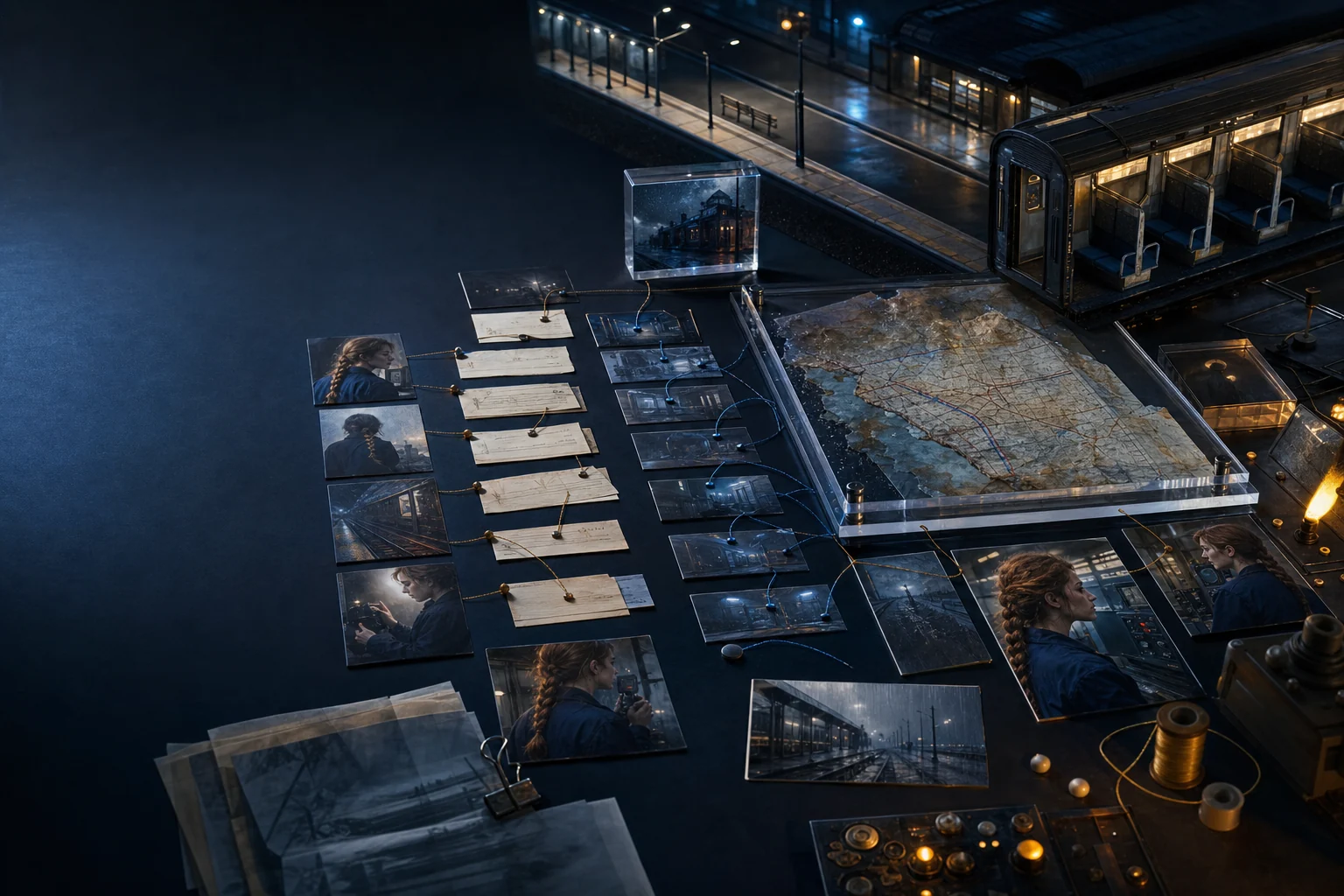
Než vyberete objektiv, musíte znát obrat scény, důležité předměty, fyzický prostor a postavy, které ho mění. LlamaGen tento plánovací kontext přetváří do jasnějšího vizuálního zadání.
Shrňte cíl, konflikt, obrat, obsazení, lokaci a vizuální otázku, na kterou má každá scéna odpovědět.
Oddělte úvod, eskalaci, zvrat, reakci a rozhodnutí, aby záběry sledovaly dramatický rytmus, ne libovolný počet obrazů.
Sledujte hlavní objekty, pravidla prostředí, denní dobu, poškození, stav kostýmu i další detaily, které mezi políčky přetrvávají.
Ukázkový příklad · Praktické zadání scény
Cílem není proměnit scénář v databázi. Cílem je zpřístupnit fyzickou i dramatickou logiku příběhu ve chvíli, kdy potřebujete vygenerovat záběr nebo diskutovat o jeho podobě.
Workflow
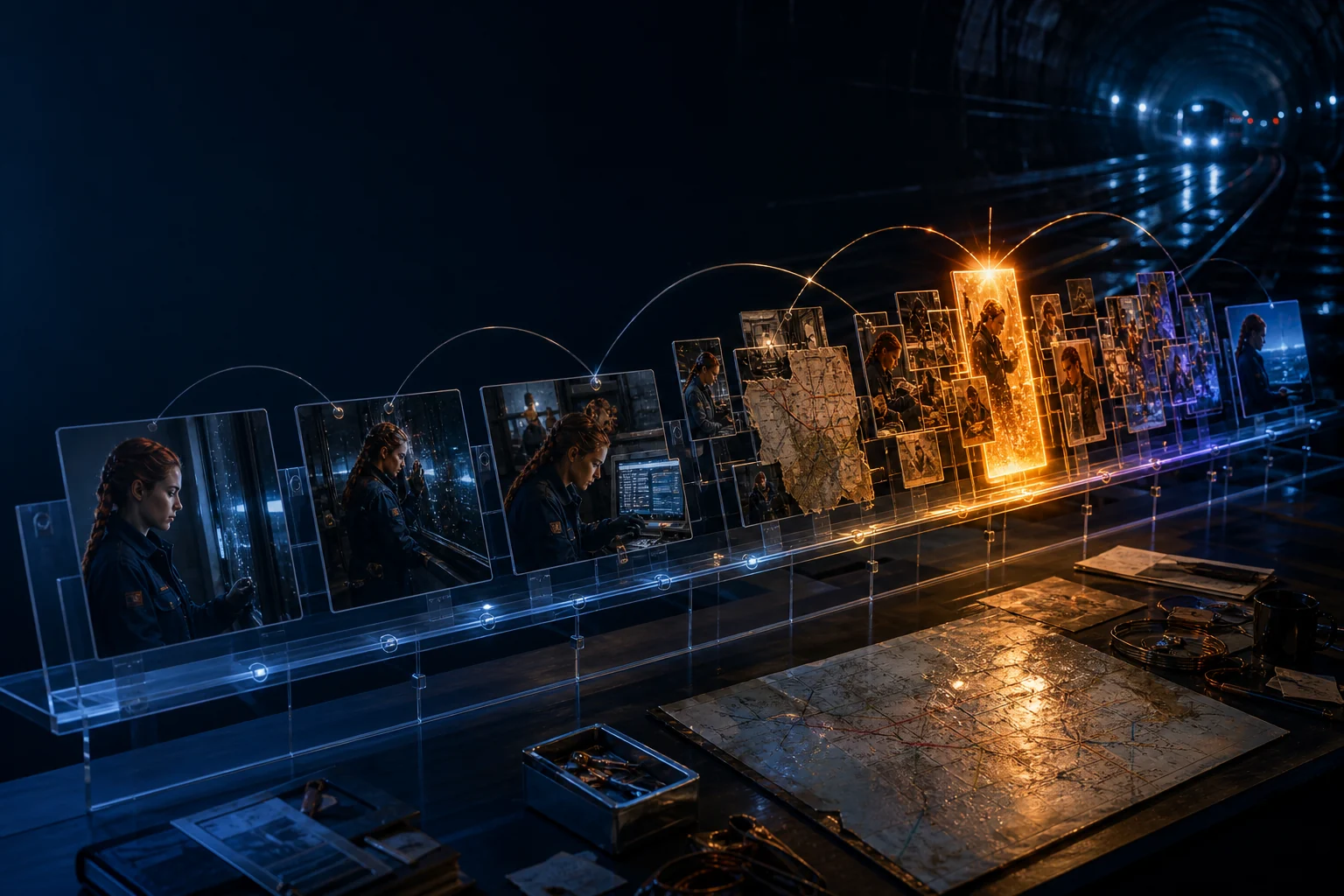
Malé množství strukturovaného plánování vytvoří výrazně silnější vizuální sekvenci.
Pojmenujte, co se do konce scény změní a jaká akce postavy tuto změnu způsobí.
Sepište obsazení, lokaci, čas, rekvizity, kostýmy, atmosféru a kontinuitu zděděnou z předchozí scény.
Vyberte coverage, které odhalí informaci, emoci i změnu prostoru ve správném pořadí.
Prozkoumejte navazující workflow
AI storyboarding ze scenáristického kontextu
Rozdělte scénu do seřazených záběrů, definujte záměr rámování i hereckého vedení, generujte vizuální reference a udržujte postavy i prostředí konzistentní od políčka k políčku.
Vizualizace struktury scénáře
Proměňte scény, beaty, tlak postav, lokace i zlomové body v čitelnou mapu příběhu. Najděte včas mezery v tempu a otevřete přesně tu sekvenci, která potřebuje revizi nebo vizualizaci.
AI produkční materiály
Generujte portréty postav, studie lokací, návrhy rekvizit, stilly ze scén i storyboardová políčka z kontextu, který už ve vašem příběhu existuje, a pak si užitečné výsledky uspořádejte pro další kreativní rozhodnutí.
FAQ
Scéna je souvislá jednotka děje v určitém místě a čase. Beat je menší změna taktiky, informace, emoce nebo hodnoty uvnitř té scény.
Sledujte rekvizity, které ovlivňují děj, herectví, kontinuitu, bezpečnost, vizuální identitu nebo pozdější setup a payoff. Pozadové drobnosti obvykle nepotřebují stejnou pozornost.
Pravidla lokace určují blocking, umístění kamery, světlo, vstupy, výstupy i kontinuitu. Jasné zadání lokace udržuje záběry prostorově soudržné.
Začněte scénou, mějte každé kreativní rozhodnutí viditelné a převeďte příběh do storyboardu, který můžete upravovat, sdílet, prezentovat a exportovat.