

iPhone manga apps

Make manga your way on iPhone.

Start with an AI-assisted story draft, or take control of every line, tone and letter. Compare the tools by how you want to create.

iPhone-focused · App Store sources checked November 11, 2026

LlamaGen · iPhone
iPhone · Choose a panel layout
iPhone · Choose a comic style
iPhone · Write the story prompt

LlamaGen for iPhone

iPhone-focused

LlamaGen for iPhone

LlamaGen Originals · Home Library

Fantasy Drama

The Whisperwood Spring

Published story sequence · 10 pages

Original story and page notes in English

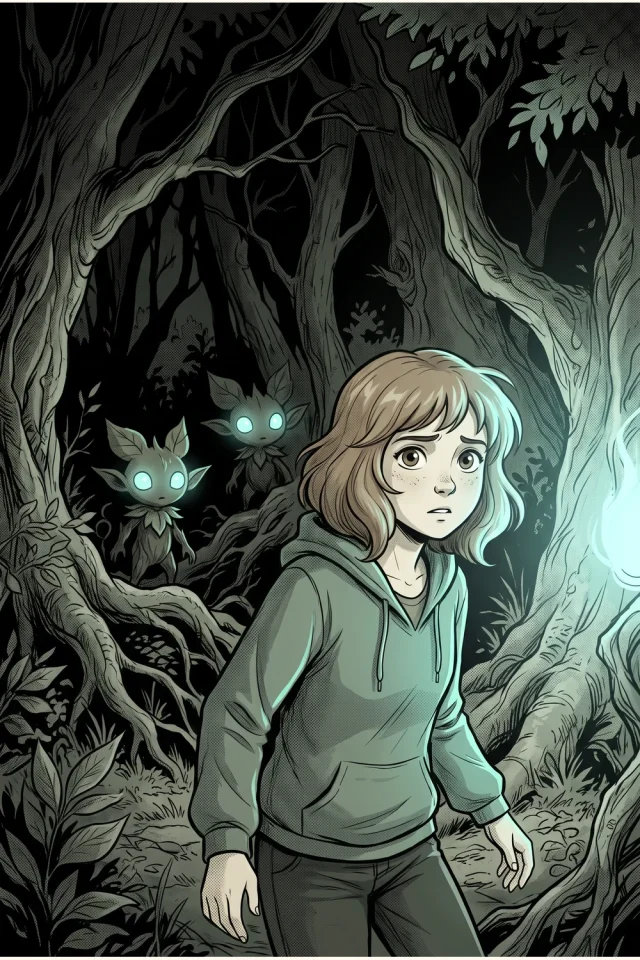
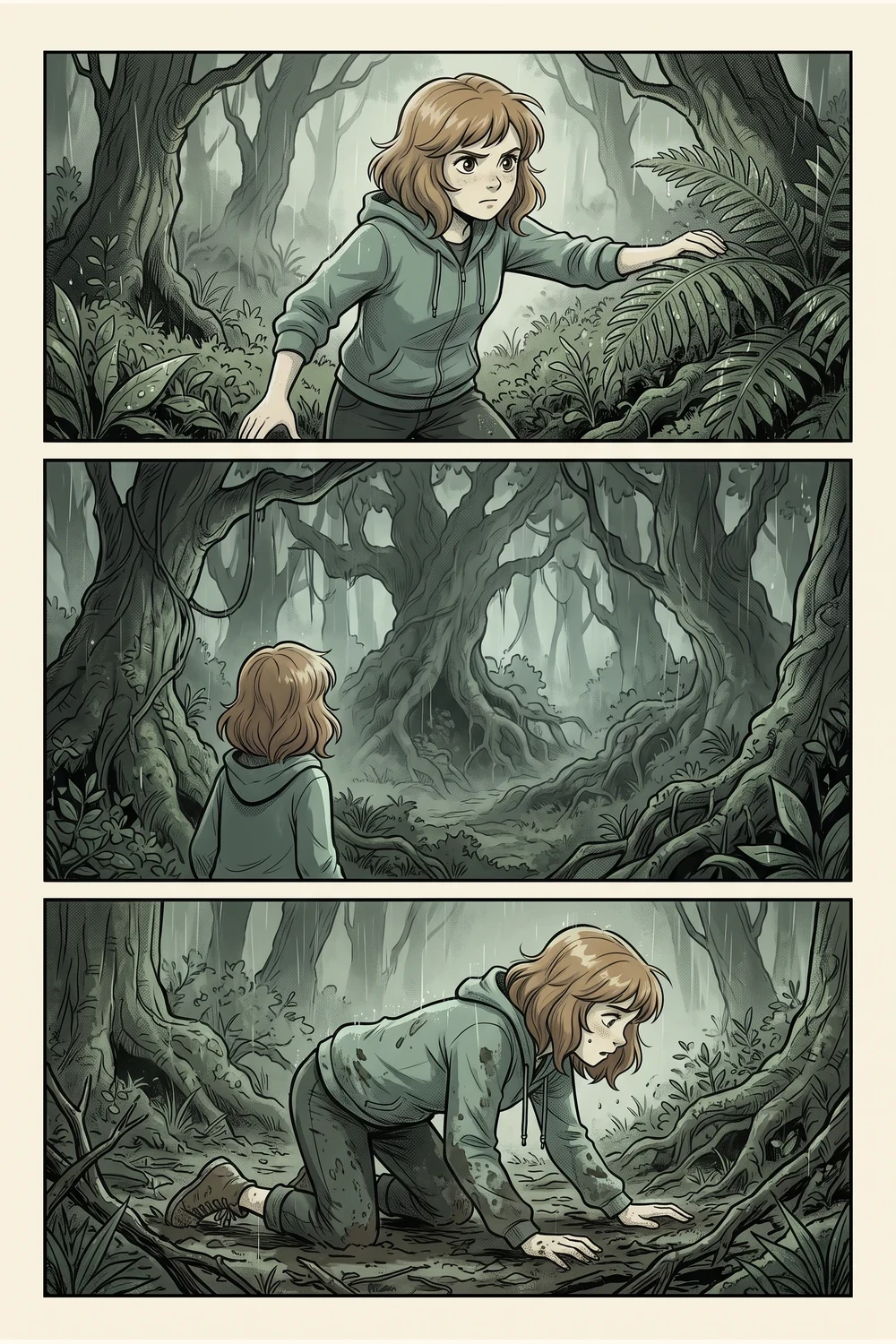
Desperate to save her younger sister, Elara, from a mysterious fading sickness, Lyra ventures into the forbidden Whisperwood seeking a legendary cure. She aids an injured forest Sprite, who, in gratitude, leads her to a hidden, luminous spring. The spring's water does not offer a physical cure, but instead grants a shared, lucid moment, allowing the sisters a heartfelt and peaceful final goodbye before Elara's passing. The story is a poignant exploration of acceptance, love, and finding peace in the face of loss.

Visual direction

Black-and-white manga line art with digital screentones, cross-hatching and a restrained cyan accent.

Page 1 / 10
Source record
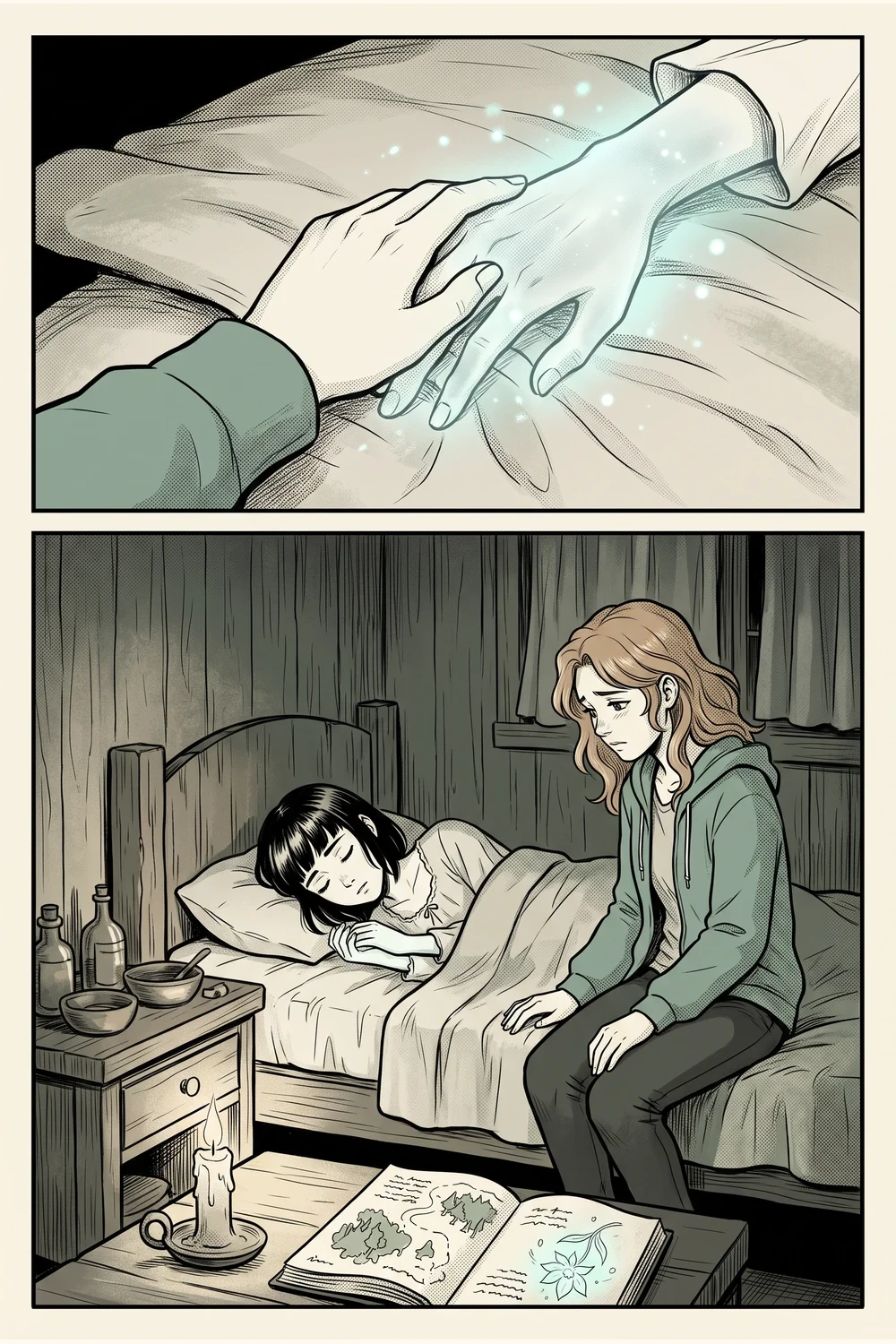
The Whisperwood Spring, page 1: Elara was fading, her touch growing cold and distant. The book's glowing flower was Lyra’s last, desperate hope—a rumored cure hidden deep within the forbidden Whisperwood.
Page 1Elara was fading, her touch growing cold and distant. The book's glowing flower was Lyra’s last, desperate hope—a rumored cure hidden deep within the forbidden Whisperwood.
Original page plan · English

Page is split into two horizontal panels. Panel 1: A tight close-up on two hands. Lyra's hand is holding Elara's. Elara's hand is pale and noticeably translucent, as if made of frosted glass. Panel 2: A wider shot of a modest, dimly lit bedroom. Lyra sits on the edge of a bed, looking down at her sleeping sister, Elara, who looks frail. On the nightstand, a flickering candle illuminates an open book with a hand-drawn map of a forest and a sketch of a glowing flower.

Published Home Library artwork with its original story and page plan. This is a documented production example, not a record of this exact work being generated in the iPhone app.

How to choose

Three iPhone manga workflows worth comparing

Choose based on whether you need AI sequencing, professional manual finishing, or a lighter drawing workflow.

LlamaGen

Best for

AI story-to-comic drafts and recurring characters

Start from a story or prompt, create single- or multi-panel comics, keep recurring characters and scenes more consistent, then edit, save, or share from the iOS app. Reference-image uploads depend on plan eligibility.

Clip Studio Paint

Best for

Manual and professional comic or manga drawing

A drawing-first iPhone workflow with panel frames, speech balloons, text, effect lines, screentones, layers, and multi-page comic management in eligible plans.

MediBang Paint

Best for

Drawing-first manga and comic pages on iPhone

A lightweight illustration and comic workflow with brushes, comic panels, screentones, fonts, cloud projects, and mobile drawing tools.

How to choose

What matters for manga on a phone

AI page planning or manual linework

LlamaGen is aimed at turning story beats into manga-like pages and recurring cast drafts. Clip Studio Paint and MediBang put brushes, layers, tones, and manual drawing in your hands.

Manga-specific page tools

If screentones, panel frames, lettering, and precise page construction are the main job, inspect those controls directly. If the hard part is getting from script to panels, prioritize story-to-page flow.

Continuity across more than one page

A manga series needs the same cast to survive close-ups, action shots, and new scenes. Check how your chosen app handles references, projects, pages, and revisions before scaling a chapter.

FAQ

FAQ

Can I make manga on an iPhone with LlamaGen?

Yes. The LlamaGen iOS app can create comic and manga-style multi-panel drafts from prompts and stories, then let you continue editing and saving the work. Reference-image access depends on plan eligibility.

Which iPhone app is better for screentones and manual manga lettering?

Clip Studio Paint and MediBang Paint are drawing-first tools with manga-oriented page controls. They are stronger choices when you want to place tones, lines, and text manually.

Can I generate a manga draft and finish it manually?

Yes. A practical workflow is to create a draft in LlamaGen, then move into a drawing-first tool when you need exact inking, lettering, tones, or print preparation.

Verification

App Store sources checked November 11, 2026. Product availability, pricing, and plan limits can change. Use the linked App Store pages as the source of record for current compatibility and purchase details.

Start with the part of manga creation that slows you down

Use LlamaGen when story-to-panels and recurring characters are the bottleneck. Use a drawing-first app when the bottleneck is manual linework, tones, or page finishing.

Get LlamaGen on the App Store