

Mangaka tools · Software comparison · November 2026
Mangaka tools & software: build a workflow that fits your story
A mangaka makes decisions about story, characters, panels and dialogue—not just line art. The right software depends on whether you want to draw every stroke, direct an AI-assisted first draft, or polish a finished page. Here is a practical way to choose.
The short version
Make deliberate creative choices. Review the results.
Start with your hardest task. Use an AI-assisted workflow to explore story and panels, a drawing app for precise ink control, and a finishing pass for lettering and publication.
The pages shown here are original LlamaGen example artwork, not output guarantees for your prompt or plan.
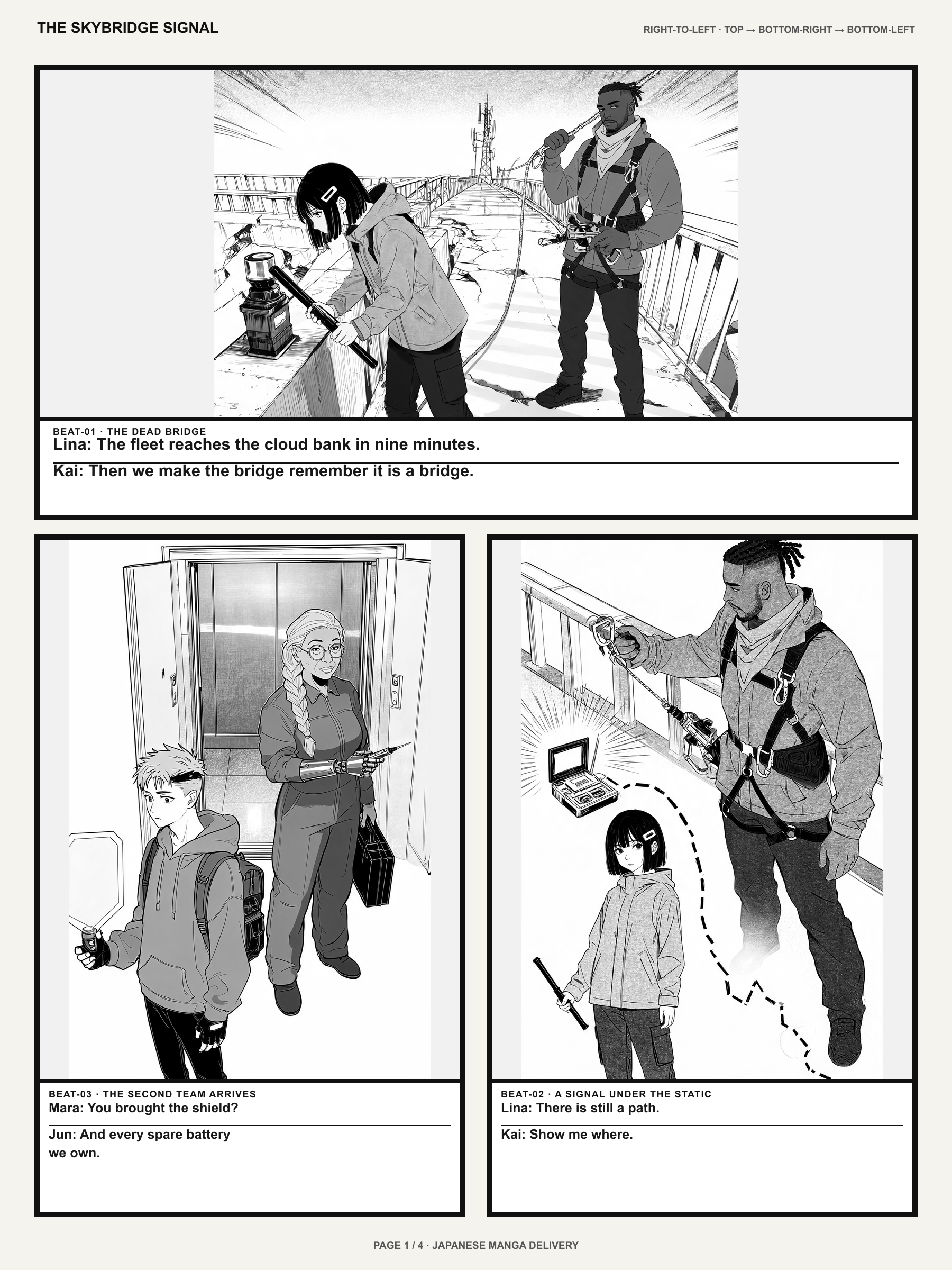
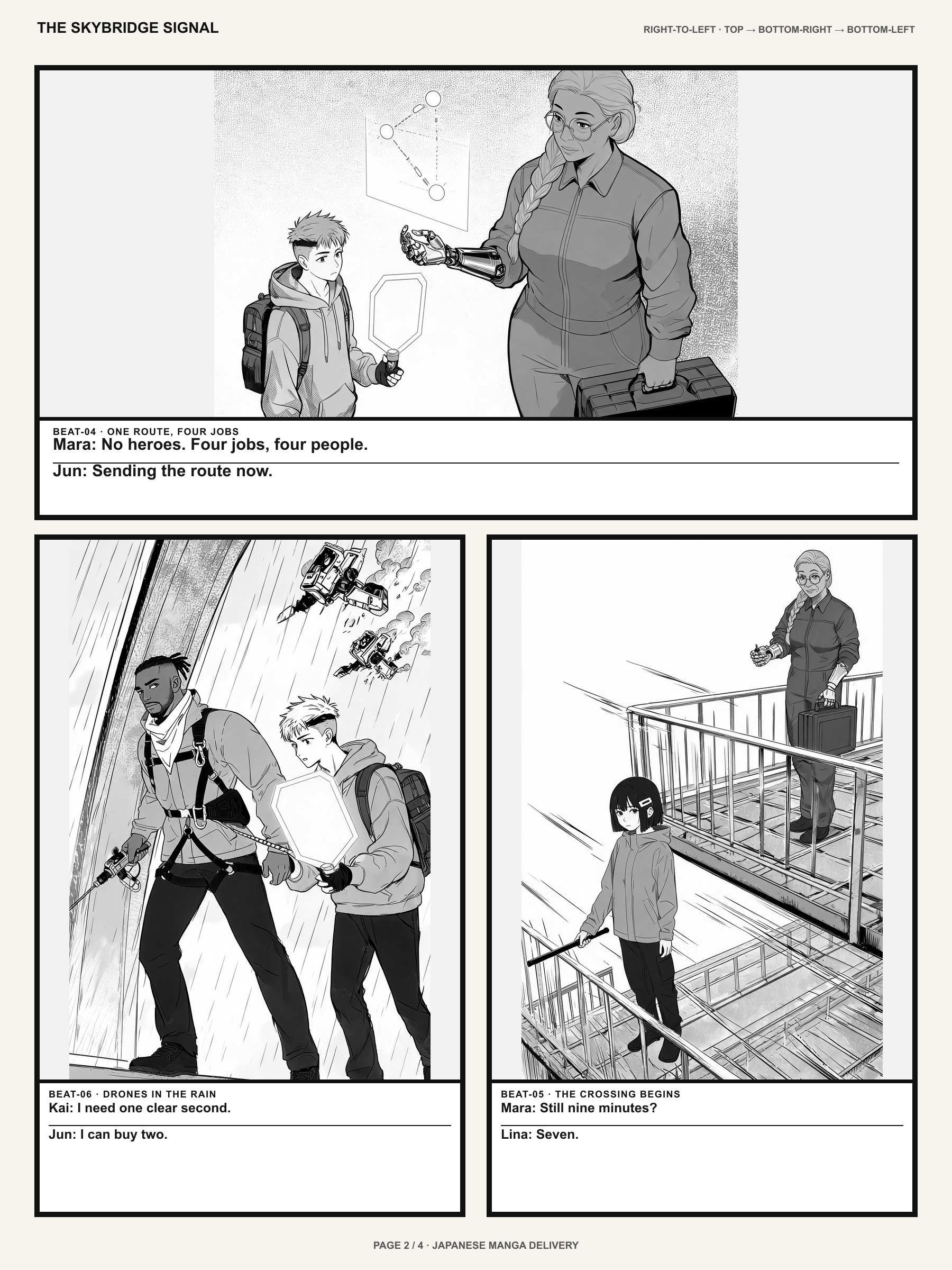
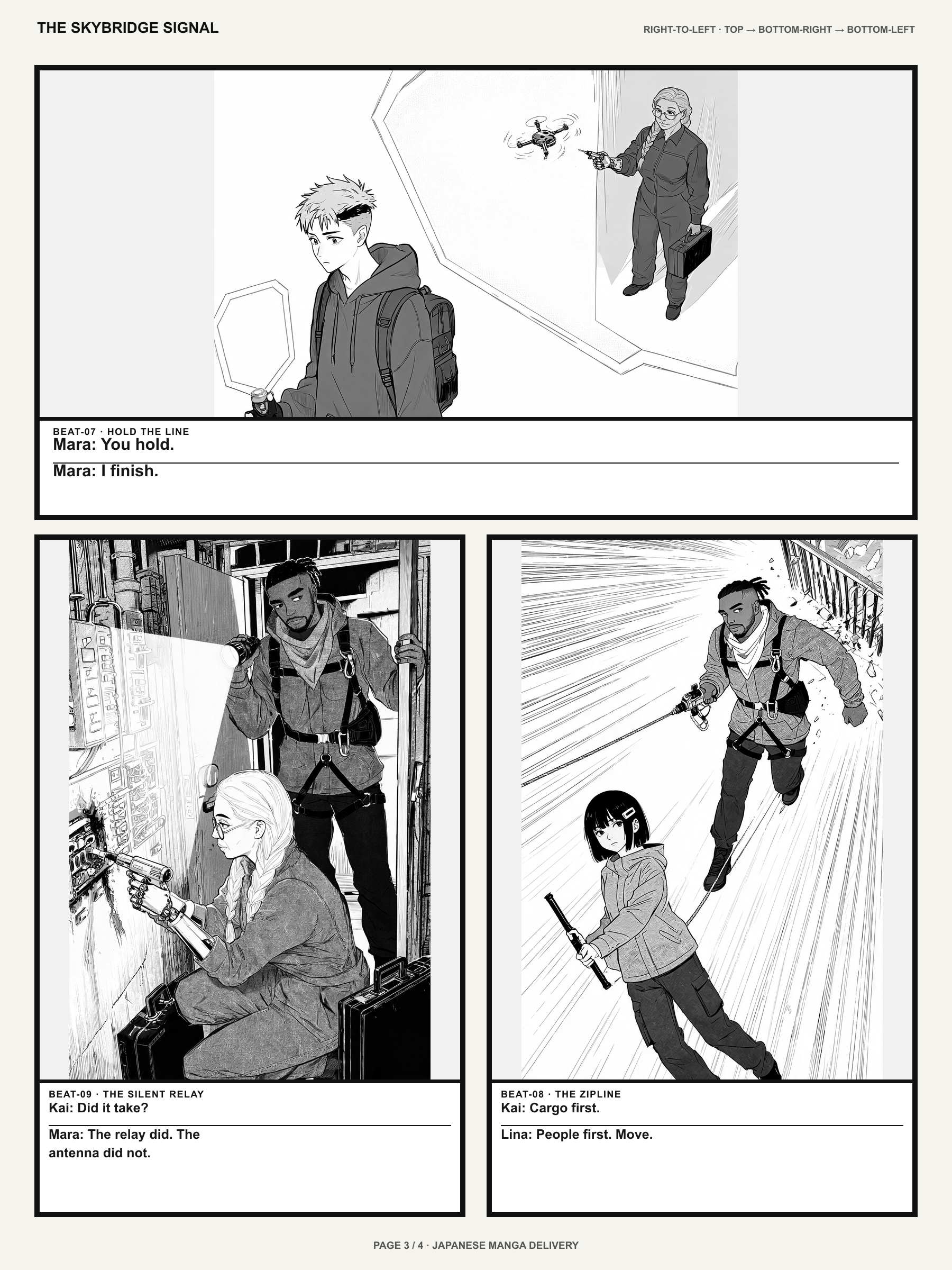
1. Choose tools by the work you actually do
A complete manga workflow includes at least five jobs: writing the story, designing a recurring cast, turning beats into panels, refining artwork, and checking the pages in reading order. One app does not need to do all five equally well.
If you can draw and want deliberate line control, prioritize brushes, layers, panel rulers and text tools. If you are a writer or a first-time creator, prioritize ways to test pacing and character direction before spending hours on a finished page. Hybrid workflows are common: draft in one tool, correct in another.
Quick checklist
- Your strongest skill: writing, drawing or art direction
- Page-based manga or vertical webtoon
- Need for reusable characters and revisions
2. Where AI-assisted Mangaka fits
LlamaGen Mangaka is aimed at taking a story brief and creative references into a manga creation workflow. It is useful when the first obstacle is getting from an idea to reviewable pages, or when a writer wants to explore compositions without drawing every panel from scratch.
Treat generated pages as drafts you direct and review. Check recurring faces, costumes, speech bubbles and scene transitions; references and prompts do not guarantee perfect continuity. Available page counts, uploads, edits and credit costs depend on the account and current plan. Check those in the live creator before generating.
3. When dedicated drawing software is the better choice
Clip Studio Paint offers comic-oriented panel and speech-balloon tools, making it useful for artists who want precise control over line art and production. Krita is a free, open-source painting program with brush and layer features, a strong choice for artists comfortable composing their own pages. MediBang Paint offers comic-making tools and a lightweight drawing workflow.
These products solve different needs, so a single winner ranking would be misleading. For a creator drawing every panel, editorial control matters more than one-click generation. For a writer, reaching a coherent first draft may matter more than brush customization.
| Tool | Best for | Strength | Trade-off |
|---|---|---|---|
| LlamaGen Mangaka — Explore creator | Story-to-page exploration | AI-assisted creative brief, scene and page workflows | Generation and revision eligibility depend on plan and credits |
| Clip Studio Paint — Official panel tools (opens in a new tab) | Precision drawing and comic layout | Paneling and speech-balloon production tools | You direct the drawing and page production |
| Krita — Official features (opens in a new tab) | Freehand digital illustration | Open-source painting, brushes and layers | Storyboarding and final lettering need your own process |
| MediBang Paint — Official comic tutorial (opens in a new tab) | Drawing-focused comic creation | Comic page and illustration tools | You plan character continuity and storytelling |
4. A hybrid manga production workflow
Write a one-paragraph premise and six scene beats. Create character notes or approved references, then generate a short sequence in Mangaka if that fits your plan. Read the draft in sequence and mark ambiguous action, inaccurate dialogue and identity changes before refining individual images.
If you want pixel-level correction, redraw, ink, letter or rearrange the approved pages in the drawing software you prefer. Export only in formats supported by each app, and check reading order on a phone as well as a desktop. The handoff between tools is part of the production process—not a failure of the first tool.
Quick checklist
- Brief and cast notes prepared
- Small sample sequence reviewed
- Text and image corrections completed
- Publication rights and final export checked
5. A quick decision guide
Choose LlamaGen Mangaka to explore a story-to-page workflow; Clip Studio Paint for detailed comic drawing and panel production; Krita for freehand digital painting; or MediBang Paint for a drawing-focused comics workflow. Start with one real scene rather than comparing feature checklists alone.
If you mainly need to make a manga without drawing, use the beginner guide linked below. If you are stuck writing a useful brief, the prompt-template library provides concrete starting points for several genres and page formats.
Your story, your direction
Turn your idea into pages.
Bring your original brief to Mangaka. You can inspect available tools, sign-in requirements, plan eligibility and credit costs before you commit to generation.
Create with MangakaFrequently asked questions
What software do professional mangaka use?
Artists use different combinations of drawing, inking, layout and lettering software. Clip Studio Paint is designed for comic production, but the best choice depends on your drawing process and delivery format.
Can AI replace a manga drawing application?
AI can help draft artwork and explore scenes, but it cannot guarantee exact panel control, character identity or accurate dialogue. Dedicated drawing tools remain useful for precision edits and finishing.
Is there free software for making manga?
Krita is free and open source. MediBang Paint has a free drawing option. LlamaGen Mangaka has plan- and credit-based limits that must be checked in the live product.
Can I use more than one tool for a manga chapter?
Yes. Many workflows separate story drafts, drawing, lettering and publication review. Check the supported import and export formats of each application before planning a handoff.
Explore the Mangaka workflow
Make manga without drawing
Go from a story idea to a reviewed sequence.
AI manga prompt templates
Copy original story briefs for multiple genres.
Consistent manga characters
Keep recurring cast details stable across pages.
Manga script to panels
Plan each page turn and scene beat.
Meet LlamaGen Mangaka
See the product workflow and real examples.