

Webtoon production
Keep a webtoon character recognizable across pages
A strong opening panel is only the beginning. Give the next page the same character, a clear continuation and enough scrolling space for the story to land. Start with a short sequence before expanding an episode.
Open AI Webtoon GeneratorAI creation happens in the linked product. Check sign-in, the available controls, plan requirements and the displayed credit cost before generating. This guide does not promise a free or exact result. Plans and credits
LlamaGen Editorial TeamReviewed
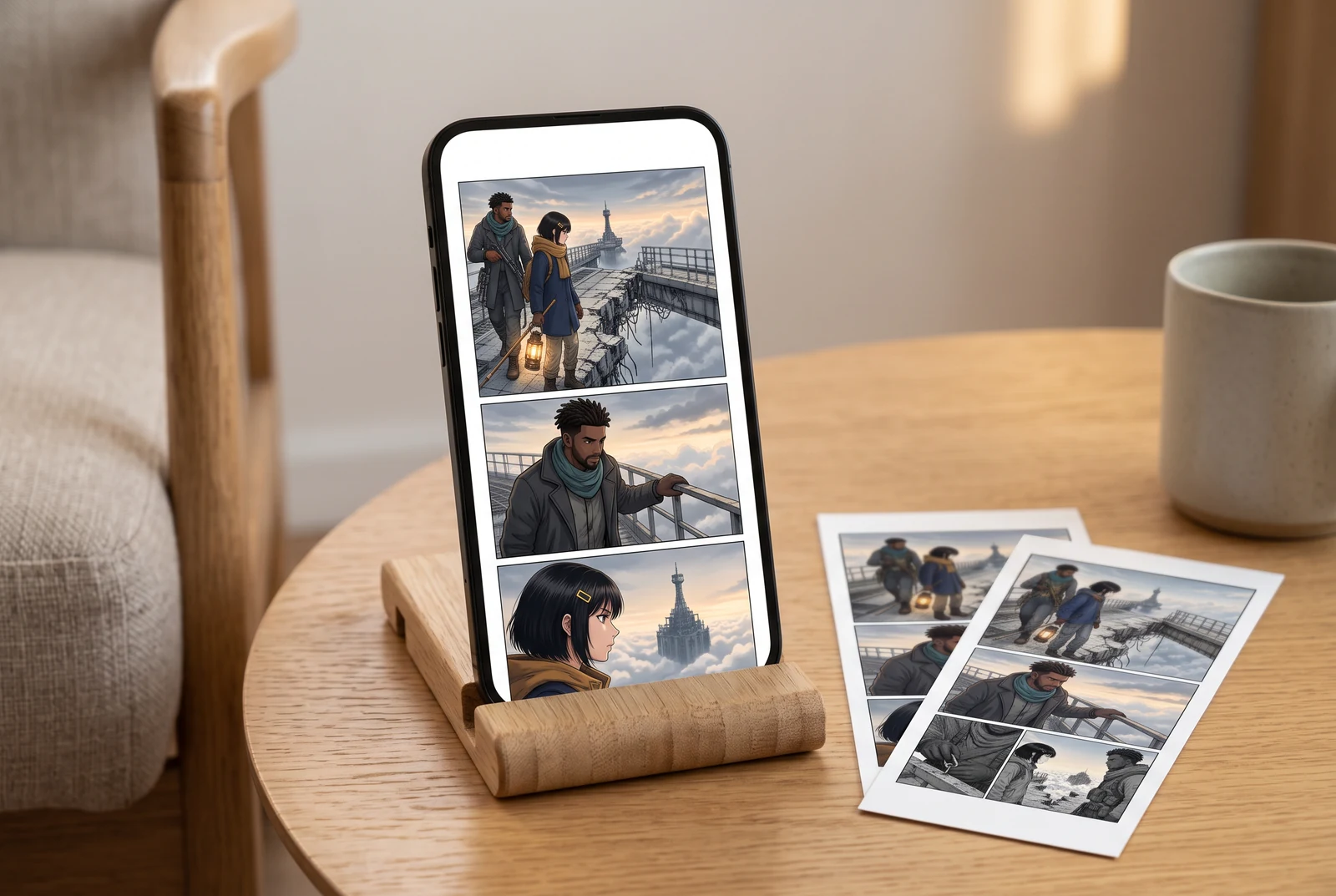
Start with this decision
Approve one small character reference, list three visible anchors, and write what changes at each episode boundary. Reuse that brief and inspect the actual next page; a repeated name or prompt is not an identity guarantee.
Inspect an existing work example
One chapter delivered as a vertical comic
The existing Skybridge Signal example has a vertical reading sequence, a twelve-unit PDF and a long-strip image. The preview below is its first published unit, not a newly generated webtoon.
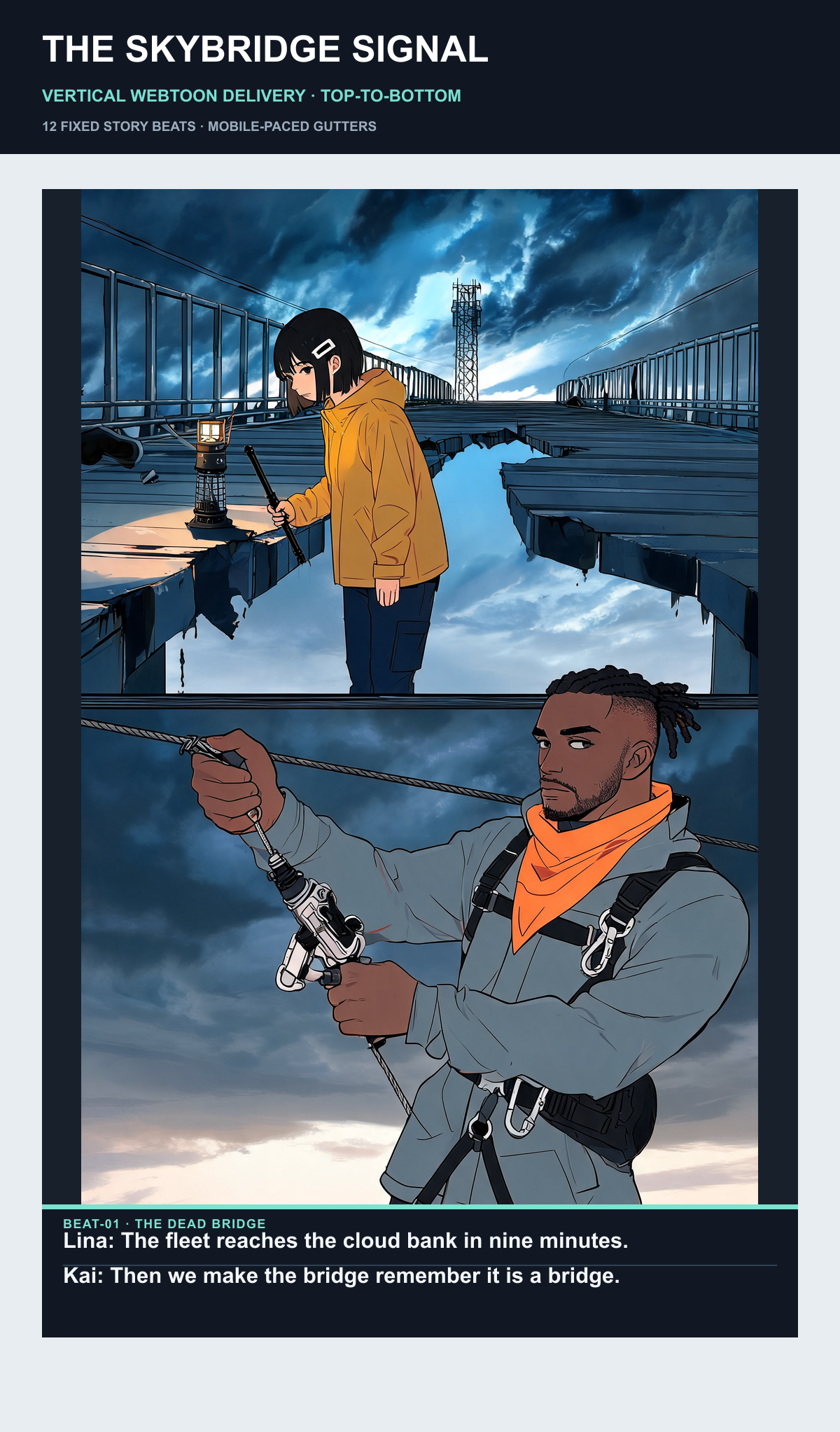
- Compare the recurring cast and setting with the linked character bible.
- The first unit contains stacked action compositions and an English caption card. It is not a promise of one image per beat or conventional speech balloons.
- Inspect the complete strip and source plan before deciding how to adapt your own chapter.
- Read the source story
- Inspect the character bible
- Open the complete vertical strip
- Open the twelve-unit PDF

Previously published first-party controlled work, separate from the new planning exercise and the AI lifestyle scenes. No new paid product generation was run for this guide. Visible lettering in the original example is English.
Local planning exercise
Try three episode handoffs
Choose a continuation for an original adult courier with a short black bob, an ochre raincoat and a teal scarf. These are editorial planning notes, not automatic character controls.
Selected option: Continue the same rainy evening
The character anchors and scene conditions remain fixed. Check the new pose against the approved reference.
A note for the next draft
Same character, next beat
The courier reaches the closed station gate, still carrying the same delivery bag in the same rain.
- Keep the black bob, ochre coat and teal scarf.
- Carry the bag and wet-weather setting into the next segment.
- Reveal the closed gate after the approach.
This planning exercise runs only on this page. It does not upload, generate, save between visits or send your choices to the product.
An authored planning exercise. Its notes and cards are not generated comic art, a fidelity score, an identity lock or a reconstruction of a historical person.
Prepare, create and review
Make a small continuity packet
Keep an approved reference, a short character description and a scene note together. A recognizable silhouette, costume detail and prop are easier to review than an instruction to make everything consistent.
- Name three visible anchors that matter in this episode.
- Record any intended outfit, age or location change.
- Compare a close face view and a wider action view.
Write the page boundary before generating
A multi-page project needs a readable handoff. State the last action of one segment and the first consequence in the next, then inspect the two together.
- Keep one ongoing action or clearly signal a time jump.
- Check prop ownership and the direction of travel.
- Do not repeat an establishing shot unless it helps the reader.
Review the vertical reading experience
Korean-style visual direction can be part of an art brief, but readability still depends on the actual composition and lettering. Preview the exported sequence at a normal phone size.
- Read top to bottom without jumping to a later reveal.
- Use spacing to separate story beats and scene changes.
- Check the current destination requirements with the publishing tools before uploading.
Problems worth catching early
- The same name returns with a different coat or prop.
- Return to the approved reference and correct the specific visible mismatch. Repeating a name alone is not a lock.
- A long strip is just shrunken print pages.
- Review the phone sequence and recompose crowded panels where needed; stacking a layout does not automatically create good vertical pacing.
Before you keep the result
- The next segment retains the intended character anchors.
- The scene boundary and any deliberate costume change are understandable.
- Faces, dialogue and the reveal remain readable on a phone.
Picture the finished project in use
A page should also make sense away from the editor: held as a booklet, read on a phone, or reviewed as a coordinated set. These presentation concepts are separate from the recorded work examples above.
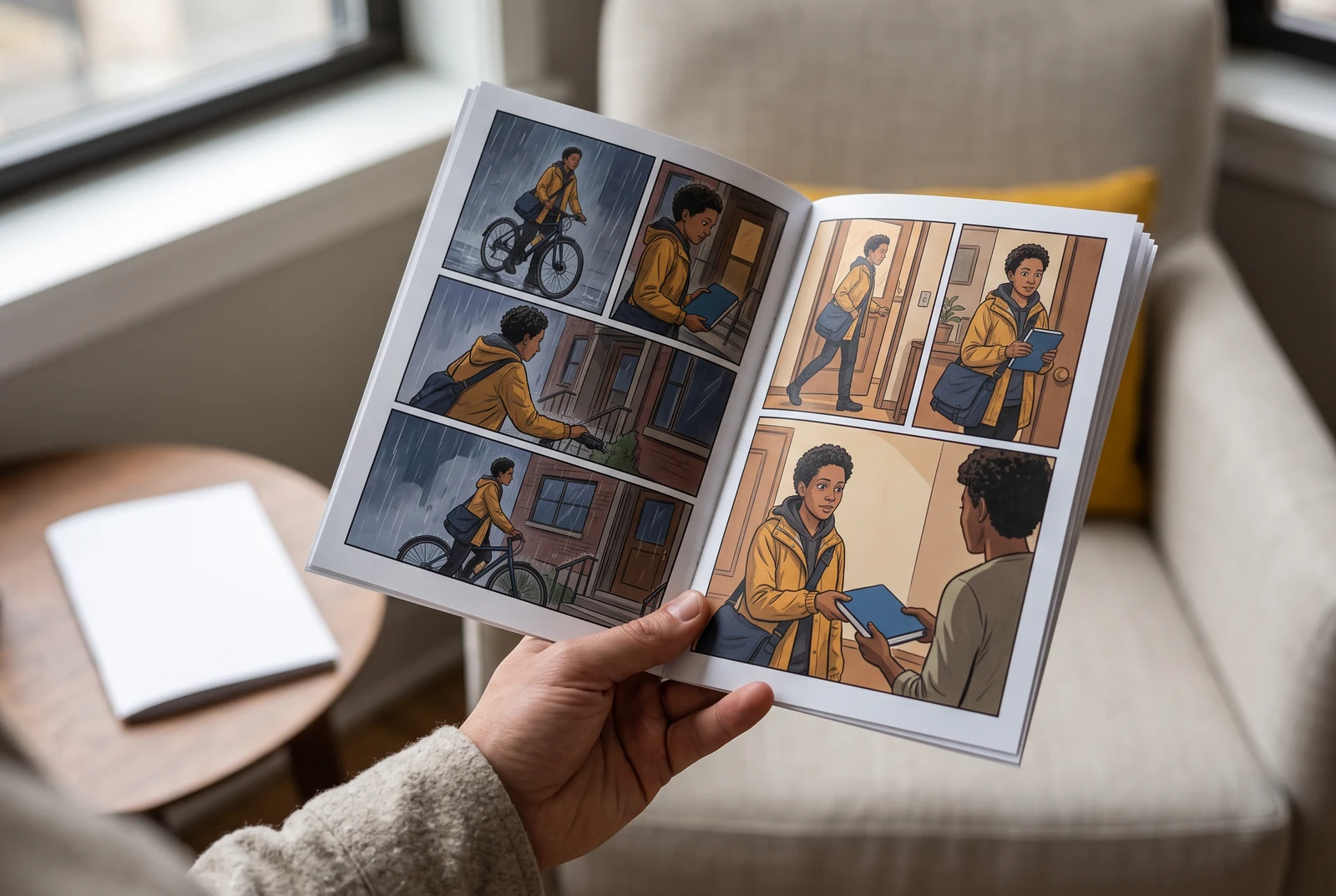
A comic story in hand
Paper edges, a real reading distance and the whole page make the intended presentation clear. This is a fictional AI scene, not a delivered physical item.
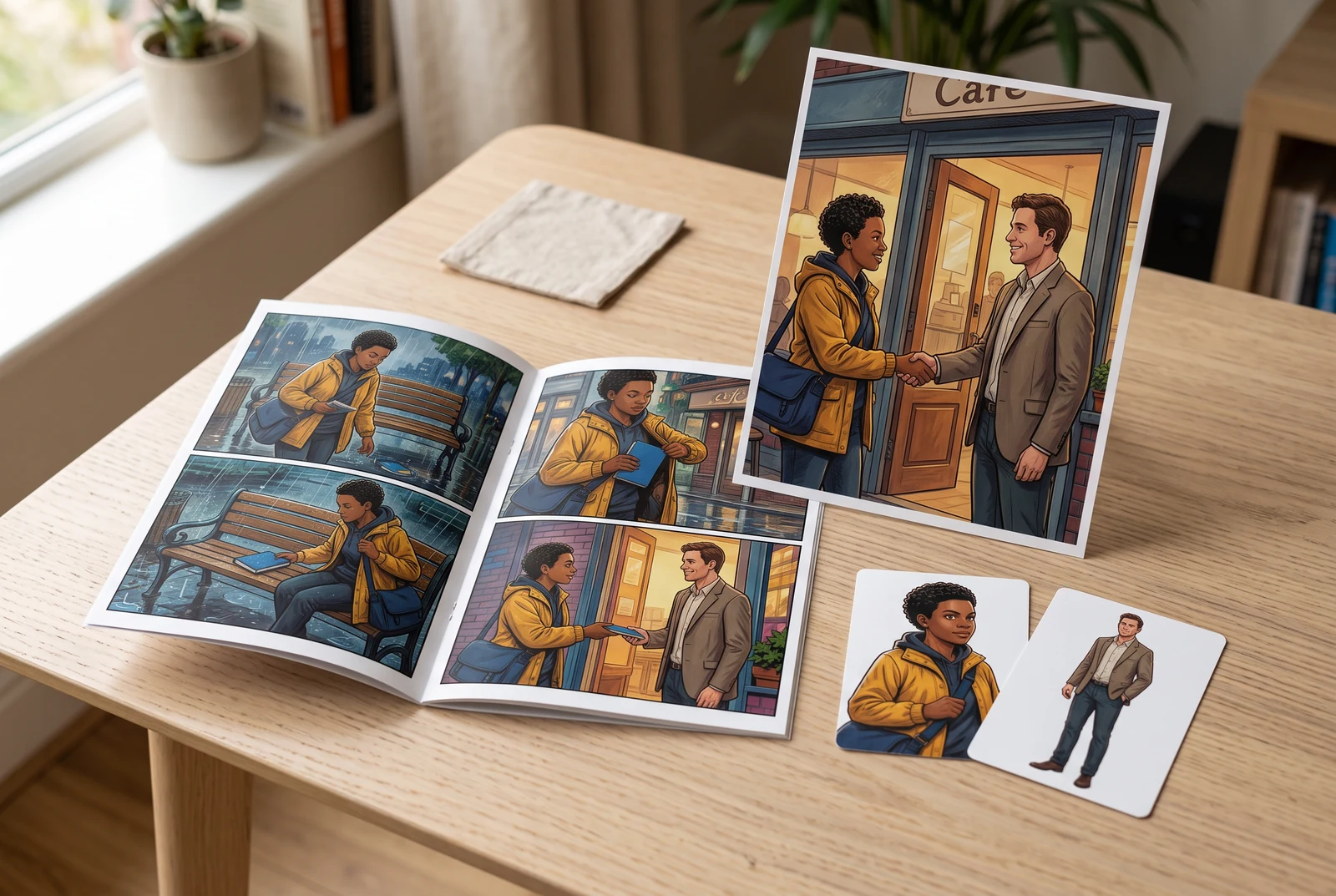
One project, several useful views
Review a finished page beside its reading view and character notes. A coordinated display can communicate the project; it does not prove automatic continuity.
AI-generated fictional presentation scenes, not customer photographs, historical documents, product screenshots, verified print offers or proof of model accuracy.
Frequently asked questions
Does AI Webtoon Generator guarantee the same face on every page?
No identity guarantee is established here. Use the controls available in the current product, retain approved references and review each new image for face, costume, prop and action changes.
Can I turn several comic pages into a Korean-style vertical episode?
Use a vertical storytelling brief and inspect the actual result on a phone. Existing pages may need new spacing, crops or composition work. The published example shows one controlled adaptation, not an automatic conversion guarantee.
Are the study controls connected to the generator?
No. They display local episode-planning notes only. Open the product separately to check its current models, controls and credit cost.
Is a ready-looking strip automatically approved for WEBTOON CANVAS?
No. Check the platform’s current upload and content requirements yourself. The creator resources cited here are not an endorsement or publication approval of a LlamaGen output.
Continue the workflow
Linked guides and tools have their own language coverage. An English-edition label identifies a fallback where a localized destination is unavailable.