לוגו LlamaGenמותג LlamaGen
התחברלהירשם עכשיו20% הנחה
  1. דף הבית
Storyboard-to-Video Handoff Checklist: Shots, Timing, Audio, and Continuity
כל הפוסטים

Storyboard-to-Video Handoff Checklist: Shots, Timing, Audio, and Continuity

Jay
Jay
1 בנובמבר 2026
העתק קישור
  • What changes between a storyboard and a video brief?
  • Step 1: Freeze a reviewable sequence
  • Step 2: Specify the timebase and duration
  • Step 3: Describe what moves and what stays fixed
  • Step 4: Include references and audio decisions
  • Step 5: Check continuity at the cuts
  • Step 6: Send a package another person can open
  • Step 7: Approve a short motion test before scaling
  • Final handoff checklist
  • FAQ
  • Is an animatic the final video?
  • Should every storyboard frame become one video clip?
  • What should I do if a generated shot changes the character?
elevate-your-comics.png
שדרגו את הקומיקס שלכם עם LlamaGen

A storyboard is ready for video when the next person can identify the approved shots, understand timing and motion, find the correct assets, and see which decisions still need approval.

Build the handoff around shot IDs, frame files, a timing sheet, motion notes, audio cues, and a revision log. You can start with LlamaGen.AI Storyboard to plan the sequence, then prepare a production package that can be reviewed independently of the creation tool.

What changes between a storyboard and a video brief?

A storyboard frame captures a moment. A video brief also needs duration, transitions, opening and closing states, and instructions for what moves.

A filmmaking discussion about prep methods shows how boards and animatics can help test staging and pacing. Different projects need different levels of detail. A quiet interview and an animated chase should not use the same handoff template without adjustment.

The Storyboard overview describes a workflow from story and scene breakdown through shots, revisions, and animatic export. Use the options available in your workspace. A planning export does not automatically guarantee compatibility with every video editor or generation model.
The public LlamaGen.AI storyboard feature page captured during preparation

Public product page captured November 2, 2026. The following production illustrations are conceptual examples, not screenshots of a completed video job.

Step 1: Freeze a reviewable sequence

Read the storyboard in order before preparing individual video requests. Check what the viewer knows at each point, where the scene changes, and whether each reaction has enough context.

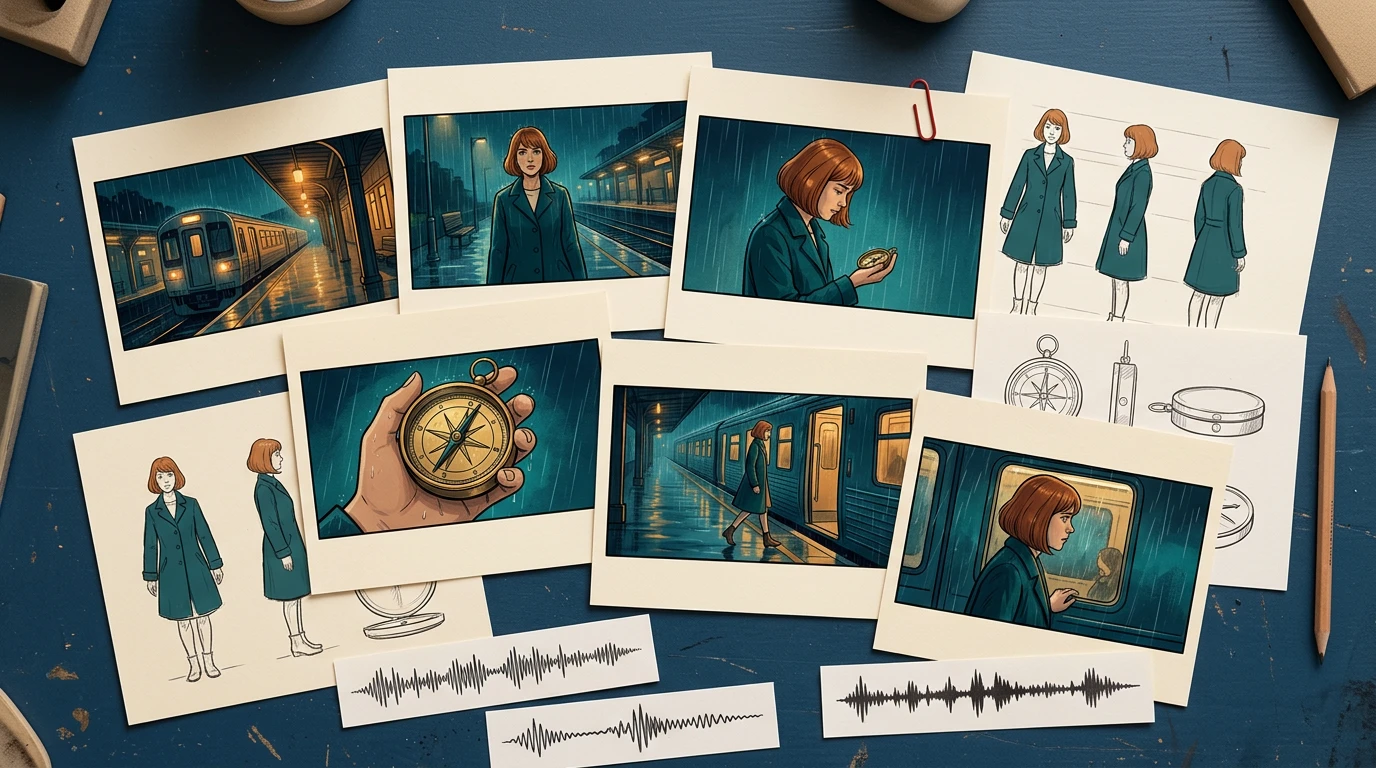
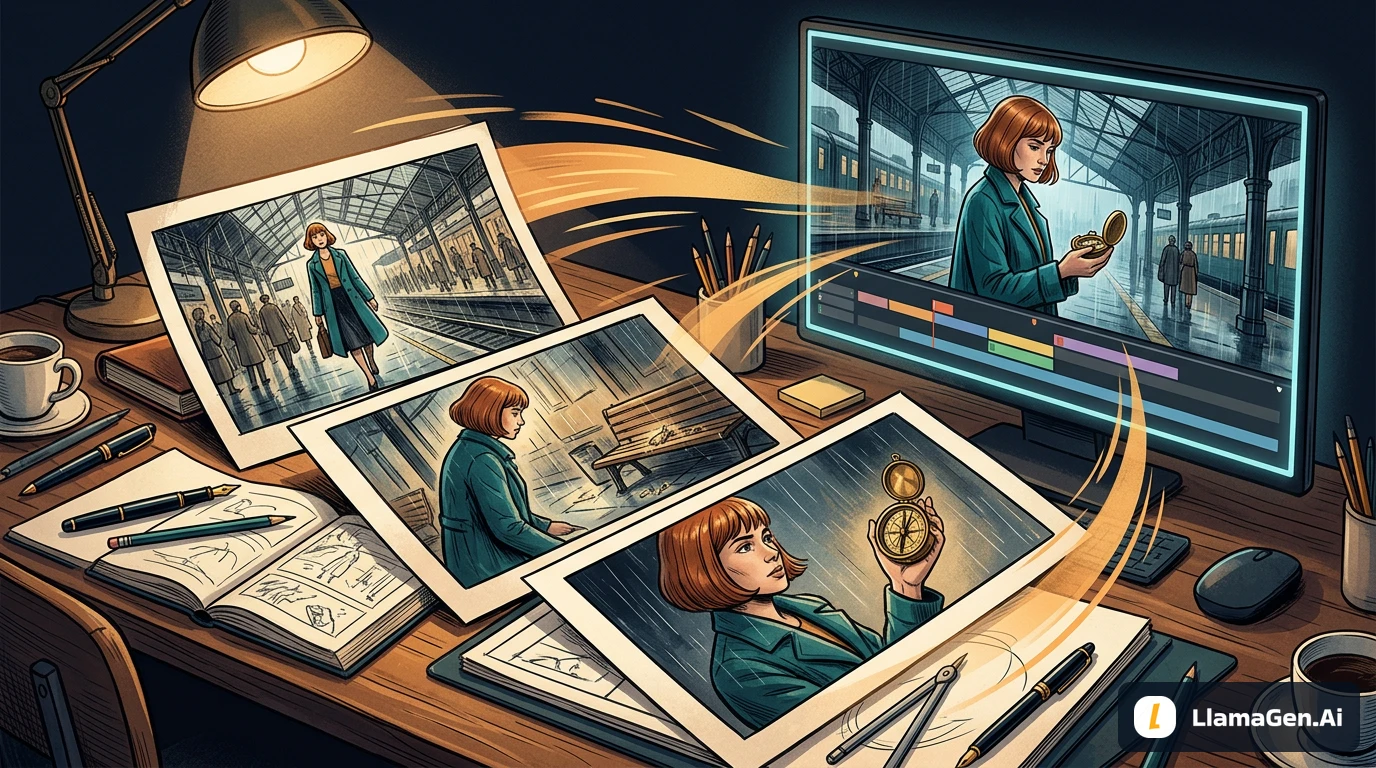
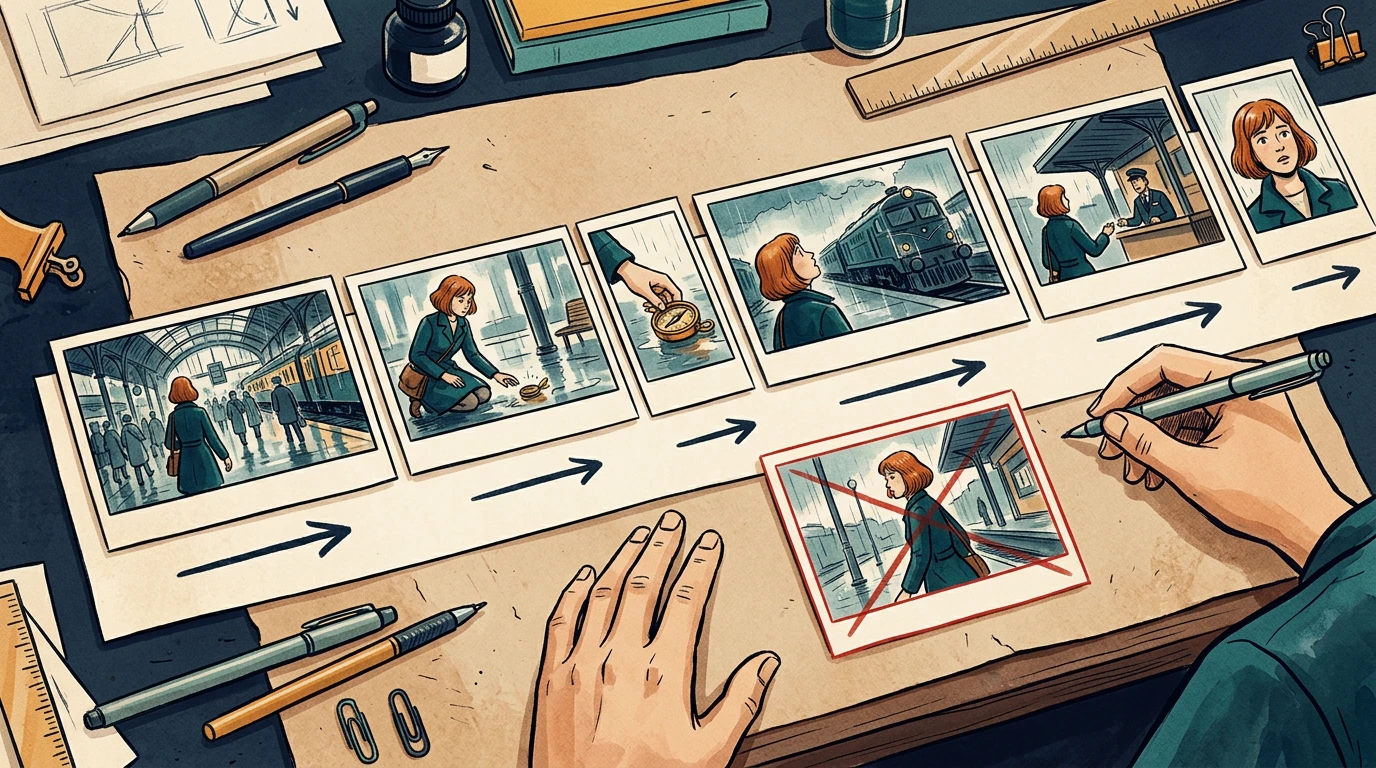
The running example is a 24-second station sequence. Mira enters, sees a compass, picks it up, notices a train, approaches an attendant, and reacts to a new clue. Her copper bob, teal coat, and brass compass remain consistent throughout.

Assign stable shot IDs such as ST01-S010. Keep those IDs when inserting or revising shots. Do not rename every later shot just because one image was added.

Step 2: Specify the timebase and duration

Confirm the delivery aspect ratio, frame dimensions, and frame rate with the editor before production starts. The example below uses 24 fps and six shots totaling 24 seconds. It is a planning example, not a claim about any model's supported clip length.

Related hot tags

תסריט חזותי

הפקת וידאו

Production Checklist

כלי יוצרים פופולריים

הפוך השראה לסיפור הבא שלך

צור קומיקס, לוחות עלילה ותמונות בסגנון עם LlamaGen.

01

יוצר קומיקס בינה מלאכותית

הפוך רעיון לרצועות קומיקס מעוצבות בדקות.

יצירת קומיקס
02

יוצר מנגה בינה מלאכותית

צור אומנות מנגה והעלילות מרובות פאנלים.

צור מנגה עם AI
03

מחולל סטוריבורד AI

המחשה של כל סצנה לפני תחילת הפקה.

צור לוחות עלילה ב-AI
04

הפוך תמונה לקומיקס

המר כל תמונה לאיור בסגנון קומיקס.

צור קומיקס מתמונות
05

יוצר רצועות קומיקס בינה מלאכותית

בנה רצועות לשיתוף עם דמויות עקביות.

צור רצועות קומיקס עם AI

LlamaGen community

checkmark

Get hands-on help with your comics

checkmark

Showcase your comics to fellow LlamaGen creators

checkmark

Participate in special events to win gifts

יומן שינויים

להצית חלומות לצעירים
המקום שבו מיליוני סיפורים מתעוררים לחיים

סקירה של השקות התכונות האחרונות של LlamaGen, שיפורי מוצר, עדכוני עיצוב ותיקוני באגים חשובים.
✦
✧
✦
✧

מדיום חדש עבור סיפור סיפורים

צרו בקלות אינסוף סיפורים, קומיקס, אנימציות, משחקים ועוד—בשניות, באופן שמתחבר לקהלים מודרניים

ShotStory beatSecondsFrames at 24 fps
S010Mira enters the station372
S020She notices the compass496
S030She picks it up372
S040A train catches her attention5120
S050She approaches the attendant496
S060She recognizes a clue5120
TotalComplete sequence24576

Use one explicit convention in the timing sheet. For example, start frames can be inclusive and end frames exclusive: S010 occupies frames 0 through 71, with an end boundary of 72.

Do not mix that convention with an editor's inclusive In/Out interpretation without converting the numbers first. Adobe's timecode documentation is a useful reference when aligning frame counts and display choices with the receiving editor.

A conceptual six-shot sequence with varied timeline widths and continuity directions

The card widths illustrate pacing. Use the timing sheet, not visual card width, as the numeric source of truth.

Step 3: Describe what moves and what stays fixed

Separate subject motion from camera motion. Phrases like "make it cinematic" leave too many decisions unresolved.

For each shot, write:

Shot: ST01-S030
Start: Mira crouches; compass rests on the wet floor.
Action: her right hand lifts the compass toward her face.
Camera: low medium shot, restrained push-in.
End: compass is held still at chest height.
Preserve: face, copper bob, teal coat, compass shape, station lighting.
Avoid: added people, extra hands, changing train direction.

A clear start and end state helps the next shot connect. If your selected video tool cannot deliver the requested camera behavior, simplify the shot or replace it with an editorial move instead of repeatedly regenerating without a clear diagnosis.

Step 4: Include references and audio decisions

Provide the approved character reference, recurring prop reference, and location reference alongside the frames. Include only the versions the recipient should use.

For audio, distinguish final dialogue, temporary voice, sound effects, ambience, and music. Record cue positions and whether an audio file is approved for publication. Do not let a temporary track become the final soundtrack just because it was attached to the animatic.

A conceptual handoff kit with storyboard cards, character and prop references, and audio cue strips

The package should explain the scene even if the recipient has not watched earlier iterations.

Step 5: Check continuity at the cuts

Review the last useful frame of each shot beside the first useful frame of the next. Watch for changes in hand position, prop scale, screen direction, eyeline, lighting, and background geography.

In the local timing-sheet exercise, an intentionally missing S040 entry creates a 120-frame gap. The corrected sheet restores the six-shot sequence to 576 continuous frames. That validates the schedule structure; it does not validate motion quality or editorial pacing.

For visual continuity, run a separate review. A repaired timing row cannot fix a character suddenly holding the compass in the other hand.

Step 6: Send a package another person can open

A simple handoff structure is easier to inspect than a folder full of filenames containing "final."

station-sequence/
  brief-and-delivery-spec.txt
  shot-list.csv
  frames/
    ST01-S010-v03.png
    ST01-S020-v02.png
  references/
    mira-approved-v02.png
    compass-approved-v01.png
  audio/
  animatic-review-v04.mp4
  revision-log.csv

List every expected file in a manifest, including version and approval state. Use relative paths inside the package when practical. Open it from a clean folder or a second machine to catch missing references.

When exporting XML or another interchange format, test it in the receiving application before promising a seamless transfer. For a small production, a frame sequence plus CSV may be a more predictable fallback.

Step 7: Approve a short motion test before scaling

Choose one difficult representative shot: a face, a hand interacting with the compass, or a camera move across overlapping layers. Review that test before converting every frame into video.

Track preparation time, generation wait, review, revision, and assembly separately. Record the actual credits or cost reported by the selected tool. Static storyboard generation time does not predict a finished video's production budget.

Use a specific rejection reason: hand changed, compass melted, direction reversed, timing too short, or dialogue obscured. Repair the affected shot and recheck its cuts while keeping the other approved material available.

Final handoff checklist

  • Shot IDs and intended order are unambiguous.
  • Every shot points to an approved frame and reference version.
  • Duration, frame rate, aspect ratio, and frame-count convention agree.
  • Subject motion, camera motion, and start/end states are separate.
  • Screen direction, eyelines, hands, and props match across cuts.
  • Dialogue and audio cues are versioned and cleared for their intended use.
  • The animatic and manifest match the same revision.
  • Another person can open the package without missing assets.
  • Outstanding decisions have an owner and approval deadline.

Prepare your next sequence in Storyboard, then use this checklist before motion production. If the sequence still changes substantially during review, return to the storyboard-first workflow before committing more shots.

FAQ

Is an animatic the final video?

No. An animatic mainly tests sequence and timing. The final video may still require motion generation, editing, sound work, and additional quality review.

Should every storyboard frame become one video clip?

No. Match clips to the intended shots and your tool's capabilities. Several storyboard drawings can describe one shot, and one drawing may still need added start and end planning.

What should I do if a generated shot changes the character?

Compare it with the approved references, simplify conflicting motion instructions, and retest that shot. Then recheck its neighboring cuts before accepting the replacement.

Product workflow reviewed November 2, 2026. The timing exercise is a local planning check; this article does not claim that the illustrative sequence was generated as a finished video.

לוגו LlamaGen
  • United States
  • Español
  • Français (France)
  • 日本語
  • 한국어
  • Deutsch
  • 繁體中文 (台灣)
  • 繁體中文 (香港)
  • 简体中文
  • Português
  • Italiano
  • Español (México)
  • العربية
  • Русский
  • Português (Brasil)
  • Tiếng Việt
  • עברית

מובילים את עתיד יצירת הקומיקס עם בינה מלאכותית

  • תמיכה 24/7
  • עדכונים שבועיים
  • מאובטח ותואם תקנות
  • זמינות 99.9%

הורידו את LlamaGen בחינם

AndroidiOSמחשב שולחני

שאל את ה-AI על LlamaGen

מוצר

  • השקות חדשות
  • תכונות
  • יוצר רצועות קומיקס
  • Comic Storesחדש
  • אולפן מנגהחדש
  • הפוך תמונה לקומיקס
  • קומיקס לווידאו
  • מפעל קומיקס ב-AI
  • סוכן קומיקס
  • iOS ואנדרואיד
  • מק ו-ווינדוס
  • הורדה
  • Comic Zapחדש
  • יוצר קומיקס בינה מלאכותית
  • מחולל דמויות מצוירות ב-AI
  • יוצר וובטון בינה מלאכותית
  • יוצר רצועות קומיקס
  • הפוך תמונה לקומיקס
  • יוצר מנגה בינה מלאכותית
  • מתרגם מנגה
  • מֵתמונות לאנימה
  • תמונה לפקודה
  • אנימה לעולם האמיתי
  • מחולל צבע למנגה
  • מחולל דמויות אנימה
  • כלים לנכסי משחק פיקסל
  • מחולל גיליון ספרייט בינה מלאכותית
  • הכלים הטובים ביותר למשחקי פיקסלים 2026
  • יוצר קומיקס מתמונות
  • חלופה ל-Comic Life

מוצרים משיקים

  • משפחת LlamaGen
  • CineoBoardחדש
  • Comics API

תוכניות

  • תמחור
  • מתחיל
  • פרו

קהילה

  • יוצרים
  • שותפים
  • שותף

AI Models

  • GPT Image 2.6 Flare
  • GPT Image 2.6 Sunburst
  • Grok Imagine Image 2.0
LinkedInX (Twitter)
  • דף הבית
  • מאמרים
  • בלוג
  • צור
  • תמחור
  • API
  • Affiliate ProgramNEW

פוסטים קודמים

Two OCs in One Comic Panel: Keep Identities and Speakers Clear

Two OCs in One Comic Panel: Keep Identities and Speakers Clear

A six-panel Maya and Theo dialogue case showing separate references, a handoff repair, a reverse-sho

Jay
Jay
20 בנובמבר 2026
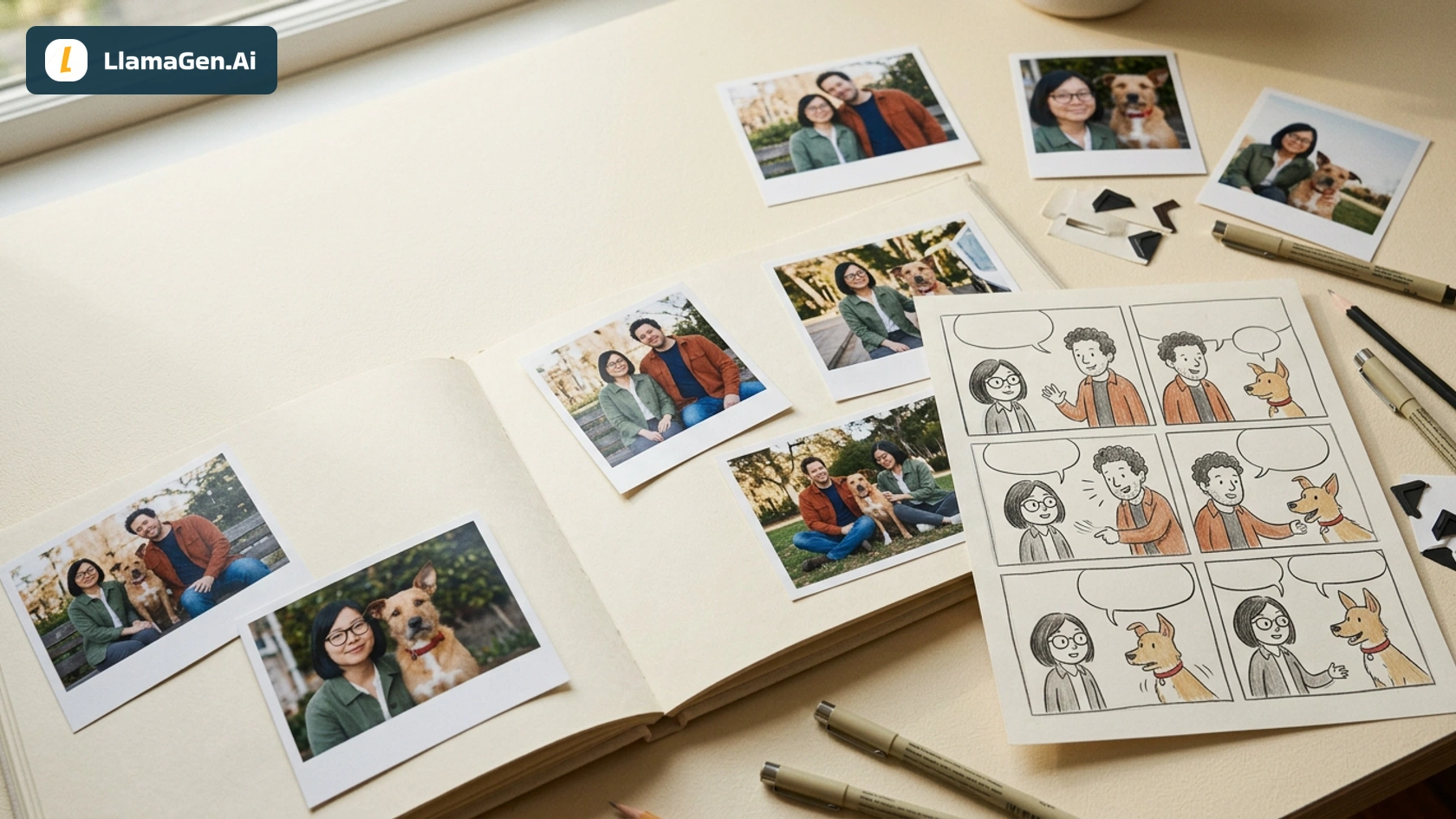
Turn a Photo Album into a Comic Story Without Losing Who Is Who

Turn a Photo Album into a Comic Story Without Losing Who Is Who

A six-scene synthetic album example showing how to separate character identity from scene references

Jay
Jay
20 בנובמבר 2026
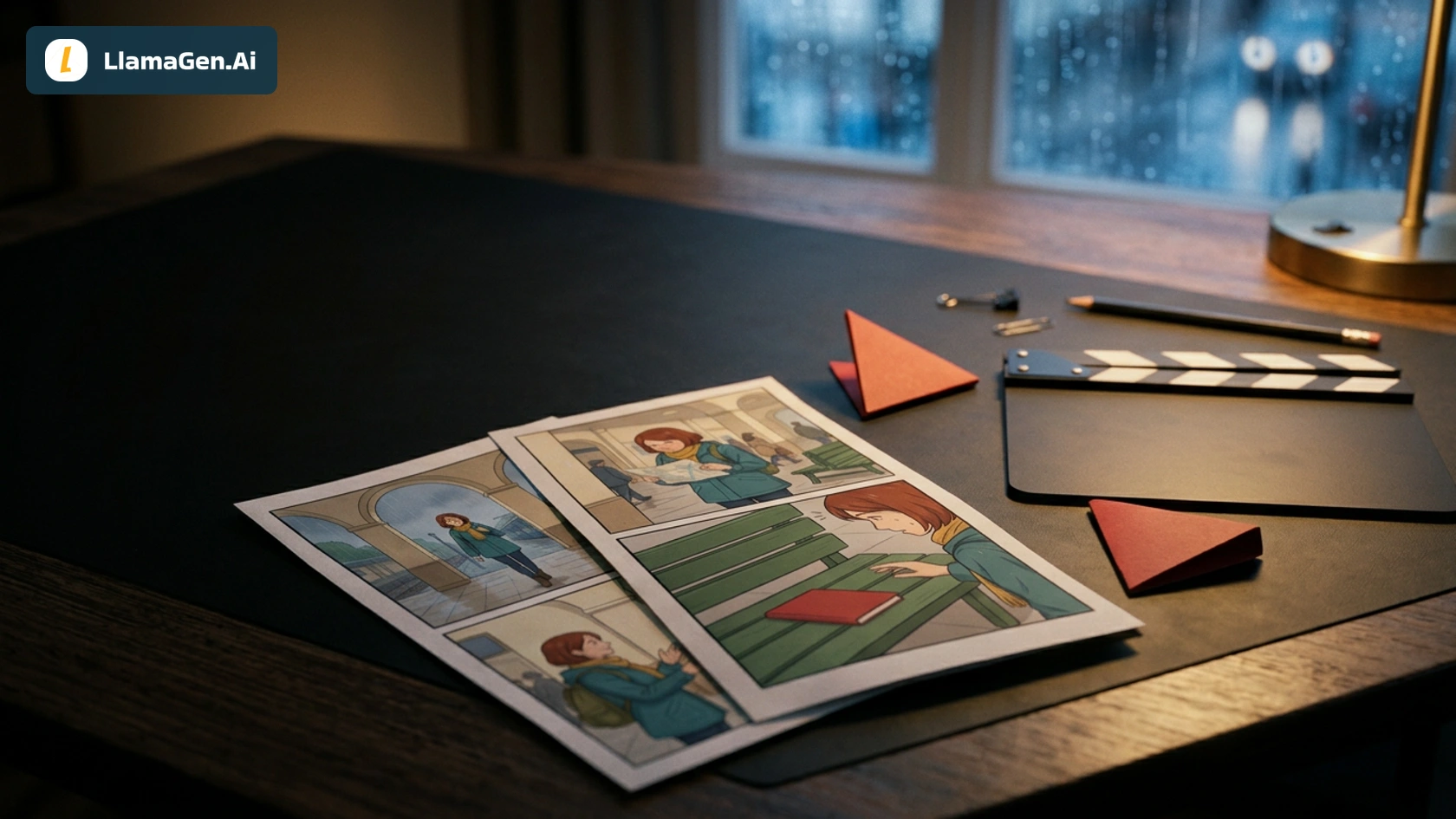
From Six Panels to a 20-Second Comic Book Trailer

From Six Panels to a 20-Second Comic Book Trailer

A worked 20-second comic trailer: choose a clear hook, reuse owned clips, withhold the ending, and r

Jay
Jay
20 בנובמבר 2026
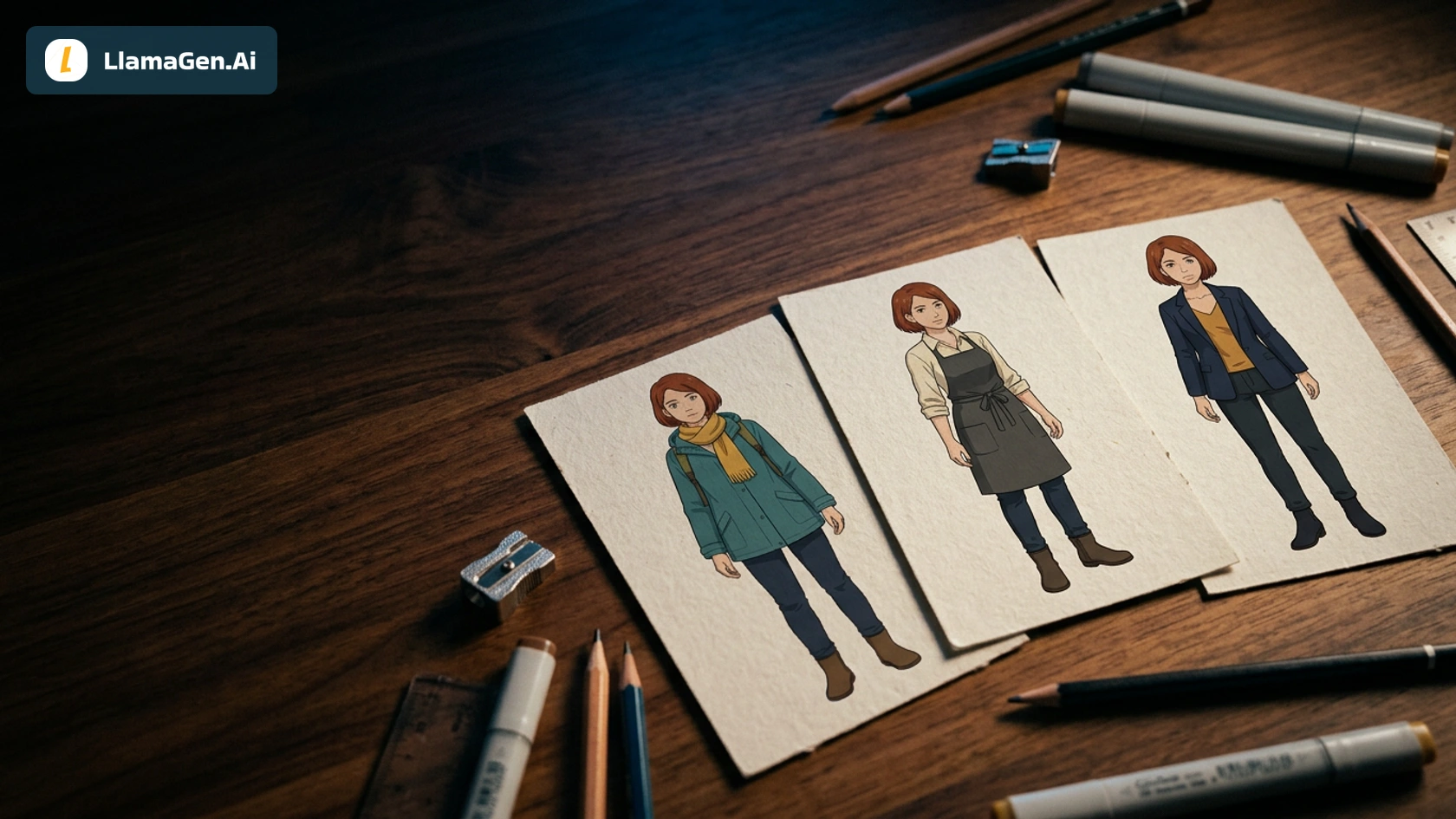
Build an OC Wardrobe for a Three-Scene Comic

Build an OC Wardrobe for a Three-Scene Comic

Review six outfit references, approve three wardrobe versions, and apply one OC consistently across

Jay
Jay
19 בנובמבר 2026
  • Comic Zap
  • Velika
  • ארגוני
  • חינוך
  • קומיקס API
  • צור קשר עם מחלקת מכירות
  • תוכניות חינוכיות
  • מורים
  • סטודנטים
  • מורים ותלמידים
  • סטארט-אפים
  • הנחות לסטודנטים ומורים
  • חברה

    • דבר עם המייסד
    • אודות
    • מפת דרכים של המוצר
    • קריירות
    • כתבו לנו אימייל
    • עולם הקמעות שלנו
    • ערכת מדיה
    • שיתוף פעולה עם משפיענים
    • תוכן

    עזרה

    • מרכז עזרה
    • אמון
    • בינה מלאכותית בטוחה
    • שירותים מקצועיים
    • שאלות נפוצות
    • אבטחה
    • נגישות
    • מדריך וידאו
    • צור קשר
    • מפת אתר
    המלצות
  • קיר אהבה
  • LlamaGen MCPחדש
  • LlamaGen למפתחים
  • משאבים

    • יומן שינויים
    • בלוג
    • מדריכים
    • קומיקס מותאם אישית
    • תכונות
    • אלטרנטיבות
    • האפליקציות המובילות בבינה מלאכותית
    • מדריך צביעת מנגה GPT-6
    • מיומנות קומיקס קלוד
    • Gemini מדריך בינה מלאכותית לקומיקס
    • קומיקס זה
    • הנחות לסטודנטים ומורים
    • הנחת סטודנטים

    כלים

    • מחולל לוגו בינה מלאכותית
    • מחולל דמויות בסגנון Grokbot
    • PNG לקומיקס
    • Text לקומיקס
    • PDF לקומיקס
    • תסריט לקומיקס
    • הפיכת ספר לקומיקס
    • הפוך תמונה לקומיקס
    • מחולל פיקסל ארט עם AI
    • קומיקס חינוכי
    • יוצר וידאו בינה מלאכותית
    • מחולל וידאו Gemini AI
    • מחולל וידאו סמוי (ללא פנים) חינמי בבינה מלאכותית
    • קומיקס לווידאו
    • תוכנת יצירת לוח תכנון
    • מחולל סטוריבורד AI
    • תוכנת כתיבת תסריטים
    • עורך תסריטים
    • בינה מלאכותית לסיפורים
    • יוצר סיפורים בינה מלאכותית
    • מחולל ספרי סיפורים
    • יוצר תמונות בינה מלאכותית
    • מפריד שכבות AI
    • שליטה בזווית מצלמה בינה מלאכותית
    • מחולל פיקסל ארט עם AI
    • כלים לנכסי משחק פיקסל
    • מחולל גיליון ספרייט בינה מלאכותית
    • חותך גיליון ספרייטים
    • הכלים הטובים ביותר למשחקי פיקסלים 2026
    • ממשק אנימציה API
    • ChatGPT/תוסף Codex
    • ChatGPT מדריך התקנה
    • תוסף קוד קלוד
    • מדריך התקנה לקוד קלוד
    Wan 3.0
  • Wan 3.0 Prime
  • Seedance 2.5
  • MiniMax H3
  • Nano Banana 2.1
  • Nano Banana 2 Lite
  • Seedream 5.0 Flash
  • Seedream 5.0 Pro
  • Seedance 2.0 Mini
  • Kling 3.0 Turbo
  • Nano Banana 2
  • GPT Image 2
  • Gemini Omni Flash
  • All AI Models
  • כלי AI

    • מחולל לוח השראה מהופעה
    • מחליף תספורות בינה מלאכותית
    • מחליף תסרוקות אנימה בינה מלאכותית
    • מחולל אפקט רוח בינה מלאכותית
    • מחולל מפת עומק בינה מלאכותית
    • רקע לבן אוטומטי בינה מלאכותית
    • מסיר אובייקטים בינה מלאכותית
    • מדידת אופנה וירטואלית בינה מלאכותית
    • חידוד תמונות בינה מלאכותית
    • הסרת רעשים בינה מלאכותית
    • שחזור תמונות בינה מלאכותית
    • צללים למוצר בינה מלאכותית
    • מחולל רקעים בינה מלאכותית
    • מחולל תמונות פורטרט בינה מלאכותית
    • יוצר אימוג'י בינה מלאכותית
    • מחליף רקעים בינה מלאכותית
    • פתיחת עיניים בתמונה בינה מלאכותית
    • יופי בינה מלאכותית
    • צילום מוצר בינה מלאכותית
    Instagram
    YouTube
    קבוצת Facebook
    Reddit
    Discord
    תמיכה בדוא"ל
    פרטיותתנאיםמפת אתר
    הורד נכסי מותג
    © 2026 LlamaGen.Ai כל הזכויות שמורותכל השירותים זמינים אונליין
    ראה את כל הבלוגים
    Storyboard-to-Video Handoff Checklist: Shots, Timing, Audio, and Continuity - LlamaGen.AI Blog