

LlamaGen
向いている用途
AIで物語を漫画化し、同じキャラクターを続けて使う制作
物語やプロンプトから1コマ・複数コマの漫画を作成し、キャラクターや場面の一貫性を保ちながら、iOSアプリで編集・保存・共有できます。参照画像のアップロード可否はプランによります。
AIで物語の下書きを作る方法も、線・トーン・文字をすべて自分で仕上げる方法もあります。作り方に合うツールを比べましょう。
iPhone向け · App Store情報確認日:2026年11月11日

LlamaGen for iPhone
iPhone向け
LlamaGen Originals · Home Library
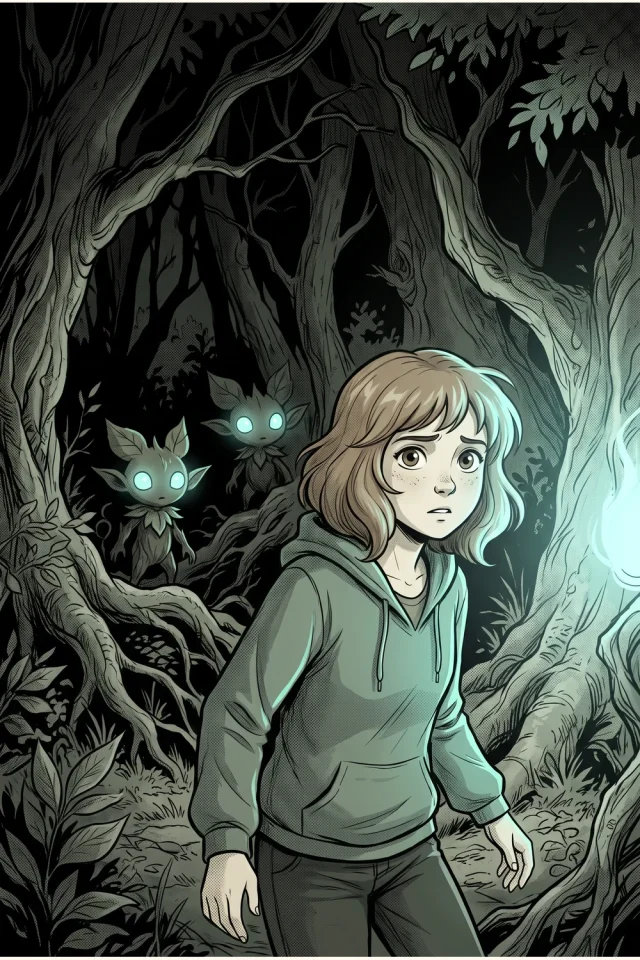
Fantasy Drama
公開済みストーリー · 10 ページ
オリジナルの物語・ページ説明は英語です
Desperate to save her younger sister, Elara, from a mysterious fading sickness, Lyra ventures into the forbidden Whisperwood seeking a legendary cure. She aids an injured forest Sprite, who, in gratitude, leads her to a hidden, luminous spring. The spring's water does not offer a physical cure, but instead grants a shared, lucid moment, allowing the sisters a heartfelt and peaceful final goodbye before Elara's passing. The story is a poignant exploration of acceptance, love, and finding peace in the face of loss.
ビジュアル表現
Black-and-white manga line art with digital screentones, cross-hatching and a restrained cyan accent.
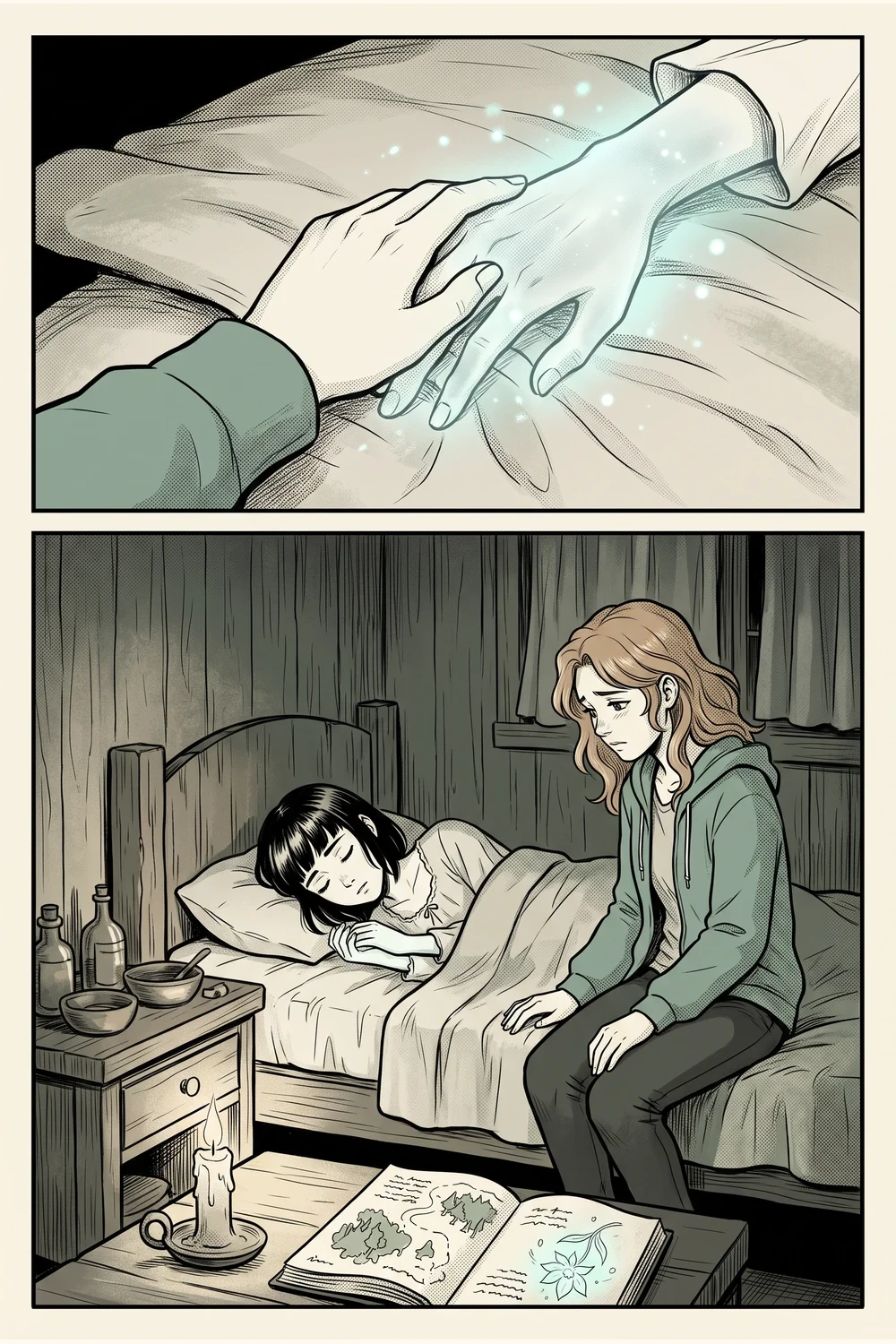
Page is split into two horizontal panels. Panel 1: A tight close-up on two hands. Lyra's hand is holding Elara's. Elara's hand is pale and noticeably translucent, as if made of frosted glass. Panel 2: A wider shot of a modest, dimly lit bedroom. Lyra sits on the edge of a bed, looking down at her sleeping sister, Elara, who looks frail. On the nightstand, a flickering candle illuminates an open book with a hand-drawn map of a forest and a sketch of a glowing flower.
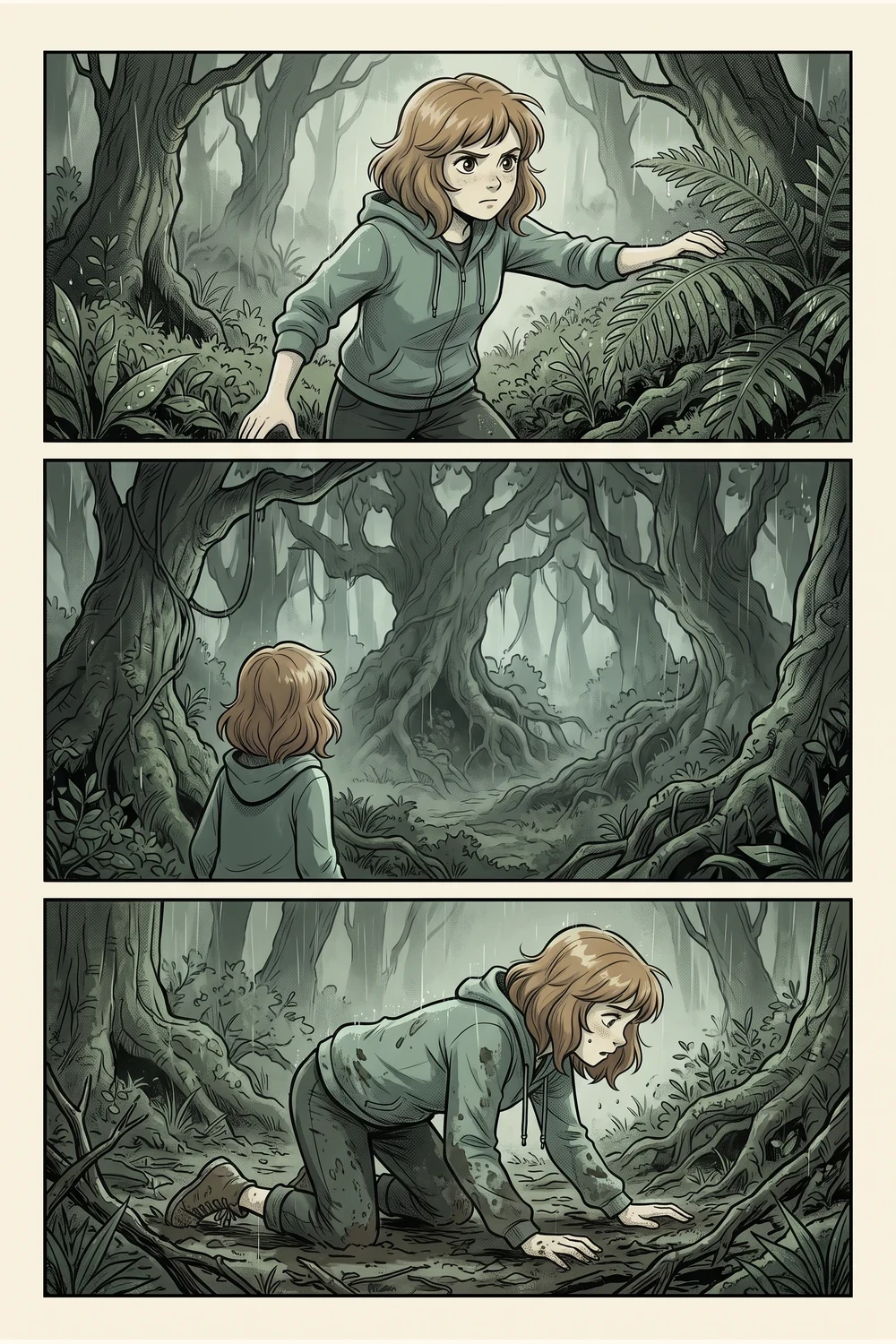
Three-panel page. Panel 1: Medium shot of Lyra, now wearing her green hoodie, pushing aside a large fern leaf at the edge of a dark, misty forest. Her face is set with determination. Panel 2: A shot from behind Lyra showing the daunting view into the forest. Ancient, gnarled trees are shrouded in fog and a light drizzle is falling. Panel 3: Lyra has tripped and is on her hands and knees in the mud, looking down at what she stumbled over.
元のストーリーとページ制作プランが紐づいたHome Library公開作品です。記録された制作例であり、この作品自体がiPhoneアプリ内で生成されたことを示す記録ではありません。
選び方
AIによる構成、本格的な手描き仕上げ、軽量な描画環境のどれが必要かで選びます。
向いている用途
AIで物語を漫画化し、同じキャラクターを続けて使う制作
物語やプロンプトから1コマ・複数コマの漫画を作成し、キャラクターや場面の一貫性を保ちながら、iOSアプリで編集・保存・共有できます。参照画像のアップロード可否はプランによります。
向いている用途
手描き中心の本格的な漫画・マンガ制作
コマ枠、吹き出し、文字、効果線、スクリーントーン、レイヤーを備え、対応プランでは複数ページ管理にも対応するiPhone向け描画ワークフローです。
向いている用途
iPhoneでの手描きマンガ・コミック制作
ブラシ、コマ作成、トーン、フォント、クラウド保存などを備えた、モバイル向けの軽量なイラスト・漫画制作環境です。
選び方
LlamaGenは物語のビートをマンガ風ページと継続キャストの下書きにする用途向け。Clip Studio PaintとMediBangはブラシ、レイヤー、トーン、手描き操作を重視します。
トーン、コマ枠、文字入れ、厳密なページ構成が中心なら、その機能を直接確認します。脚本からコマへ進めないことが課題なら、物語→ページの流れを優先します。
シリーズでは同じキャストがアップ、アクション、新しい場面でも保たれる必要があります。章を広げる前に参照、プロジェクト、ページ、修正方法を確認しましょう。
よくある質問
はい。LlamaGen iOSアプリはプロンプトや物語からマンガ風の複数コマ下書きを作り、その後も編集・保存できます。参照画像はプラン条件によります。
Clip Studio PaintとMediBang Paintはマンガ向けページ操作を持つ描画中心ツールです。トーン、線、文字を自分で配置したい場合に向きます。
できます。LlamaGenで下書きを作り、正確なペン入れ、文字、トーン、印刷準備が必要になった段階で描画ツールへ移す方法があります。
確認情報
App Store情報確認日:2026年11月11日. 提供状況、料金、プラン制限は変更される場合があります。現在の互換性と購入条件は、リンク先のApp Store掲載情報を確認してください。
物語→コマと継続キャラクターが課題ならLlamaGen。線画、トーン、仕上げが課題なら描画中心アプリを選びましょう。