

3D cartoon art generator
Create the look of a friendly 3D animated world without modeling software. Describe an original scene, toy-like materials and lighting, then explore the result as a two-dimensional image.
Your prompt opens in the image studio. Sign in, choose an available model, add a reference image if needed, and review credits before generating.
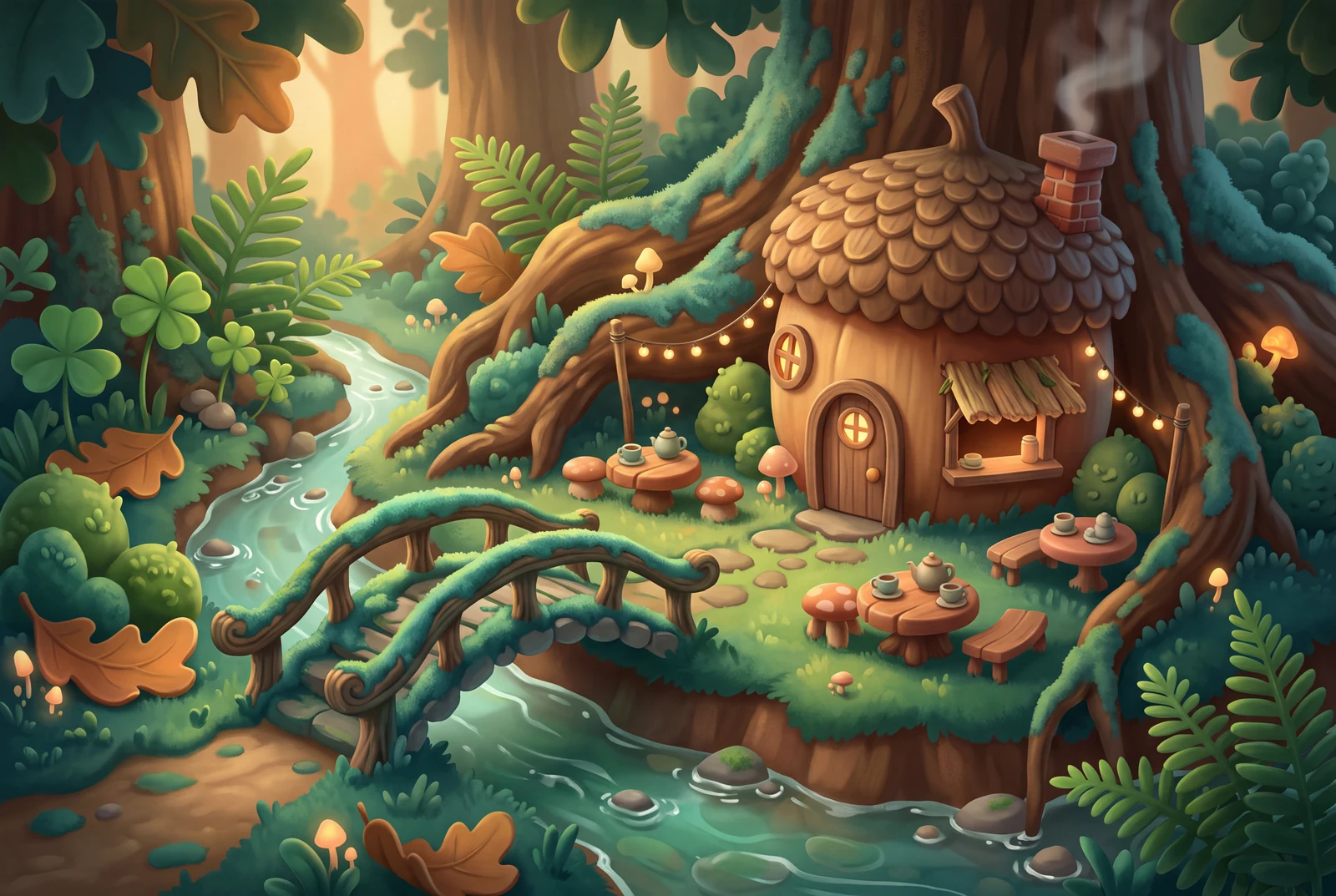
Explore a visual direction
Design a complete 3D-looking scene
Where the existing 3D Character Creator focuses on an individual character, this page is for environments, props and compositions that only look rendered in three dimensions.
Create 3D-style cartoon artControl materials and camera language
Describe clay, vinyl or miniature materials, a three-quarter view, soft shadows and believable depth. This creates a visual direction, not a usable geometry file.
Create 3D-style cartoon art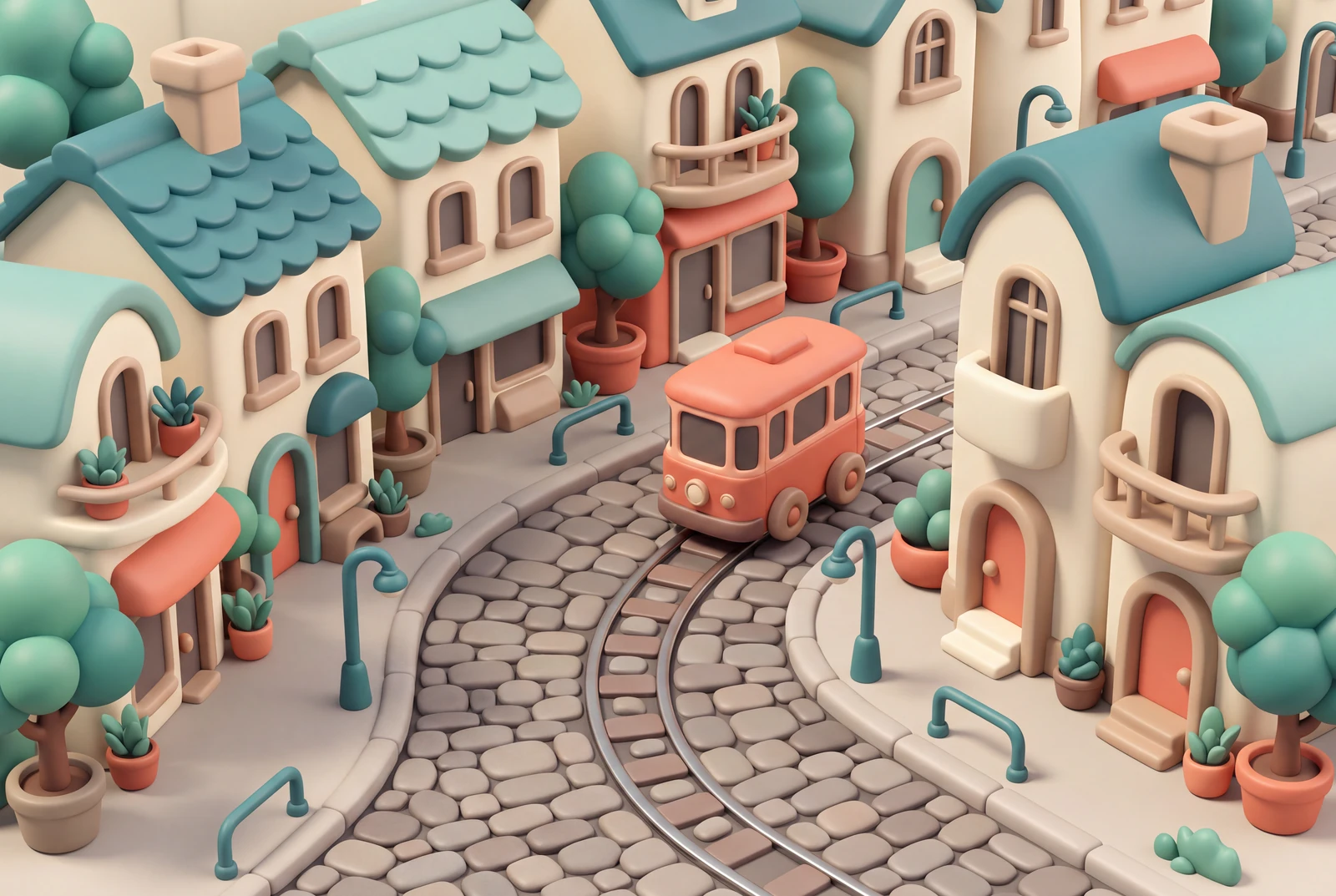
See your 3D-style scene as finished artwork
Display ideas for a flat illustration: a tablet at home, a handheld print, different scene directions and a matching screen-and-paper set.
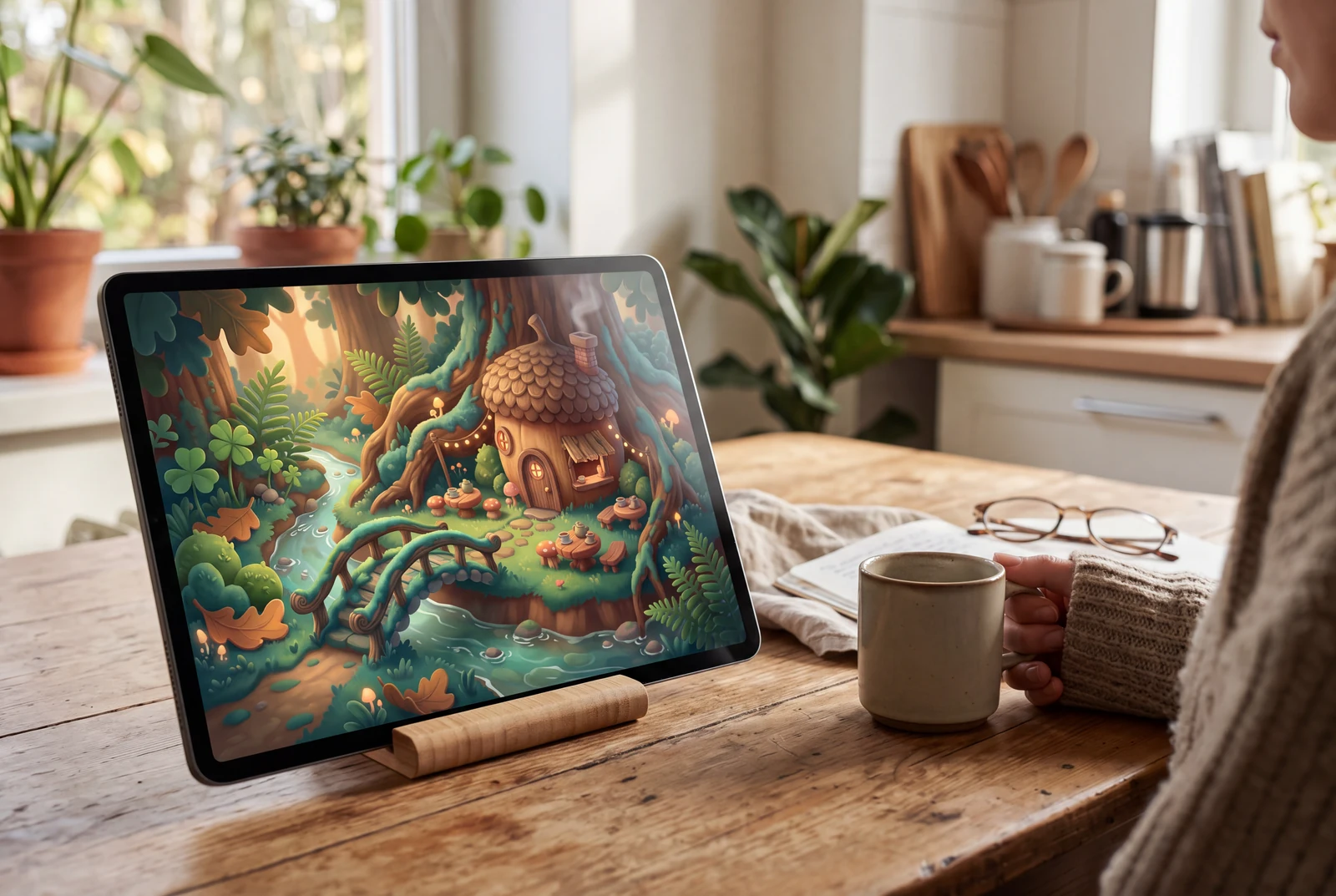
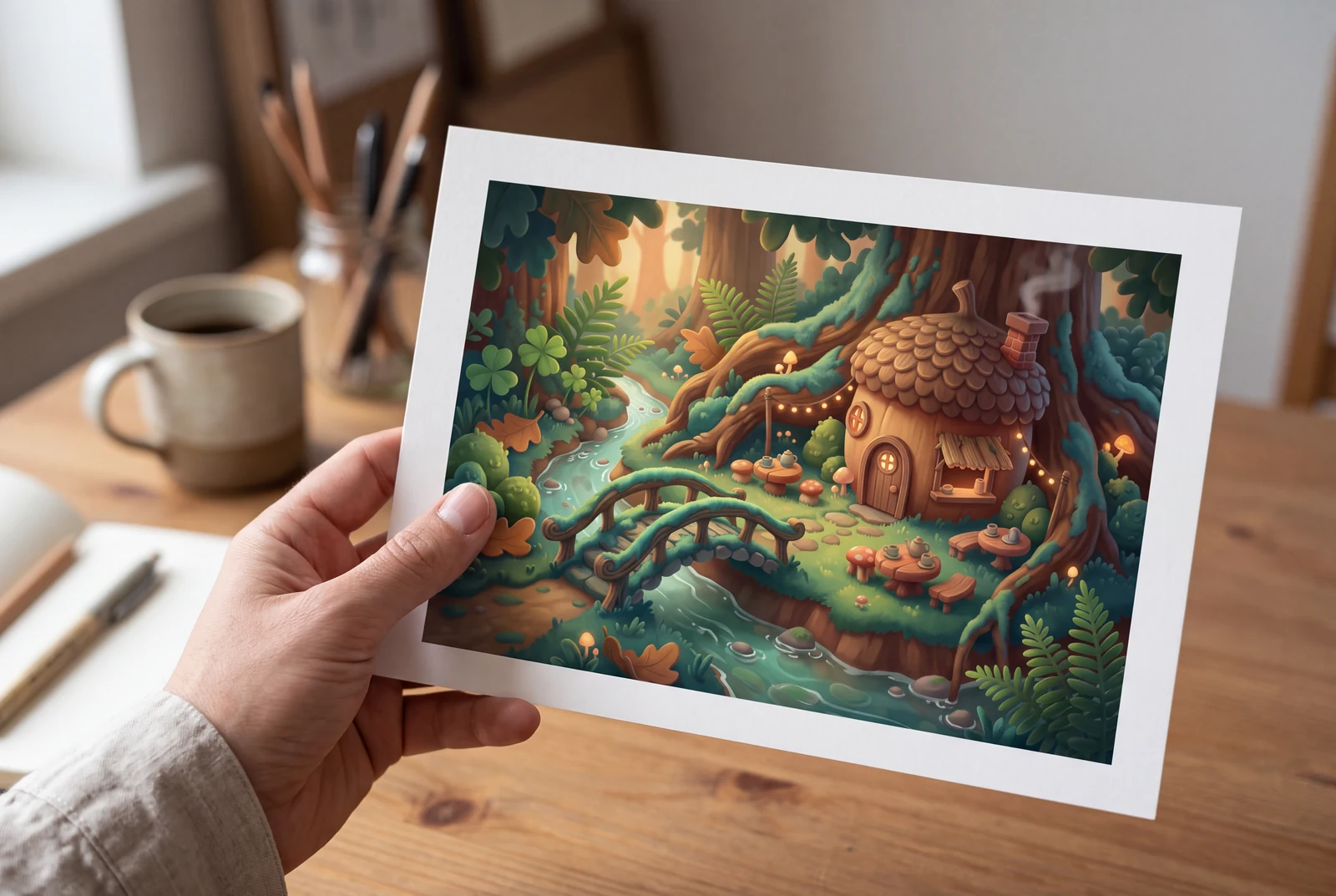
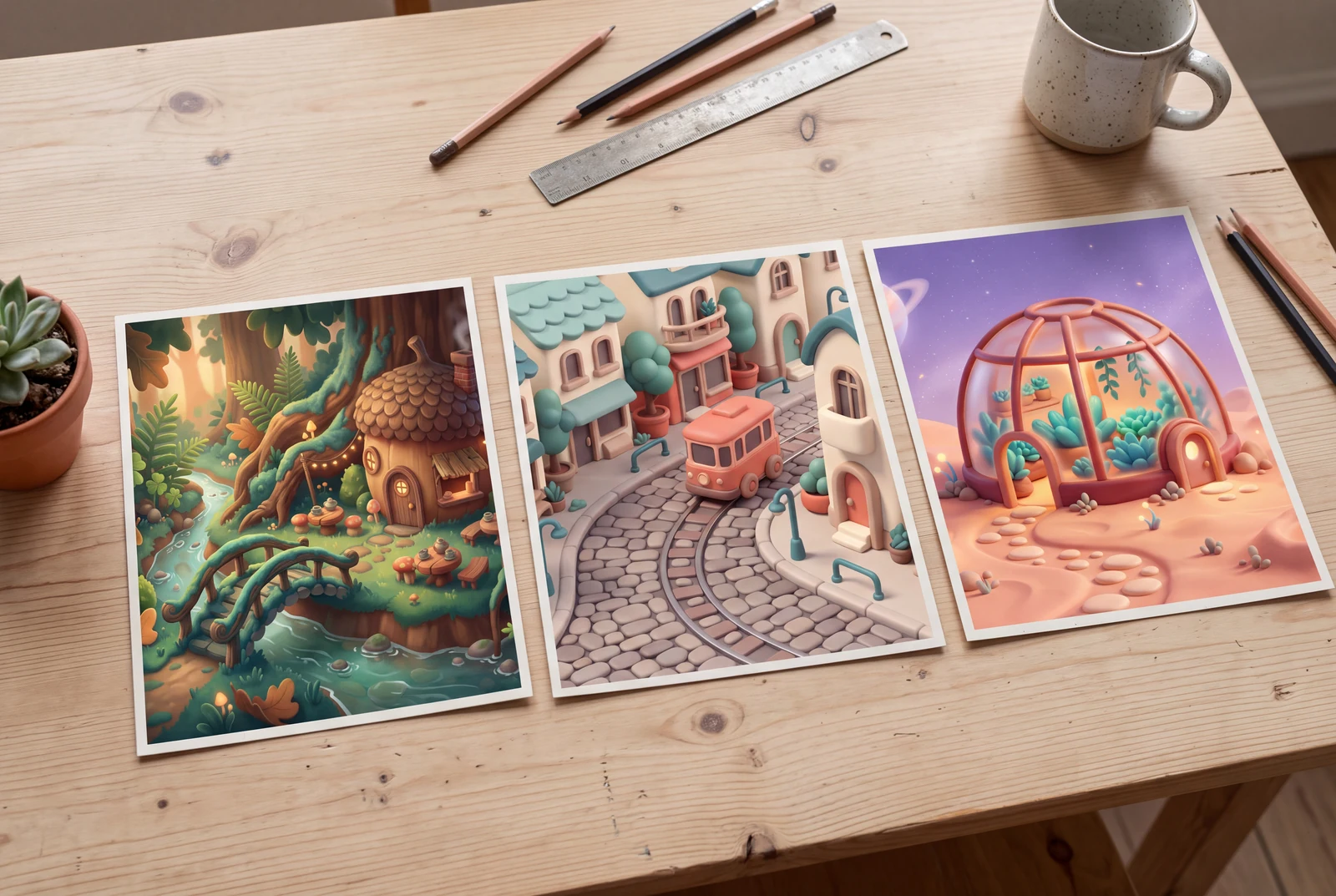
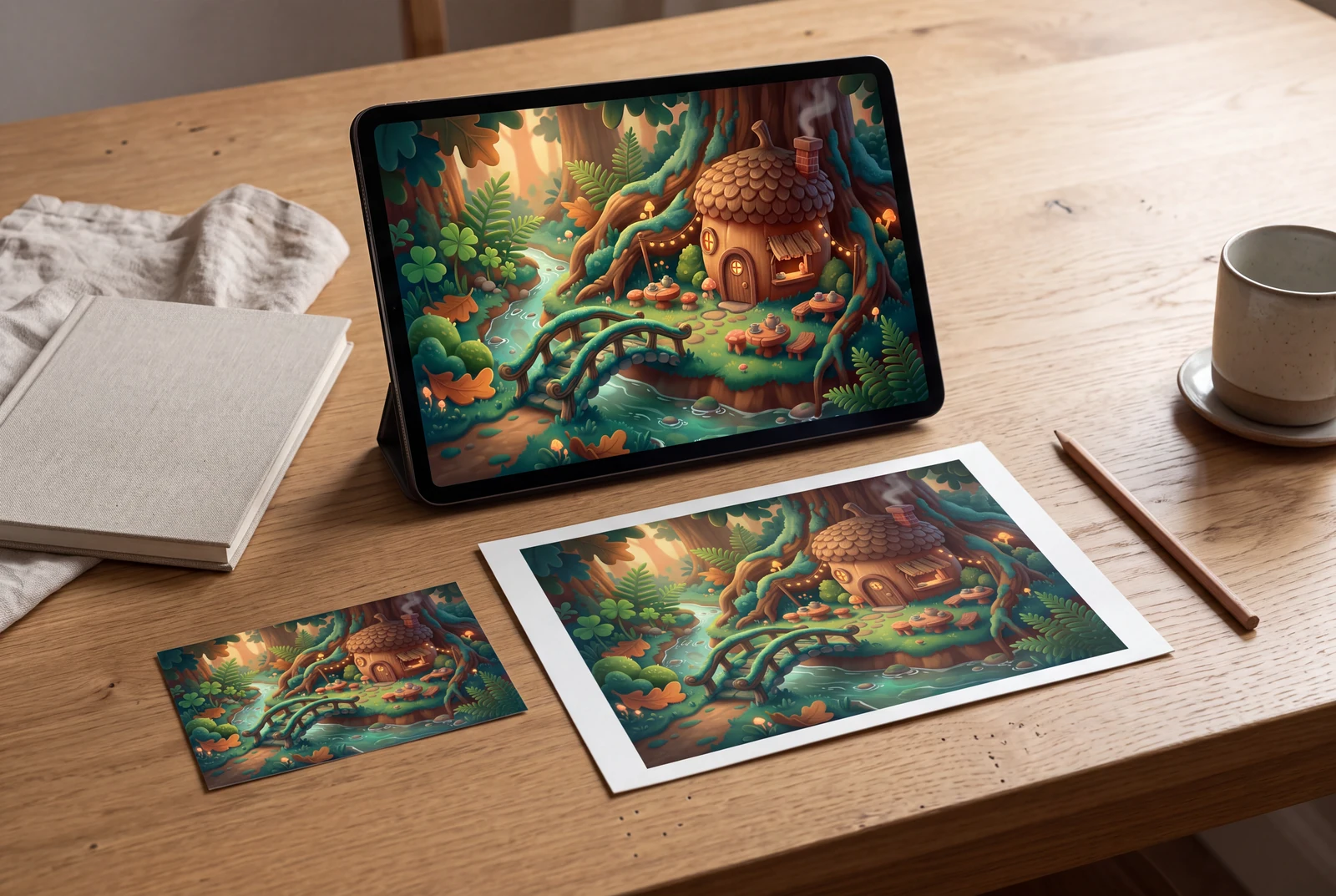
AI-generated lifestyle concepts with fictional people. These illustrate ways to use downloaded artwork; they are not customer trial photographs or proof of physical delivery.
Inspect four recorded image generations
These files have their own generation records. Inspect the original artwork and prompt separately from the presentation concepts and suggested prompts on this page.
 View original
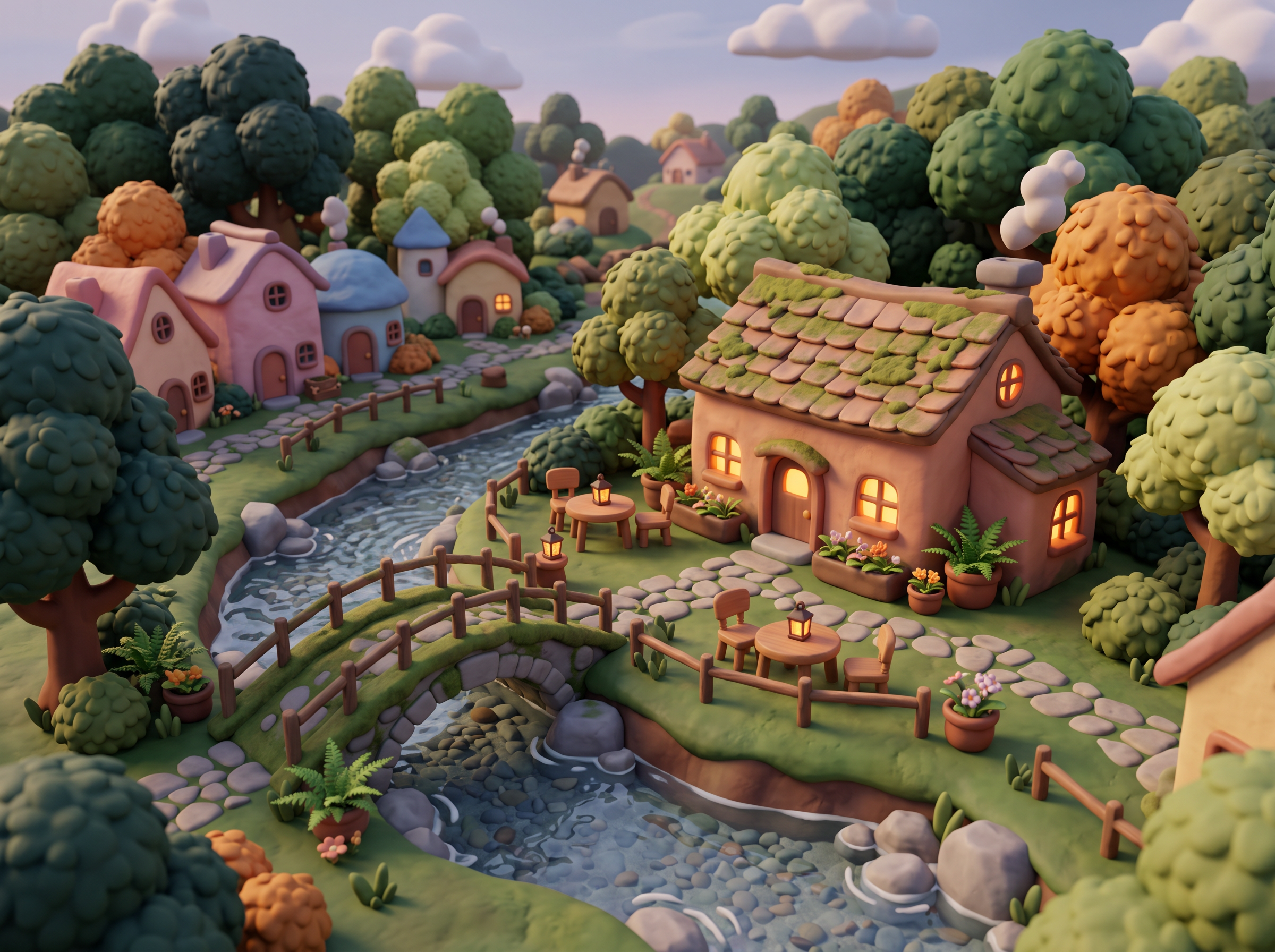
 Soft clay
Reviewed a complete clay-like café environment with rounded houses, a curved bridge and soft contact shadows. Materials and scene depth read as 3D-looking illustration; the output is a flat raster image, not a mesh.
2400 × 1792 px · AI-generated example
Inspect prompt and generation record
Create an original stylized 3D-look cartoon environment, a small forest village café beside a curved moss-covered footbridge over a clear little stream. A complete miniature environment, not a character portrait. Soft handmade clay-like materials with subtle finger-smoothed texture, rounded pastel terracotta houses, puffy trees, small outdoor tables without any lettering or menus. Three-quarter elevated camera, physically coherent scale and soft contact shadows, warm global-illumination-like lighting, amber interior glow, beautiful material depth and a crisp focal café. 4:3 landscape image. No characters required, no signs. Create one original polished image, not a collage, mockup, screenshot or sample grid. No existing fictional characters, franchise design, logos, signatures, watermark or readable writing. Any human is visibly an adult aged 25 or older, fully clothed and nonsexual. Do not imitate a named living artist. Keep the entire subject composition intentional.
- Model
- gemini-3.1-flash-image
- Provider
- Google Vertex AI
- Generated

 View original
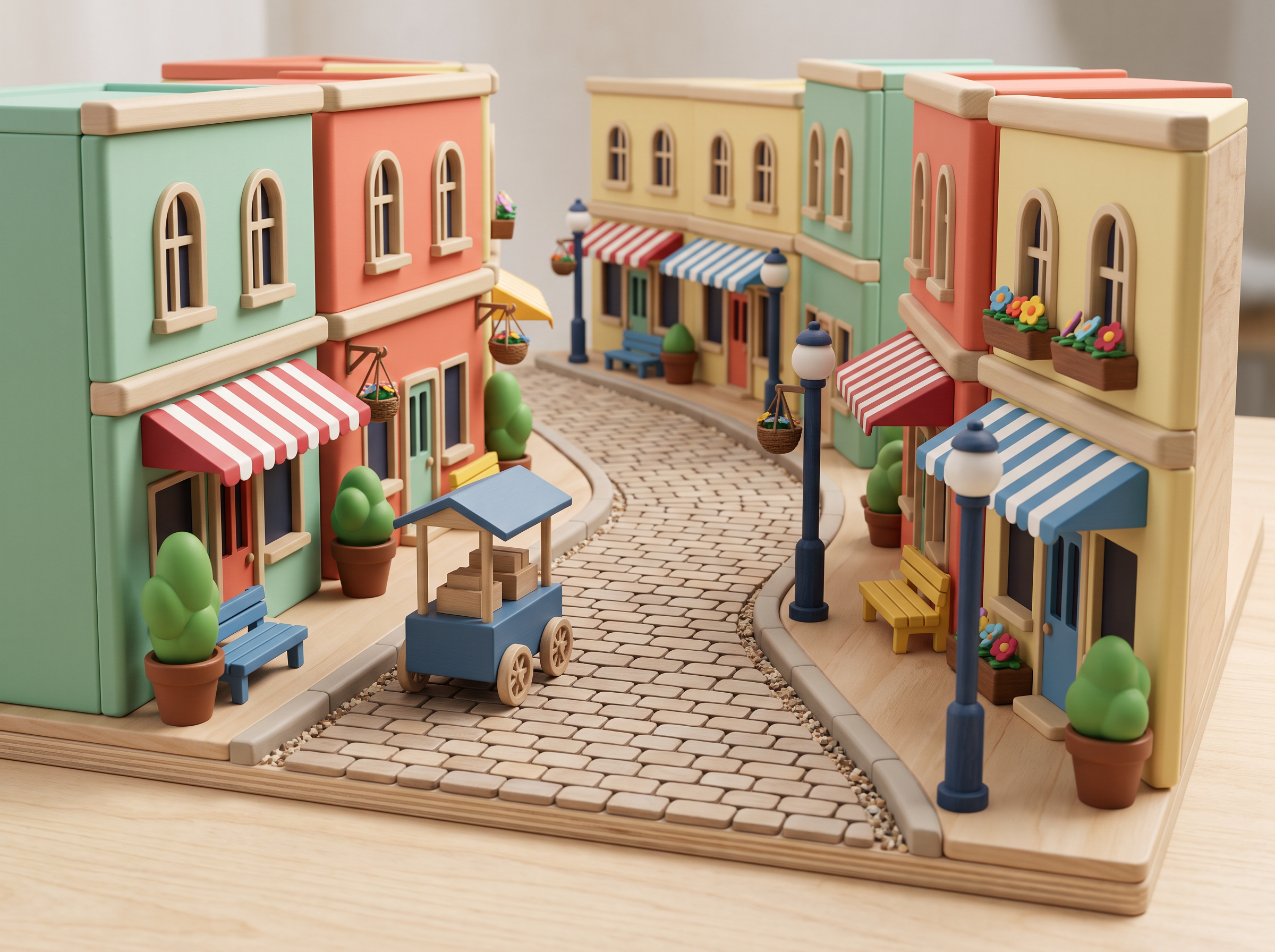
 Toy world
Reviewed a toy-like miniature street with matte rounded buildings, props and consistent studio shadows. The full environment supports the scene-design intent; it does not provide editable 3D geometry.
2400 × 1792 px · AI-generated example
Inspect prompt and generation record
Create an original toy-like stylized 3D cartoon street scene as a complete miniature set. A gently curved pedestrian lane between mint, coral and pale-yellow rounded buildings, an original tiny blue delivery cart without branding, oversized simple potted plants, small benches and striped awnings without writing. Polished matte vinyl and painted wooden toy materials, clean bevels, convincing ambient occlusion and soft studio shadows, restrained coherent palette. Three-quarter isometric-ish camera revealing the depth of the whole street, no people, no character portrait. 4:3 landscape, no interface or physical packaging. Create one original polished image, not a collage, mockup, screenshot or sample grid. No existing fictional characters, franchise design, logos, signatures, watermark or readable writing. Any human is visibly an adult aged 25 or older, fully clothed and nonsexual. Do not imitate a named living artist. Keep the entire subject composition intentional.
- Model
- gemini-3.1-flash-image
- Provider
- Google Vertex AI
- Generated

 View original
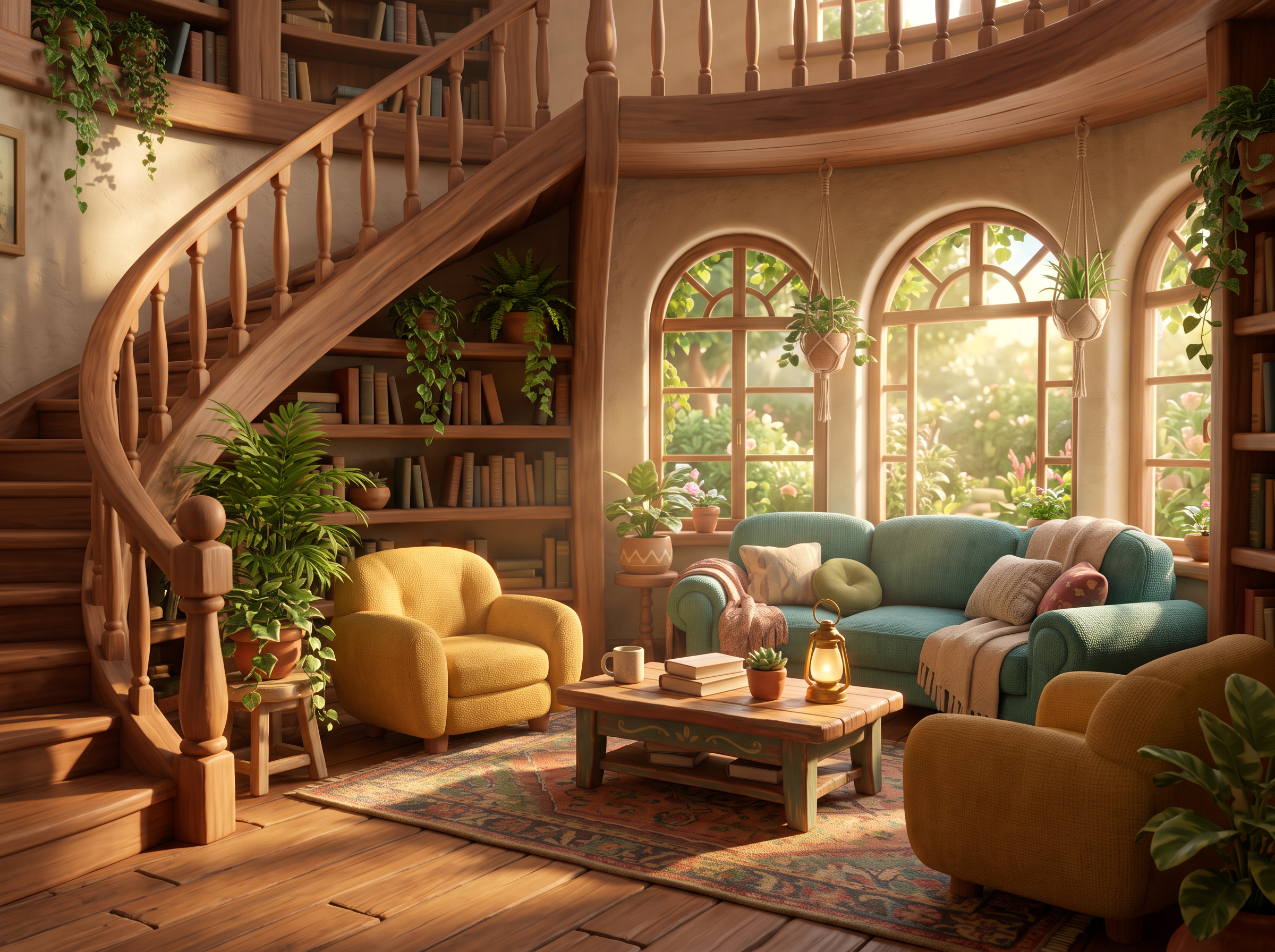
 Film look
Reviewed a warm reading-room interior with rounded furniture, depth, textured materials and directional window light. It is an original cinematic 3D-look environment, not a character portrait or a rendered mesh export.
2400 × 1792 px · AI-generated example
Inspect prompt and generation record
Create an original inviting stylized 3D animated-film-look interior, a cozy circular reading room with rounded mustard armchairs, a teal semicircular sofa, a small wooden coffee table, a curving staircase, potted plants and tall arched windows opening onto a garden. No humans or character portrait. Warm late-afternoon sunbeams with believable soft shadows and bounce light, tactile upholstery and rounded hand-painted wood materials, thoughtful cinematic 35mm-style camera at seated eye height, strong room depth, charming tiny props. Books have blank spines, no writing anywhere. 4:3 landscape image. Create one original polished image, not a collage, mockup, screenshot or sample grid. No existing fictional characters, franchise design, logos, signatures, watermark or readable writing. Any human is visibly an adult aged 25 or older, fully clothed and nonsexual. Do not imitate a named living artist. Keep the entire subject composition intentional.
- Model
- gemini-3.1-flash-image
- Provider
- Google Vertex AI
- Generated

 View original
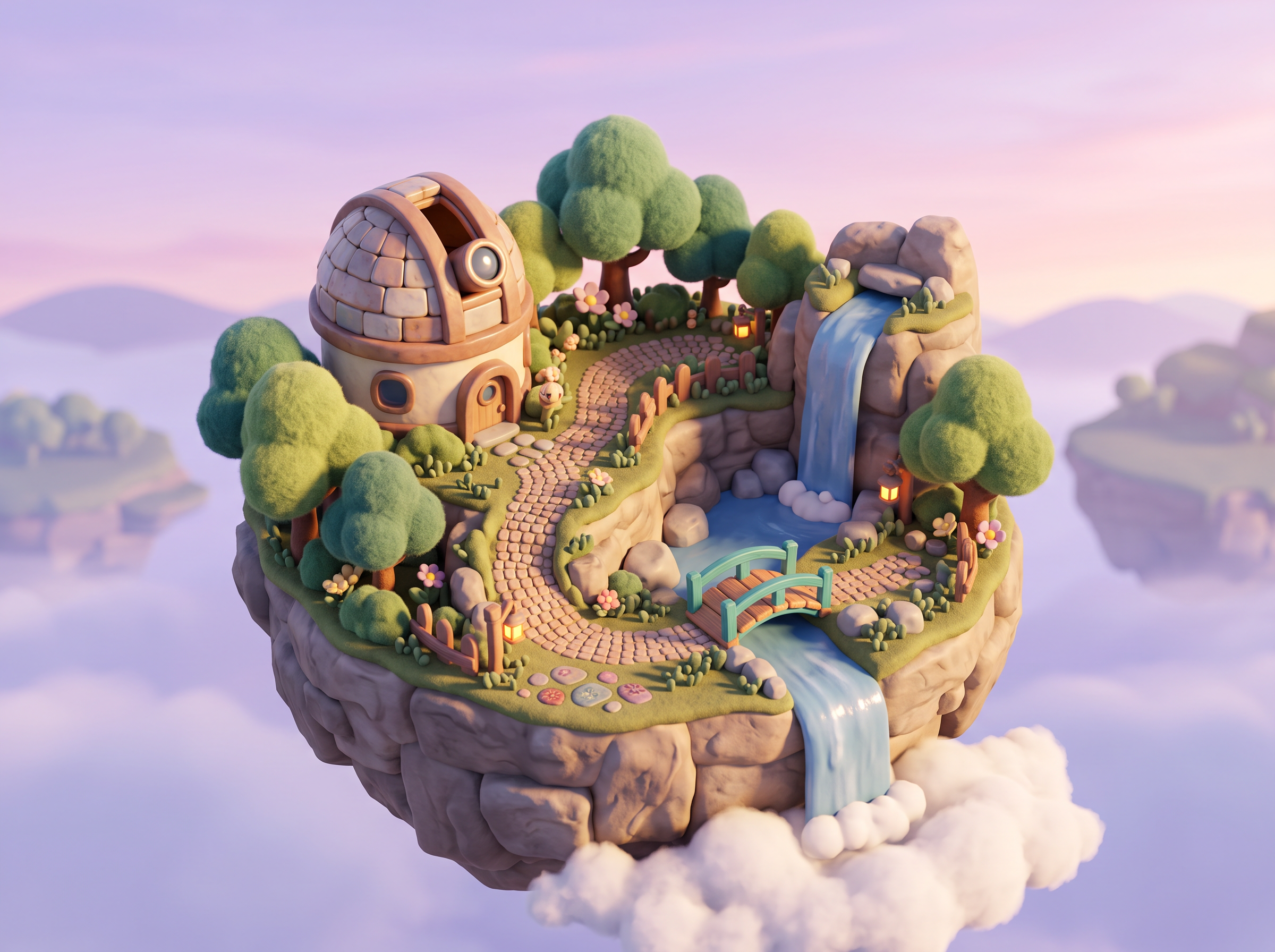
 Fantasy scene
Reviewed a complete floating-island diorama with observatory, trees and waterfalls, comfortable margins and coherent material depth. The miniature appearance is illustrative; no model or rig is included.
2400 × 1792 px · AI-generated example
Inspect prompt and generation record
Create an original stylized 3D-look fantasy cartoon environment: a miniature floating garden island with a rounded domed observatory, a winding path, tiny soft sculpted trees and two small waterfalls flowing into clouds. Three-quarter elevated camera, complete island fully visible with comfortable margin, layered distant islands giving atmospheric depth. Handmade miniature-diorama materials: matte clay stone, glazed ceramic water and felt-like foliage, soft pastel lavender sky, warm sunrise lighting, coherent cast shadows. Detailed scene and props rather than a character portrait, no existing franchise architecture, no titles. 4:3 landscape image. Create one original polished image, not a collage, mockup, screenshot or sample grid. No existing fictional characters, franchise design, logos, signatures, watermark or readable writing. Any human is visibly an adult aged 25 or older, fully clothed and nonsexual. Do not imitate a named living artist. Keep the entire subject composition intentional.
- Model
- gemini-3.1-flash-image
- Provider
- Google Vertex AI
- Generated

Generation records describe these particular reference files, not a verified Studio run. Studio model choices and settings may produce a different result.
Plan and review this kind of image
These planning examples help you prepare and inspect a draft. Before generating, check the selected model's plan requirements and credit estimate in the image studio. Pixel sizes are editing targets; check the actual file dimensions and downstream requirements before final use.
A miniature environment for a story board
- Prepare
- Write a short scene brief with one main structure, one foreground prop and a viewing direction. Example: a tiny forest cafe, a curved bridge in front and a three-quarter view.
- Set up
- Choose a supported landscape canvas and request clay-like surfaces, rounded forms and one broad light direction. The result is a raster concept still.
Before you use the draft
- Trace the path from the foreground to the cafe; entrances, bridge joins and object scale should be understandable.
- Inspect repeated windows, intersecting furniture and shadows that contradict the stated light direction.
If it needs another pass: If the scene becomes cluttered, remove background buildings and ask for fewer props. If the bridge or doorway is malformed, simplify its shape and generate another concept rather than treating it as buildable geometry.
A toy-like prop direction for a design discussion
- Prepare
- Describe an original fictional prop and the visual question you want to answer. Example: a rounded mushroom-shaped reading lamp with a wide base, shown on a plain surface.
- Set up
- Request one object, a three-quarter view and a clear material contrast. Make separate drafts for color or silhouette comparisons; prompt wording does not lock dimensions or physical behavior.
Before you use the draft
- Check the silhouette at small size and look for accidental extra parts or impossible joins.
- Label the image as concept art when sharing it; it does not demonstrate manufacturability, scale or a finished product.
If it needs another pass: If form is unclear, remove decorative parts and use a plain background. For accurate measurements or fabrication, rebuild and validate the design in appropriate CAD or 3D software.
An image brief for a later 3D artist
- Prepare
- Prepare a scene description, a list of objects and notes on camera, color and mood. Add the generated still as a visual reference, with uncertain details marked.
- Set up
- Keep one selected view as the concept reference. Editable geometry, textures, scale and additional camera views must be created in a separate 3D-authoring workflow.
Before you use the draft
- Ask the 3D artist to identify hidden surfaces, object joins and dimensions that the image does not resolve.
- If a glTF or GLB deliverable is required, inspect the intended object geometry and views in a 3D viewer; wrapping a raster image in a 3D file does not establish a complete 3D reconstruction.
If it needs another pass: If the concept cannot explain the structure, add a written diagram or revise the design brief. Do not ask for a different image angle and assume it is a rotation of the same underlying model.
- Khronos: introduction to glTF
Explains the structure of a 3D scene asset, which is different from the 2D image concepts produced by this workflow.
One idea. Different ways to use it.
Choose the output that fits your project instead of starting from a generic image prompt.
Cartoon environments
Explore an original room, street or miniature world.
Product-like scenes
Make visual moodboards for toys, props and simple sets.
Story illustrations
Choose a friendly 3D-film-inspired finish for a fictional scene.
Make original artwork. Review with care.
Use reference material you have permission to share. Check the image for errors and respect third-party rights before using it commercially. LlamaGen creates image drafts; it does not guarantee exact similarity, ownership clearance or physical delivery.
Created for a specific job
Story creators
Explore lighting and setting before beginning a longer story.
Designers
Use illustrations to discuss forms and material directions.
Educators
Create visually approachable scene concepts for learning materials.
Gallery images illustrate visual directions, not guaranteed results or user testimonials.
Explore four creative directions
Each direction includes a starting prompt that you can edit in the image studio.
Soft clay
Ask for materials and camera angle to improve depth cues.
Toy world
A restrained palette helps the render feel coherent.
Film look
Scene-level staging is different from a character sheet.
Fantasy scene
Use atmospheric perspective; output remains a flat image.
How to get started
Describe the original scene
Define subjects, setting, palette and camera placement.
Name the materials
Try toy vinyl, clay-like or hand-painted surfaces with soft lighting.
Generate an image
Inspect depth cues and composition; use separate 3D modeling tools for meshes.
Check the result for your project
Review these details before you export, share or print your artwork.
Check depth cues in the image
Inspect where feet, furniture and props meet the ground. Inconsistent contact shadows or overlapping surfaces can make a scene look confusing; request a simpler arrangement if needed.
Compare a single material change
Keep the subject and camera direction in your prompt, then try clay-like or toy-like surfaces. Compare the drafts as separate images; consistent geometry across views is not guaranteed.
Use the right deliverable
Place the saved illustration in a slide or print layout to check its crop and sharpness. If the next step needs a rotatable object, rig or mesh, use a separate 3D modeling workflow.
Visual references and sample prompts
Open each direction to see what to describe and how to refine the output. The sample generation prompts are intentionally shown in English and can be edited in Studio.
Soft clay
What to look for
Ask for materials and camera angle to improve depth cues.
Try this starting prompt
Original rounded cartoon village scene with soft clay-like materials, gentle ambient light, 3/4 view, still image
Try this prompt in StudioToy world
What to look for
A restrained palette helps the render feel coherent.
Try this starting prompt
Tiny toy-like cartoon street scene, friendly oversized props, clean shapes, soft studio lighting, still image
Try this prompt in StudioFilm look
What to look for
Scene-level staging is different from a character sheet.
Try this starting prompt
Original playful 3D-look cartoon interior, warm cinematic lighting, rounded furniture, 35mm-style camera, still image
Try this prompt in StudioFantasy scene
What to look for
Use atmospheric perspective; output remains a flat image.
Try this starting prompt
Fantasy floating islands reimagined as a stylized 3D-looking cartoon environment, miniature diorama materials, still image
Try this prompt in StudioFrequently asked questions
Does this generator export GLB, OBJ or rigged models?
No. It generates 2D raster images with a 3D-style appearance. It does not create editable 3D meshes, skeletons or rig files.
How does it differ from 3D Character Creator?
3D Character Creator concentrates on character concept portraits; this page targets full cartoon-looking scenes and environments.
Can I control the camera angle?
You can describe an overhead, eye-level or three-quarter composition, though the generated result can vary.
What should be in my prompt?
Include the subject, environment, camera angle, lighting, materials and desired stylization level.
Useful tools and resources
Adobe: raster and vector graphics
Learn why an image made of pixels differs from editable vector paths and why enlarging a raster image can reduce sharpness.
Image Studio
Try prompts and supported image models.
Content Policy
Review artwork rights and usage restrictions.
Continue your creative workflow
Create depth and charm, without implying a mesh
Use scene, material and lighting directions to build an original 3D-style cartoon image.
Your prompt opens in the image studio. Sign in, choose an available model, add a reference image if needed, and review credits before generating.
Explore a visual direction