

A small creative project · Printable artwork
Make coloring bookmarks for a book you love
A coloring bookmark can be a tiny gift, a reading-group activity or a place to try a new palette. Begin with an existing flower or animal sheet, then arrange a small copy in a narrow document. The linked downloads are full-page artwork; this guide explains the extra layout and cutting steps.
Browse free printable sheets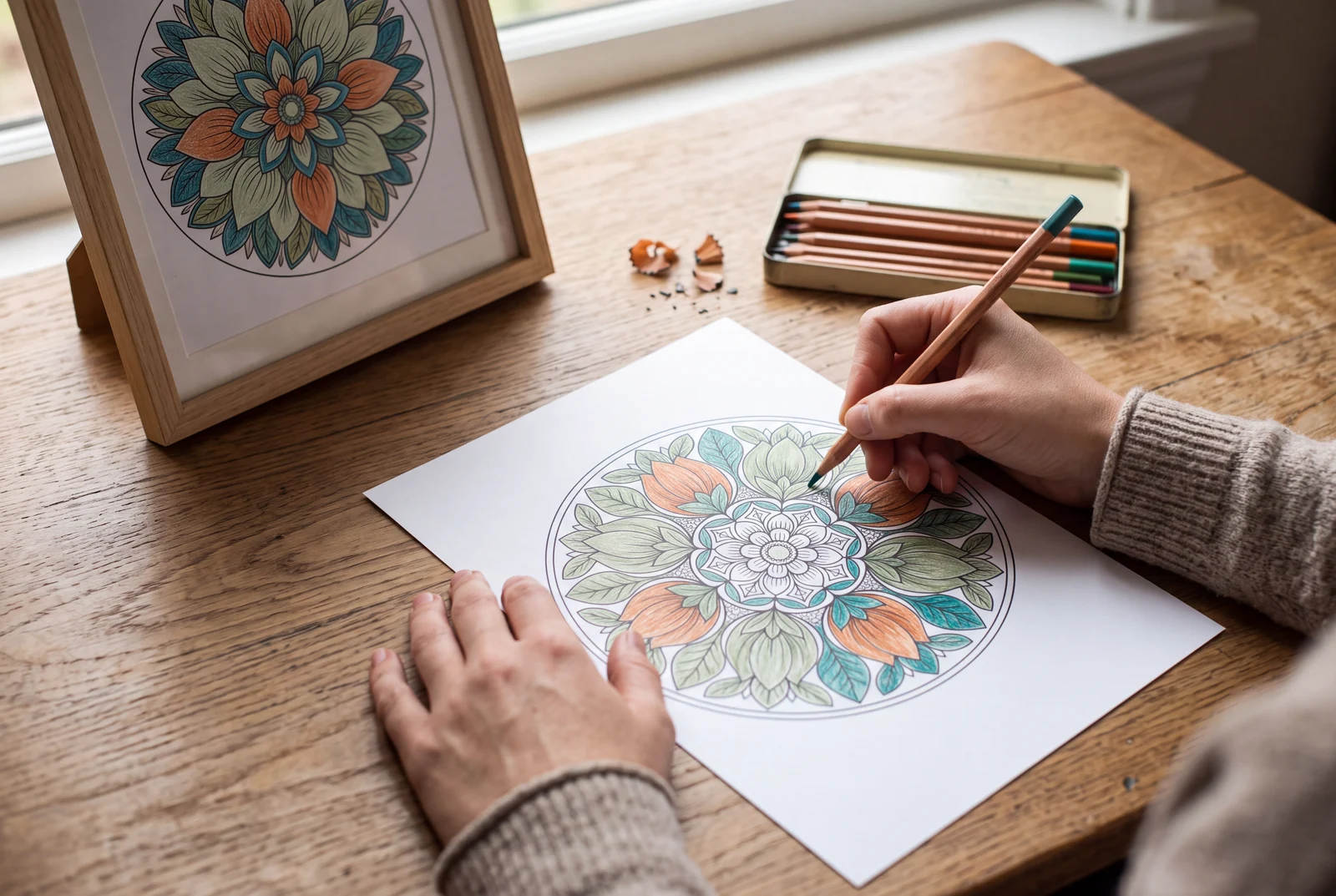
A useful place to start
Choose a picture that stays readable when reduced. In a document or layout editor, draw a bookmark-sized rectangle, fit the entire picture inside it and leave room for a handwritten name. Print a paper sample before cutting. LlamaGen supplies the source artwork here, rather than an automatic bookmark layout or a ready-sized bookmark PDF.
Start with a real printable
These existing sheets have matching full-page previews and prepared downloads.
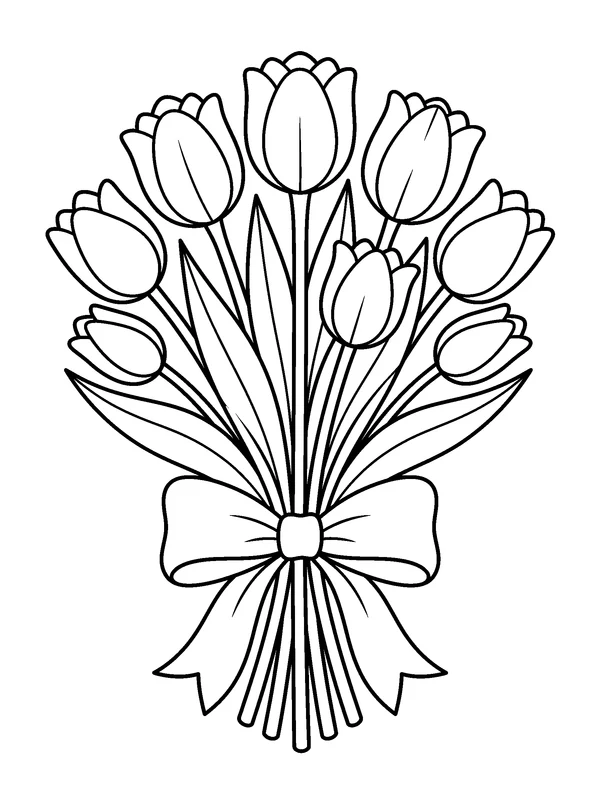
A tulip bookmark
Fit the complete bouquet inside the narrow rectangle. Keep the ribbon visible and leave a blank area for a name or a short reading note.
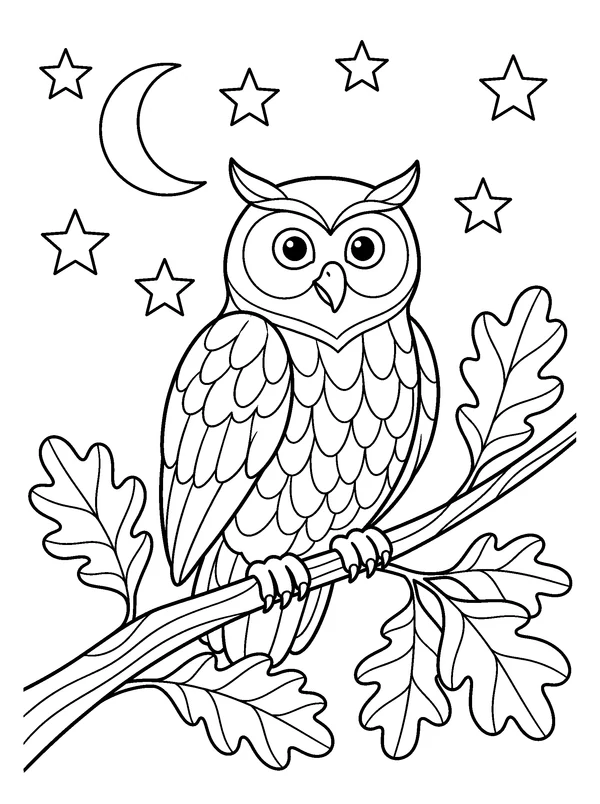
An owl reading companion
Use the whole owl picture as a small focal image. Inspect the eyes and feather spaces at the final printed size before choosing fine pencils or broad crayons.
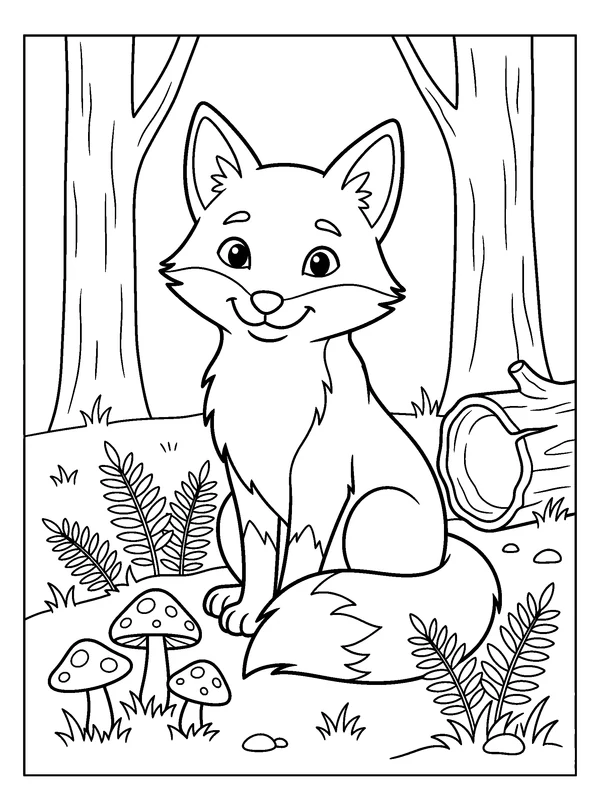
A fox for a shared palette
Repeat the same fox artwork across several bookmarks and let each reader choose different colors. A repeated source picture can still lead to very different finished gifts.
Put it into practice
Plan the bookmark before reducing the artwork
Measure a bookmark that fits the intended book. A possible starting size is 50 × 150 mm; another is 2 × 6 inches. These are different size choices, not exact conversions. Leave a clear inner margin so the outline does not meet the cutting edge.
- Sketch a rectangle and mark an area for the image and an area for writing.
- Prefer a clear central subject; a detailed full scene may become too small to color.
- Choose ordinary paper for the first trial, then printer-compatible card if you want a firmer result.
Arrange a complete picture in your own document
Download the PNG from its matching sheet page. Place it inside your bookmark rectangle in a document or layout editor, keep its proportions and fit the complete picture. The prepared PDF is a full-page coloring sheet; printing it alone does not create a correctly sized bookmark.
- Reduce the whole image instead of stretching it to fill the narrow space.
- Duplicate the finished rectangle only after checking that the first layout fits.
- Keep all rectangles within the printable area and leave space between them for cutting.
Check the real size, then color and cut
Print one sample at the document’s intended size and compare it with a ruler. Check that the smallest areas still suit your tools. Color on a flat surface before separating the bookmarks, then follow the outer rectangle when cutting.
- If the print dialog scales the document, recheck the physical bookmark dimensions.
- Use a scrap of the same paper to test whether marker ink shows through.
- An adult can handle cutting when the activity involves young children.
Finish a coordinated reading set
Use a shared subject with different palettes, or choose a different picture for each reader. Add a handwritten name, a book title or a short note in the blank area after printing. The project is complete when it works comfortably between the pages.
- Avoid thick embellishments that make the book difficult to close.
- Try the bookmark in a book before making extra copies.
- For an original subject, use the separate coloring studio and review its draft before arranging the document.
Questions about this activity
Are these ready-sized printable bookmark PDFs?
No. Each example supplies an existing full-page PDF and PNG. Use the PNG in your own document to prepare a bookmark-sized layout, then print a measured sample.
What size should a coloring bookmark be?
Choose a size for the intended book. You could try 50 × 150 mm or 2 × 6 inches, leaving room around the artwork. Check the printed dimensions because print scaling can change them.
Can several bookmarks use the same picture?
Yes. The existing sheets are offered for personal, home and classroom coloring activities. Repeat a picture with different color choices for a reading group; do not infer broader commercial rights from this guide.
Can the AI studio create a finished bookmark file?
The studio creates an image draft using account credits. A prompt can request a narrow composition, but you still need to check the artwork, arrange it at a physical size and prepare a separate print layout.