

A page layout tells a reader where to look, but a video needs one image after another. Before uploading, decide whether the page should move as a single composition or become a sequence of separate shots.
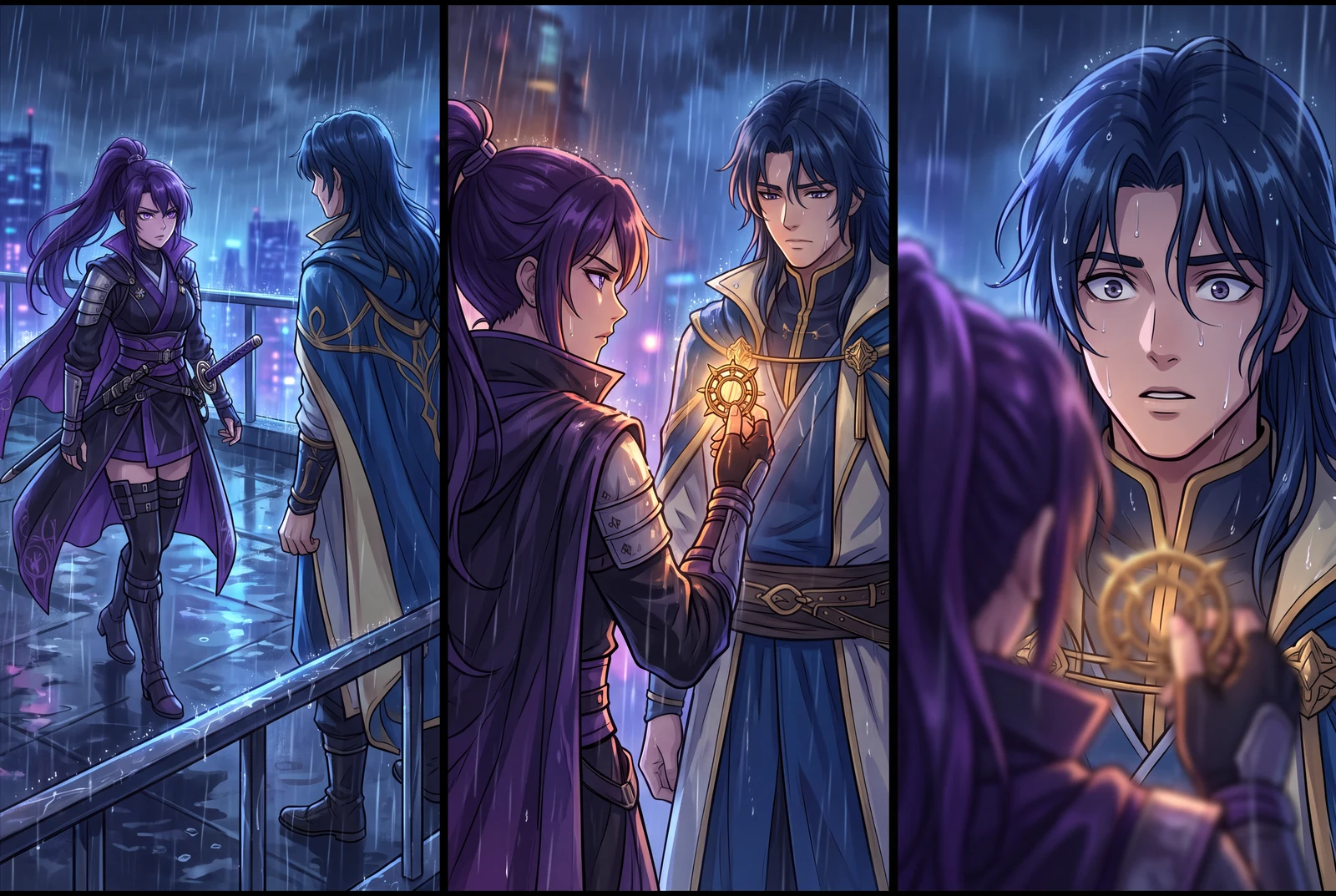
AI-generated comic-drama and short-drama concept frames, not customer work, actual video exports or measured evidence.
A practical workflow
- 01
Write the reading order
Label the intended sequence in your notes: 01 setup, 02 action, 03 reaction, 04 payoff. For right-to-left manga, write the order explicitly instead of relying on an upload list to infer it.
- 02
Crop for a clear subject
Create one crop per intended shot when a page has several competing focal points. Keep hands, props and speech-bubble tails inside the crop. Keep the original uncropped file for comparison.
- 03
Record what must stay consistent
Note a character's coat color, hairstyle and important prop. Reuse the same reference art across shots. A written continuity note helps you spot drift; it does not guarantee identical rendering.
- 04
Check the actual upload controls
Use the file types and size limits shown in Animation Studio. Upload a small representative sequence first, and check that the images are legible before generating a larger project.
Worked planning example
Four panels: a robot waters the wrong pot
Plan shot 01 as the greenhouse, 02 as a watering can above an old boot, 03 as the surprised gardener and 04 as a sprout emerging from the boot. Keep the boot in the crop for shots 02 and 04 so the visual joke still connects. This is an original storyboard brief, not a reported customer conversion.
Use the supplied panels in the specified order: greenhouse, boot, gardener reaction, sprout. Keep the copper robot, yellow apron and old boot recognizable. Use one clear action per shot; do not invent an extra scene.
Illustrative brief. Timing is a starting point to adjust after preview, not a measured generation result.
What to check before continuing
- The crop removes the object that explains the next panel.
- A double-page spread is uploaded without a written reading order.
- A low-resolution speech bubble is treated as reliable final video text.
Questions creators ask
Should I upload the whole page or separate panels?
Use the full page when the page composition itself matters. Separate panels when each needs its own movement or timing. Verify the available upload options in your selected mode.
Does panel preparation guarantee continuity?
No. It gives the generation a clearer reference and makes problems easier to identify. Compare the preview with your original character and prop references.