

More action words do not necessarily make a clearer clip. A quiet camera move can preserve a carefully drawn composition, while several competing actions can make it harder to see which instruction caused a problem.
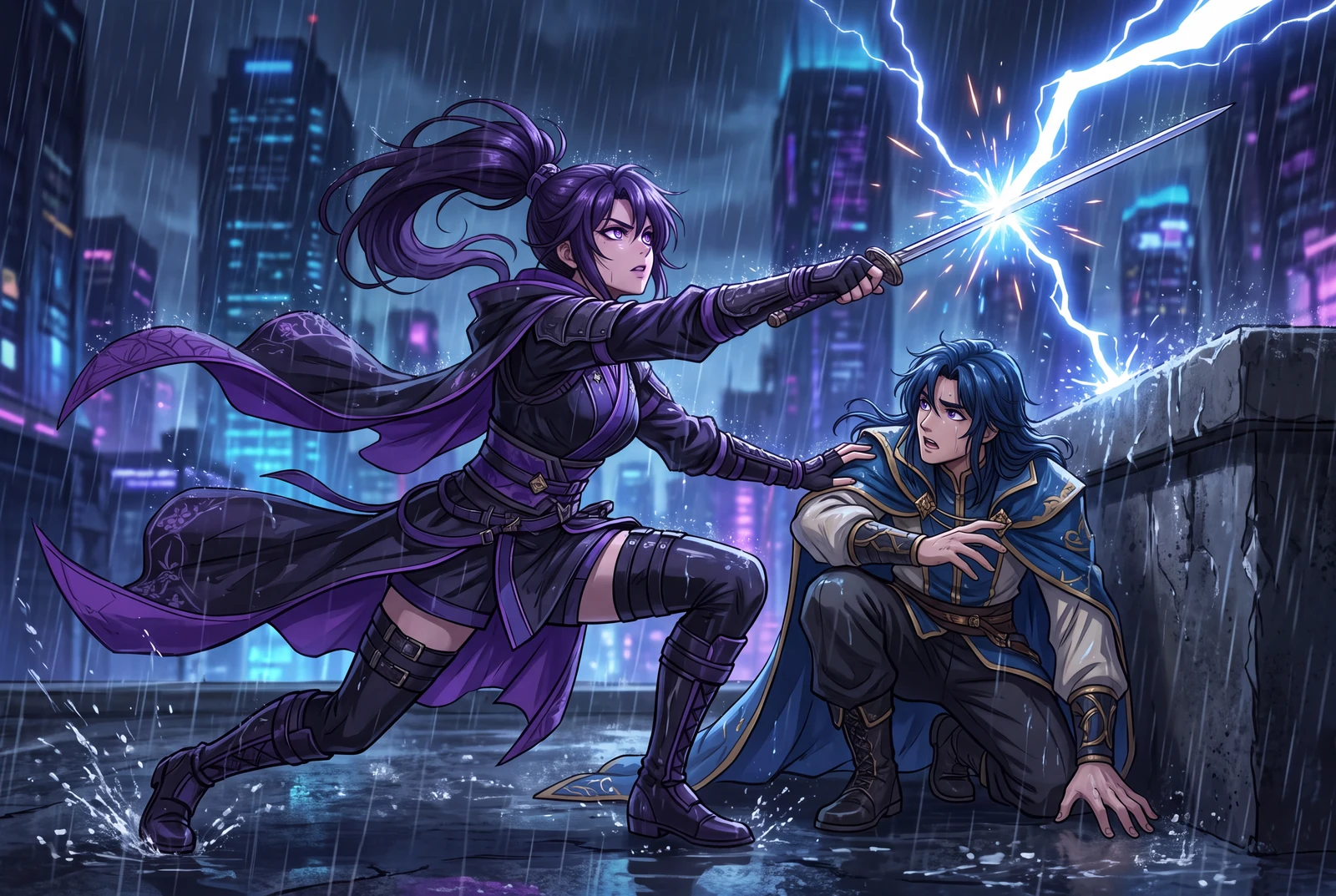
AI-generated comic-drama and short-drama concept frames, not customer work, actual video exports or measured evidence.
A practical workflow
- 01
Name the visual anchor
Identify the character, costume and object that carry the scene. Describe only visible details you can check against the source art, such as the robot's yellow apron and the boot on the bench.
- 02
Choose one camera intention
Start with a gentle push toward the subject, a lateral pan or a still composition. These are prompt directions to try, not promises of a timeline camera controller.
- 03
Add one subject action
Ask for the watering can to tip or the character to turn their head. Avoid combining a camera orbit, costume change and scene transition in the first attempt.
- 04
Revise the failure you can see
If the face changes, simplify the action and retain a clearer reference. If the reveal is confusing, reduce camera travel. Compare one change at a time and check the credit cost before another generation.
Worked planning example
A restrained reveal for the greenhouse scene
The story needs the viewer to notice a tiny sprout. Keep the robot and boot in frame, request a slow push toward the boot and let the sprout supply the single action. Judge the preview on whether that reveal reads clearly, not on how many effects appear.
Slow push toward the old boot on the greenhouse bench. A tiny green sprout emerges. Keep the copper robot's yellow apron, face and the boot's shape recognizable. Maintain the original composition and lighting; avoid a scene change or added lettering.
Illustrative brief. Timing is a starting point to adjust after preview, not a measured generation result.
What to check before continuing
- The prompt introduces objects that are absent from the artwork.
- Several simultaneous camera moves hide the key story beat.
- A convincing single frame is accepted without inspecting the rest of the clip.
Questions creators ask
Can a prompt lock the character perfectly?
No prompt guarantees a perfect identity lock. Use consistent references and inspect the full preview for changes in the face, costume and props.
Should I request complex action immediately?
Start with a version you can judge. Once the scene reads well, add complexity in a separate revision and compare the result.