

Nano Banana 2.1 workflows
Run Nano Banana 2.1 through the Google Cloud image API
A local script can make a direct request to Google Cloud. Keep authentication, model selection, image settings and result handling explicit so that a failed image response does not silently become a successful export.
What you will make
A direct SDK request and a review checklist for a Google Cloud project you control. This is not access to a public LlamaGen API.
Nano Banana 2.1 requires a paid LlamaGen plan. Check the current credit charge and export choices before generating. Direct Google Cloud API billing is separate. Plans and credits

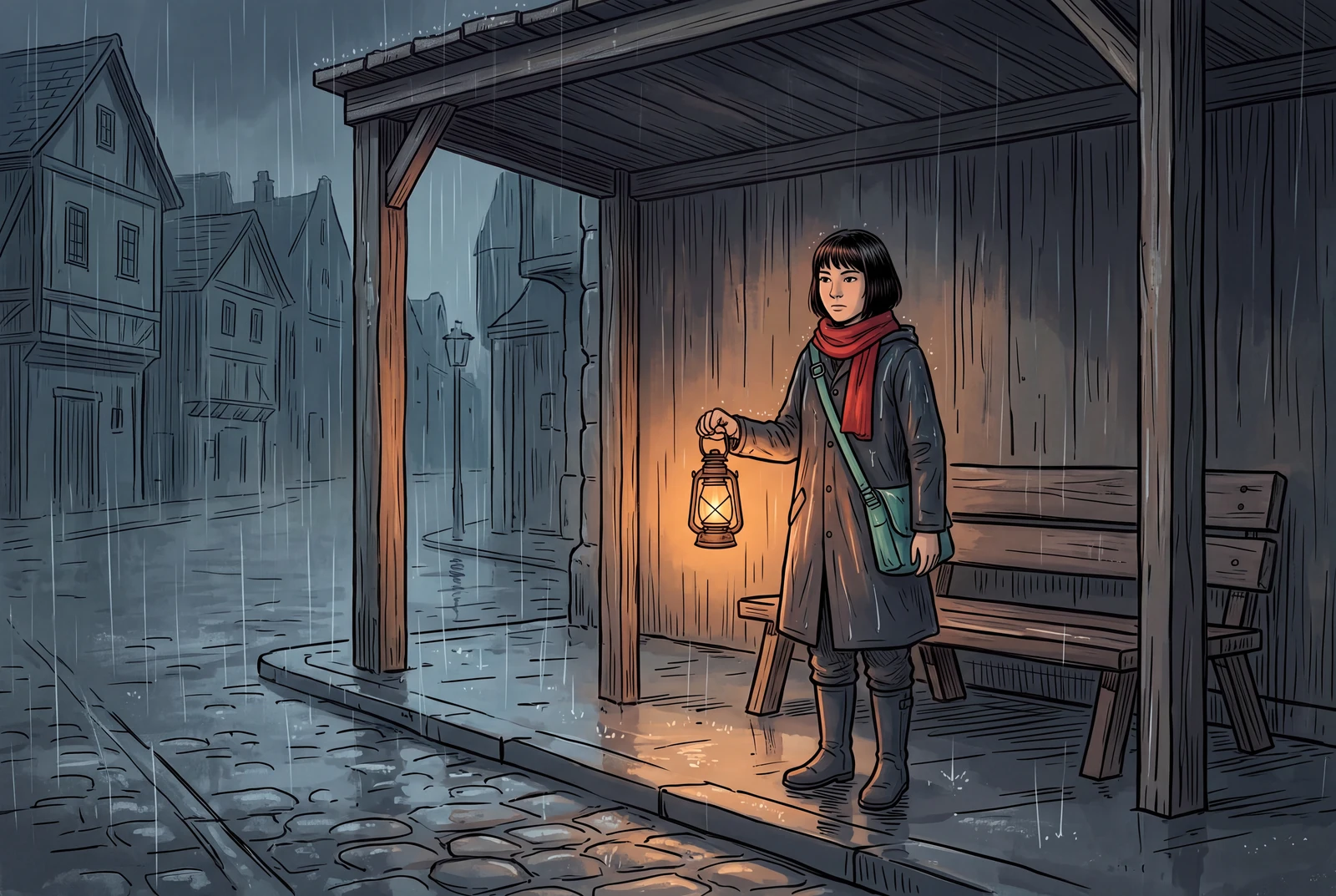
The hero is an AI-generated presentation concept showing a finished result in context. It is not a customer photograph, application screenshot or a separate test of the model’s performance.
Content reviewed:
Inspect a generated example
The example below is a direct model output from our documented generation workflow. Review the actual image, rather than assuming the model followed every instruction.
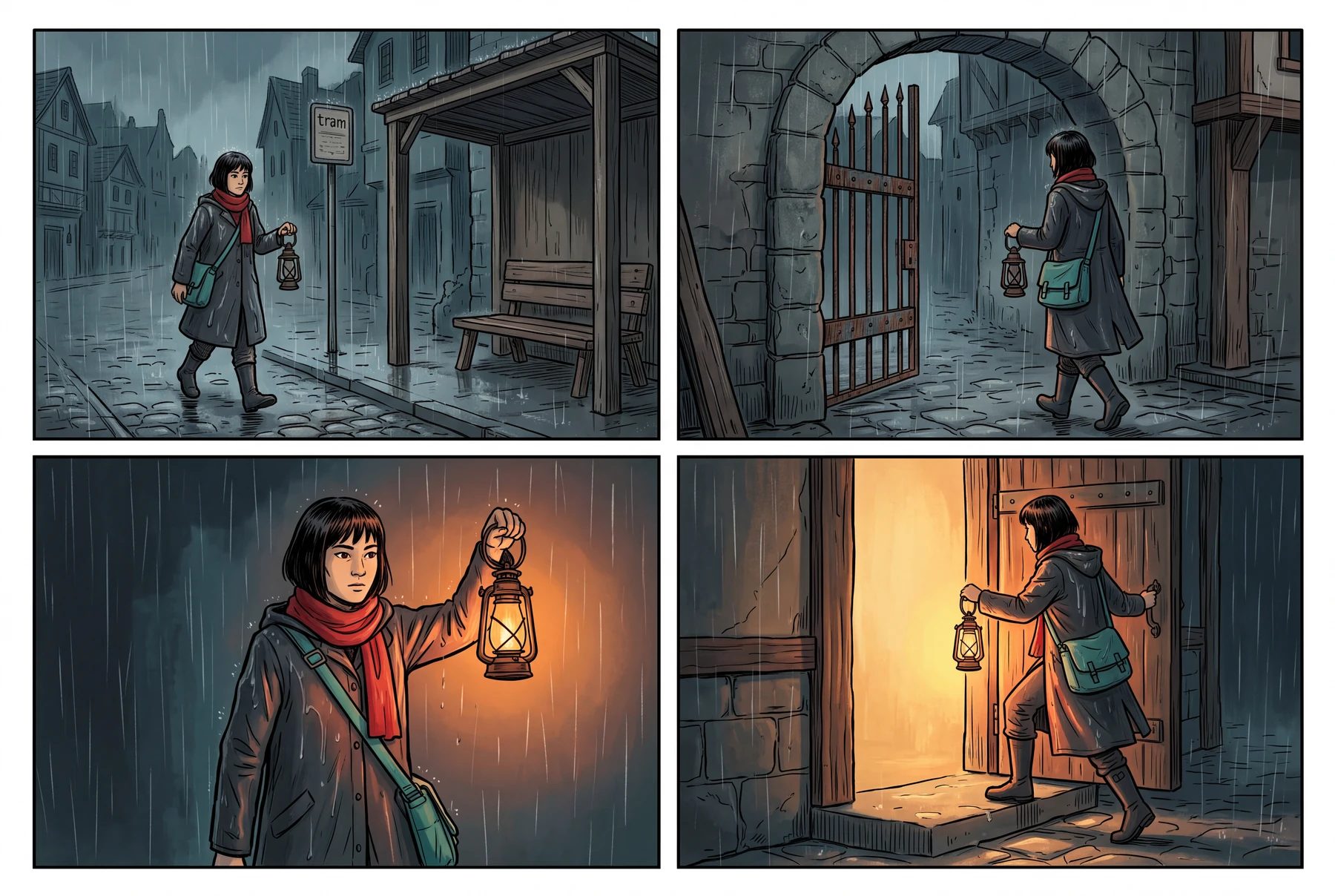
Reference images used in the generation workflow
These are owned, fictional reference assets. Their inclusion does not guarantee exact identity or product detail in the output.
Prepare your own Google Cloud access
Google’s current documentation calls the platform Gemini Enterprise Agent Platform; many developers still search for its earlier name, Vertex AI. The sample here follows @google/genai 1.45.0, the version installed in our local generation workflow, using vertexai: true. Newer SDK releases may rename options; follow the documentation for your installed version.
Use a project with billing, the required service enabled and credentials authorized for the request. Keep service-account files and access tokens outside source code, page content and image prompts. Cloud API charges are separate from any LlamaGen plan.
- Use the exact model ID gemini-nano-banana-2.1.
- Use the global location documented for this model.
- Follow Google’s authentication and project setup instructions for your environment.
Send settings this endpoint supports
For this Cloud model, the documented output sizes are 1K, 2K and 4K. The current Cloud model page lists a maximum of 14 input images per prompt and a 7 MB per-file limit for inline image data; Cloud Storage inputs have a different limit. These are endpoint-specific limits, not a promise that every combination is a good creative brief.
The Cloud documentation explicitly says seed, temperature, topP, topK and logprobs are unsupported for Nano Banana 2.1. Do not copy those settings from a text-generation example or describe a seed as a reproducibility control for this model.
- Keep the prompt and a small, relevant reference set easy to inspect.
- Use the MIME type that matches the actual input bytes.
- Record model, output settings and reference hashes with your own result.
Check for an actual returned image
Inspect the response parts for inline image data before writing an output file. A text response, a filtered result or a response without an image should be handled as an outcome to inspect, not as a completed generation.
Do not retry blindly. Save non-sensitive request metadata and the response status, check documented limits, and investigate the returned reason. If you retry an ambiguous failure, understand your provider’s current billing behavior first.
- Do not log credentials or full private input images.
- Preserve the returned image MIME type when choosing a file extension.
- Treat a returned image as a candidate that still needs visual review.
Separate the moving parts
These checks describe the direct Google Cloud route. They do not grant API access or replace Google’s current setup documentation.
| Part of the request | Use or check | Avoid assuming |
|---|---|---|
| Authentication | Your own authorized Google Cloud project and credentials | That a LlamaGen subscription authenticates a Cloud API request |
| Model and location | gemini-nano-banana-2.1 in global | That a similar model alias selects the same model |
| Image settings | Supported aspect ratio, output size and reference format | That seed or text-model sampling parameters are supported |
| Response | Actual image bytes, MIME type and a reviewable result | That every successful HTTP response includes a publishable image |
A practical workflow
From a small request to a reviewable file
Start with one uncomplicated original image request. The example below follows the direct SDK shape used by our local generation workflow; replace the project environment and authenticate through your own approved setup.
A starting prompt to adapt
Create an original illustrated courier carrying a lantern in a rainy street. Use a clear silhouette and a readable scene. Do not add text or logos.
This brief is an adaptable recipe, not the verbatim request log for the pictured output. It does not promise identical results or a successful first generation. The generation record preserves the original request.
Try the workflow
- Prepare credentials and your project outside the source file.
- Run a small request with supported image settings.
- Inspect returned image parts, save with the correct MIME type and review the actual file.
What to inspect
- Did an image part actually return?
- Does the saved file open correctly?
- Does the visual match the brief well enough to keep?
Direct Google Cloud SDK example
This is a direct Google Cloud request using your own project and credentials. It is not a public LlamaGen API endpoint. Do not paste private keys into a prompt or a public page.
import { GoogleGenAI } from "@google/genai";
import { writeFile } from "node:fs/promises";

// @google/genai 1.45.0, matching the documented local workflow.
// Authenticate outside this file using Google Cloud credentials.
const ai = new GoogleGenAI({
  vertexai: true,
  project: process.env.GOOGLE_CLOUD_PROJECT,
  location: "global",
  httpOptions: { apiVersion: "v1" },
});
const response = await ai.models.generateContent({
  model: "gemini-nano-banana-2.1",
  contents: [{ role: "user", parts: [{
    text: "Create an original illustrated courier carrying a lantern in a rainy street. No text or logos.",
  }] }],
  config: {
    responseModalities: ["IMAGE"],
    candidateCount: 1,
    imageConfig: { aspectRatio: "3:2", imageSize: "2K" },
    thinkingConfig: { thinkingLevel: "HIGH" },
  },
});
const image = response.candidates?.[0]?.content?.parts?.find(
  (part) => part.inlineData?.data,
)?.inlineData;
if (!image?.data) throw new Error("No image returned; inspect the response before retrying.");
const extensions = { "image/png": "png", "image/jpeg": "jpg", "image/webp": "webp" };
const extension = extensions[image.mimeType];
if (!extension) throw new Error("Inspect the returned MIME type before saving.");
await writeFile(`nano-banana-2-1.${extension}`, Buffer.from(image.data, "base64"));
Questions before you begin
Is this a public LlamaGen API?
No. The code uses Google’s SDK to call Google Cloud directly with your own project and credentials. The LlamaGen model page is a separate product entry.
Can I set a seed or temperature?
The current Cloud model documentation says seed, temperature, topP, topK and logprobs are not supported for Nano Banana 2.1. Check the specific endpoint documentation before adding request parameters.
Does a response without an image mean I should immediately retry?
Inspect the response and current provider guidance first. Filters, limits and transient failures can lead to different outcomes. This guide does not promise that a retry will succeed or be free.