

Nano Banana 2.1 workflows
Edit an image with Nano Banana 2.1 without losing the brief
A useful edit starts with a clear distinction between the intended change and the details you need to preserve. Describe both, then inspect the returned image for changes you did not request.
What you will make
An edited original image with a written preservation checklist and a clear next revision.
Nano Banana 2.1 requires a paid LlamaGen plan. Check the current credit charge and export choices before generating. Direct Google Cloud API billing is separate. Plans and credits
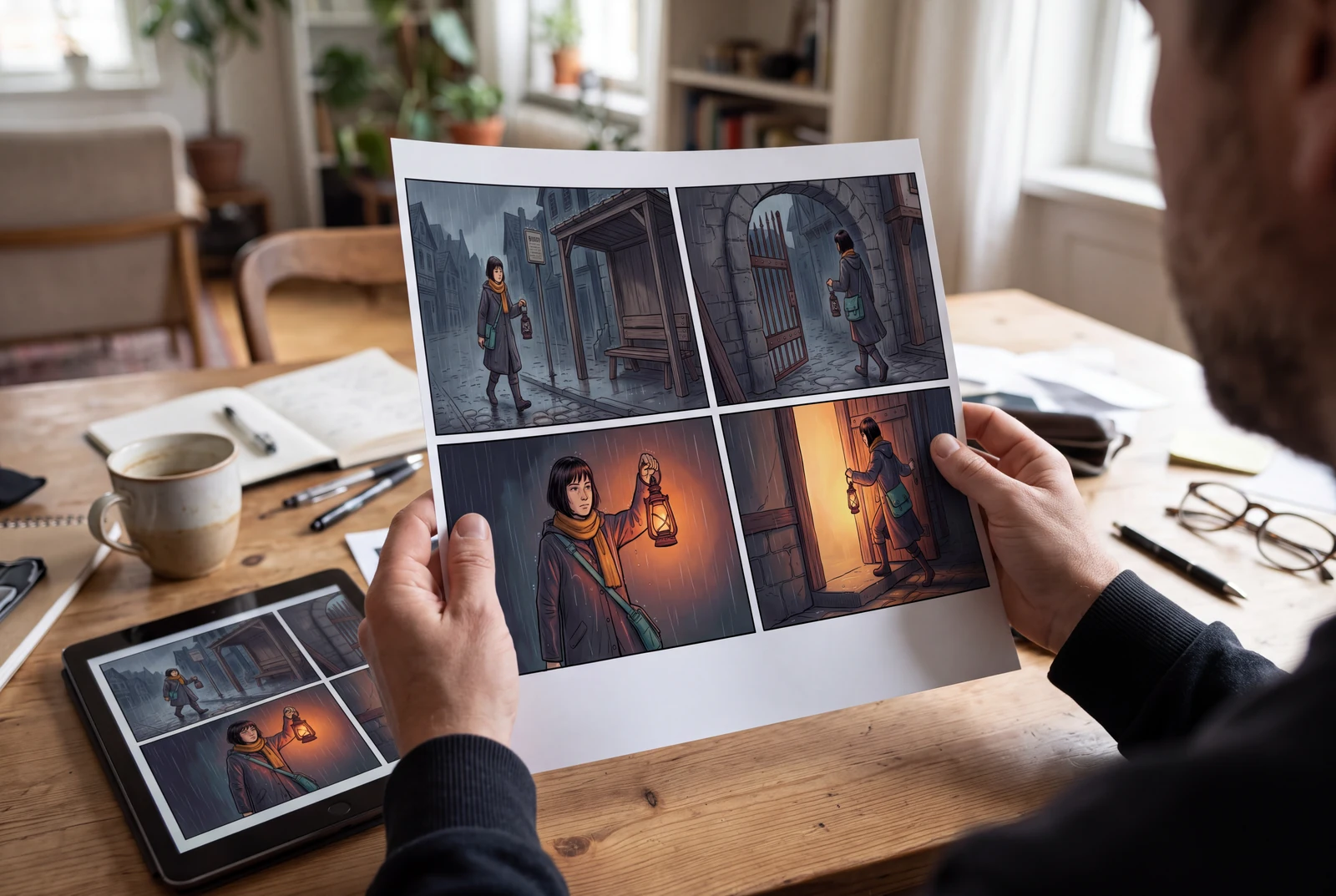
The hero is an AI-generated presentation concept showing a finished result in context. It is not a customer photograph, application screenshot or a separate test of the model’s performance.
Content reviewed:
Inspect a generated example
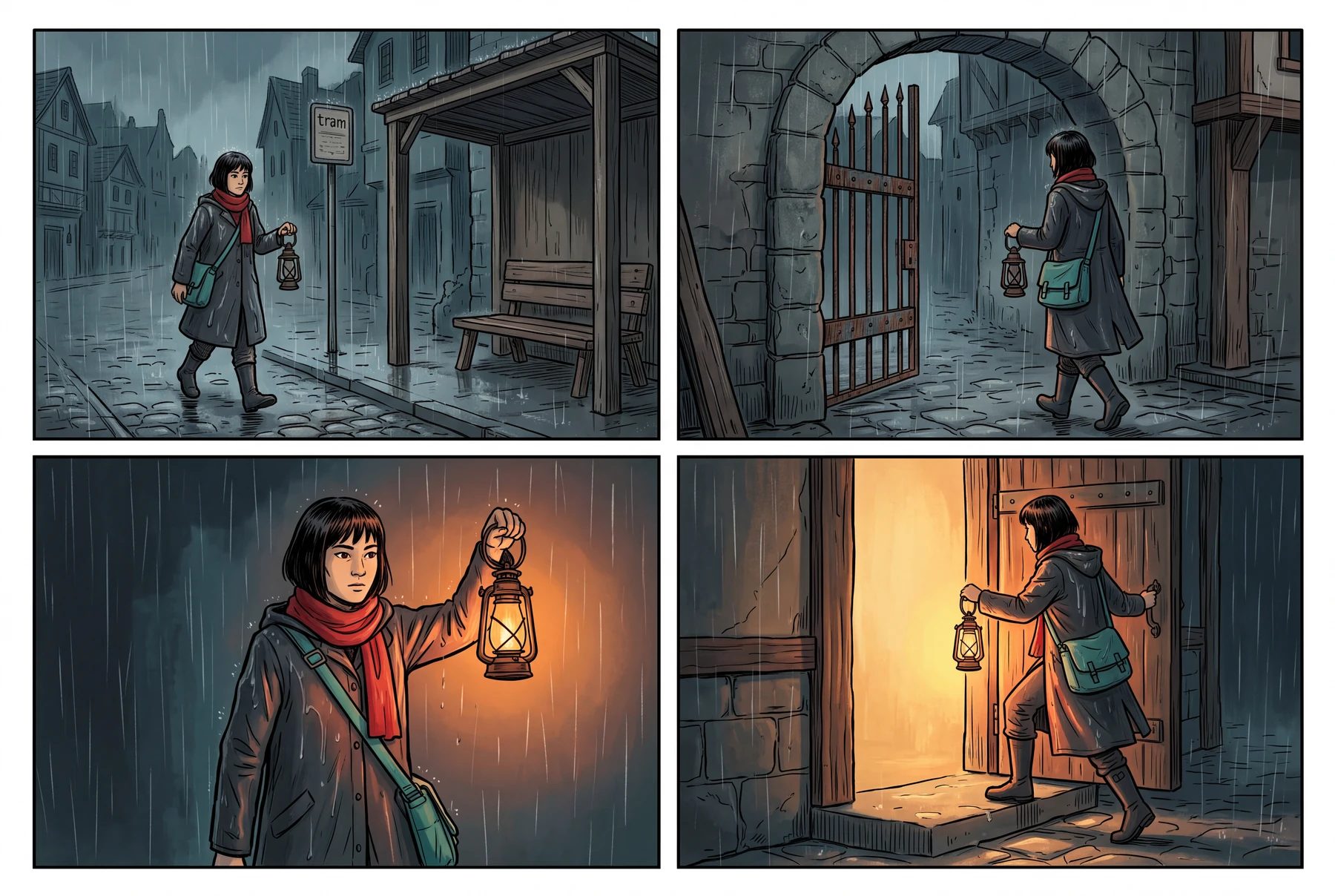
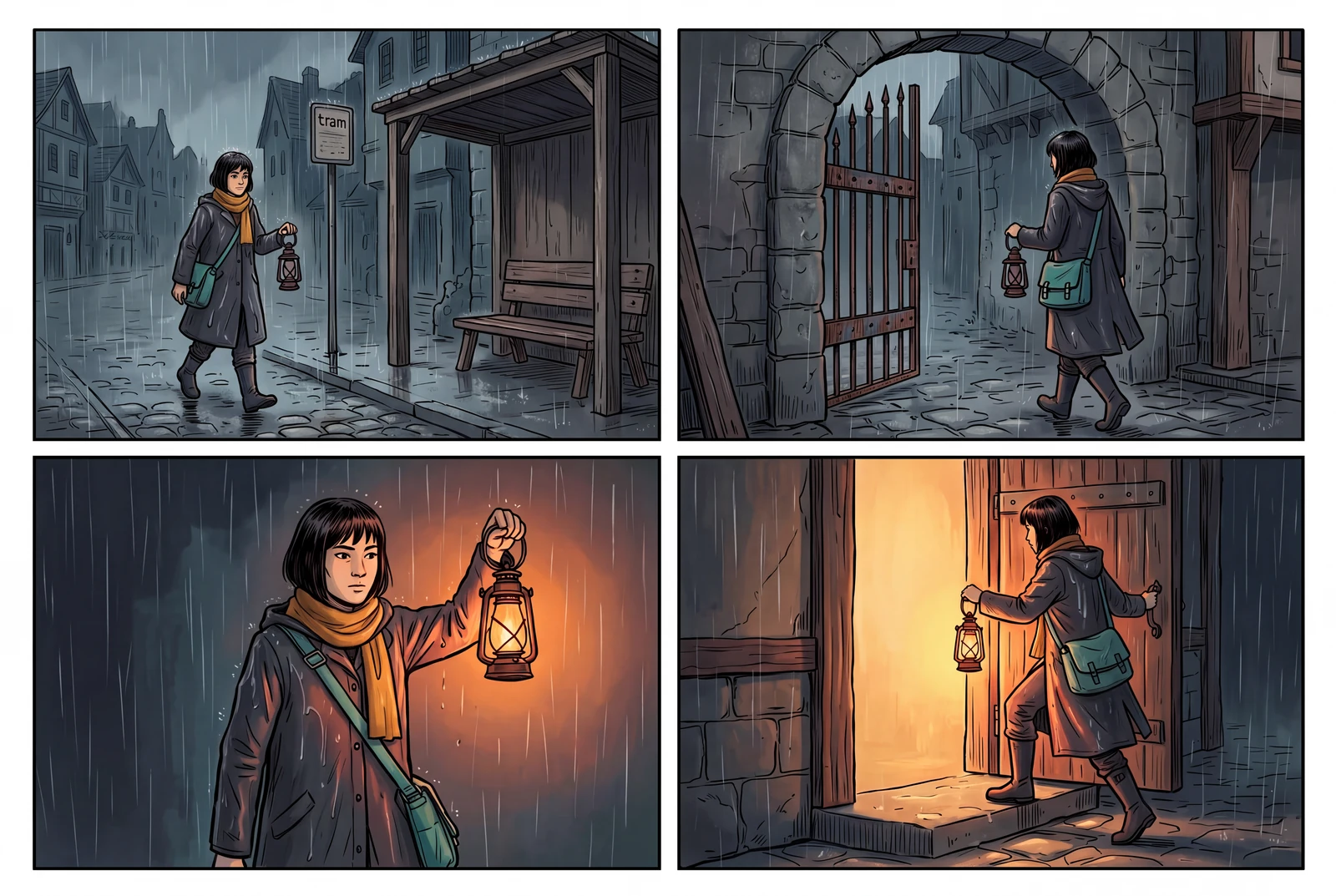
The example below is a direct model output from our documented generation workflow. Review the actual image, rather than assuming the model followed every instruction.
Reference images used in the generation workflow
These are owned, fictional reference assets. Their inclusion does not guarantee exact identity or product detail in the output.
Write the change and the preservation rules
Choose one owned input image and one main change. For a story image, that might be a different environment or lighting treatment while preserving the original adult character’s identifying features and key prop.
Avoid mixing a background replacement, a new pose, a costume redesign and a new camera angle in an unclear first request. A focused brief makes unwanted changes easier to recognize, even though it cannot guarantee perfect subject preservation.
- State the intended change in one sentence.
- List the face, costume, prop or composition details to keep.
- Check that you have permission to edit the source image.
Inspect more than the changed area
Look at the intended edit first, then compare the rest of the image with the reference. A convincing new background is not enough if a hand, face or important object changed in a way that breaks the intended use.
Keep the original and useful intermediate versions. If the result drifts, revise the brief using the original reference rather than repeatedly editing an image whose important details have already changed.
- Check facial features, hands and subject proportions.
- Check object shape, colors and identifying details.
- Inspect edges and the transition between subject and scene.
Treat conversational editing as a review loop
Google documents multi-turn image editing, but its model card also notes that character consistency and instruction following can be imperfect. A later edit may introduce new deviations.
Describe a concrete correction and inspect its side effects. Do not call a flat image an editable layered source, or imply that prompt-based editing creates independently adjustable text, borders and subjects.
- Preserve the brief alongside each kept version.
- Separate an image edit from rebuilding a file with layers.
- Use a dedicated editor when a precise manual correction is the better finishing step.
A preservation checklist
Use a small list that fits your actual image instead of asking the model to keep everything unchanged.
| Element | Describe what to keep | Inspect in the result |
|---|---|---|
| Character identity | Identifying face, hairstyle and adult character design | Unwanted changes to features or proportions |
| Costume and prop | Distinctive clothing and the key story object | New accessories, missing details or altered shape |
| Intended edit | The one environment, lighting or visual change | Whether it happened clearly and coherently |
| Output use | Final crop and space for later text | Clipped subjects, unreadable details or unwanted lettering |
A practical workflow
A focused edit brief
Use your own original character image. The aim is to make the intended change easy to review while treating identity preservation as a check, not a guarantee.
A starting prompt to adapt
Edit the supplied original character image. Change the environment and lighting to a quiet evening scene. Keep the character’s identifying features, clothing and key prop recognizable. Do not add new people, a logo or written text.
This brief is an adaptable recipe, not the verbatim request log for the pictured output. It does not promise identical results or a successful first generation. The generation record preserves the original request.
Try the workflow
- Save the original reference and write the preservation list.
- Generate a candidate edit with a focused change request.
- Compare original and result before deciding on the next correction.
What to inspect
- Was the intended change actually made?
- Did the face, hands or key prop drift?
- Would the result work at its final crop and display size?
Questions before you begin
Will Nano Banana 2.1 keep every part of the source unchanged?
No. Reference editing can change details you did not request. Google’s model card lists imperfect consistency and instruction following among the limitations, so inspect the entire result.
Can I edit the same image several times?
The model supports multi-turn editing, but later turns still need review. Keep the original and useful intermediate files so you can recover from drift.
Does this create editable layers?
A generated or edited image is not automatically a layered design file. Keep source materials and use an editor suited to precise layer, text or layout work when needed.