

Nano Banana 2.1 workflows
Turn a short scene into a readable Nano Banana 2.1 storyboard
A storyboard should explain what happens and where attention moves. Plan the beats before generation, preserve a recognizable character reference, and inspect the sequence as a story rather than four attractive pictures.
What you will make
A short static storyboard and a shot-by-shot continuity checklist for a later comic or animation workflow.
Nano Banana 2.1 requires a paid LlamaGen plan. Check the current credit charge and export choices before generating. Direct Google Cloud API billing is separate. Plans and credits
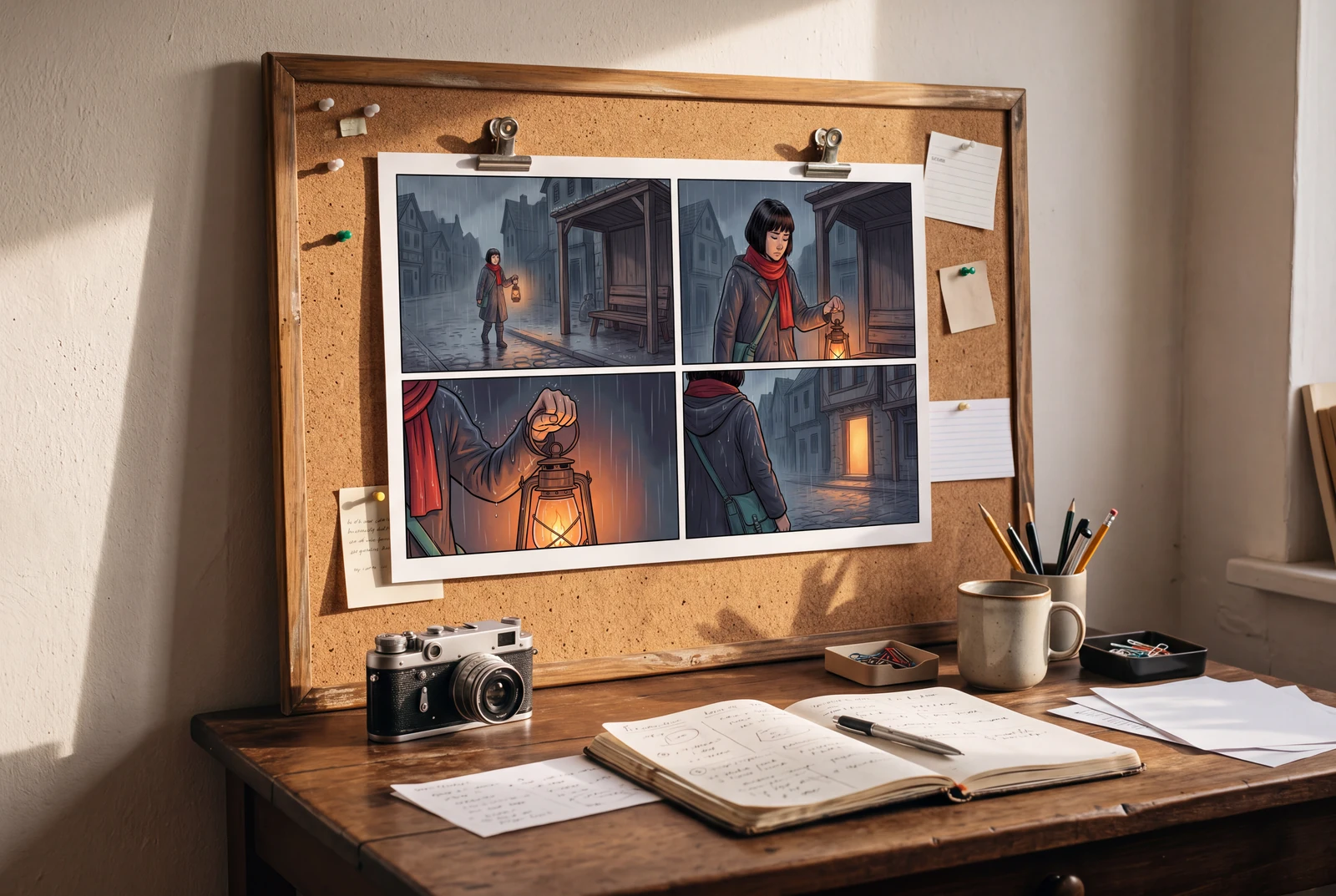
The hero is an AI-generated presentation concept showing a finished result in context. It is not a customer photograph, application screenshot or a separate test of the model’s performance.
Content reviewed:
Inspect a generated example
The example below is a direct model output from our documented generation workflow. Review the actual image, rather than assuming the model followed every instruction.
Reference images used in the generation workflow
These are owned, fictional reference assets. Their inclusion does not guarantee exact identity or product detail in the output.
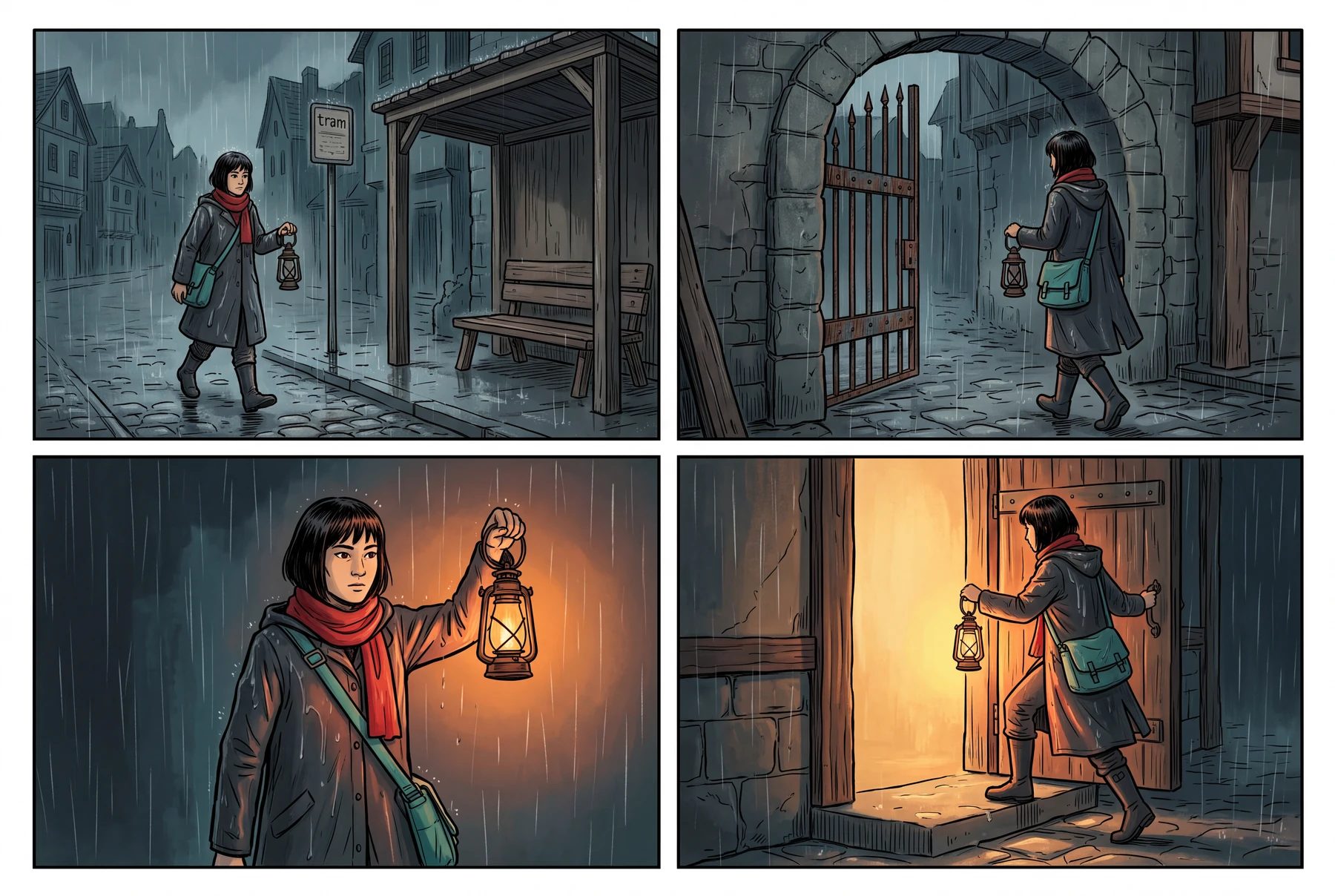
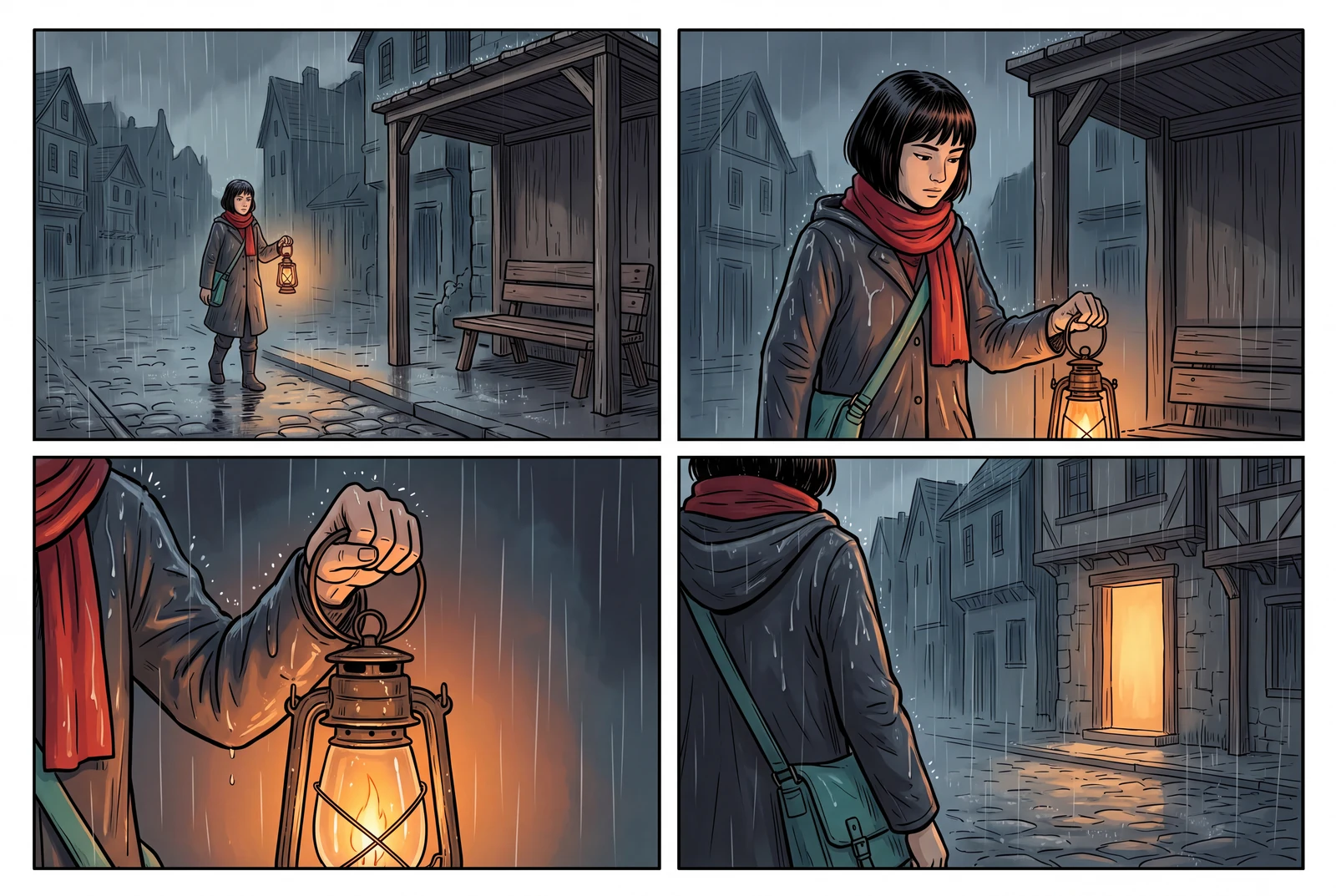
Give each image a story job
Use one short original scene with a beginning, a change, a reaction and a result. For example, an adult courier arrives with a key prop, encounters an obstacle, investigates it and discovers the next destination.
Decide whether you need a single sheet or separate shot images. A model-generated sheet still needs review for the actual panel count, reading order and whether the intended action appears in each image.
- Keep the story brief short enough to inspect.
- Assign a different job to each shot.
- Choose the intended reading order before adding dialogue.
Keep identity and space understandable
Supply an accepted character reference and describe the important location and prop. A change of shot size should help explain the action while keeping enough spatial context for the viewer to follow it.
Review where the character is facing, which hand holds an object and whether important objects move without explanation. Google’s model card notes that left/right positioning and other spatial details can be imperfect.
- Check costume, silhouette and important objects across the sequence.
- Check the entrance, exit and direction of movement.
- Use a closer view for a detail only when it helps the story.
Separate a static board from a finished video
Nano Banana 2.1 generates images and text; it does not output a finished animation video. A storyboard can become input to a separate video tool, with additional decisions about movement, duration, audio and transitions.
Do not treat a cinematic presentation scene or a sequence of static panels as proof of motion quality. Inspect any later video output separately, particularly character drift and changes between the first and final frames.
- Keep the accepted stills and the shot list.
- Plan one clear action before asking a video model to add movement.
- Check the selected video tool’s current plan, credit charge and supported inputs.
A four-beat storyboard planning sheet
This is an adaptable original planning exercise. The actual generated sequence still needs to be checked against it.
| Beat | Shot role | Continuity check |
|---|---|---|
| 1 — Arrival | Establish the original character, location and key prop | The subject and destination are easy to identify |
| 2 — Obstacle | Show what blocks or changes the plan | The new problem is visually different from the opening |
| 3 — Investigation | Show a reaction or a useful detail | The gesture and prop do not hide the clue |
| 4 — Discovery | Reveal the result or next destination | The final image follows from the previous action |
A practical workflow
A short sequence brief
Use a coherent original adult character reference and a simple scene. Inspect the final output’s actual image count and storytelling rather than assuming a four-beat prompt guarantees four correct panels.
A starting prompt to adapt
Create a clear four-beat static storyboard using the original adult character reference. Show arrival, an obstacle, an investigation with the key prop, and a discovery. Keep the character recognizable and the location understandable. Use distinct shot roles, an unambiguous reading order and no written dialogue or logos.
This brief is an adaptable recipe, not the verbatim request log for the pictured output. It does not promise identical results or a successful first generation. The generation record preserves the original request.
Try the workflow
- Write four beats and select the character reference.
- Generate the board or separate shots using a consistent scene brief.
- Read the sequence without dialogue and check the action, identity and spatial continuity.
What to inspect
- Is the intended panel or shot count present?
- Can a viewer follow the sequence without explanation?
- Do identity, movement direction and key props remain coherent?
Questions before you begin
Does Nano Banana 2.1 generate animation videos?
No. Its documented outputs are images and text. Use a separate video workflow if you want to animate accepted storyboard images.
Will a four-panel prompt always return exactly four usable panels?
No. Inspect the actual panel count, layout and action in the output. A generated storyboard is a candidate that may need a revised brief or manual editing.
Can I use the storyboard in the comic-to-video workflow?
You can use artwork you have permission to use as an input where the selected tool supports it. Prepare the shot list, check current input requirements and review the resulting video separately.