

Nano Banana 2.1 workflows
Place a product in a lifestyle scene without losing its details
An appealing background is only useful if the product remains accurate enough for its intended use. Start with a clear owned reference and inspect the shape, materials, closure and label area in the generated result.
What you will make
A product-scene concept and a product-fidelity checklist before it is used in a listing or campaign.
Nano Banana 2.1 requires a paid LlamaGen plan. Check the current credit charge and export choices before generating. Direct Google Cloud API billing is separate. Plans and credits
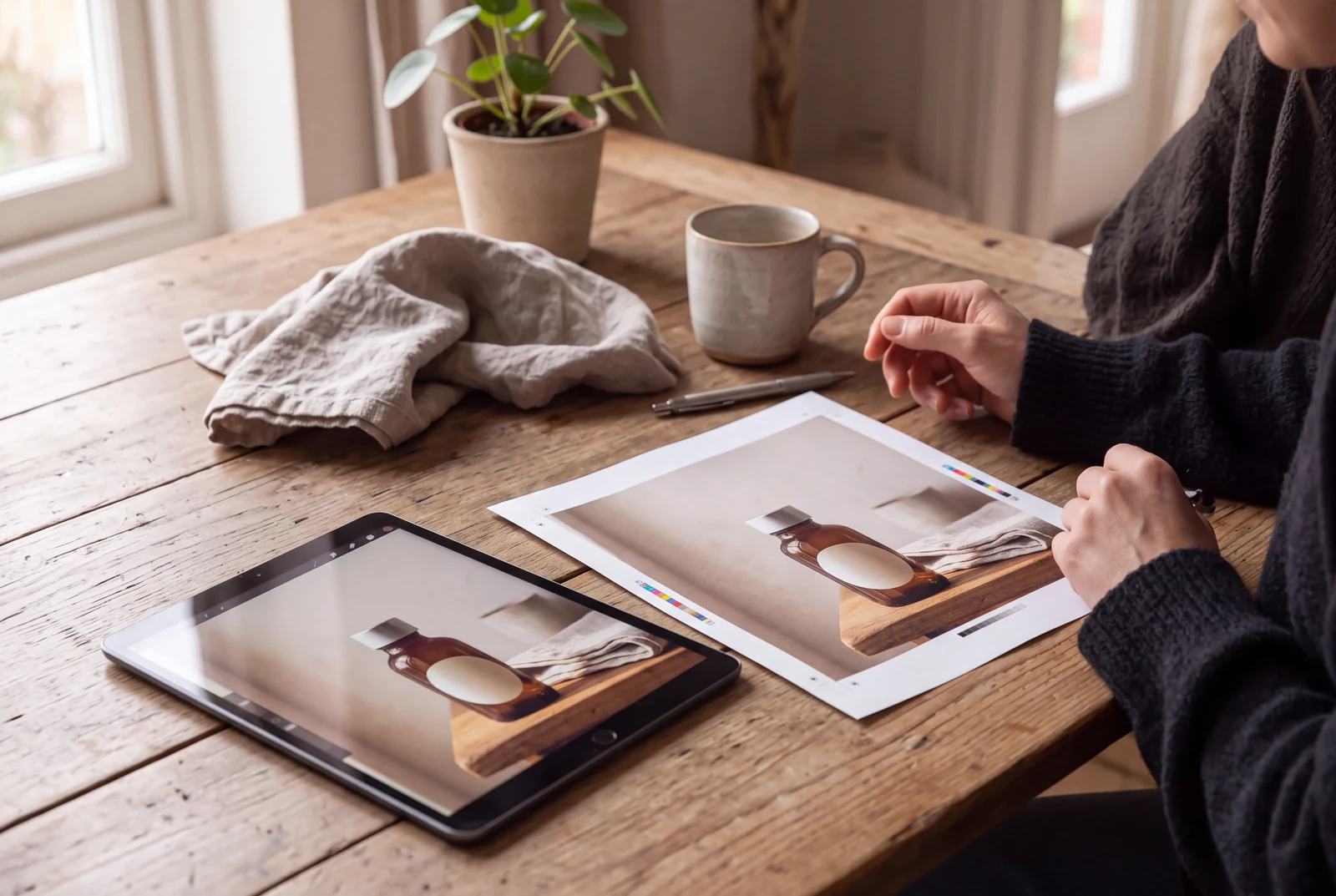
The hero is an AI-generated presentation concept showing a finished result in context. It is not a customer photograph, application screenshot or a separate test of the model’s performance.
Content reviewed:
Inspect a generated example
The example below is a direct model output from our documented generation workflow. Review the actual image, rather than assuming the model followed every instruction.
Reference images used in the generation workflow
These are owned, fictional reference assets. Their inclusion does not guarantee exact identity or product detail in the output.
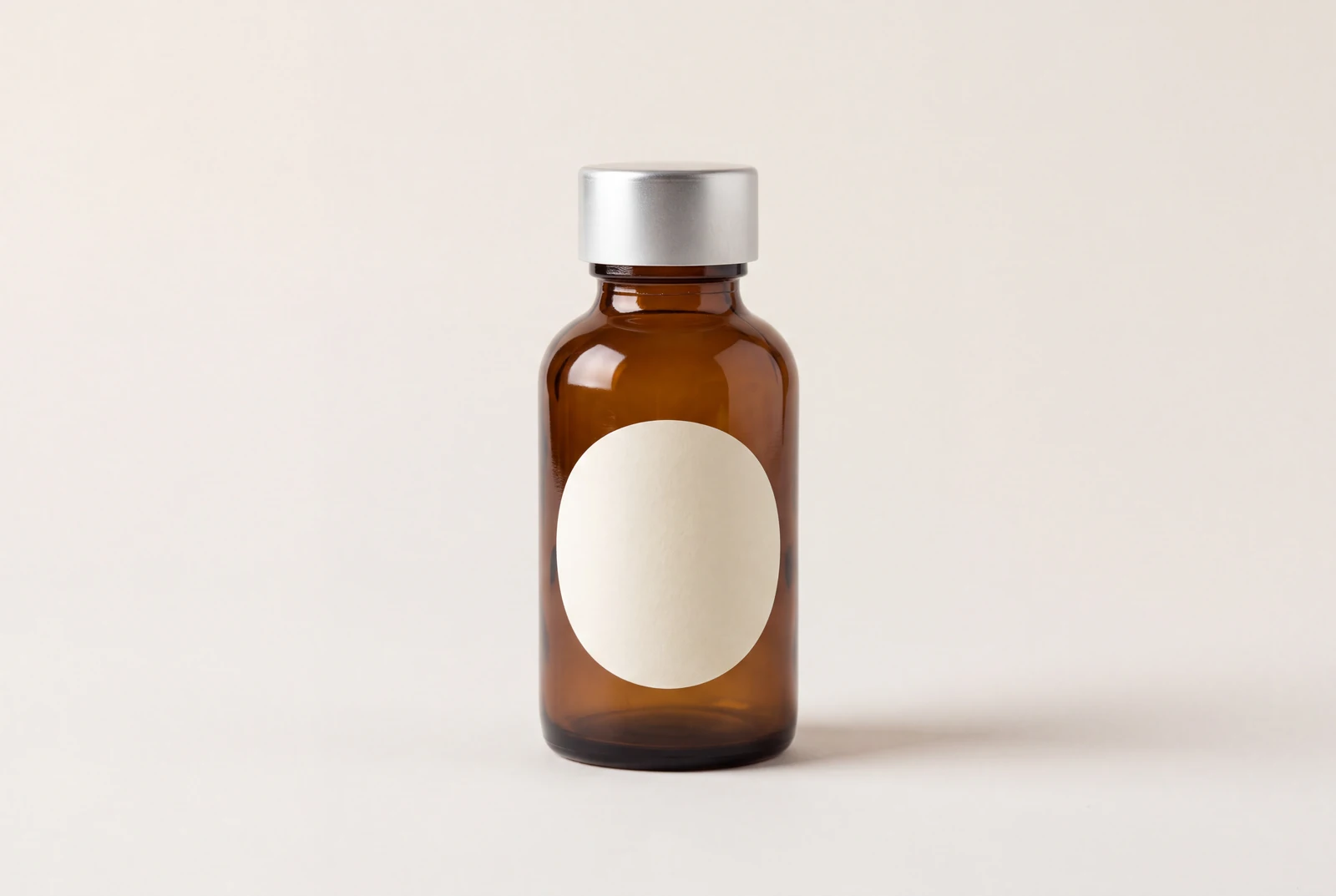
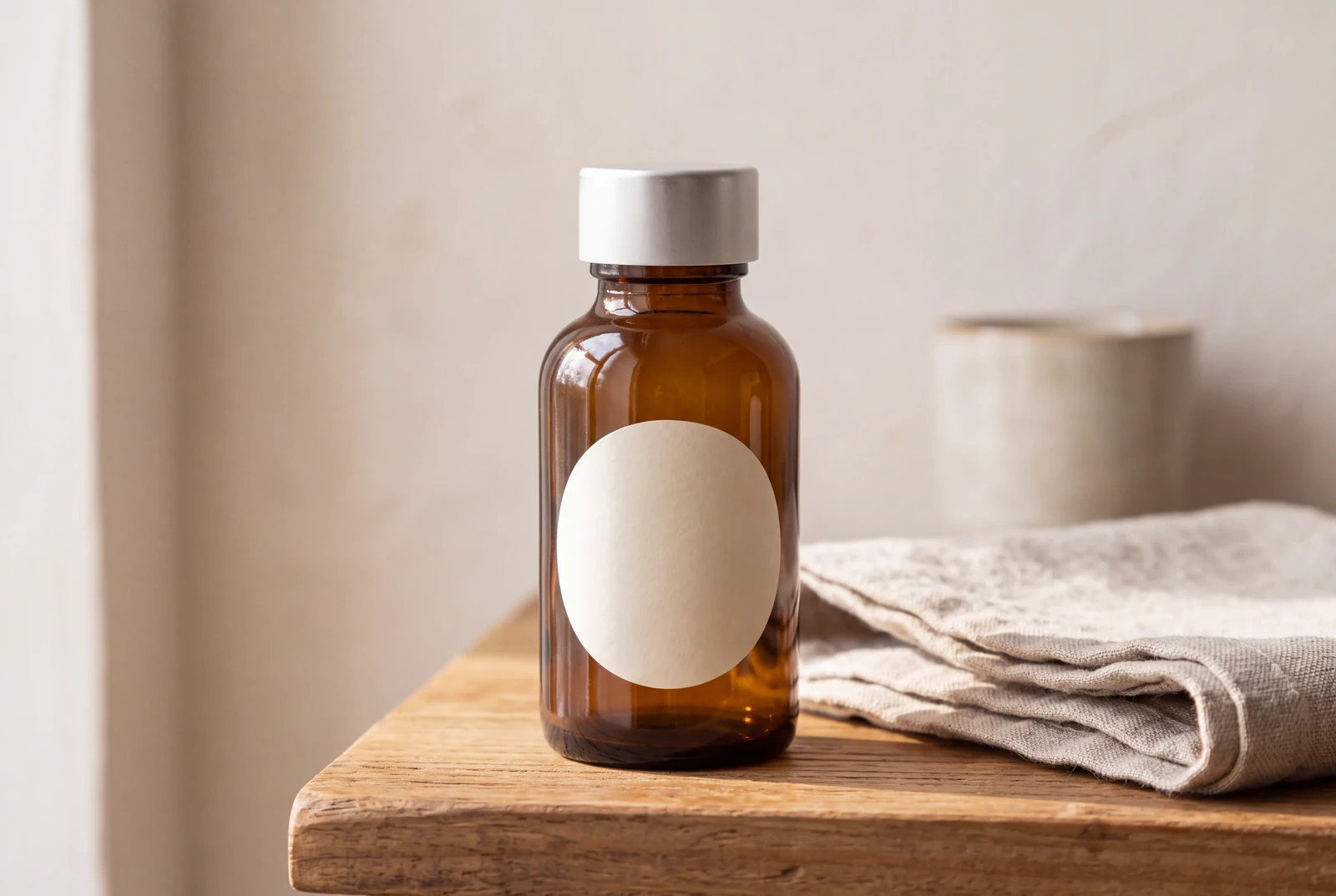
Start with a reference that explains the product
Use a product image you own or have permission to use. Make the important shape, cap or closure, material and label area easy to see. Keep unrelated props and conflicting product variants out of the initial reference set.
The example uses a fictional, unbranded product. It illustrates a workflow and does not document the specifications, packaging or performance of a real item for sale.
- Record which product variant the reference represents.
- List visible details that must remain accurate.
- Avoid treating generated small lettering as verified packaging text.
Describe a scene that suits the real use
Ask for a plausible environment, lighting treatment and camera view. Give the product a clear role in the composition rather than covering it with decorative props or dramatic effects.
A lifestyle concept can show how a finished visual might look on a campaign page or a handheld device. That presentation is separate from evidence about the product’s actual use, materials or performance.
- Choose a setting connected to the intended use.
- Keep the product readable at the final crop.
- Avoid adding visual features that imply an unsupported product claim.
Review the result as a product representation
Compare the output with the reference for geometry, color, material, closure and label placement. Inspect reflections, the base and any hand interacting with the object for distortions.
Nano Banana 2.1 has documented object-reference capabilities, but consistency is not guaranteed. Correct or reject misleading details before using a generated image in commerce. Keep a real product photo available when accurate representation is required.
- Check the bottle or object outline and proportions.
- Check the cap, openings, handles or other functional parts.
- Verify every product claim independently of the generated image.
A product-fidelity review
Use these checks before treating an attractive image as suitable for a product listing.
| Detail | Compare with the owned reference | Why it matters |
|---|---|---|
| Overall shape | Body proportions, silhouette and base | A changed shape can depict a different product |
| Materials and color | Surface finish, transparency and recognizable color | Lighting can conceal or change important material cues |
| Closure and label | Cap or closure, label position and visible lettering | Generated packaging may invent or distort details |
| Scene and interaction | Scale, contact shadows, reflections and any hand | A plausible scene should not hide product defects or imply false use |
A practical workflow
An honest lifestyle-scene brief
Use an original unbranded bottle or another product reference you own. The goal is a reviewable product-scene concept, not a substitute for verified product information.
A starting prompt to adapt
Place the supplied original product in a believable everyday lifestyle setting. Preserve its overall shape, material, cap and simple label area. Use natural lighting and a clear product silhouette. Do not invent a brand, add readable packaging claims or hide the important product details.
This brief is an adaptable recipe, not the verbatim request log for the pictured output. It does not promise identical results or a successful first generation. The generation record preserves the original request.
Try the workflow
- Save the reference and a list of product details to preserve.
- Generate a scene with a plausible environment and lighting brief.
- Compare the output with the reference and correct misleading details before publication.
What to inspect
- Is the object still the same recognizable design?
- Have materials, cap or label details changed?
- Does the scene imply a claim that the real product cannot support?
Questions before you begin
Can a generated product image replace an accurate product photograph?
Not automatically. Compare the output with the real product and your listing requirements. Generated images may alter important details, so use accurate source photography where faithful representation is required.
Will the model preserve my logo and all packaging text?
Do not assume that it will. Inspect exact text and branding separately. Small or long text and product details can be incorrect even when the overall image looks polished.
Are the lifestyle images customer photographs?
No. The presentation scenes are labeled AI-generated concepts with fictional settings. They are not customer photos, user testimonials or proof of real product performance.