

Nano Banana 2.1 workflows
Nano Banana 2.1 vs Pro: choose for the task in front of you
Model names alone do not decide whether a character sheet, a product image or a poster is ready to publish. Compare the controls your task needs, then inspect actual outputs under a recorded brief.
What you will make
A short decision brief for choosing between Nano Banana 2.1 and Nano Banana Pro, without treating one sample as a benchmark.
Nano Banana 2.1 requires a paid LlamaGen plan. Check the current credit charge and export choices before generating. Direct Google Cloud API billing is separate. Plans and credits
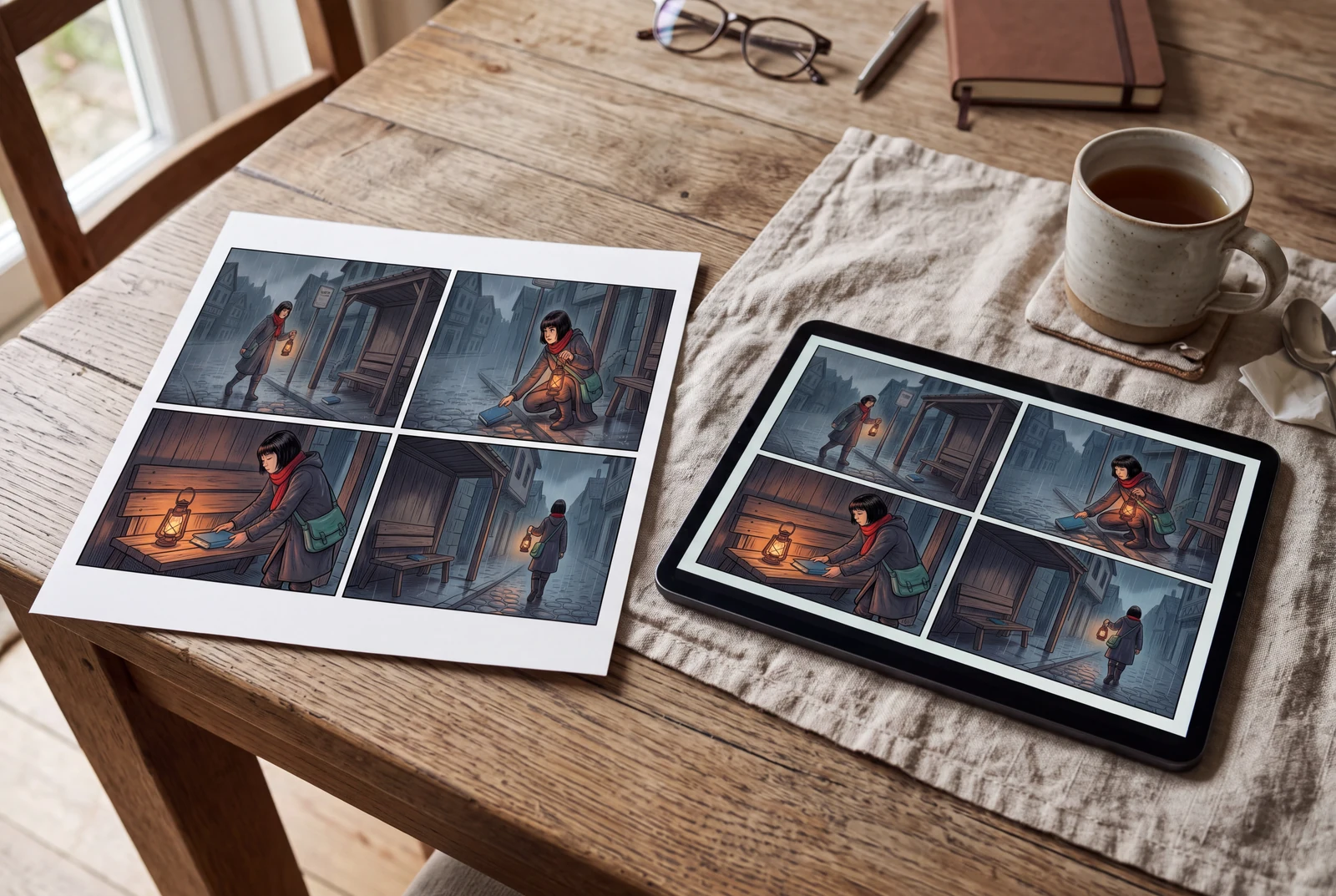
The hero is an AI-generated presentation concept showing a finished result in context. It is not a customer photograph, application screenshot or a separate test of the model’s performance.
Content reviewed:
Inspect a generated example
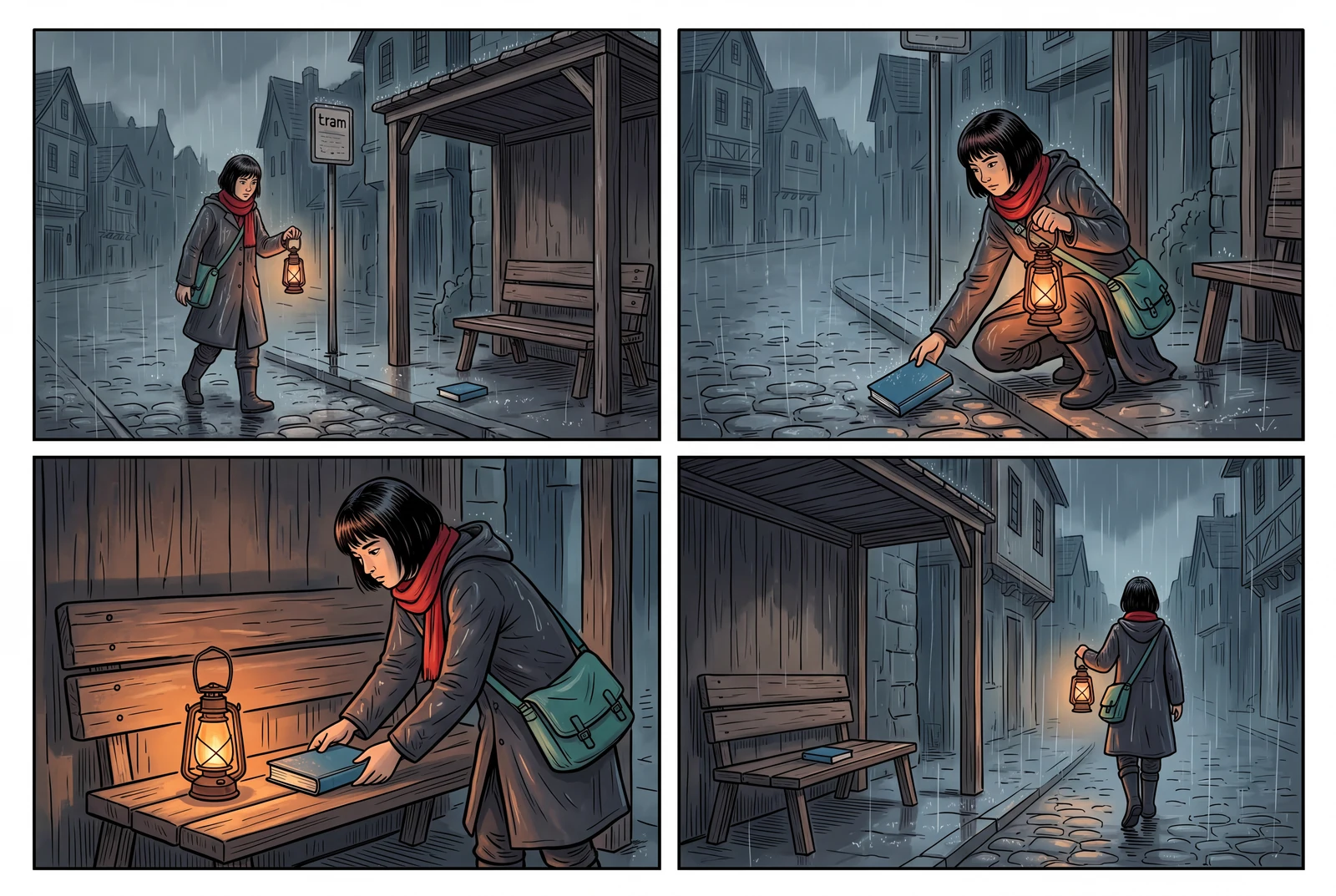
The example below is a direct model output from our documented generation workflow. Review the actual image, rather than assuming the model followed every instruction.
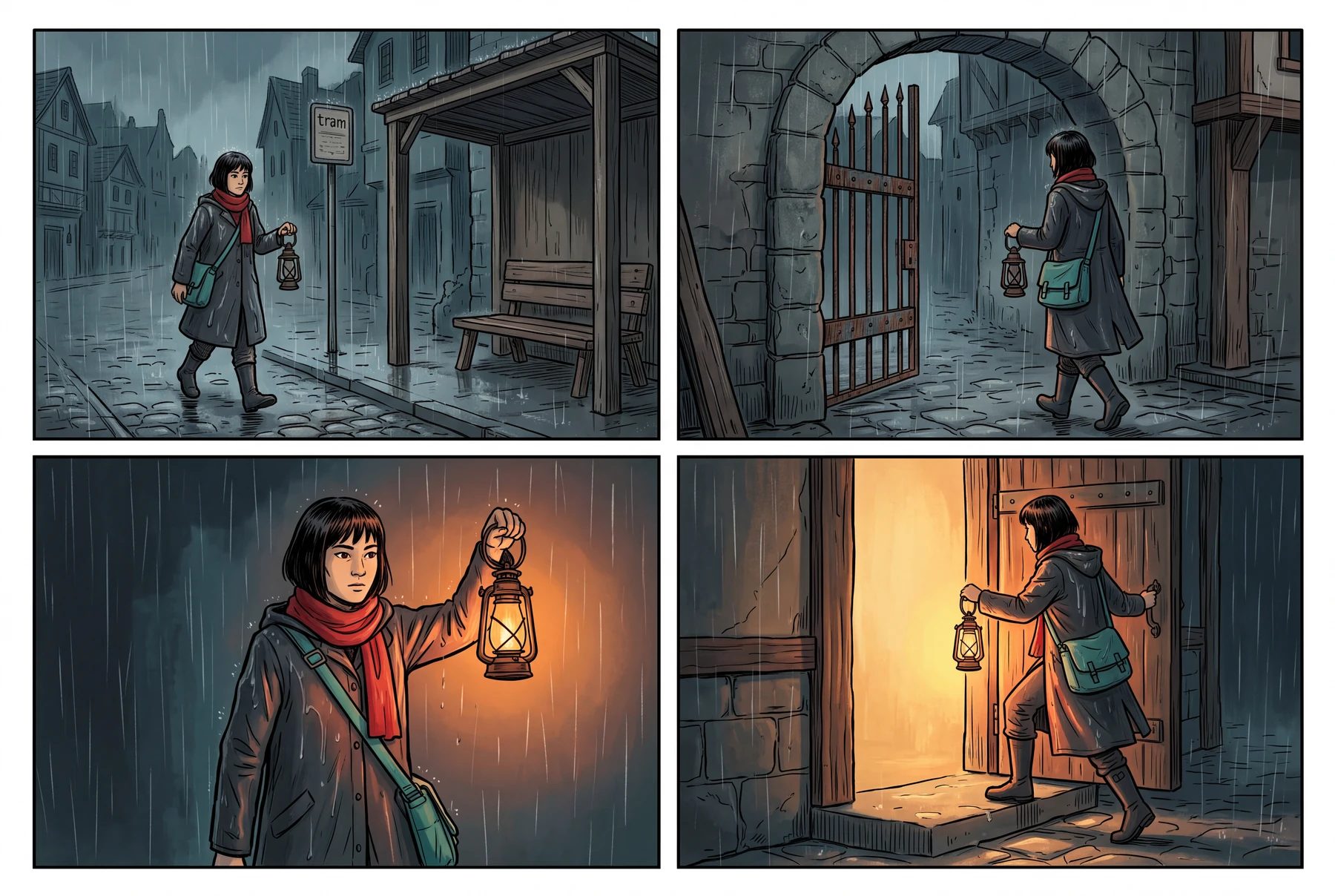
Reference images used in the generation workflow
These are owned, fictional reference assets. Their inclusion does not guarantee exact identity or product detail in the output.
Start with the correct model names
Nano Banana 2.1 uses the model ID gemini-nano-banana-2.1. Nano Banana Pro is Gemini 3 Pro Image, with the model ID gemini-3-pro-image. Nano Banana 2 is a separate earlier model, Gemini 3.1 Flash Image. Keep the selected model ID in your generation record.
Google describes 2.1 as an efficient image-generation and conversational-editing model, and Pro as a premium option for complex visual tasks. Those descriptions are a starting point for a decision, not a guarantee that Pro or 2.1 wins every prompt.
- Confirm the exact model available in the tool you use.
- Check current billing and image settings for that access route.
- Keep the input reference and requested output format the same in your own comparison.
Compare the outcome you need
For an iterative image edit, check whether the intended area changes while the important subject remains recognizable. For a poster, inspect the exact requested text at its final display size. For a set of story images, check clothing, props and character proportions across the sequence.
Do not compare an attractive one-off illustration against a tightly constrained edit and call the difference a model ranking. The task, prompt, reference images, output settings and review criteria should be recorded together.
- Choose review criteria before seeing the outputs.
- Include failed or rejected attempts in your own notes.
- Separate generation quality from editing time and any later retouching.
What this page’s example can show
This page includes a direct Nano Banana 2.1 output and a separate presentation scene. We have not supplied a matched Nano Banana Pro run for this brief, so the images are not a side-by-side model benchmark.
A meaningful comparison would require repeated runs of both models with a documented setup. Your own task-specific results matter more than a universal “best model” claim.
- Inspect the 2.1 example for composition and subject detail.
- Do not infer a speed, cost or quality advantage from the presentation scene.
- Use Google’s current documentation to check each model’s supported features.
Nano Banana 2.1 and Pro: documented capabilities side by side
This table uses Google’s current Gemini API model pages for both models, linked in the official references below. Official positioning and supported API capabilities are not measurements of our example’s quality, speed or cost, and do not mean every listed control is exposed in LlamaGen.
| Decision point | Nano Banana 2.1 | Nano Banana Pro |
|---|---|---|
| Exact model ID | gemini-nano-banana-2.1 | gemini-3-pro-image |
| Official positioning | An efficient image-generation and conversational-editing model, with an emphasis on iterative visual work. | A reasoning-driven image model positioned for complex graphic design, high-fidelity product mockups and factual visualizations. |
| Documented inputs in the Gemini API | Text, images, video and PDF. | Images and text. |
| Documented outputs in the Gemini API | Images and text. | Images and text. |
| Image generation and editing | Supported; inspect subject preservation and instruction following in your actual result. | Supported; inspect subject preservation and instruction following in your actual result. |
| Thinking and Search grounding | Both are listed as supported in its Gemini API model documentation. Use the controls documented for this model. | Both are listed as supported in its Gemini API model documentation. Do not assume its controls are identical to 2.1. |
| Evidence on this page | One documented direct 2.1 output, with its input and generation record. This is not a repeated-run score. | No matched Pro output is supplied. This page establishes no measured quality, latency or cost winner. |
A practical workflow
Write the decision before generating
Choose one concrete deliverable and write what would make the result usable. The published 2.1 example is an illustration of an image workflow, not evidence of a Pro comparison.
A starting prompt to adapt
Create a finished story illustration from an original character reference. Keep the character’s identifying features and key prop recognizable, use a clear focal point, and leave enough room for a later title. Do not add a logo or claim of endorsement.
This brief is an adaptable recipe, not the verbatim request log for the pictured output. It does not promise identical results or a successful first generation. The generation record preserves the original request.
Try the workflow
- Select the correct model and save the complete brief.
- Record the input references, aspect ratio and requested resolution.
- Review the image against the same written criteria you would use for another model.
What to inspect
- Is the subject still recognizable?
- Does the composition support the intended use?
- Which details need correction before publication?
Questions before you begin
Is Nano Banana 2.1 the same model as Nano Banana Pro?
No. They have different official names and model IDs. Check the actual model selected in your tool, rather than relying on a generic “Nano Banana” label.
Is Pro always better than 2.1?
This page does not establish a universal winner. Official positioning differs, and results depend on the task, references, settings and individual generation. Test the same brief if you need a comparison.
Did you benchmark both models for these images?
No. The published output here is a Nano Banana 2.1 example. There is no matched Pro output, repeated-run score or measured speed/cost comparison on this page.