Logo LlamaGenZnačka LlamaGen
Prihlásiť saPredplatiť teraz20 % zľava
  1. Domov
Story Bible to Visual Bible for Long-Form Fiction
All posts

Story Bible to Visual Bible for Long-Form Fiction

Jay
Jay
August 31st, 2026
Kopírovať odkaz
  • The Short Answer
  • Why Writers Need a Visual Bible
  • Test Setup
  • Source Story Bible
  • Step 1: Split the Story Bible into Visual Categories
  • Step 2: Decide What Must Stay Consistent
  • Step 3: Convert Worldbuilding into Reusable Visual Assets
  • Step 4: Create a Visual Bible Prompt
  • Step 5: Build the First Asset List
  • Step 6: Upload, Review, Then Generate
  • Failed Pass: Generating Pages Too Early
  • A Reusable Visual Bible Template
  • Checklist Before Final Panels
  • FAQ
  • What is the difference between a story bible and a visual bible?
  • Do I need a visual bible for a short comic?
  • Can I upload an unfinished story bible?
  • Should the visual bible include every scene?
  • What should I generate first?
  • Final Takeaway
elevate-your-comics.png
Elevate your Comics with LlamaGen

The Short Answer

A story bible is not enough for a comic, manga, webtoon, or visual novel adaptation.

Long-form visual storytelling needs a second layer:

story bible -> visual bible -> reusable scene assets -> panel plan

Your story bible explains who people are, what happened, and why the world matters. Your visual bible decides what readers will repeatedly see: faces, silhouettes, rooms, props, color, weather, camera distance, and visual rules.

For a faster first pass, upload your story bible or chapter notes to LlamaGen.AI Upload and ask for a visual bible map before generating panels.

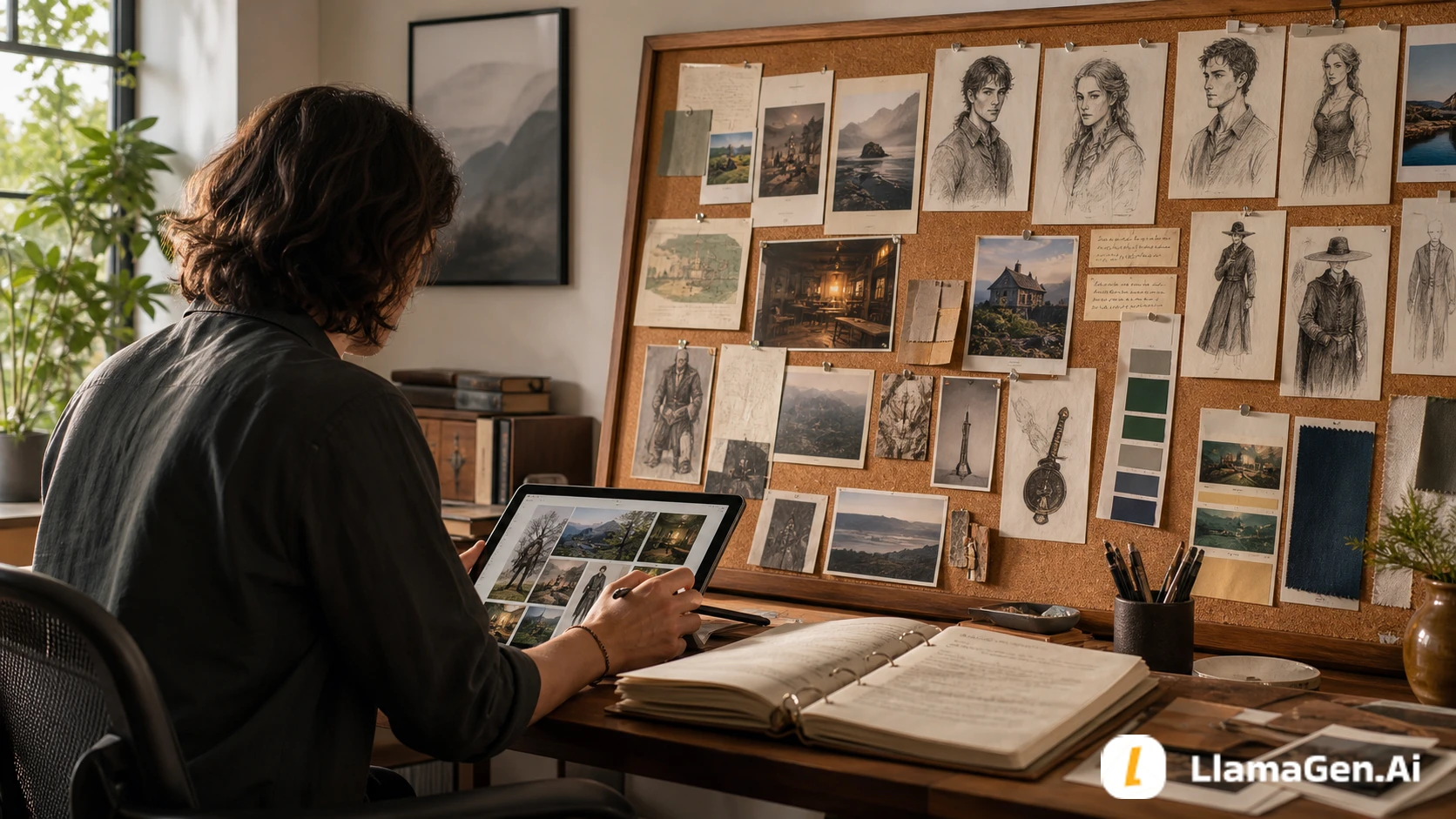
A writer converting a story bible into a visual bible wall and storyboard plan

Why Writers Need a Visual Bible

Writers often already have a story bible. It may include character backstory, setting notes, factions, timeline, rules, secrets, unresolved clues, and chapter summaries.

That is valuable, but it is still mostly invisible.

When you move into comics or visual novels, the production team needs a visual memory system:

Story bible itemVisual bible versionWhy it matters
Character historyFace, silhouette, posture, outfit, expressionsKeeps the cast recognizable
Setting descriptionRoom angles, light source, recurring landmarksKeeps the world stable
Important objectProp shape, size, material, damage state
Zoznam zmien

Podnecujte sny mladých
Kde ožívajú milióny príbehov

Prehľad najnovších vydaní funkcií LlamaGen, vylepšení produktu, aktualizácií dizajnu a dôležitých opráv chýb.

✦
✧
✦
✧

Nové médium pre Rozprávanie príbehov

Vytvárajte bez obmedzení príbehy, komiksy, animácie, hry a ďalší obsah—za pár sekúnd, ktorý osloví moderné publikum

Makes clues readable
TonePalette, contrast, weather, camera distanceKeeps mood consistent
TimelineWhat changes between chaptersPrevents continuity drift
ThemeRepeated visual motifGives the adaptation identity

The visual bible is not decorative. It is a production control file.

Test Setup

This tutorial uses one original long-form fiction premise and turns it into a visual bible plan.

Test itemSetup
Date testedSeptember 1, 2026
SourceFictional story bible for a serialized mystery fantasy novel
Target outputComic pages, webtoon episodes, storyboard scenes, visual novel assets
Main tool entryLlamaGen.AI Upload
Output neededVisual bible categories, asset list, continuity checklist, panel brief
Creator stageBefore generating final panels
Active editing timeAbout 31 minutes
Total elapsed timeAbout 64 minutes including one repair pass
Editorial noteThis is a workflow test for writers, not a pricing or speed benchmark.

The test question was:

Can a prose-heavy story bible become a visual planning system that supports multiple chapters?

Source Story Bible

Here is the fictional source premise:

Title: The Tide Archive

Mara Venn returns to Grayharbor, a coastal town that records future disasters in old shipping ledgers. Her mother disappeared during the last impossible tide. Mara believes the ledgers are forged, until the newest entry lists her own handwriting.

Main cast:
- Mara Venn, 28, archivist, practical, guarded, always carries her mother's brass key.
- Ivo Hale, 31, ferry mechanic, warm but evasive, knows more about the drowned railway than he says.
- The Archivist Council, three elders who protect Grayharbor's public story.

Important places:
- The tide archive.
- The lighthouse room.
- The closed railway platform.
- Mara's childhood kitchen.

Recurring objects:
- Brass key.
- Salt-damaged ledger.
- Broken station clock.
- Ferry token.

Tone:
Quiet coastal mystery, grief, restrained magic, practical danger, no superhero spectacle.

This is useful for prose. But a comic artist, storyboard tool, or visual novel workflow still needs visual answers.

What does Grayharbor look like every time it appears? How tall is Mara compared with Ivo? Does the brass key look delicate, heavy, old, polished, or corroded? What does "restrained magic" mean on the page?

That is the job of the visual bible.

Step 1: Split the Story Bible into Visual Categories

Start by turning written lore into production categories.

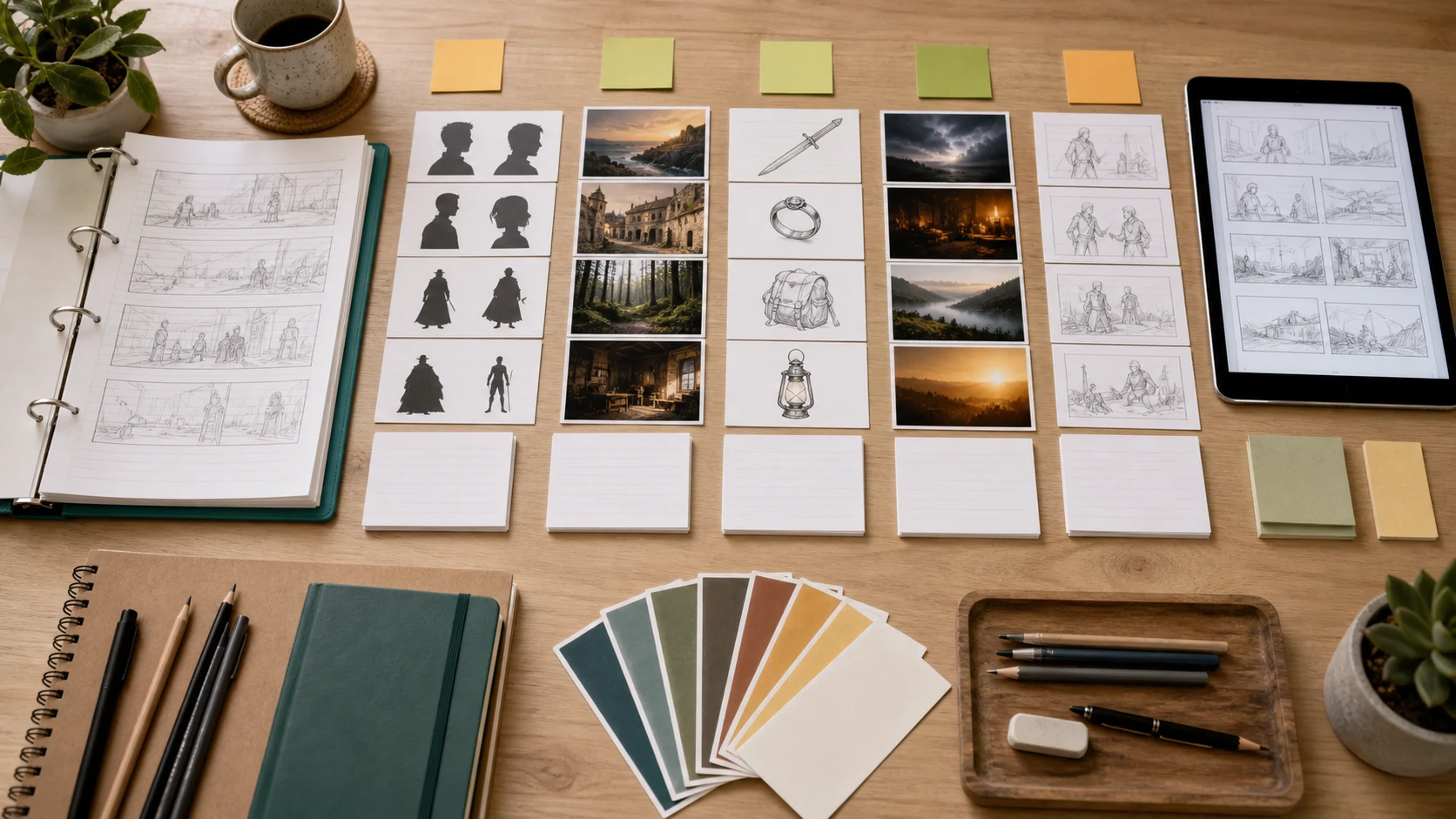
A story bible category board with character silhouettes, locations, props, mood references, and storyboard cards
CategoryWhat to collectExample from The Tide Archive
CastFace, body, silhouette, posture, outfitMara, Ivo, Archivist Council
LocationsExterior, interior, light, weather, scaleTide archive, lighthouse, railway
PropsShape, material, condition, story stateBrass key, ledger, clock, ferry token
MoodPalette, shadow, texture, camera distanceSalt, fog, paper, low coastal light
TimelineBefore and after changesNormal tide, impossible tide, flooded platform
Panel languageRepeated shots and framing rulesWide harbor shots, close prop inserts

Do not try to make every detail visual at once. Choose the details that will repeat.

Step 2: Decide What Must Stay Consistent

Continuity is not about making every panel identical. It is about preserving the signals readers use to recognize the story.

AssetMust stay consistentCan change
MaraHair shape, coat silhouette, brass key, guarded postureExpression, lighting, damage, wet clothing
IvoWork jacket, broad stance, tool bag, open expressionGrease, weather, sleeve position
Tide archiveTall shelves, ledger table, salt stains, high windowsTime of day, crowding, mess level
Lighthouse roomCircular wall, lamp beam, narrow deskStorm level, season, props
Brass keyOld metal, oval bow, worn edgeShine, dirt, where it is carried
LedgerOversized book, salt damage, heavy pagesPage spread, bookmark, handwriting density

This table becomes a lock list for generation and review.

If an asset is emotionally important, lock it earlier.

Step 3: Convert Worldbuilding into Reusable Visual Assets

A long-form story becomes expensive when every scene starts from zero. The visual bible lets you reuse the same assets with controlled variation.

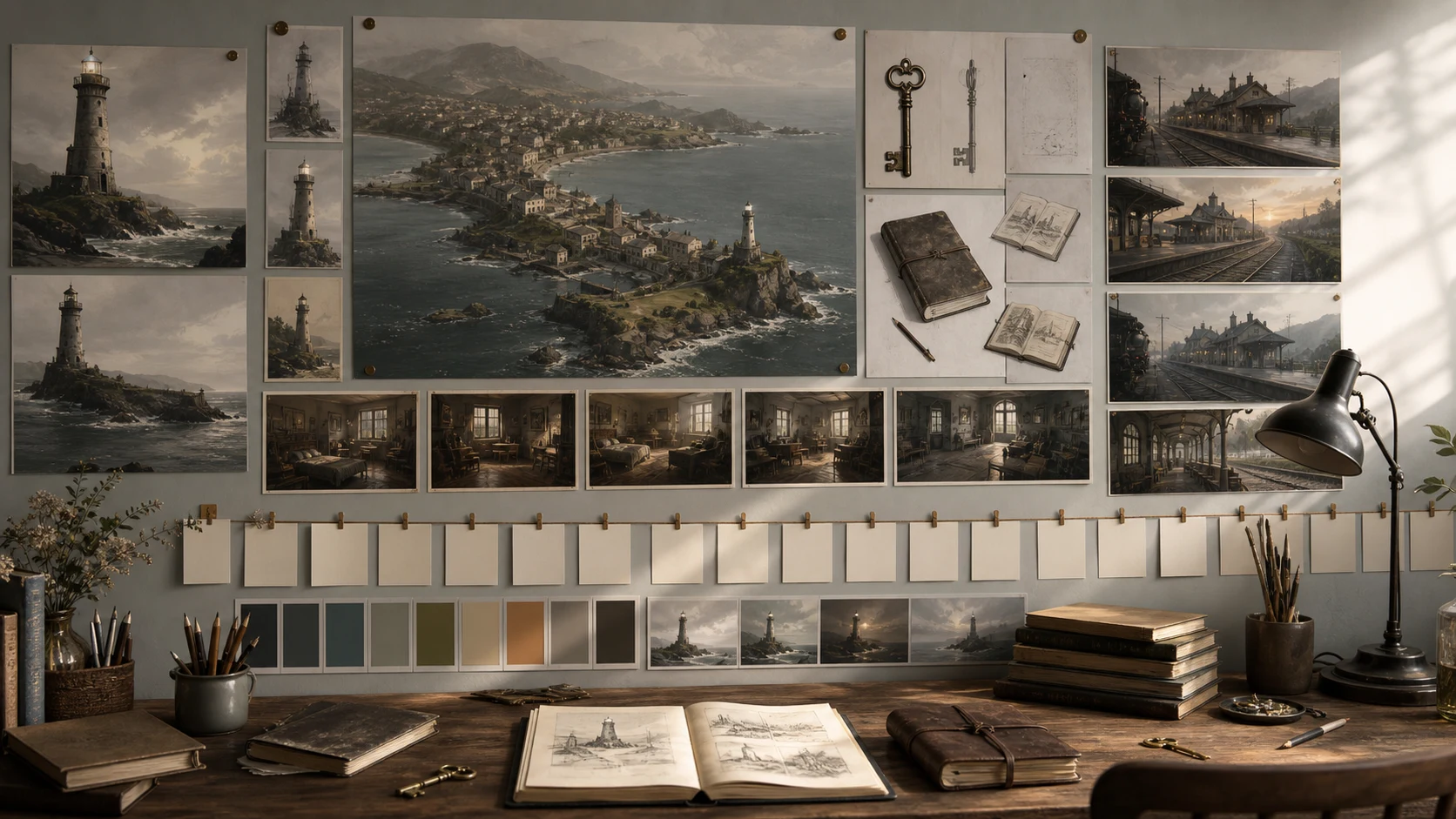
A long-form fiction visual bible wall showing recurring locations, props, mood, and timeline assets
Story elementVisual assetReuse pattern
GrayharborCoastal town exteriorEstablishing shot, transition panel, chapter opener
Tide archiveMain interior backgroundDialogue scenes, clue scenes, emotional confrontations
Closed railwayPlatform backgroundMystery reveal, danger sequence, recurring hook
Brass keyProp insertMemory trigger, clue, chapter ending
LedgerProp and page layoutDiscovery scenes, title-page-like reveals
Fog and saltTexture systemMood, transitions, supernatural pressure

This is where prose detail becomes practical.

Instead of telling a tool "make a mysterious coastal town" every time, your visual bible gives the repeated signals:

coastal town, slate roofs, cliff road, old ferry dock, lighthouse silhouette, fog, salt-worn paper texture, restrained color, no modern neon

That is much more stable.

Step 4: Create a Visual Bible Prompt

Use LlamaGen.AI Upload when you already have a story bible, outline, chapter packet, or manuscript excerpt.

Ask for a visual bible first:

I am adapting this long-form fiction story bible into comics, webtoon episodes, storyboard scenes, or a visual novel.

Please return:
1. The core visual promise of the story.
2. Character visual bible items.
3. Location visual bible items.
4. Recurring prop visual bible items.
5. Mood and color rules.
6. Timeline continuity notes.
7. A list of reusable visual assets.
8. A first-episode storyboard asset plan.
9. A continuity risk list.

Do not rewrite the story. Convert the story bible into visual production decisions.

Then upload the document to LlamaGen.AI Upload.

Step 5: Build the First Asset List

Before generating pages, define the first ten assets.

PriorityAssetWhy it comes early
1Mara character sheetProtagonist appears everywhere
2Ivo character sheetMain relationship anchor
3Tide archive interiorFirst major recurring location
4Grayharbor exteriorEstablishes genre and scale
5Brass keyMain emotional prop
6Salt-damaged ledgerMain mystery engine
7Lighthouse roomVisual motif for knowledge and warning
8Railway platformFuture danger location
9Fog texture and paletteScene-to-scene identity
10First episode panel styleDefines reading rhythm

This asset list is small enough to start, but strong enough to protect the story.

Step 6: Upload, Review, Then Generate

Do not jump straight from story bible to finished comic page.

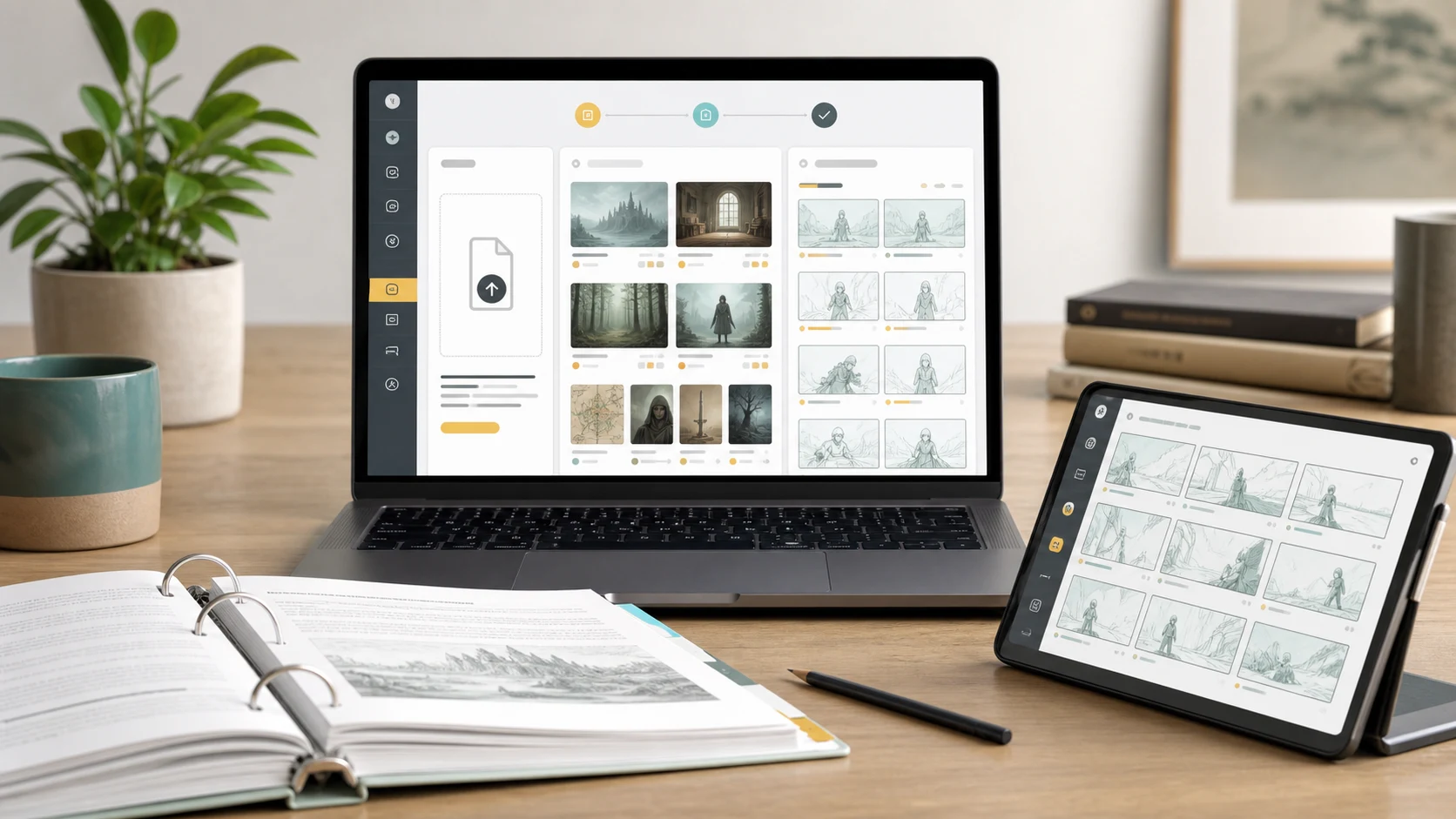
A Story AI style upload workflow where a story bible becomes visual bible assets and storyboard panels

Use this sequence:

StageWriter actionOutput
1. UploadSend the story bible to LlamaGen.AI UploadVisual bible draft
2. SortSeparate characters, locations, props, mood, timelineProduction categories
3. LockMark must-keep signalsContinuity lock list
4. TestGenerate one scene with locked assetsSample page or storyboard
5. ReviewCompare against the visual bibleContinuity notes
6. ExpandAdd episode and chapter assetsReusable story system

The review stage matters. A visual bible is only useful if you check generated panels against it.

Failed Pass: Generating Pages Too Early

The failed prompt was:

Turn this story bible into a comic.

It produced attractive panels, but the adaptation was not stable.

ProblemCauseRepair
Grayharbor looked different in every sceneNo location bibleCreate exterior and interior references first
Mara's coat changed shapeNo character lock listDefine silhouette and outfit details
The brass key looked randomProp was not specifiedCreate a prop reference with story state
Tone became too dramatic"Mystery" was too broadAdd restrained coastal mood rules
Timeline clues disappearedNo before/after visual statesBuild timeline asset cards

The fix was to pause generation and build the visual bible first.

A Reusable Visual Bible Template

Use this as a starter template:

SectionFill this in
Core visual promiseWhat should the story feel like at a glance?
Protagonist signalsFace, silhouette, outfit, posture, repeated object
Supporting cast signalsOne or two unmistakable traits per character
Main locationsExterior, interior, light, season, texture
Recurring propsShape, material, size, condition, story meaning
Mood rulesPalette, contrast, weather, camera distance
Timeline statesWhat changes across chapters or episodes?
Panel rhythmDense page, quiet manga pacing, vertical webtoon flow, or visual novel scene logic
Avoid listWhat should the story never visually become?

Upload this template with your story notes through LlamaGen.AI Upload and ask for gaps before generating art.

Checklist Before Final Panels

Before you generate final panels, confirm:

QuestionPass condition
Can a new collaborator recognize the protagonist from the visual bible alone?Yes
Do the main locations have repeated visual anchors?Yes
Are important props specific enough to recur?Yes
Does the mood have a clear palette and texture rule?Yes
Does the timeline explain what changes between chapters?Yes
Is there an avoid list to prevent genre drift?Yes

If any answer is no, revise the visual bible first.

FAQ

What is the difference between a story bible and a visual bible?

A story bible stores narrative information. A visual bible turns that information into repeatable visual rules for characters, locations, props, mood, and panels.

Do I need a visual bible for a short comic?

Not always. For a one-page comic, a simple character reference and panel plan may be enough. For a long-form comic, webtoon, or visual novel, a visual bible saves a lot of repair work.

Can I upload an unfinished story bible?

Yes. Upload a partial outline or chapter packet to LlamaGen.AI Upload and ask for missing visual decisions. A partial visual bible is better than generating from vague prose.

Should the visual bible include every scene?

No. It should include the elements that repeat: main cast, key locations, recurring props, mood, and timeline states.

What should I generate first?

Generate a character sheet, one recurring location, one important prop, and one sample storyboard scene. Then review them against the visual bible before expanding.

Final Takeaway

A story bible protects the plot. A visual bible protects the reader's memory.

When you convert characters, locations, props, mood, and timeline into visual rules, your long-form fiction becomes much easier to adapt into comics, manga, webtoons, storyboards, and visual novels.

Start by uploading your notes to LlamaGen.AI Upload, ask for a visual bible map, and generate from reusable story assets instead of starting over every scene.

Related hot tags

Writers

AI pre tvorbu príbehov

Visual Bible

Long-Form Fiction

Obľúbené nástroje pre tvorcov

Premeňte inšpiráciu na váš ďalší príbeh

Vytvárajte komiksy, storyboardy a štýlizované fotografie s LlamaGen.

01

AI generátor komiksov

Premeňte nápad na vyladené komiksové pásy za pár minút.

Vytvárať komiksy
02

AI generátor mangy

Vytvárajte expresívne manga ilustrácie a viacpanelové príbehy.

Vytvárajte mangu
03

AI generátor storyboardu

Vizualizujte si každú scénu ešte pred začiatkom produkcie.

Vytvárajte storyboardy
04

Premeniť obrázok na komiks

Premieňte akúkoľvek fotografiu na komiksovú ilustráciu.

Vytvárajte komiksy z obrázkov
05

AI tvorca komiksových pásov

Vytvárajte zdieľateľné pásy s konzistentnými postavami.

Vytvárajte komiksové pásy

LlamaGen community

checkmark

Get hands-on help with your comics

checkmark

Showcase your comics to fellow LlamaGen creators

checkmark

Participate in special events to win gifts

Logo LlamaGen
  • United States
  • Español
  • Français (France)
  • 日本語
  • 한국어
  • Deutsch
  • 繁體中文 (台灣)
  • 繁體中文 (香港)
  • 简体中文
  • Português
  • Italiano
  • Español (México)
  • العربية
  • Русский
  • Português (Brasil)
  • Tiếng Việt
  • Slovenčina

Určovanie budúcnosti AI generácie komiksov

  • podpora 24/7
  • Týždenné aktualizácie
  • Bezpečné a v súlade
  • 99,9% dostupnosť

Stiahnite si LlamaGen zadarmo

iOSPočítač

Spýtajte sa AI na LlamaGen

Produkt

  • Najnovšie novinky
  • Funkcie
  • Tvorca komiksových pásov
  • Comic StoresNové
  • Štúdio na manguNové
  • Premeňte obrázok na komiks
  • Komiks na video
  • AI továreň na komiksy
  • Komiksový agent
  • iOS & Android
  • Mac & Windows
  • Stiahnuť
  • Comic ZapNové
  • AI generátor komiksov
  • AI generátor karikatúr
  • AI generátor webtoonu
  • Tvorca komiksových pásov
  • Premeňte obrázok na komiks
  • AI generátor mangy
  • Prekladač mangy
  • Fotka na anime
  • Anime do skutočného života
  • Kolorizér mangy
  • Generátor anime postáv
  • Nástroje na pixelové herné assety
  • AI generátor sprite sheetov
  • Najlepšie nástroje na pixelové hry 2026
  • Tvorca komiksov z fotografií
  • Alternatíva k Comic Life

Spriaznené produkty

  • Rodina LlamaGen
  • CineoBoardNové
  • Comics API

Plány

  • Cenník
  • Štartér
  • Pro

Komunita

  • Tvorcovia
  • Partneri
  • Partner

AI Models

  • Grok Imagine Image 2.0
  • Wan 3.0
  • Wan 3.0 Prime
  • Seedance 2.5
LinkedInX (Twitter)
  • Domov
  • Články
  • Blog
  • Vytvoriť
  • Cenník
  • API
  • Affiliate ProgramNEW

Predchádzajúce blogy

Storyboard-to-Video Handoff Checklist: Shots, Timing, Audio, and Continuity

Storyboard-to-Video Handoff Checklist: Shots, Timing, Audio, and Continuity

Turn approved storyboard frames into a clear video handoff with stable shot IDs, timing, motion note

Jay
Jay
November 1st, 2026
How to Localize a Comic Without Redrawing the Artwork

How to Localize a Comic Without Redrawing the Artwork

Preserve approved comic art while translating dialogue, rebuilding editable lettering, checking read

Jay
Jay
October 31st, 2026
Batch Comic Production Workflow: Draft, Approve, Repair, and Export 40 Pages

Batch Comic Production Workflow: Draft, Approve, Repair, and Export 40 Pages

Plan a 40-page AI comic with a pilot, reviewable batches, a page ledger, selective repairs, and expo

Jay
Jay
October 30th, 2026
From a Flat AI Image to an Editable Comic Page

From a Flat AI Image to an Editable Comic Page

Turn a finished comic image into an editable comic page by reviewing an asset sheet, extracting tran

Jay
Jay
October 28th, 2026
  • Comic Zap
  • Velika
  • Pre podniky
  • Vzdelávanie
  • Komiksové API
  • Kontaktovať obchodné oddelenie
  • Vzdelávacie plány
  • Učitelia
  • Študenti
  • Učitelia a študenti
  • Startupy
  • Vzdelávacie zľavy
  • Spoločnosť

    • Porozprávajte sa s naším zakladateľom
    • O aplikácii
    • Plán produktu
    • Kariéra
    • Kontaktujte nás emailom
    • Náš maskot svet
    • Mediálny balík
    • Partnerstvo s KOL
    • Obsah

    Pomoc

    • Centrum pomoci
    • Dôvera
    • Bezpečná AI
    • Profesionálne služby
    • Často kladené otázky
    • Bezpečnosť
    • Prístupnosť
    • Video návod
    • Kontaktujte nás
    • Mapa webu
    Recenzie
  • Stena lásky
  • LlamaGen MCPNové
  • Vývojár LlamaGen
  • Zdroj

    • Zoznam zmien
    • Blog
    • Sprievodcovia
    • Personalizované komiksy
    • Funkcie
    • Alternatívy
    • Najlepšie AI aplikácie
    • Sprievodca kolorovaním mangy GPT-6
    • Claude zručnosť pre komiksy
    • Sprievodca komiksom Gemini AI
    • Komiks That
    • Vzdelávacie zľavy
    • Študentská zľava

    Nástroje

    • AI generátor loga
    • Generátor postáv v štýle Grokbot
    • PNG na komiks
    • Text na komiks
    • PDF na komiks
    • Scenár na komiks
    • Kniha na komiks
    • Premeňte obrázok na komiks
    • AI generátor pixel artu
    • Vzdelávacie komiksy
    • AI generátor videa
    • Generátor videa Gemini AI
    • Bezplatný AI generátor videí bez tváre
    • Komiks na video
    • Softvér na tvorbu storyboardov
    • AI generátor storyboardu
    • Softvér na písanie scenárov
    • Editor scenára
    • AI pre tvorbu príbehov
    • AI generátor príbehu
    • Generátor obrázkových kníh
    • AI generátor obrázkov
    • AI rozdeľovač vrstiev
    • AI ovládanie uhla kamery
    • AI generátor pixel artu
    • Nástroje na pixelové herné assety
    • AI generátor sprite sheetov
    • Rozdeľovač sprite sheetov
    • Najlepšie nástroje na pixelové hry 2026
    • Animácia API
    • Plugin ChatGPT/Codex
    • Sprievodca inštaláciou ChatGPT
    • Plugin Claude Code
    • Sprievodca inštaláciou Claude Code
  • MiniMax H3
  • Nano Banana 2.1
  • Nano Banana 2 Lite
  • Seedream 5.0 Flash
  • Seedream 5.0 Pro
  • Seedance 2.0 Mini
  • Kling 3.0 Turbo
  • Nano Banana 2
  • GPT Image 2
  • Gemini Omni Flash
  • All AI Models
  • AI nástroje

    • AI extraktor outfitu
    • AI nástroj na zmenu účesu
    • AI nástroj na zmenu manga účesu
    • AI generátor veterného efektu
    • AI generátor mapy hĺbky
    • AI biele pozadie
    • AI odstraňovač objektov
    • AI virtuálne skúšanie
    • AI odšumenie obrázkov
    • AI redukcia šumu
    • AI obnova fotografií
    • AI tiene produktov
    • AI generátor pozadia
    • AI generátor portrétov
    • AI tvorca emoji
    • AI nástroj na zmenu pozadia
    • AI otvorenie očí
    • AI krása
    • AI produktová fotografia
    Instagram
    YouTube
    Skupina na Facebooku
    Reddit
    Discord
    E-mailová podpora
    SúkromiePodmienkyMapa webu
    Stiahnuť značkové materiály
    © 2026 LlamaGen.Ai Všetky práva vyhradenéVšetky služby sú online
    Pozrite si všetky blogy
    Story Bible to Visual Bible for Long-Form Fiction - LlamaGen.AI Blog