

Color continuity between panels
Keep a character’s colors consistent across manga panels
A coat that changes color can distract from the story even when the face stays recognizable. Use one accepted reference and compare the sequence together. Repeating a prompt can help express your intent, but it does not certify continuity.
Open AI Manga ColorizerThe main colorizer requires sign-in and credits. Check the current model, available controls and displayed cost before generating. These guide exercises are separate browser illustrations. Plans and credits
LlamaGen Editorial TeamReviewed
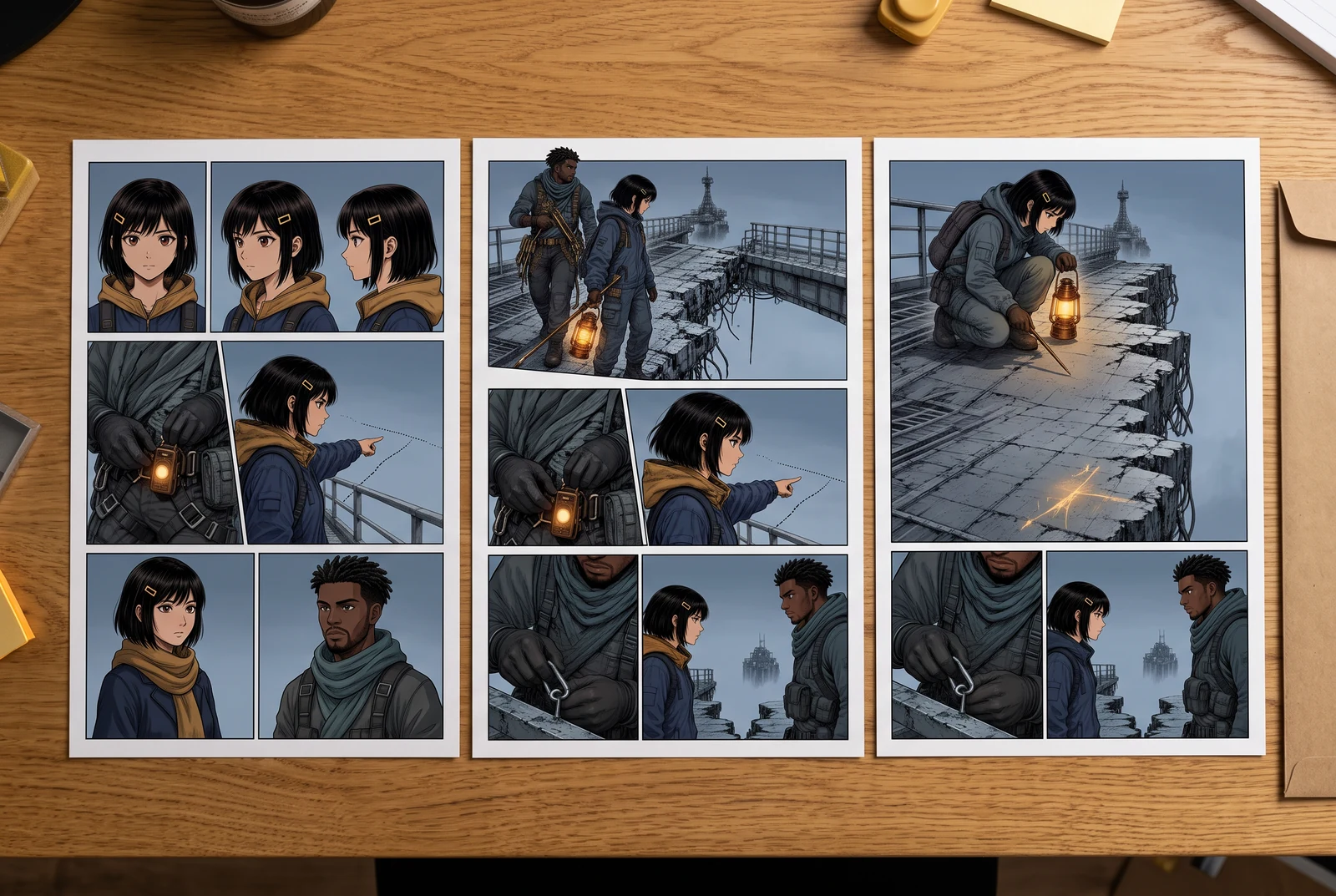
A practical starting point
Record the character’s base colors, keep an approved reference image and compare those same features across neighboring panels. Distinguish an unintended color change from a planned change in scene lighting before revising.
Spot the changed jacket across two panels
The study repeats the same original character so you can focus on color. Compare a matching pair, a deliberately changed jacket and a simplified scene-light variation.
Selected option: Matching base colors
Both panels use the same base swatches. Treat this as the exercise reference, not proof that an image model will do the same.
Reference color values
Reference panel
- Hair
- #263449
- Skin
- #BC886F
- Jacket
- #BC842B
- Scarf
- #E6DFBF
- Background
- #B5CBD9
Comparison panel
- Hair
- #263449
- Skin
- #BC886F
- Jacket
- #BC842B
- Scarf
- #E6DFBF
- Background
- #B5CBD9
A controlled browser study with an intentionally repeated drawing. It is not an AI batch test, an automatic reference lock or proof of generated character continuity.
Work through a specific example
Audit three appearances of the same coat
Choose an approved ochre coat as the character reference. Review the coat in a daylight arrival, an indoor conversation and a night departure. Write down whether each difference comes from the intended scene light or from an unintended design change.
- Select the deliberate mismatch and point to the changed feature.
- Compare the reference swatches before judging the lighting variation.
- Place accepted panels side by side at the intended page size.
A repeatable review method for your own work. No batch-generation success rate is claimed.
Use the idea in your workflow
Create a short continuity record
Keep the accepted reference and a compact note of the colors that matter to the character. Use that record when reviewing new panels.
- Name the hair, major garment and identifying accessory.
- Record scene-specific lighting separately.
- Save the approved image with the palette note rather than relying on memory.
Generate and review one panel at a time
The reviewed colorizer workflow accepts a single image and returns one candidate per request. It does not expose a verified batch palette-lock control.
- Reuse the same reference wording when the design should remain unchanged.
- Compare the candidate against both the source and the accepted color reference.
- Check the selected model and displayed credit charge before further requests.
Review the assembled sequence
A panel can look convincing alone but conflict with its neighbors. Inspect the sequence after placing the panels in the intended order.
- Check the same garment and accessory in each appearance.
- Do not confuse deliberate scene light with a new base palette.
- Correct unacceptable panels in a suitable editor or request a revised candidate.
Problems to look for
- Each panel is accepted separately and the page feels inconsistent.
- Review the assembled sequence against one approved reference before final export.
- A darker setting is treated as a different garment color.
- Compare the base note and light-facing areas. Decide whether the scene treatment is intentional before changing the design.
Before accepting the result
- One accepted color reference is retained.
- The same character features were compared across the sequence.
- Planned lighting differences are distinguished from accidental design changes.
Picture the finished color story
Reading distance, alternative treatments and a coordinated set give useful contexts for checking a finished page. These scenes illustrate presentation choices rather than product results.
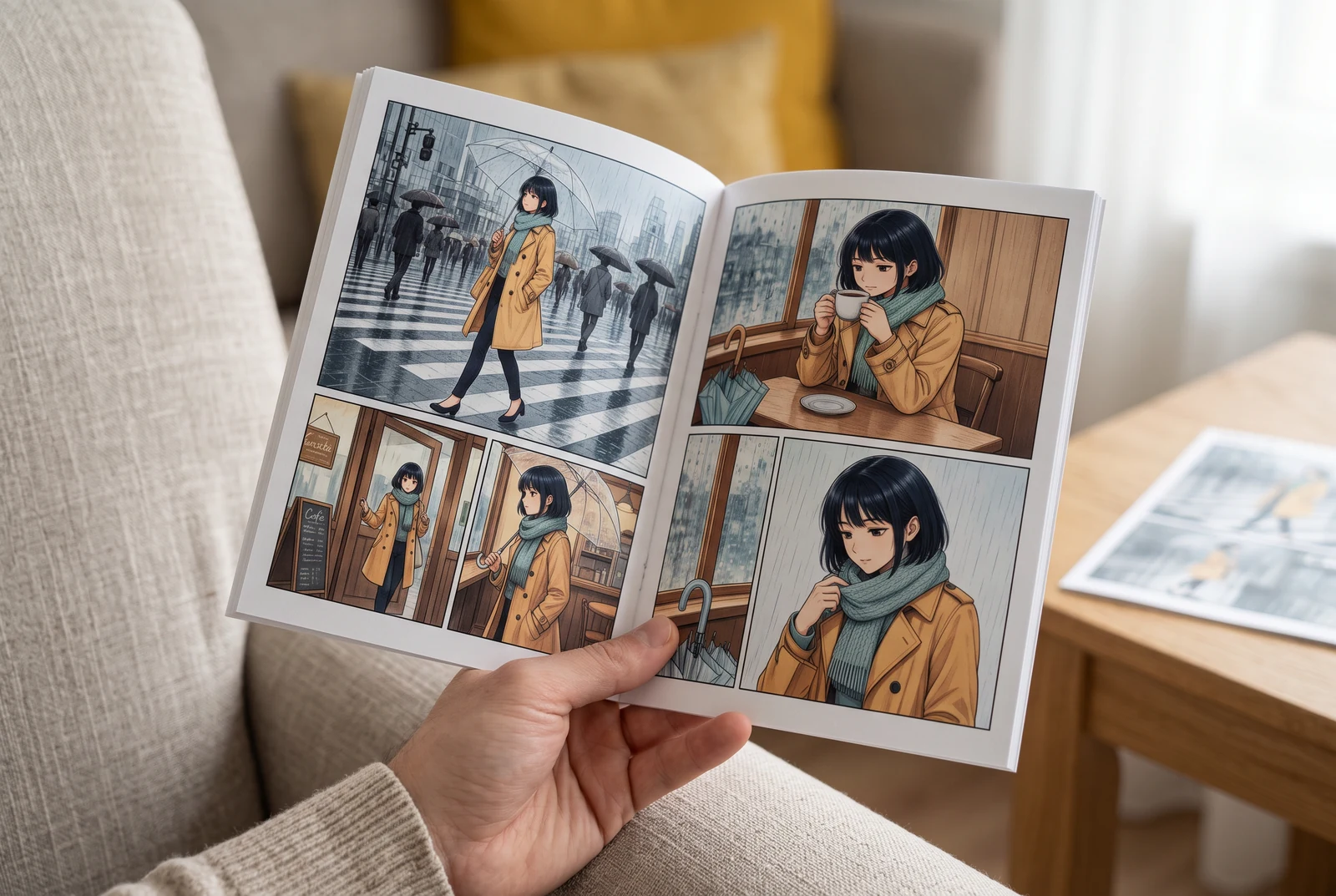
Check the page in your hand
A handheld view suggests checking small faces, colors and dialogue at the size a reader actually sees.
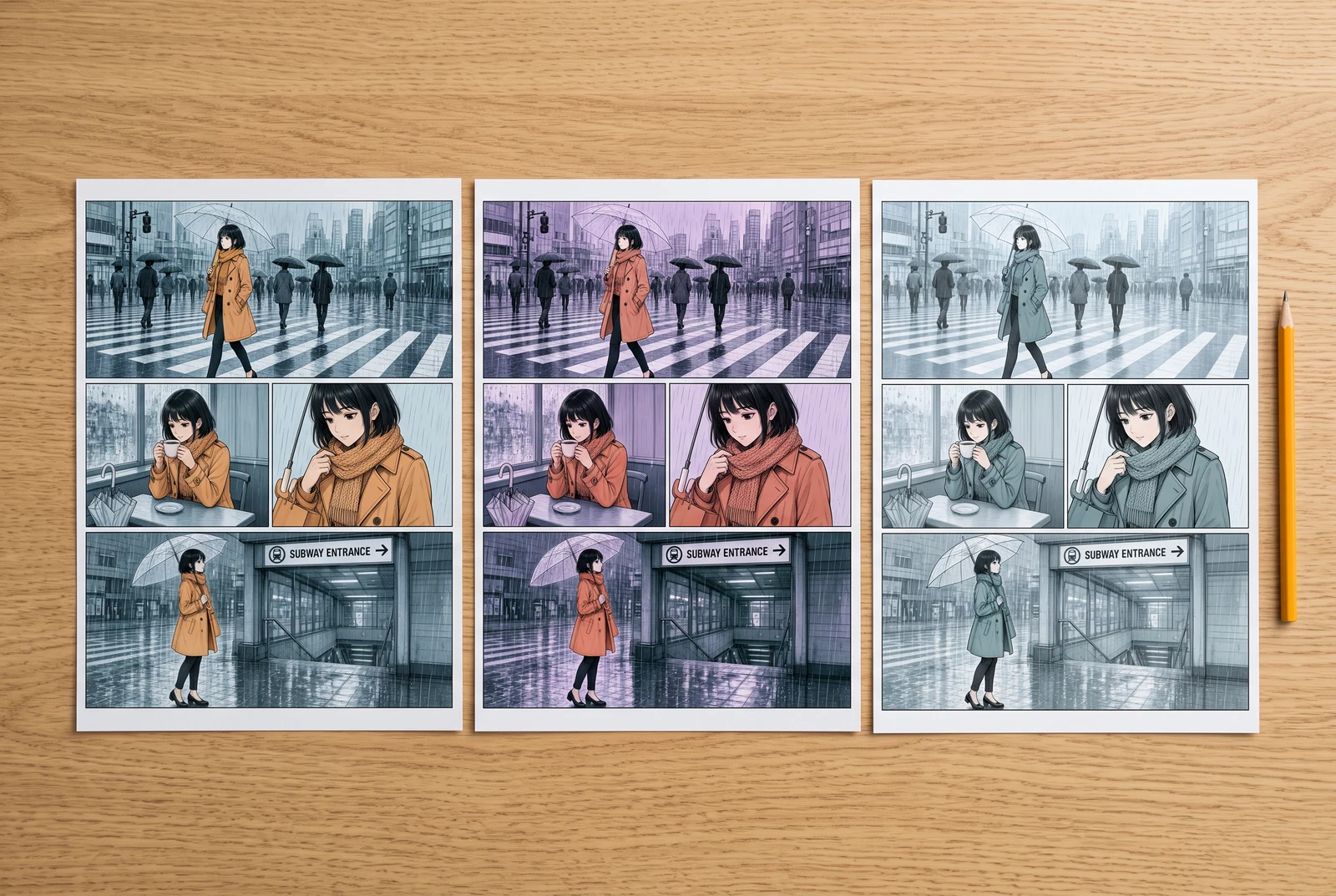
Compare finished design choices
Side-by-side color proofs suggest comparing visual directions before committing to a whole sequence.
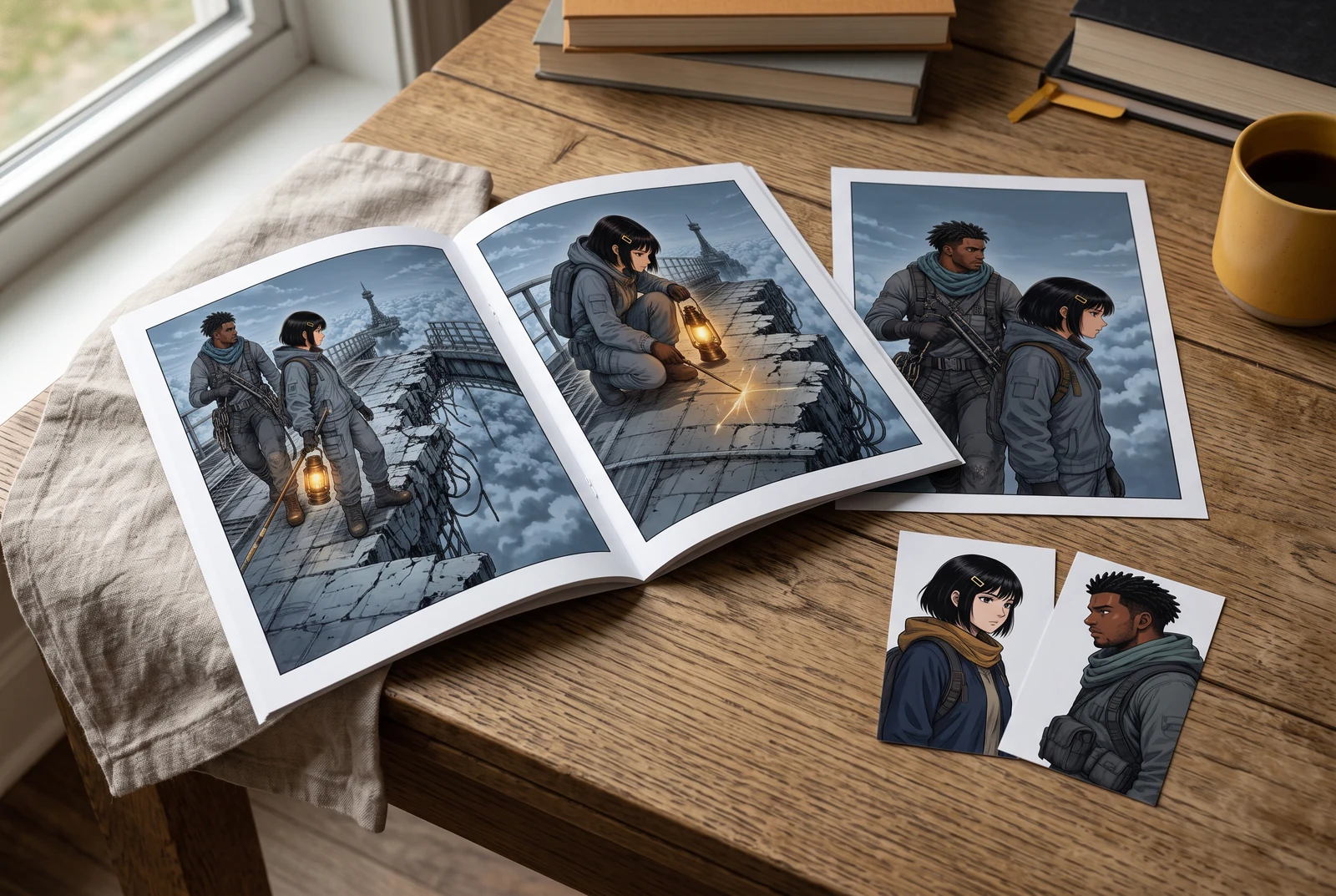
Review a coordinated story set
A small coordinated set suggests reviewing the accepted palette across several appearances of the same story.
AI-generated scenes with fictional artwork and people. They are not customer photos, verified physical products, tool screenshots, printing offers or evidence of automatic consistency.
Common questions
Does reusing the same prompt guarantee the same colors?
No. Prompt reuse communicates the target but does not guarantee exact repeatability or cross-panel continuity.
Is color consistency the same as character consistency?
No. A matching jacket color does not prove that faces, anatomy, costume details or props are unchanged. Those need separate checks.
Can I batch-lock a palette in the current colorizer?
No verified batch palette-lock control is established by the reviewed interface. Use an approved reference and review individual results.
Continue with the next decision
Some linked legacy guides have fewer translated editions. A link opens its published language; an English fallback is identified.
Build a compact character palette
Create the reference note used by the continuity review.
Protect original line art during colorization
Use the existing guide for matching ink, lettering and panel borders against the source.
Open the manga colorization tool
Bring artwork you may process and review the current controls and cost before generating.