

Manga palette planning
A manga color palette you can explain and reuse
Choose a small set of character colors before asking an image model to color a page. A clear reference note makes it easier to spot a changed coat or a background that competes with the face. It guides review; it does not lock generated colors.
Open AI Manga ColorizerThe main colorizer requires sign-in and credits. Check the current model, available controls and displayed cost before generating. These guide exercises are separate browser illustrations. Plans and credits
LlamaGen Editorial TeamReviewed
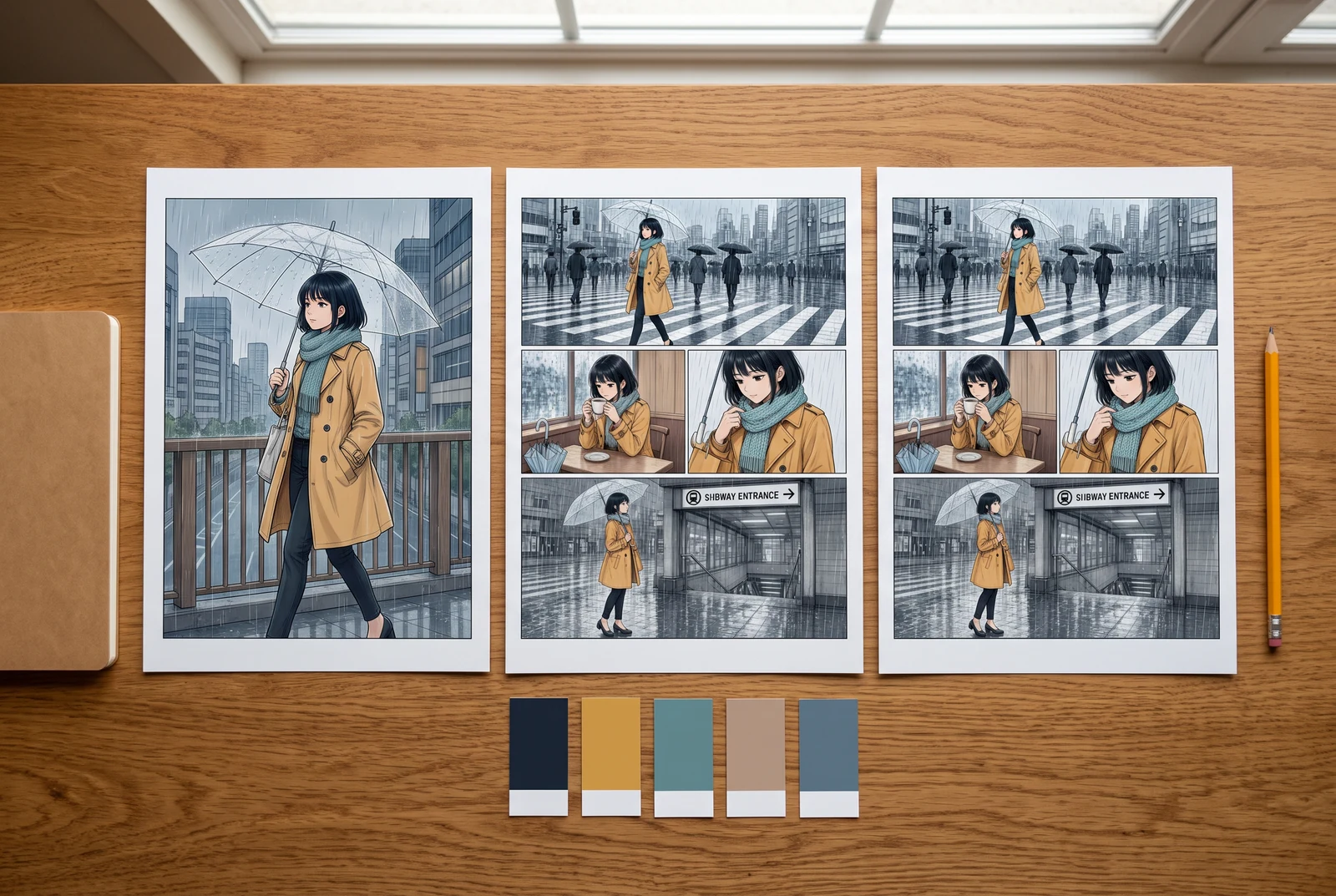
A practical starting point
Record the colors that identify the character, then choose the scene colors around them. Compare the same drawing in several palettes and keep the version whose important shapes remain easy to distinguish at reading size.
Try three palettes on one original study
Switch the palette while keeping the face, clothing shapes and composition fixed. Inspect the jacket against the background, then the face against the hair. The color values below are reference swatches for this exercise.
Selected option: Cool setting, warm focal color
The warm jacket is easy to locate in the cool setting. Check that it supports the face rather than becoming the only thing you notice.
Reference color values
- Hair
- #263449
- Skin
- #BC886F
- Jacket
- #BC842B
- Scarf
- #E6DFBF
- Background
- #B5CBD9
An original browser illustration for comparing choices, not a colorizer output, screenshot, color-lock control or tested generation prompt.
Work through a specific example
Write a four-part color note for a traveler
For a fictional traveler, record dark navy hair, an ochre jacket, a muted blue setting and a restrained pale scarf. Keep these character choices separate from the scene’s light direction. A short note is easier to compare across drafts than an expanding list of style adjectives.
- Switch all three study palettes and name the shape you notice first.
- Record a swatch value beside each character feature you intend to keep.
- View the page at normal reading size before choosing a palette.
A planning exercise with deliberately chosen swatches. No AI generation was run to validate this palette.
Use the idea in your workflow
Separate identity colors from scene choices
Decide which colors belong to the character and which can change with the setting. Keep the list small enough to use during review.
- Start with hair, a major garment and one identifying accessory.
- Keep a separate line for background, light direction and shading preference.
- Name a fallback if a chosen garment blends into an important background.
Use a reference note without promising an exact match
The colorizer accepts a free-form prompt. Describe the intended colors and compare the resulting image; a color word or hex value is a request, not an enforced swatch.
- Use a compact note such as navy hair, ochre jacket and muted blue station.
- If you include a hex value, still compare the visible result with your reference.
- Confirm the selected model and the displayed credit charge before generating.
Keep a record of the accepted version
Save the approved image separately from the untouched source and write down which choices you accepted. This turns a good-looking draft into a useful reference.
- Retain the source filename and a short palette note together.
- Inspect a dark and a light region of the same garment.
- If exact color assignment matters, make the correction in an editor that provides the necessary control.
Problems to look for
- Every region uses the same strong accent.
- Choose one main focal region, simplify the surrounding colors and compare the page again at reading size.
- A named color looks different in the output.
- Compare the image to your actual reference swatch. Revise the instruction or correct the accepted image in a suitable editor; do not assume a prompt enforces a numeric value.
Before accepting the result
- Character colors and scene lighting are recorded separately.
- The face, important prop and main garment remain distinguishable.
- The source, accepted image and palette note are saved together.
Picture the finished color story
Reading distance, alternative treatments and a coordinated set give useful contexts for checking a finished page. These scenes illustrate presentation choices rather than product results.
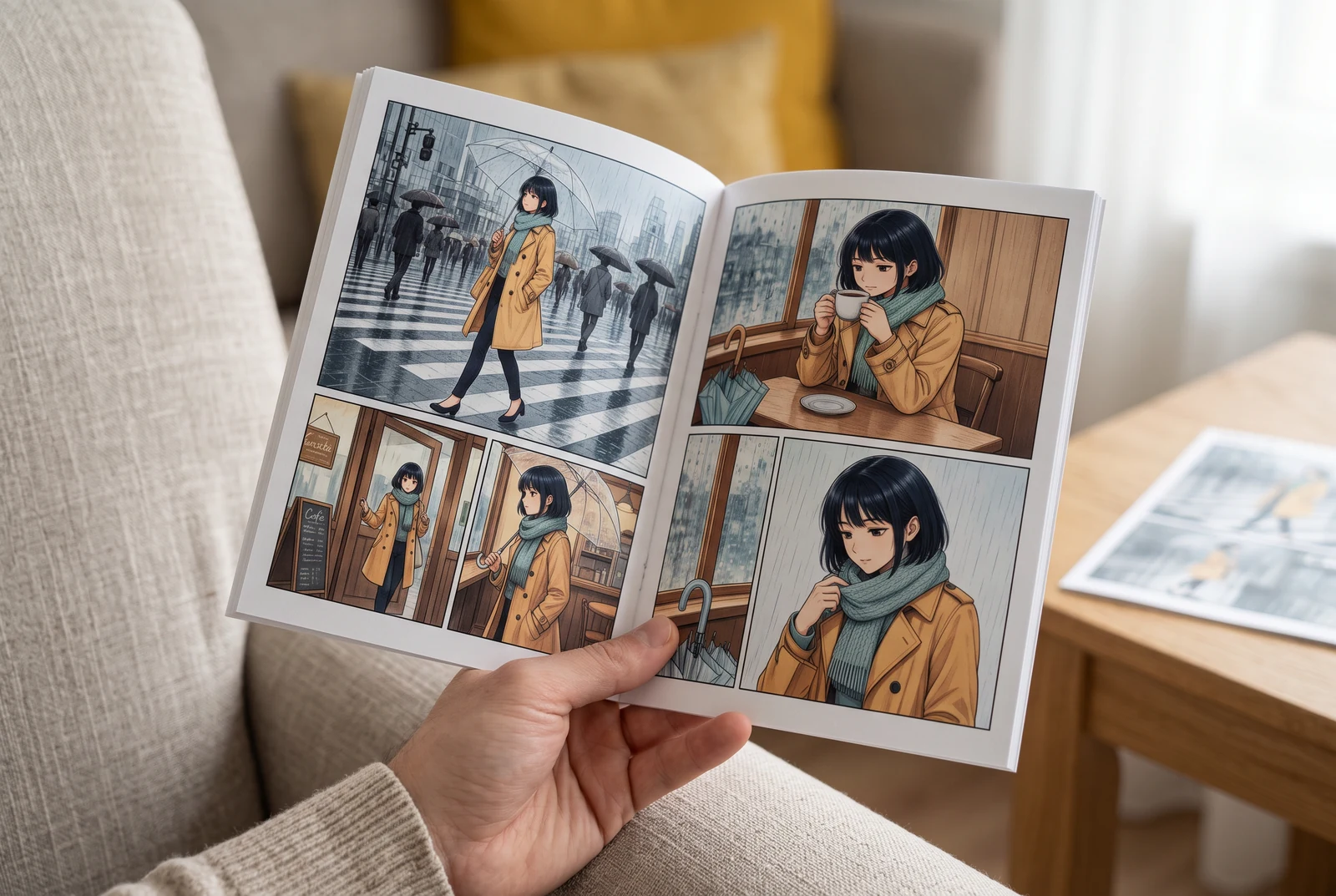
Check the page in your hand
A handheld view suggests checking small faces, colors and dialogue at the size a reader actually sees.
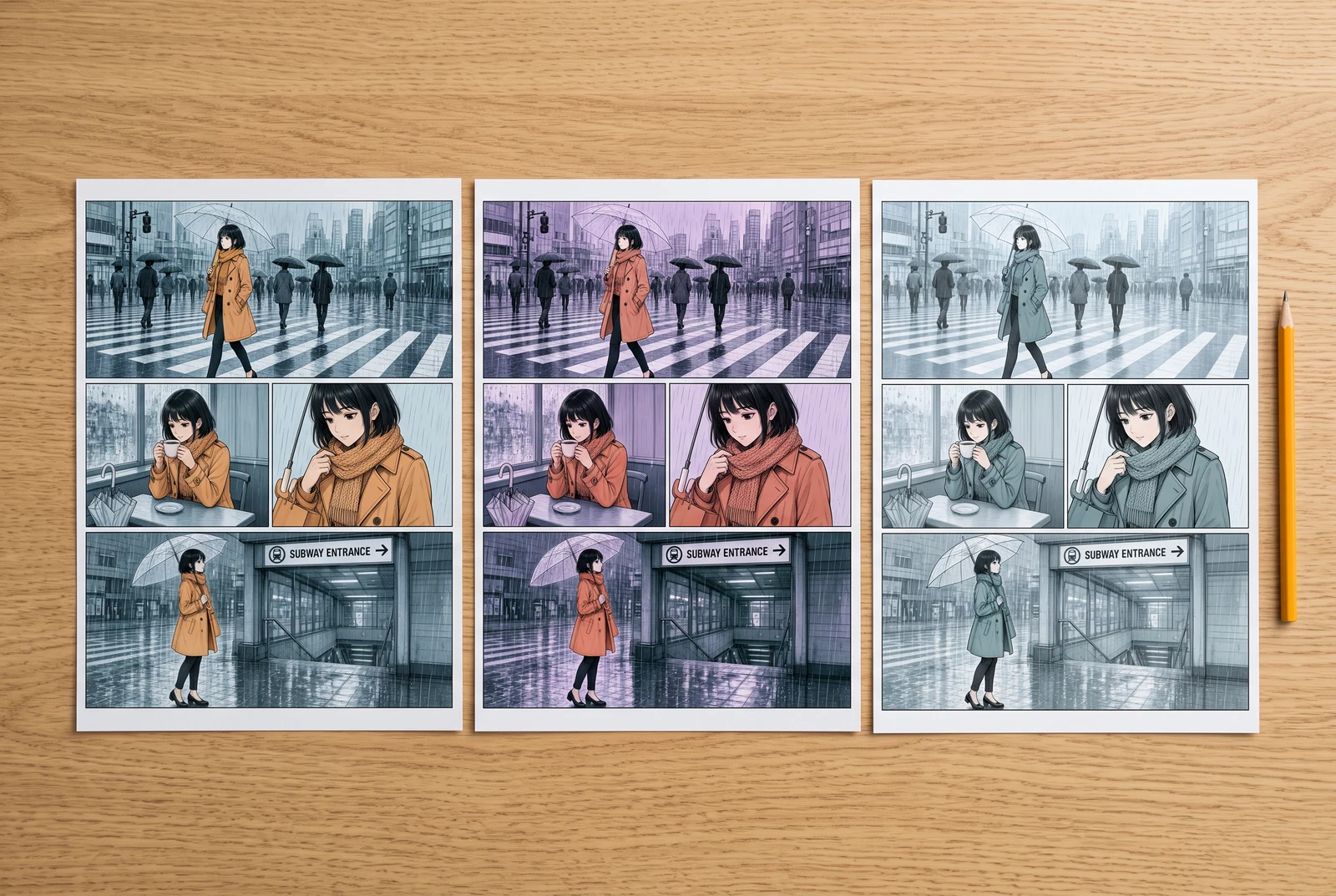
Compare finished design choices
Side-by-side color proofs suggest comparing visual directions before committing to a whole sequence.
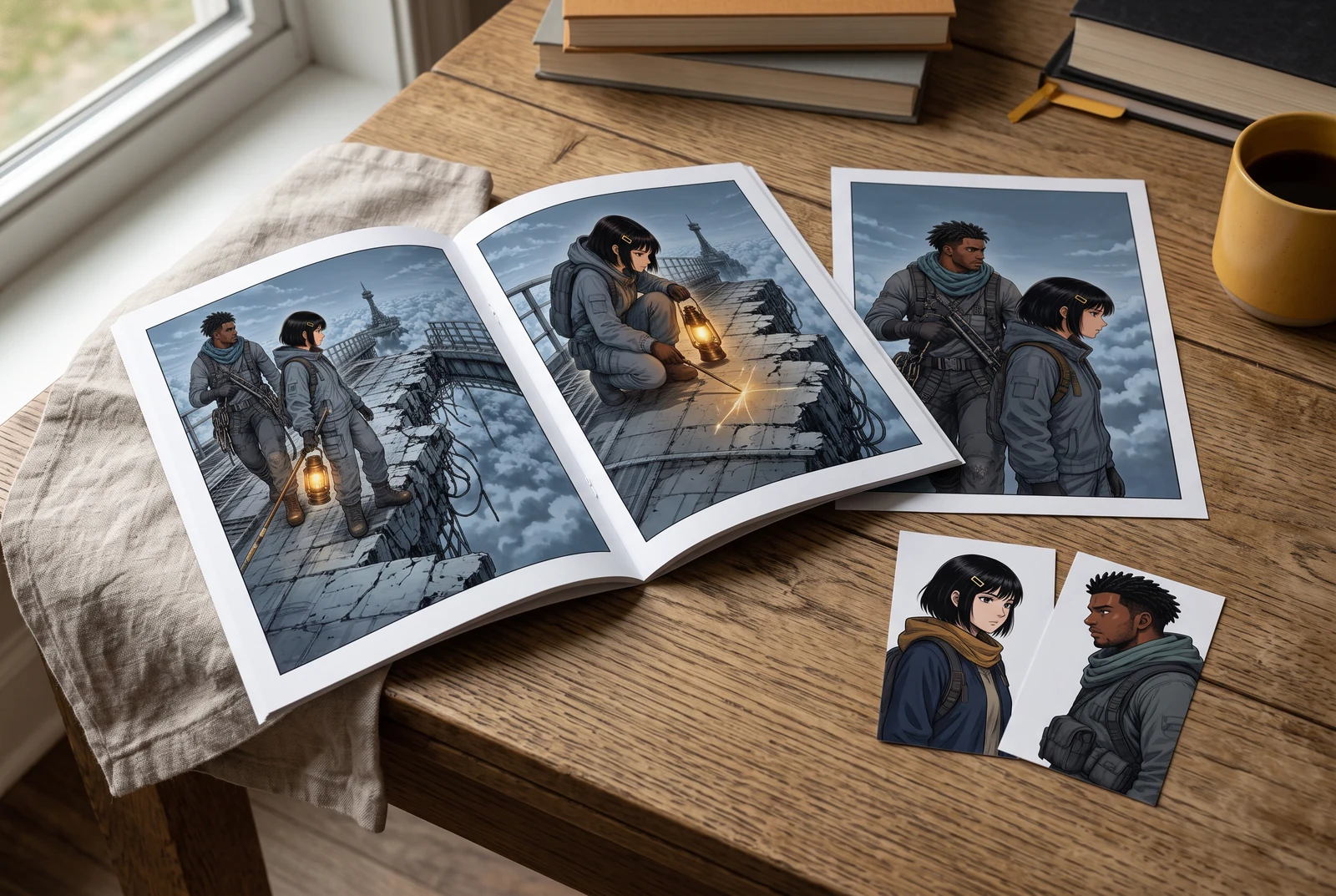
Review a coordinated story set
A small coordinated set suggests reviewing the accepted palette across several appearances of the same story.
AI-generated scenes with fictional artwork and people. They are not customer photos, verified physical products, tool screenshots, printing offers or evidence of automatic consistency.
Common questions
How many colors should a manga palette contain?
There is no required count. Start with a few character-defining colors and expand only when the scene needs another distinction.
Does entering a hex code lock the colorizer to that color?
No lock is established here. The current tool uses a prompt-guided image workflow; inspect the result against the intended swatch.
Can the study palette be sent directly to the colorizer?
No. This browser study is separate from the main tool. Copy your own palette note manually and review the current tool controls.
Continue with the next decision
Some linked legacy guides have fewer translated editions. A link opens its published language; an English fallback is identified.
Check character colors across panels
Use an accepted palette to compare a sequence rather than judging one isolated image.
Protect original line art during colorization
Use the existing guide for matching ink, lettering and panel borders against the source.
Open the manga colorization tool
Bring artwork you may process and review the current controls and cost before generating.