

Artist-defined skin colors
Choose manga skin tones from your character reference
A black-and-white drawing does not reveal a character’s intended skin color. Use your own character design or an authorized reference, then check how light and shadow affect the face. Color choice is an art decision, not a deduction about a real person.
Open AI Manga ColorizerThe main colorizer requires sign-in and credits. Check the current model, available controls and displayed cost before generating. These guide exercises are separate browser illustrations. Plans and credits
LlamaGen Editorial TeamReviewed
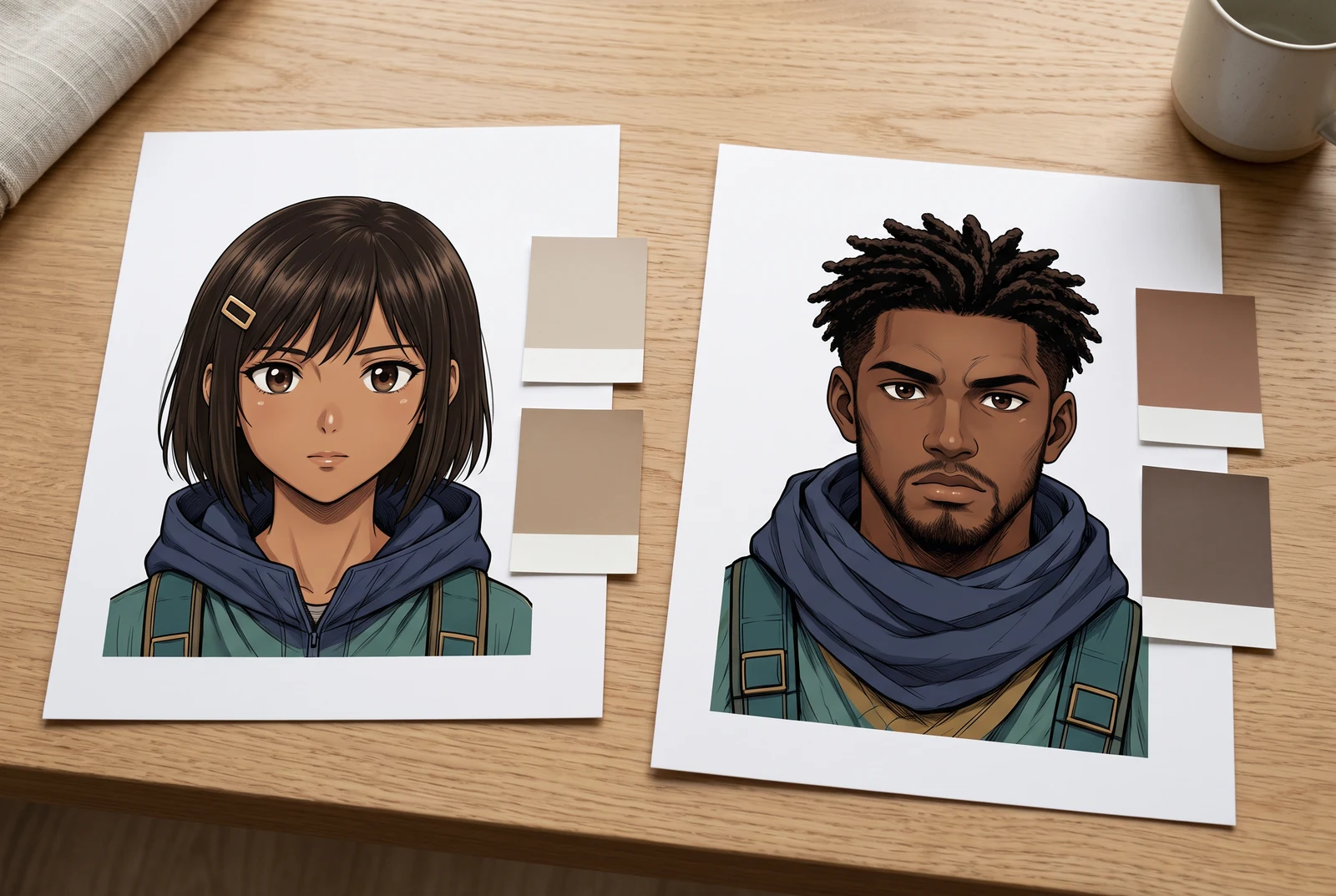
A practical starting point
Choose the base skin color deliberately, keep it in the character reference and inspect highlights and shadows against it. Judge facial readability and consistency without treating one lightness level or one screen swatch as universally correct.
Compare three deliberately selected base colors
The study changes only the artist-selected skin swatch while preserving the drawing and its other colors. Inspect the eyes, nose and jaw outline. Each option is a fictional design choice, not a correct answer inferred from line art.
Selected option: Light warm reference
Compare the light reference against the hair and scarf. Keep the light-facing area readable without assuming that lighter means better.
Reference color values
- Hair
- #263449
- Skin
- #F1C8A5
- Jacket
- #BC842B
- Scarf
- #E6DFBF
- Background
- #B5CBD9
An original flat-color browser study, not a photograph, complexion inference, physical lighting simulation or AI colorizer result.
Work through a specific example
Review a character portrait under a planned scene light
Suppose your character sheet specifies a medium warm base color. In a night scene, keep that reference available and review how much of the change comes from the planned cool light. Do not replace the character reference with whatever a single generated panel happens to show.
- Switch the three swatches without changing zoom and compare the facial outline.
- Write down the intended base color and the scene-light instruction separately.
- Compare a light-facing and a shadow-facing area of the accepted face.
A fictional design exercise. No real person’s attributes are inferred and no generated portrait benchmark is claimed.
Use the idea in your workflow
Begin with an intentional character choice
Use a character sheet or an approved reference that states the design. If the source is monochrome and no color design exists, make the choice explicitly instead of pretending the missing information can be recovered.
- Describe the intended color in your own reference notes.
- Keep the same reference available for later scenes.
- For a real person, use an authorized color reference instead of guessing from grayscale.
Describe light without redefining the face
A prompt can request a base color and a scene light, but the generated image still needs review. Keep changes to lighting separate from changes to the character’s design.
- Specify the base color first, then the light direction and temperature.
- Inspect eyes, mouth and jaw after the colorization.
- Check the current model and credit charge before trying another candidate.
Review at both detail and reading size
A face can look attractive when enlarged yet lose its expression on a small screen. Check the original contours and the intended color relationships in the actual delivery view.
- Use the same crop and zoom when comparing candidates.
- Do not accept a changed expression just because the color looks polished.
- For precise corrections, use an editor with appropriate local color and layer controls.
Problems to look for
- A shadow is mistaken for a new base skin color.
- Compare the planned light-facing area and the character sheet. Separate the scene-light effect from a change to the design.
- The intended deeper base color is repeatedly lightened.
- Return to the approved reference and make the intended value explicit. Review candidates against that design instead of assuming a brighter face is an improvement.
Before accepting the result
- The base color comes from a deliberate design or authorized color reference.
- Light and shadow were reviewed separately from the character identity.
- The face remains readable at the intended screen or page size.
Picture the finished color story
Reading distance, alternative treatments and a coordinated set give useful contexts for checking a finished page. These scenes illustrate presentation choices rather than product results.
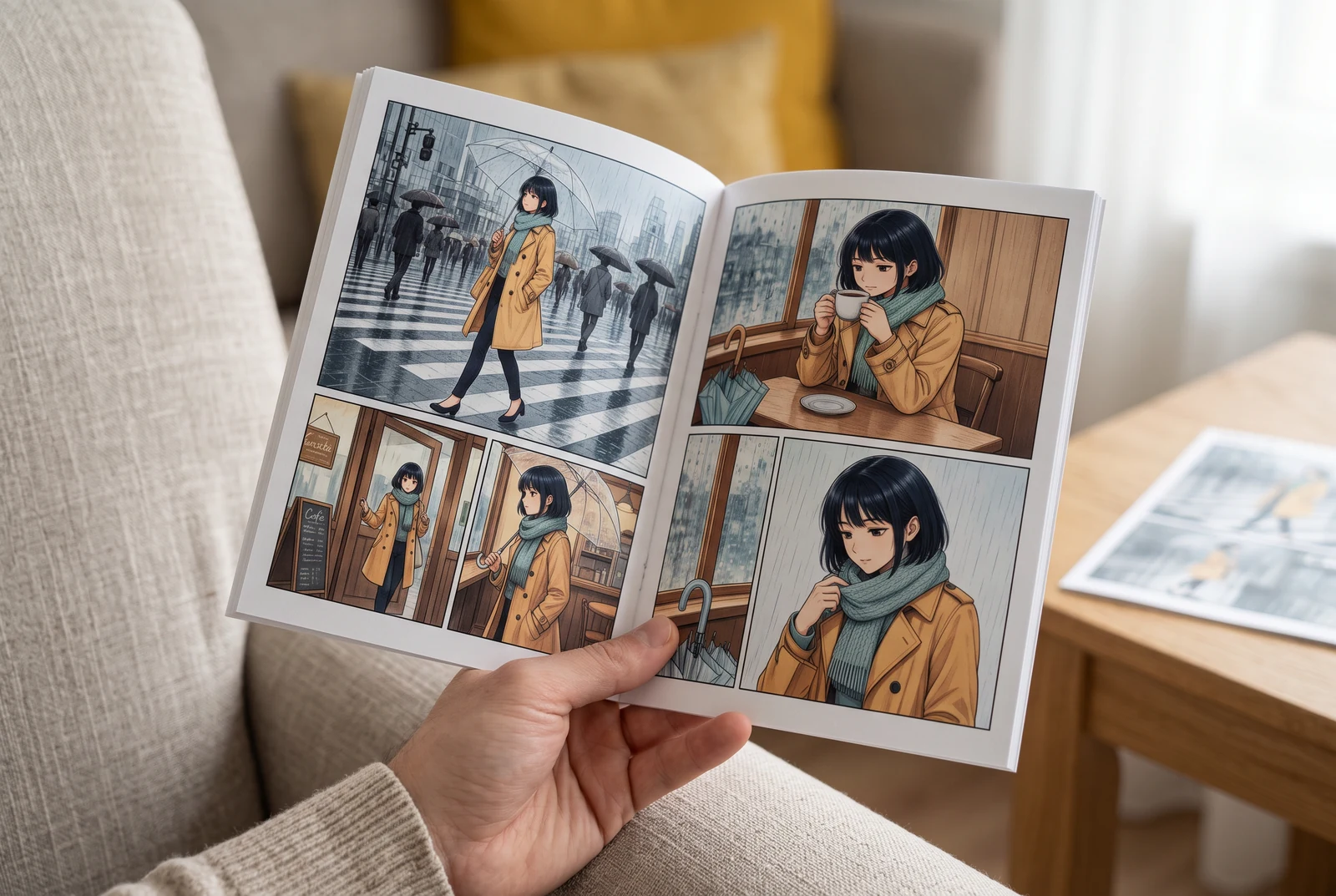
Check the page in your hand
A handheld view suggests checking small faces, colors and dialogue at the size a reader actually sees.
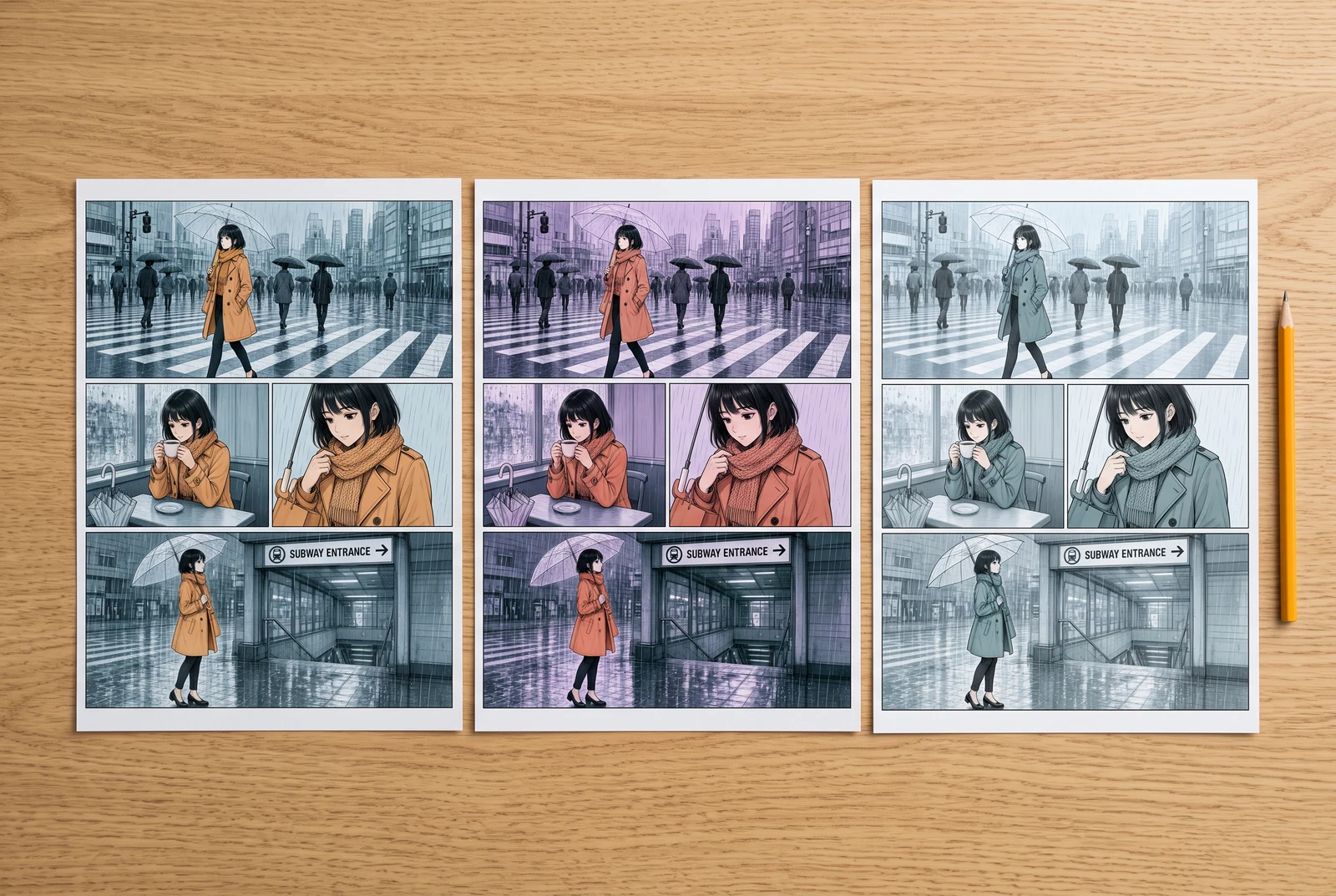
Compare finished design choices
Side-by-side color proofs suggest comparing visual directions before committing to a whole sequence.
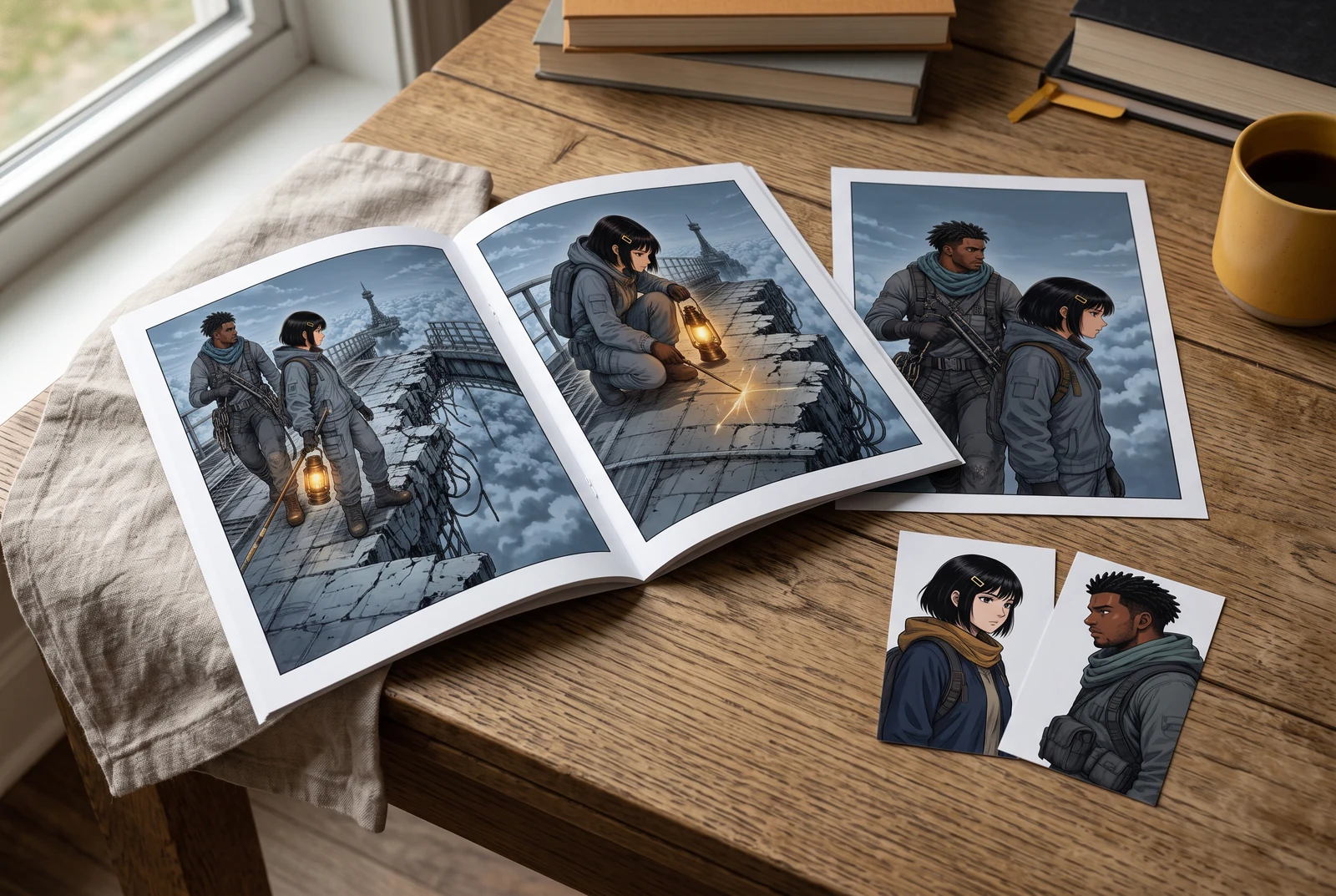
Review a coordinated story set
A small coordinated set suggests reviewing the accepted palette across several appearances of the same story.
AI-generated scenes with fictional artwork and people. They are not customer photos, verified physical products, tool screenshots, printing offers or evidence of automatic consistency.
Common questions
Can AI recover the true skin tone from black-and-white manga?
The monochrome drawing does not supply that color information. Choose a fictional design deliberately or use an authorized color reference.
Is one skin-tone swatch correct for every light?
No. Scene light, surrounding colors and display conditions affect appearance. Keep the base design separate from how a particular scene depicts it.
Does the colorizer include a dedicated skin mask?
No dedicated local skin mask is established by the current workflow reviewed here. Check the live controls and use an appropriate editor when you need precise local corrections.
Continue with the next decision
Some linked legacy guides have fewer translated editions. A link opens its published language; an English fallback is identified.
Plan the light before adjusting colors
Keep scene illumination separate from the character’s base palette.
Protect original line art during colorization
Use the existing guide for matching ink, lettering and panel borders against the source.
Open the manga colorization tool
Bring artwork you may process and review the current controls and cost before generating.