

A practical color review
Find the colorization problem before generating another draft
An attractive color result can still contain the wrong garment color, merged dark shapes or a fill that crosses an intended boundary. Identify one failure first, then choose whether to revise the request, prepare a cleaner input or make a controlled editor correction.
Open AI Manga ColorizerThe main colorizer requires sign-in and credits. Check the current model, available controls and displayed cost before generating. These guide exercises are separate browser illustrations. Plans and credits
LlamaGen Editorial TeamReviewed
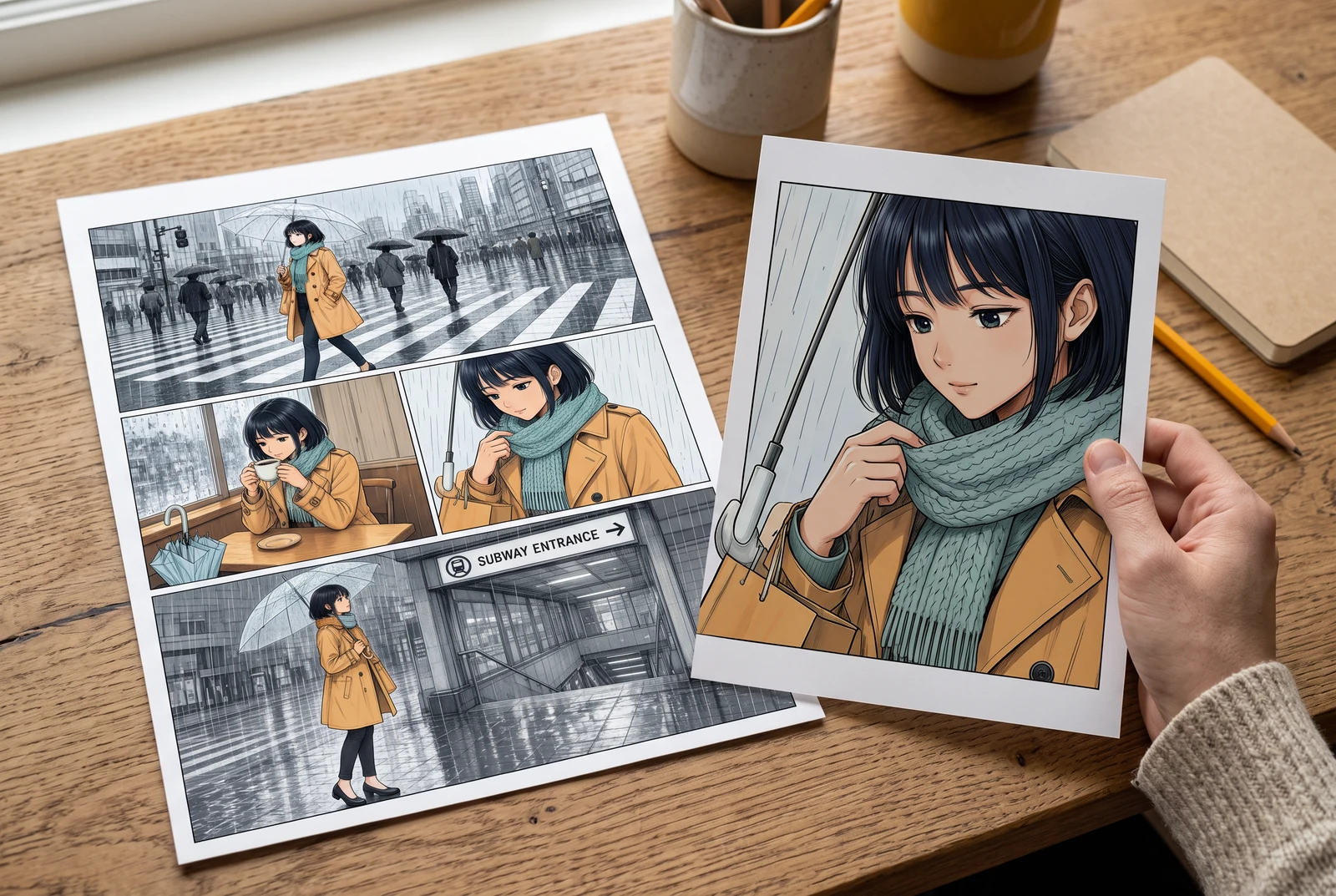
A practical starting point
Compare the result with the source and the intended palette at matching size. Name the affected region and the specific problem. Change one instruction at a time, and keep the original available when exact repair needs a layered editor.
Review three common problem areas
Switch the inspection focus on the same original study. The rings identify a region to check; they are teaching overlays, not a defect detector or a local editing mask.
Selected option: Check the intended garment color
Compare the jacket with the reference swatch. A plausible new color is still wrong if the story requires the original design.
Reference color values
- Hair
- #263449
- Skin
- #BC886F
- Jacket
- #BC842B
- Scarf
- #E6DFBF
- Background
- #B5CBD9
A teaching overlay on original SVG art. It does not analyze an uploaded image, detect defects automatically or provide local repair controls.
Work through a specific example
Describe a repair without changing the entire scene
Suppose the coat should be ochre but the candidate makes it green. Write down the affected garment, the intended color and the fact that the setting should remain unchanged. Compare the next candidate at the same view before adding unrelated stylistic requests.
- Select each inspection focus and describe the one thing you would compare.
- Write a repair note that identifies a region and an intended outcome.
- Recheck the accepted candidate against the source and neighboring panels.
A diagnosis and review exercise. No detection accuracy, automatic repair or successful paid test is claimed.
Use the idea in your workflow
Separate input problems from output problems
A damaged or heavily compressed input can make small boundaries harder to interpret. Keep an untouched source and inspect a clean working copy before asking for another result.
- Check the source at its original dimensions.
- Confirm the live upload format and current size guidance.
- If line art or lettering changes, use the dedicated preservation guide for those checks.
Revise one specific instruction
Use the free-form prompt to describe the intended color change, then compare the result. The current workflow does not establish per-region masks or guaranteed local edits.
- Name the garment or region and the desired color relationship.
- Avoid mixing the repair with several new style or lighting demands.
- Review the model and current credit charge before another generation.
Choose a controlled finishing method when needed
If a candidate needs exact local correction, retain the original ink and work in an editor with the necessary layer and selection controls. A new image request can change more than the intended region.
- Keep the accepted source and palette reference visible during repair.
- Review adjacent regions after any change.
- Save the corrected version separately and check it at final reading size.
Problems to look for
- Repeated retries change unrelated parts of the page.
- Narrow the request to one described problem. For precise local changes, use an editor with explicit selections and layers.
- The color looks polished, so boundaries are not checked.
- Compare the intended region with the source and palette reference; visual polish is not a substitute for correctness.
Before accepting the result
- The affected region and failure are named.
- The untouched source and intended palette remain available.
- The chosen repair method offers the control the task needs.
Picture the finished color story
Reading distance, alternative treatments and a coordinated set give useful contexts for checking a finished page. These scenes illustrate presentation choices rather than product results.
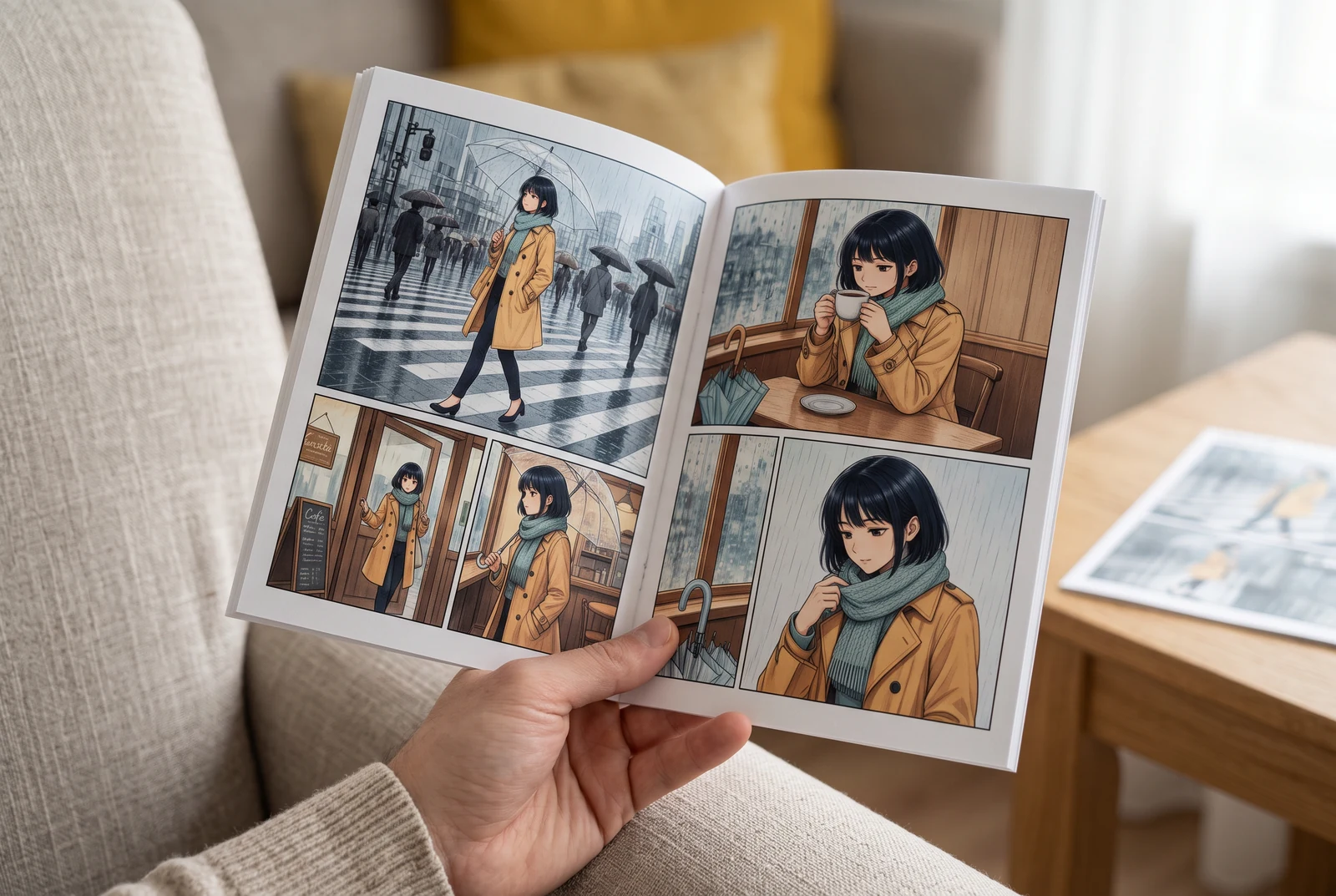
Check the page in your hand
A handheld view suggests checking small faces, colors and dialogue at the size a reader actually sees.
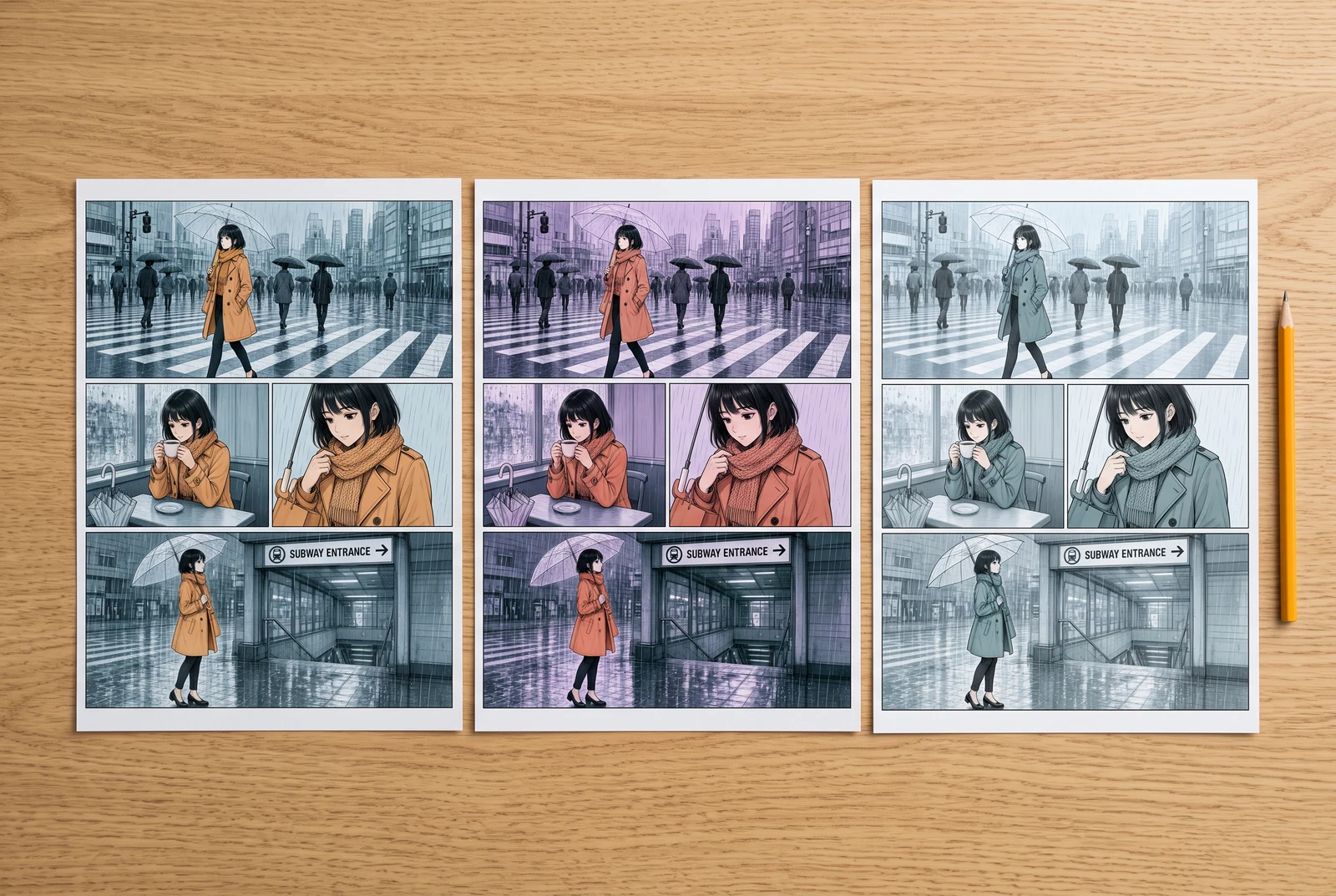
Compare finished design choices
Side-by-side color proofs suggest comparing visual directions before committing to a whole sequence.
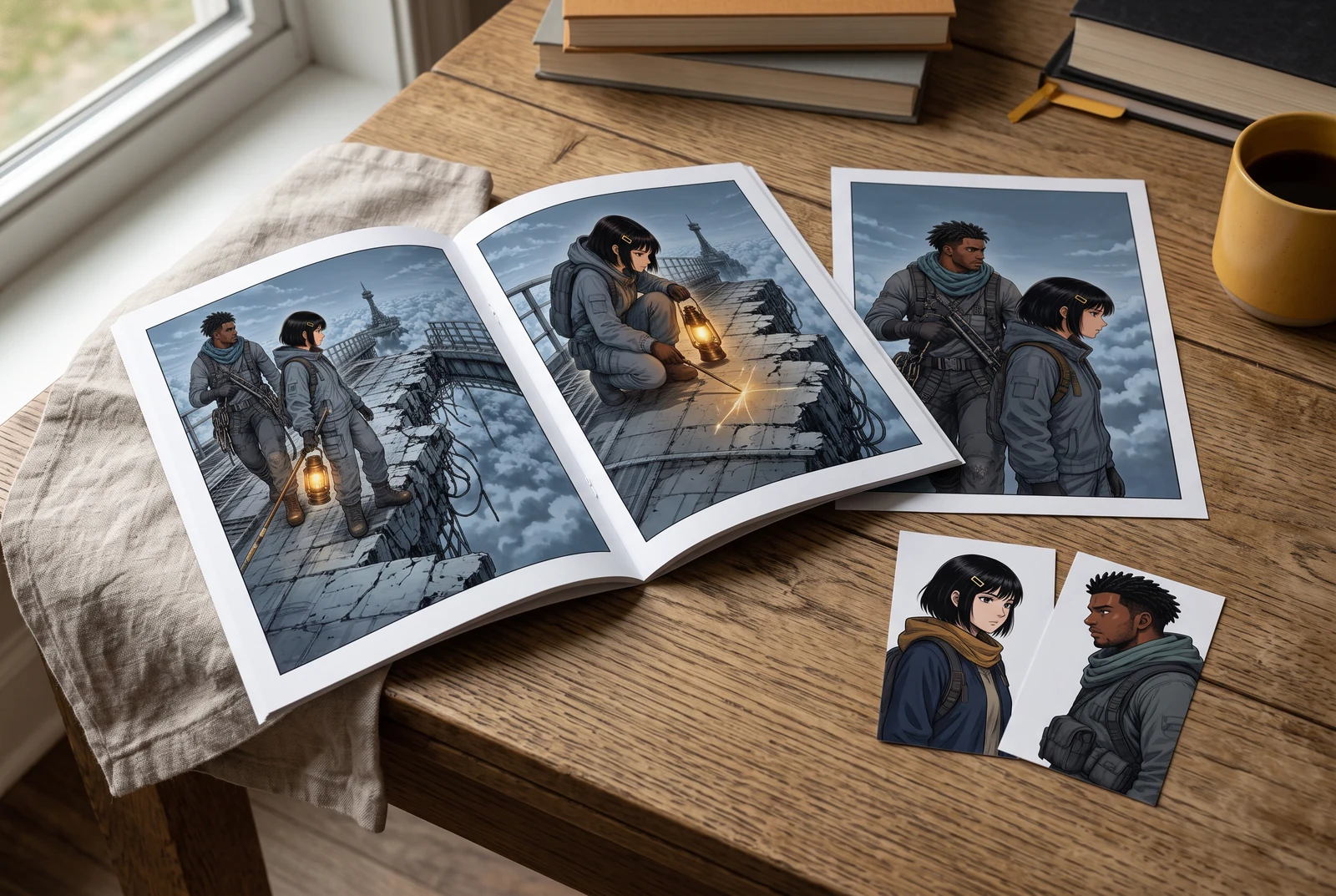
Review a coordinated story set
A small coordinated set suggests reviewing the accepted palette across several appearances of the same story.
AI-generated scenes with fictional artwork and people. They are not customer photos, verified physical products, tool screenshots, printing offers or evidence of automatic consistency.
Common questions
Does the study automatically find errors in my manga?
No. It is a teaching illustration with selectable review locations. It does not upload or analyze your artwork.
Can the colorizer guarantee a change to only one region?
No such local-edit guarantee is established here. Use the current controls and an appropriate editor for exact region-level corrections.
Where should I check altered text or damaged line art?
Use the existing line-art preservation guide linked below. This page focuses on unintended colors, fill boundaries and visibility.
Continue with the next decision
Some linked legacy guides have fewer translated editions. A link opens its published language; an English fallback is identified.
Review colors across neighboring panels
Check the corrected version in the whole story rather than in isolation.
Protect original line art during colorization
Use the existing guide for matching ink, lettering and panel borders against the source.
Open the manga colorization tool
Bring artwork you may process and review the current controls and cost before generating.