

Light and shadow planning
Plan manga shading around the story’s important detail
Light can establish a setting and guide attention, but it can also hide the expression or object that explains the scene. Decide what the reader needs to see before requesting a dramatic treatment.
Open AI Manga ColorizerThe main colorizer requires sign-in and credits. Check the current model, available controls and displayed cost before generating. These guide exercises are separate browser illustrations. Plans and credits
LlamaGen Editorial TeamReviewed
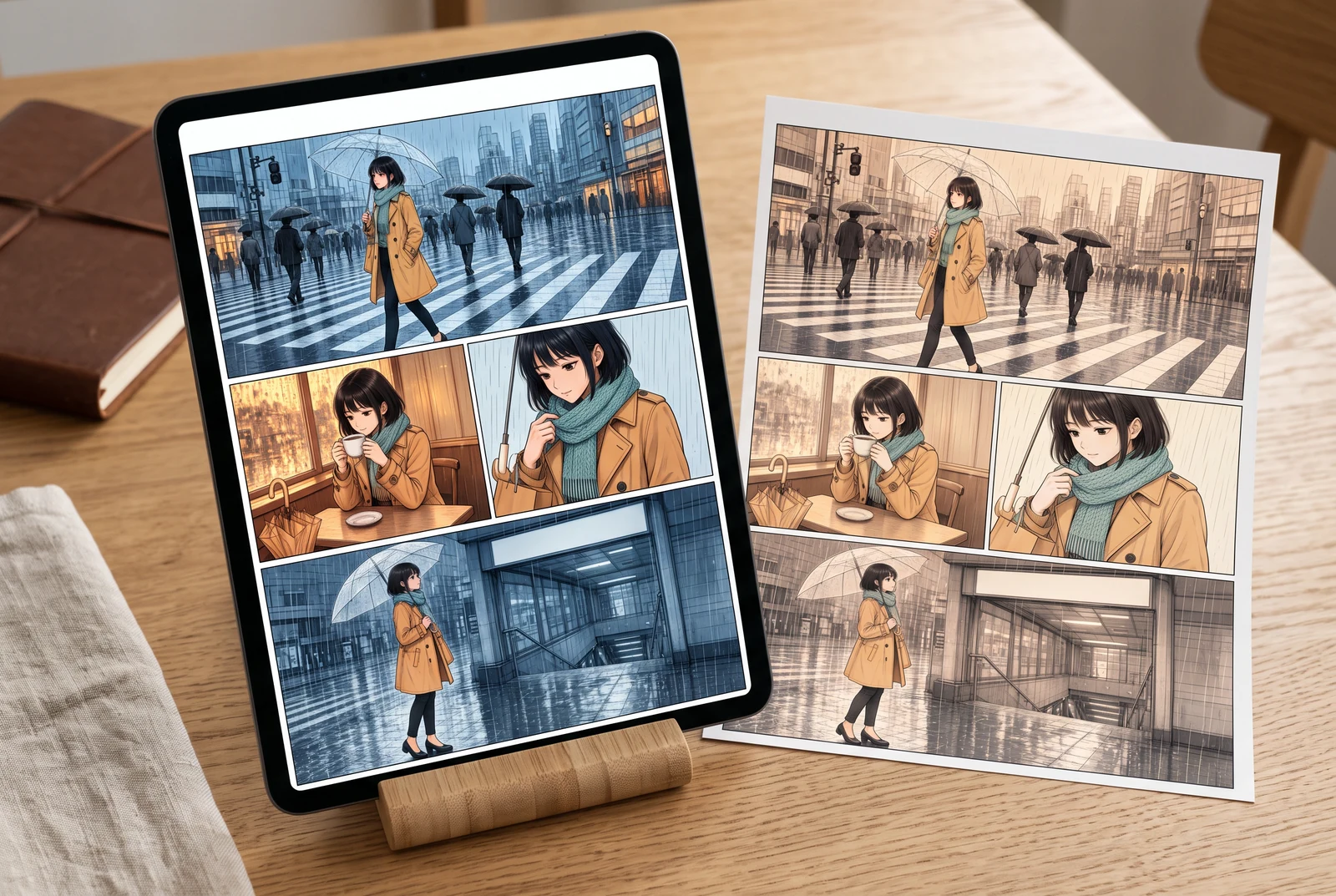
A practical starting point
Record a main light direction and the information that must remain visible. Compare a simple lighting plan with a more dramatic one at the final reading size, then reject a treatment that changes the meaning or hides the action.
Compare three simplified lighting treatments
Keep the same base drawing and compare neutral, warm and dark scene treatments. These simplified overlays help you discuss mood and visibility; they do not model physical illumination or predict a generator.
Selected option: Neutral scene light
Use the neutral version as a reference for the original base colors and the visible expression.
Reference color values
- Hair
- #263449
- Skin
- #BC886F
- Jacket
- #BC842B
- Scarf
- #E6DFBF
- Background
- #B5CBD9
A simplified SVG teaching exercise. It is not a physically accurate render, a tool screenshot or a measured AI lighting result.
Work through a specific example
Keep a departing-train scene understandable at night
Imagine a traveler looking toward a train as it leaves. A cool night treatment can establish the setting, but the face, pointing hand and train edge still need to communicate the action. Start by naming those three things, then describe the light.
- Compare each treatment at the same size and name the visible action.
- Temporarily ignore color names and inspect the light-versus-dark shapes.
- Check the key prop before adding more atmospheric effects.
A story-planning example and browser exercise, not a product generation record.
Use the idea in your workflow
Choose a light direction and a focal point
A short light note is easier to review than competing requests for glow, fog, rim light and heavy shadow. Tie the treatment to one story beat.
- State the scene’s main light direction.
- Name the expression or object that must remain readable.
- Keep atmosphere secondary until the action is understandable.
Ask for a treatment, then compare the result
The colorizer’s prompt can describe lighting and shading. It does not provide a verified relighting rig or exact per-region exposure control.
- Change one lighting instruction when comparing candidates.
- Review the same face and prop against the untouched source.
- Check the active model and current credit requirement before generating.
Check the final presentation
A bright editor view and a dark phone in a room can lead to different impressions. Inspect the delivered image at its actual size and in the context where it will be read.
- Check whether shadow regions merge with the ink.
- Keep lettering readable if the page includes dialogue.
- Use a suitable editor for exact local shadow or highlight corrections.
Problems to look for
- Dramatic shadow hides the expression.
- Reduce the requested darkness or revise the planned light direction. Compare the facial features again at reading size.
- Many glow effects compete with the important object.
- Remove effects until the story beat is clear, then add back only the atmosphere that serves it.
Before accepting the result
- One main light direction and one focal detail are named.
- The action is still understandable in the darker treatment.
- The delivered image was reviewed beyond the enlarged editor preview.
Picture the finished color story
Reading distance, alternative treatments and a coordinated set give useful contexts for checking a finished page. These scenes illustrate presentation choices rather than product results.
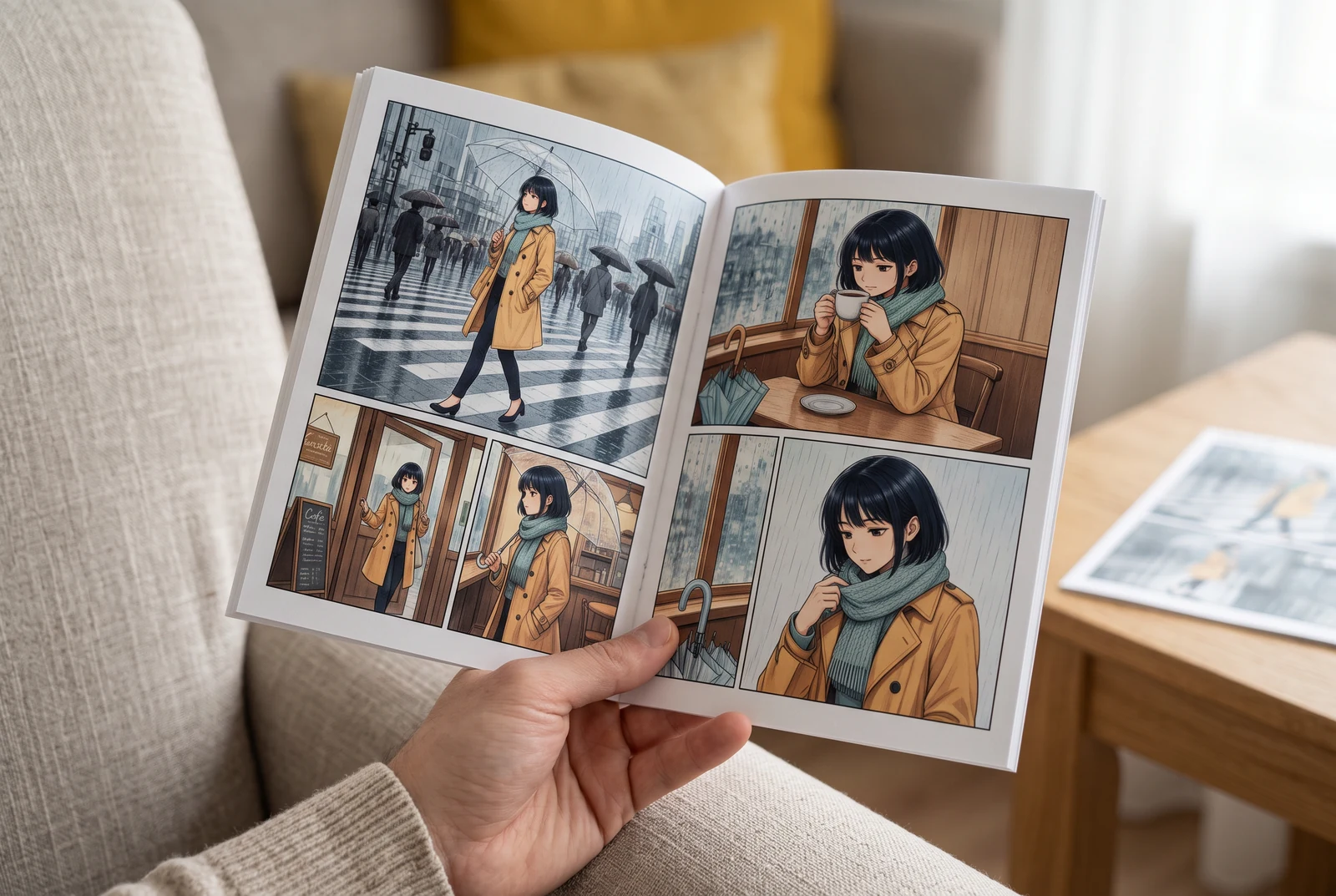
Check the page in your hand
A handheld view suggests checking small faces, colors and dialogue at the size a reader actually sees.
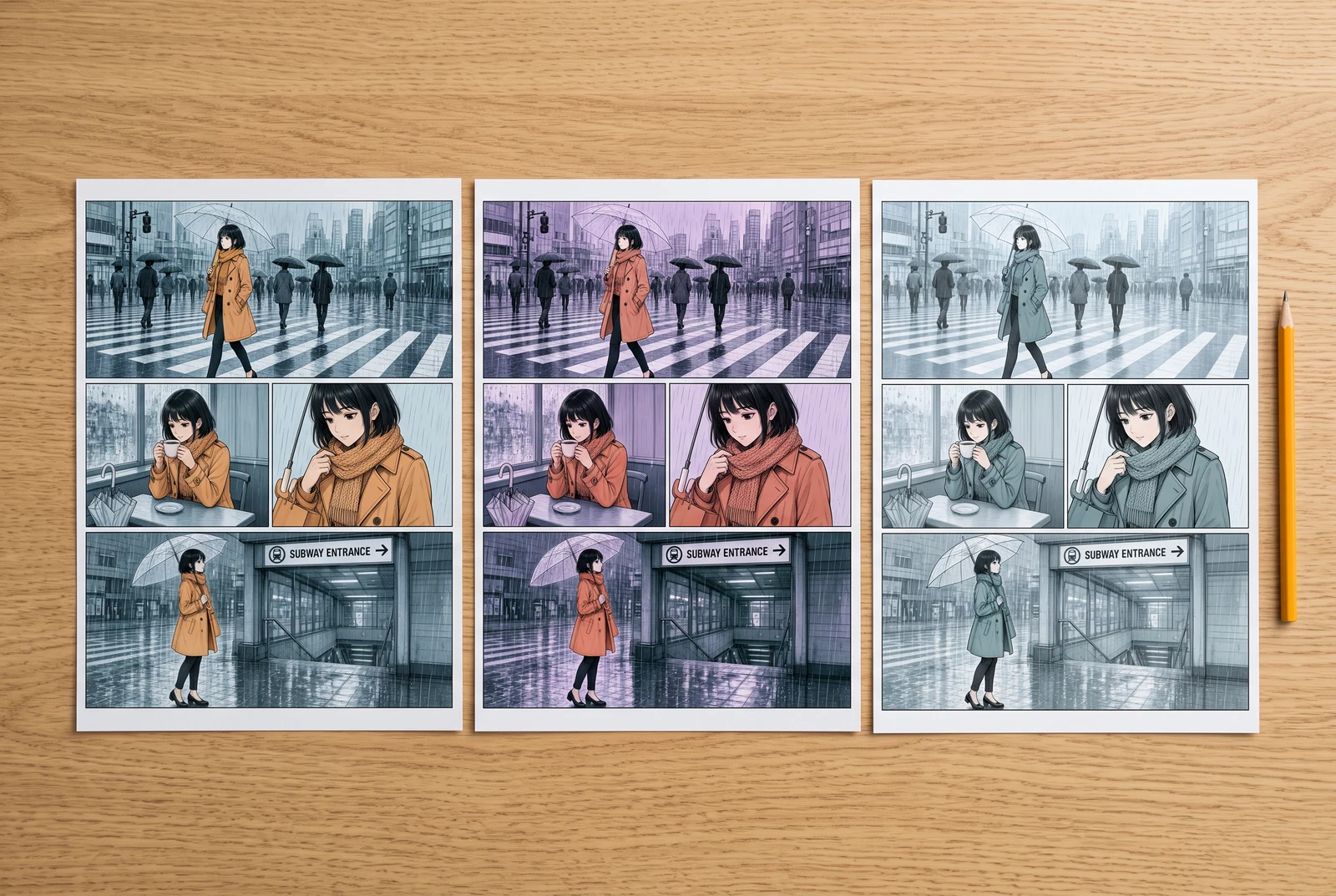
Compare finished design choices
Side-by-side color proofs suggest comparing visual directions before committing to a whole sequence.
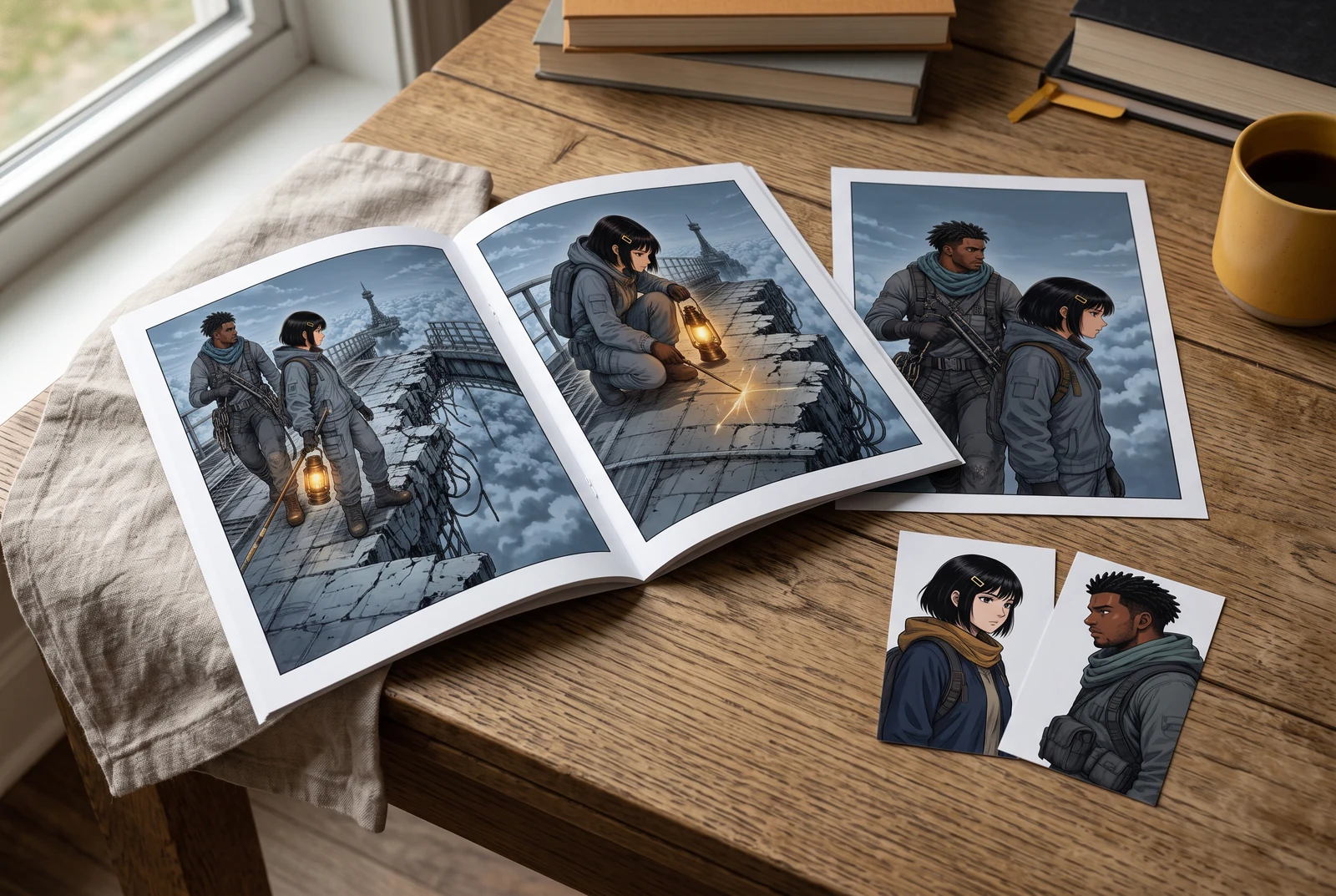
Review a coordinated story set
A small coordinated set suggests reviewing the accepted palette across several appearances of the same story.
AI-generated scenes with fictional artwork and people. They are not customer photos, verified physical products, tool screenshots, printing offers or evidence of automatic consistency.
Common questions
Does darker shading automatically make a manga scene more dramatic?
No. A darker image can obscure the story. Judge the expression, action and scene information that the reader needs.
Can I control exact light positions in the colorizer?
The reviewed workflow uses prompt-guided image generation, not a verified lighting rig. Use the current controls and inspect each result.
Are these study overlays examples of the AI tool’s output?
No. They are deliberately simple browser illustrations that make light and value choices easier to compare.
Continue with the next decision
Some linked legacy guides have fewer translated editions. A link opens its published language; an English fallback is identified.
Keep the base palette separate from light
Record the character’s intended colors before planning the scene treatment.
Protect original line art during colorization
Use the existing guide for matching ink, lettering and panel borders against the source.
Open the manga colorization tool
Bring artwork you may process and review the current controls and cost before generating.