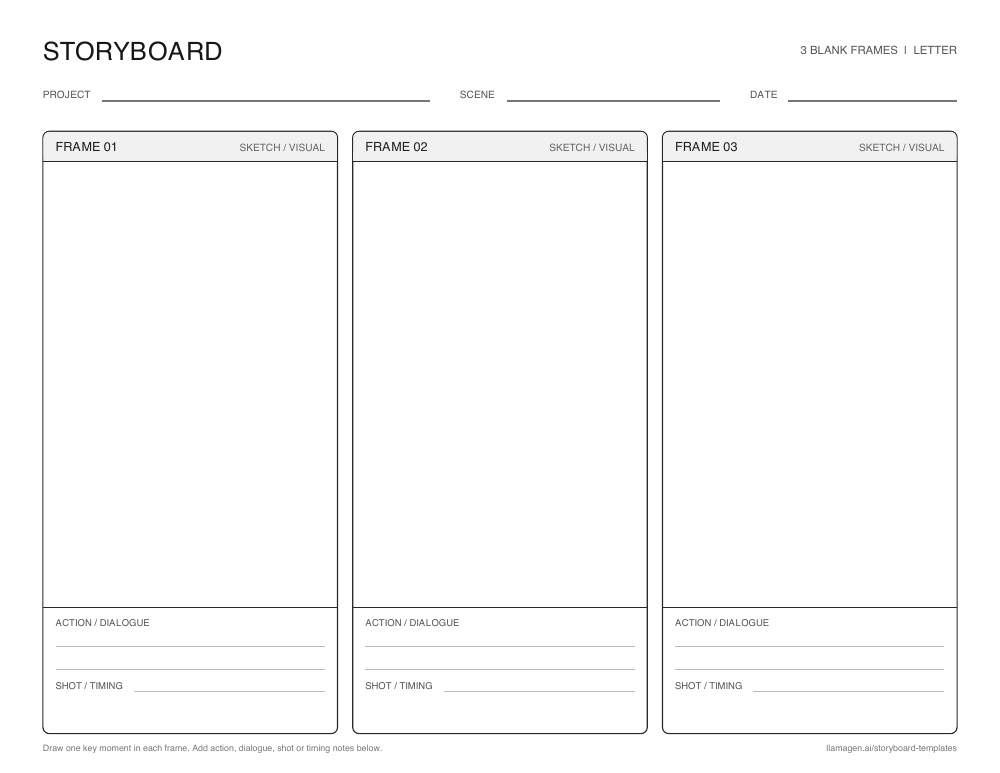
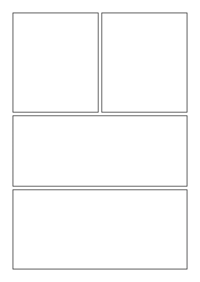
Blank 3-panel storyboard template
A beginning, middle, and end layout for reading responses, short scenes, and first drafts.


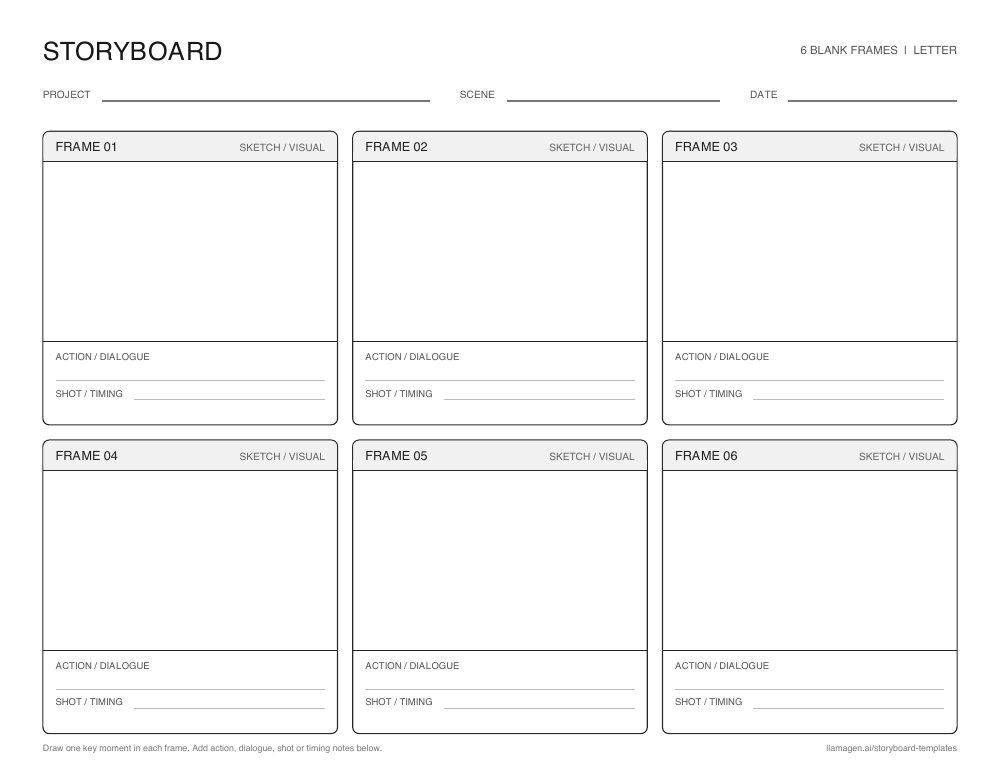
स्टोरीबोर्ड टेम्प्लेट फ्रेम्स का तैयार सेट है जिसमें कहानी, वीडियो, पाठ या एनीमेशन में क्या होगा उसकी योजना बनाते हैं। हर फ्रेम में एक महत्वपूर्ण पल रखें, फिर संक्षिप्त नोट लिखें ताकि क्रम आसानी से फॉलो किया जा सके।
नीचे दिए गए खाली वर्कशीट्स आपको हाथ से स्केच करने का मौका देती हैं। डिजिटल टेम्प्लेट्स ऑनलाइन क्रम बनाना चाहें तब एक विजुअल शुरुआत प्रदान करती हैं। दोनों से आप घटनाओं का क्रम देख सकते हैं, बिना पूरी कला या वीडियो में जाने से पहले।
New to storyboarding? जानें कि स्टोरीबोर्ड क्या है, or एक बनाना शुरू करें.
फ्रेम ग्रिड बड़ी सोच को छोटा-छोटा विजुअल निर्णयों में बदलता है। इससे पहले ही गुम कदम, अस्पष्ट बदलाव और असमान गति पकड़ सकते हैं।
तीन फ्रेम वाला क्रम छोटी शुरुआत, मध्य और अंत के लिए ठीक है। छह फ्रेम से क्रियाओं और कैमरा बदलाव के लिए ज्यादा जगह मिलती है। विजुअल स्टाइल तब तक सरल रह सकती है जब तक कहानी स्पष्ट न हो।
एक साझा विजुअल योजना फीडबैक को अधिक ठोस बनाती है। छात्र, सहयोगी या प्रोडक्शन टीम्स ड्राफ्टिंग, फिल्मिंग या पूरी कला से पहले उन्हीं फ्रेम्स पर चर्चा कर सकते हैं।
Younger students can illustrate the beginning, middle, and end of a story. Older students can first map the story arc with a plot diagram, फिर उसकी मुख्य दृश्यों पर स्टोरीबोर्ड बनाएं। वही फ्रेम ग्रिड विज्ञान प्रक्रिया समझाने या ऐतिहासिक घटना के पलों की तुलना करने में भी काम आ सकती है। हर फ्रेम के नीचे नोट्स साक्ष्य, संवाद या विचार के लिए जगह छोड़ते हैं।
फ्री प्रिंटेबल लेआउट्स
तीन-फ्रेम या छह-फ्रेम वर्कशीट डाउनलोड करें जिसमें स्केच, क्रिया या संवाद और शॉट या टाइमिंग नोट्स के लिए जगह है। US लेटर या A4 पेपर चुनें और लैंडस्केप ओरिएंटेशन में प्रिंट करें।
A beginning, middle, and end layout for reading responses, short scenes, and first drafts.
Six frames for a longer classroom sequence or a shot-by-shot video plan.
Prefer a digital board? स्टोरीबोर्ड ऑनलाइन बनाएं.
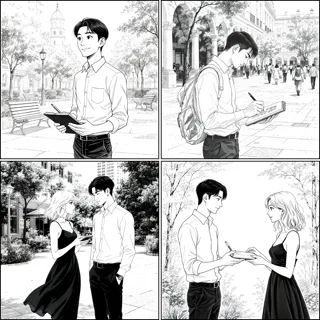
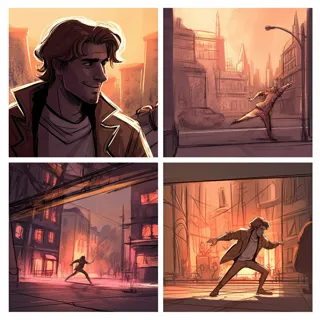
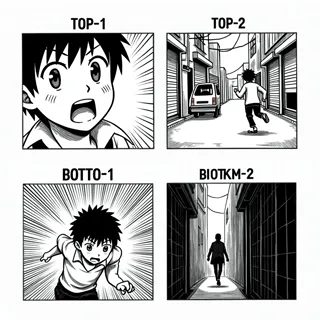
पेंसिल, लो-फाई और मंगा-स्टाइल विजुअल में कॉमिक और एनीमेशन बोर्ड्स की तुलना करें। हर कार्ड अपनी टेम्प्लेट पेज खोलता है।
Showing 32 of 32 templates
 Premium
Animation
 Free
FreeSketches
 Premium
Film and video
 Premium
Animation
 Premium
Manga
 Premium
Blank layouts
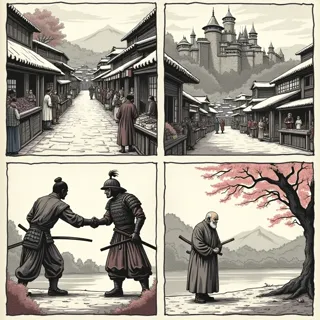 Premium
Comics
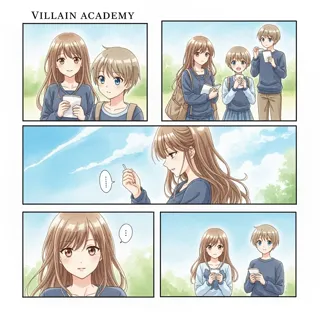 Premium
Comics
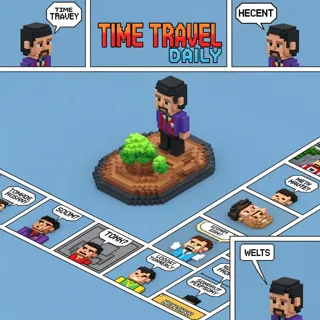 Premium
Animation
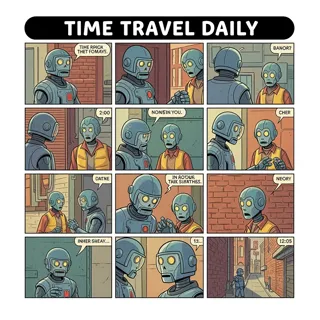 Premium
Animation
 Free
FreePersonal stories
 Premium
Personal stories
 Premium
Personal stories
 Premium
Film and video
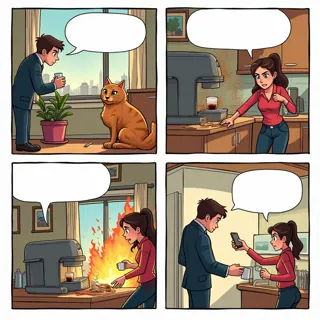 Free
FreeComics
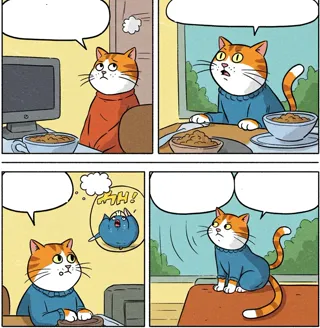 Premium
Comics
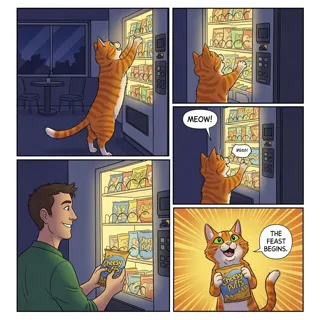 Premium
Comics
 Premium
Business
 Premium
Business
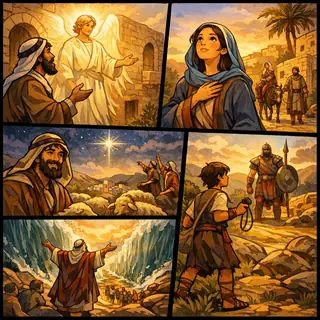 Free
FreeStory examples
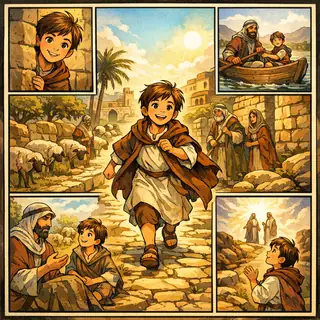 Free
FreeStory examples
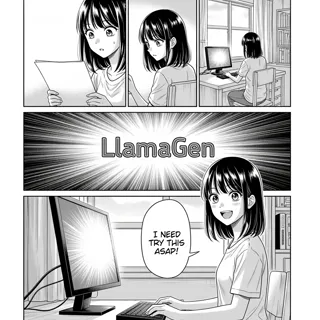 Premium
Manga
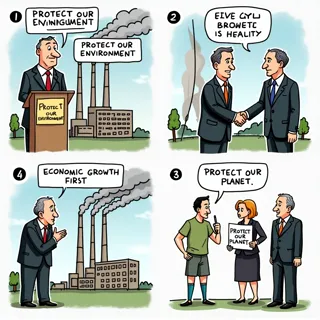 Premium
Business
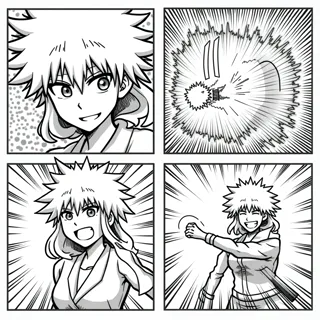 Premium
Manga
 Free
FreeEducation
 Free
FreeEducation
 Free
FreeEducation
 Premium
Animation
 Premium
Film and video
 Premium
Animation
 Premium
Animation
 Premium
Film and video
स्टोरीबोर्ड बेसिक्स
स्टोरीबोर्ड चित्रों या इमेजेज़ के क्रम से बना विजुअल ग्राफिक ऑर्गनाइज़र है। हर फ्रेम एक पल कैप्चर करता है। सभी फ्रेम मिलकर क्रम, गति और विजुअल फ्लो दिखाते हैं, अंतिम काम बनाने से पहले।
स्टोरीबोर्ड टेम्प्लेट उस क्रम को तैयार संरचना देता है। ऊपर दिए खाली फ्रेम हाथ से योजना बनाने के लिए हैं, या विजुअल स्टाइल टेम्प्लेट डिजिटल शुरुआत के लिए ब्राउज करें।
लाभकारी नोट्स में क्रिया, संवाद, कैमरा ऐंगल, आवाज या समय शामिल हो सकते हैं। उन्हें इतना छोटा रखें कि दूसरा व्यक्ति आइडिया को झटपट समझ सके।
See a complete three-frame example in our guide to storyboards.
वही फ्रेम ग्रिड कोई पाठ, शूट या विजुअल कहानी में मार्गदर्शन कर सकती है। हर पैनल के नीचे के नोट्स को अपनी प्रोजेक्ट के अनुसार बदलें।
Ask students to show three key events in a story, six steps in a process, or a visual explanation of a history or science topic.
Plan the order of shots, camera framing, action, and timing before recording or editing a scene.
Test the rhythm of a visual sequence before committing to finished panels or animated frames.
Map a short message from opening hook to final call to action so each frame has a clear purpose.
मुख्य पलों से शुरू करें। साधारण स्केच और स्पष्ट नोट्स इस क्रम को जांचने के लिए पर्याप्त हैं।
Print three panels for a short idea or six panels for a longer sequence. Digital creators can choose a visual template in the gallery.
Sketch one meaningful moment per panel. Add action, dialogue, shot, or timing notes under the frame.
Read the frames in order, revise gaps or pacing, then take your plan into the online storyboard creator.
A storyboard template is a set of ordered frames for planning a story, lesson, video, comic, or animation. A blank template gives you space to sketch each moment and add useful notes.
Use three panels for a short beginning-middle-end sequence. Choose six panels when you need to show more changes, actions, or camera shots. You can print another page if your project grows.
Yes. The blank three-panel and six-panel worksheets on this page are free PDF downloads in US Letter and A4 sizes.
Yes. Students can draw by hand and write under each frame. Teachers can use the same pages for reading, writing, science, history, and media projects.