Find a story worth following
Explore a character's goal, an unusual setting, or a difficult choice. Compare different openings before you commit to a direction.


Gunakan LlamaGen.ai sebagai penjana cerita AI dan penulis cerita. Tukar idea ringkas menjadi draf berstruktur dengan plot, watak, dialog, dan laluan ke storyboard atau panel komik.
Try the first draft here. Free access has limits; saved projects and visual tools use your account and plan credits.
See how it worksPick a prompt to read an illustrative opening, then generate your own version. These samples are prepared examples, not live results or customer testimonials.
Example opening
The radio said Mara's name before she switched it on. On Platform Three, rain gathered around a red suitcase. She had checked the platform a minute ago. Empty. Now someone had left a case beneath the broken clock, with a luggage tag written in her handwriting.
Start with something specific: a radio operator alone at a station, a red suitcase, and a message that knows her name. Generate an opening, read what works, then change the stakes or point of view. The next decision stays yours.
Generate story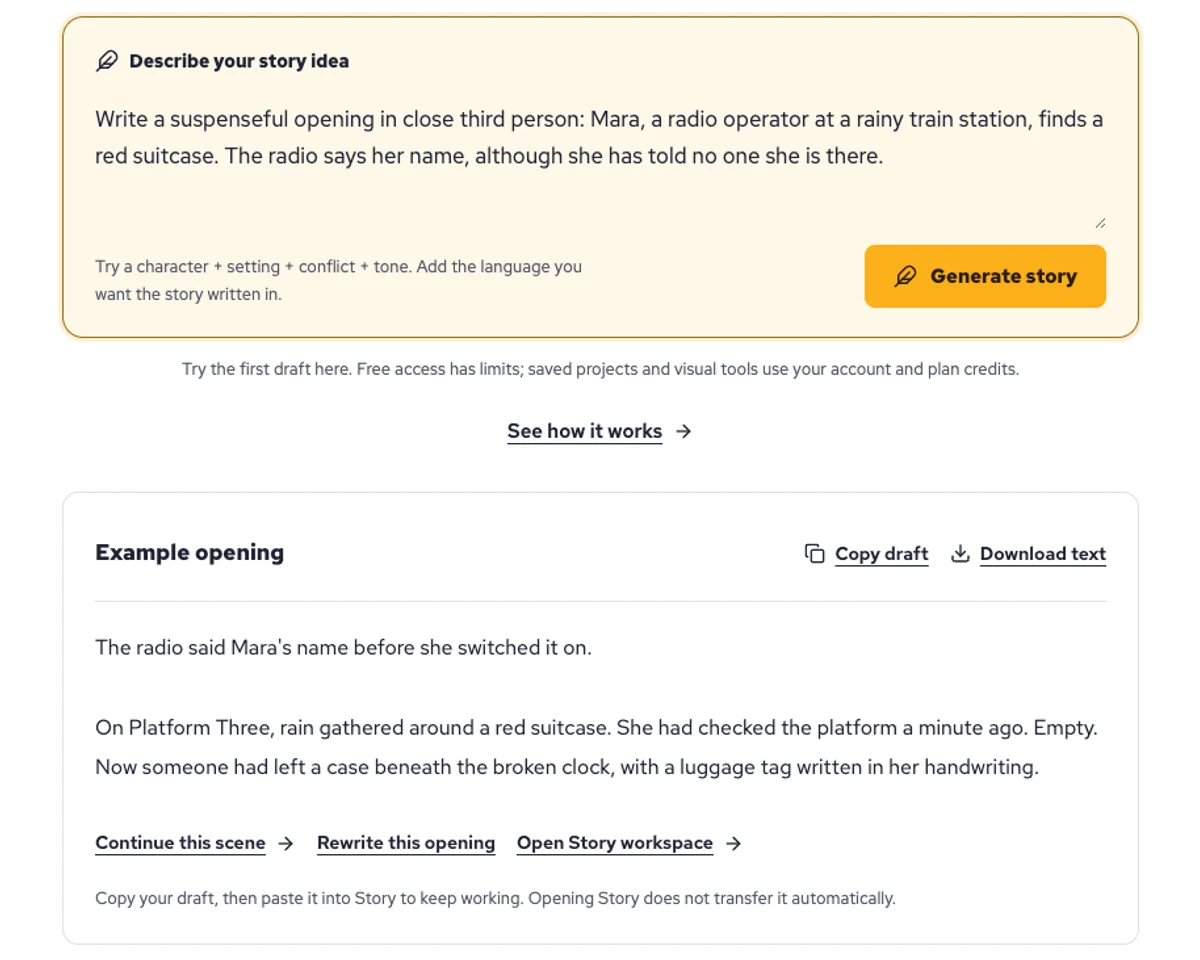
Explore a character's goal, an unusual setting, or a difficult choice. Compare different openings before you commit to a direction.
Paste an unfinished idea or use Continue after a draft. Read each new scene for names, motives, and details that need to stay consistent.
Use Rewrite to try a sharper opening. Copy a version you like before generating another, then edit the phrasing in your own voice.
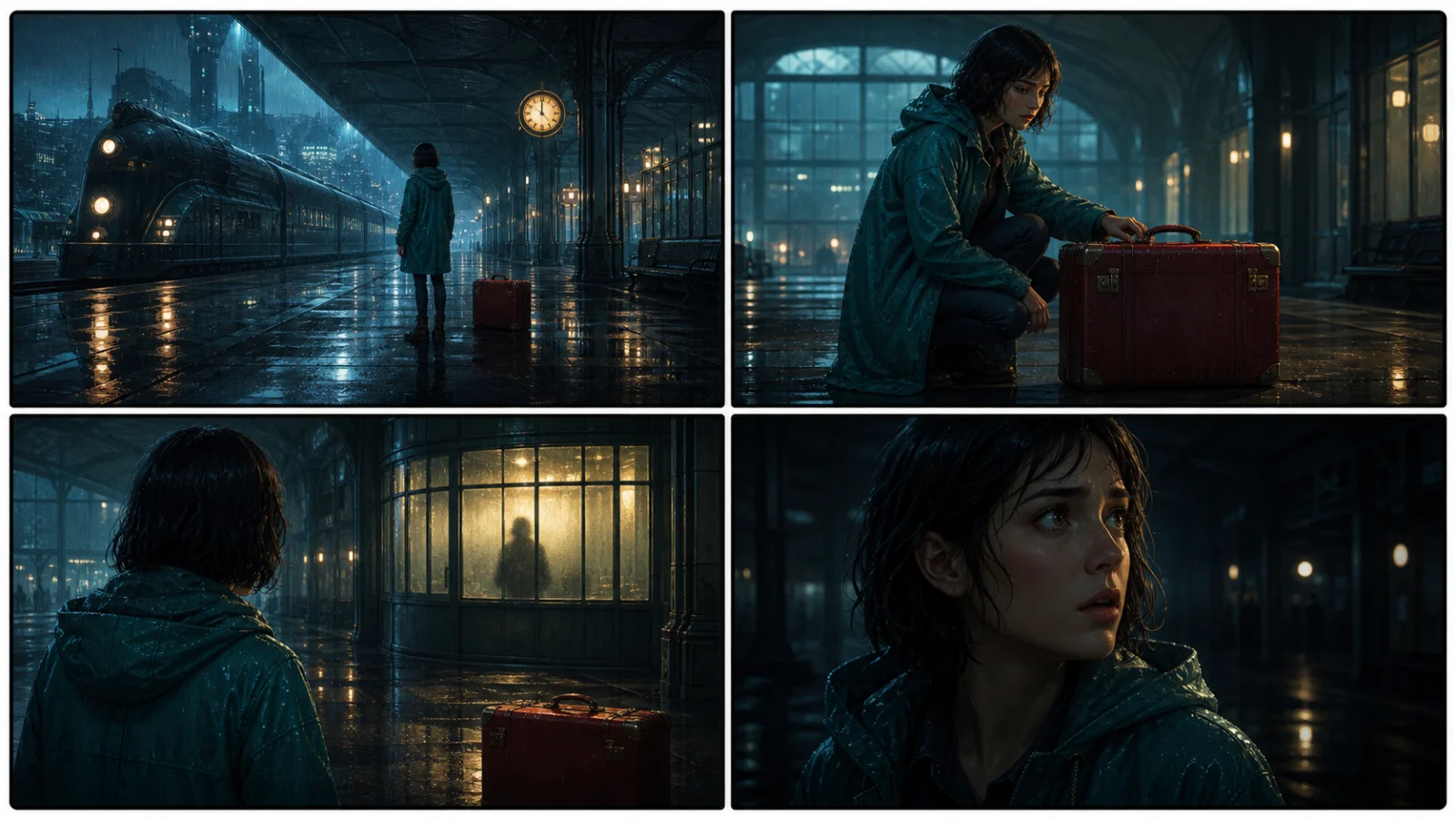
This illustrative sequence follows Mara, her teal raincoat, and a red suitcase through four station shots. Use it as a guide: keep a character, location, and key prop consistent when you adapt your own draft into a storyboard or comic.
Explore script to storyboardThe same rainy-station story, imagined as a reading copy, a handheld proof, different cover designs, and a coordinated author set.
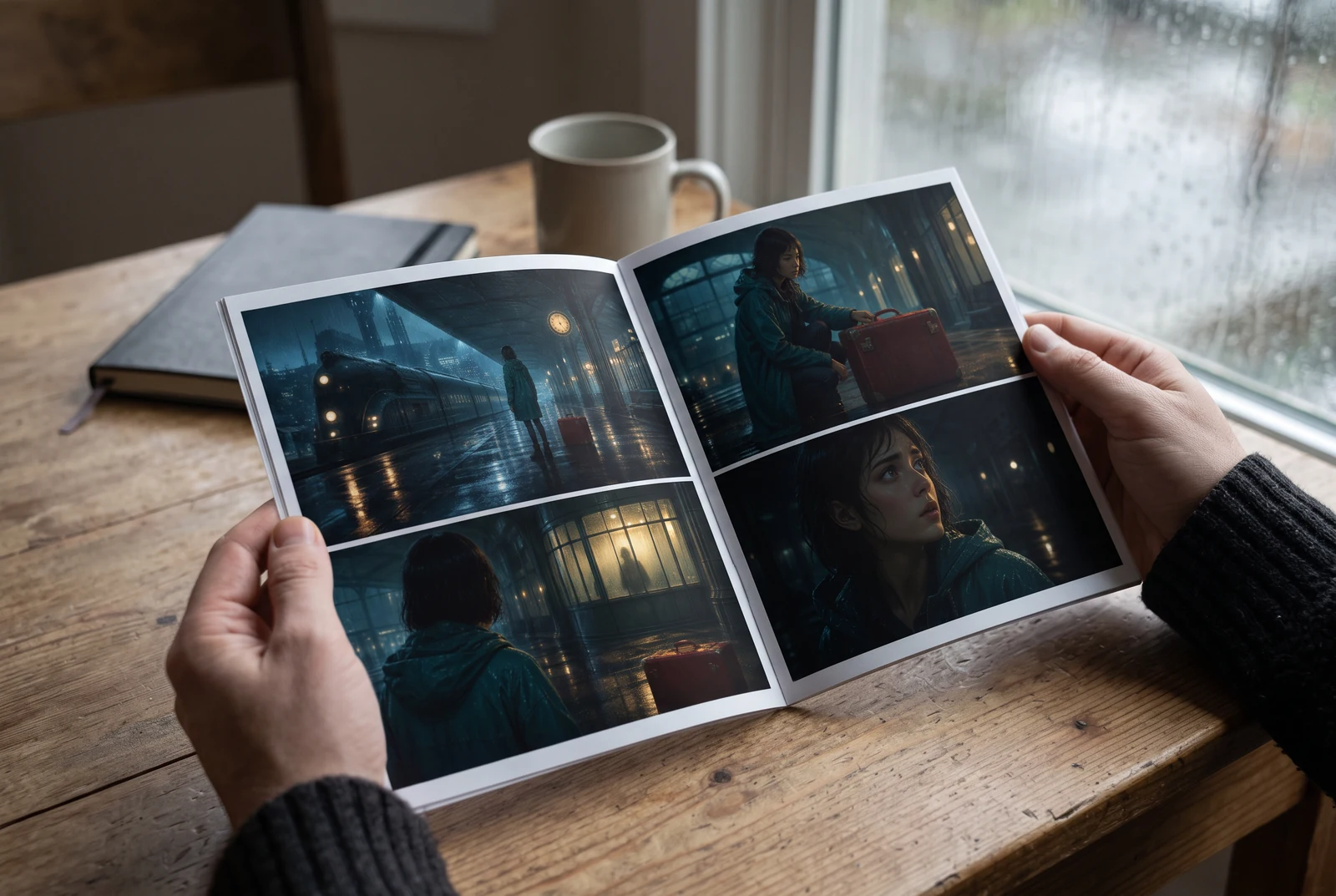
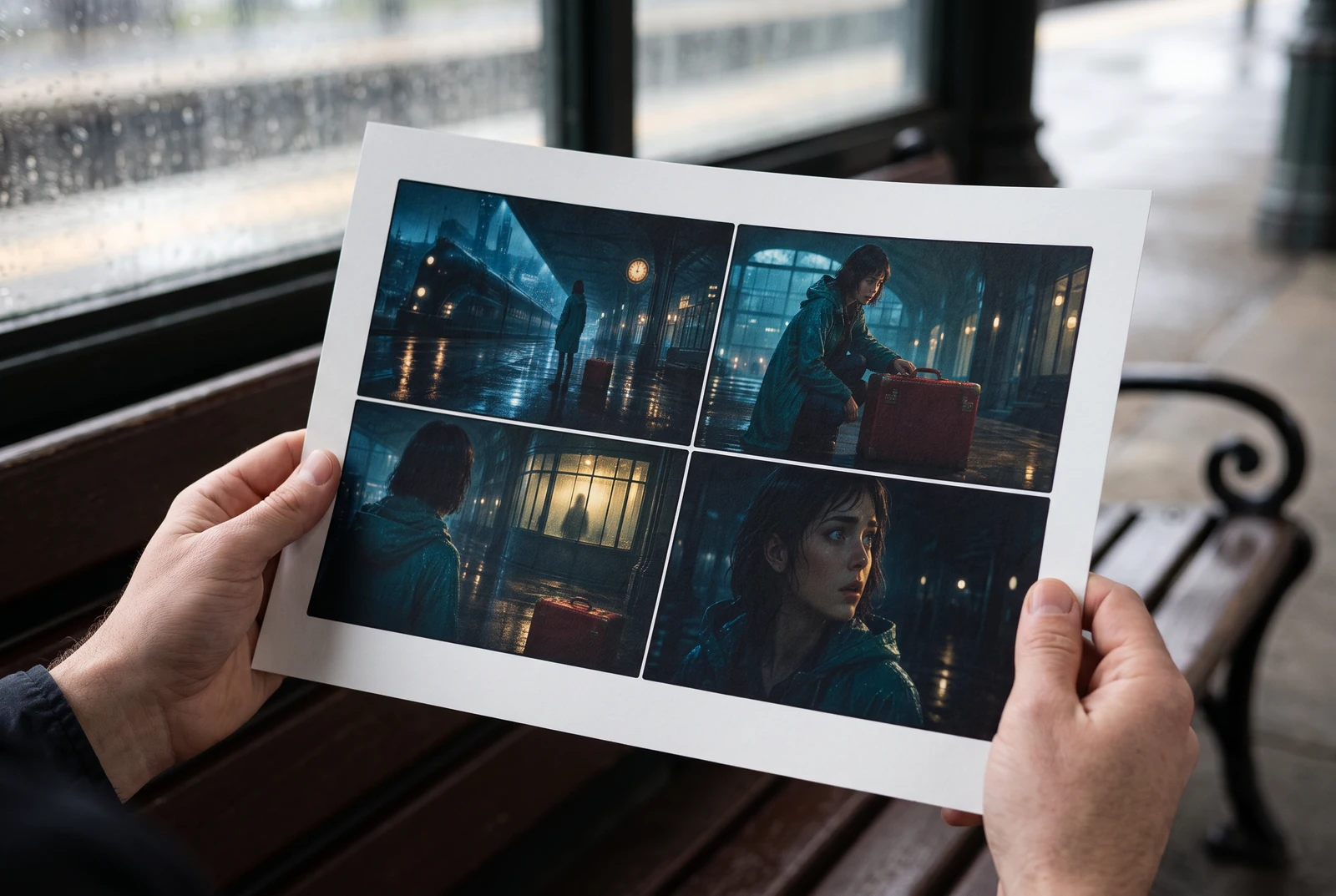
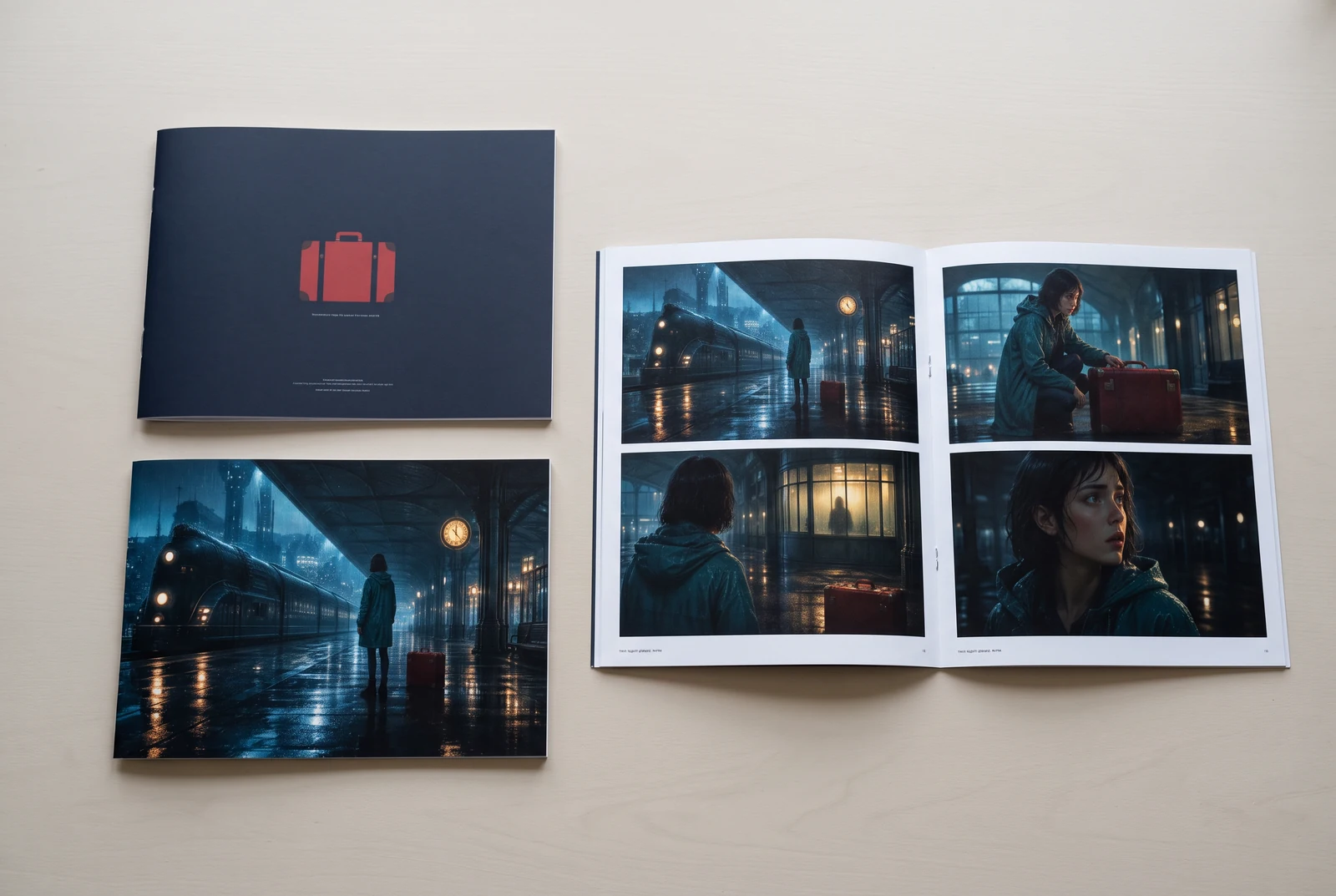
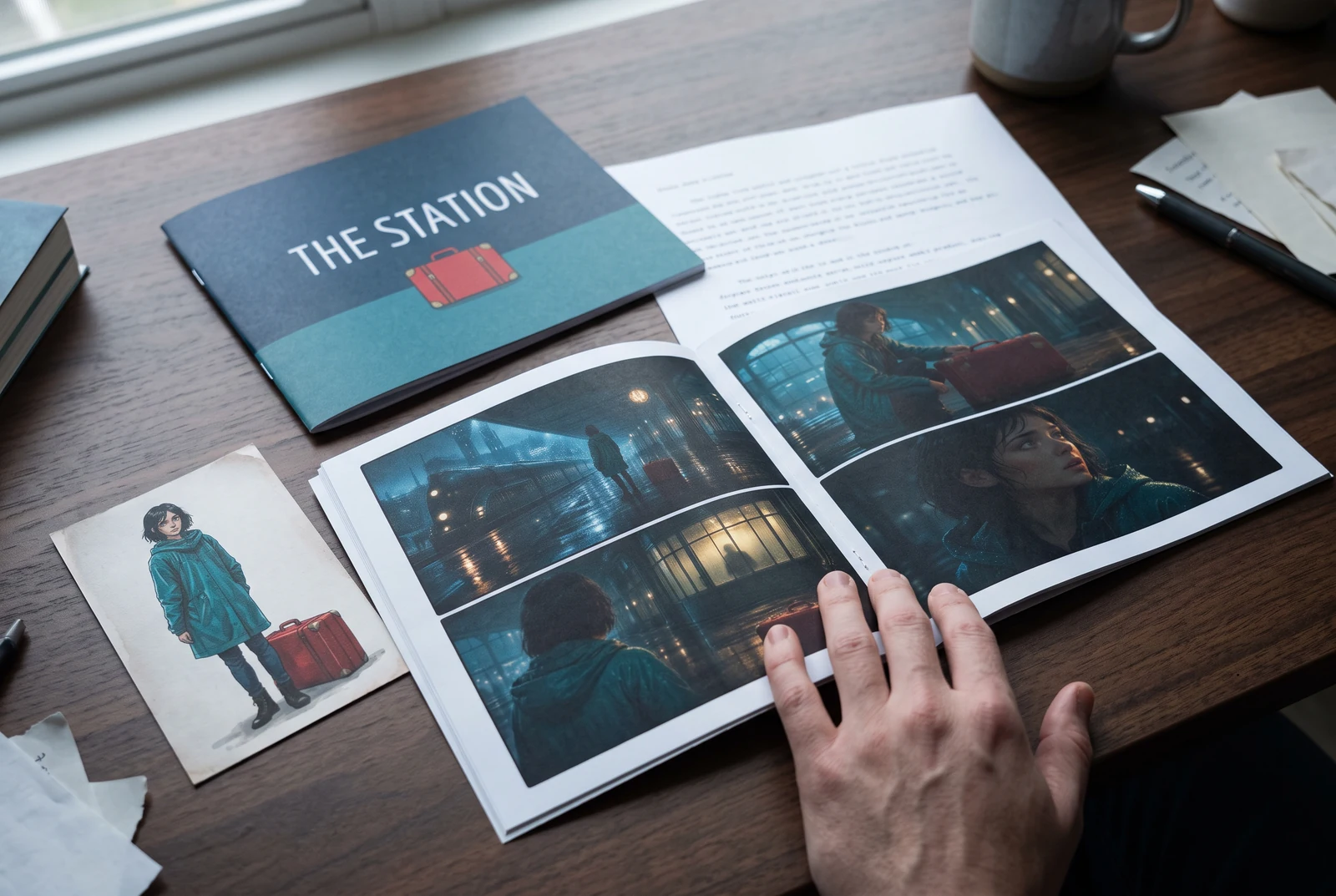
AI-generated display concepts using original LlamaGen story art. Paper examples illustrate personal printing and reading; they are not customer photographs or a print-delivery offer.
Test a premise, change the point of view, or work through the opening of a short story.
Draft scene beats and dialogue before planning comic panels or storyboard shots.
Create writing prompts and sample narratives. Review the output and follow your classroom or team's AI rules.
Describe a protagonist, setting, goal, and obstacle. Choose a tone and output language in your prompt.
Select Generate story. The result is a draft to review; one response is not a complete book.
Check the voice, facts, and continuity. Continue the next scene or rewrite the opening. Copy a version before replacing it.
Keep this text in this browser for up to seven days while you sign in, then choose a workspace and save it in Story. AI continuation uses your account's plan allowance.
AI can invent facts, repeat familiar phrasing, or lose track of a character. Review every draft before sharing it. Follow LlamaGen's terms and your school or workplace rules; check third-party material before publishing.
Ia ialah alat berasaskan pelayar yang menukar idea anda menjadi cerita berstruktur menggunakan AI. Masukkan prompt dan dapatkan draf dengan plot, watak, dialog, beat adegan, dan hala tuju visual untuk fiksyen, komik, penulisan kelas, video, atau novel visual.
Prompt yang baik merangkumi idea cerita, genre, dan nada. Contohnya: 'Seorang ahli sihir kesunyian membuka kafe di dalam hutan' dengan suasana hangat dan slice-of-life. Lagi jelas idea anda, lagi baik cerita yang dihasilkan. Sertakan butiran khusus tentang watak, latar, nada emosi, dan sebarang titik plot utama yang anda mahu.
Anda boleh menyunting atau mengembangkan cerita, atau gunakan ia sebagai asas untuk mencipta panel komik atau babak novel visual dengan ilustrasi, susun atur, dan dialog menggunakan alat kami. Ramai pencipta menggunakan cerita yang dijana sebagai skrip untuk membangunkan komposisi panel, ekspresi watak, dan aliran visual.
Ia menjimatkan masa, mencetuskan kreativiti, dan membantu penulis semua tahap mengatasi kebuntuan. Sama ada anda membina fiksyen, komik, novel visual, prompt kelas, atau skrip video, ia memberi anda titik mula yang pantas dengan struktur naratif yang biasanya mengambil masa berjam-jam untuk dibangunkan.
Yes. Choose Save this draft in Story, sign in, select a workspace, and confirm saving. The text stays in this browser for up to seven days and is never placed in the URL. If you reach a Story plan limit, compare plans and return to save the same draft.
Anda boleh menjana draf pertama di halaman ini tanpa membeli perisian penulisan. Log masuk membuka Story, sejarah tersimpan, storyboard, komik, dan aliran kerja video, yang menggunakan kredit pelan anda.
Alat ini menyokong prompt cerita fleksibel merentas genre romansa, fantasi, seram, drama, komedi, kehidupan sekolah, dan eksperimental. Ia tidak memaksa idea anda ke dalam satu templat umum, sambil masih mengekalkan penjanaan dalam peraturan keselamatan platform.
Anda boleh terus menjana draf baharu, pengakhiran alternatif, plot twist, arka watak, dan versi adegan semasa anda meneroka. Projek yang lebih panjang, sejarah tersimpan, dan produksi visual menggunakan akaun dan kredit pelan anda.
Kebanyakan cerita dijana dalam 5-10 saat bergantung pada kerumitan dan panjang. AI kami memproses prompt anda hampir serta-merta, jadi anda boleh mengulang dengan pantas dan meneroka pelbagai arah cerita dalam beberapa minit.
Kami menyokong semua genre utama termasuk romansa dewasa muda, fantasi bandar, wira super, sains fiksyen, seram, misteri, slice-of-life, aksi, supranatural, komedi, drama, sejarah, dan banyak lagi. Hanya nyatakan genre pilihan anda dalam prompt.
Anda boleh menjana draf pertama di halaman ini tanpa membuat akaun. Log masuk membuka Story, sejarah merentas sesi, storyboard, komik, dan aliran kerja video, yang menggunakan kredit pelan anda.
Pada masa ini, prompt dalam Bahasa Inggeris menghasilkan draf yang paling boleh dipercayai. Anda masih boleh menulis premis dalam bahasa lain; semak hasilnya dengan teliti dan teruskan menyunting dalam Story.
LlamaGen builds tools for writing, comics, and storyboards. Explore the team and product, check plan details, or contact support before choosing a workflow.
Write a premise. Explore an opening. Decide what happens next.
Generate story