Parents and families
Create personalized coloring pages for your children at home. Match the complexity to their age and interests for engaging screen-free activity.


Upload a photo or describe an idea. Turn it into printable black-and-white line art to review in LlamaGen Studio.
Upload a photo to make a coloring page
Sign in to upload · PNG, JPG, WebP or PDF · up to 20 MB
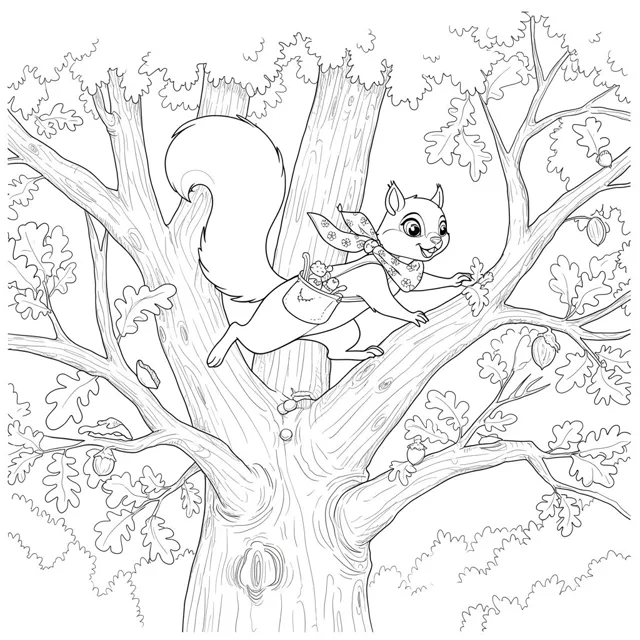
Upload a photo or sketch you have permission to use, or describe a scene in your own words. Choose a line-art style and generate black outlines with open areas to color. Check the result in Studio: small details and open shapes may need another pass.
Generate a coloring page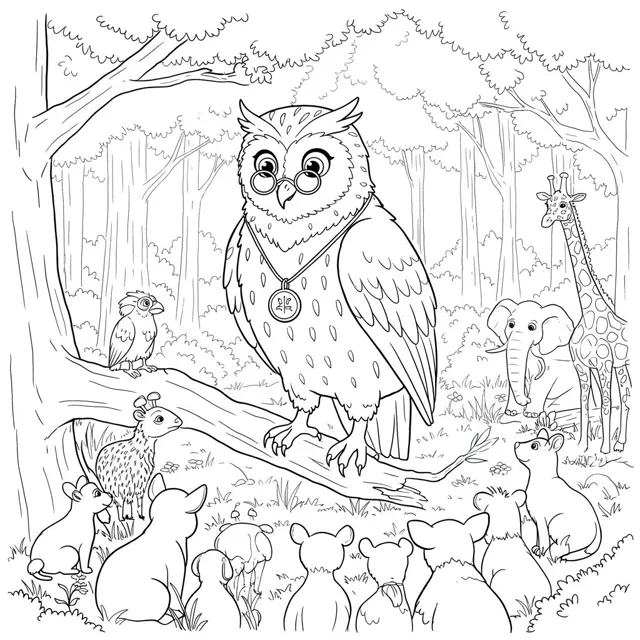
Select a single page or ask for four related pages around one theme. Describe the age range, line weight, and background detail so each draft has a useful level of complexity. Review the pages separately before arranging them into a book.
Generate a coloring pageInspect outlines, content, resolution, and margins in LlamaGen Studio. Export a page image with the options available to your account. To assemble several saved page images into a PDF, use the separate Comic PDF Maker and check a sample print.
Generate a coloring page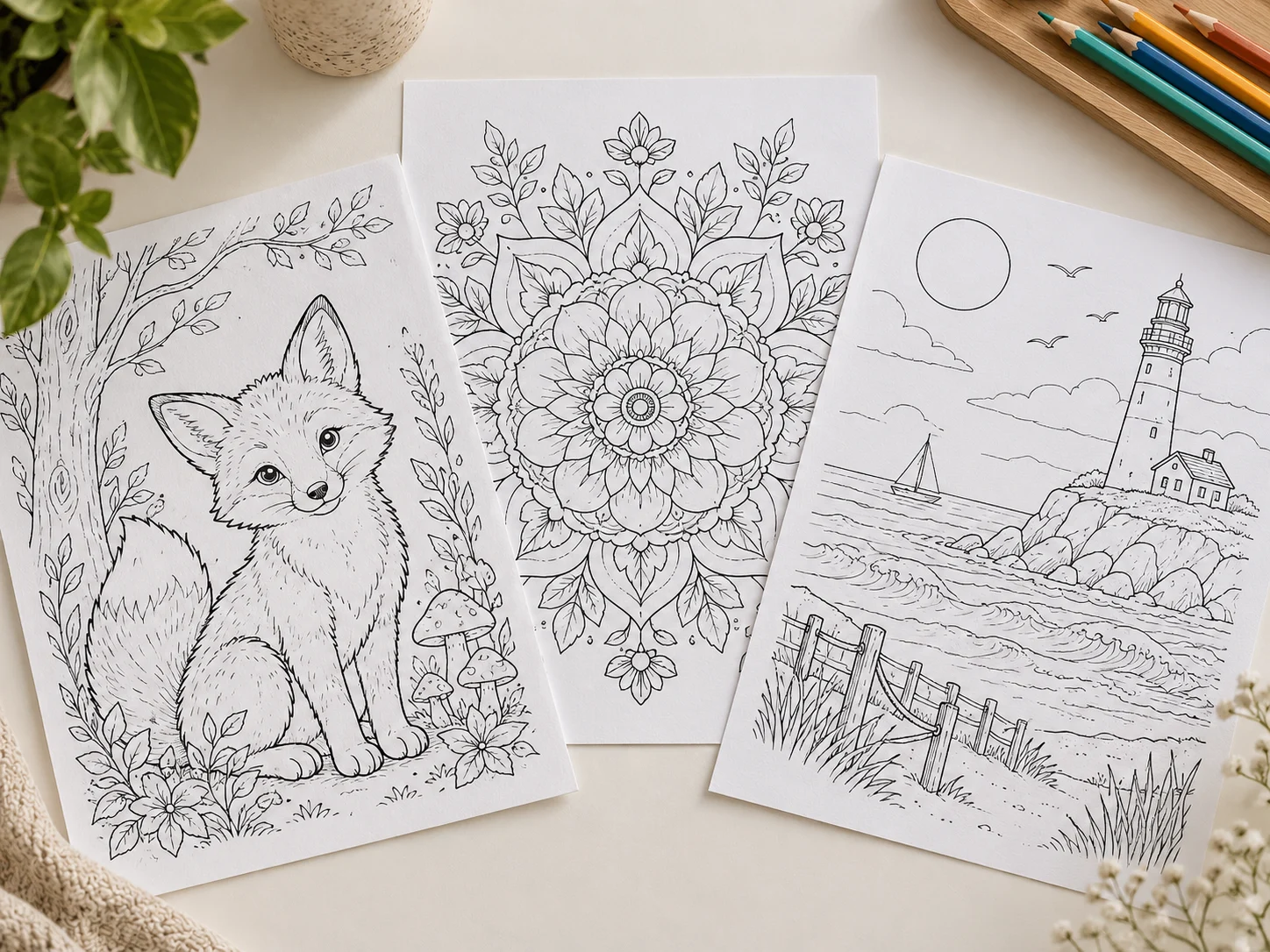
For children, ask for age-appropriate subjects and inspect every generated page before use. Upload only photos you own or have permission to use. AI art can contain unexpected details or resemble existing work, so review the result and applicable rights before printing, sharing, or publishing it.

Create personalized coloring pages for your children at home. Match the complexity to their age and interests for engaging screen-free activity.
Build custom worksheets and coloring activities aligned to your lesson plans. Add counting objects, letters, or science themes to reinforce learning.
Draft original coloring book pages around a theme, inspect the line art, and check rights and export quality before publishing.
Capabilities
Describe a subject, theme, or lesson idea and the generator translates it into clean black-and-white line art.
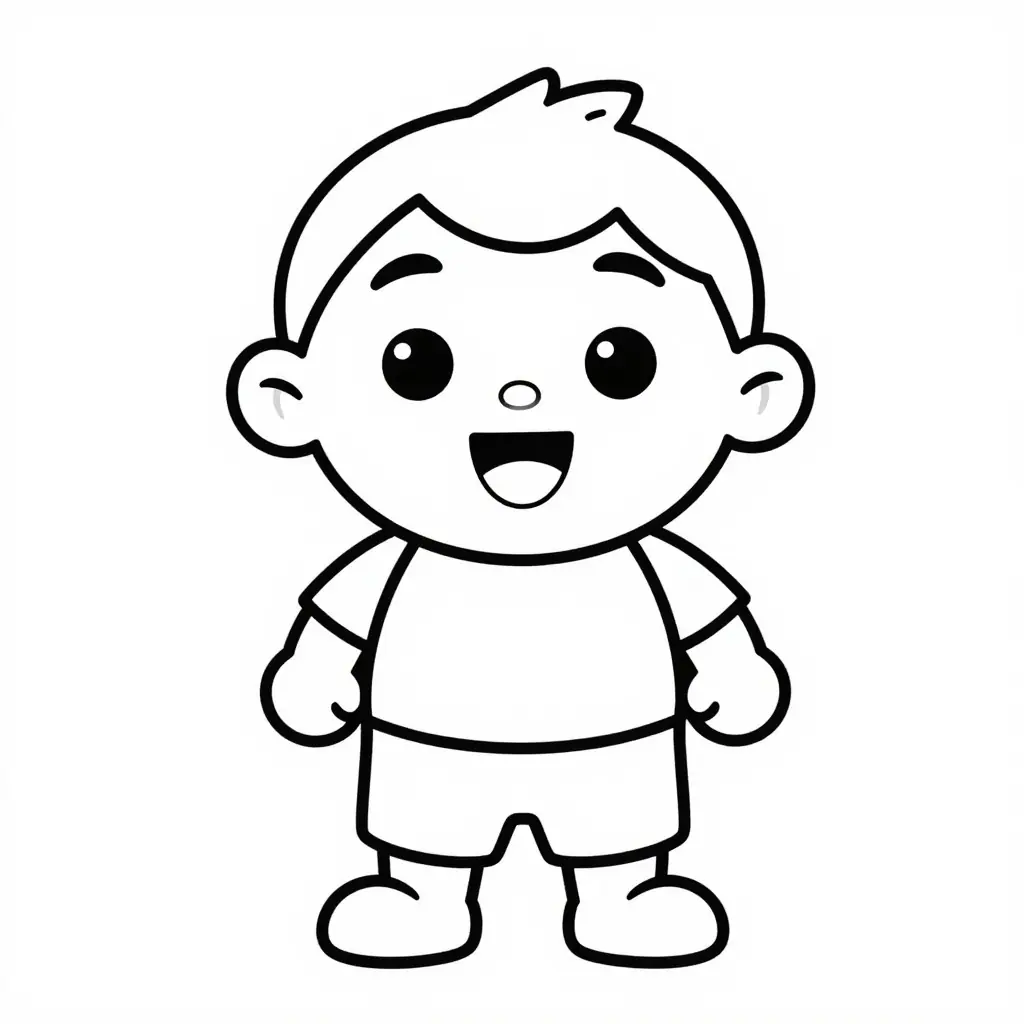
Extra-thick closed outlines, large open coloring areas, and minimal background for preschool and early elementary children.
Add an age range and detail level to your prompt so the page suits its intended audience.
Signed-in users can upload a photo or sketch they have permission to use as a visual reference.
Describe the subject, composition, line style, background, and details to avoid in plain language.
Create one portrait page or a themed four-page pack while keeping consistent line weight and style.
The generation prompts request black outlines on white; review each draft for accidental shading.
Successful generations open in LlamaGen Studio for review, further editing, and export.
Single-page styles use portrait dimensions. Check margins and resolution before printing.
Choose a themed mini pack when you want several related coloring pages in one project.
An account may include free credits. Each generation uses credits, and available upload and export options depend on the plan.
Add countable objects, letters, or science themes to turn coloring pages into interactive learning worksheets.
Describe thick or fine outlines in your prompt to guide the style; inspect the result before printing.
Ask for a blank background, a few supporting objects, or a more detailed scene.
Export a finished page image from Studio with the options available to your account, then check resolution and margins before printing.
Use an image you own or have permission to use, or write a short description of the subject and scene.
Pick bold and easy, standard, detailed, or a four-page mini pack.
Create the page, then inspect the subject, open coloring areas, and unwanted marks.
Make any needed edits to the composition, outlines, and page contents.
Use the page-image export available in Studio. If you need a multi-page PDF, assemble the saved images with Comic PDF Maker, then check resolution, margins, and line quality.
It turns a written idea or an uploaded reference image into a black-and-white line-art draft for coloring. Choose a page style, generate, and inspect the result in LlamaGen Studio before printing.
Yes. The coloring page maker accepts a written subject or scene without an upload. Describe the age range, outline thickness, background, and details to avoid for a more useful draft.
Upload a permitted photo or write an idea, choose a page style, and generate. Preview the line art in Studio, refine or regenerate if needed, then export a page image for a test print. Generation uses account credits.
Choose the four-page mini-pack option to request related drafts, then inspect and export the pages you want to keep. A multi-page PDF is a separate step: add the saved page images to Comic PDF Maker and review the finished file before printing.
An account may include free credits, and each generation uses credits. Available credits, upload limits, and export options depend on your account and plan; check the current pricing before generating.
Choose Bold and Easy, Standard Kids, Detailed, or a four-page themed mini pack. You can also describe line weight, age level, and background density in the prompt. All presets request black outlines on white, but inspect the output for unwanted shading.
LlamaGen Studio supports exporting a page as PNG. This generator does not directly export a multi-page PDF. To create one, save your page images and combine them with the separate Comic PDF Maker. Check the export options available to your account.
Signed-in users can upload a supported photo or sketch they own or have permission to use. The generated page interprets that reference as line art, so check small details, faces, and open shapes before printing.
Only use source images and subjects you have the rights to use. AI results may resemble existing work and are not guaranteed exclusive. Review the applicable LlamaGen terms and the final art before publication or sale.
Yes. Successful generations open in LlamaGen Studio, where you can review and continue working on the project. Export a page image when it is ready, subject to your account's available options.
Describe a theme or upload a reference image, then refine your result in LlamaGen Studio.
Create now