Find a story worth following
Explore a character's goal, an unusual setting, or a difficult choice. Compare different openings before you commit to a direction.


Použite LlamaGen.ai ako AI generátor príbehov a textov. Premeníte jednoduchý nápad na štruktúrovaný návrh s dejom, postavami, dialógmi a cestou do storyboardu alebo komiksových panelov.
Try the first draft here. Free access has limits; saved projects and visual tools use your account and plan credits.
See how it worksPick a prompt to read an illustrative opening, then generate your own version. These samples are prepared examples, not live results or customer testimonials.
Example opening
The radio said Mara's name before she switched it on. On Platform Three, rain gathered around a red suitcase. She had checked the platform a minute ago. Empty. Now someone had left a case beneath the broken clock, with a luggage tag written in her handwriting.
Start with something specific: a radio operator alone at a station, a red suitcase, and a message that knows her name. Generate an opening, read what works, then change the stakes or point of view. The next decision stays yours.
Generate story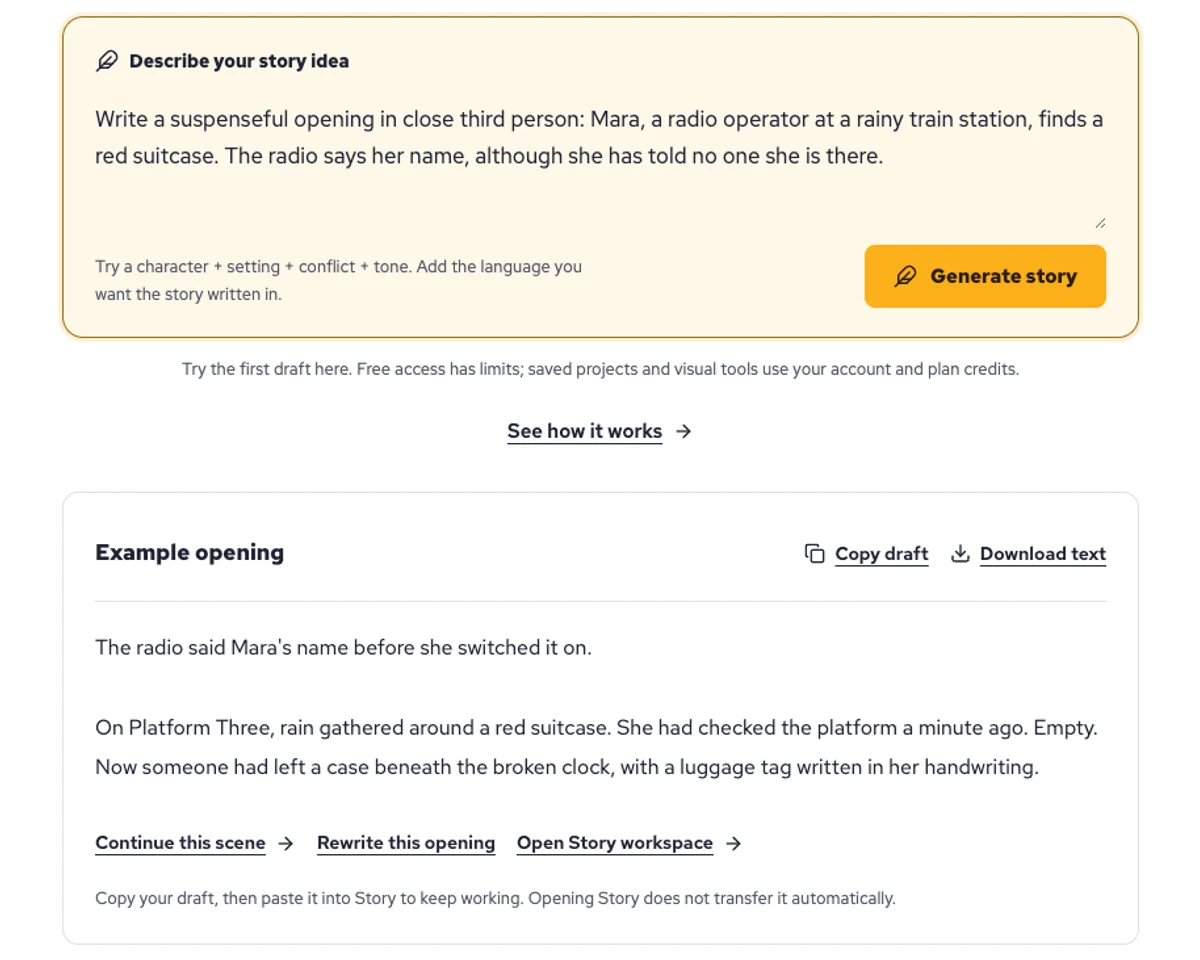
Explore a character's goal, an unusual setting, or a difficult choice. Compare different openings before you commit to a direction.
Paste an unfinished idea or use Continue after a draft. Read each new scene for names, motives, and details that need to stay consistent.
Use Rewrite to try a sharper opening. Copy a version you like before generating another, then edit the phrasing in your own voice.
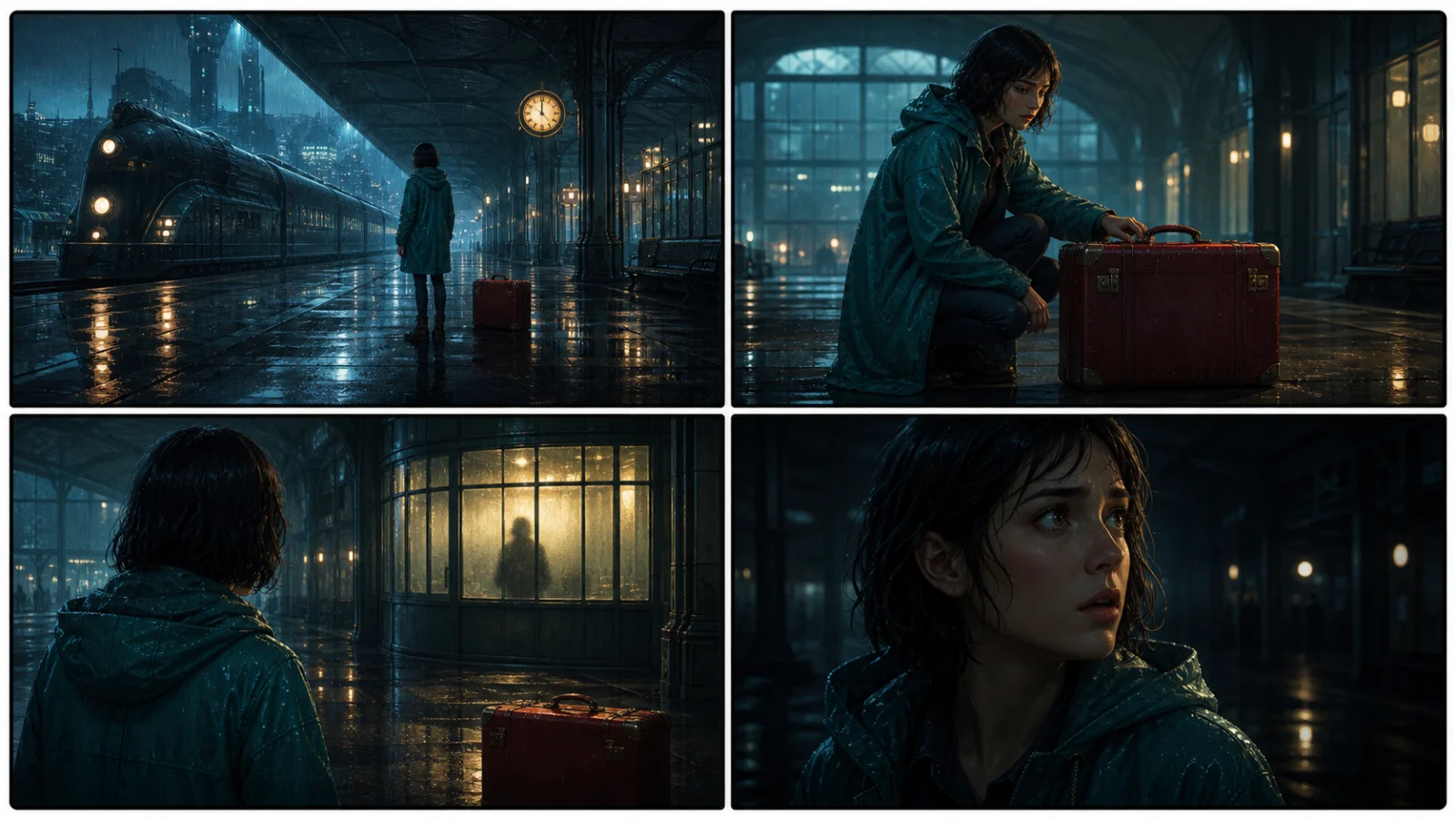
This illustrative sequence follows Mara, her teal raincoat, and a red suitcase through four station shots. Use it as a guide: keep a character, location, and key prop consistent when you adapt your own draft into a storyboard or comic.
Explore script to storyboardThe same rainy-station story, imagined as a reading copy, a handheld proof, different cover designs, and a coordinated author set.
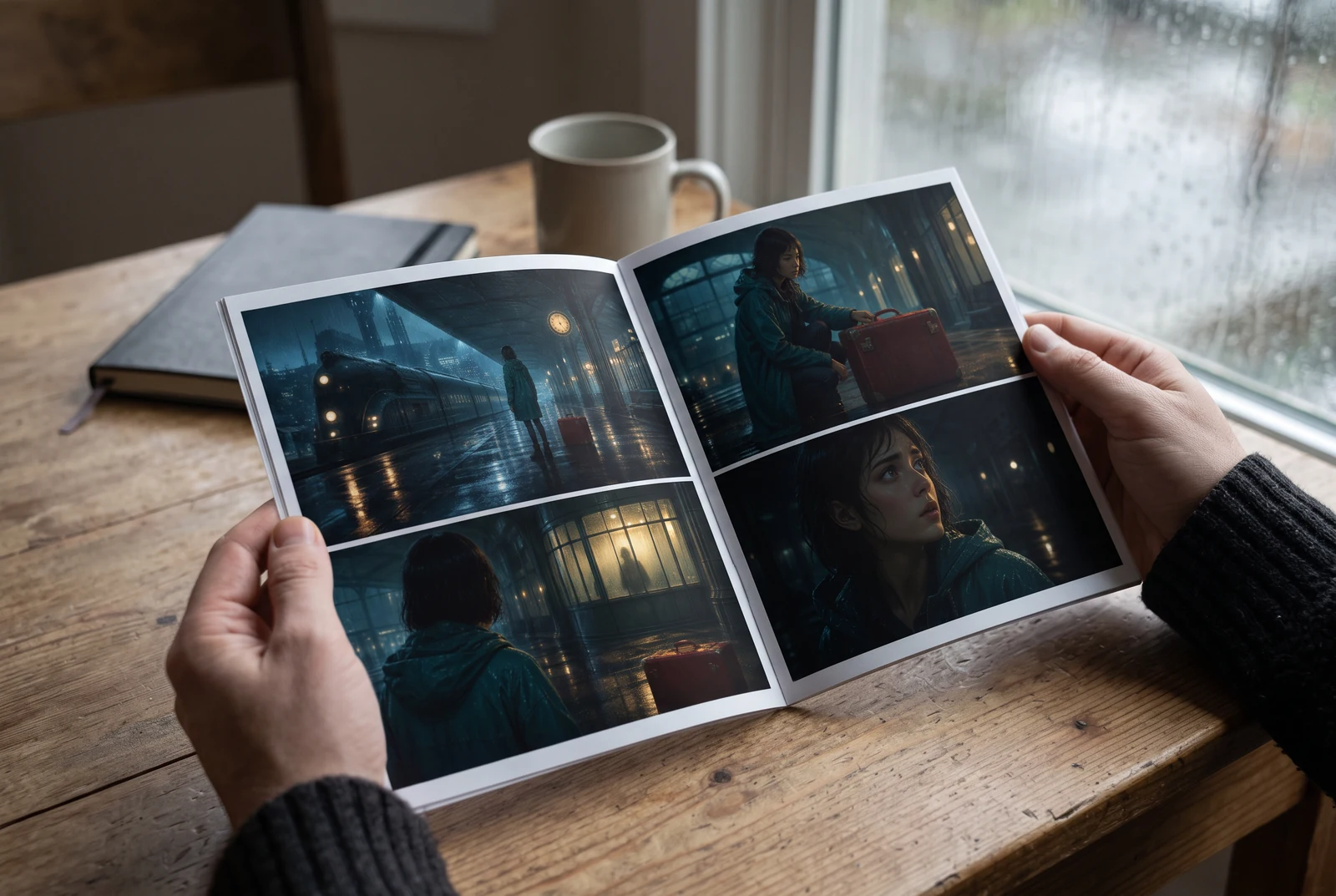
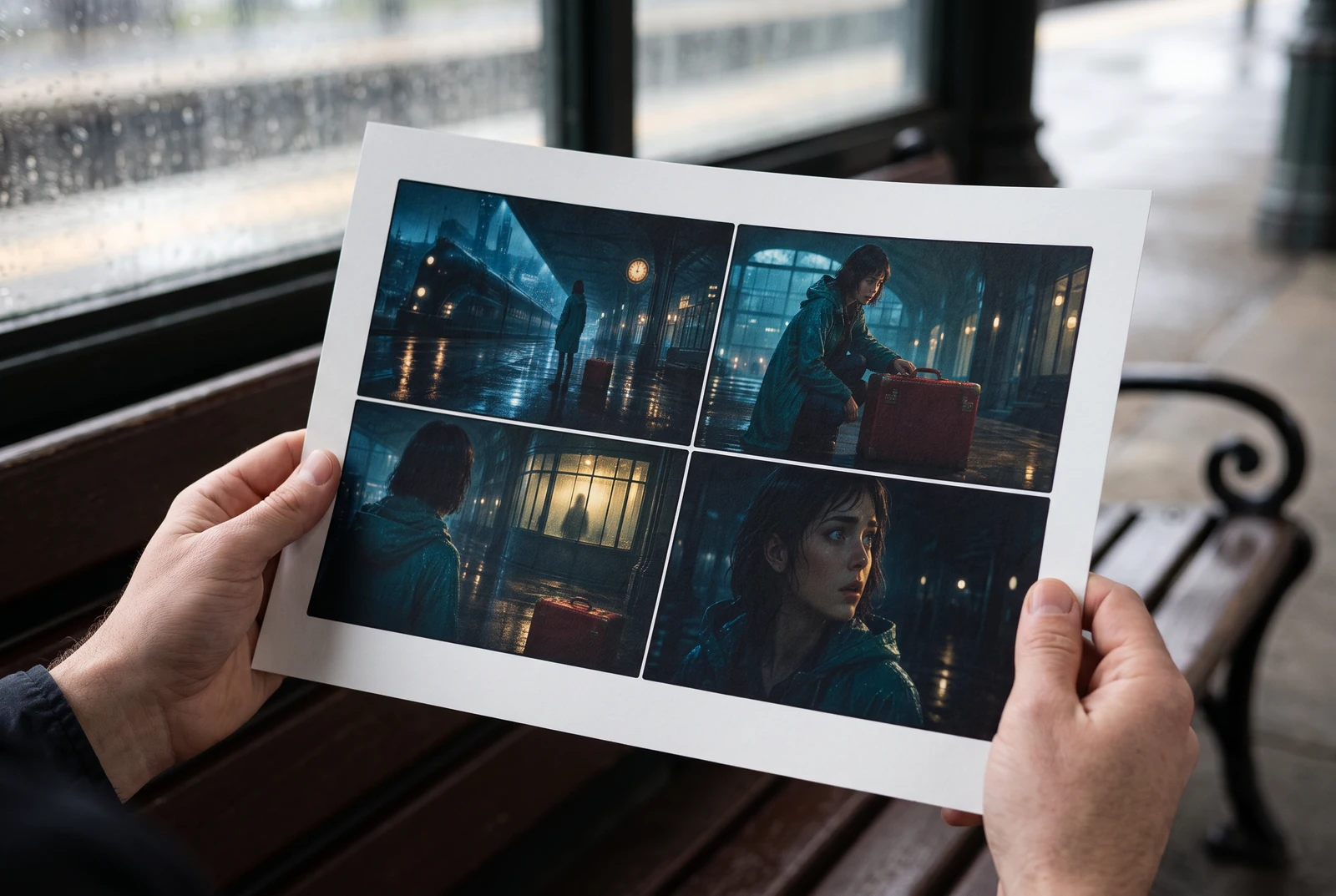
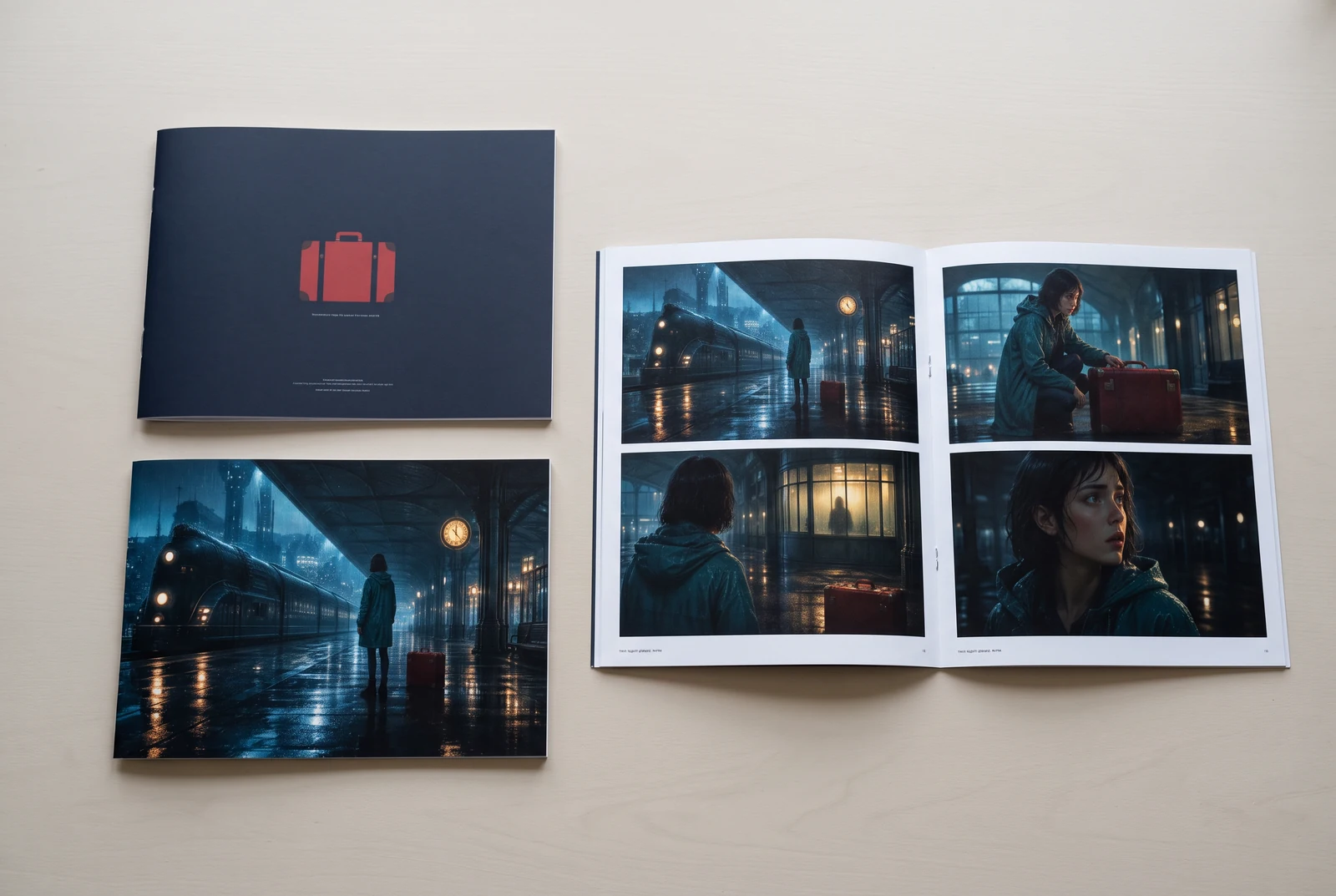
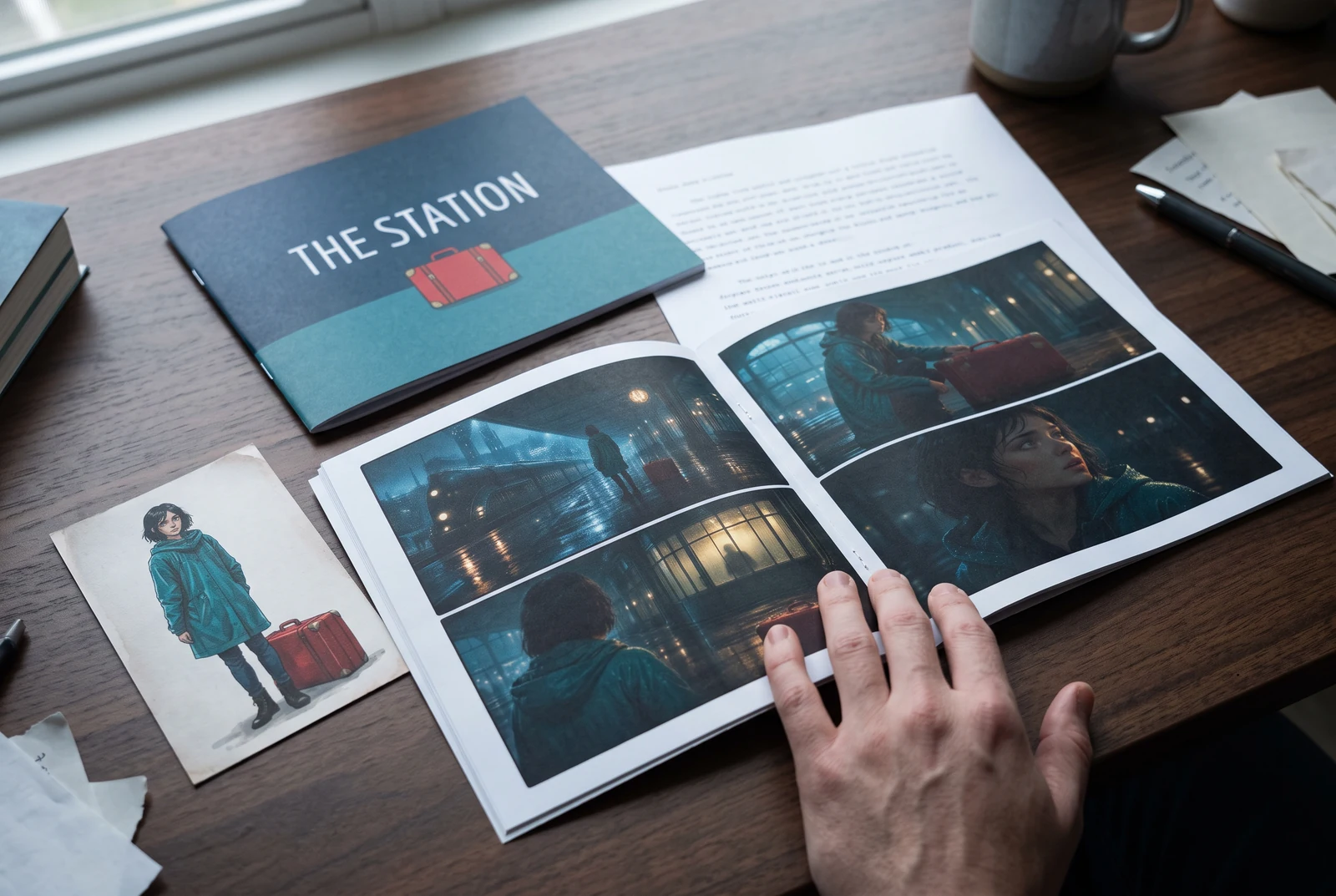
AI-generated display concepts using original LlamaGen story art. Paper examples illustrate personal printing and reading; they are not customer photographs or a print-delivery offer.
Test a premise, change the point of view, or work through the opening of a short story.
Draft scene beats and dialogue before planning comic panels or storyboard shots.
Create writing prompts and sample narratives. Review the output and follow your classroom or team's AI rules.
Describe a protagonist, setting, goal, and obstacle. Choose a tone and output language in your prompt.
Select Generate story. The result is a draft to review; one response is not a complete book.
Check the voice, facts, and continuity. Continue the next scene or rewrite the opening. Copy a version before replacing it.
Keep this text in this browser for up to seven days while you sign in, then choose a workspace and save it in Story. AI continuation uses your account's plan allowance.
AI can invent facts, repeat familiar phrasing, or lose track of a character. Review every draft before sharing it. Follow LlamaGen's terms and your school or workplace rules; check third-party material before publishing.
Je to nástroj v prehliadači, ktorý premení vaše nápady na štruktúrované príbehy pomocou AI. Zadajte prompt a získajte návrh s dejom, postavami, dialógmi, dejovými bodmi a vizuálnym smerovaním pre fikciu, komiksy, školské písanie, videá alebo vizuálne romány.
Dobrý prompt obsahuje váš nápad na príbeh, žáner a tón. Napríklad: „Osamelá čarodejnica si otvorí kaviareň v lese“ s teplou, slice-of-life atmosférou. Čím jasnejší je váš nápad, tým lepší bude príbeh. Pridajte konkrétne detaily o postavách, prostredí, emocionálnom tóne a kľúčových dejových bodoch, ktoré chcete.
Môžete príbeh upraviť alebo rozšíriť, prípadne ho použiť ako základ na tvorbu komiksových panelov alebo scén vizuálneho románu s ilustráciami, rozloženiami a dialógmi pomocou našich nástrojov. Mnohí tvorcovia používajú vygenerované príbehy ako scenáre na vytváranie kompozícií panelov, výrazov postáv a vizuálneho toku.
Šetrí čas, podnecuje kreativitu a pomáha spisovateľom všetkých úrovní prekonať blok. Či už tvoríte fikciu, komiks, vizuálny román, zadanie do triedy alebo video scenár, dostanete rýchly štartovací bod s naratívnou štruktúrou, ktorú by inak trvalo hodiny vytvoriť.
Yes. Choose Save this draft in Story, sign in, select a workspace, and confirm saving. The text stays in this browser for up to seven days and is never placed in the URL. If you reach a Story plan limit, compare plans and return to save the same draft.
Na tejto stránke môžete vytvoriť prvý návrh bez kúpy písacieho softvéru. Prihlásenie odomkne Story, uloženú históriu, storyboard, komiksové a video workflowy, ktoré používajú kredity vášho plánu.
Nástroj podporuje flexibilné zadania príbehov pre romantiku, fantasy, horor, drámu, komédiu, školský život aj experimentálne žánre. Nenúti váš nápad do jednej všeobecnej šablóny a zároveň zachováva generovanie v rámci bezpečnostných pravidiel platformy.
Môžete ďalej generovať nové návrhy, alternatívne konce, zvraty deja, oblúky postáv aj verzie scén, kým skúmate možnosti. Dlhšie projekty, uložená história a vizuálna produkcia využívajú váš účet a kredity plánu.
Väčšina príbehov sa vygeneruje za 5-10 sekúnd v závislosti od zložitosti a dĺžky. Naša AI spracuje vaše zadanie takmer okamžite, takže môžete rýchlo iterovať a skúmať viac smerov príbehu počas niekoľkých minút.
Podporujeme všetky hlavné žánre vrátane romantiky pre mladých dospelých, mestskej fantasy, superhrdinov, sci-fi, hororu, mysterióznych príbehov, slice-of-life, akcie, nadprirodzena, komédie, drámy, histórie a ďalších. Stačí v zadaní špecifikovať preferovaný žáner.
Na tejto stránke môžete vytvoriť prvý návrh aj bez vytvorenia účtu. Prihlásenie odomkne Story, históriu medzi reláciami, storyboard, komiksové a video workflowy, ktoré používajú kredity vášho plánu.
Momentálne najspoľahlivejšie návrhy vznikajú pri zadaniach v angličtine. Námet môžete napísať aj v inom jazyku; výsledok si dôkladne skontrolujte a pokračujte v úpravách v Story.
LlamaGen builds tools for writing, comics, and storyboards. Explore the team and product, check plan details, or contact support before choosing a workflow.
Write a premise. Explore an opening. Decide what happens next.
Generate story