

1
Start with the source
Paste a script, upload a PDF, DOCX, TXT, FDX, or Fountain file, or describe the beat you need to visualize.
Pre-production board
Use this when you need a board before the shoot
Start here if you have a script, scene, or file and need shots the room can review. If the screenplay is already locked, use Script to Storyboard. If you only need to cut an existing sheet, use the free template.
AI generated - storyboard to video
Thank you for your trust and support.
500K+
Users Worldwide
20M+
Images Generated
800K+
Concepts Crafted
200K+
Scripts Processed
Free online storyboard software
LlamaGen is a free storyboard creator for turning scripts, campaign ideas, lessons, and shot tables into review-ready visual scenes, sketches, frames, and shot lists.
Use LlamaGen when you need to generate storyboards from a script or text prompt, import a screenplay file, and review framing, pacing, and scene order before production.
Text alone makes it hard to align on camera angle, action, and scene order.
Teams lose time explaining shots in meetings instead of looking at a shared board.
Mood, character placement, and pacing drift when the first visual plan is too vague.
Before
A rough script, scattered reference images, and a production team guessing the same scene differently.
After
A structured storyboard with scenes, shots, camera intent, and visual frames ready for review.
Create a first storyboard draft before hiring artists or opening editing software.
Give writers, directors, clients, and artists the same sequence to discuss.
Workflow example
Paste a campaign script or upload a screenplay file, then review scene beats, shot direction, and frames before anyone spends on final production.
What you leave with
One board the writer, director, and client can point at: pacing, framing, and missing shots in the same sequence.
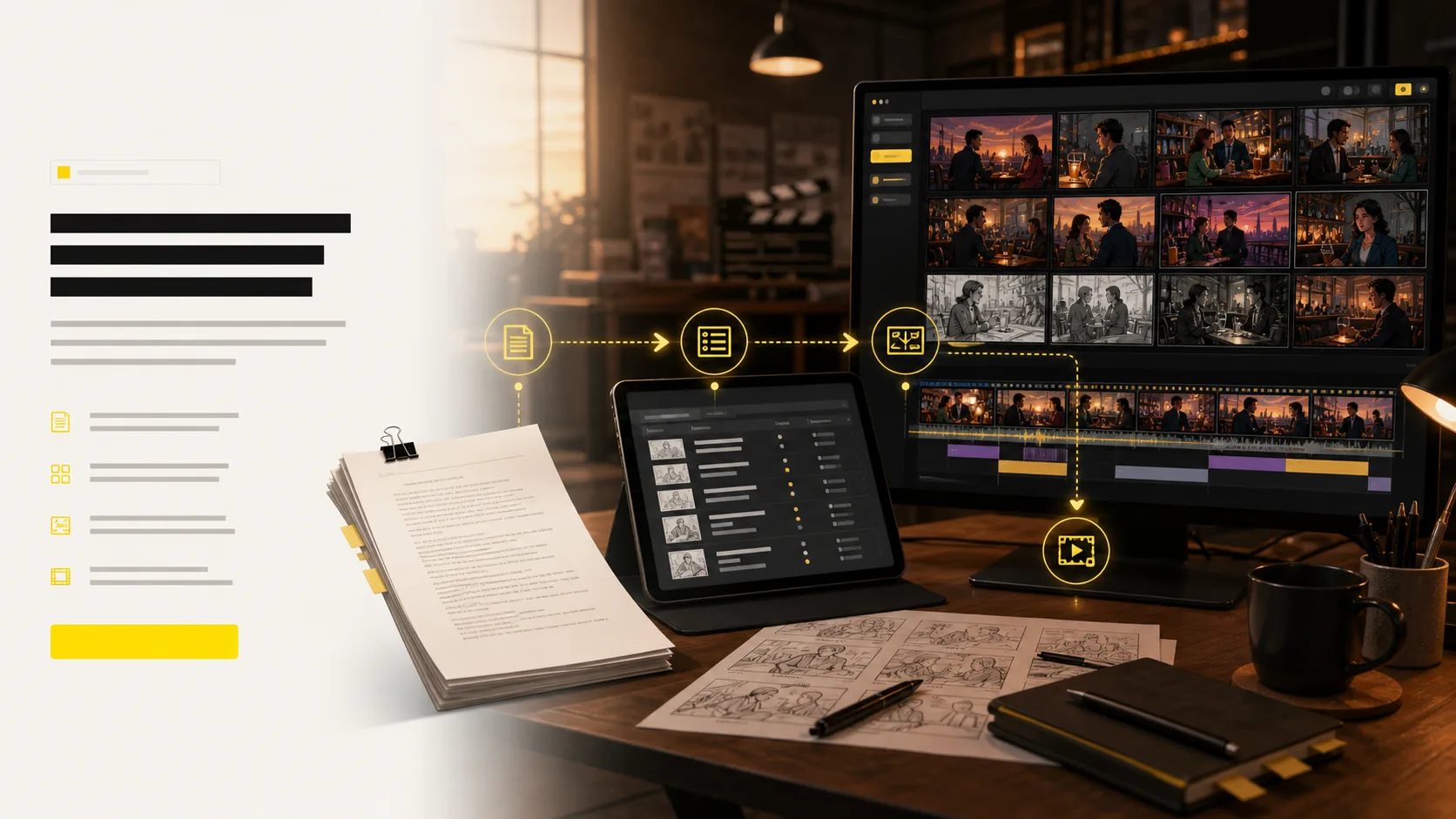
LlamaGen pre-production workflow, script, shot list, and frame planning
Where LlamaGen fits
This is a head-term SERP with category leaders. LlamaGen is the script-to-board option when you also want the next step into comic or video. We do not claim agency sign-off or an 11-year pre-production brand.
| Need | LlamaGen | Boords | Storyboarder.ai | Canva |
|---|---|---|---|---|
| Best when | You have a script or file and need shots fast | A client must comment and approve versions | You want a dedicated storyboard shop | You need a template today |
| Script or file in | Yes | Yes | Yes | Mostly manual |
| Shot list, frames, animatic | In one project | Strong | Strong | Limited |
| Client sign-off | Share a link | Built for agencies | Share and export | Share a design |
| Next step after the board | Comic or video in the same product | Stay in pre-production | Pitch deck and video | Other Canva docs |
Use the other tools if sign-off or templates are the job. Use LlamaGen if the job is getting a script on its feet as a board.
Related writing workflow
Use the AI Screenplay Editor when a script, fiction draft, storyboard brief, video idea, or canvas note needs proper scene headings, action, dialogue, parentheticals, cover pages, outlines, beats, and collaboration-ready revisions.
INT. COMMUNITY CENTER - NIGHT
Folded chairs. A storm outside. MAYA stands at the microphone with a page of notes she no longer needs.
MAYA
If the city will not read the record, we will read it out loud.
Start with a script, scene note, or screenplay file. LlamaGen turns it into a shot list, frames, camera direction, and an animatic your team can mark up together.
Paste a script, upload a PDF, DOCX, TXT, FDX, or Fountain file, or describe the beat you need to visualize.
Keep sequence, pacing, and intent as you turn the source into a shot list and frames.
Keep characters, locations, props, and style consistent across the board.
Tune angles in 3D and convert approved frames into animatic motion.
Share shot lists, boards, animatics, and pitch-ready files with the team.
Paste a script, upload a screenplay file, or describe the beat. You get the layers a crew actually reviews: scenes, frames, timing, and a path to an animatic.
A single board proves the idea. A wall of shot lists shows momentum: multiple projects, scene numbers, frames, revision actions, and visual context for a fast review.
four-shot opening
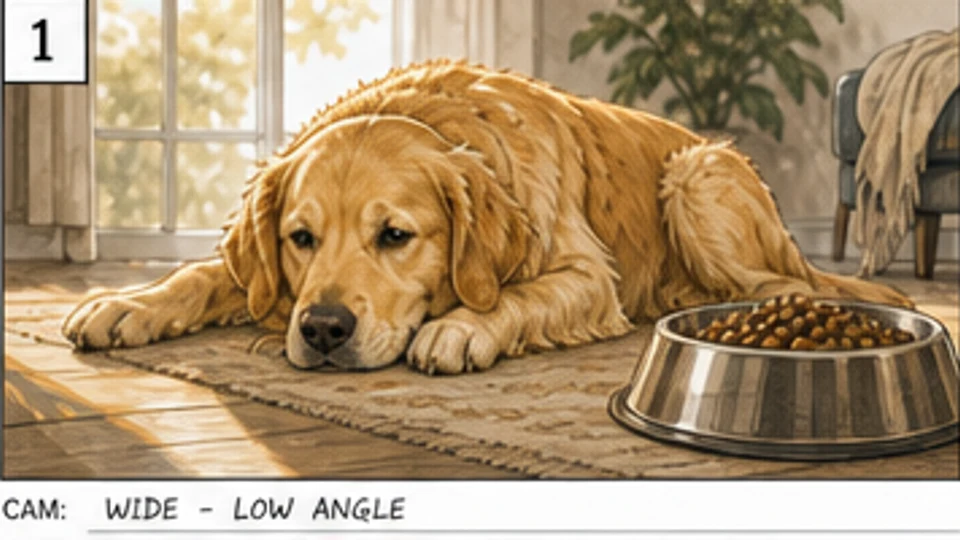 Pet food
Scene 1 · Shot 1
A tired dog beside an untouched bowl establishes the problem before the product appears.
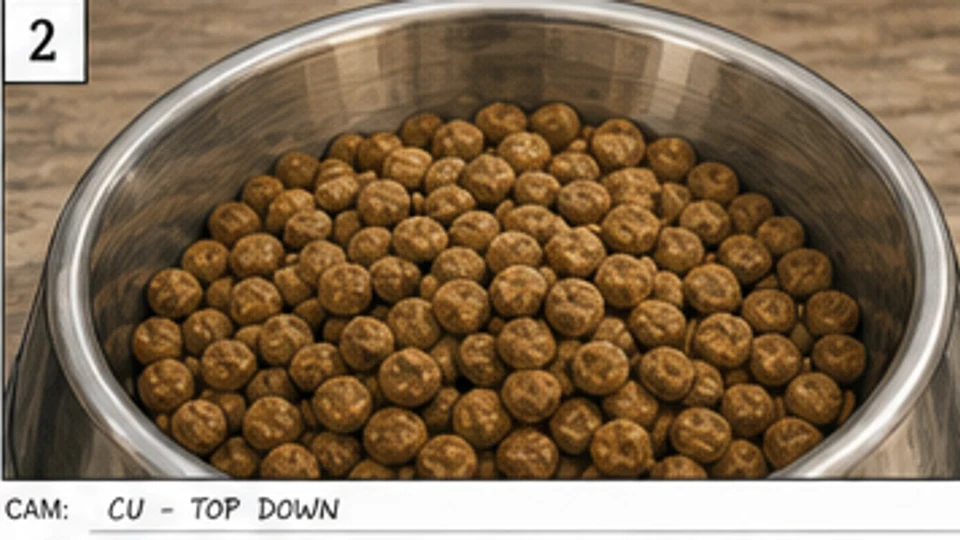 Pet food
Scene 1 · Shot 2
A top-down close-up makes the old meal feel plain and unappealing.
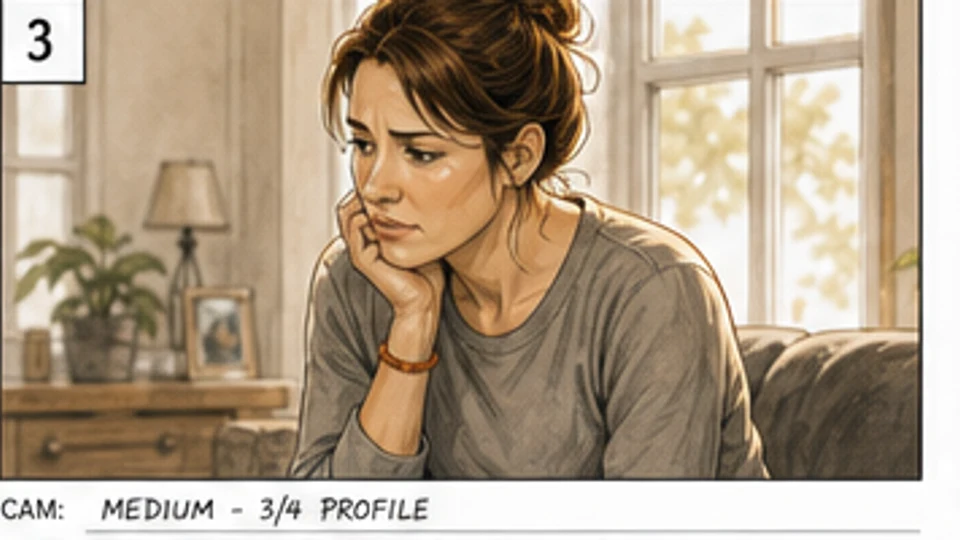 Pet food
Scene 1 · Shot 3
The owner's concern gives the product problem an emotional point of view.
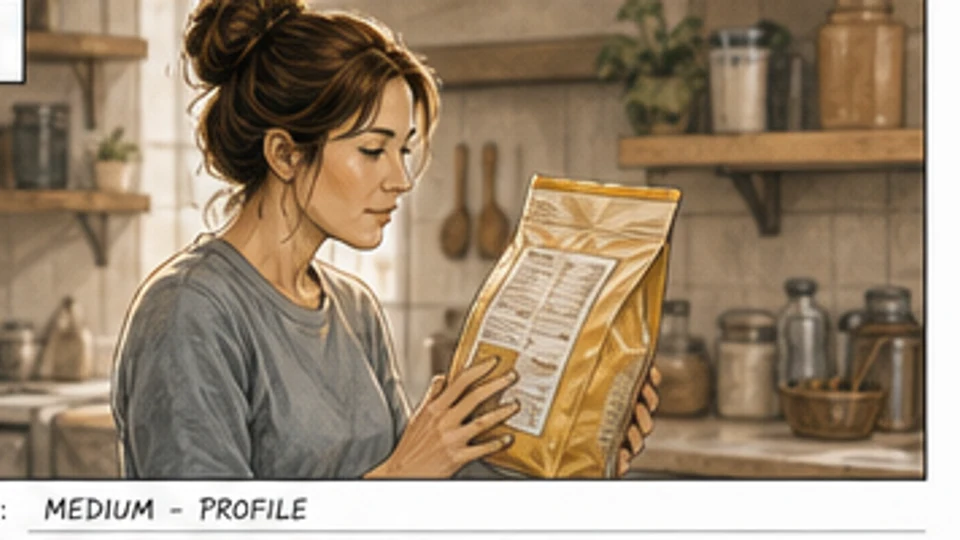 Pet food
Scene 1 · Shot 4
The owner checks ingredients, setting up the decision to switch products.
product enters the story
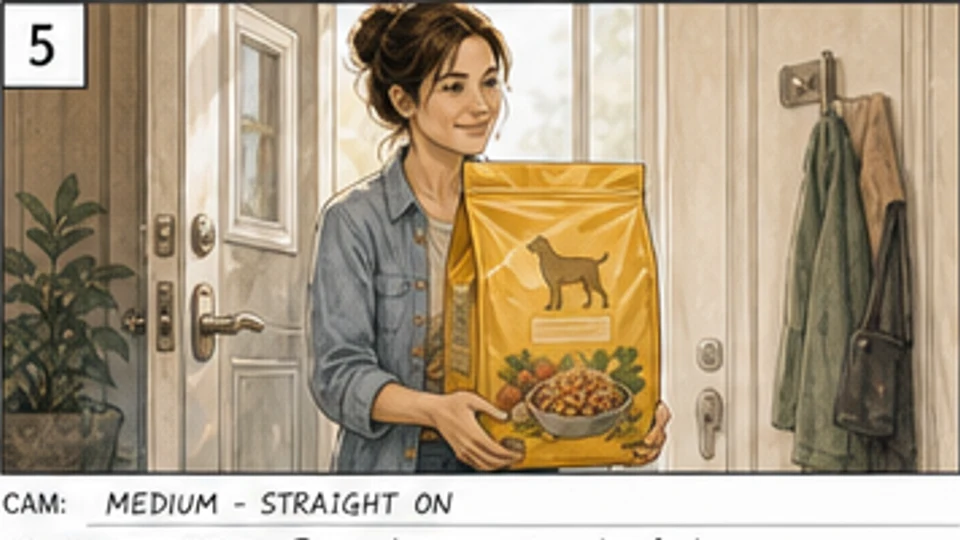 Pet food
Scene 2 · Shot 1
The owner enters with the new product, shifting the board from concern to choice.
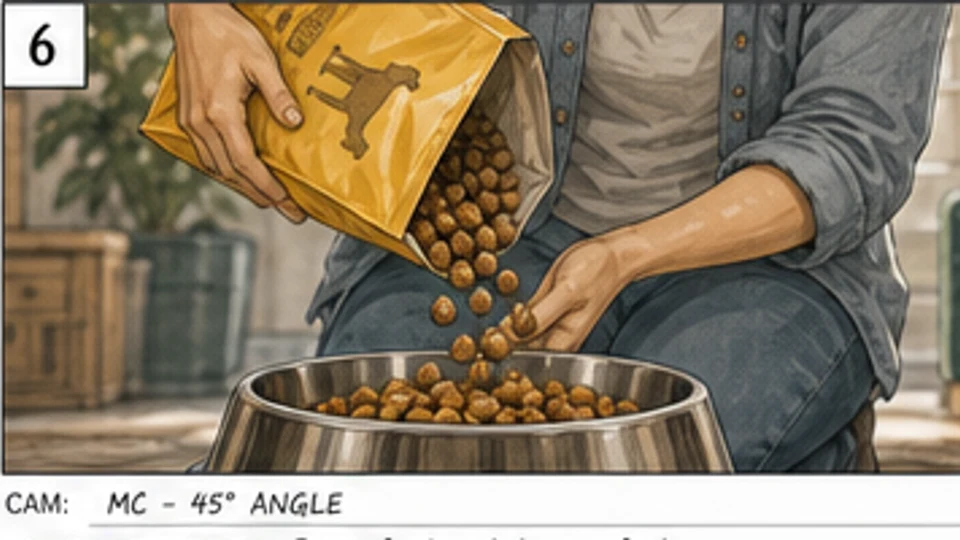 Pet food
Scene 2 · Shot 2
A pour shot highlights freshness, texture, and the product's sensory appeal.
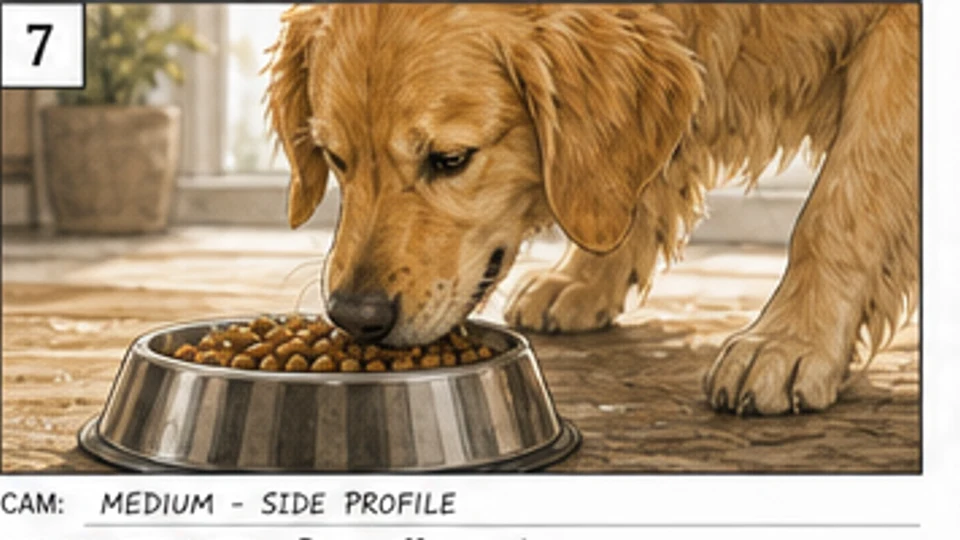 Pet food
Scene 2 · Shot 3
The dog leans in and sniffs, creating a clear anticipation beat.
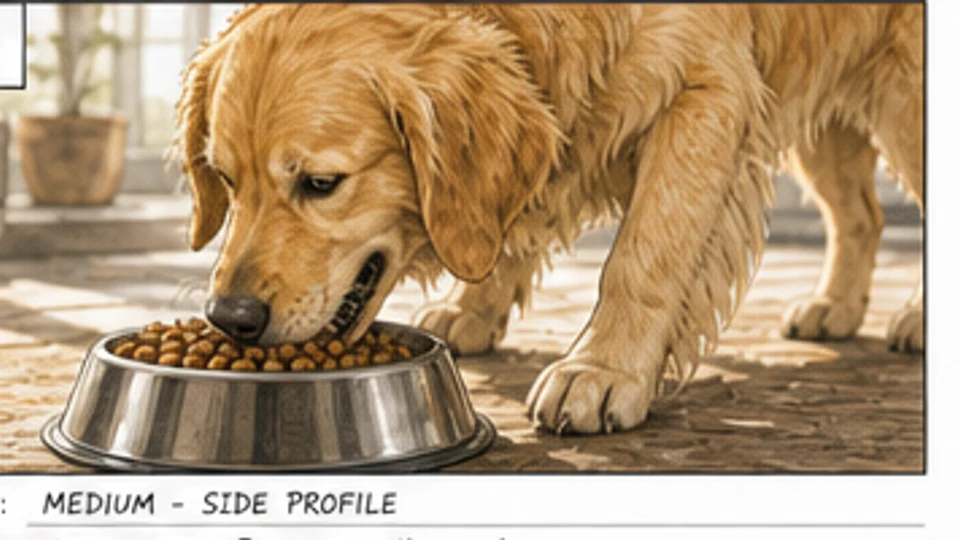 Pet food
Scene 2 · Shot 4
The dog immediately responds to the meal, making the solution visible.
behavior change
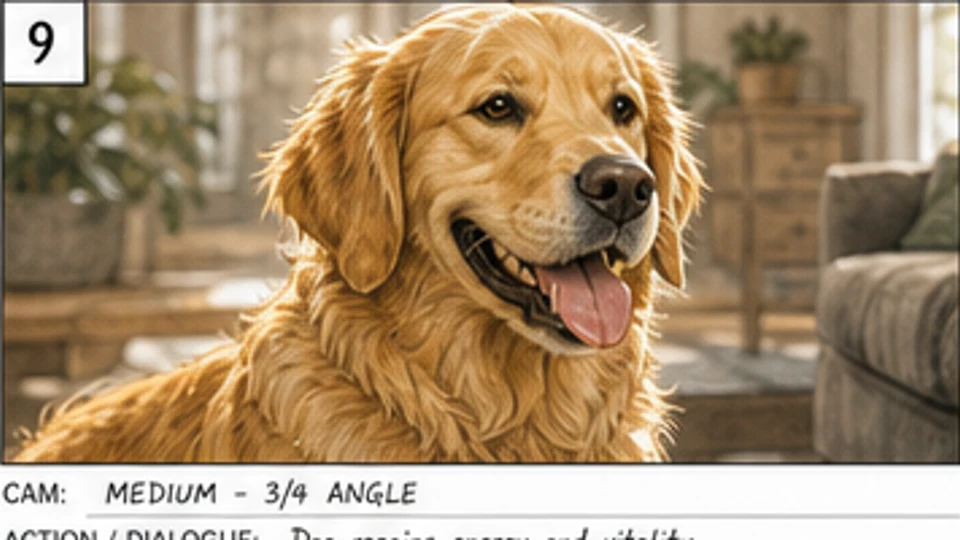 Pet food
Scene 3 · Shot 1
A warmer close-up shows the dog regaining energy and vitality.
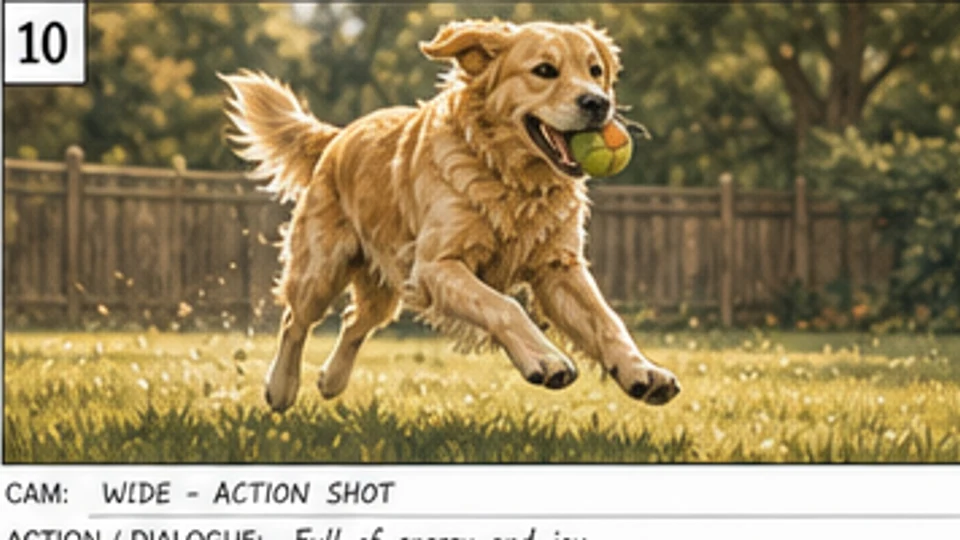 Pet food
Scene 3 · Shot 2
The energy payoff turns the product promise into a clear behavior change.
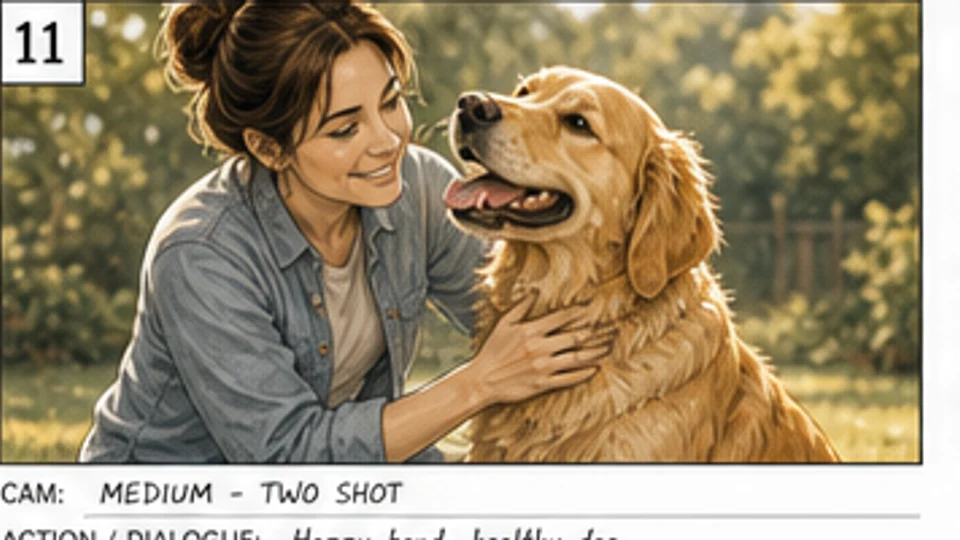 Pet food
Scene 3 · Shot 3
Owner, dog, and product share one reviewable frame for the client approval pass.
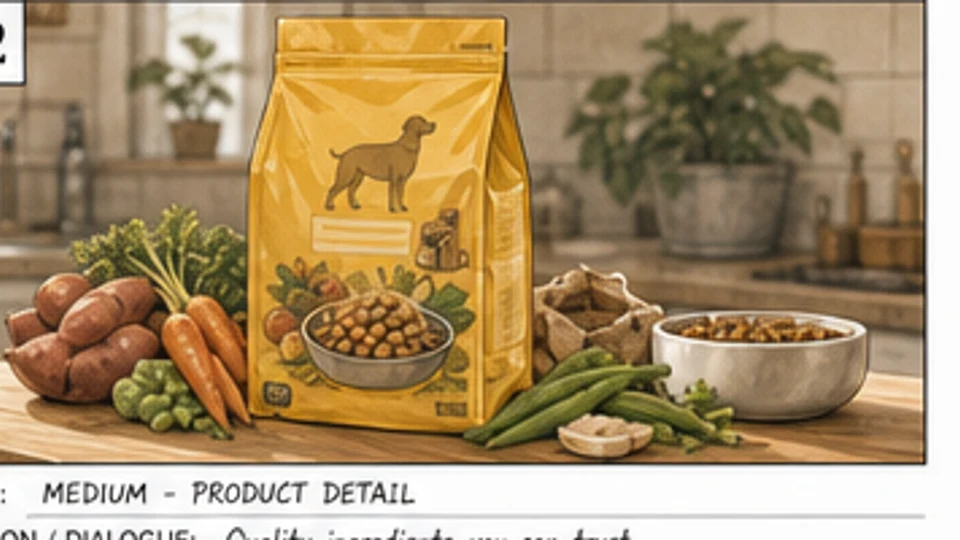 Pet food
Scene 3 · Shot 4
The product detail shot gives the campaign a trust-building ingredient frame.
pack shot sequence
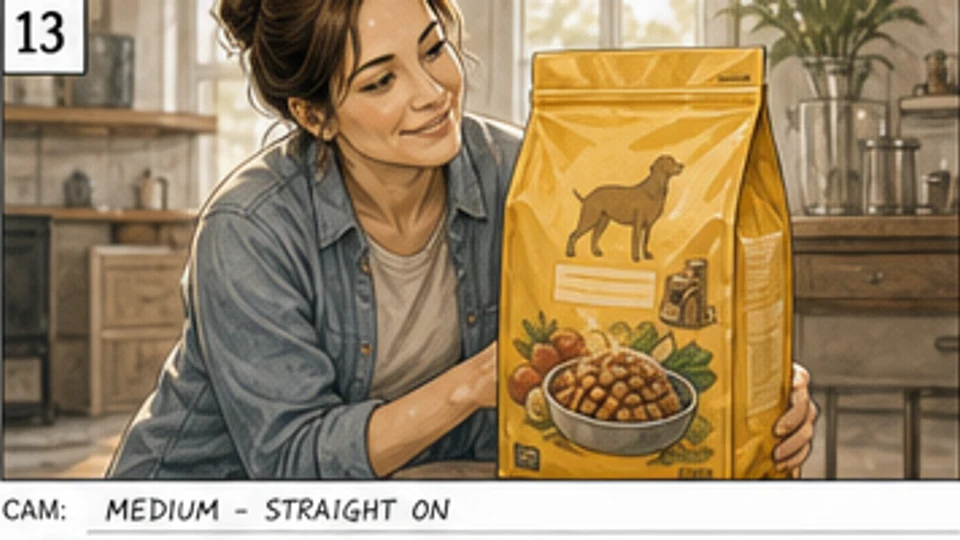 Pet food
Scene 4 · Shot 1
The owner presents the product, connecting the emotional payoff back to the pack.
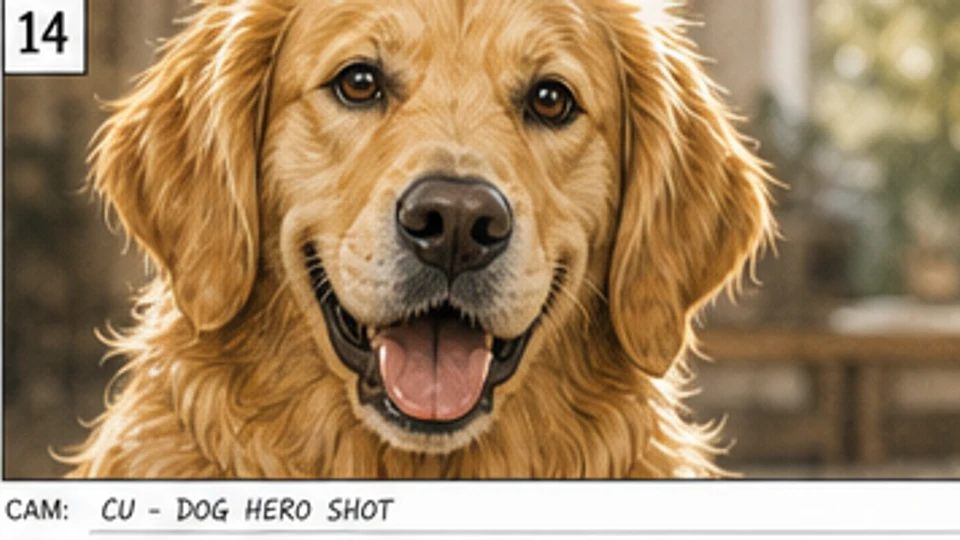 Pet food
Scene 4 · Shot 2
A crisp dog hero close-up makes the benefit feel immediate and memorable.
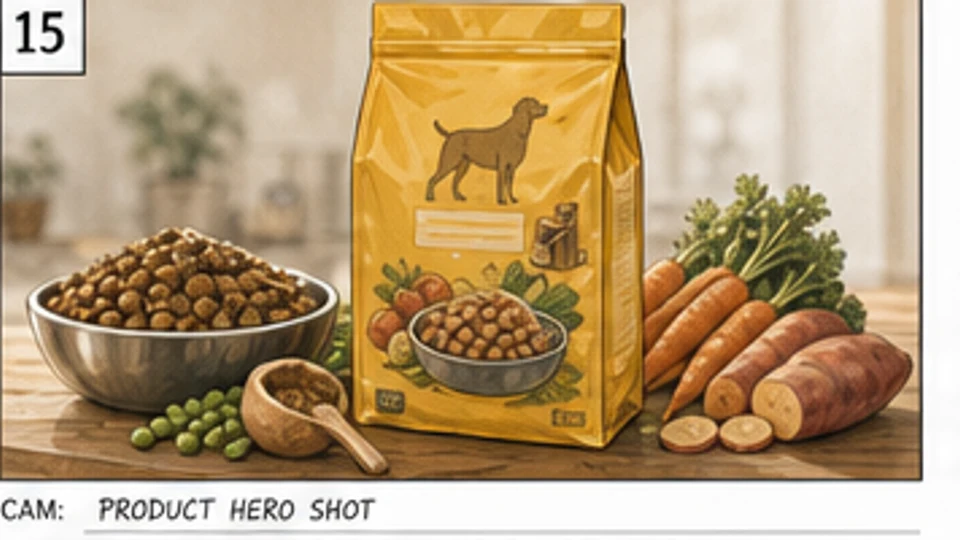 Pet food
Scene 4 · Shot 3
The pack, bowl, and ingredient spread create a clean retail-ready product frame.
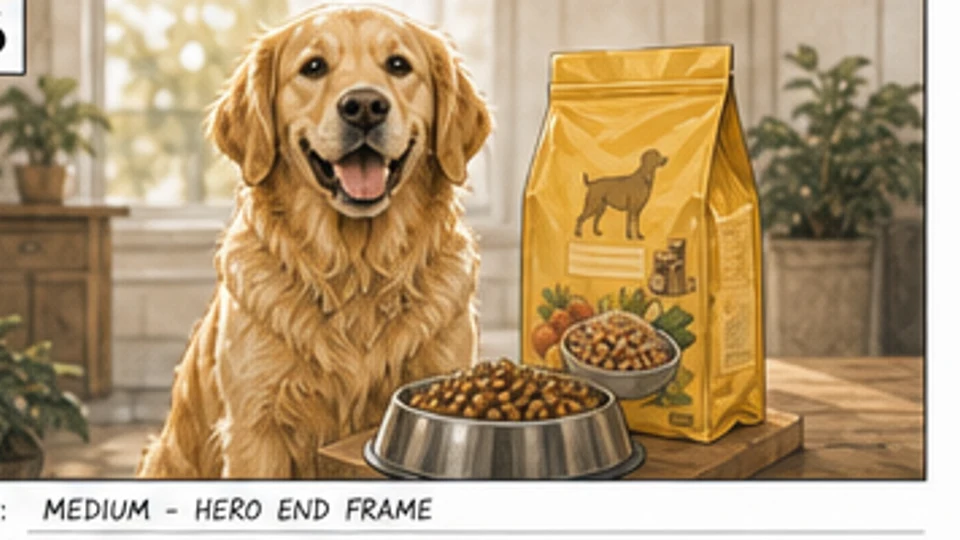 Pet food
Scene 4 · Shot 4
The final end frame locks the dog, product, and brand promise into one shot.
Choose an approved OUTFIT asset, preview it on the character, and decide whether the change belongs in one scene, every following scene, or the entire project. The story gets a clear wardrobe timeline without identity drift.
Create character outfits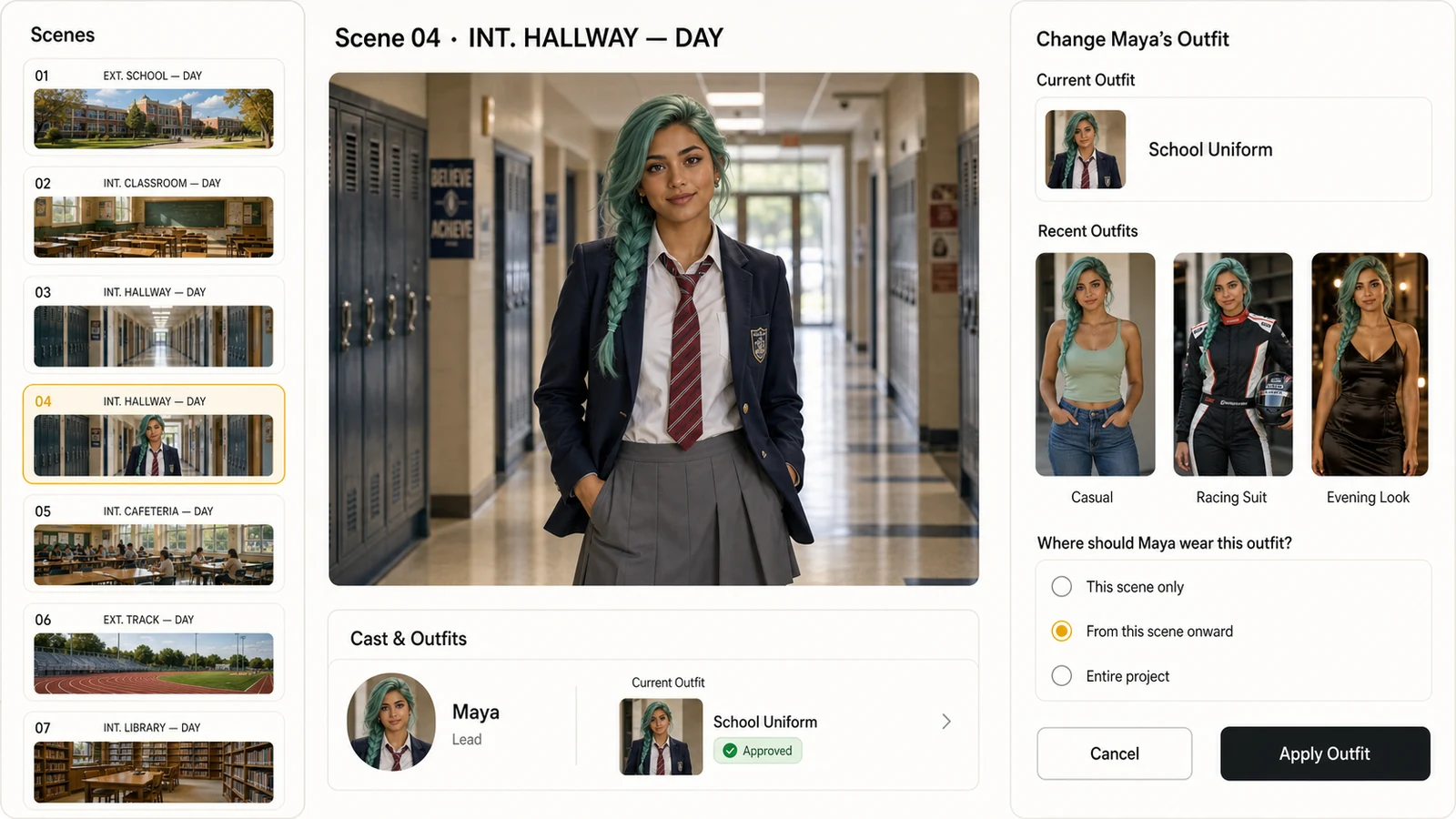
Select from approved character outfits instead of recreating the wardrobe inside every shot.
Apply a look to one scene, all following scenes, or the whole project with an explicit range.
Keep the same face, hair, body proportions, and visual identity while the clothes change.
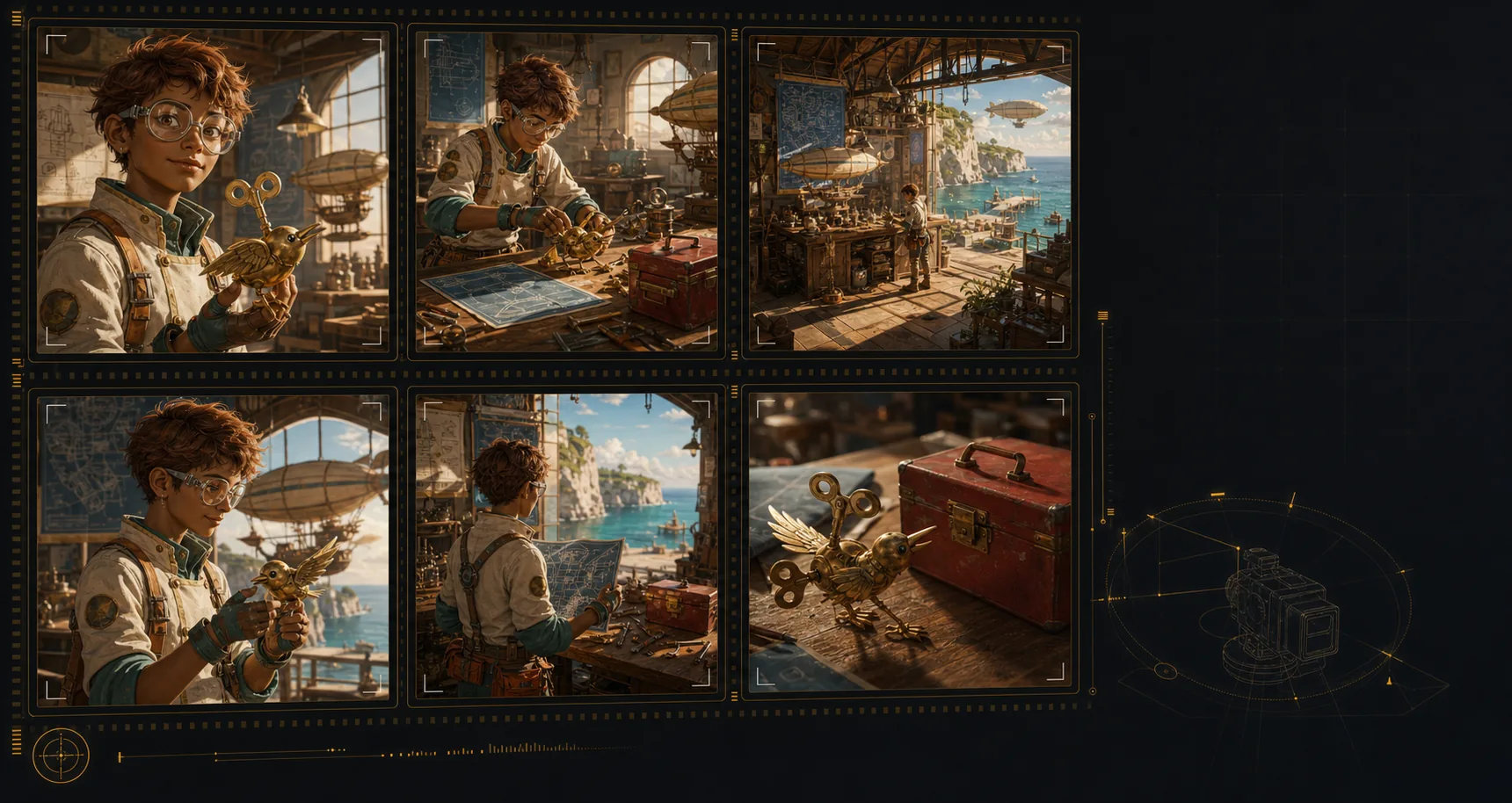
Keep the same characters, locations, wardrobe, and hero objects recognizable across the sequence. Continuity makes each shot feel planned and ready for review.
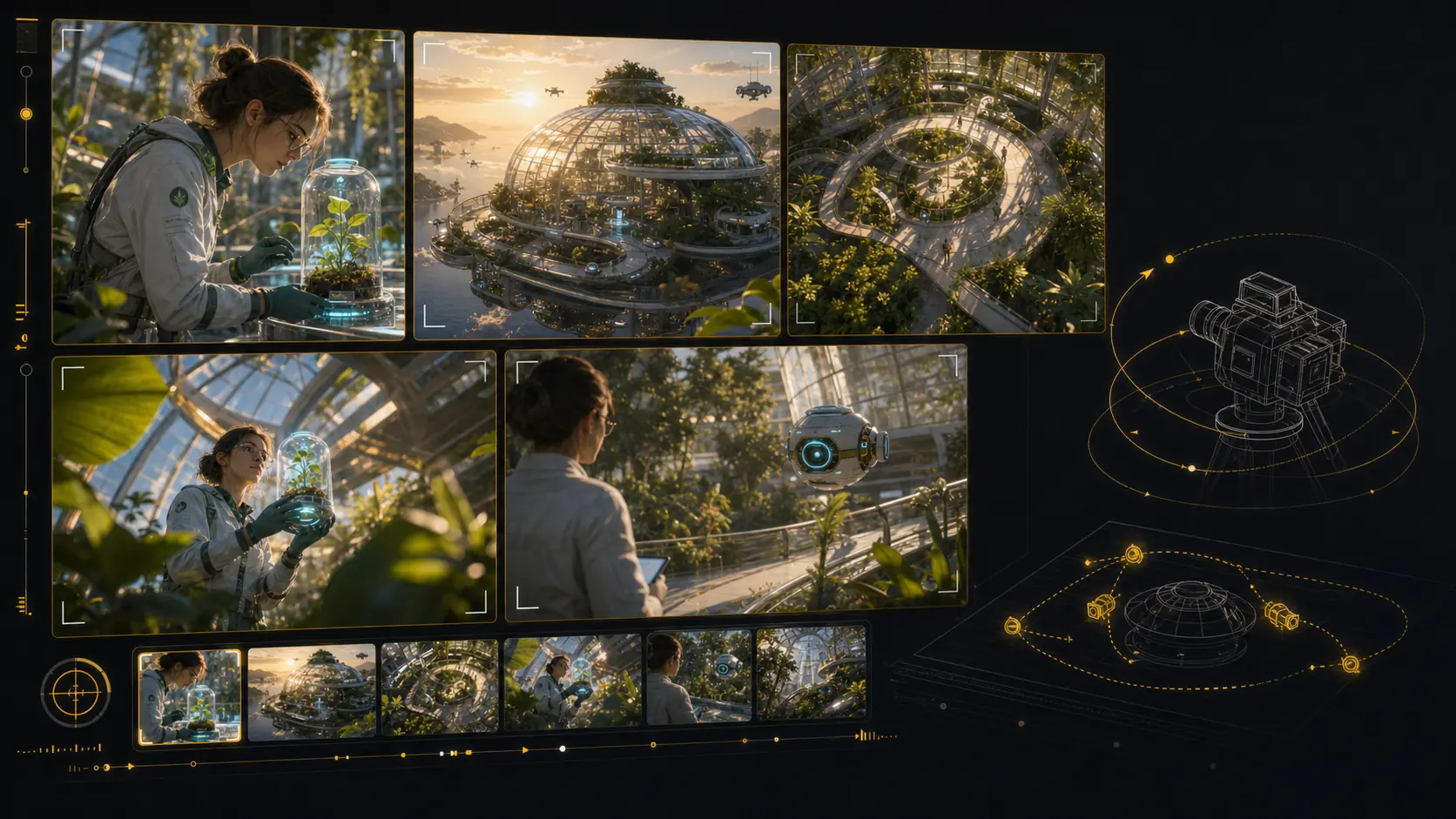
Test camera angles without rebuilding the scene. Reframe the setup, compare shot sizes, and give the director, DP, or client a clearer visual decision.
Pick an approved frame, describe the camera move and duration, and generate a motion test that stays on that shot. Static boards become animatics without leaving the project.
Start from an approved storyboard frame so the clip keeps the same composition.
Add a push-in, tracking move, orbit, hold, or timing beat before generation.
Compare generated clips with shot notes, scene order, and edit intent in one place.
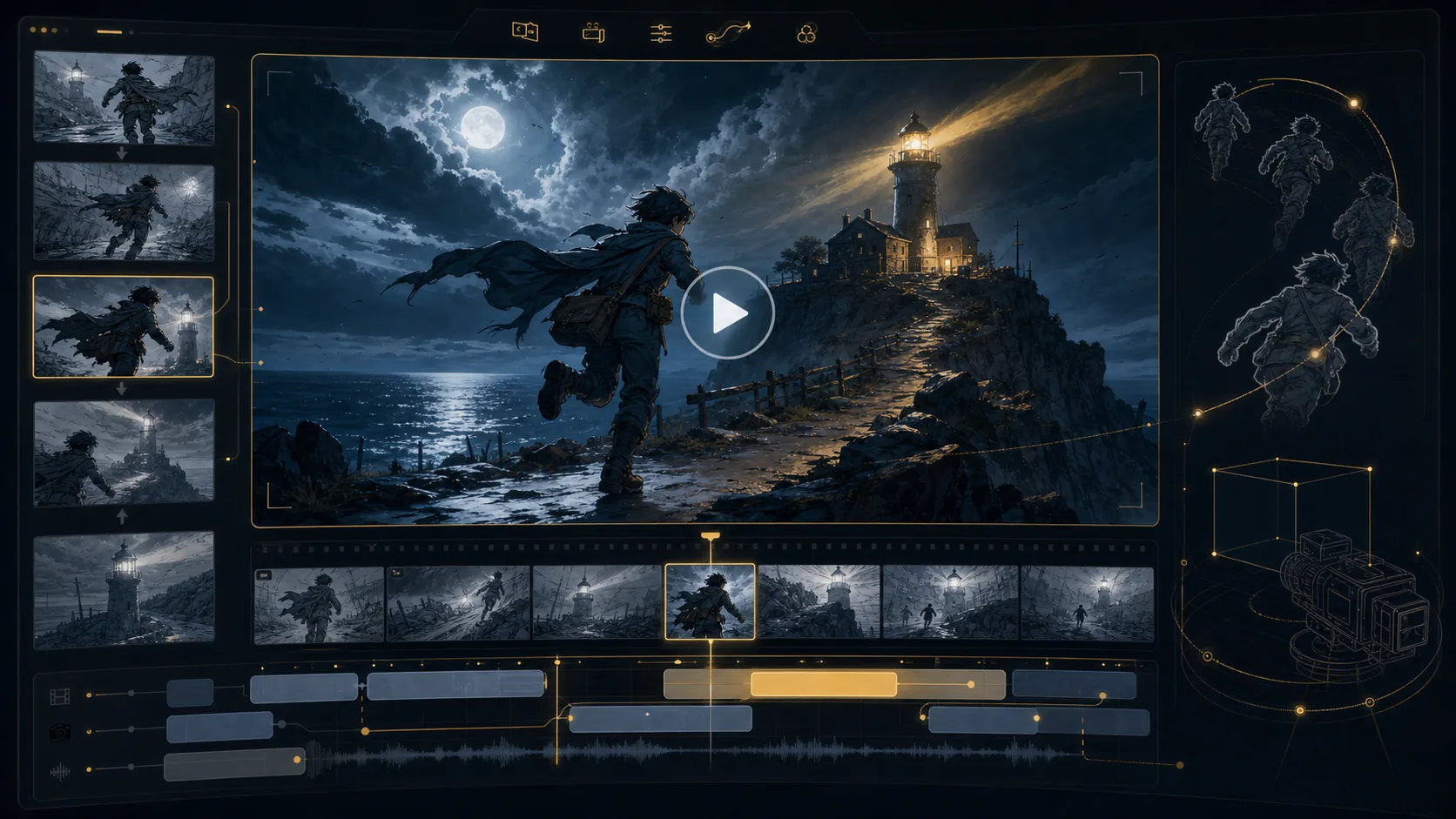


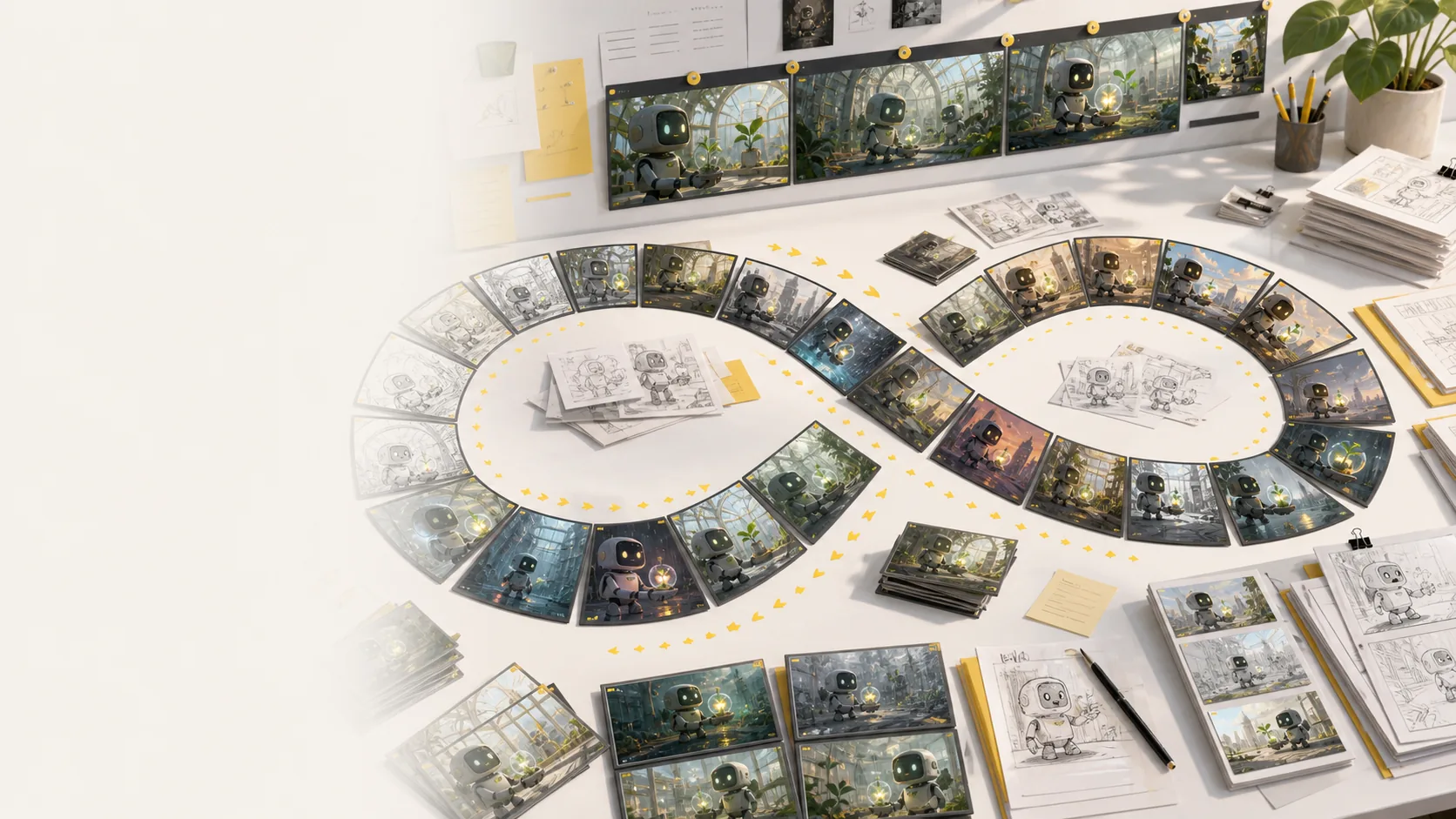
Run real creative rounds: alternate angles, cleaner compositions, different moods, and stronger continuity without treating every frame like a scarce credit.
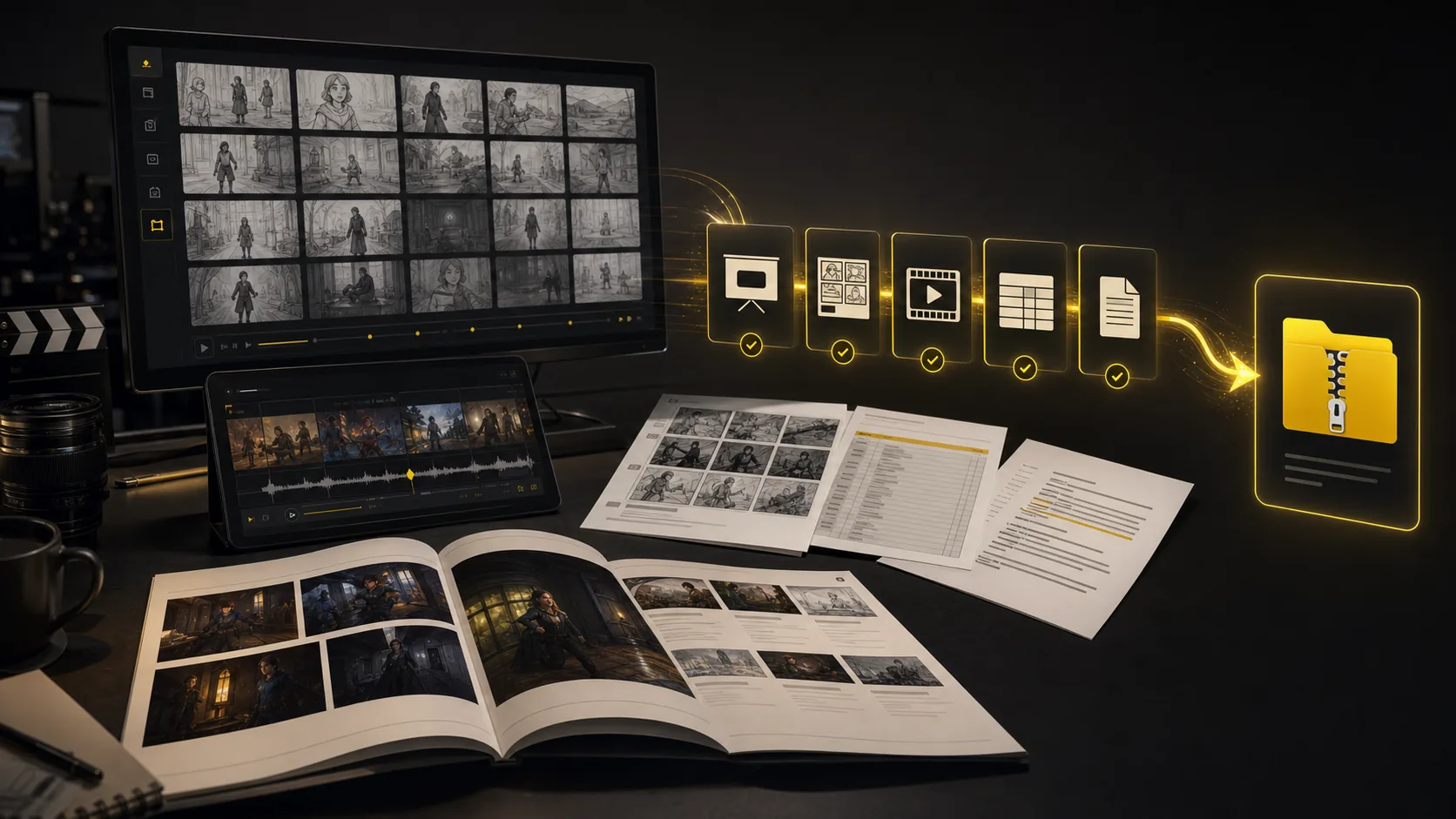
Turn a finished storyboard project into files a production team can use immediately: screenplay, shot-list, and storyboard PDFs; XLSX shot lists; image ZIPs; MP4 animatics; and XML handoff packages.
The core sections cover script to board. This grid is the supporting kit: inputs, styles, continuity, video, variations, camera planning, and handoff.
Generate AI animatics from approved storyboard frames with camera motion and timing notes.
Storyboard-to-animatic clips
Turn rough boards, loose thumbnails, and scene notes into cleaner visual panels.
Sketch cleanup
Compare visual routes for tone, genre, lighting, and brand style before the board locks.
Style direction
Regenerate shots, moods, angles, and layouts without managing per-image credits.
Unlimited variations
Keep characters, props, wardrobe, and locations recognizable across generated shots.
Continuity lock
Plan tracking, push-in, orbit, and reveal moves before turning frames into video.
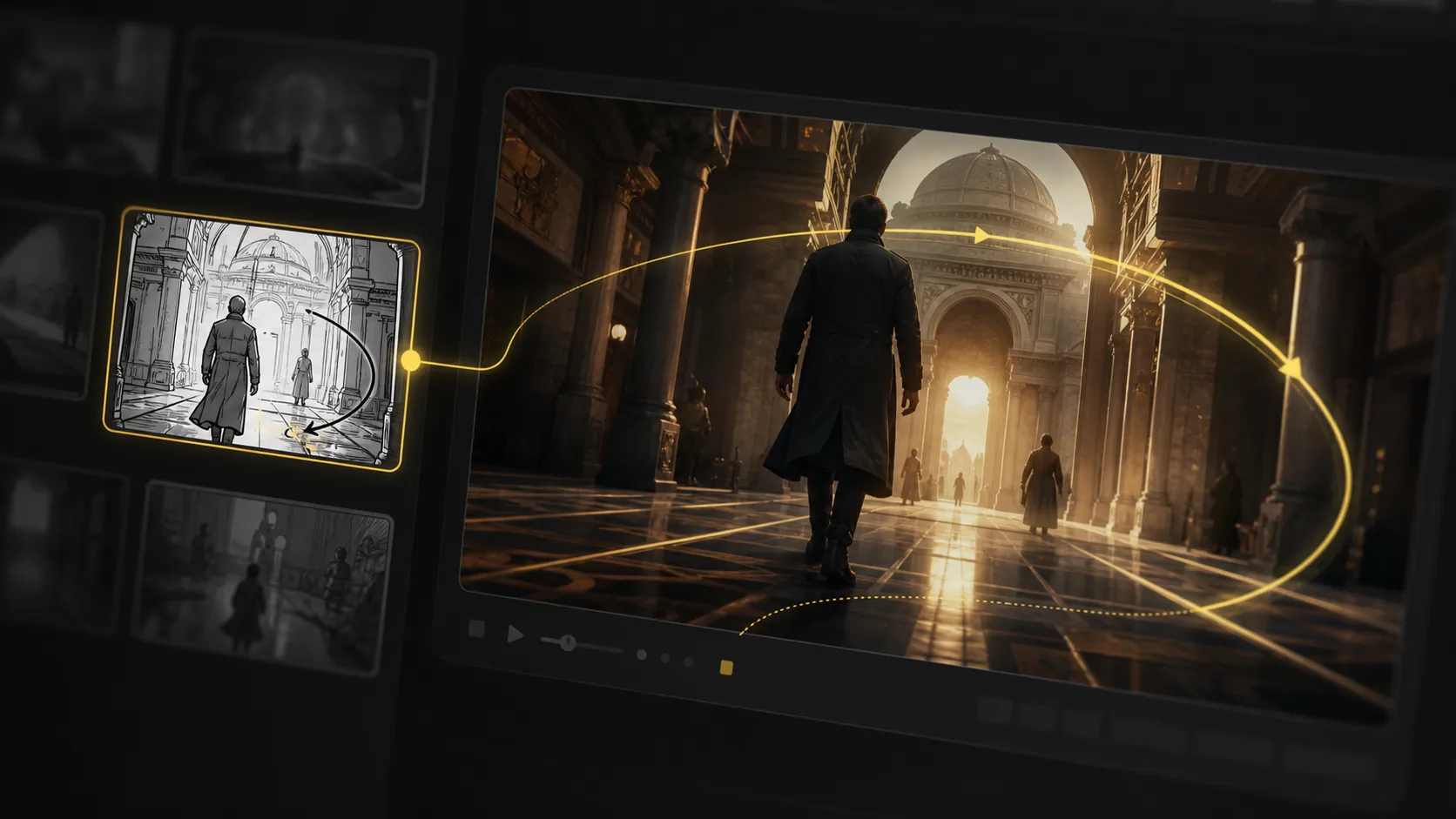
Camera move planning
Start from a screenplay, treatment, PDF, DOCX, TXT, FDX, Fountain file, scene note, or loose prompt and build the board from there.
Script, prompt, and screenplay file input
Export storyboard PDFs, shot list tables, animatic files, and review packages from one project.
Production handoff
These are product examples, not client case studies. They show how a script or prompt can become a reviewable sequence for ads, lessons, animation, and pitches.
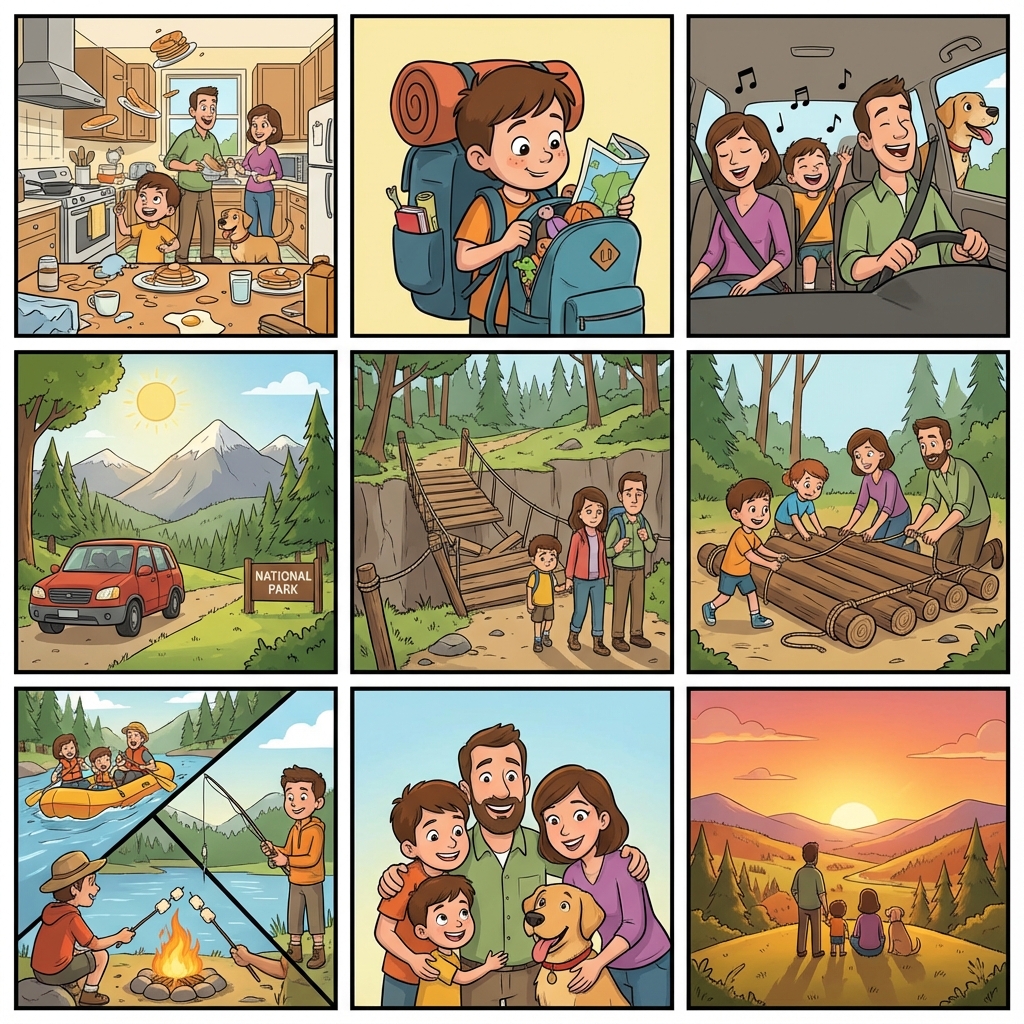
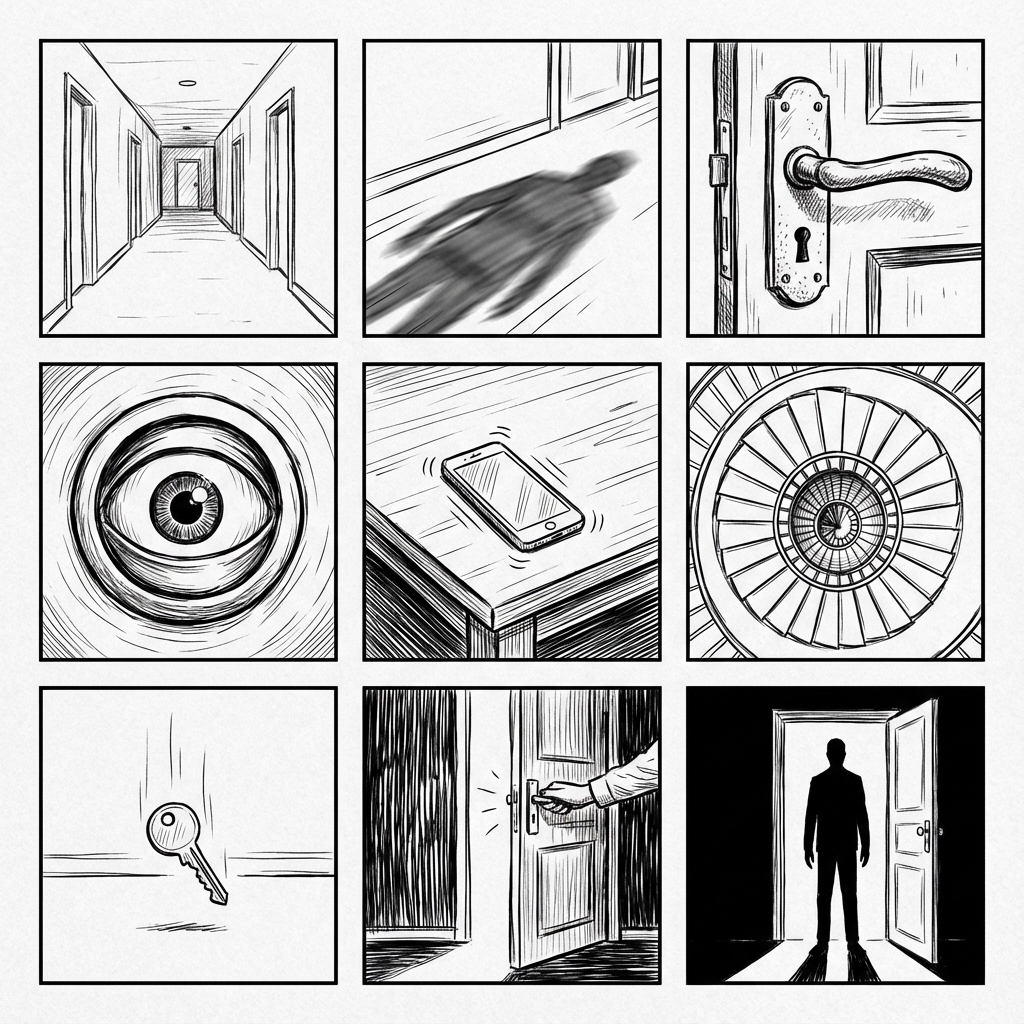
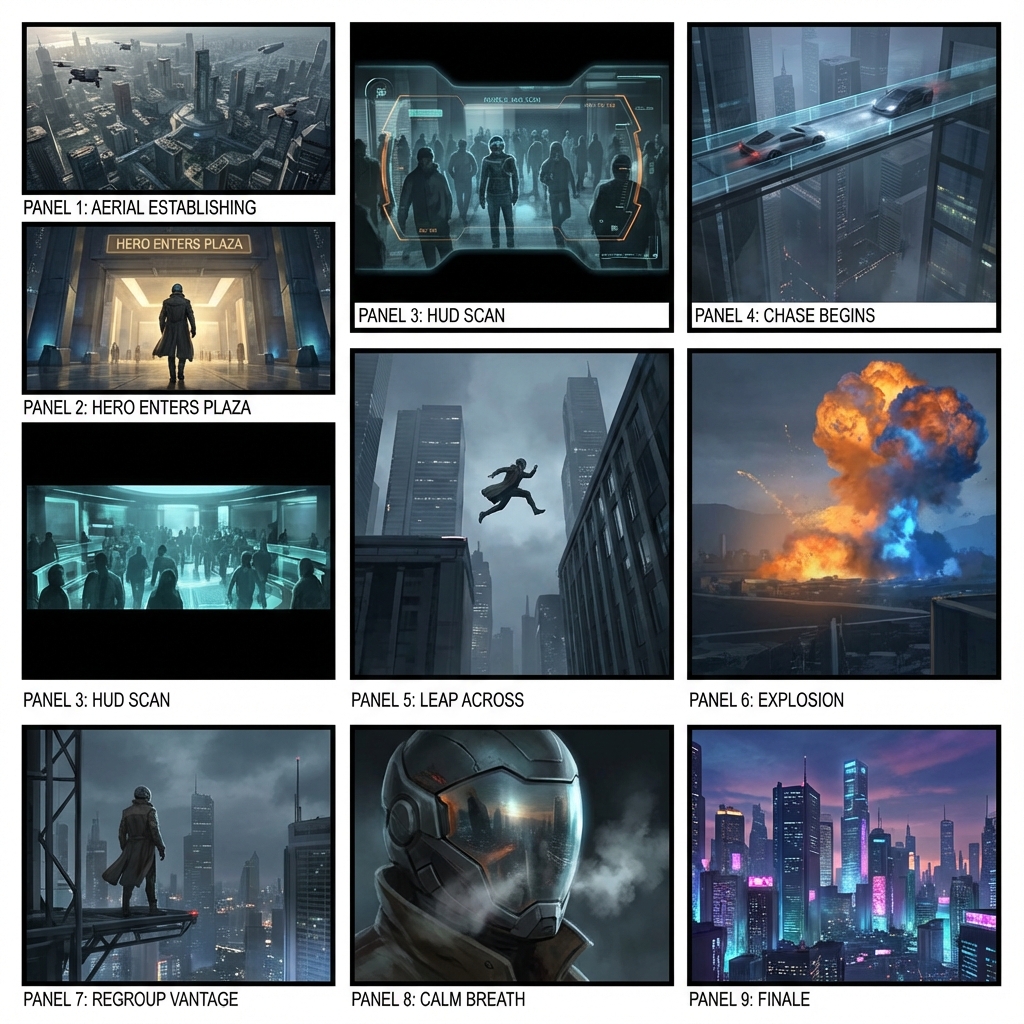
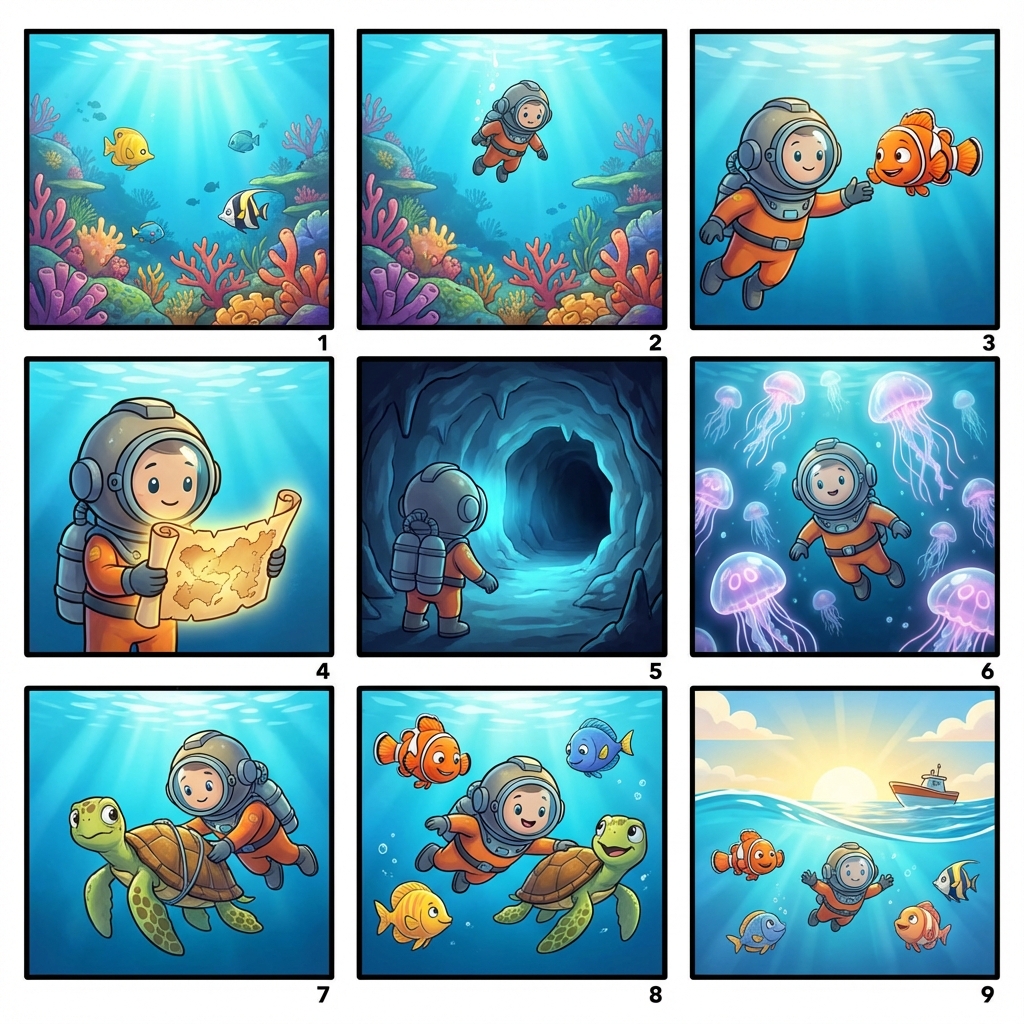
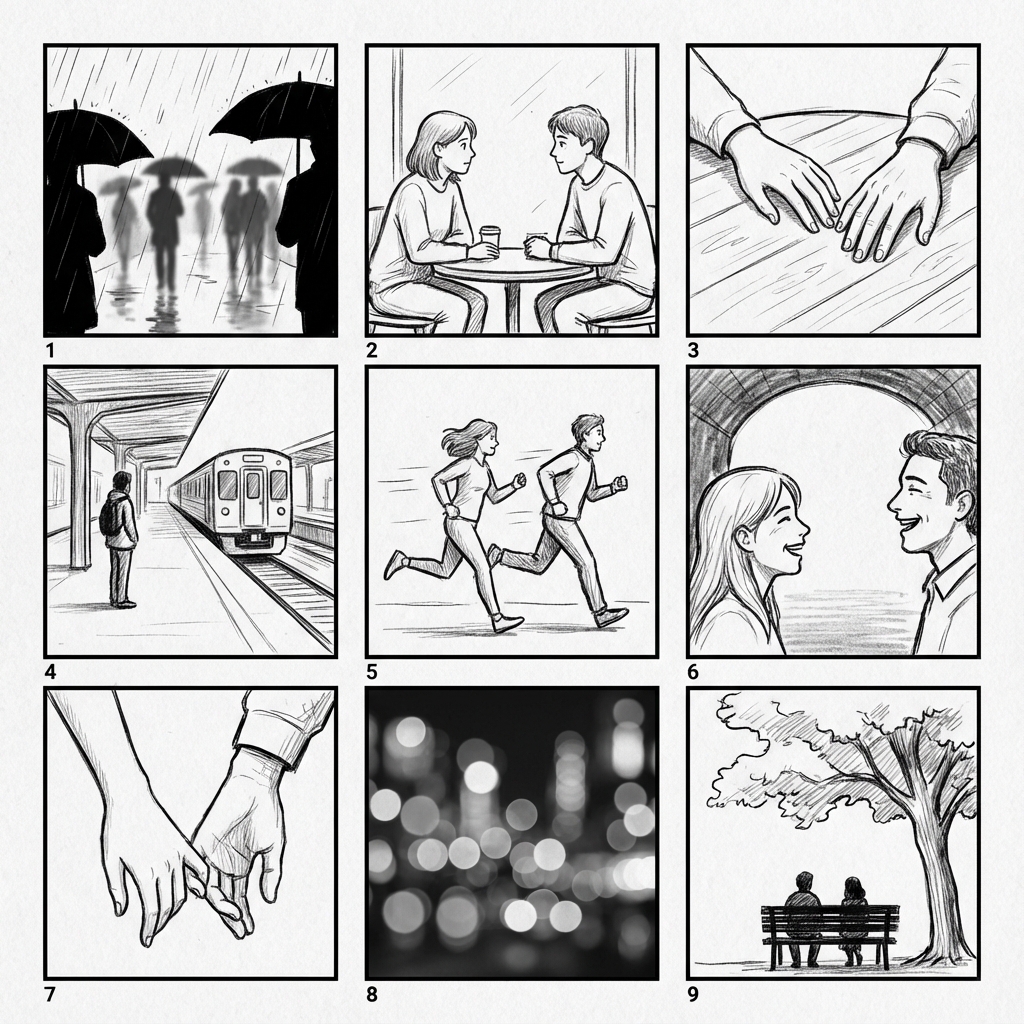
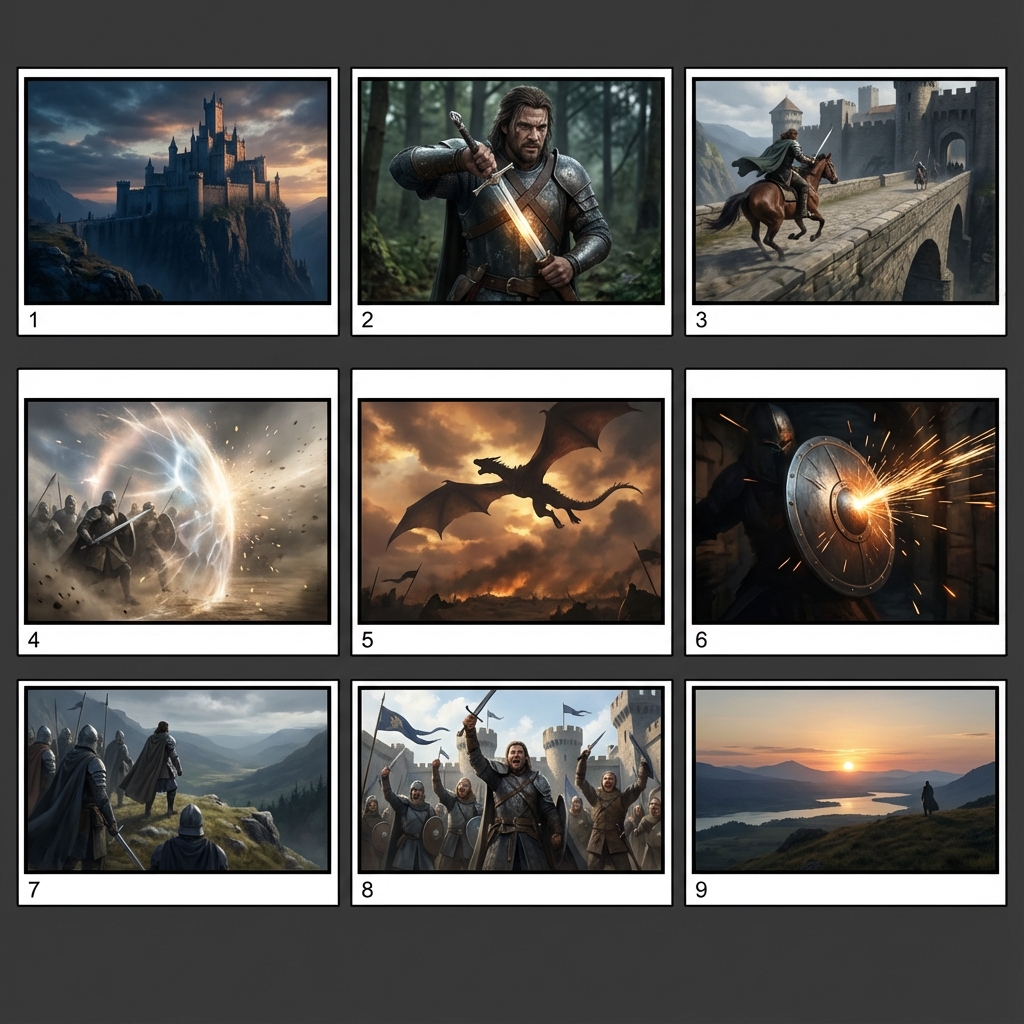
Finished-looking frames make people argue style too early. A lo-fi grid keeps the room on composition, shot order, camera intent, and story flow.
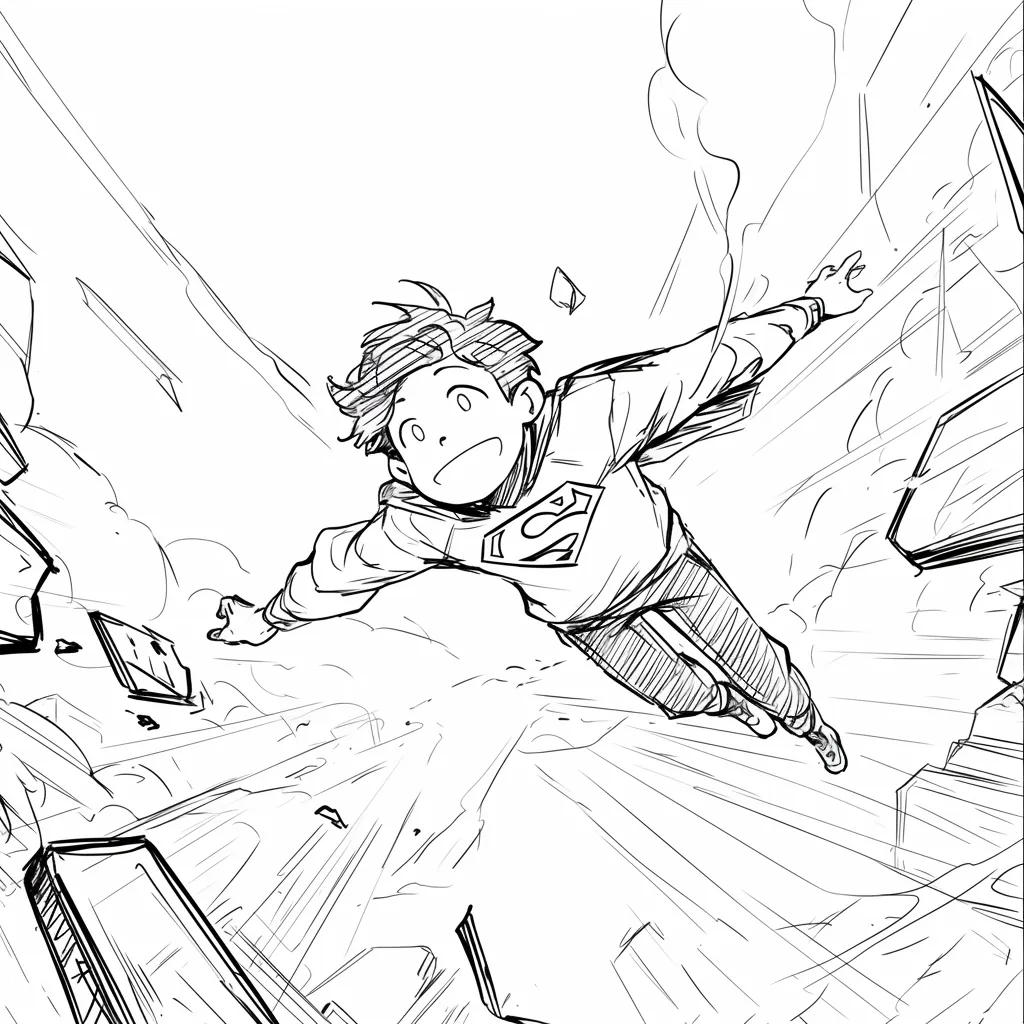
A superhero child flying through a city corridor, with speed lines and a tilted camera that make the action beat easy to review.
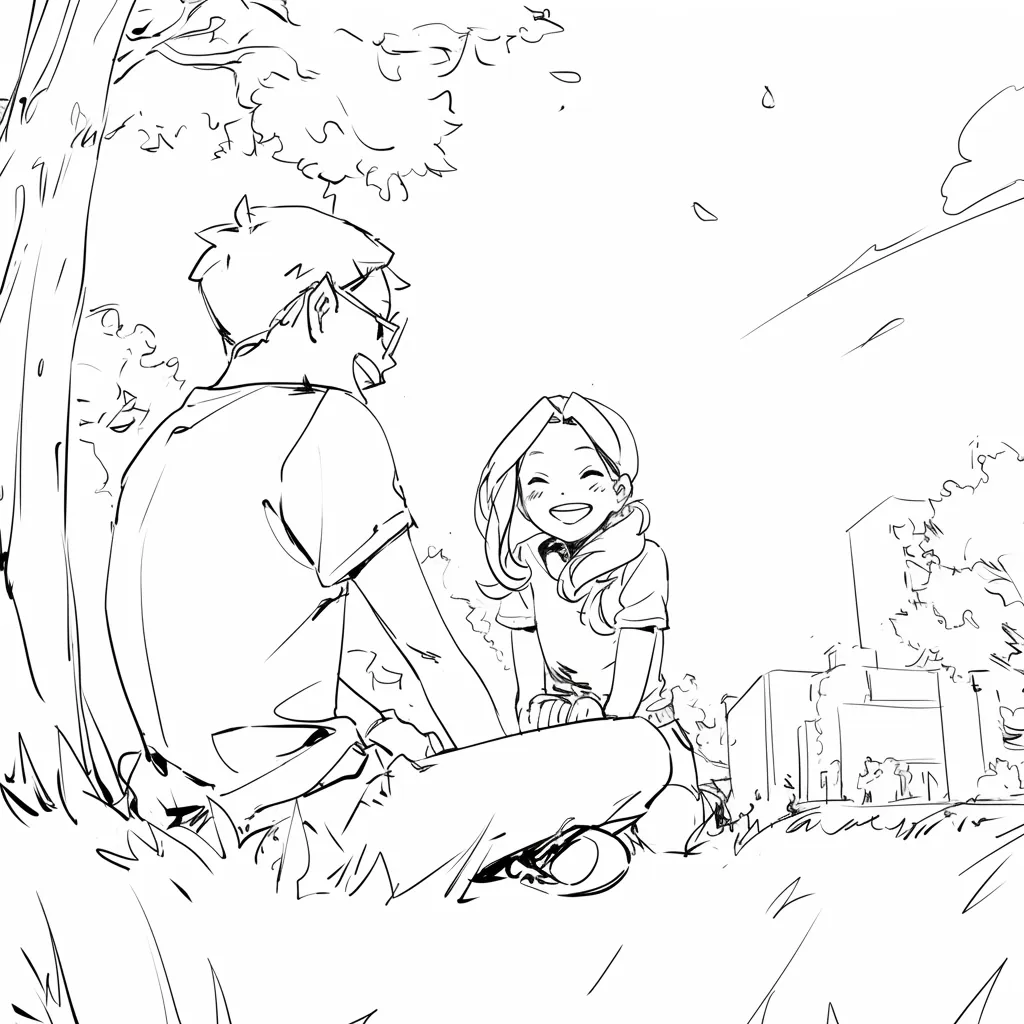
Two children meeting under a tree, using an over-the-shoulder composition to plan dialogue, blocking, and pacing.
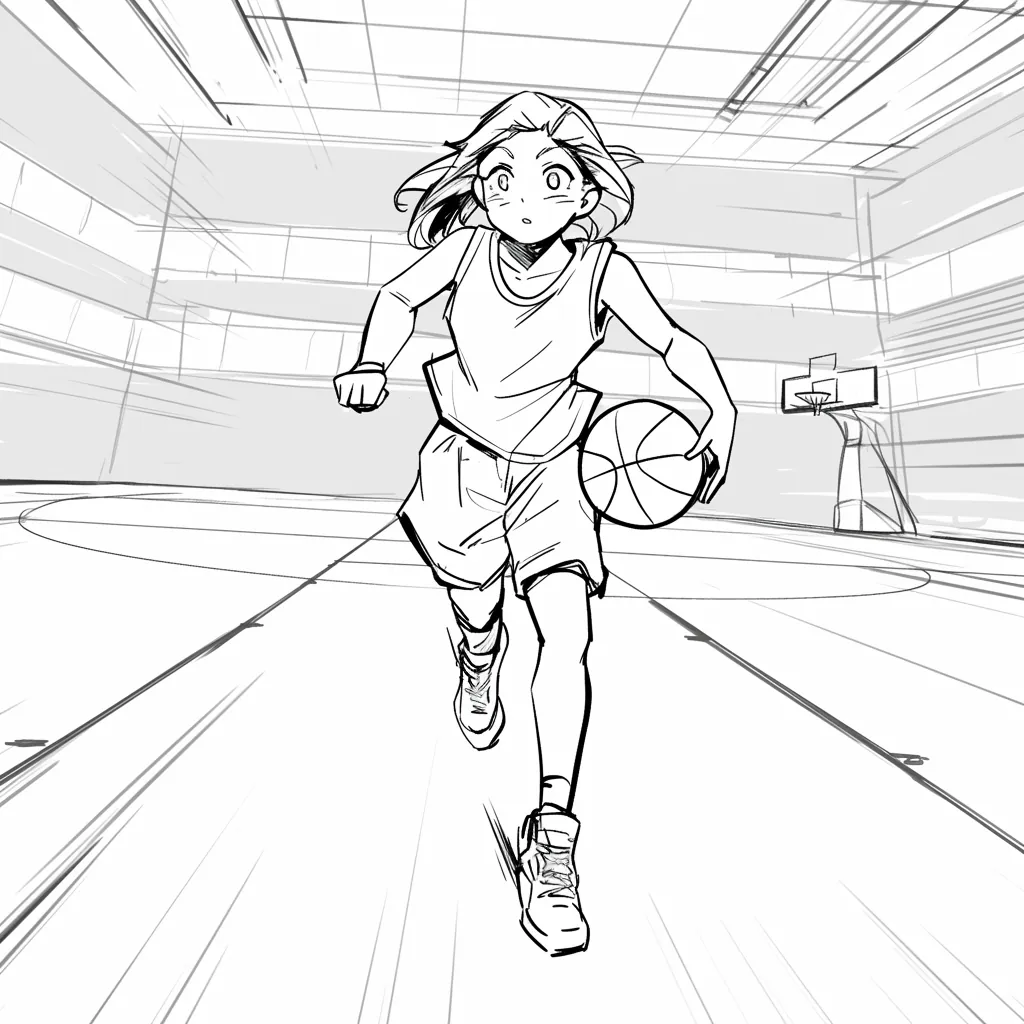
A basketball player driving toward the camera in a gym, turning a sports beat into a clear dynamic shot.
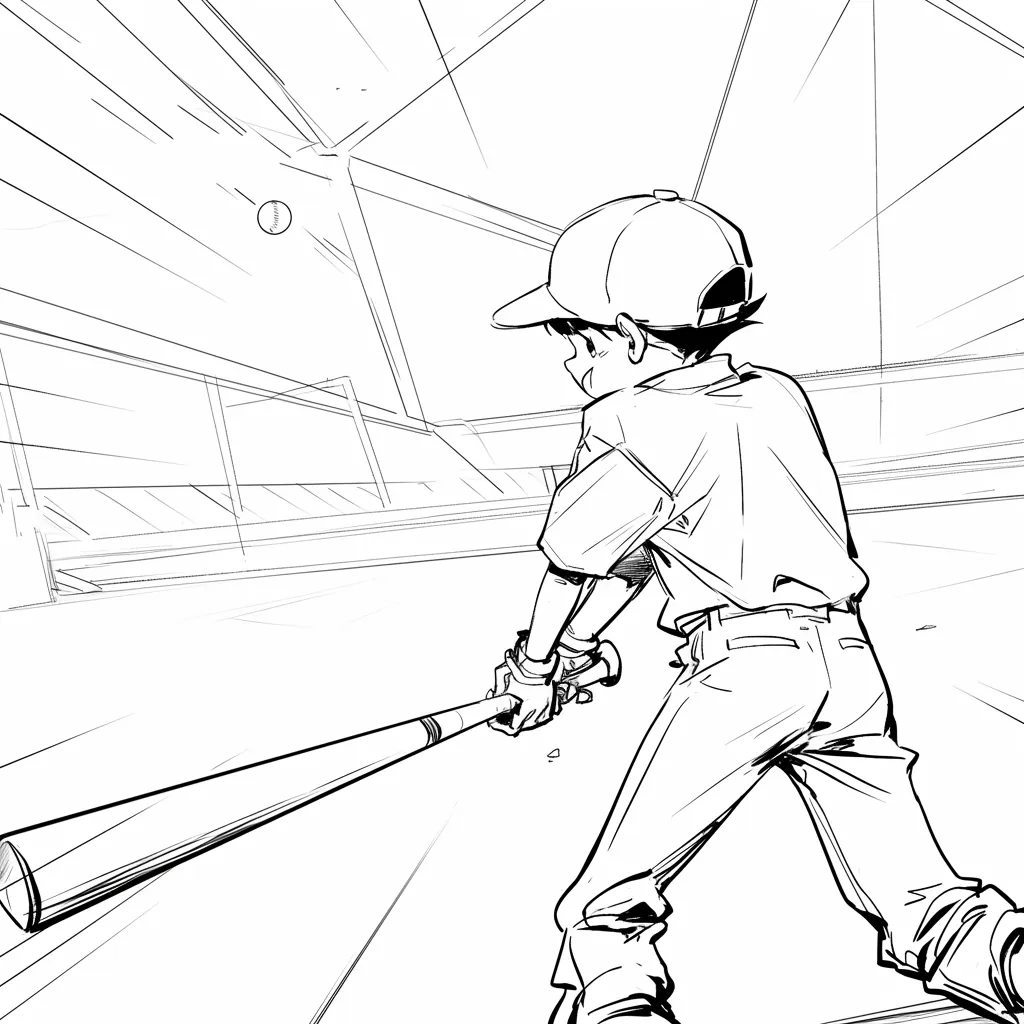
A baseball batter seen from behind, locking the stadium perspective before the pitch.

A child running through rain with an umbrella, useful for mood, weather, and motion notes.
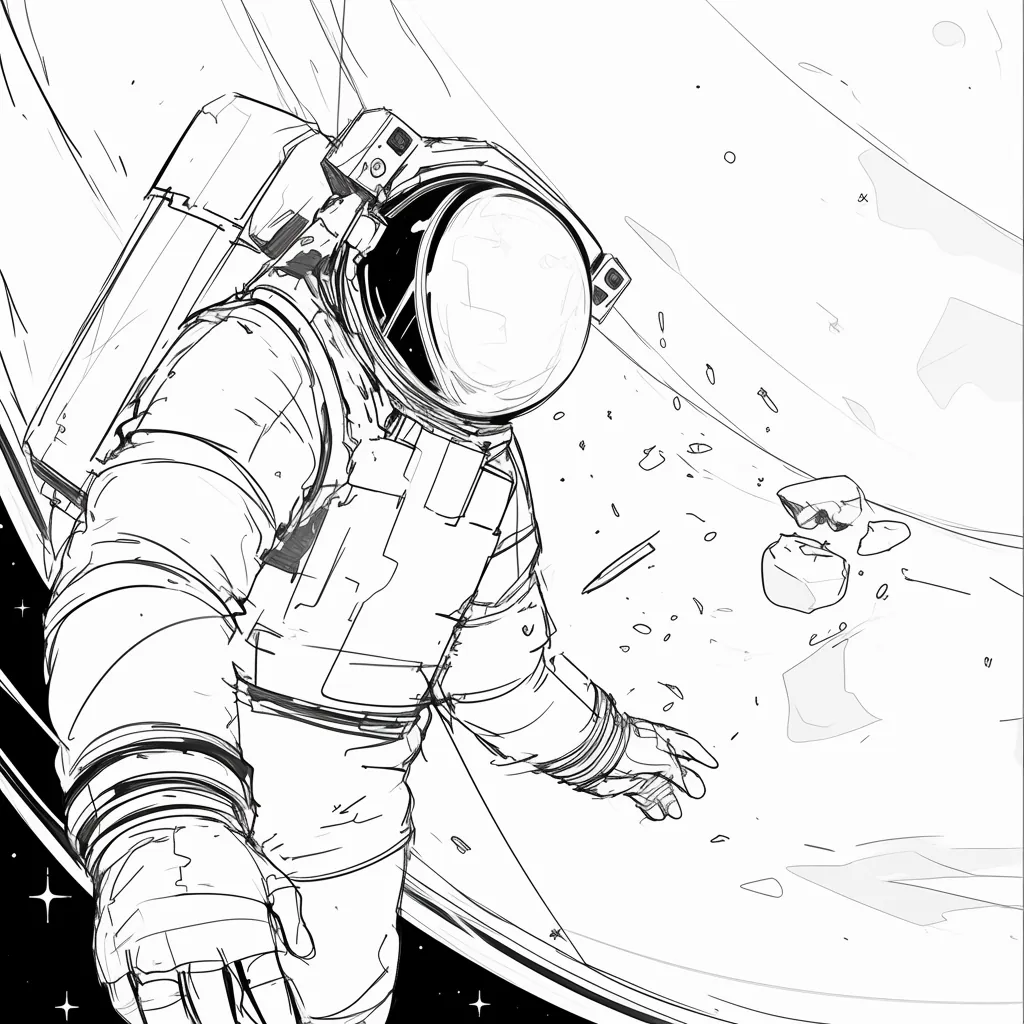
An astronaut beside a spacecraft and planet, showing scale before you move to closer shots.
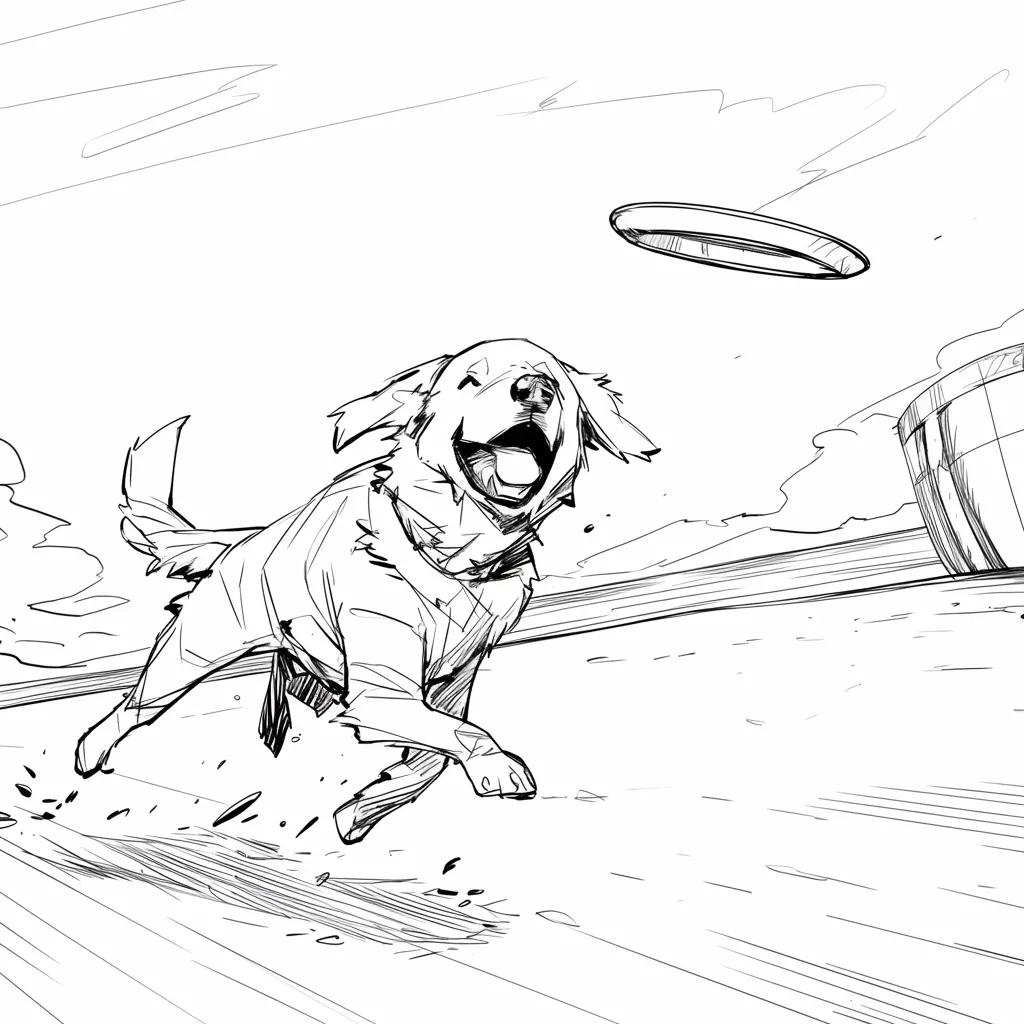
A dog leaping for a flying disc, a simple timing and motion example for a commercial beat.
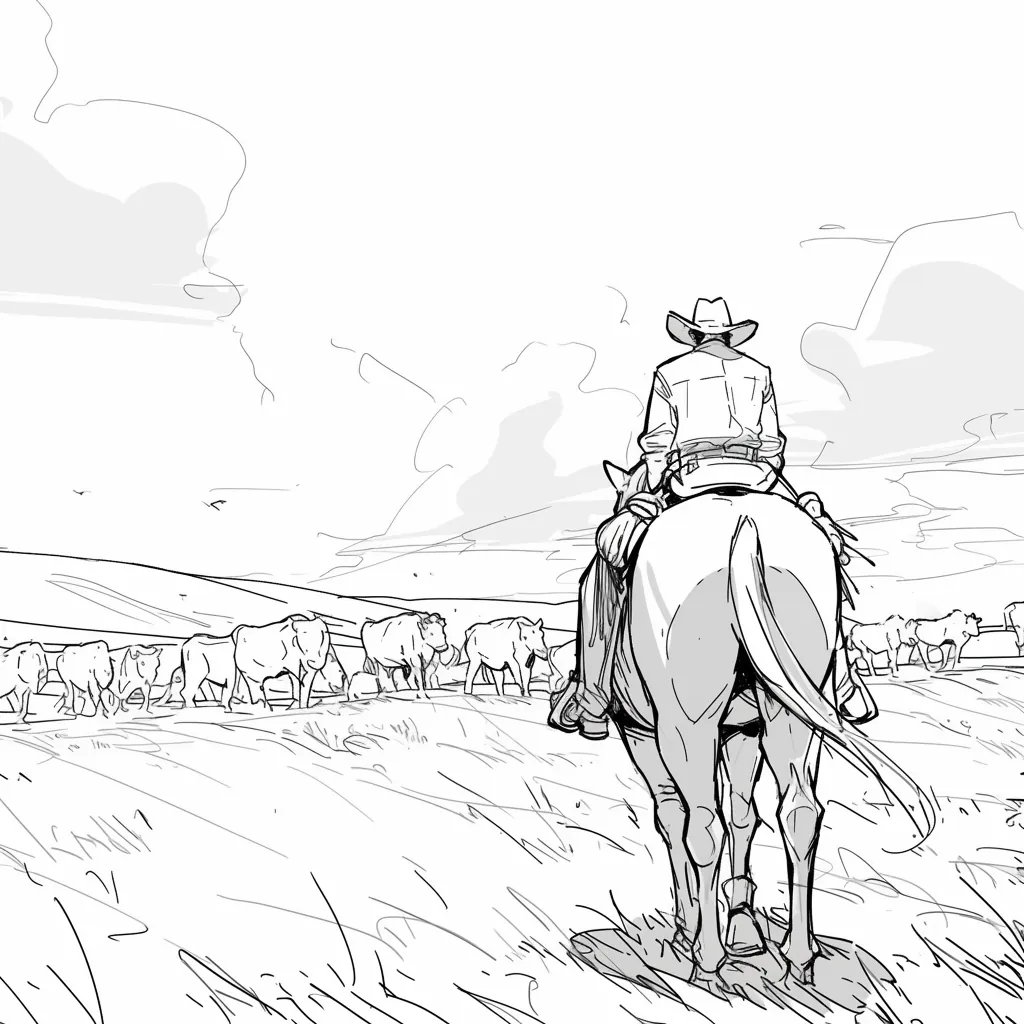
A cowboy on horseback facing a cattle herd, giving the shot list location context before closer frames.

@Maya_Lee

@Sky_Walker

@Cre_Luna

@juaner0211589

@rubem-didini

@refactorordie

@benoitst-laurent

@RealFeatBit

@jake-m

@michael-b

@bill
@sarah-l

@digital-marketer-suresh

@den
@velika
Couldn't find the storyboard answer you need? Message us
Put the next scene on a board the writer, director, and client can mark up before anyone spends on the shoot.