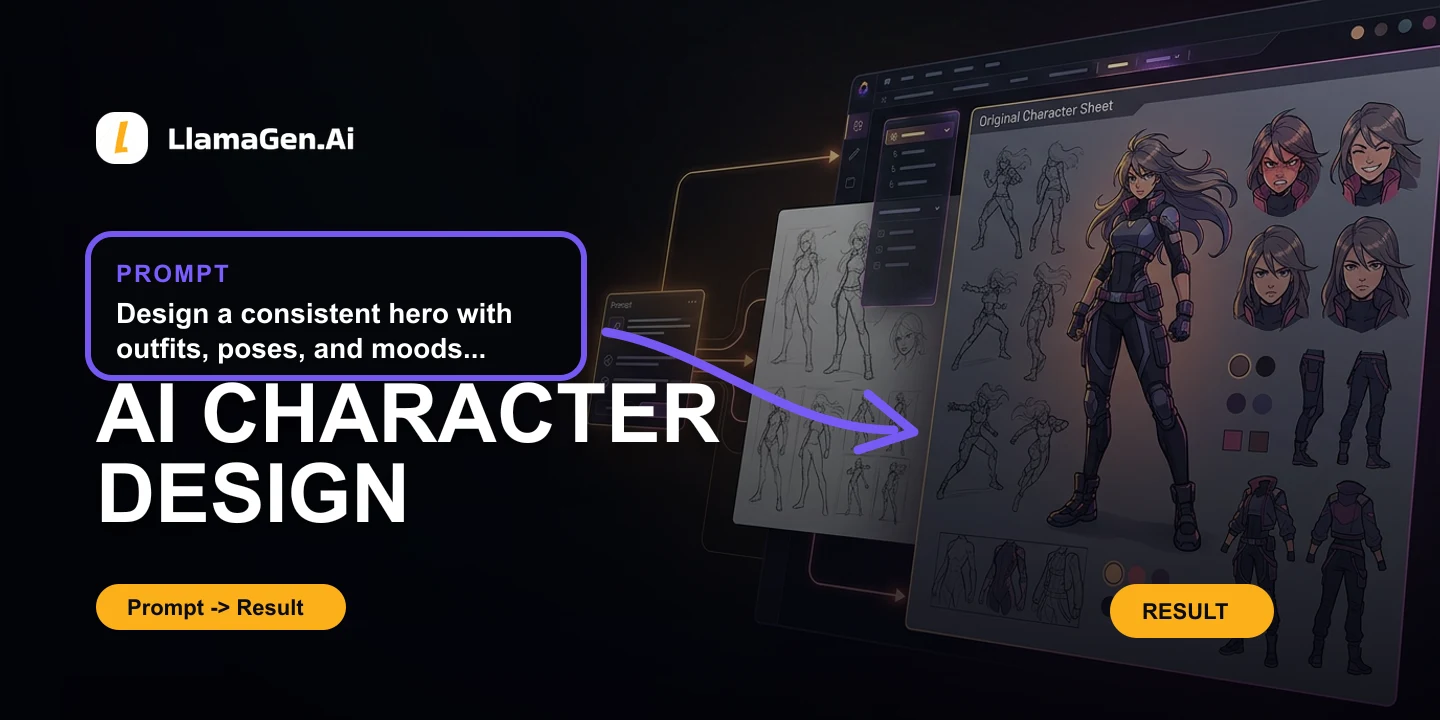


espacio de trabajo para guion
Extraé recursos de producción desde un guion
Extraé personajes, objetos y lugares del guion, así la próxima escena no empieza de cero.
Abrí un proyecto de storyboardPersonajes, objetos y lugares para que la próxima escena no arranque de cero.
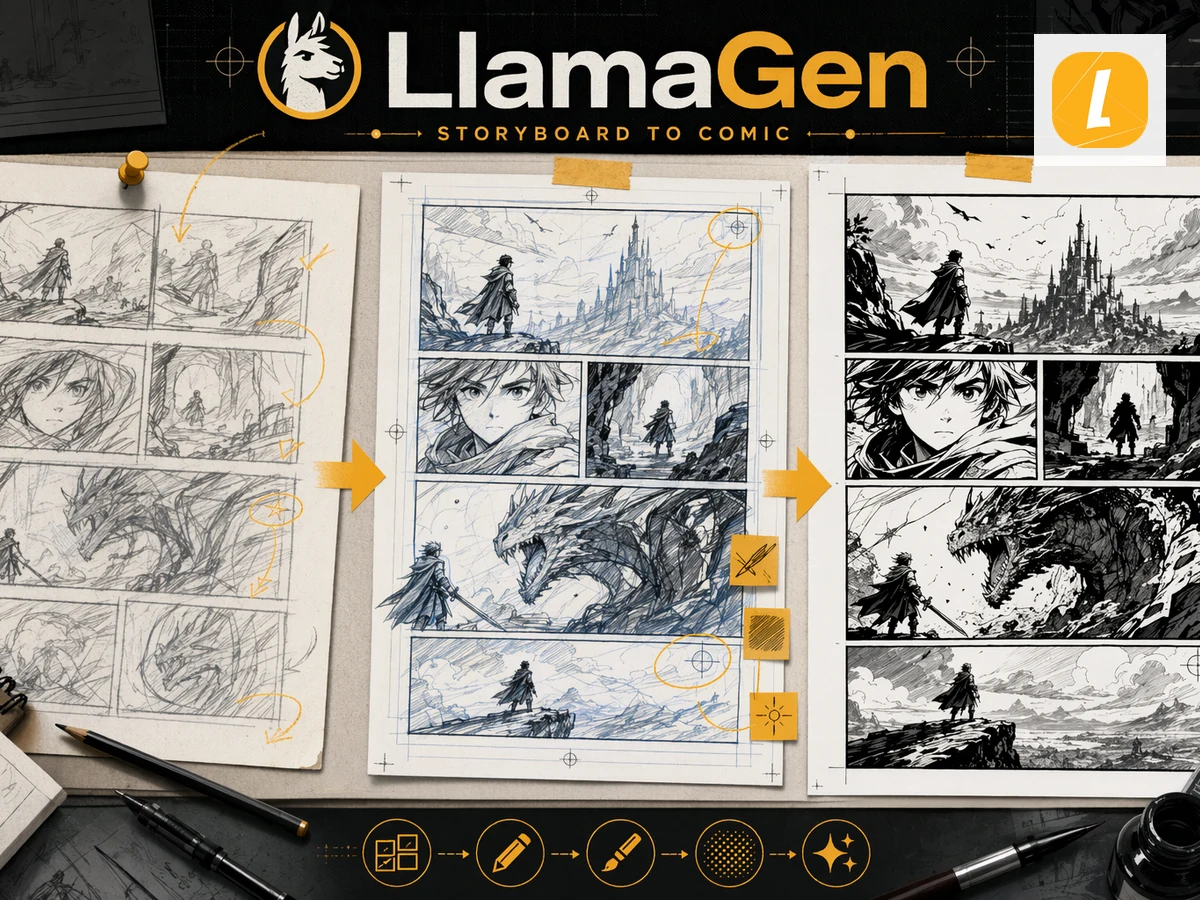
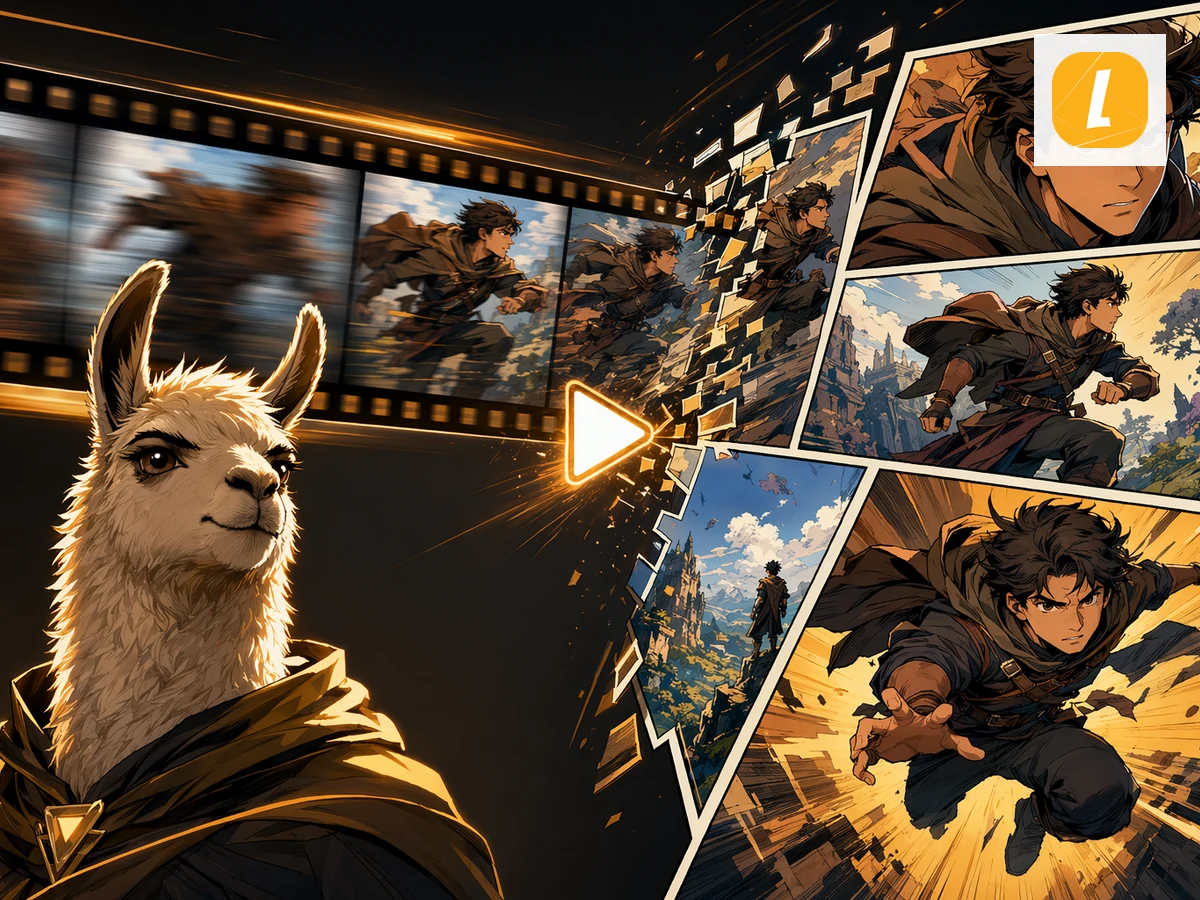
Escena + imagen + el paso siguiente
Un oficio en la página. Las imágenes muestran el trabajo, no una lista de funciones.
Lugares y objetos
Después armá la escena
Qué podés usar y qué no
Confirmá el oficio, los límites y el siguiente clic antes de empezar.
¿Cómo funciona?
- Abrí el proyecto de guion. Usá el guion que ya estás desglosando.
- Reuní las piezas repetidas. Personajes, habitaciones y objetos que aparecen varias veces.
- Armá la próxima escena. No regenes el elenco para cada toma.
Antes de comenzar
- Esto es una función de trabajo, no una biblioteca de stock.
- No hay mucha demanda de búsqueda aislada de “recursos de producción con IA”.
- Usalo cuando ya escribís en LlamaGen.
Extraé recursos de producción desde un guion
Un guion es más fácil de filmar cuando el inventario ya está visible.
¿Dudas? Acá tenés respuestas
Buscá los límites, cómo exportar y el siguiente paso antes de preguntar.
¿Qué son los recursos de producción acá?
Las piezas que repite un guion: gente, lugares y objetos que querés reutilizar cuando armes una escena.
¿Esto es una DAM o biblioteca multimedia?
No. Para archivos generados y subidos, usá Recursos. Esta página es para inventario de guion.
¿Por dónde empiezo?
Abrí un proyecto de storyboard desde el espacio de trabajo de guion y tené la lista de elenco al lado del storyboard.
editor de guion
Escribí y desglosá el guion.
Escenas, ritmos, objetos, ubicaciones
Planificá la escena antes de armar el storyboard.
Storyboarding con IA
Convertí la escena en cuadros.
Estructura de guion
Mirate actos y giros en una sola página.
biblioteca creativa de recursos
Guardá los fotogramas generados.
Extraé recursos de producción desde un guion
Extraé personajes, objetos y lugares del guion, así la próxima escena no empieza de cero.
Abrí un proyecto de storyboard