

Read this guide in another language
- English
- Spanish
- Spanish (Argentina)
- Spanish (Colombia)
- Mexican Spanish
- French
- Italian
- Japanese
- Korean
- German
- Arabic
- Arabic (Egypt)
- Chinese (Taiwan)
- Chinese (Hong Kong)
- Chinese (China)
- Portuguese
- Brazilian Portuguese
- European Portuguese
- Thai
- Dutch
- Indonesian
- Polish
- Turkish
- Russian
- Danish
- Bulgarian
- Bangla
- Bosnian
- Czech
- Greek
- Estonian
- Persian
- Finnish
- Filipino
- Hebrew
- Hindi
- Croatian
- Hungarian
- Kannada
- Lithuanian
- Latvian
- Malay
- Maltese
- Norwegian
- Romanian
- Slovak
- Slovenian
- Albanian
- Serbian
- Swedish
- Filipino
- Ukrainian
- Urdu
- Uzbek
- Vietnamese
Family tree guides
Make family tree relationships easy to read
A family tree is only as clear as its connections. Record the people first, then check what each line actually says. The LlamaGen editor lets you add close relatives, connect an existing person, and disconnect a mistaken link.
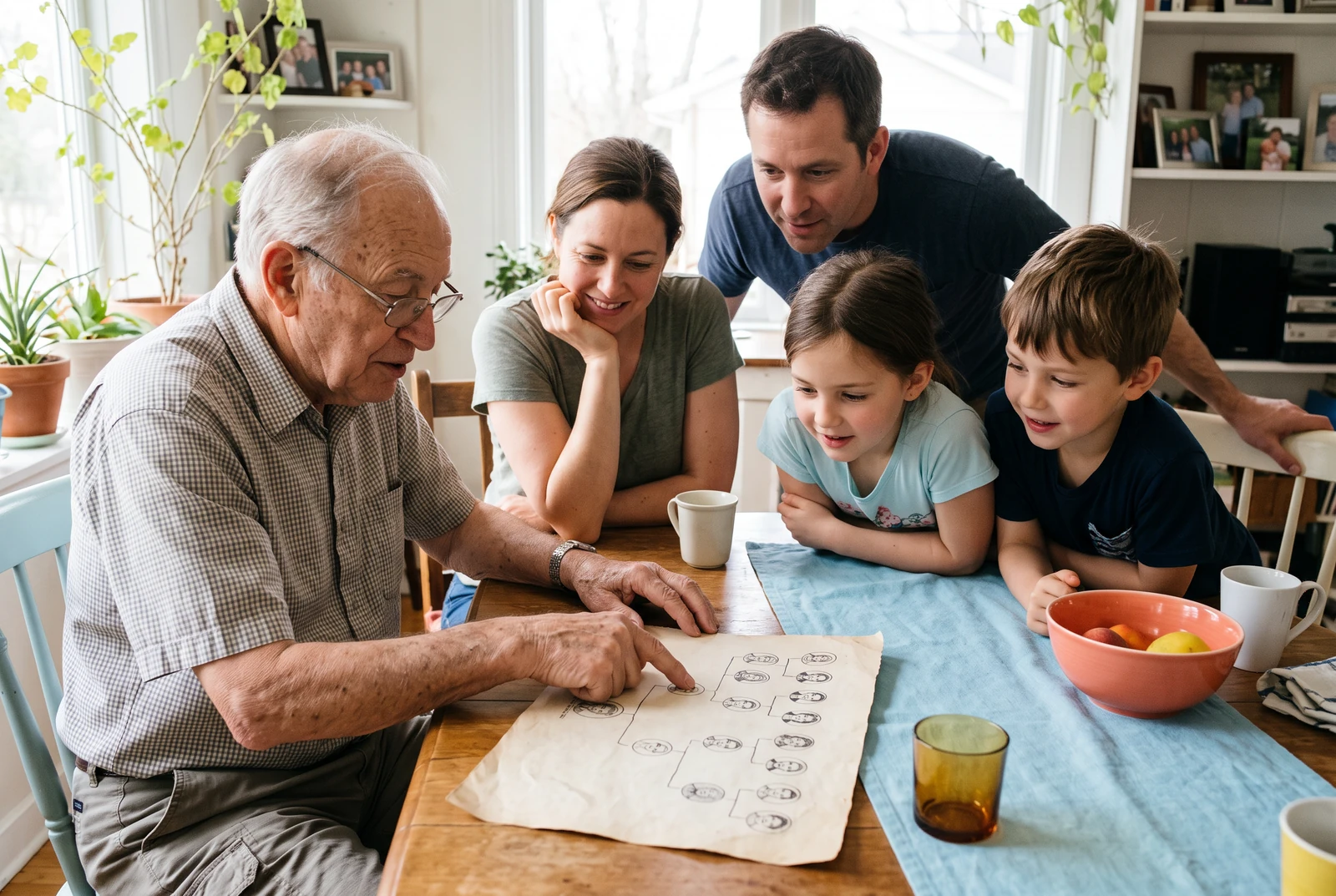
What you will make
A chart where each person appears once in the record and the visible connections match the story you intend to tell.
Product information checked:
The finished chart in everyday life
Compare a chart at home, in your hands, and alongside other finished layouts. Use these presentation ideas to decide what your own family needs to read and share.
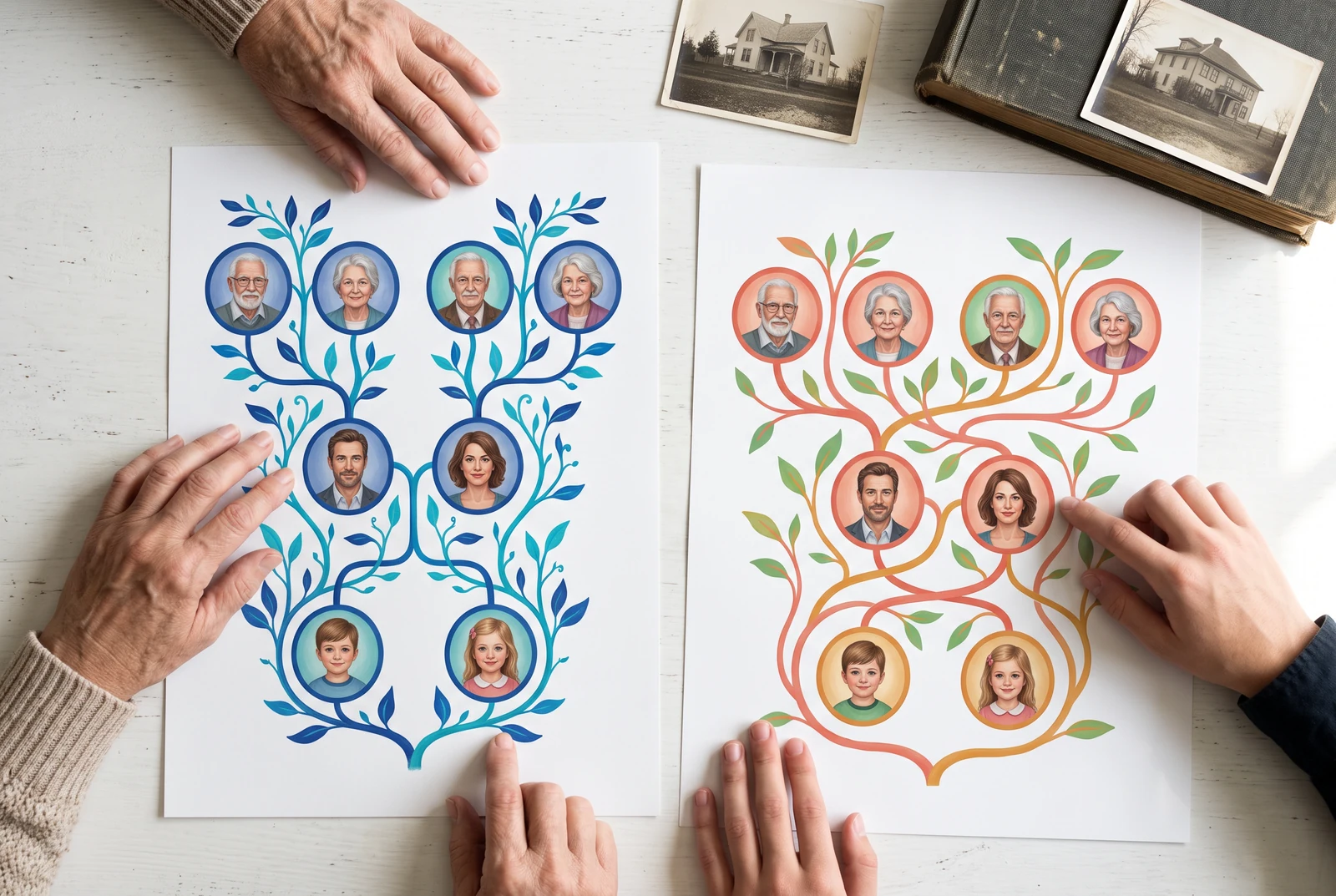
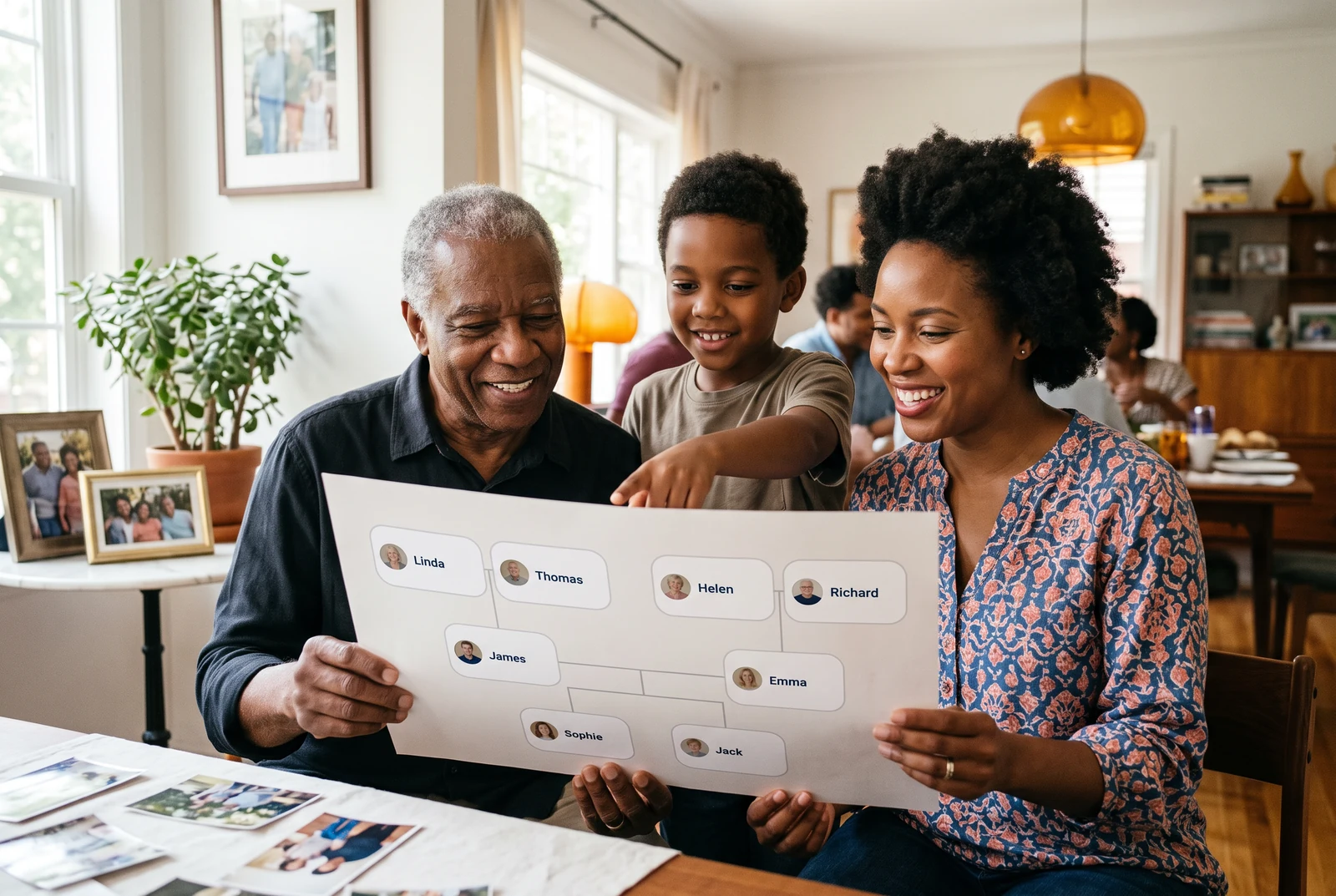

AI-generated presentation scenes made with fictional example artwork. They are illustrative concepts, not customer photographs, product screenshots, verified exports, or printing-service guarantees.
Choose the direction of each link
Choose the person the relationship is relative to before opening Connect existing. The menu distinguishes a parent of the selected person, a child of the selected person, and a partner of the selected person. Review both endpoints before confirming; the same two names with the wrong direction tell a different story.
- Check that you selected the intended starting person.
- Add one relationship at a time and inspect the redraw.
- Use names and life details to distinguish relatives with the same name.
Connect or disconnect an existing relative
If a relative is already present, use the editor’s Connect existing control rather than adding another card. It currently offers parent, child, and partner connections to the selected person. Disconnect removes a mistaken connection without requiring you to delete the person.
- Search the people list before adding a new record.
- Check the selected person and the relationship direction before connecting.
- After disconnecting, verify other branches that shared that person.
Describe complex families without guessing
Families may include step, adoptive, foster, or chosen relationships. The current Connect existing menu exposes parent, child, and partner; it does not offer every specific label supported by the underlying data model. Keep any needed explanation with the shared chart. Do not use a biological-looking parent connection simply to make a social relationship fit the page.
- Ask how a person wants their relationship described before publishing.
- Keep separate partners and parent branches distinct.
- Confirm sensitive relationships with the family before sharing publicly.
Review one connection at a time with the reader
A useful family review starts at one named person and follows a single line together. If two relatives have the same display name, use the dates and places in your own notes to establish which record you are editing. A neat layout cannot resolve an uncertain identity.
- Find an existing record before adding another person.
- Ask the reader to say what each connection means in their own words.
- When you disconnect an incorrect line, inspect both affected branches before exporting again.
Study the original explanatory diagram
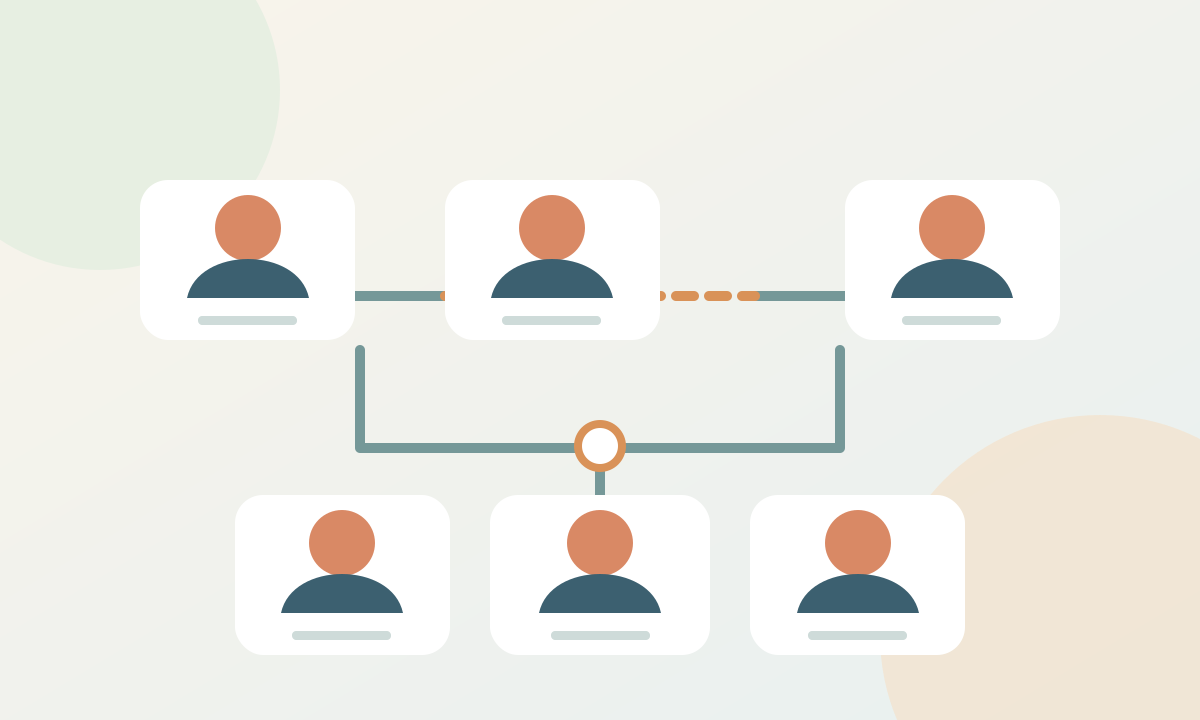
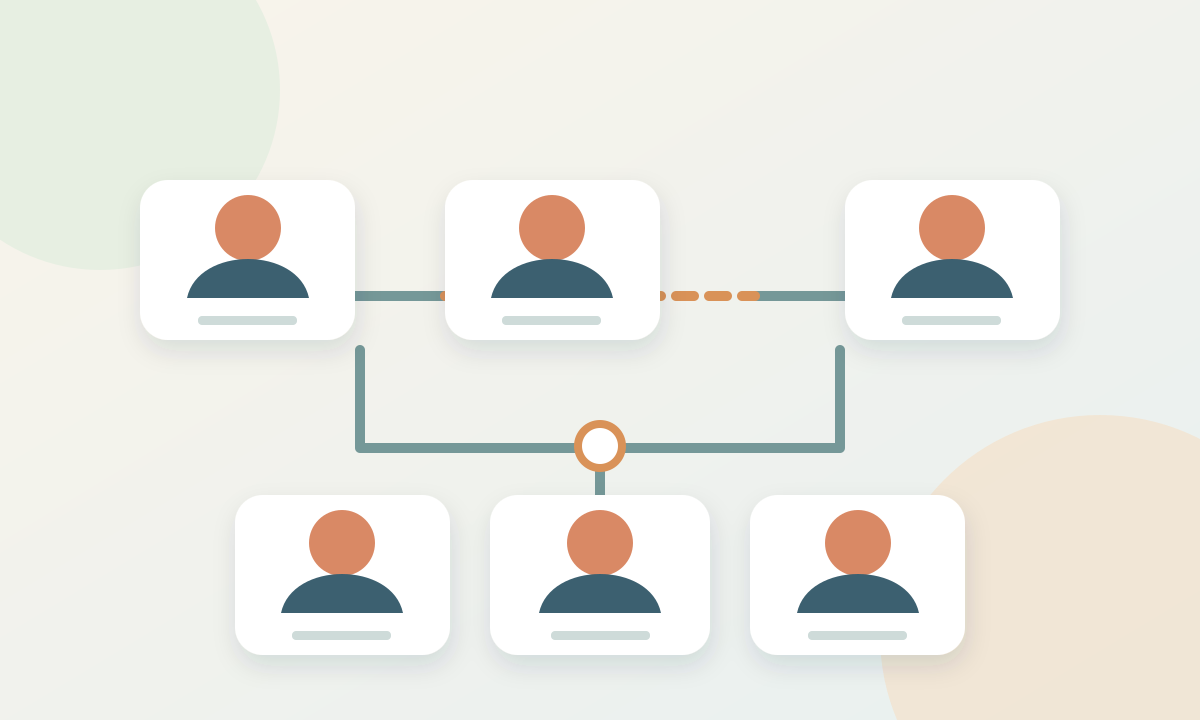
A worked example
One person, two family branches
In this fictional example, Eli has a mother, a father, and a mother's partner. A partner connection and a parent connection communicate different facts.
- 1Connect Eli to the known parents using the appropriate parent-child relationships.
- 2Connect the mother and her partner as partners. Do not add an extra parent-child line merely to make a symmetrical chart.
- 3Keep one record for each person and share a short explanatory note if the available line labels cannot describe the family accurately.
Before you finish
Common questions
Can I connect a person who is already in the tree?
Yes. Select a person and use Connect existing for parent, child, or partner links.
Does disconnecting erase a person?
No. Disconnecting a relationship removes that link; deleting a person is a separate action.
Can the current menu label an adoptive or step link?
The current Connect existing menu offers parent, child, and partner. Do not rely on the line alone to communicate a more specific relationship.
Continue with another family tree task
- How to make a family tree, starting with what you know
- Add family photos to a tree without losing their story
- Make a family tree chart that is easy to print and read
- Choose a family tree template that fits the occasion