

Read this guide in another language
- English
- Spanish
- Spanish (Argentina)
- Spanish (Colombia)
- Mexican Spanish
- French
- Italian
- Japanese
- Korean
- German
- Arabic
- Arabic (Egypt)
- Chinese (Taiwan)
- Chinese (Hong Kong)
- Chinese (China)
- Portuguese
- Brazilian Portuguese
- European Portuguese
- Thai
- Dutch
- Indonesian
- Polish
- Turkish
- Russian
- Danish
- Bulgarian
- Bangla
- Bosnian
- Czech
- Greek
- Estonian
- Persian
- Finnish
- Filipino
- Hebrew
- Hindi
- Croatian
- Hungarian
- Kannada
- Lithuanian
- Latvian
- Malay
- Maltese
- Norwegian
- Romanian
- Slovak
- Slovenian
- Albanian
- Serbian
- Swedish
- Filipino
- Ukrainian
- Urdu
- Uzbek
- Vietnamese
Family tree guides
Add family photos to a tree without losing their story
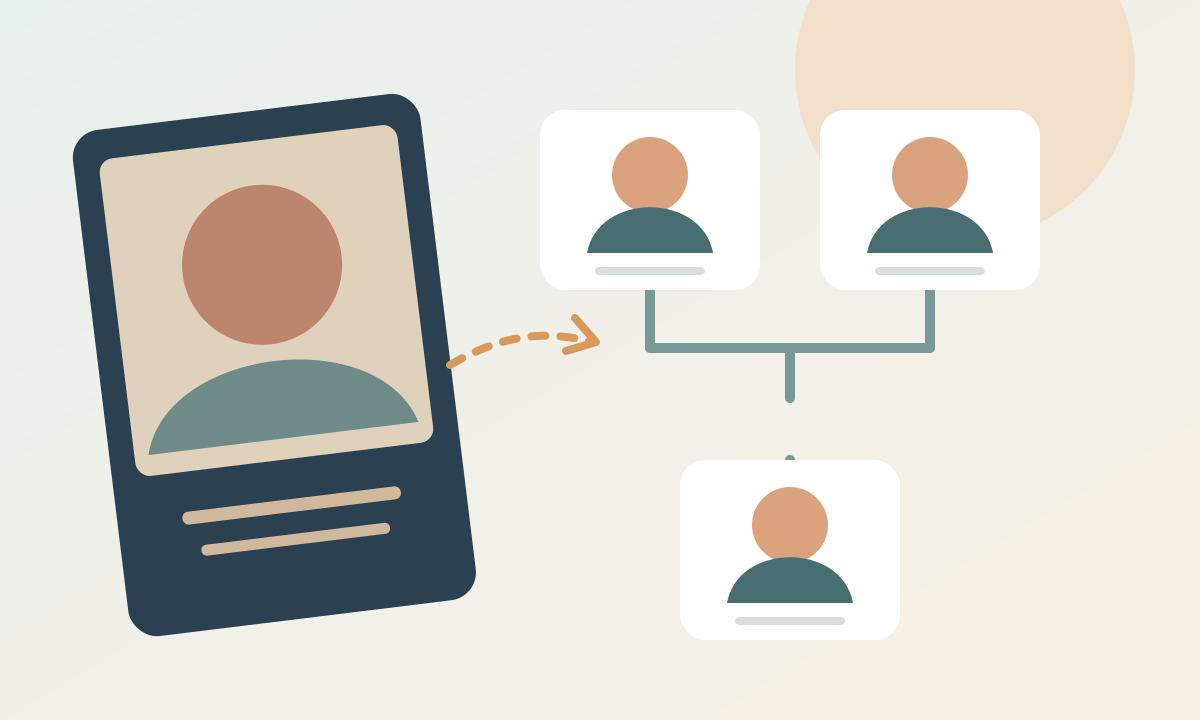
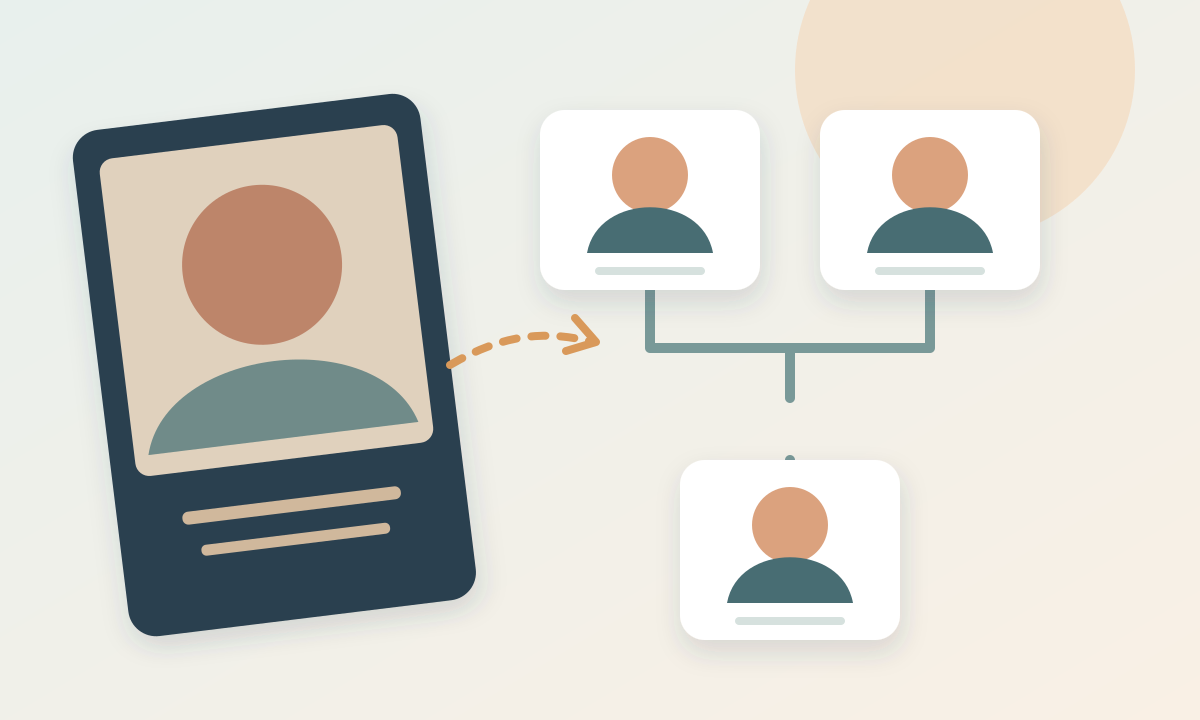
A portrait helps relatives recognize a person at a glance, but the image may also carry a date, place, and story that a small chart cannot show. Prepare a clear copy and keep the original photograph and its description separately.
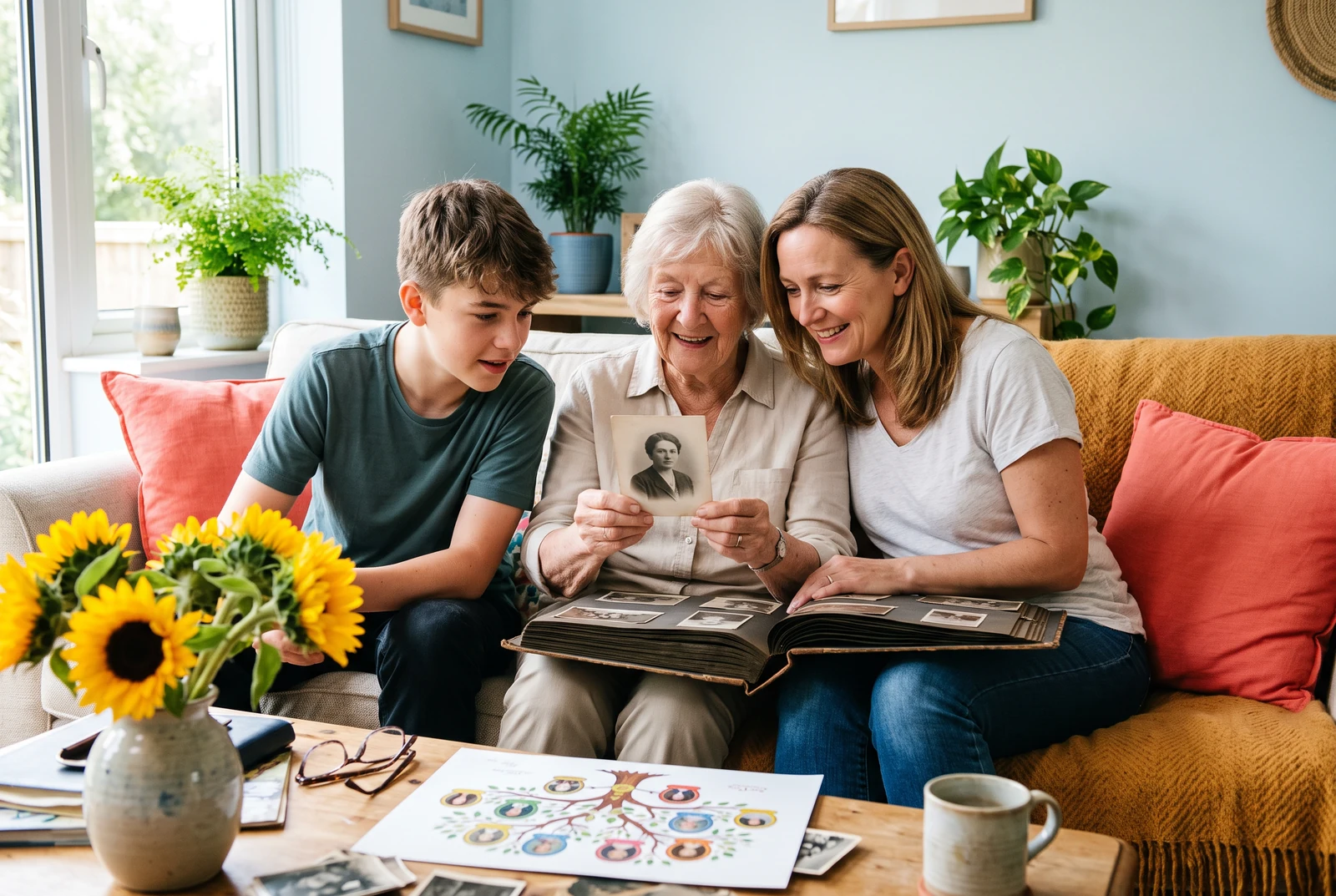
What you will make
A photo family tree whose portraits are identifiable at chart size and whose original images remain safely preserved elsewhere.
Product information checked:
The finished chart in everyday life
Compare a chart at home, in your hands, and alongside other finished layouts. Use these presentation ideas to decide what your own family needs to read and share.
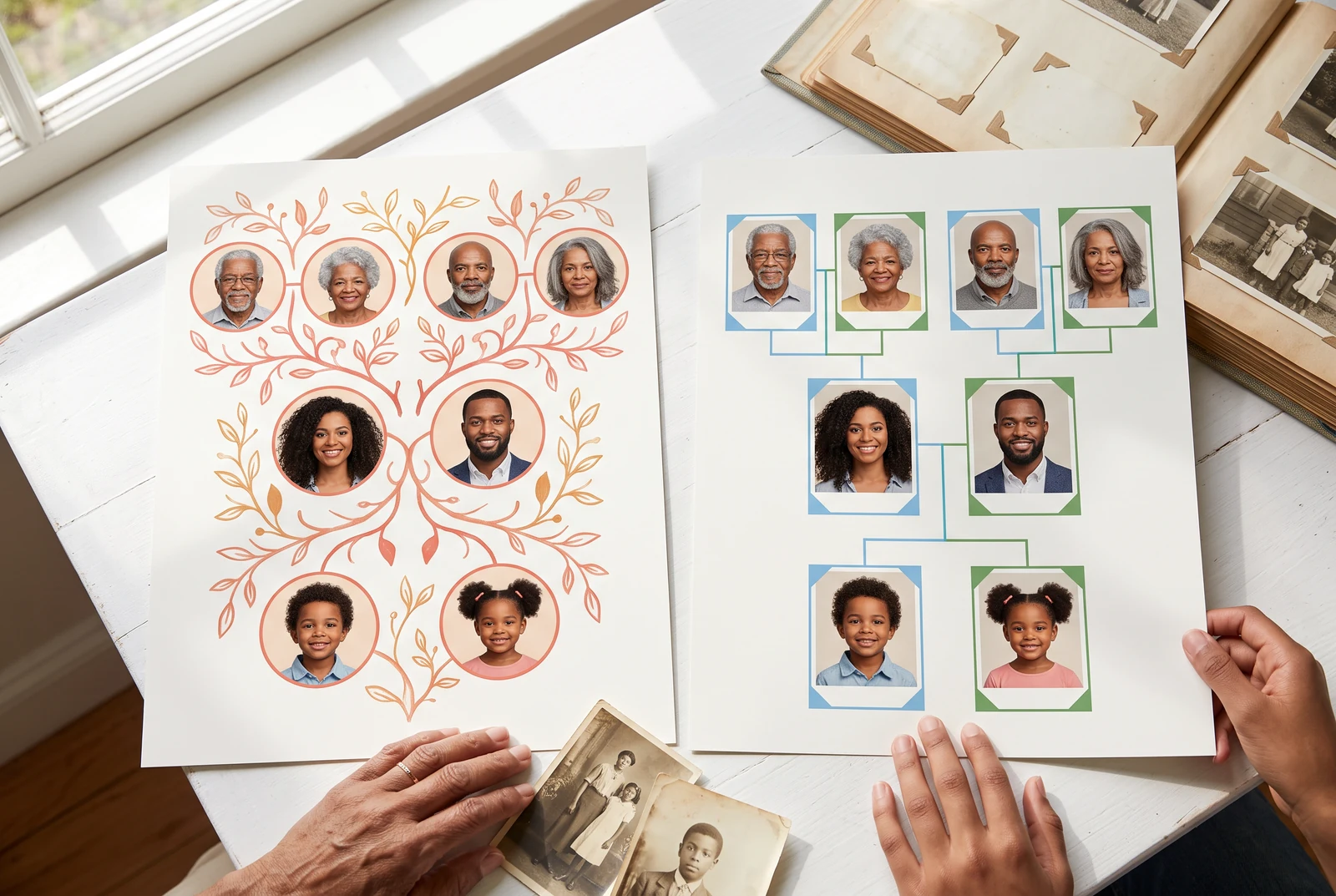
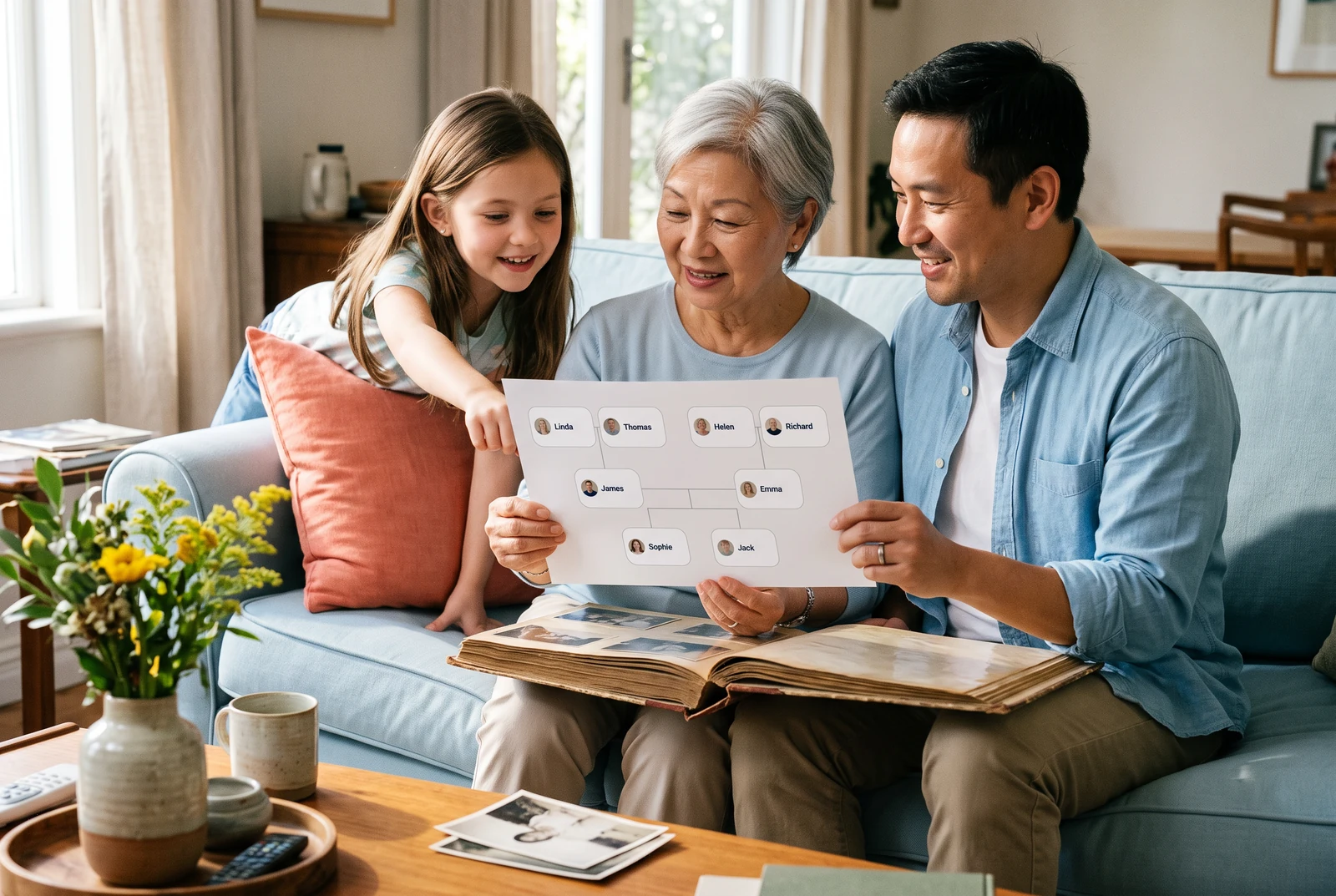
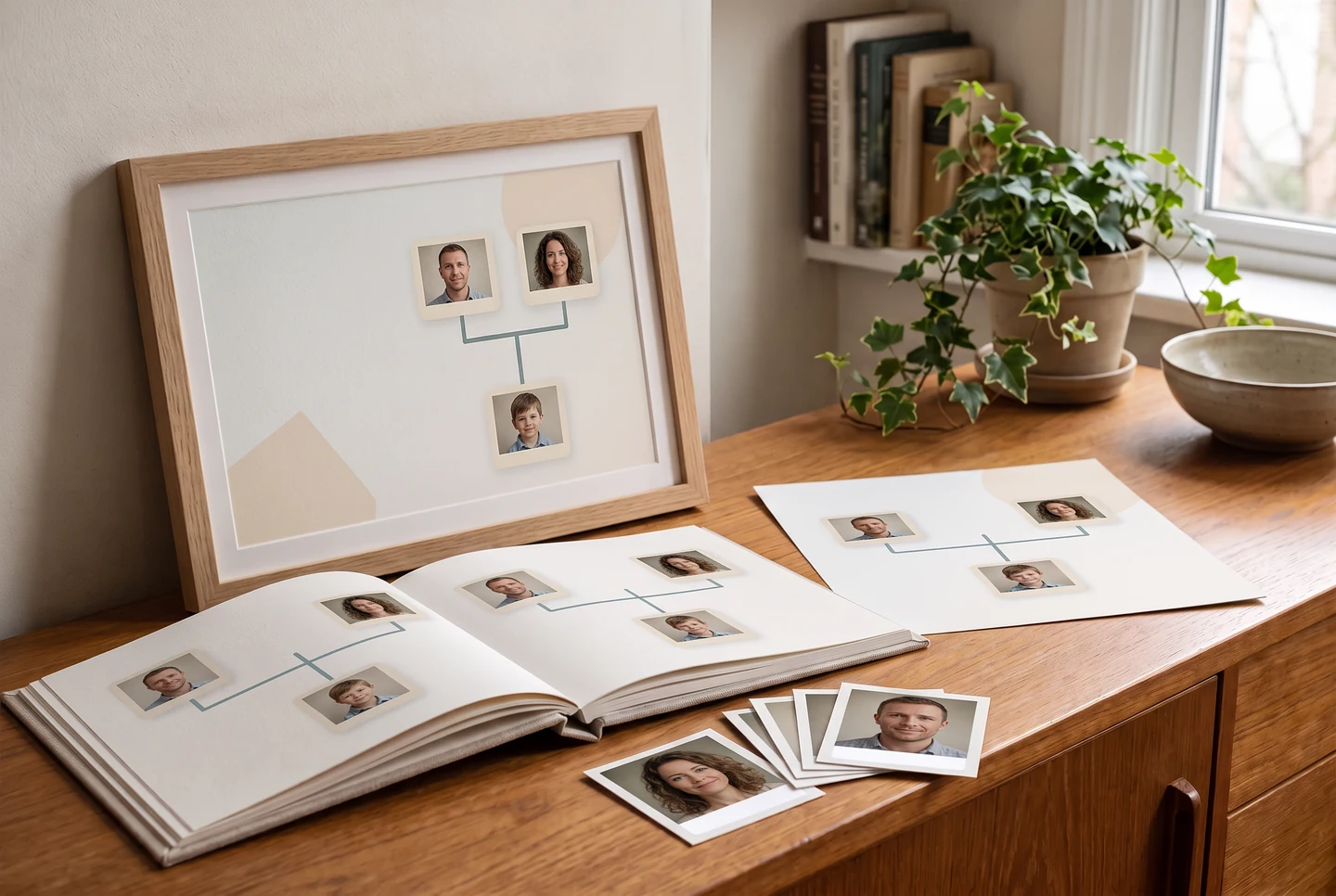
AI-generated presentation scenes made with fictional example artwork. They are illustrative concepts, not customer photographs, product screenshots, verified exports, or printing-service guarantees.
Pick a portrait people can recognize
Choose a photo where the face is visible at the small size used in the chart. If several people are in one photograph, make a separate working copy for the person card. Do not crop away the only original. The Library of Congress notes that family photographs may already contain useful names, dates, and places.
- Record who identified the person and when.
- Keep an uncropped copy of the original image.
- Ask living people before using or sharing their portraits.
Attach the photo to the correct person
Select the person and use Add photo or Replace photo. Compare the display name and portrait before moving to the next relative. Try the Photo look, then inspect the saved chart at a normal viewing size. Do not assume a small face will become clearer just because the file is displayed larger.
- Use one image per person card for clarity.
- Replace a blurry image instead of enlarging it.
- Review long names and faces together before exporting.
Know what each save method keeps
Local portraits are stored with the local draft on that device. Saving a tree to an account can upload its portraits; current cloud portrait files use shareable URLs, so do not treat a portrait URL as confidential storage. A JSON backup does not bundle the photo files. Cloud-saved person records may still contain portrait-link metadata, but the current restore process drops portrait and cloud-file references. Treat a backup as sensitive family data and keep the original images separately.
- Keep the uncropped original as well as the working portrait copy.
- Keep names, places, dates, and who identified the photo with the original file.
- Review consent and the sharing audience before uploading or sending portraits.
Make a copy for the chart and a copy for the reader
Before a family discussion, export a PNG and view it at the size you plan to send. Check that each face is recognizable and each portrait sits with the right name. Share a copy of the chart; keep the original photograph and any writing on its back separately.
- Use a working crop, not the only surviving photo file.
- Keep an uncertain identification out of a named card until it is checked.
- Use copies for display rather than exposing irreplaceable originals.
Study the original explanatory diagram
A worked example
Identify an unlabeled portrait before publishing
A fictional example: a scanned image is labeled only “Auntie, 1968.” Two relatives suggest different names.
- 1Keep the scan and its original label unchanged.
- 2Ask relatives separately what they know, and record the conflicting answers in your research notes.
- 3Wait to place the portrait on a named card until the identity is reasonably confirmed.
Before you finish
Common questions
Does a JSON backup include photos?
No. The JSON file is a people-and-relationship backup, not a copy of the photo files. Cloud-saved records may contain portrait-link metadata, but the current restore process removes portrait and cloud-file references. Keep the image files separately and add them again after restoring a backup.
Does making a chart send portraits to an AI image model?
No. Building and exporting a family tree chart does not call an AI image model. Optional Family Book or comic creation is a separate Studio action.
Are account-saved portraits private?
Cloud portraits currently use links accessible to anyone who has the URL. Do not upload portraits that need to stay confidential; review the current Privacy Policy before account save.
Can I edit or enhance a portrait inside this maker?
The current family tree editor offers Add photo and Replace photo. Prepare cropping or restoration in a separate photo editor before attaching it.
Continue with another family tree task
- How to make a family tree, starting with what you know
- Make family tree relationships easy to read
- Make a family tree chart that is easy to print and read
- Choose a family tree template that fits the occasion