

Read this guide in another language
- English
- Spanish
- Spanish (Argentina)
- Spanish (Colombia)
- Mexican Spanish
- French
- Italian
- Japanese
- Korean
- German
- Arabic
- Arabic (Egypt)
- Chinese (Taiwan)
- Chinese (Hong Kong)
- Chinese (China)
- Portuguese
- Brazilian Portuguese
- European Portuguese
- Thai
- Dutch
- Indonesian
- Polish
- Turkish
- Russian
- Danish
- Bulgarian
- Bangla
- Bosnian
- Czech
- Greek
- Estonian
- Persian
- Finnish
- Filipino
- Hebrew
- Hindi
- Croatian
- Hungarian
- Kannada
- Lithuanian
- Latvian
- Malay
- Maltese
- Norwegian
- Romanian
- Slovak
- Slovenian
- Albanian
- Serbian
- Swedish
- Filipino
- Ukrainian
- Urdu
- Uzbek
- Vietnamese
Family tree guides
How to make a family tree, starting with what you know
Begin with a small, checkable branch. A clear three-generation chart is more useful than a large diagram filled with guessed names or unverified dates. LlamaGen turns people and relationships into a chart that updates as you add relatives.
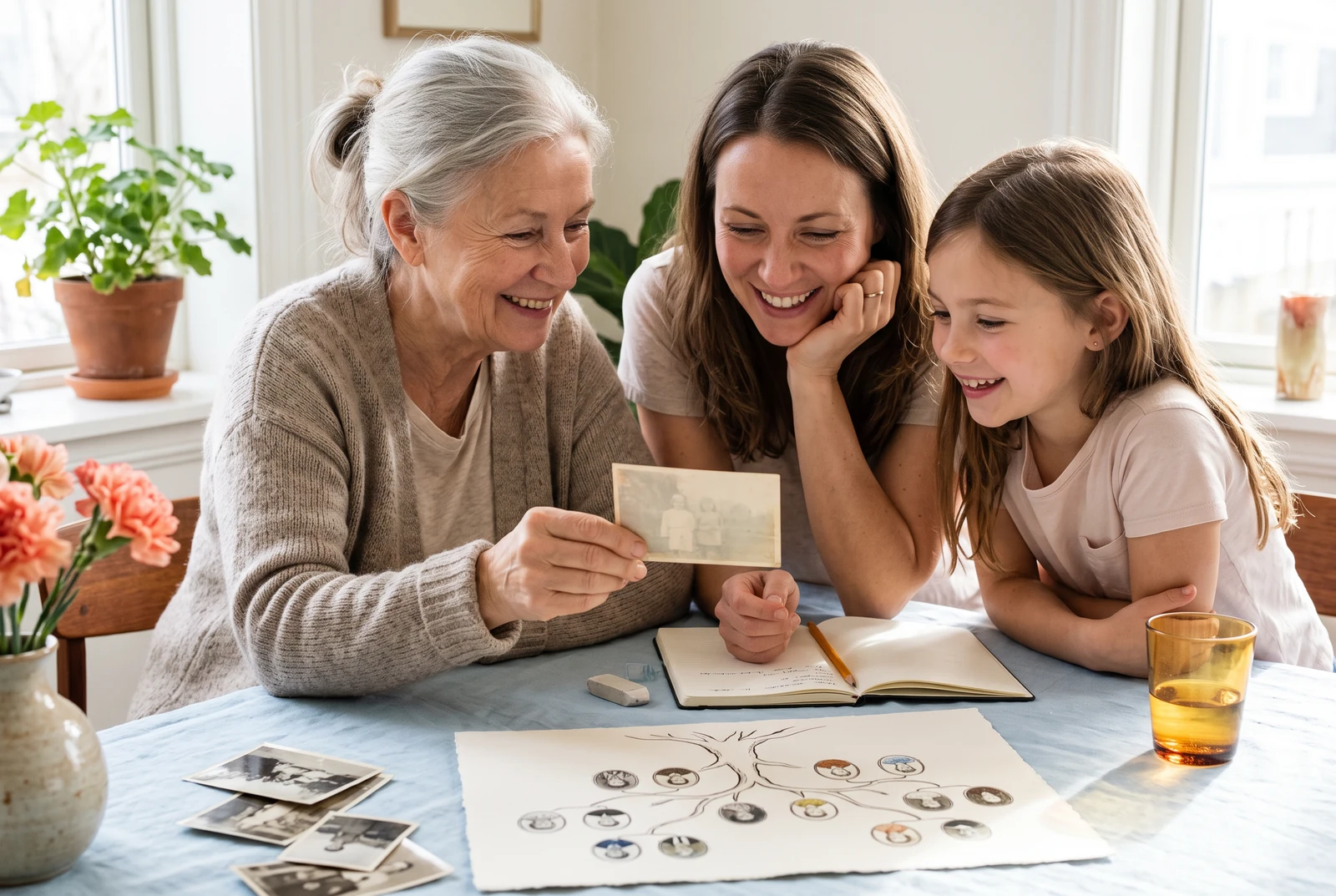
What you will make
A readable first chart with yourself, parents, grandparents, and any known partners or children.
Product information checked:
The finished chart in everyday life
Compare a chart at home, in your hands, and alongside other finished layouts. Use these presentation ideas to decide what your own family needs to read and share.
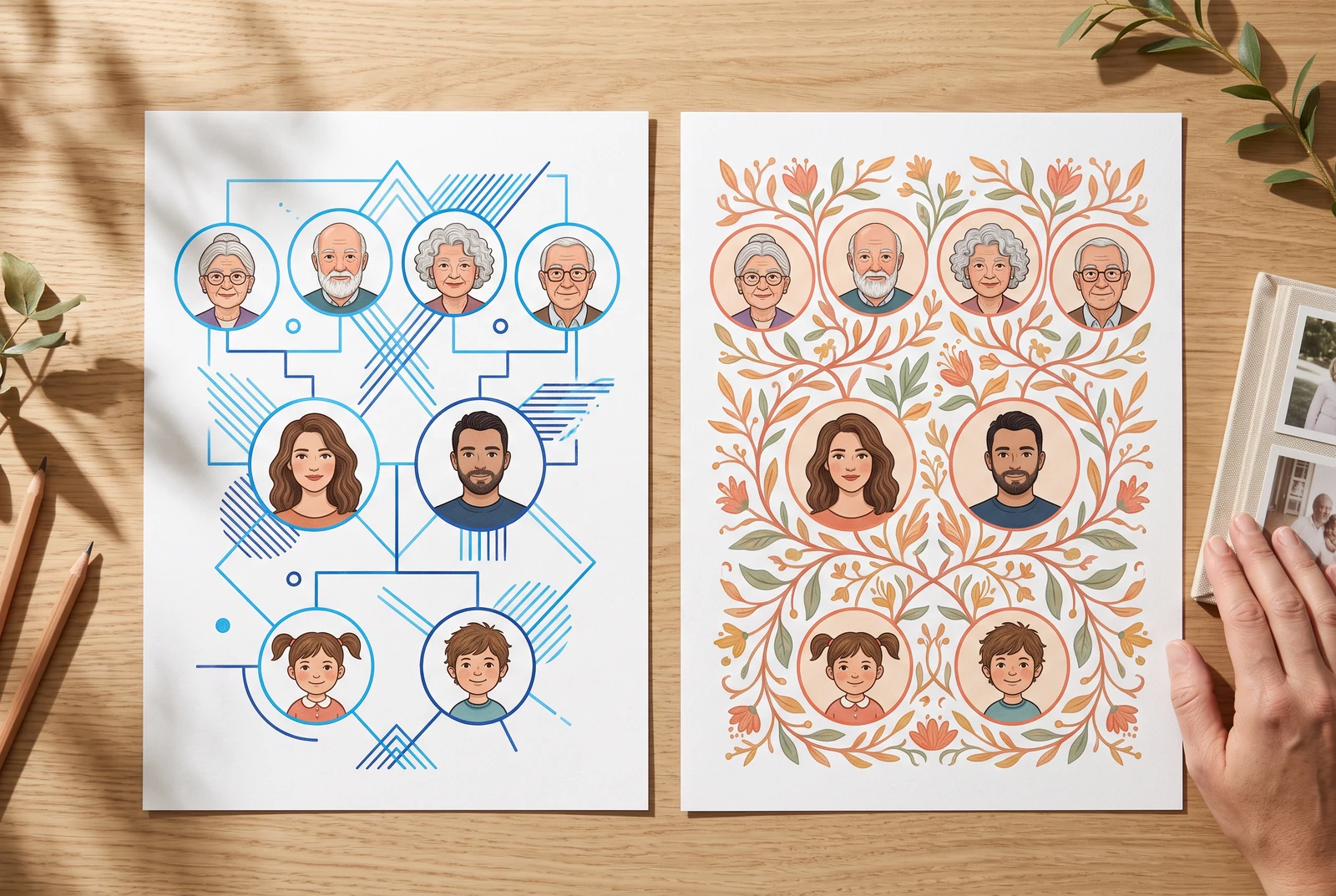
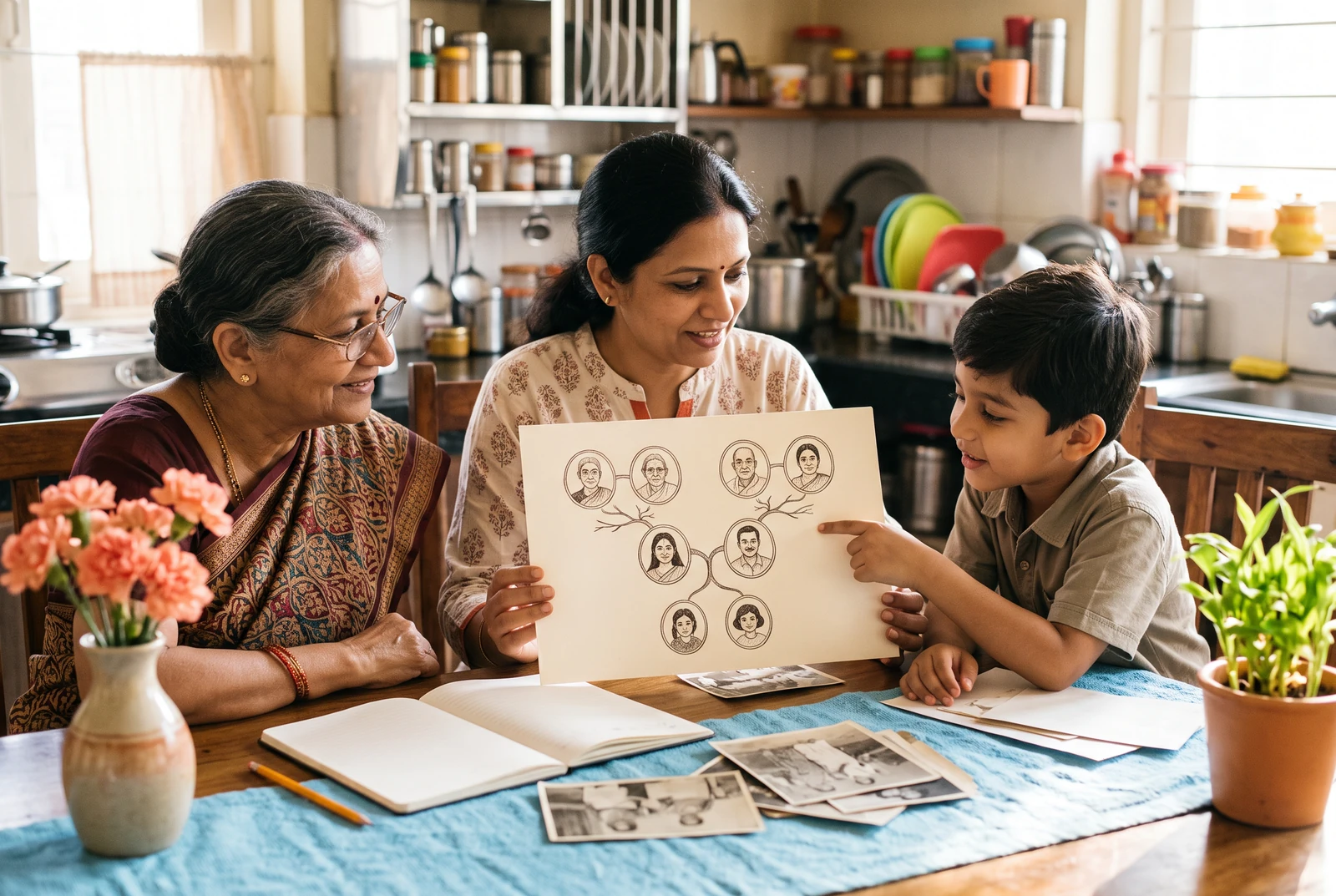

AI-generated presentation scenes made with fictional example artwork. They are illustrative concepts, not customer photographs, product screenshots, verified exports, or printing-service guarantees.
Collect names before drawing lines
Write down the names and relationships you already know. Ask relatives about names, dates, and places, and keep uncertain details marked as uncertain. The US National Archives recommends beginning with yourself and working toward earlier generations.
- Start with one person you can identify confidently.
- Keep a short source note for each uncertain name, date, or relationship.
- Leave an unknown detail blank rather than inventing an exact fact.
Add people and connect them in the editor
Open the LlamaGen family tree maker, keep the fictional example to explore, or begin your own draft. Select a person, add a parent, sibling, partner, or child, and enter a display name. The chart redraws from those relationships.
- Add the closest relatives first, then work outward one generation at a time.
- Use Connect existing when a person is already in your tree; avoid making duplicate records.
- Check each branch after editing a relationship or removing a person.
Review the chart and keep a copy
Choose one of the six Print look options and inspect long names and dense connections. The current Download menu offers PNG for sharing and a single-page PDF for printing. A local draft belongs to the current browser and device; account saving is a separate action after sign-in. The separate JSON backup preserves people and relationships but leaves out portraits.
- Check the saved status before leaving the editor.
- Open the actual PNG or PDF and review it at the size its reader will see.
- Keep a relationship backup and the original photo files separately.
Keep the evidence beside the chart
A diagram shows your working conclusion, not all the evidence behind it. Keep a separate note with the person, the claim, where it came from, and the question still to resolve. This follows the National Archives approach of starting with known people and checking identifying facts.
- For a relative interview, note who supplied the information and when.
- For a record or photograph, keep a file name or reference you can find again.
- If two sources disagree, keep both possibilities in your notes rather than choosing the tidier chart.
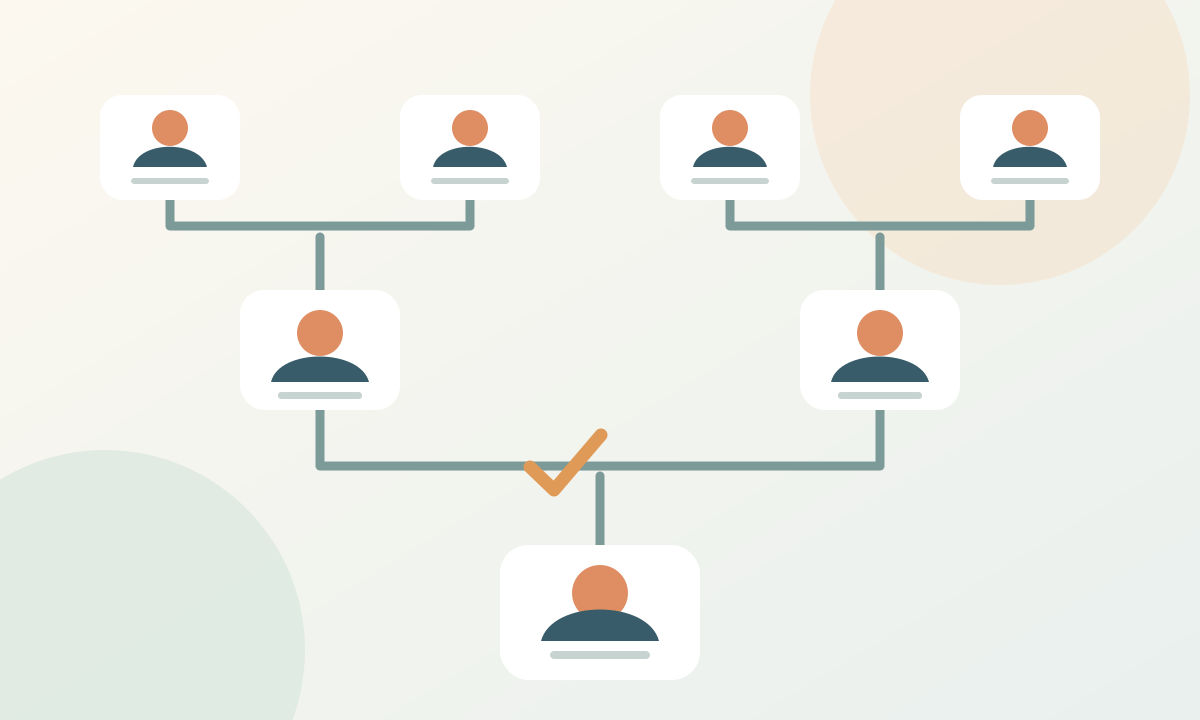
Study the original explanatory diagram
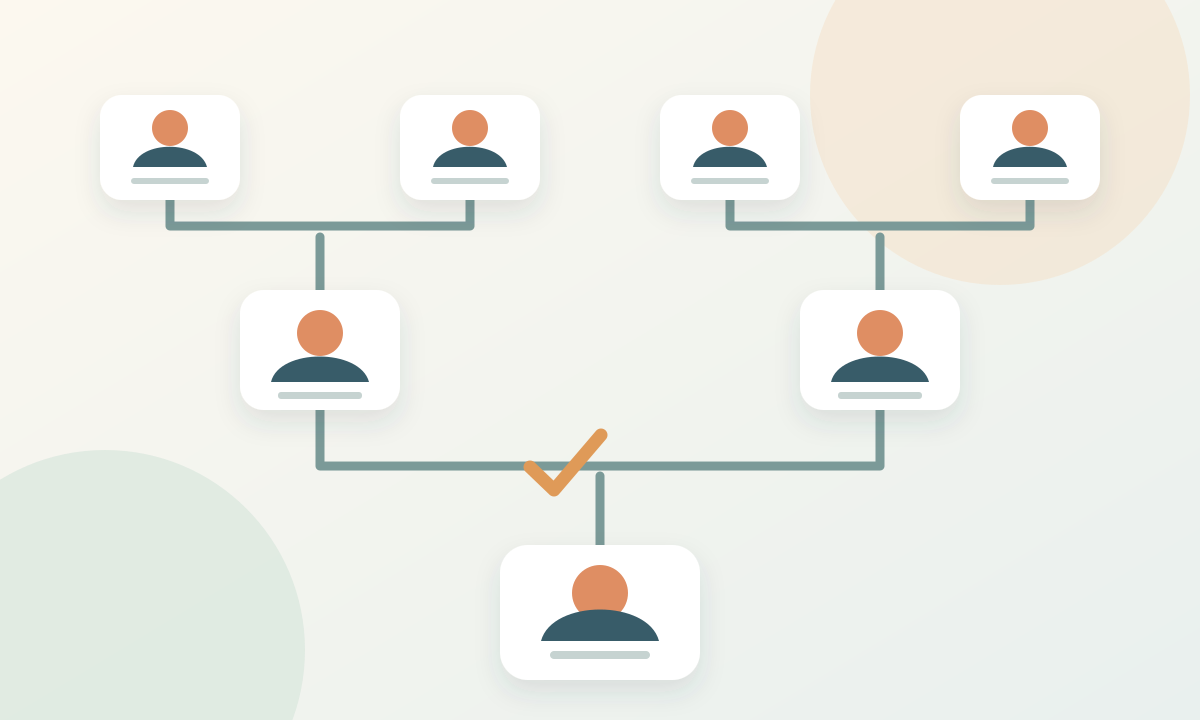
A worked example
A fictional three-generation starting branch
Suppose Maya knows her parents, Ana and Leo, and only three of their four parents. This is a planning example, not a real family or a measured product test.
- 1Create Maya and connect Ana and Leo as her parents. Record which relative or document supplied each name in a separate research note.
- 2Add the three known grandparents through the correct parent. Keep the fourth unknown; a blank is more accurate than a guessed person.
- 3Download a PNG for the family discussion. Ask the reader to point out an unclear line or disputed spelling, then correct the editable draft before making a PDF.
Before you finish
Common questions
Does the maker find ancestors for me?
No. It charts information you enter. Use archives and family records to research unknown relatives.
Can I begin without an account?
Yes. You can build a local draft and download a chart in the browser. Sign in if you want to save a cloud copy.
Can I import a GEDCOM file?
The current maker does not offer GEDCOM import. Add relatives in the editor instead.
Will a local draft appear automatically on another device?
No. A local draft uses the current browser and device. Use the account-save controls for a cloud copy, and keep a separate backup rather than treating browser storage as your archive.
Continue with another family tree task
- Make family tree relationships easy to read
- Add family photos to a tree without losing their story
- Make a family tree chart that is easy to print and read
- Choose a family tree template that fits the occasion