

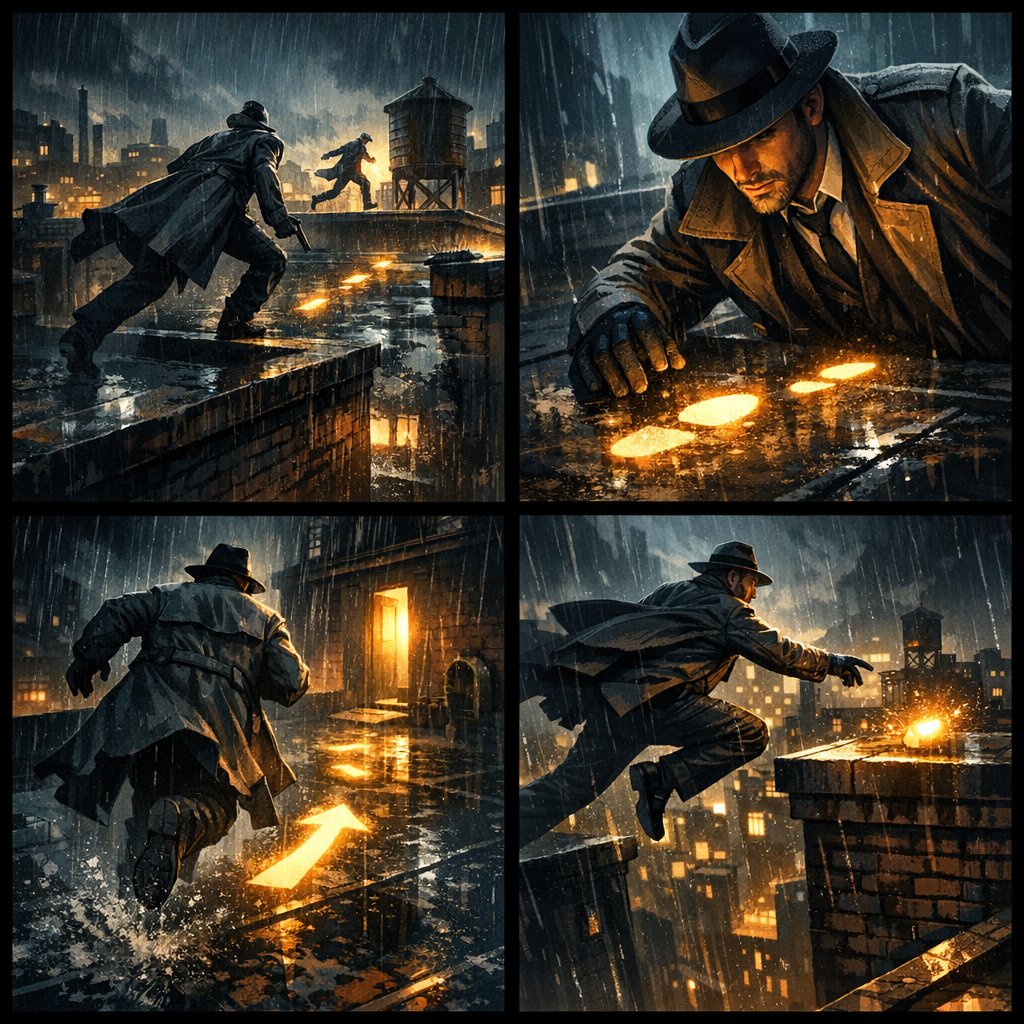
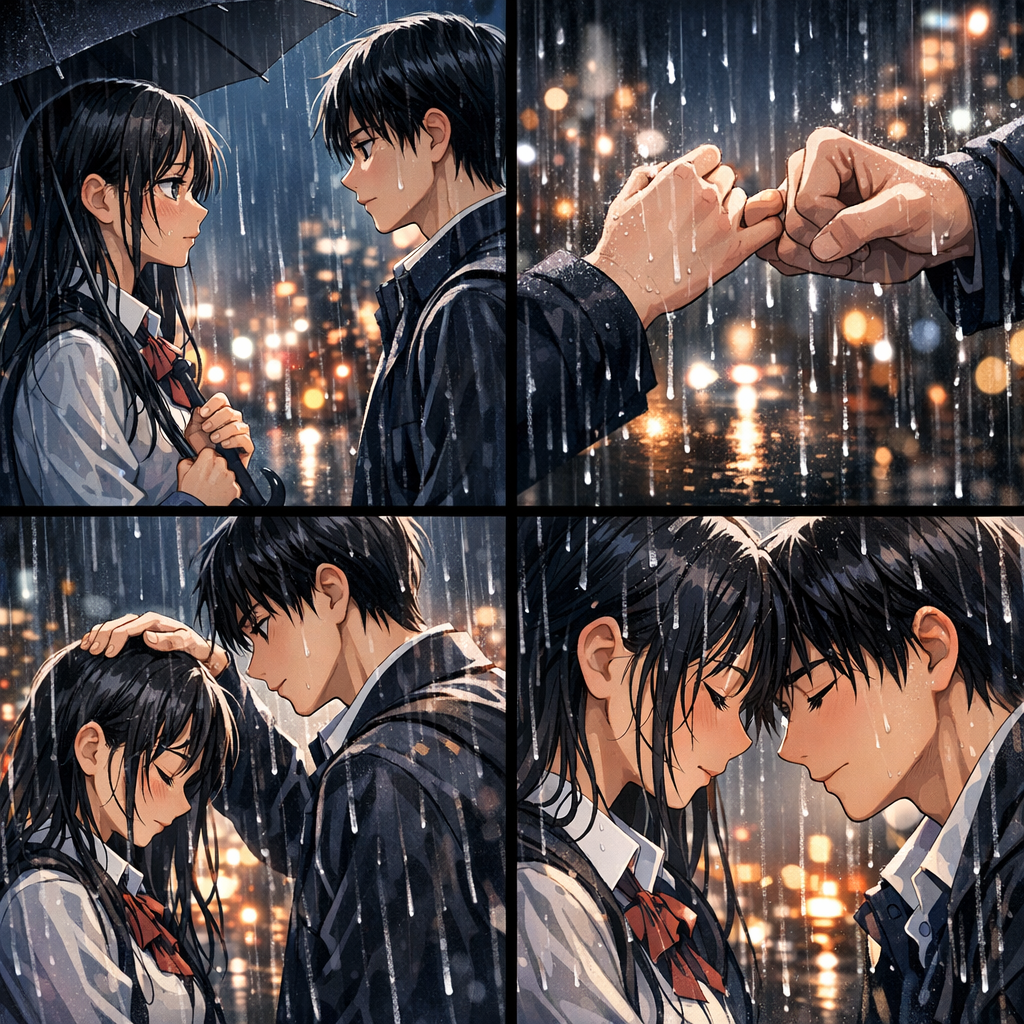
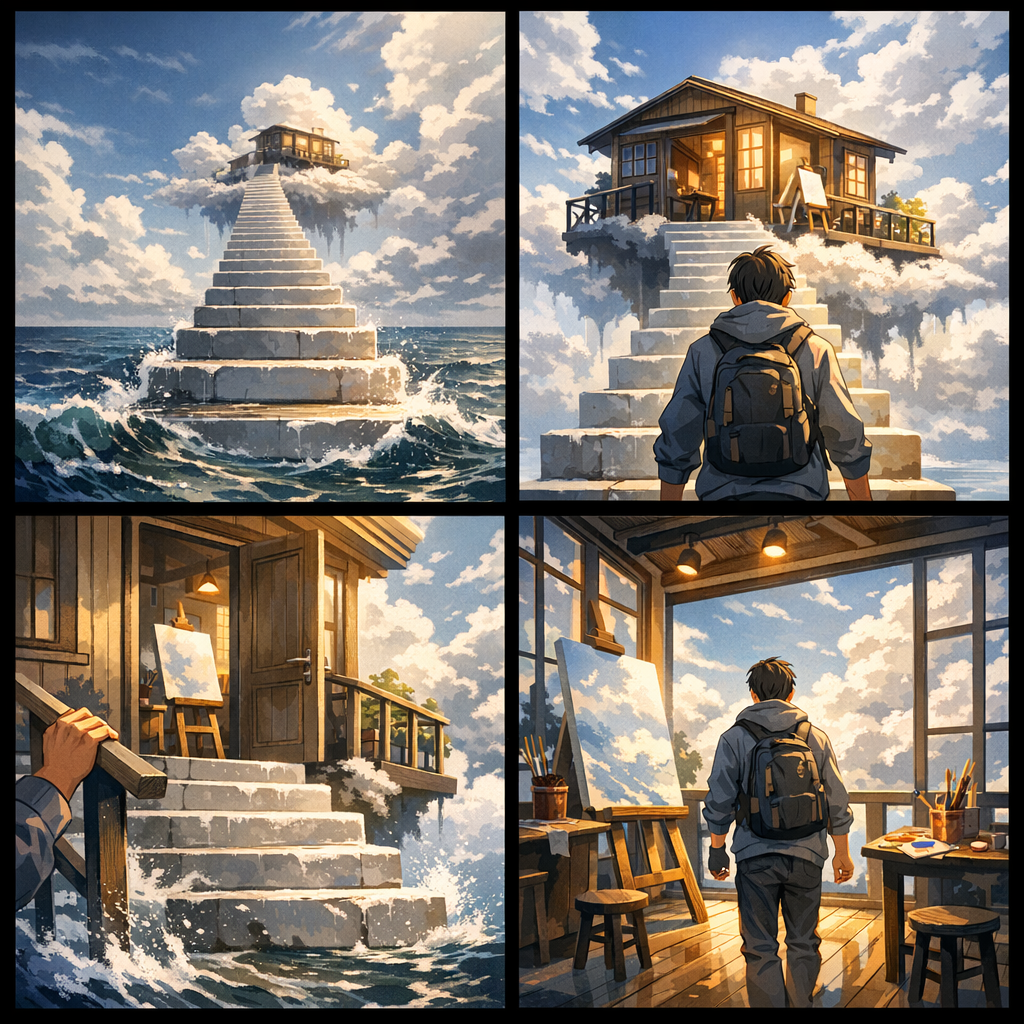
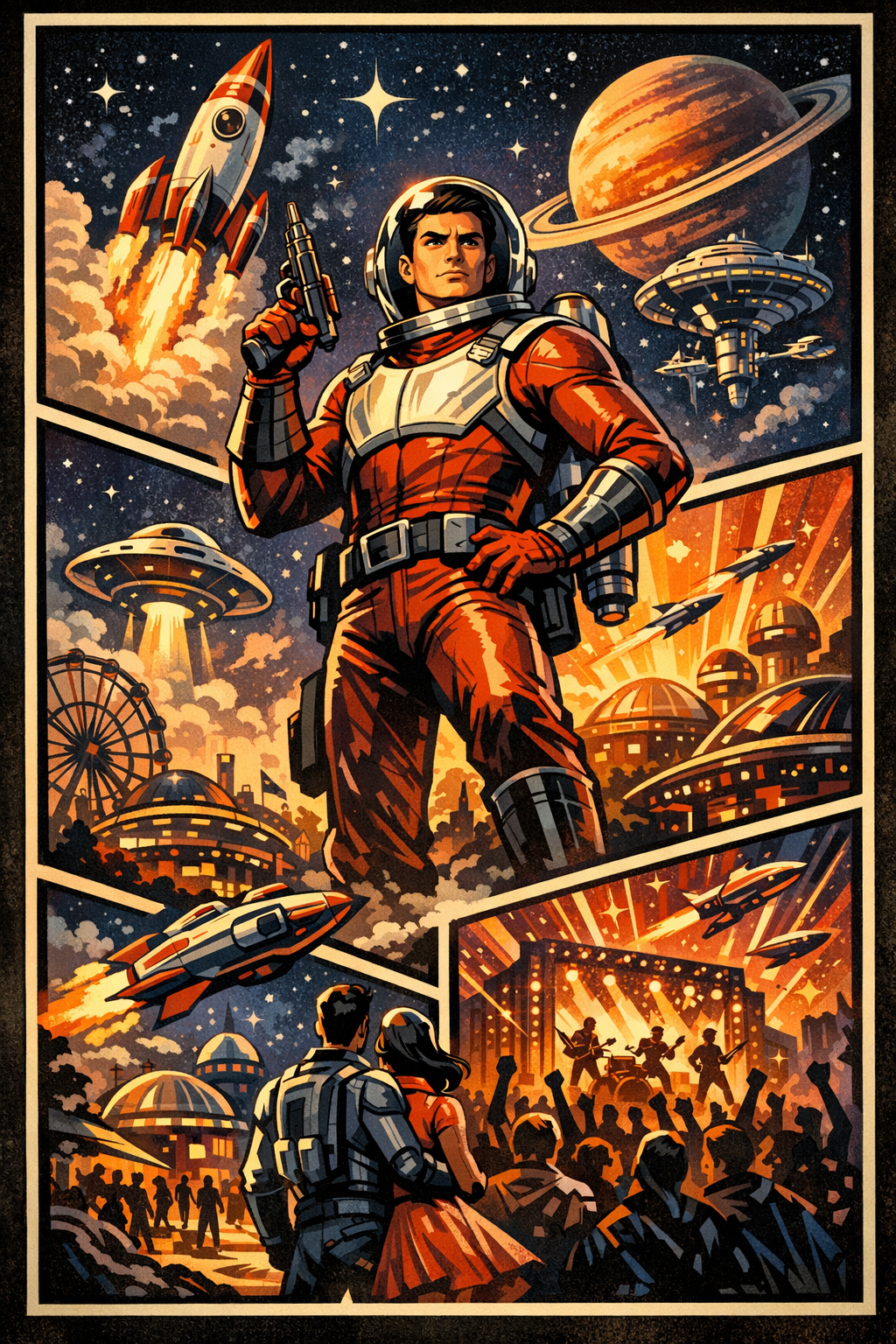




LlamaGen Logo

PowerPoint to コミック

Create professional コミック from PowerPoint in under 30 seconds.

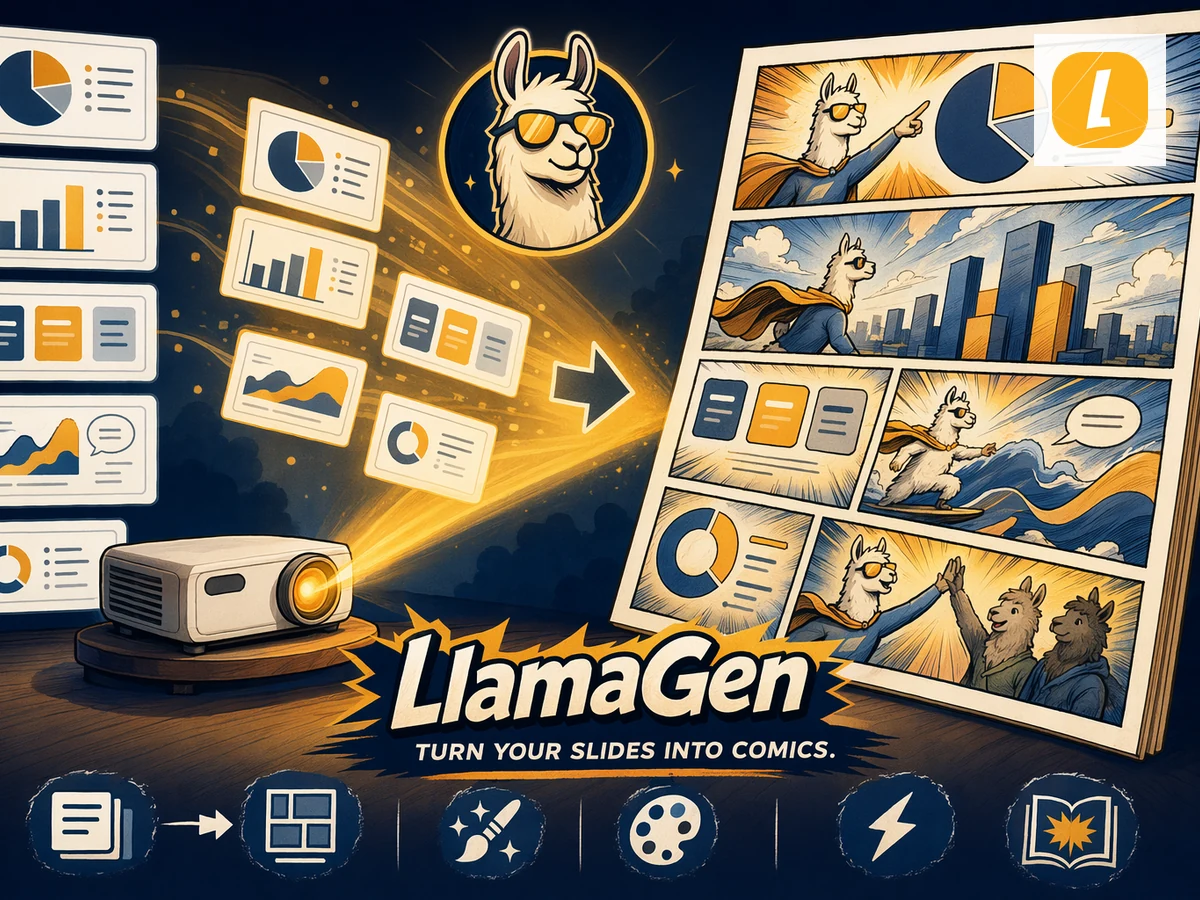
LlamaGen is the AI workflow built for comic creation: upload your PowerPoint source, paste text when needed, and get a polished コミック draft with panels, pacing, and editable story structure. No blank canvas, no layout software, no prompt writing.

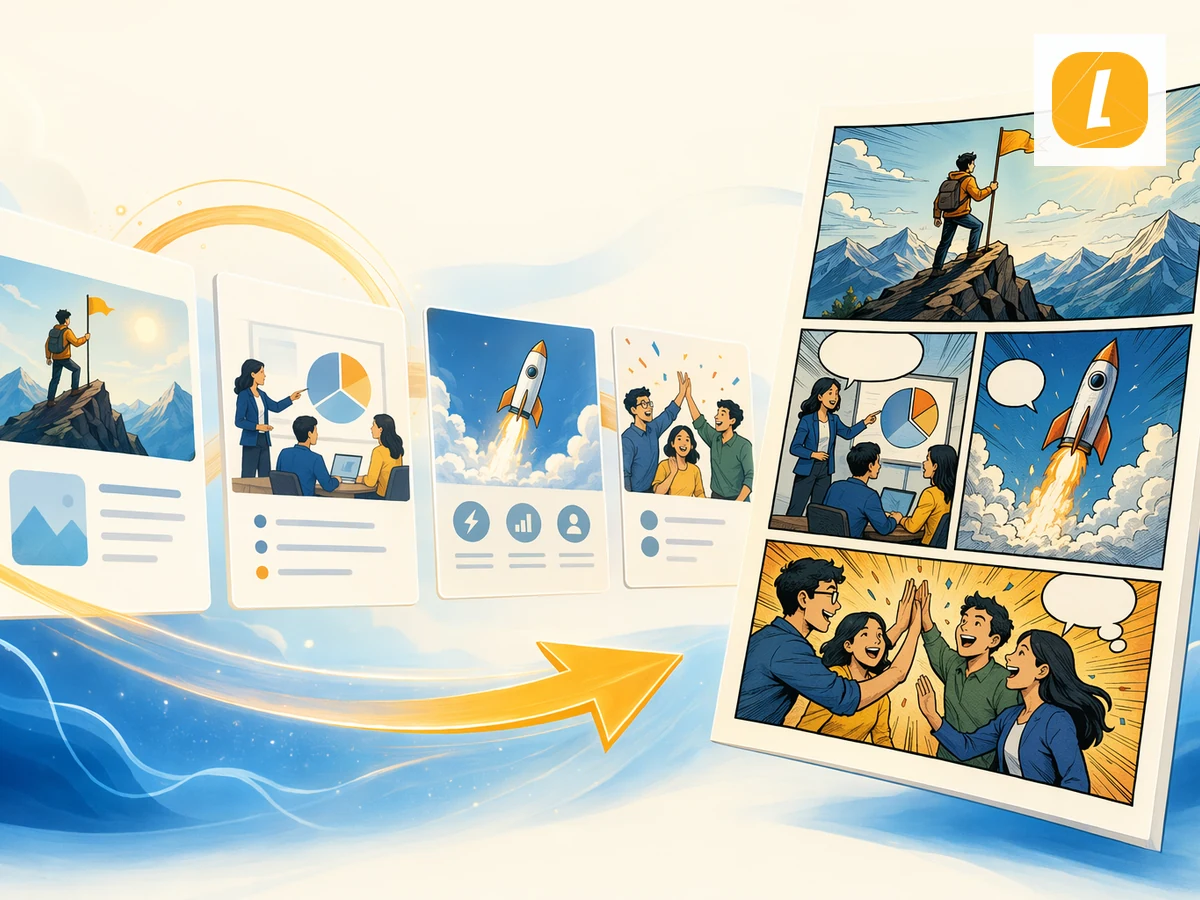
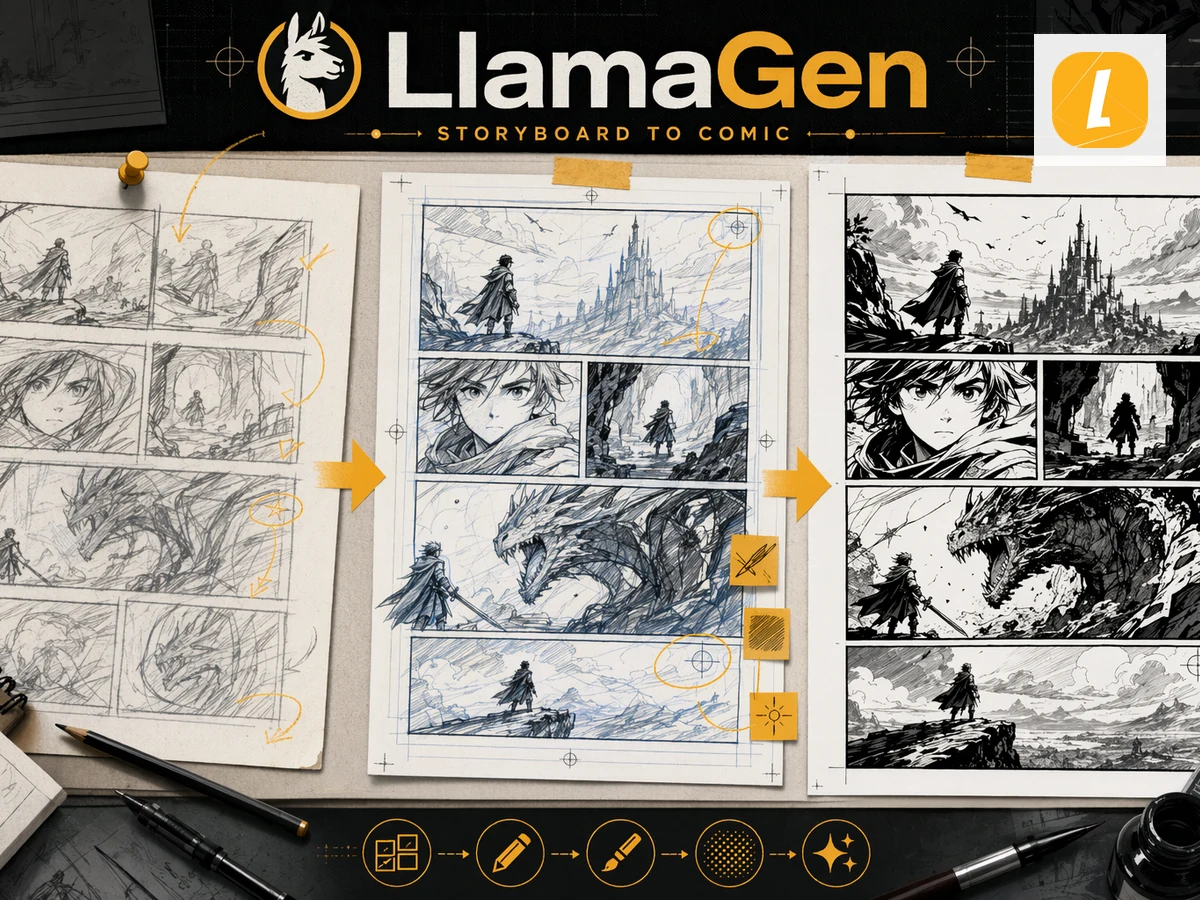
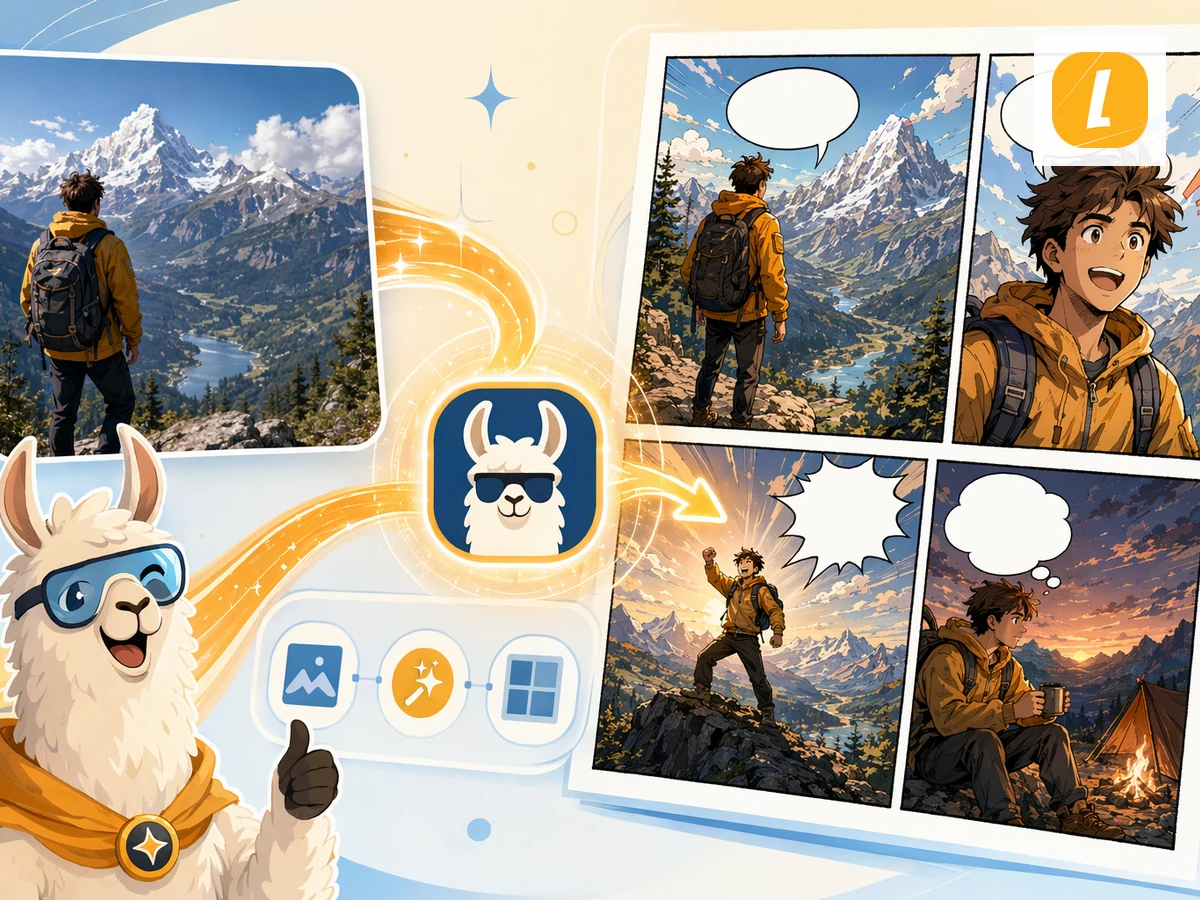
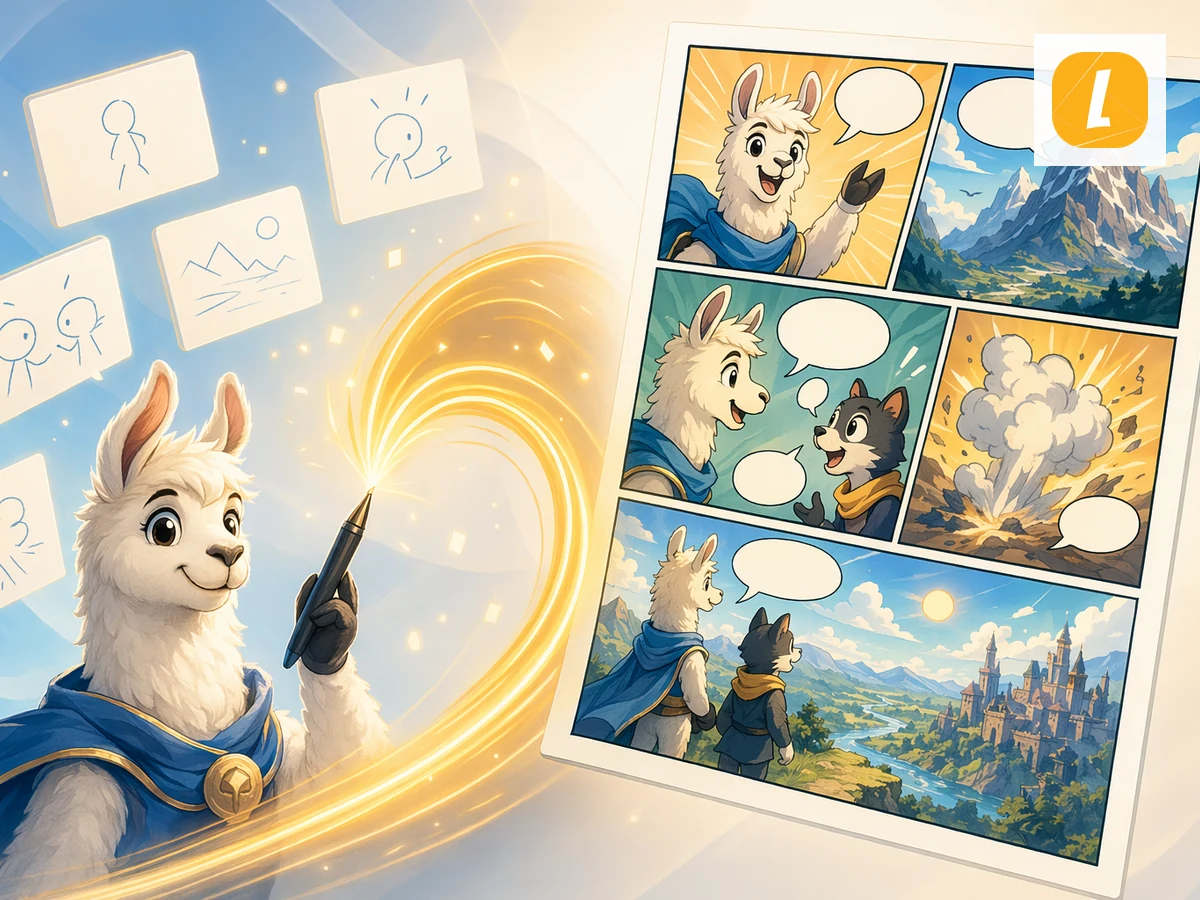
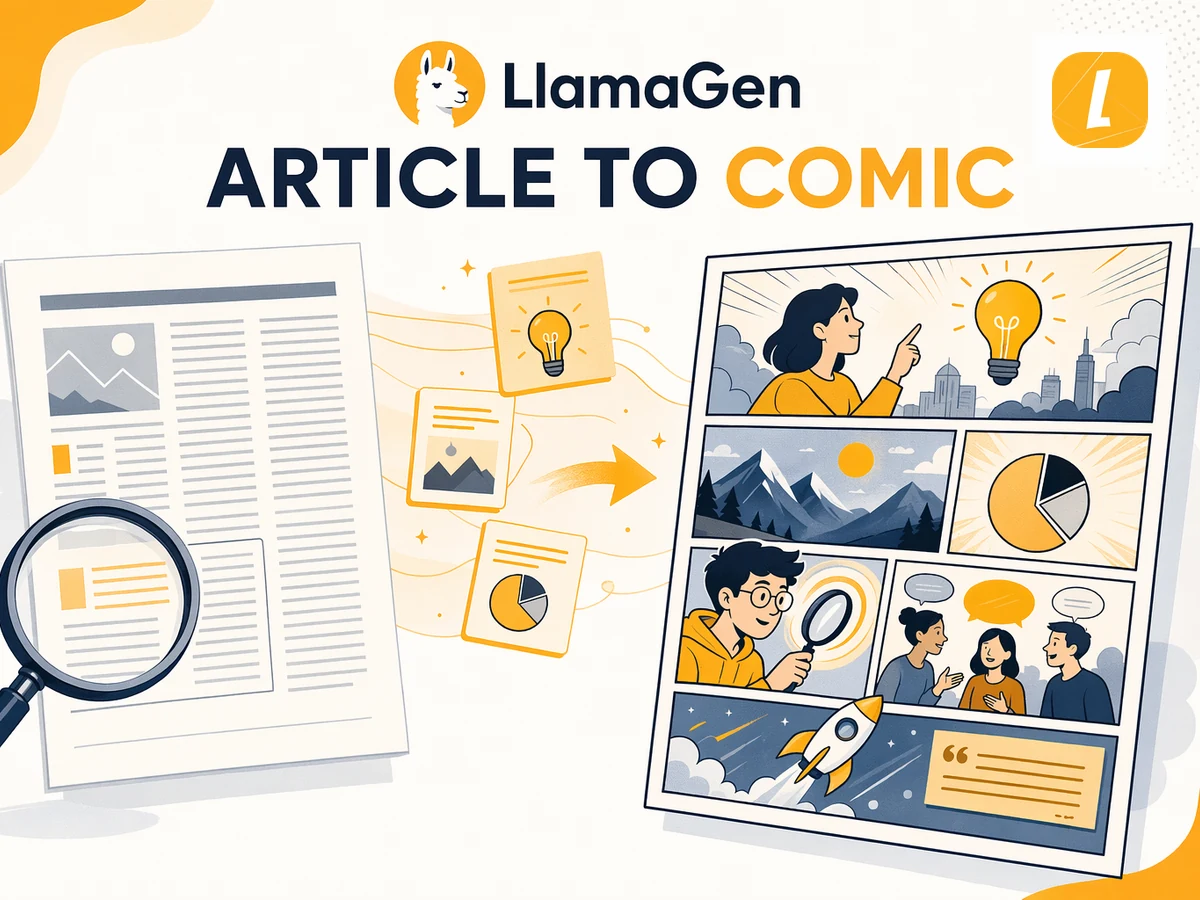
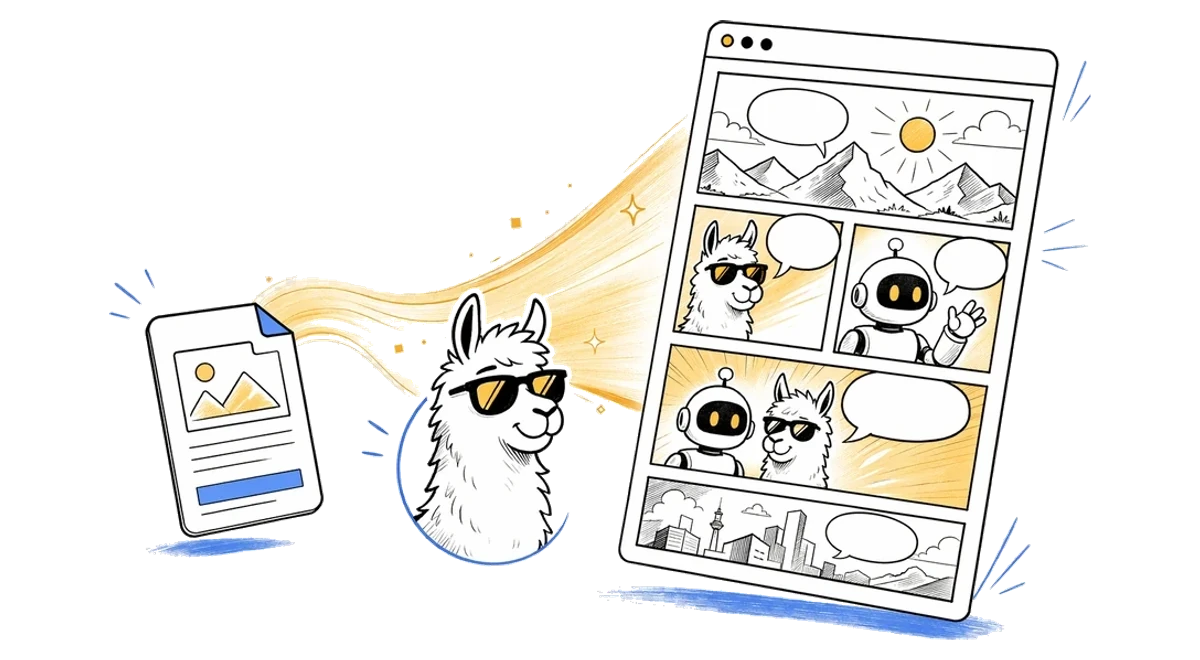
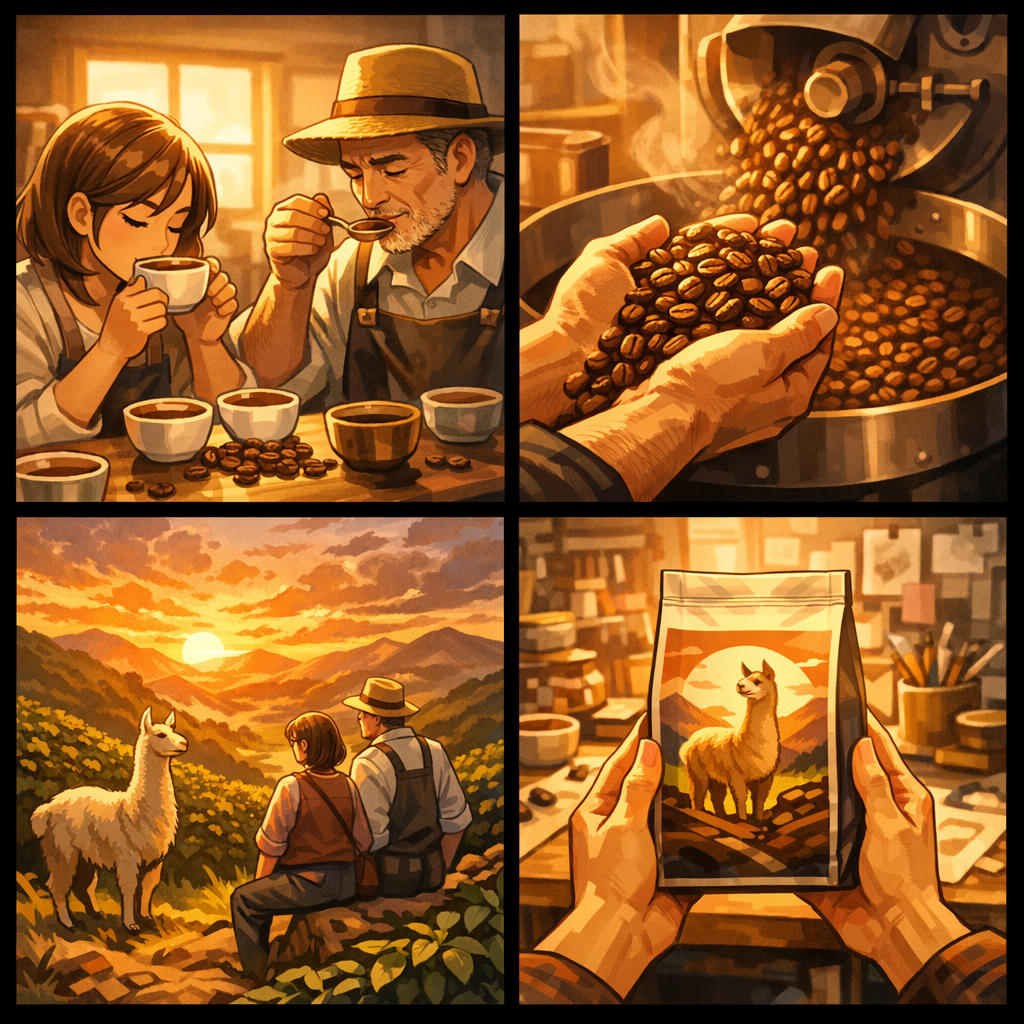
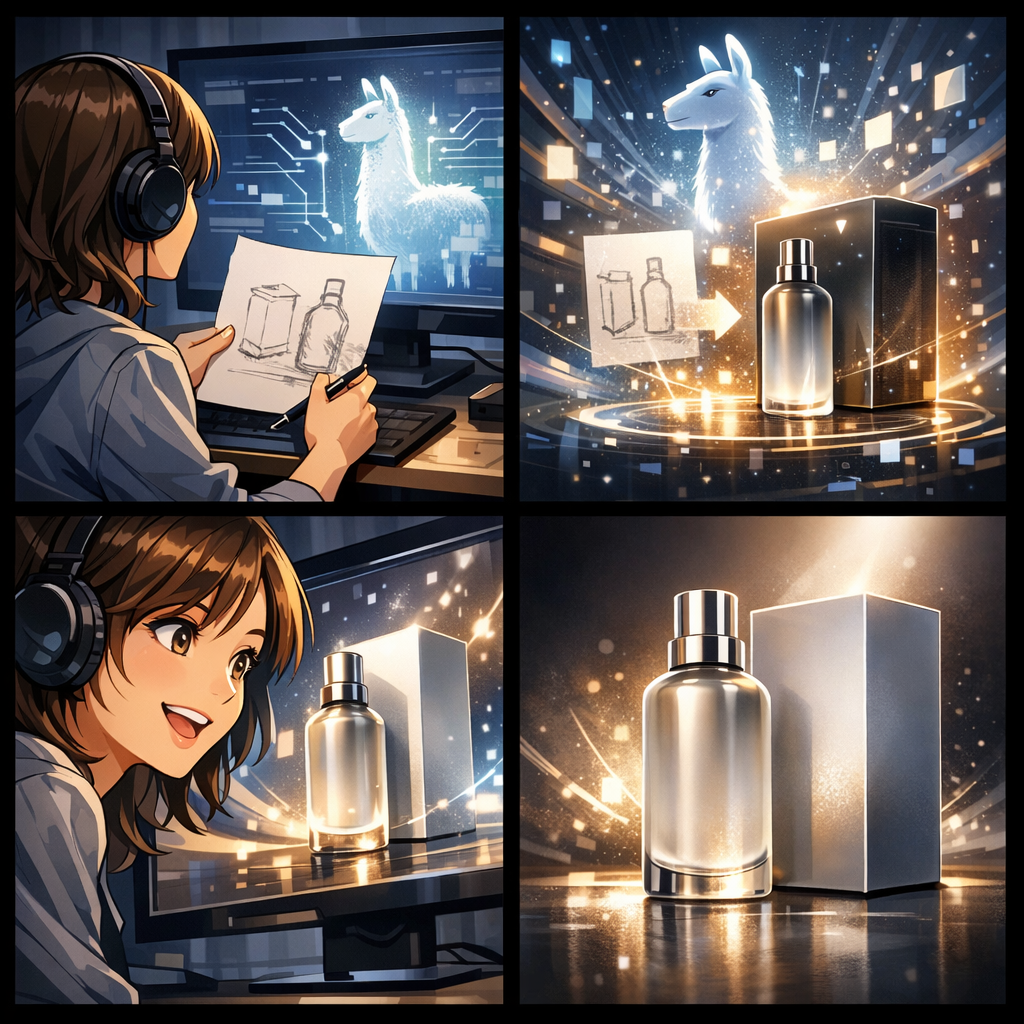
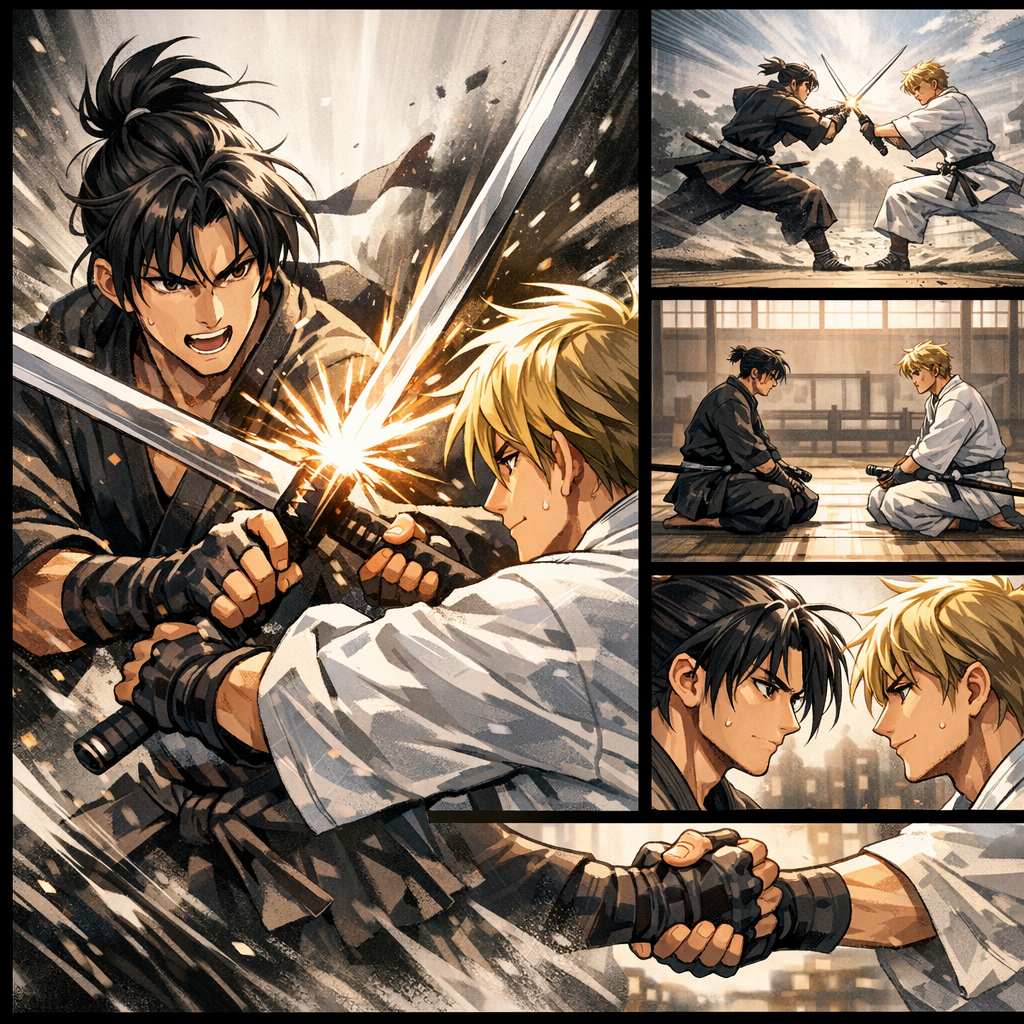
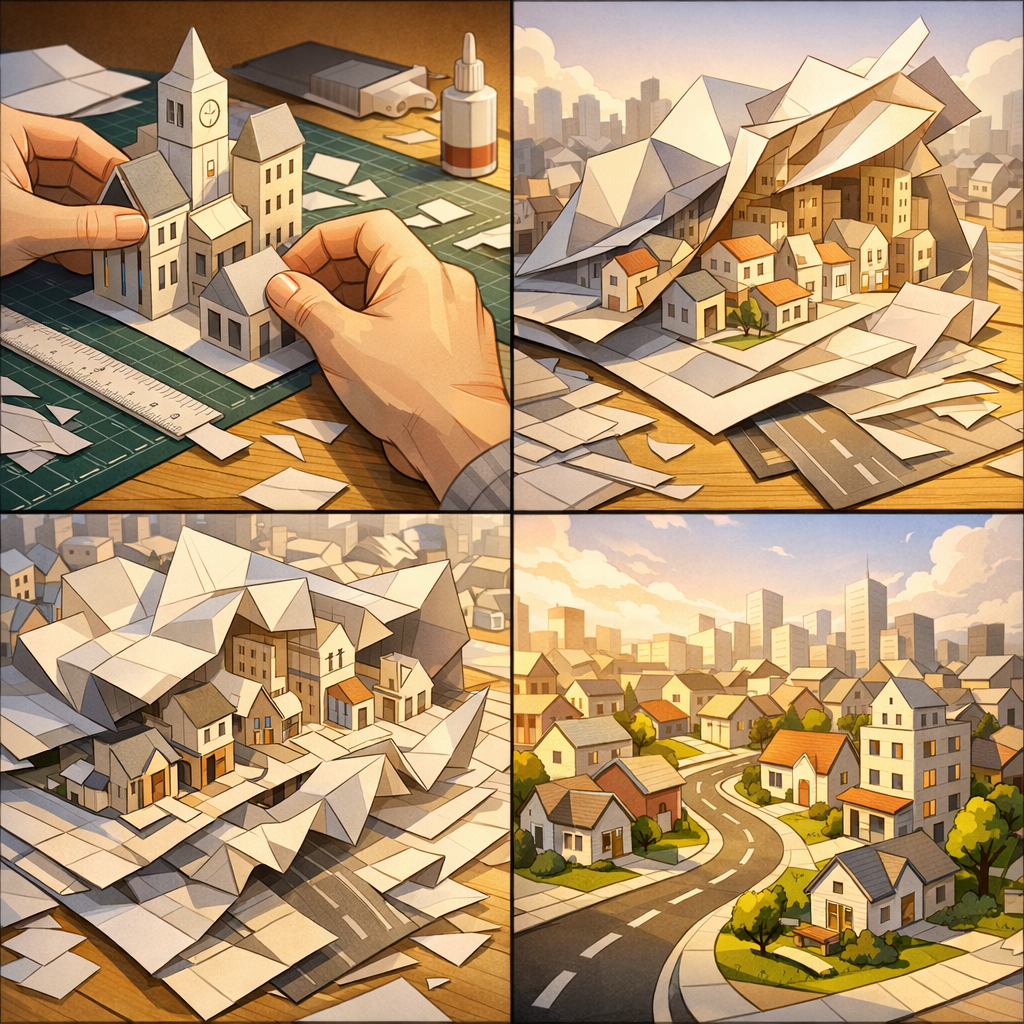
Same project, from PowerPoint source to コミック, generated with clicks, no prompts.

To
コミック
Drag, paste, or click to uploadFile must be 50MB or less.

How to Convert PowerPoint to コミック with AI

Step 1POWE

Step 1

PowerPointファイルをアップロードします。LlamaGenがコミック生成用の元資料として保持します。

Step 2Create

Step 2

対象読者、トーン、ビジュアルスタイル、またはPowerPointの元資料のどの部分をメインシーンにするかなど、短い指示を追加します。

Step 3Share

Step 3

コミックを作成し、そのままLlamaGen Studioでコマ、吹き出し、レイアウトを編集します。

Convert PowerPoint to コミック Online with AI

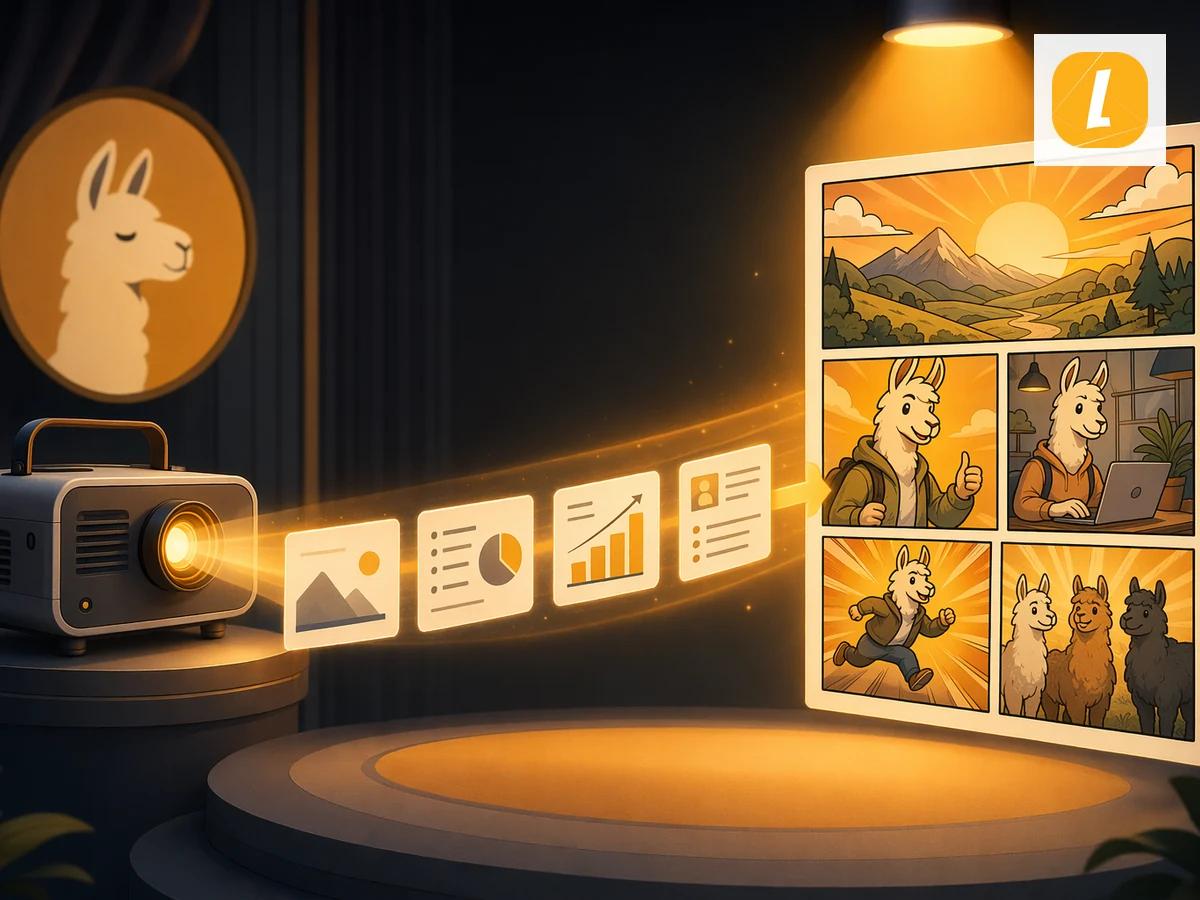
Convert PowerPoint to コミック online in seconds using LlamaGen's AI creation workflow. Upload your PowerPoint source, add notes when needed, and turn the material into a polished コミック result with a clear style direction. Instead of rebuilding creative assets from scratch, you can start from existing content and continue editing the result in LlamaGen Studio.

PowerPointからコミックへ online AI コミック workflow illustration
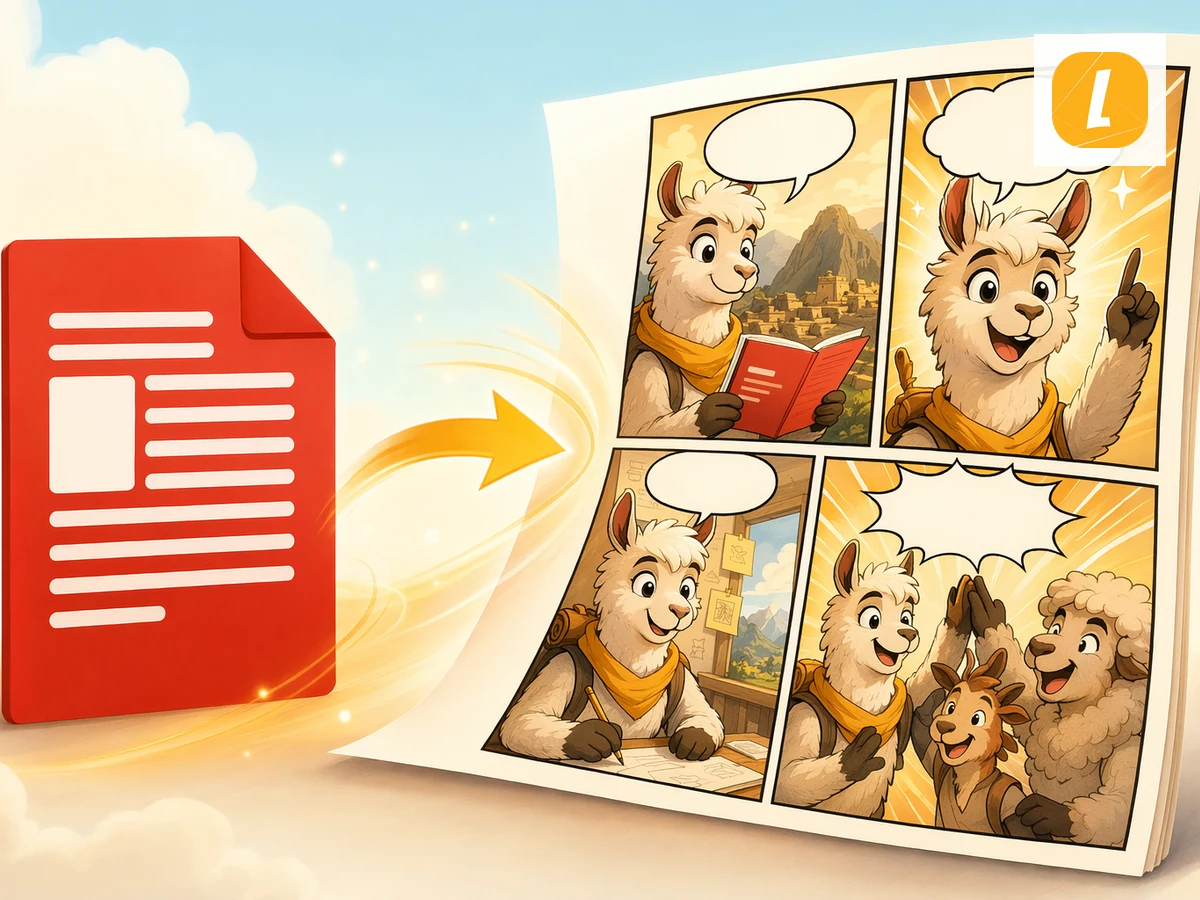
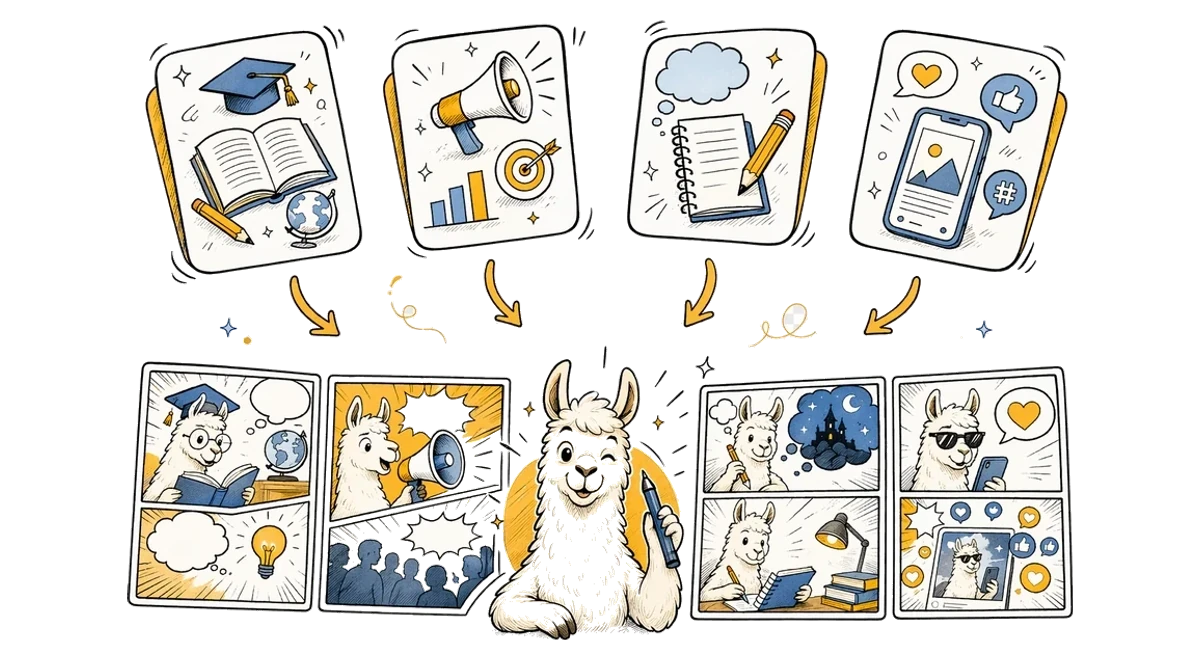
PowerPointからコミックへ use cases illustration

AI PowerPoint to コミック Workflow for Any Use Case

This PowerPoint to コミック AI workflow is designed for creators, teachers, marketers, students, and storytellers who need to turn source material into visual content. Use it for explainers, class materials, character scenes, social posts, pitch concepts, or fast creative drafts. LlamaGen keeps the workflow simple while giving you an editable AI result you can refine after generation.

Real creator feedback

Love Letters

Read what creators shared about making comics, characters, and visual stories with LlamaGen.

Comic
Jake M.

Jake M.

@jake-m

As an avid creator of comic book style graphics, I've struggled to find a tool that truly allows me to unleash my creativity at scale. llamagen.ai not only breaks limits but shatters them, offering endless possibilities for my projects. It's the ultimate AI-powered solution I've been waiting for!


Comic
Sarah L.

Sarah L.

@sarah-l

I've tried numerous AI tools for image generation. And they are quite fun to play with but llamagen.ai is the first app I've actually saw a potential use-case. The character consistency really grabbed my attention as it's something I hadn't seen before and I can see the appeal for professionals and amateurs alike. Truly a game-changer!

Comic
Michael B.

Michael B.

@michael-b

llamagen.ai has reignited my passion for storytelling. As a busy professional, finding time to pursue creative projects can be challenging. But this app has proven so easy to use... It's like having a creative companion by my side!

Comic
Alex T.

Alex T.

@alex-t

Being part of the creative industry demands efficiency without sacrificing quality. llamagen.ai not only meets but exceeds these expectations. Really loved playing with the storyboarding and having an AI to help with not only image generation, but also the text content - it's really a nice way to help enhance the overall experience.

Comic
Maya S.

Maya S.

@maya-s

I enjoy a great comic book and have been very sceptical about AI. For example the criticisms of the Batman AI comic saga where not without merit. But through the scepticism I do see a place for such tools. While I still value an authentic man-made production, the ability for me to create something on my own (with a little help from AI) is really empowering and exciting.

Comic
Taylor H.

Taylor H.

@taylor-h

Maintaining character consistency is a challenge that I did not expect to be overcome so fast. While not perfect at times, the results are impressive and I’m really looking forward to the chance to further customize my workflow and AI generation.

The Easiest Way to Create PowerPointからコミックへ

Why choose the best PowerPointからコミックへ maker? LlamaGen combines guided AI generation with an editable creative workspace, helping you move from your first idea to a polished result with PowerPointからコミックへ in one smooth workflow.

Create with PowerPointからコミックへ

PowerPointからコミックへ FAQ

PowerPointからコミックへとは何ですか?

PowerPointからコミックへは、PowerPointプレゼンを使って、コマ、吹き出し、コミック向けレイアウトを備えたAIコミックページを作成するLlamaGenのツールです。

PowerPointをコミックに変換するにはどうすればいいですか?

PowerPointプレゼンをアップロードし、必要に応じて指示を追加してから[コミックを作成]をクリックします。LlamaGenは、PowerPointからコミックへのテーマに基づいた英語プロンプトとともに元資料を送信します。

PowerPointからコミックへはアップロードしたファイルを使いますか?

はい。ファイルベースのページでは、まず元データをアップロードし、その後 useCreateComic の uploadedAttachments フローに通すことで、コミック作成リクエストが添付ファイルを参照できるようにします。

生成後にコミックを編集できますか?

はい。生成が成功するとLlamaGenのコミック作業スペースが開き、そこからコミックページの編集を続けられます。

PowerPointからコミックへはどのファイル形式に対応していますか?

PowerPointからコミックへは .ppt、.pptx ファイルに対応しており、最大50MBまでアップロードできます。無料プランのアップロード上限は10MBで、それ以上のファイルにはアップグレードが必要です。

PowerPointからコミックへはストーリーテリングに向いていますか?

はい。教育用、解説用、SNS投稿用、クリエイティブな下書きなど、元コンテンツをコマベースのコミックストーリーテリングに変換するよう設計されています。

はじめてのコミックを今すぐ作成

1分でコミックを作成。クレジットカード不要。