All posts
LlamaGen 1.0.40: LlamaGen.AI 1.0.40: Panel Fixes and Layer Tools Updates

Jay
October 15th, 2026
LlamaGen.AI 1.0.40: Panel Fixes and Layer Tools Updates
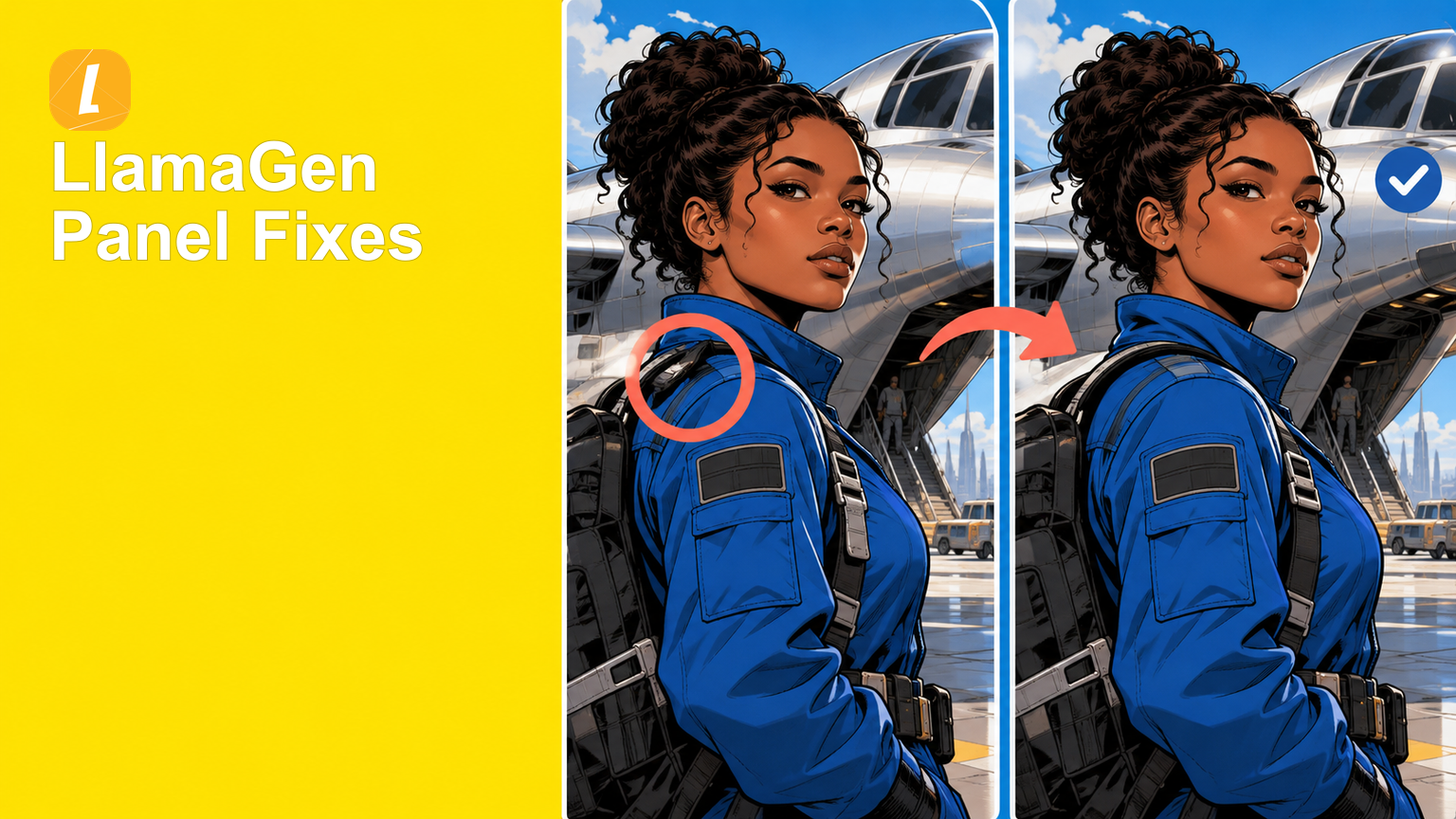
Small corrections should not require rebuilding a whole panel, and reusable art should be easy to inspect after it is separated. This release makes panel revisions more precise, language choices easier to control, and extracted layers simpler to revisit.
Mark the exact part of a panel that needs work
Annote (Fix Panels) is now available directly from the selected-panel toolbar and the image-editing flow. Creators can open the current panel, circle the regions that need attention, and attach numbered notes to each marked area.
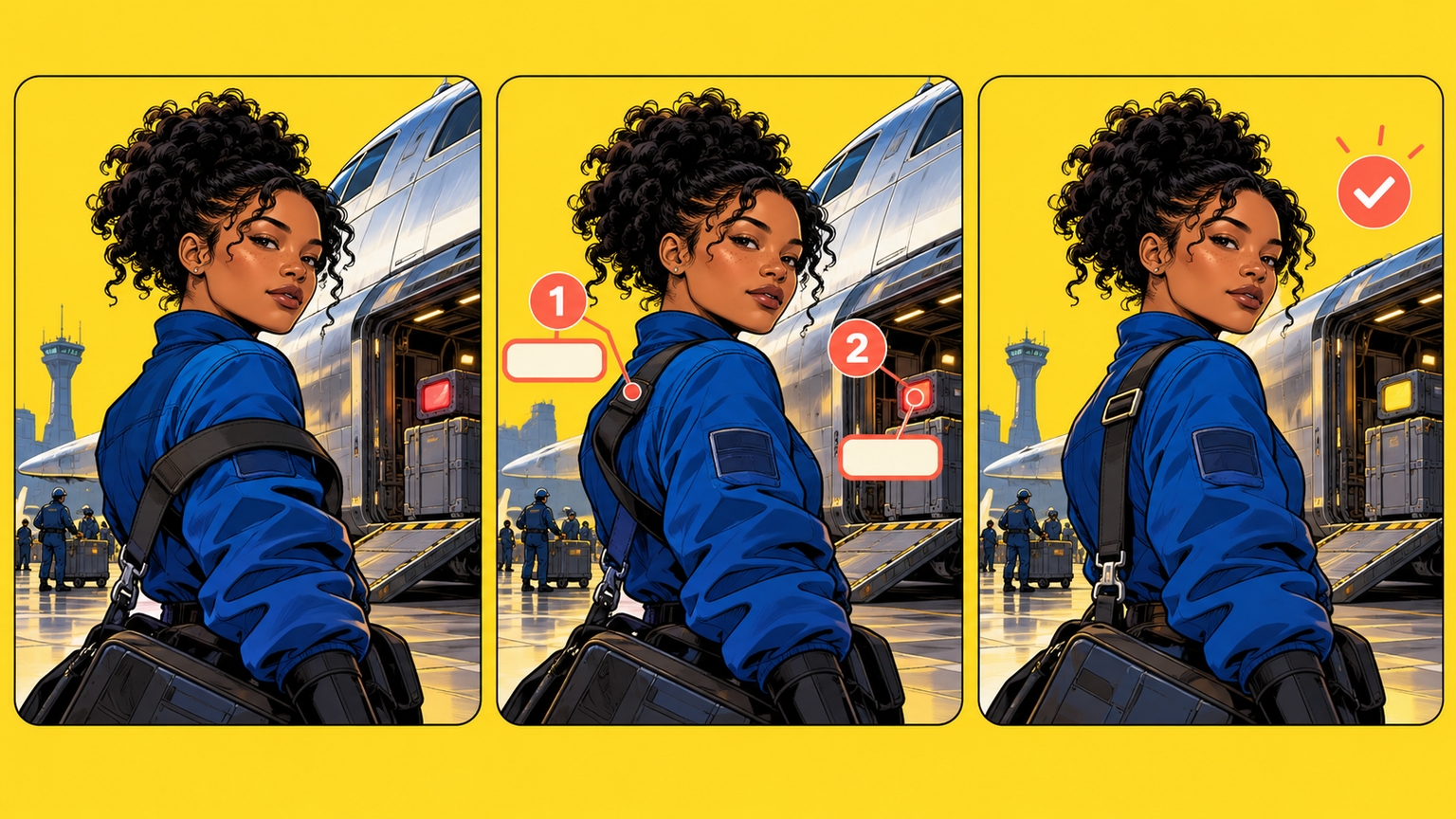
The same workspace also accepts a whole-panel instruction and keeps Free Draw available when a looser visual edit is more useful.
The practical win is a clearer correction request: the artwork shows where the change belongs, while the note explains what should happen there.
Choose the language before generating the comic
A dedicated language setting is now available from the comic generation controls. It searches across the languages supported by the LlamaGen website, including both familiar English names and native language names.
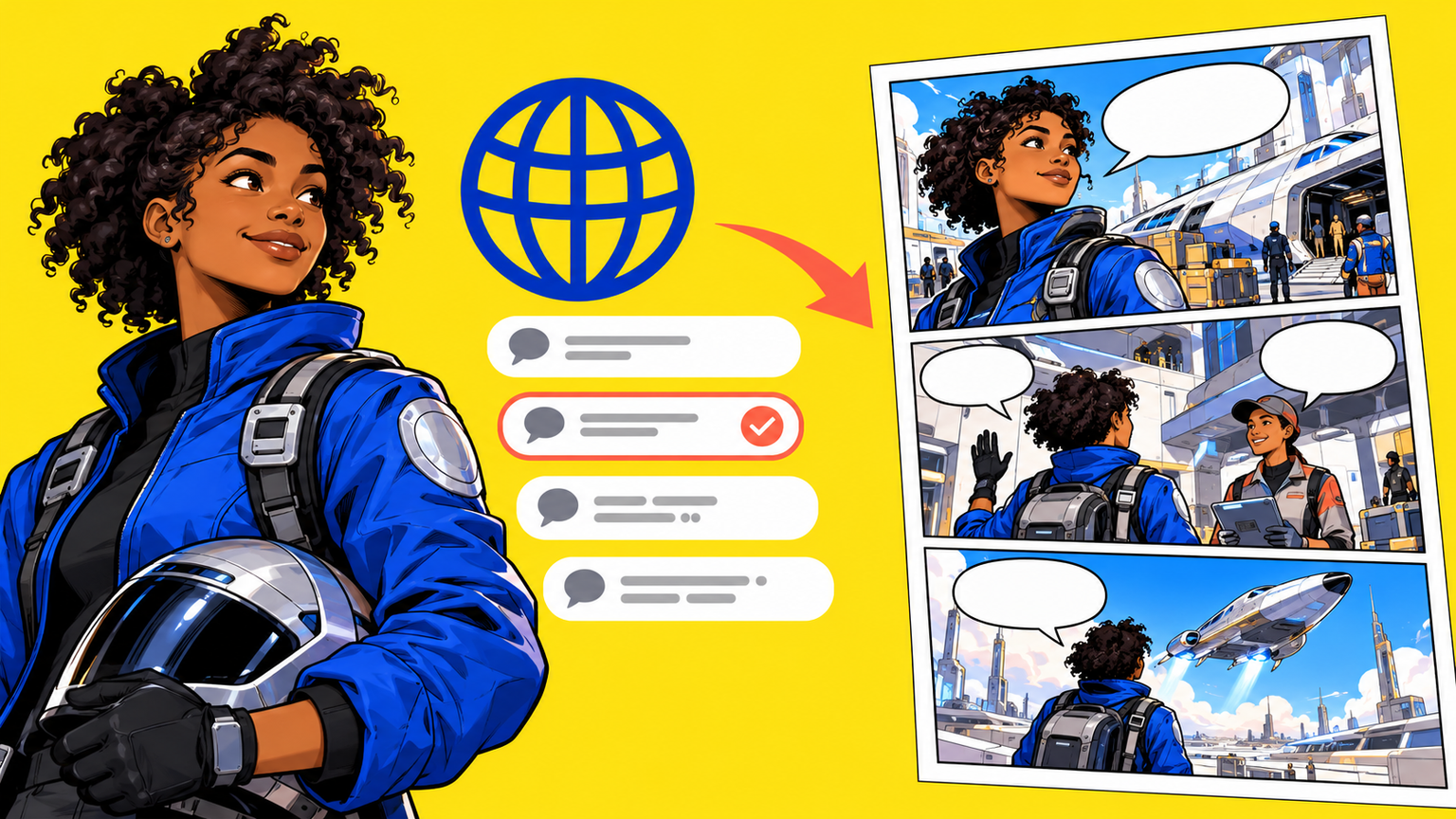
The choice stays attached to the comic, so creators can confirm the intended language before generating or continuing the story instead of relying on the surrounding interface language.
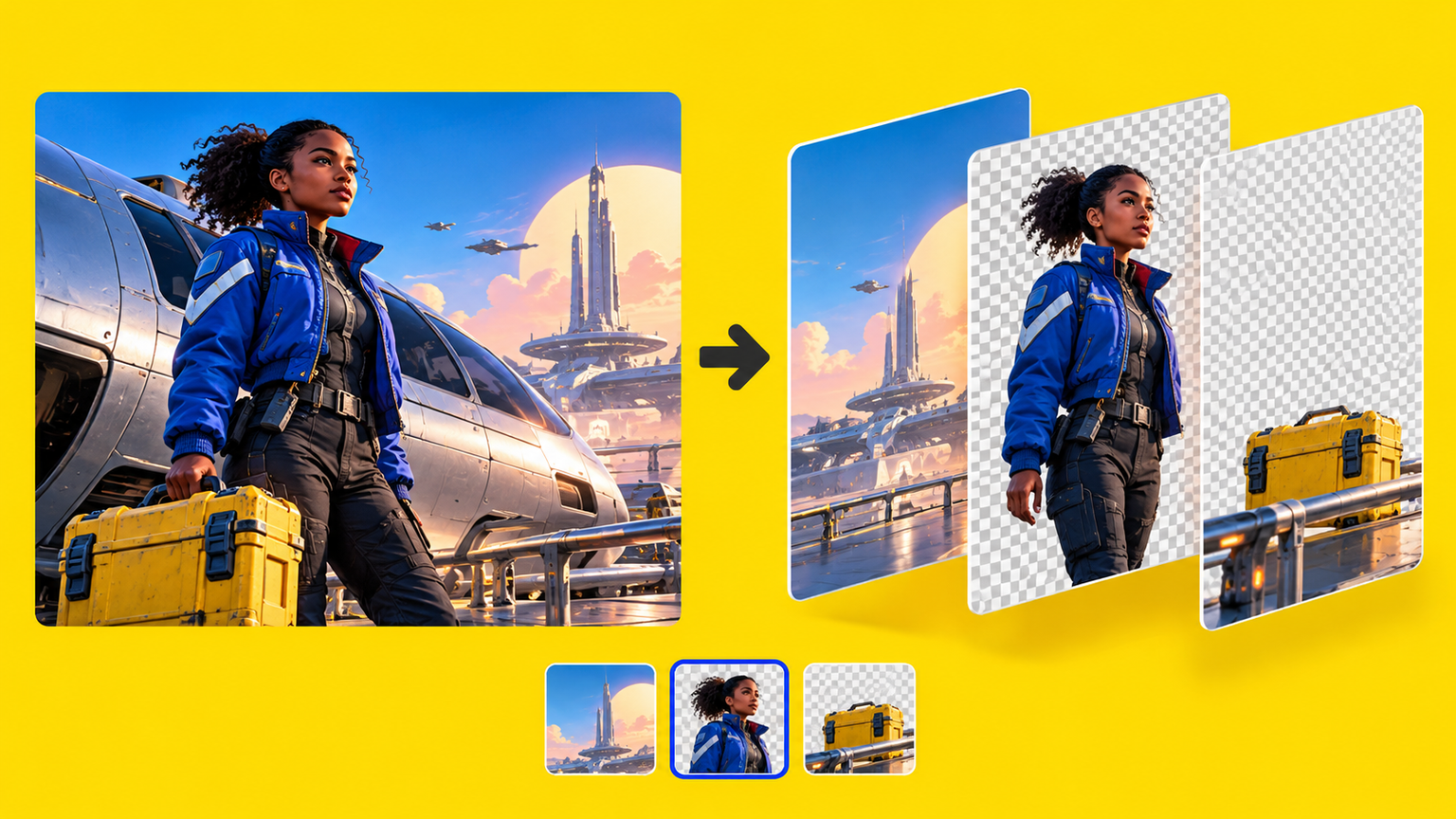
Inspect and return to separated artwork layers
Cetuskankan impian untuk yang muda
Tempat berjuta-juta cerita menjadi hidup
Ringkasan keluaran ciri terbaru LlamaGen, penambahbaikan produk, kemas kini reka bentuk dan pembaikan pepijat penting.