LlamaGen.Ai LogoLlamaGen.Ai Brand

Notes to Comic

Free Notes to Comic Converter

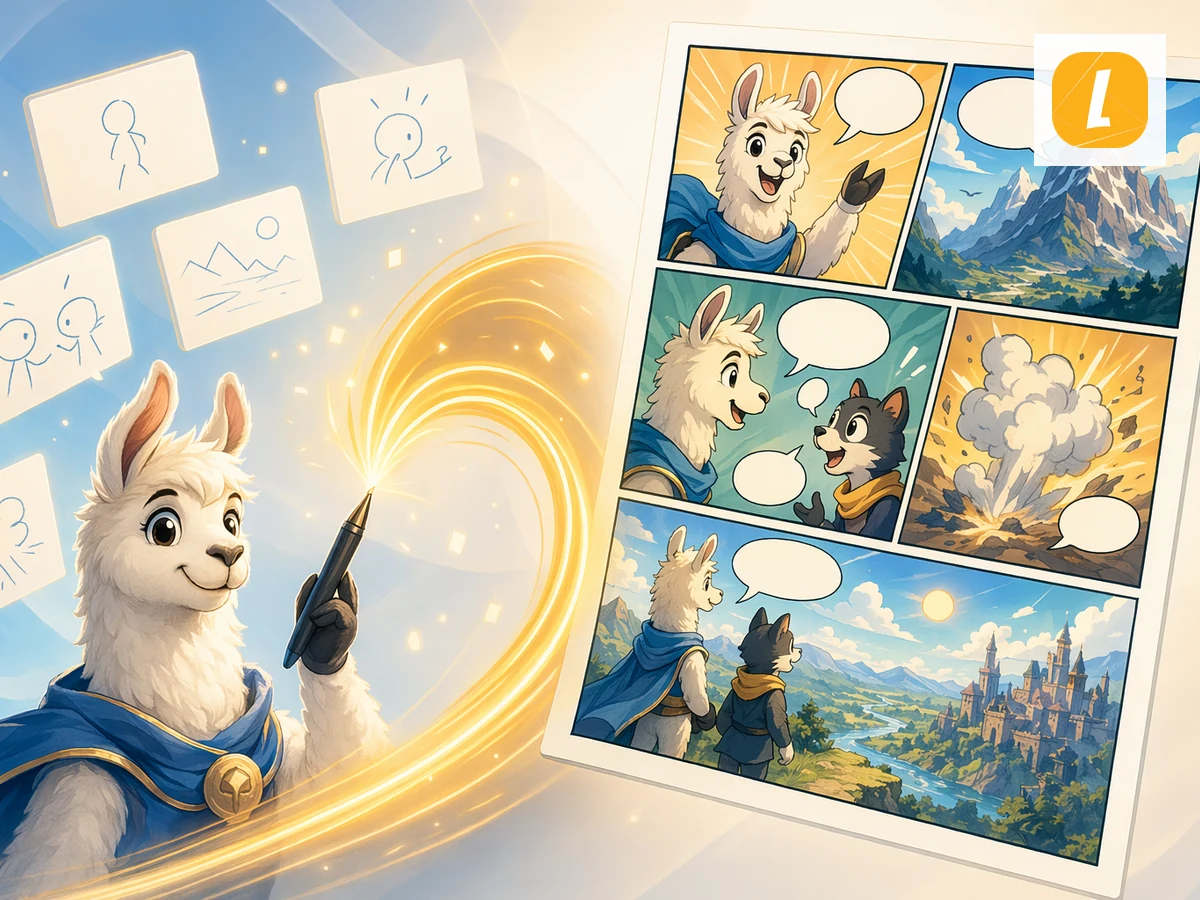
Turn notes into comics. Upload or paste notes and create a comic page that follows the source material instead of starting from a blank prompt.

To
Comic
Drag, paste, or click to uploadFree uploads up to 10MB, paid plans up to 50MB

How to Convert Notes to Comic for Free?

Step 1NOTE

Upload Your Notes File

Upload your Notes file, drag it into the converter, or paste a supported file from the clipboard. LlamaGen keeps the source as comic generation context.

Step 2Create

Create and Edit Notes to Comic with AI

Click Create to turn your source into a Comic result with AI. After generation, continue editing in LlamaGen Studio.

Step 3Share

Download or Continue AI Creation

Keep refining the generated Comic result, or use it for lessons, social posts, pitches, explainers, and fast creative drafts.

Convert Notes to Comic Online with AI

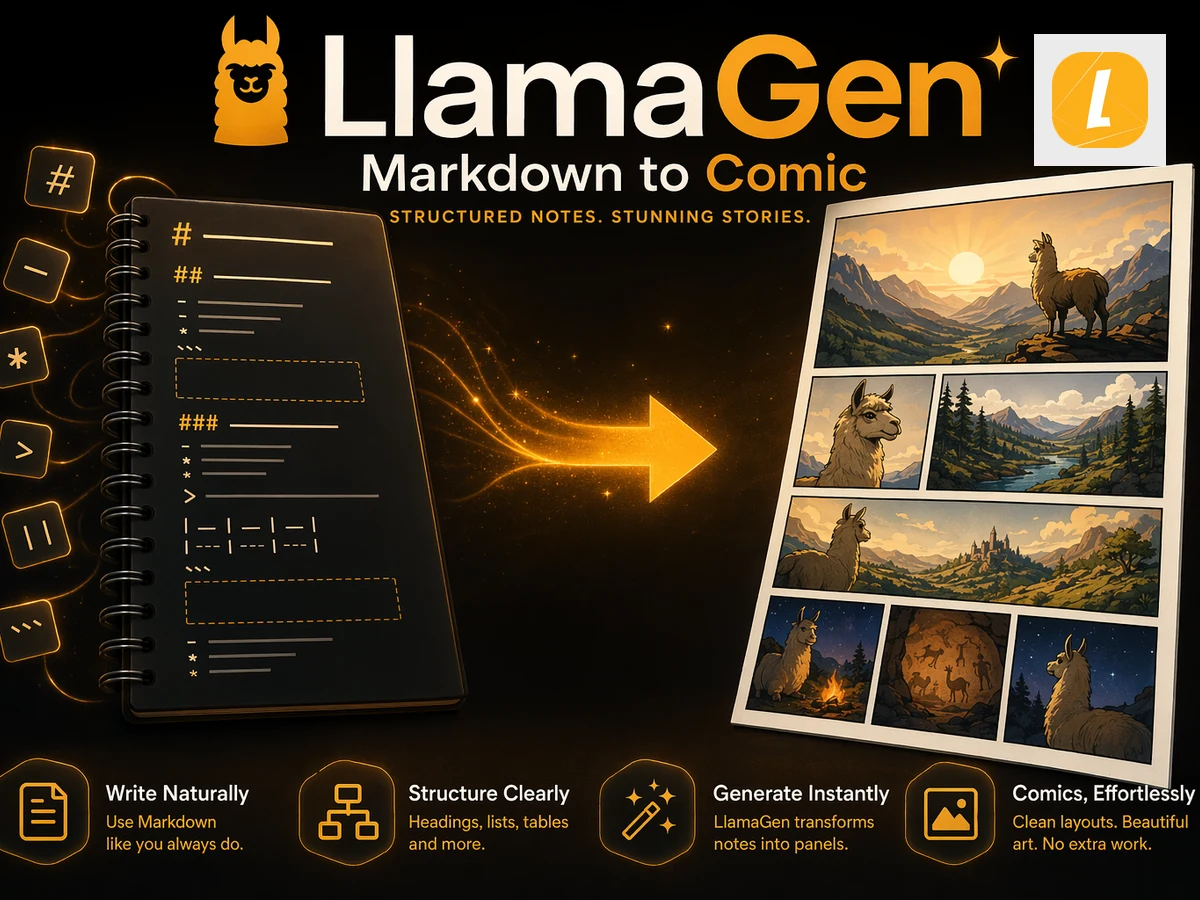
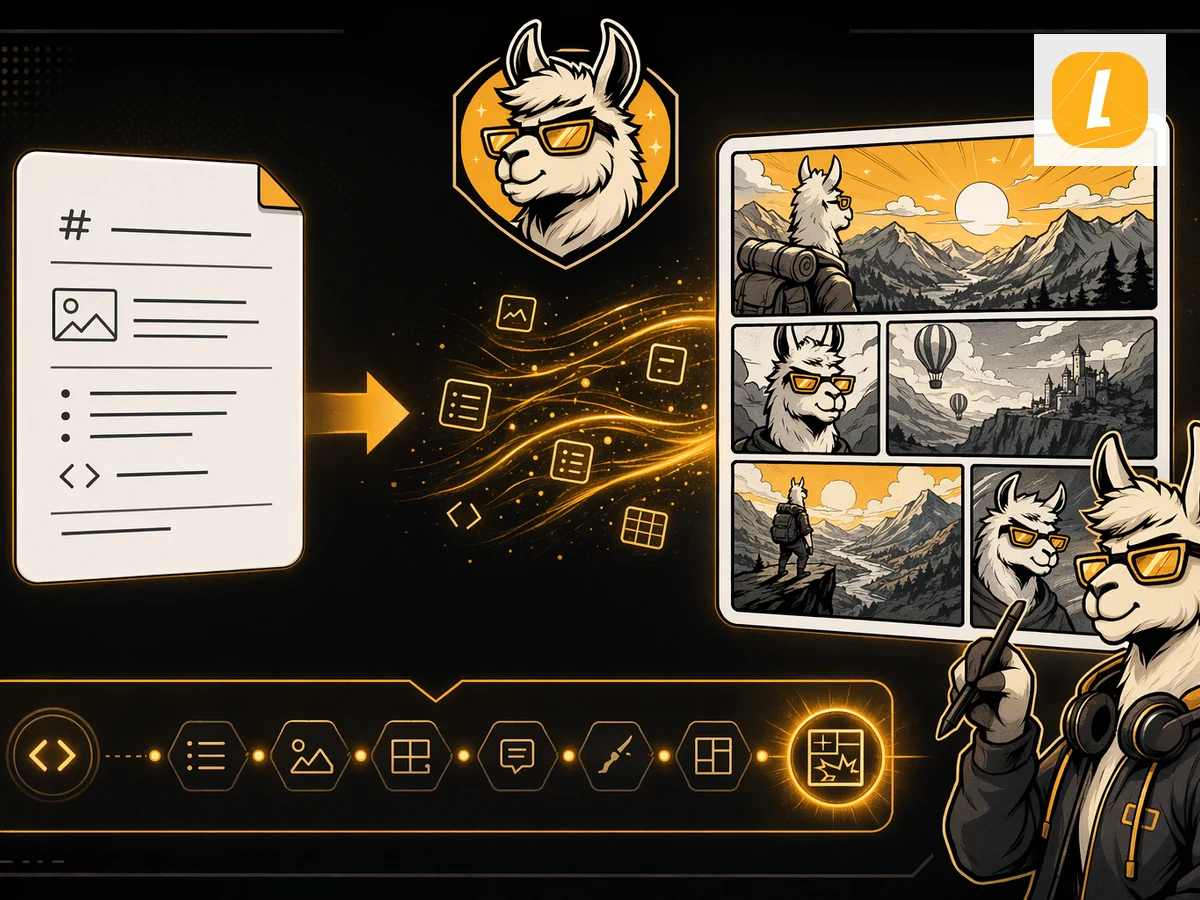
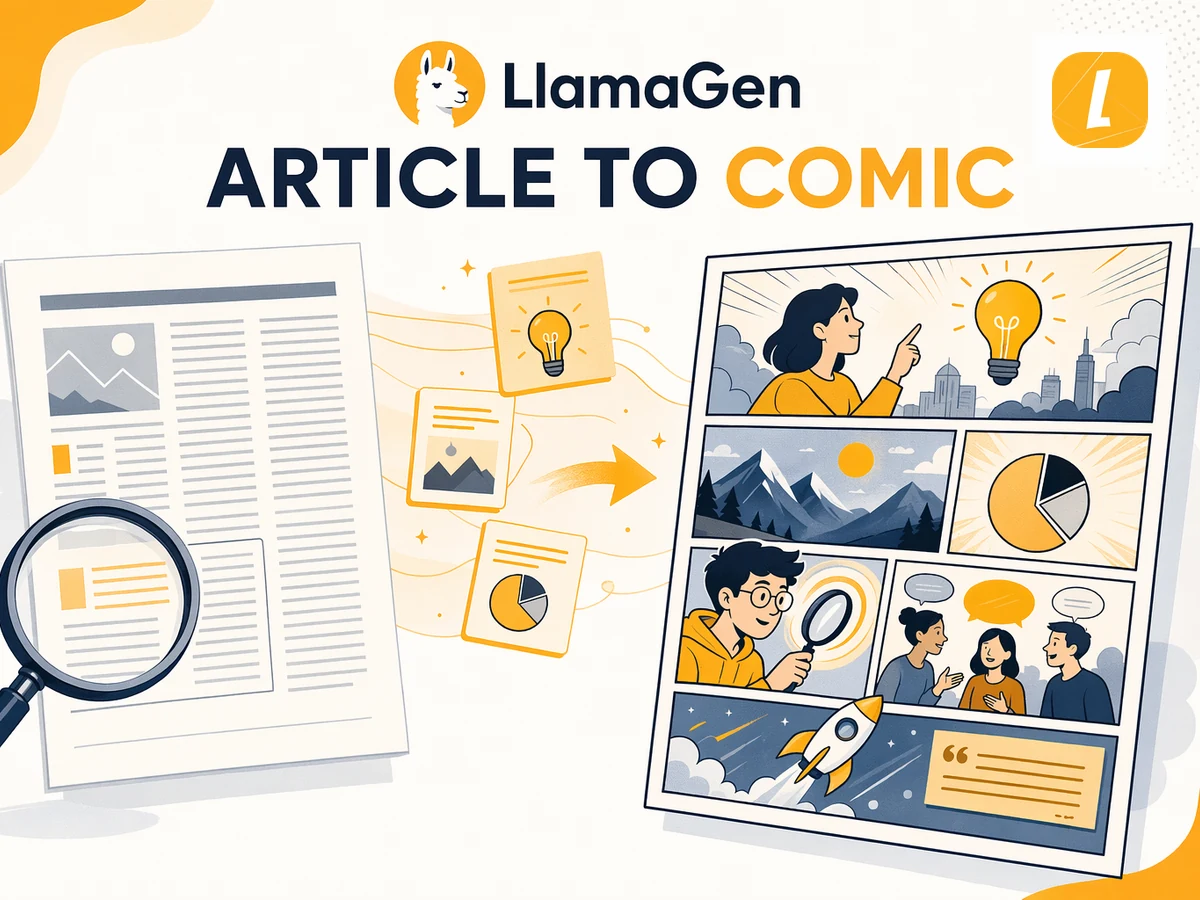
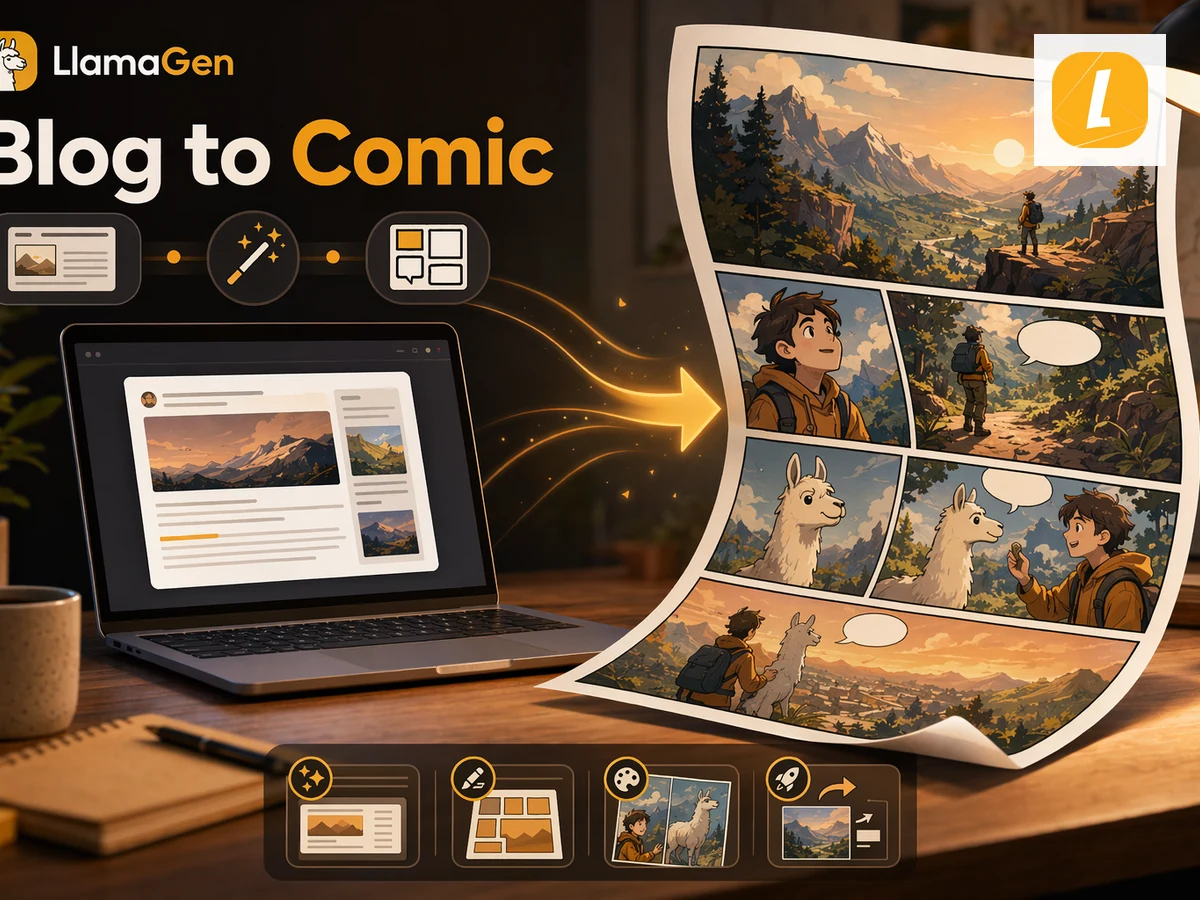
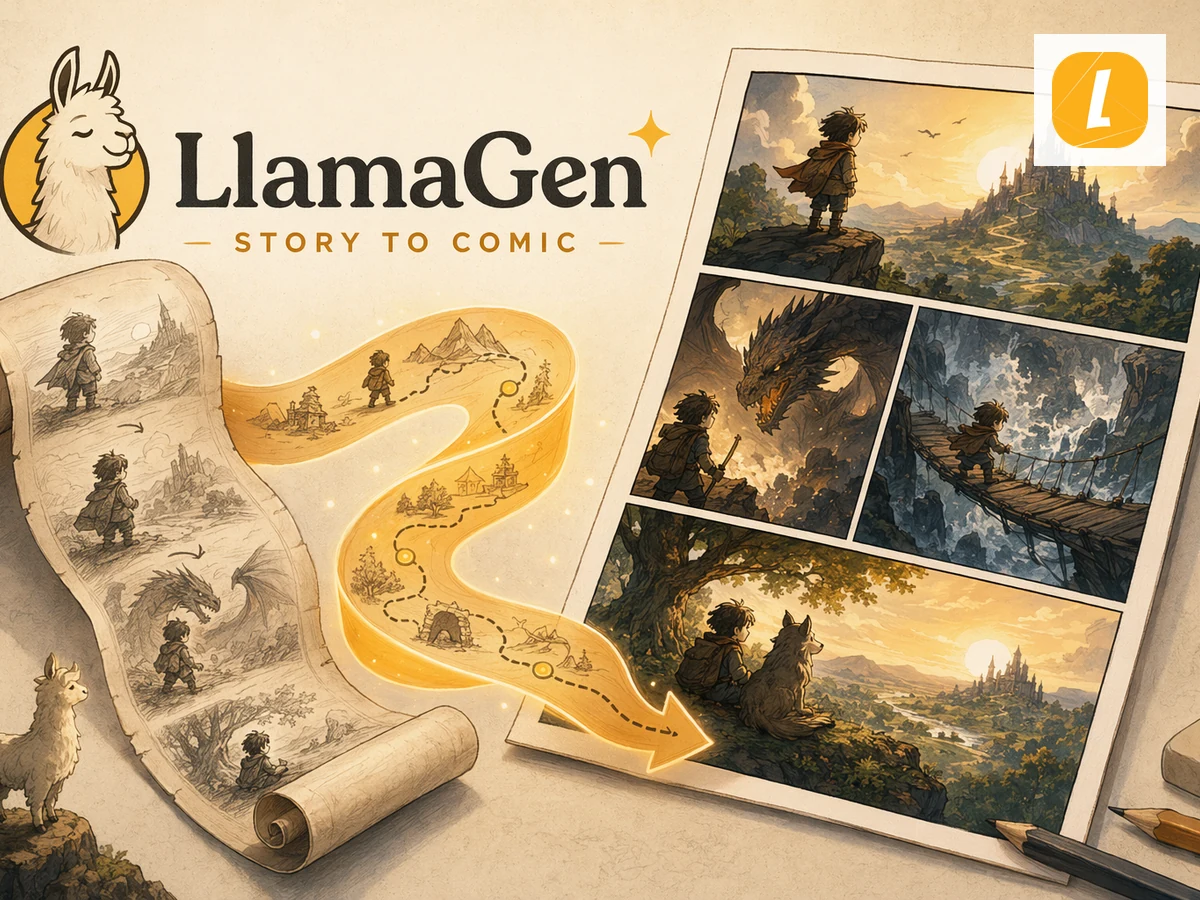
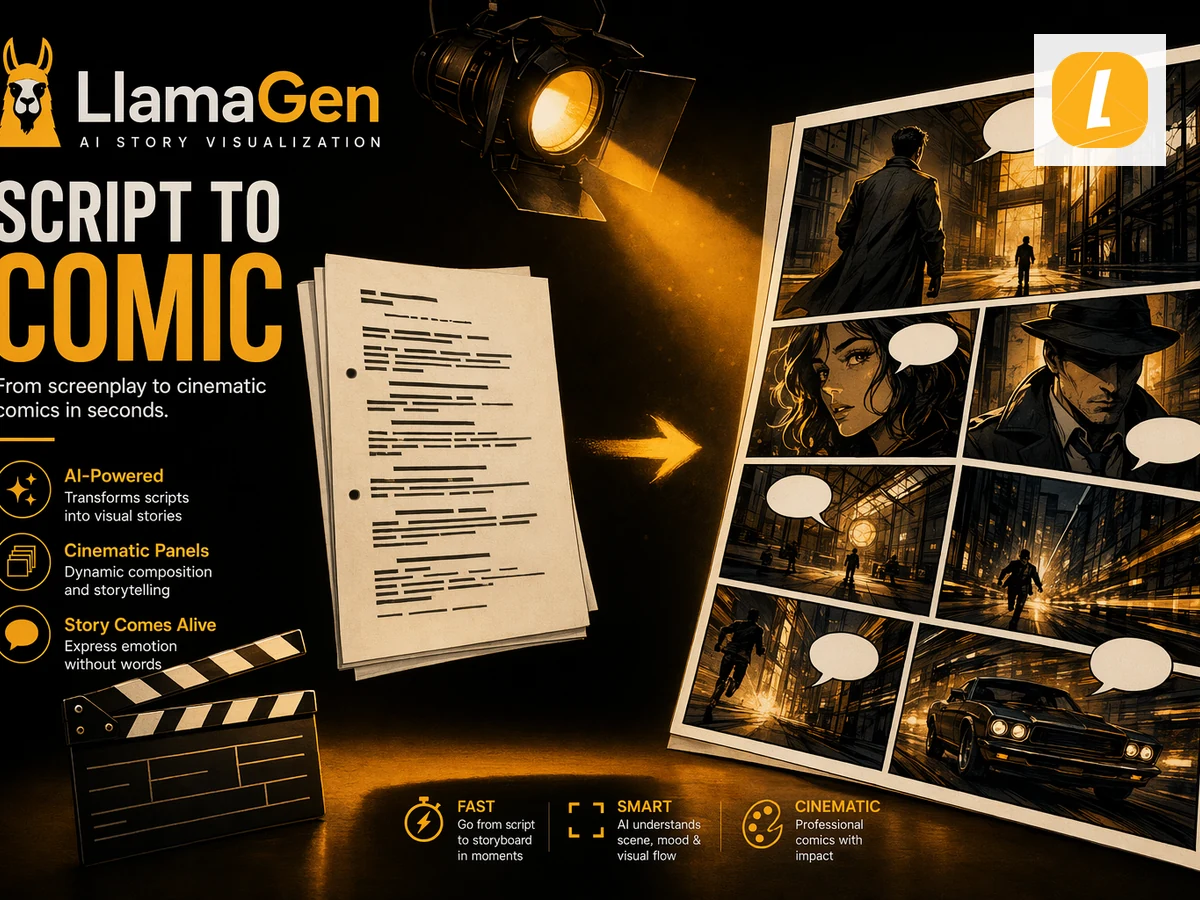
Convert Notes to Comic online in seconds using LlamaGen's AI creation workflow. Upload your Notes source, add notes when needed, and turn the material into a polished Comic result with a clear style direction. Instead of rebuilding creative assets from scratch, you can start from existing content and continue editing the result in LlamaGen Studio.

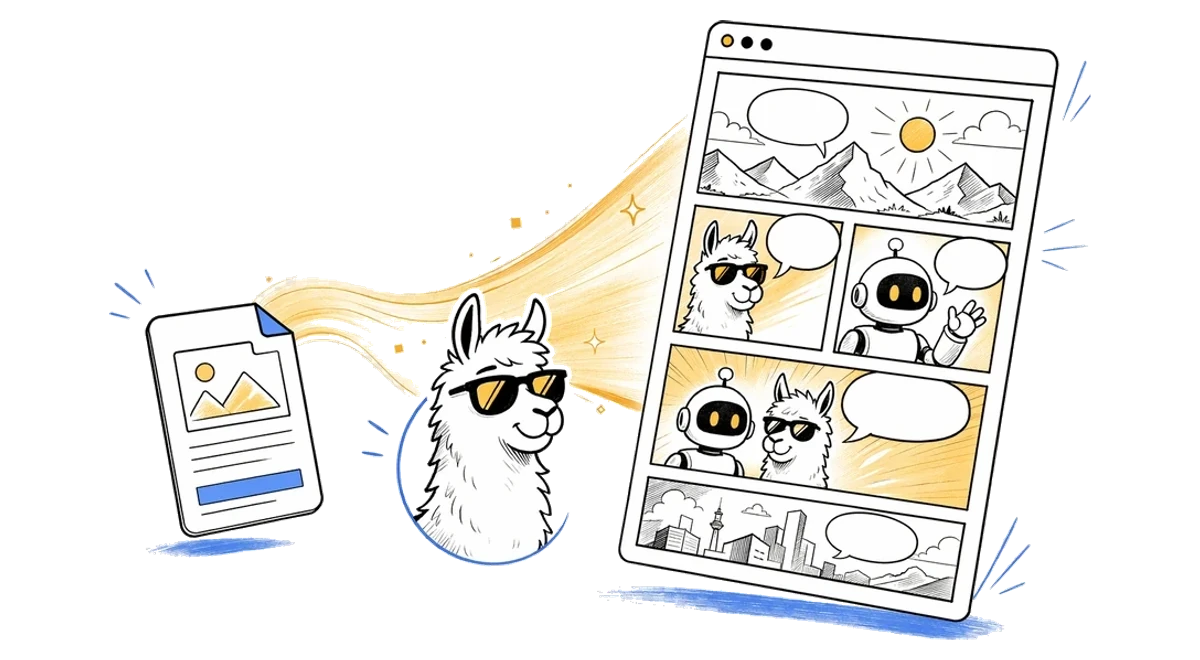
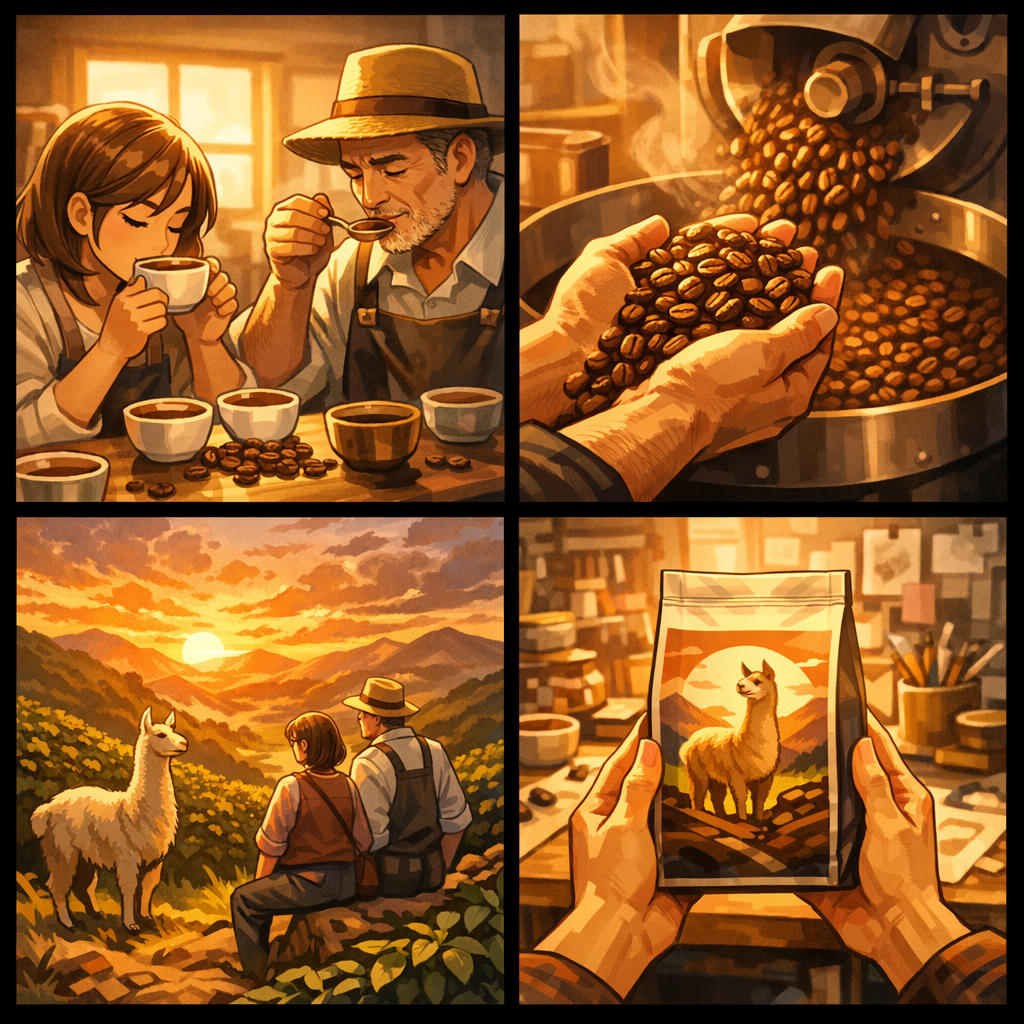
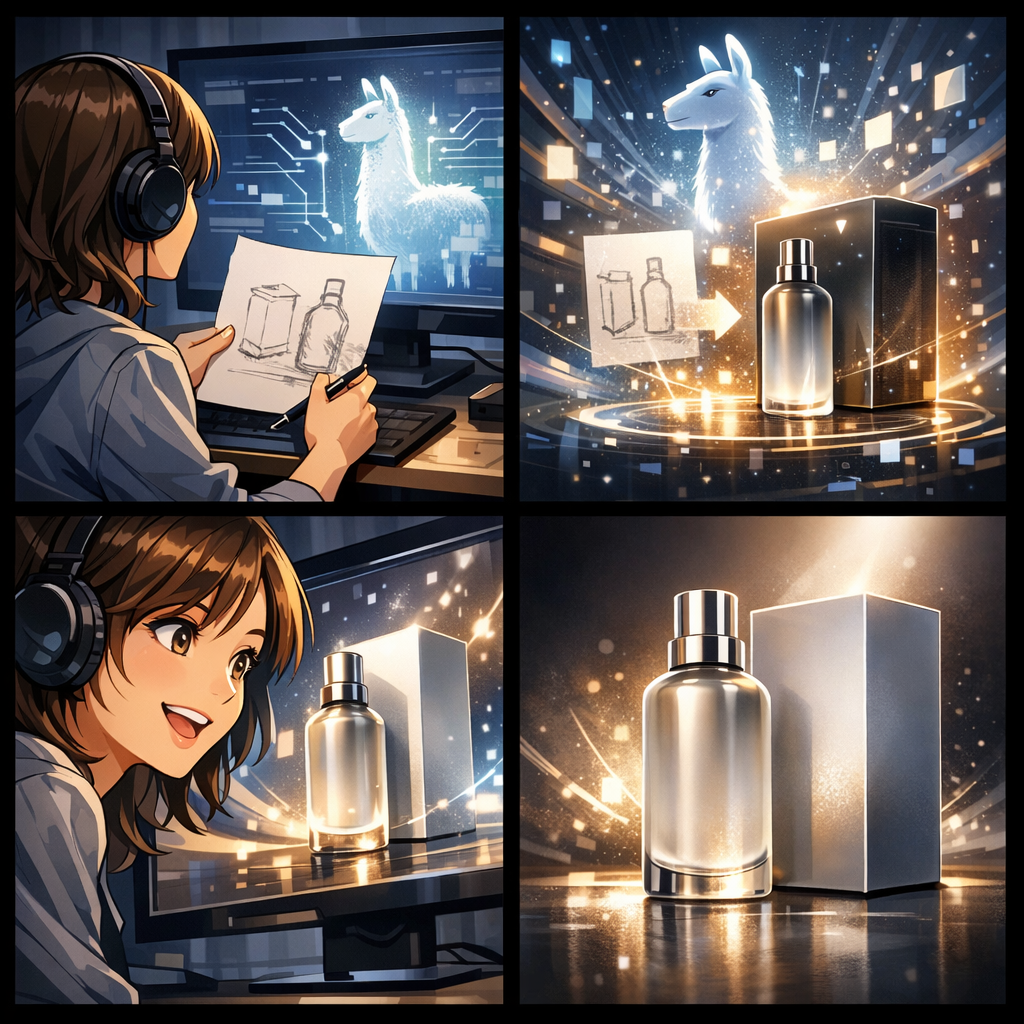
Notes to Comic online AI comic workflow illustration
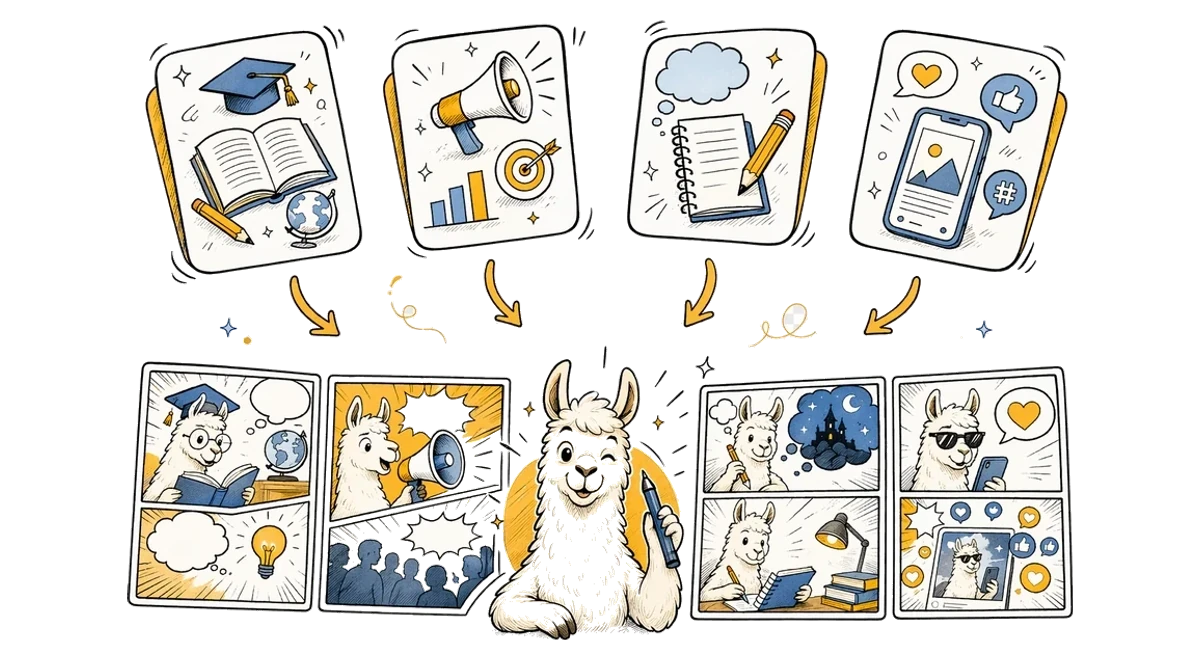
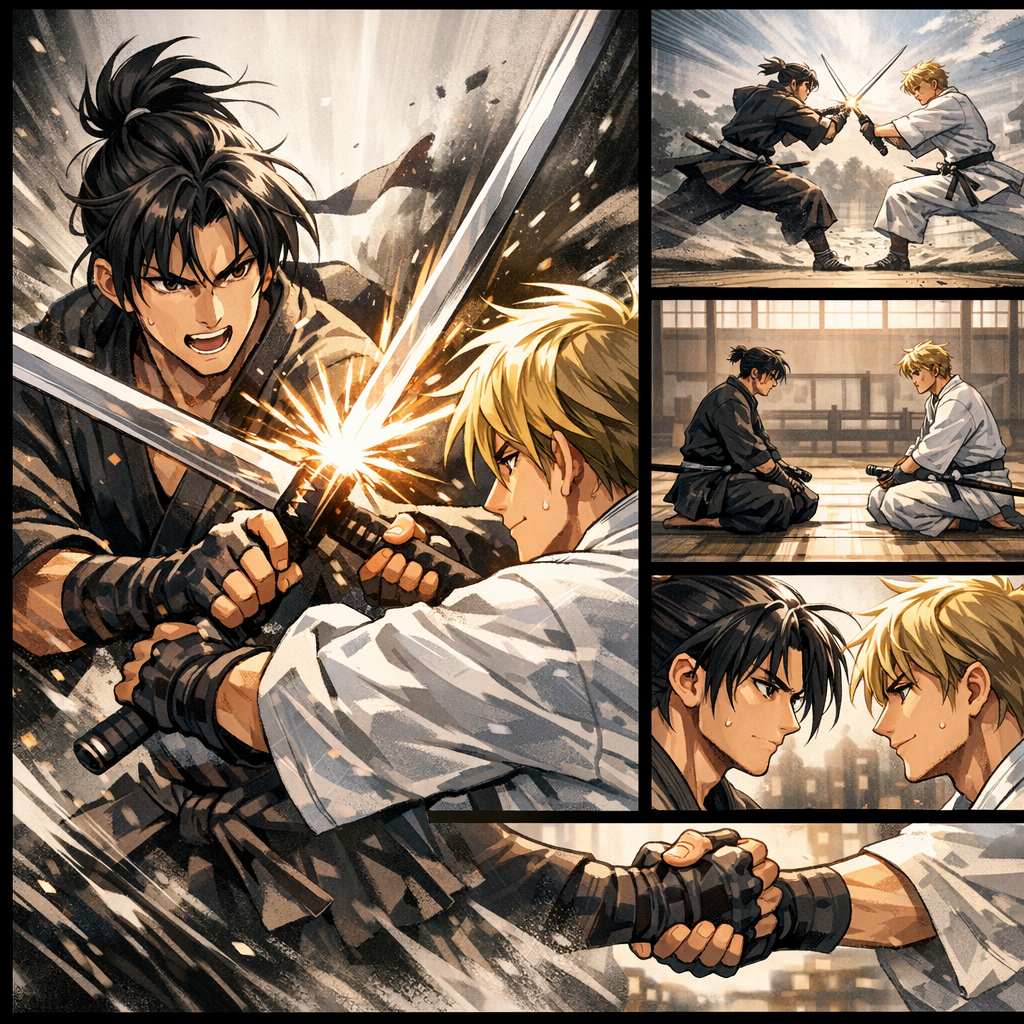
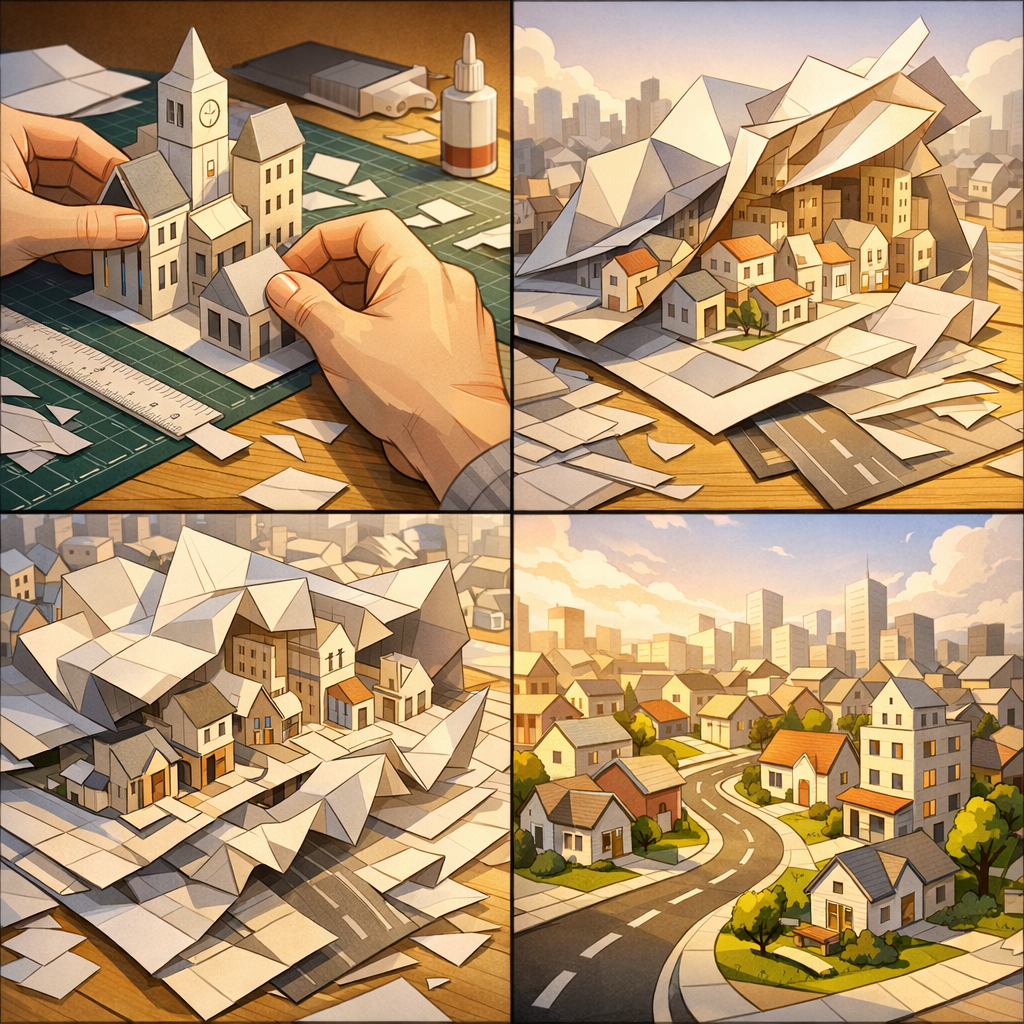
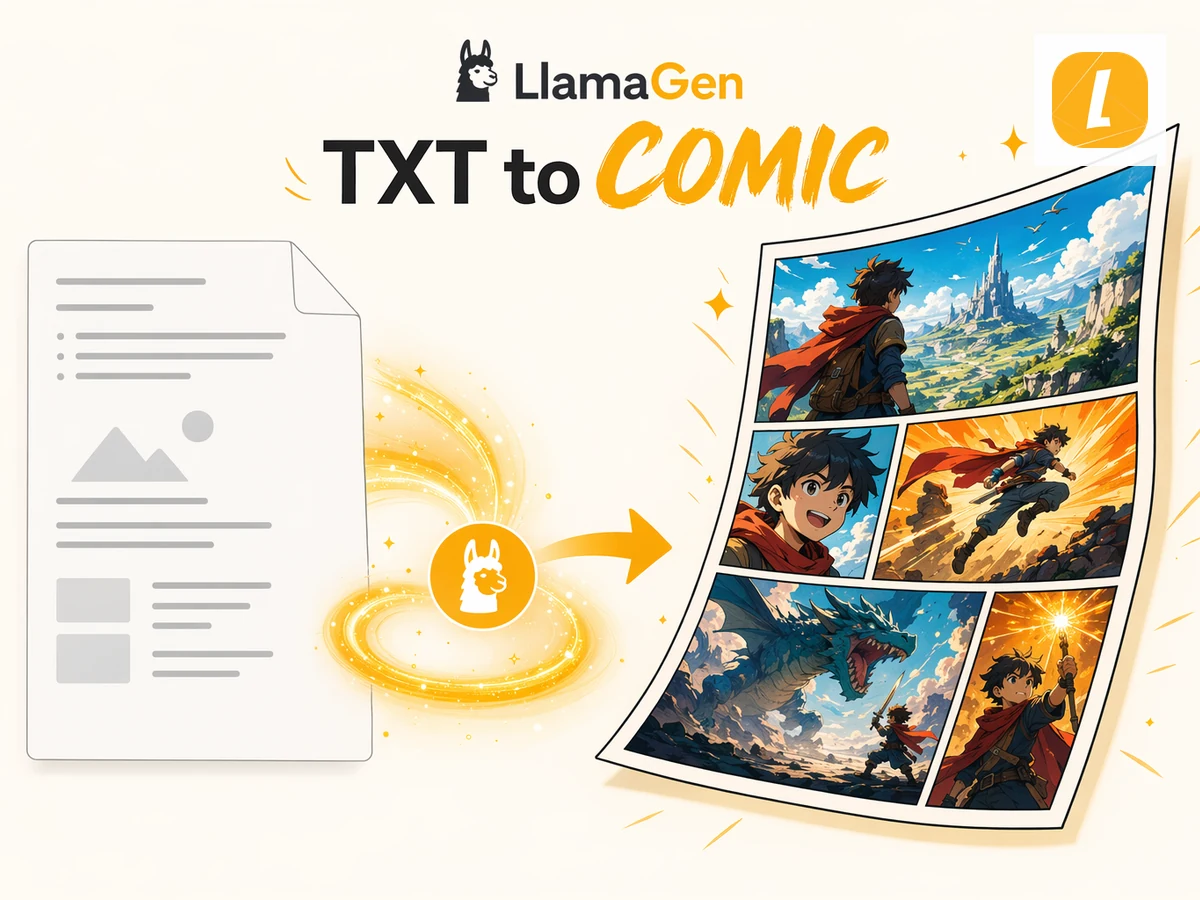
Notes to Comic use cases illustration

Free Notes to Comic Converter for Any Use Case

This free Notes to Comic converter is designed for creators, teachers, marketers, students, and storytellers who need to turn source material into visual content. Use it for explainers, class materials, character scenes, social posts, pitch concepts, or fast creative drafts. LlamaGen keeps the workflow simple while giving you an editable AI result you can refine after generation.

100,000+ Users feedback

Comic
Jake M.

Jake M.

@jake-m

As an avid creator of comic book style graphics, I've struggled to find a tool that truly allows me to unleash my creativity at scale. llamagen.ai not only breaks limits but shatters them, offering endless possibilities for my projects. It's the ultimate AI-powered solution I've been waiting for!

Comic
Sarah L.

Sarah L.

@sarah-l

I've tried numerous AI tools for image generation. And they are quite fun to play with but llamagen.ai is the first app I've actually saw a potential use-case. The character consistency really grabbed my attention as it's something I hadn't seen before and I can see the appeal for professionals and amateurs alike. Truly a game-changer!

Comic
Michael B.

Michael B.

@michael-b

llamagen.ai has reignited my passion for storytelling. As a busy professional, finding time to pursue creative projects can be challenging. But this app has proven so easy to use... It's like having a creative companion by my side!

Comic
Alex T.

Alex T.

@alex-t

Being part of the creative industry demands efficiency without sacrificing quality. llamagen.ai not only meets but exceeds these expectations. Really loved playing with the storyboarding and having an AI to help with not only image generation, but also the text content - it's really a nice way to help enhance the overall experience.

Comic
Maya S.

Maya S.

@maya-s

I enjoy a great comic book and have been very sceptical about AI. For example the criticisms of the Batman AI comic saga where not without merit. But through the scepticism I do see a place for such tools. While I still value an authentic man-made production, the ability for me to create something on my own (with a little help from AI) is really empowering and exciting.

Comic
Taylor H.

Taylor H.

@taylor-h

Maintaining character consistency is a challenge that I did not expect to be overcome so fast. While not perfect at times, the results are impressive and I’m really looking forward to the chance to further customize my workflow and AI generation.


Notes to Comic FAQ

What is Notes to Comic?

Notes to Comic is a LlamaGen tool that uses notes to create AI comic pages with panels, captions, and comic-ready layouts.

How do I convert Notes to a comic?

Upload or paste notes, add an optional direction, and click Create Comic. LlamaGen sends the source with an English prompt based on the Notes to Comic theme.

Does Notes to Comic use the uploaded file?

Yes. File-based pages upload your source first, then pass it through the uploadedAttachments flow in useCreateComic so the comic request can reference the attachment.

Can I edit the comic after it is generated?

Yes. Successful generations open in the LlamaGen comic workspace where you can continue editing the comic page.

What file types does Notes to Comic accept?

Notes to Comic accepts .txt, .md, .pdf, .doc, .docx, .rtf files up to 50MB. Free uploads are limited to 10MB; larger files require an upgraded plan.

Is Notes to Comic good for storytelling?

Yes. It is designed for turning source content into panel-based comic storytelling, including education, explainers, social posts, and creative drafts.

Create Your First Comic Today

Generate your first comic in under a minute. No credit card required.