01
Built-in multi-panel comic creation
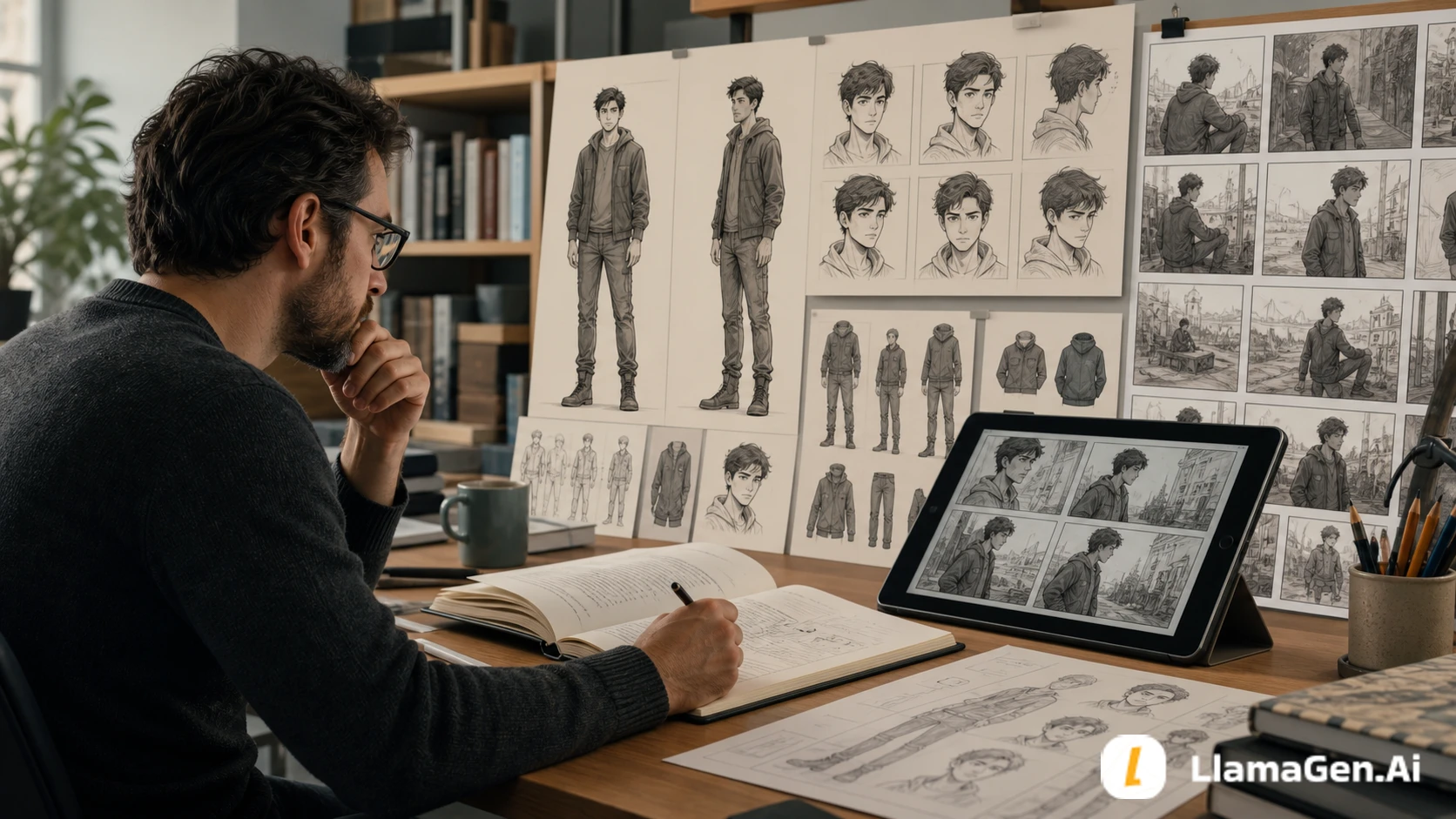
Anifusion supports panel presets, custom page layouts, story-driven generation, and a manga or comic canvas for arranging the reading flow.
Anifusion documentation

A source-checked comparison · November 2026
Anifusion brings together manga pages with built-in layouts, characters, speech bubbles, and editing tools, alongside technical controls such as LoRA training, sketch restyling, and pose guidance. LlamaGen differentiates through structured story-to-comic planning, long-form chapter production, professional print and platform preparation, a dedicated video workflow, and broad model choice.
Based on public product documentation and current product surfaces, not an independent output-quality benchmark. Feature availability, model access, and export options may vary by plan and workflow.
Seven Anifusion capabilities acknowledged
These seven areas reflect Anifusion's own published product materials. They are not presented as missing features or as a list of limitations.
01
Anifusion supports panel presets, custom page layouts, story-driven generation, and a manga or comic canvas for arranging the reading flow.
Anifusion documentation02
Dialogue, captions, SFX, balloon positions, and tail targets can be refined as editable canvas layers after the artwork is generated.
Anifusion documentation03
Creators can refine poses, expressions, backgrounds, panel composition, and lettering, then regenerate specific images or panels instead of restarting the whole story.
Anifusion documentation04
Anifusion's manga workspace brings page layouts, character creation and reference controls, editable dialogue bubbles, and panel-level editing tools together in one focused canvas for manga creators.
Anifusion documentation05
Train or import compact LoRA adapters for a specific character, visual style, or concept, then combine compatible adapters with adjustable weights. Compatibility depends on the selected base-model family; not every LoRA works with every model.
Anifusion documentation06
Import pencil sketches, ink drawings, photos, or existing panel art, create variations, and restyle selected panels or a whole page. Batch restyling can apply a shared prompt and model setup across imported panel images.
Anifusion documentation07
Use an editable stick-figure skeleton with draggable joints and multiple pose layers to guide body position. Advanced IP-Adapter references are available on supported SDXL models; pose and reference controls remain model-dependent.
Anifusion documentationFive LlamaGen production differentiators
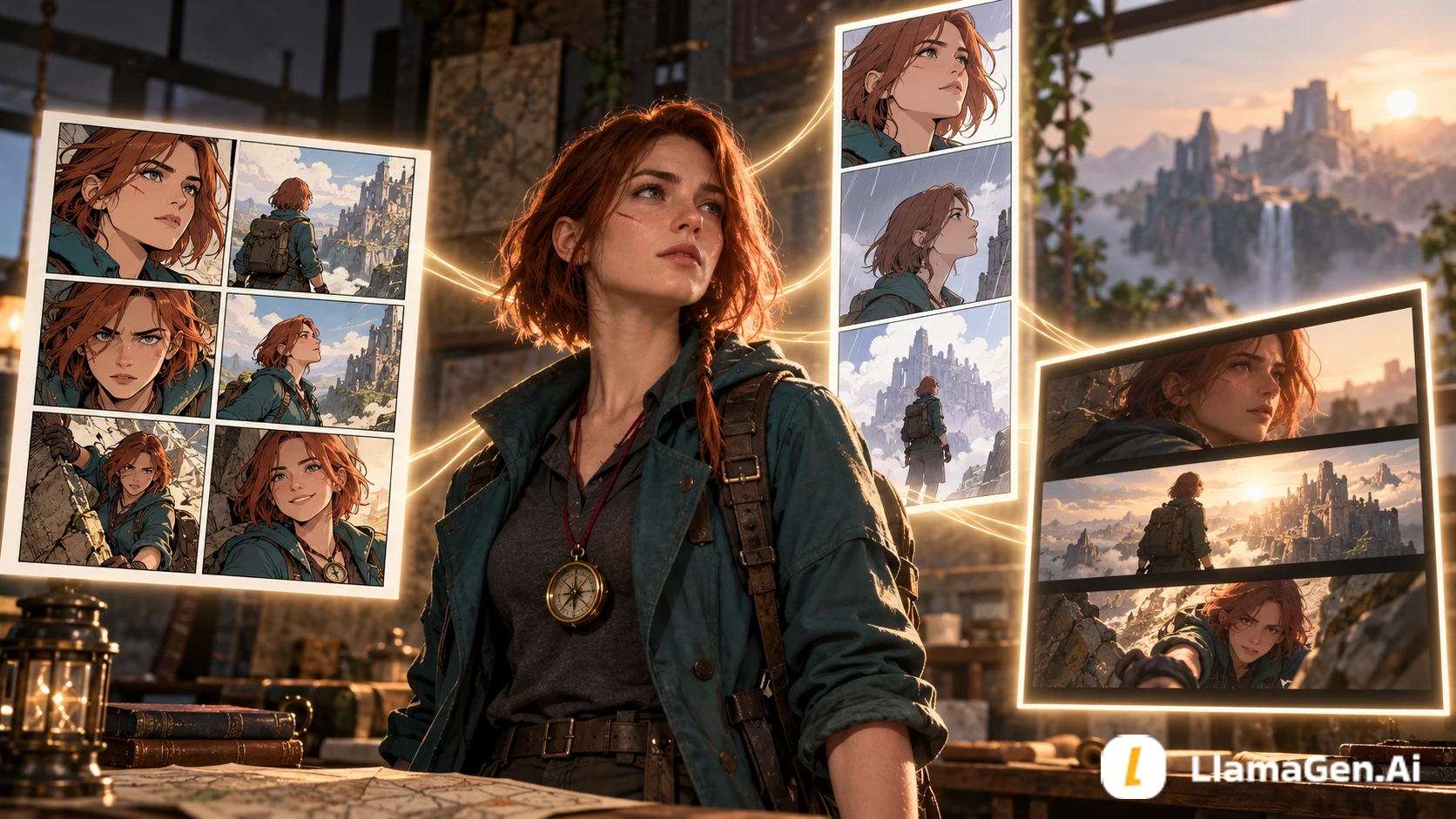
LlamaGen connects the stages around comic creation: structured story production, print and platform-specific preparation, storyboard-to-video production, and a broad choice of AI models.
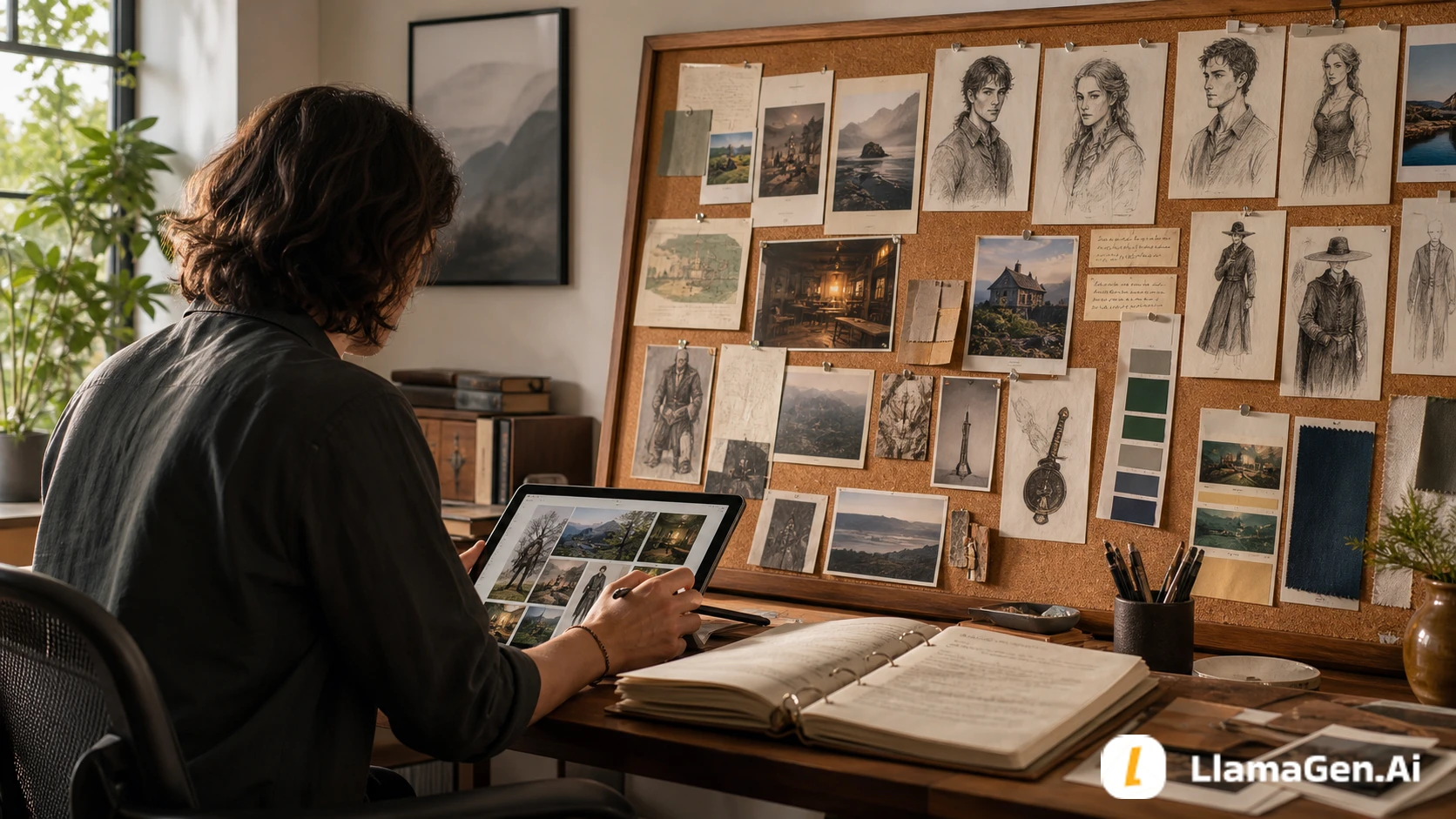
Start with a premise or upload a supported script/manuscript file in Comic Copilot. Story Workspace keeps the synopsis, scene drafts, character notes, visual briefs, and reference assets organized. Story Architect and structure planning turn the source into beats, scenes, suggested page counts, and panel density. Reuse character assets in Comic Studio, control page layouts, redraw selected panels, refine lettering, and export. Available controls and formats vary by plan.
Explore Comic StudioLong stories and serialized comics are a standout LlamaGen use case. Carry a novel, manuscript, or script into Story Workspace, organize chapters and scenes, use Comic Copilot to plan page counts and panel density, then generate and revise pages chapter by chapter. Reusable character assets, project history, and focused panel redraws help keep a large project manageable. Continuity still benefits from creator review.
Explore long-form comic workflowPrepare print-oriented PDFs with page selection, orientation, standard paper presets, and custom dimensions. LlamaGen's print-tool suite adds versioned checks for trim, bleed, safe area, gutter, and effective DPI against profiles for destinations such as Amazon KDP, Mixam, and IngramSpark. Platform preparation also covers vertical WEBTOON episodes, Pixiv manga packages, and KDP paperback, hardcover, or Kindle book details. Final file approval and publication remain with the printer or external platform.
Explore Print PreflightStoryboard AI turns scripts and scene notes into shot lists, camera direction, frames, and animatics. Animation Studio offers Voice Story, Idea to Video, Script to Video, and Comic to Video workflows. For hands-on assembly, the separate Cut Editor provides video, audio, image, and text tracks with timeline trimming, splitting, duplication, deletion, undo/redo, track controls, preview, and export. Comic to Video requires an eligible paid plan.
Explore Animation StudioLlamaGen's current public model-pricing directory lists 100+ entries across image, video, text, and utility categories, with credit-cost and generation-time details. The catalog includes options such as FLUX 2, Google Veo, Claude, and Gemini. Model availability depends on the selected tool, account, and plan; not every catalog entry is available in every workflow.
Browse model catalogSource-Checked Review
Official product sources, feature caveats, and workflow guidance behind this comparison.
Official website screenshots stacked vertically for a clearer visual comparison.
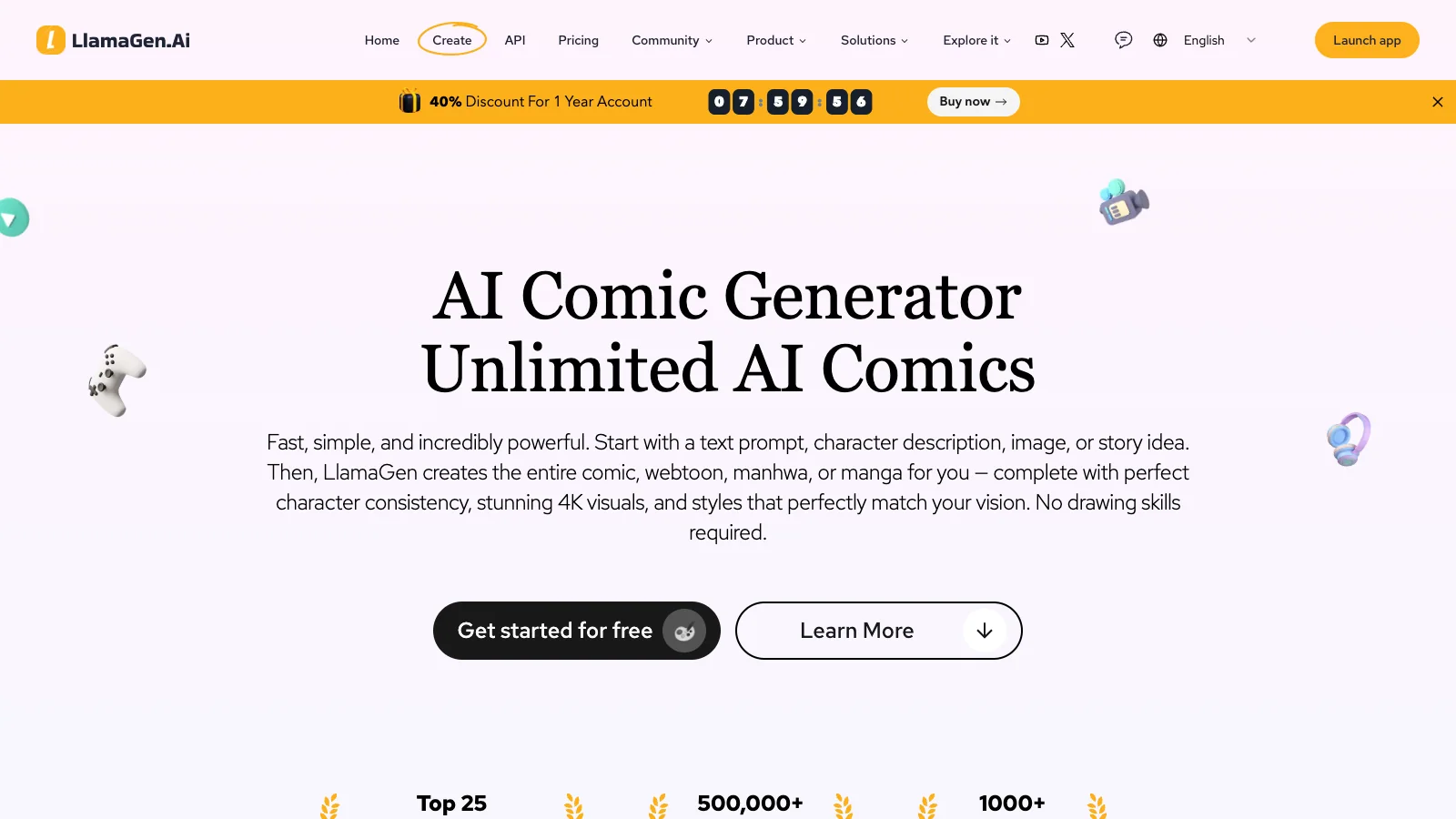

Last reviewed: November 6, 2026. This page is for creators comparing an Anifusion alternative, an AI comic or manga workflow, or a platform that can carry a story into storyboard and video production. It uses public product documentation and current product surfaces. It is not an independent image-quality benchmark, and plan access, model availability, and export options can change.
Anifusion AI is a capable manga and comic studio with meaningful technical image controls. It brings together manga pages, built-in layouts, character tools, editable speech bubbles, and editing controls, alongside custom LoRA training and stacking, sketch restyling, and pose or image-reference conditioning. Those capabilities deserve to be acknowledged rather than described as missing.
LlamaGen's distinction is the breadth of the production workflow around comic creation. Creators can start with a premise or supported script/manuscript file, structure the story in Story Workspace and Comic Copilot, plan scenes and panels, refine pages in Comic Studio, prepare print PDFs and platform-specific publishing assets, continue into Storyboard AI or Animation Studio, and compare a broad catalog of image, video, text, and utility models.
The practical choice is whether you mainly need a manga-focused editor with technical image controls, or a broader story-to-comic-to-long-form-to-print-and-video production toolkit.
The following seven capabilities are documented by Anifusion itself. They are not presented as gaps.
Anifusion's manga and comic workflows support multi-panel page generation, built-in layout presets, custom arrangements, and a canvas for reviewing panel order and reading flow. This is a native comic workflow, not just single-image generation.
Sources: AI Manga Generator · AI Comic Creator.
Anifusion supports editable dialogue and caption layers, speech balloons, sound effects, balloon positioning, and tail-target adjustments. Creators can refine lettering after the artwork is generated instead of relying only on text baked into image pixels.
Source: Text to Manga.
Anifusion documents targeted refinement of character poses, expressions, backgrounds, panel composition, and lettering. Creators can regenerate specific images or panels while continuing to work on the rest of the page. The precise edit scope depends on the selected tool and whether the source is a separate panel asset or a flattened page.
Source: Text to Manga.
Anifusion's manga workspace brings together built-in page layouts, character creation and reference controls, editable speech bubbles, and panel editing tools. This gives manga creators a focused page-level workflow, with the controls needed to compose, letter, and refine a manga page in one workspace.
Source: Text to Manga.
Anifusion supports training custom LoRAs for a character, visual style, or concept, importing compatible .safetensors adapters, and applying multiple compatible LoRAs with adjustable weights. Its published training guidance describes focused reference sets—often around 20–25 images for a character LoRA and 25–30 consistent examples for a style LoRA—and explains how trained adapters can be reused in image generation or comic presets.
Model compatibility matters: the help documentation describes LoRA support for compatible SDXL- and FLUX.1-family workflows, while noting unsupported combinations such as SD 1.5 and FLUX.2. A LoRA is an adapter for a compatible base model, not a universal model switch.
Sources: Anifusion LoRA Training · Anifusion Help Center.
Anifusion can use pencil sketches, ink drawings, photos, screenshots, or existing artwork as source material. Creators can import an image into a panel or canvas, create variations, use inpainting, and restyle selected panels. Its page-level restyle workflow can apply a shared prompt and model setup across imported panel images, which is useful for converting rough sketches or existing artwork into a more consistent visual treatment.
This is a restyling and image-guidance workflow; the available controls depend on the selected image model and editor mode.
Source: Anifusion Help Center.
Anifusion's pose tool places an editable stick-figure skeleton on the canvas. Creators can move joints such as shoulders, elbows, wrists, hips, knees, and ankles, choose full-body or upper-body guidance, and add multiple pose layers for multi-character scenes.
The help documentation also describes a separate IP-Adapter reference control for supported SDXL models. These controls are model-specific: pose guidance works best with compatible ControlNet-style conditioning, and IP-Adapter is not available across every model family.
Source: Anifusion Help Center.
LlamaGen is designed to connect story development, comic planning, page production, revision, and delivery:
This is useful when the goal is not simply to generate one attractive page, but to develop a longer story with recurring characters, planned pacing, editable panels, and a deliverable that another person can review or publish.
Explore Comic Studio, the AI Comic Generator, Script to Comic, Story to Comic, Novel to Comic, Comic Editing, the Story Workspace guide, and the speech bubble generator.
Long-form comic creation is a standout LlamaGen strength. Rather than treating each page as an unrelated prompt, creators can bring a novel, manuscript, or script into Story Workspace and develop the project chapter by chapter:
This chapter-based workflow is designed for longer comics, serialized manga, graphic novels, and illustrated adaptations of existing manuscripts. It does not mean every page is generated perfectly in one pass: creators should review continuity, pacing, lettering, and final export requirements.
Explore LlamaGen AI Comic Studio, Novel to Comic, the Story Workspace guide, and Comic Editing.
LlamaGen extends comic creation into a practical print and publishing-preparation workflow. This is more than a generic image download:
Print PDFs and page setup. Comic Studio can export selected pages to a multi-page PDF, choose portrait or landscape orientation, use paper presets, and accept custom dimensions. Published presets include 11 × 17 inch and 6.625 × 10.25 inch comic sizes, A4, B4, B5, A5, B6, and Webtoon-labelled PDF sizes. The editor also provides a browser print flow for creators using their own printer.
Print preflight and production checks. The LlamaGen print-tool suite includes versioned profiles and browser-based checks for page dimensions, trim, bleed, safe area, binding gutter, and effective DPI. Profiles and guidance cover destinations such as Amazon KDP, Mixam, and IngramSpark. Supporting tools include Comic Print Preflight, KDP Comic Dimensions, Comic PDF Maker, Comic Bleed Calculator, and Comic DPI Checker.
Platform publishing preparation. The Comic Studio publishing workflow helps creators prepare:
There is an important production distinction: LlamaGen prepares assets, page exports, checks, and publishing details; creators complete upload and publication in their external WEBTOON, pixiv, or Amazon KDP accounts. The KDP preparation screen does not submit the book on the creator's behalf.
Print-file limitations are disclosed. The standard Comic Studio PDF export is based on rendered page images. It does not guarantee 300 DPI, CMYK conversion, bleed settings, or crop marks. The preflight tools help identify measurable issues and guide preparation, but they do not replace a printer's current template, final layout work when required, or a physical proof. Check the destination's latest specifications before ordering or submitting a book.
Explore Print Preflight, KDP Comic Dimensions, Print comics and prepare a PDF, and Publishing to WEBTOON, pixiv, and Amazon KDP.
LlamaGen has several distinct video-production surfaces. They solve different stages of the work and should not be confused with one single editor.
Storyboard AI — plan the shots. Start from a script or scene notes and build a shot list, camera direction, frames, timing cues, and an animatic. The storyboard workspace provides screenplay, shot-list, grid, and animatic views; its animatic timeline can arrange shots and preview their timing. Storyboards can be exported as PDF or MP4.
Animation Studio — generate motion. Available modes include Voice Story, Idea to Video, Script to Video, Recording to Video, Music to Video, Drawings Into Animation, Podcast to Video, and Comic to Video. Comic to Video requires an eligible paid plan. The scene and frame workflow lets creators add scenes, revise or regenerate frames, edit source images, and send selected artwork toward image-to-video generation. Video costs depend on model, duration, and output settings.
Cut Editor — assemble the video. For hands-on editing beyond generation, LlamaGen also has a separate timeline-based Cut Editor. Its canvas provides video, audio, image, and text track types, a playhead and preview, clip trimming and splitting, duplication and deletion, track visibility/lock/mute controls, and undo/redo. Projects are saved in the browser, so this should not be described as automatic cloud synchronization or a guaranteed one-click handoff from Animation Studio.
The distinction matters: LlamaGen connects shot planning, multiple generation modes, and a separate timeline editor for assembling media into a finished video.
Explore Storyboard AI, the Storyboard animatic timeline guide, Animation Studio, Comic to Video, and the Cut Editor.
LlamaGen's current public model-pricing directory lists 100+ model entries across four categories: image, video, text, and utility. The catalog includes image options such as FLUX 2, video options such as Google Veo, and text options such as Claude and Gemini. It also publishes credit-cost and generation-time details so creators can compare the listed options before choosing a workflow.
Anifusion also exposes model-specific controls and compatible LoRAs in its image workflow. The distinction here is the breadth and visibility of LlamaGen's cross-category catalog—not a claim that Anifusion has no model choice, or that every LlamaGen model is available in every tool. Actual model pickers, prices, and plan access depend on the selected workflow and account.
Browse the live Model Pricing & Credits catalog and image creation tools.
| Workflow question | Anifusion AI | LlamaGen |
|---|---|---|
| Create multi-panel comics | Built-in manga and comic layouts, panel generation, editable canvas | Comic Copilot planning and Comic Studio page/panel workflow |
| Edit dialogue and speech bubbles | Editable dialogue, captions, SFX, balloons, and tail targets | Comic lettering and speech-bubble editing tools |
| Fix one visual area | Local refinement, inpainting, and selected-panel/image regeneration | Focused panel redraw and image-editing workflows |
| Train or apply custom LoRAs | Train, upload, and stack compatible LoRA adapters | Select among models in the supported generation workflow |
| Restyle sketches and imported art | Import sketches or artwork, create variations, and batch-restyle panels | Import and edit comic assets, with focused panel redraw |
| Guide character pose or references | Editable pose skeleton; IP-Adapter on supported SDXL models | Image references and model-dependent generation controls |
| Start from a script or manuscript | Story and script-driven manga creation | Supported script-file upload plus page/panel structure recommendations |
| Prepare print files | Not assessed in this technical feature comparison | PDF page selection and sizing, print preflight profiles, DPI and bleed tools |
| Prepare for external publishing | Not assessed in this technical feature comparison | WEBTOON, pixiv, and Amazon KDP preparation workflows |
| Choose AI models | Model and LoRA compatibility varies by workflow | 100+ published catalog entries across image, video, text, and utility |
This table compares documented workflows, not output-quality scores or exclusive ownership. Product capabilities, model access, export formats, and plan restrictions can change.
Choose Anifusion AI if your work is centered on manga pages with built-in layouts, character tools, editable speech bubbles, panel editing, custom LoRA training, sketch restyling, and pose or IP-Adapter conditioning. Visit the official Anifusion website.
Choose LlamaGen if you want a structured path from a script or manuscript to a multi-page comic, then need print preparation and publishing workflows for WEBTOON, pixiv, or Amazon KDP, storyboard planning, a separate video timeline editor, and a broad cross-category model catalog. Start with Comic Studio, explore Print Preflight, or browse Model Pricing.
Use the same source story and source artwork in both products rather than comparing unrelated demo images:
This test gives Anifusion credit for its real technical image controls while measuring the additional story, print, and publishing stages that may make LlamaGen a better fit for a broader production project. We have not published independently verified head-to-head performance results for this exercise.
Yes. Anifusion documents training custom LoRAs for characters, styles, and concepts, uploading compatible LoRA files, and applying multiple compatible adapters with adjustable weights. Compatibility depends on the base model family.
Anifusion's help materials describe importing pencil or ink sketches and existing artwork, creating variations, and restyling individual panels or batches of panel images. The exact controls depend on the selected model and editor mode.
Yes. Its pose tool uses an editable stick-figure skeleton with draggable joints and can support multiple pose layers. IP-Adapter references are separately available for supported SDXL models; these controls are not universal across model families.
LlamaGen supports print-oriented PDF preparation with page selection, orientation, common paper presets, and custom dimensions. Its print tools also provide versioned checks for trim, bleed, safe area, gutter, and effective DPI against supported printer profiles. A final printer proof and destination-specific file validation are still required.
Yes. LlamaGen provides preparation workflows for WEBTOON episodes, pixiv manga posts, and Amazon KDP paperback, hardcover, or Kindle book details. Upload and final publication are completed in the external platform account; the KDP preparation screen does not submit a book automatically.
No. Comic Studio can export PDFs with paper-size and page-selection controls, while the separate print tools help check trim, bleed, safe area, gutter, and DPI. The standard Comic Studio PDF export does not guarantee 300 DPI, CMYK conversion, bleed settings, or crop marks. Use the current KDP template and a final proof before submitting.
LlamaGen connects story and script planning, Comic Copilot, reusable character assets, page-level comic editing, print and platform publishing preparation, Storyboard AI, Animation Studio, a separate Cut Editor timeline, and a broad model catalog. These are additional production stages, not claims that Anifusion lacks advanced comic or image-model controls.
Yes. Comic Copilot accepts supported script and manuscript files. The manuscript upload guide walks through upload, storyboard density, page settings, character consistency, and the handoff to Comic Studio. Accepted formats and size limits can change, so use the live uploader as the final reference. An upload is a source for a staged creation workflow, not a promise that an entire book will be converted into a finished comic without review.
Yes. The separate Cut Editor provides a timeline with video, audio, image, and text tracks, clip editing, preview, undo/redo, and export. Projects are stored in the browser; do not assume they are automatically synchronized to the cloud.
The current public model-pricing directory lists more than 100 entries across image, video, text, and utility categories. The live directory shows the current count, generation-time estimates, and credit costs. Access to a particular model depends on the workflow and plan.
Anifusion
LlamaGen
This comparison is published by LlamaGen and is not endorsed by Anifusion. Anifusion capabilities were checked against its public product pages on November 6, 2026. LlamaGen workflows were checked against the current product surfaces and help documentation. Model counts and plan access can change; use the live model directory and the selected tool's displayed quote before starting a paid generation.
Vytvorte svoj prvý komiks do jednej minúty. Nie je potrebná platobná karta.