

A comic reader can pause over a speech bubble. A video viewer gets only the time the edit provides. Read every line aloud, leave space for the reaction, and make sure the story also works when sound is off.
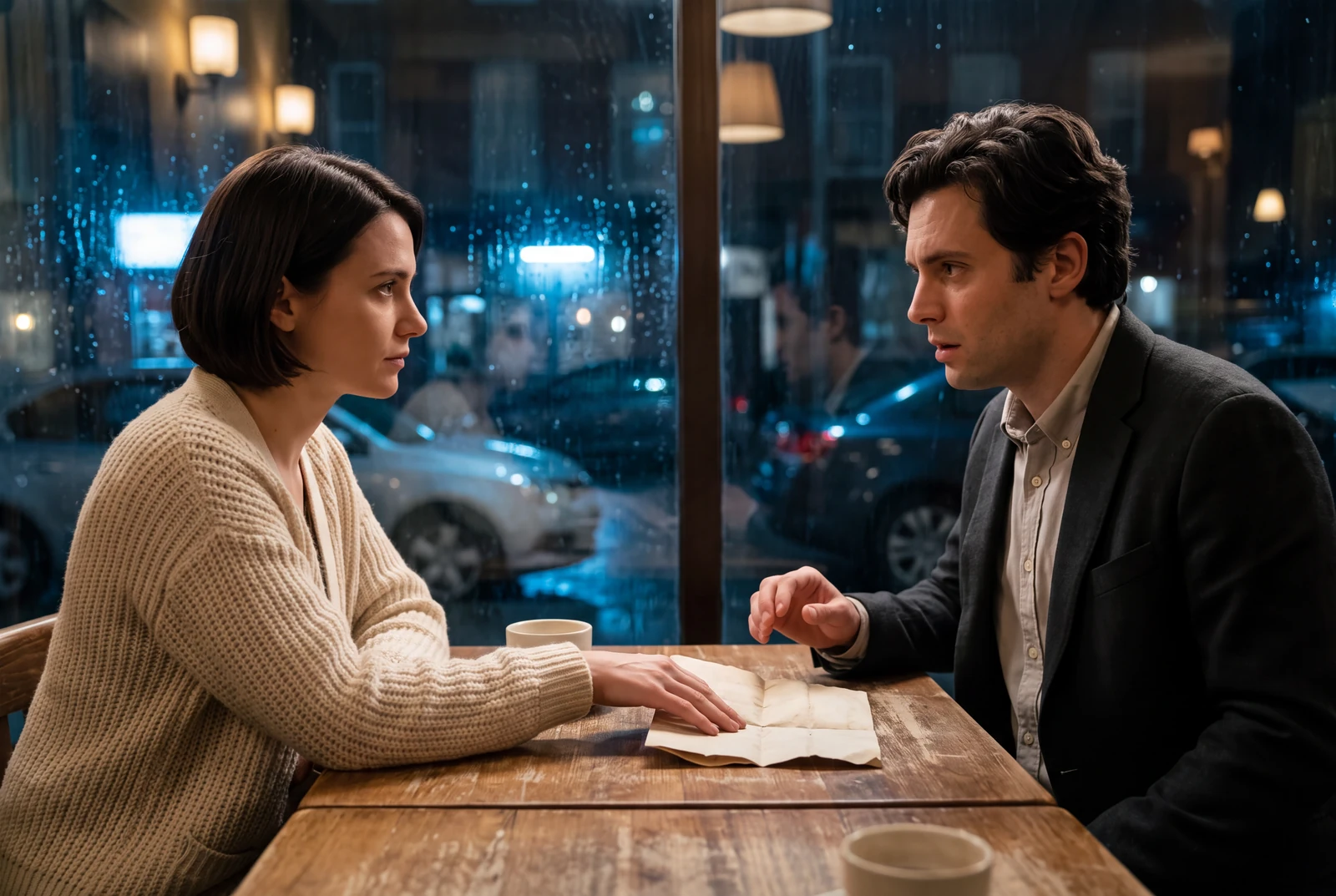
AI-generated comic-drama and short-drama concept frames, not customer work, actual video exports or measured evidence.
A practical workflow
- 01
Extract the important lines
Write a short transcript with a speaker name for each line. Remove duplicate narration if the action already shows it. Keep a note of any sound that matters to understanding the scene.
- 02
Read the lines against the scene
Use your own read-through to set a first timing estimate. Add a pause before a reveal or punchline. If the words feel rushed, shorten the text or extend the edit instead of forcing speech into the shot.
- 03
Check the available audio mode
The studio exposes voice and music only in supported modes. Do not assume Comic To Video offers every voice control. If necessary, finish narration and exact synchronization in a separate editing step.
- 04
Review captions after export
Use an editor or publishing tool to add or correct captions where needed. Check names, punctuation, speaker changes and meaningful sound cues. Place text where it does not obscure the face or the key prop.
Worked planning example
A question, a pause, then the reveal
For the boot scene, plan the robot's line as “This one?”, leave a silent reaction beat for the gardener, then reveal the sprout. Read the line naturally before setting the cut. The pause is a creative pacing choice, not a claim that the generator will produce exact dialogue timing.
Keep the robot and watering can visible for the question, hold on the gardener's reaction, then reveal the sprout in the boot. Leave visual space for captions to be added in the final edit. Avoid generating new text inside the image.
Illustrative brief. Timing is a starting point to adjust after preview, not a measured generation result.
What to check before continuing
- The final subtitle covers the sprout that delivers the joke.
- Automatic captions change a character name or omit an important sound.
- Music masks the spoken line, or the muted version loses the story.
Questions creators ask
Are preserved speech bubbles enough?
Check them in the output. Generated lettering can change, and small bubbles can be hard to read on a phone. Editable final captions give you a separate opportunity to correct the text.
Do automatic captions need review?
Yes. Check them against the spoken audio. W3C's caption guidance explains why uncorrected automatic captions can miss words and information viewers need.