

Changing a page into a 9:16 clip can cut away the story. Design around the main subject first, then preview the result at phone size with space for captions and publishing controls.
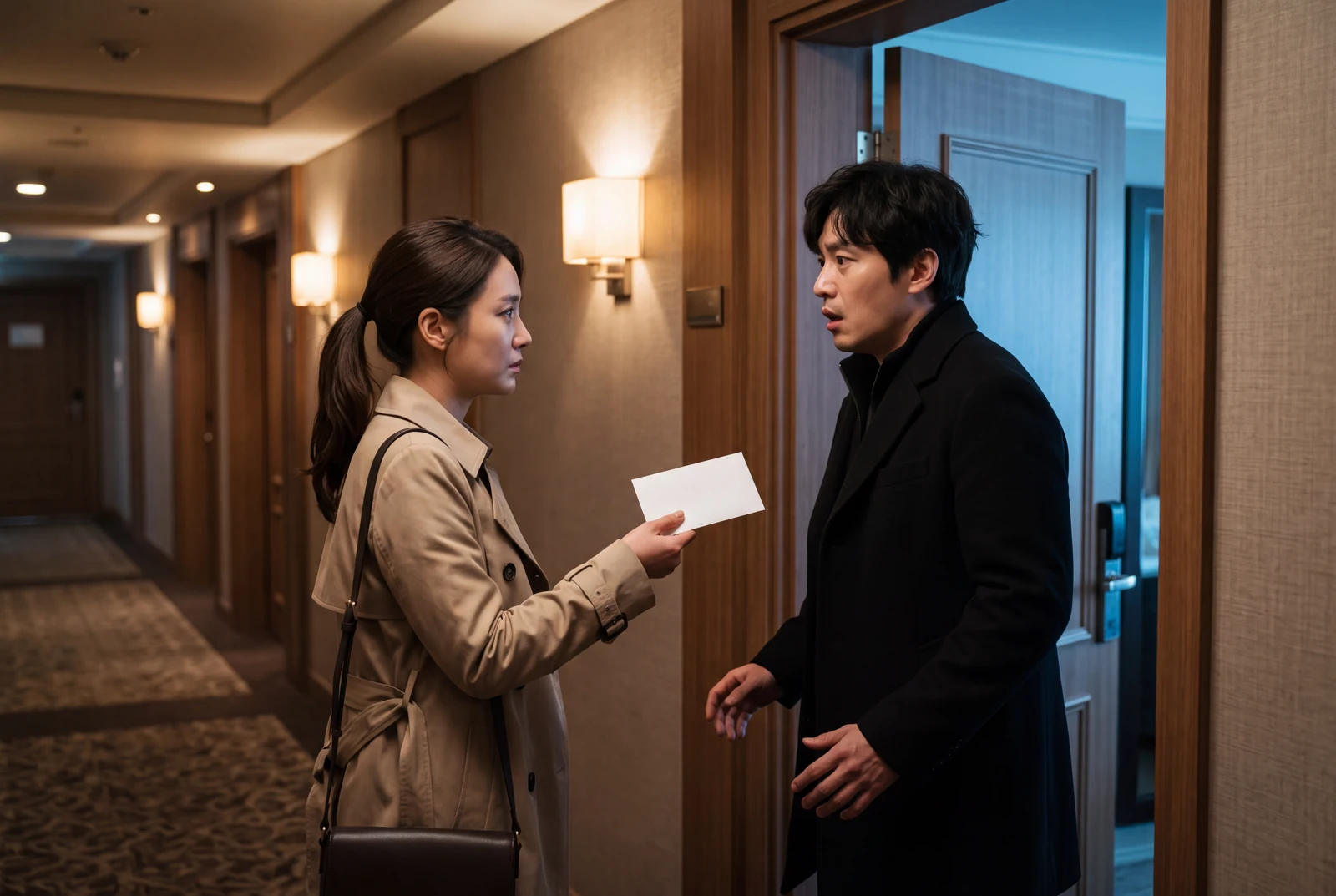
AI-generated comic-drama and short-drama concept frames, not customer work, actual video exports or measured evidence.
A practical workflow
- 01
Choose the destination
Decide whether the clip is a vertical teaser or a wide scene preview. Animation Studio lists 9:16 and 16:9 options; check the options available for the selected mode before arranging the edit.
- 02
Protect the story-bearing detail
Keep the subject and its important prop together. For a wide two-character exchange, use separate reaction shots or reframe in an editor rather than cropping out the second speaker without explanation.
- 03
Leave room for the interface
Keep critical lettering away from the outer edges. Preview with the destination app's controls visible. There is no single fixed safe margin that works for every platform, device and caption layout.
- 04
Check the complete short
Watch on a phone at normal size, once with sound and once muted. Check the first frame, the transition into the payoff and the final frame. Consult the destination's current publishing guidance before upload.
Worked planning example
Keep the boot in the vertical crop
In the greenhouse story, a crop containing only the robot's face hides the joke. Place the robot above the boot, reserve a separate caption area, and use a detail shot if the sprout is too small. A planned 12-second teaser could allow 3 seconds for setup, 3 for the mistake, 2 for the reaction and 4 for the reveal; adjust after preview.
Compose for a vertical scene with the copper robot and old boot both visible. Keep the sprout reveal near the center and leave clear space for captions. Use restrained movement so the key prop does not leave the frame.
Illustrative brief. Timing is a starting point to adjust after preview, not a measured generation result.
What to check before continuing
- A center crop removes the second character's reaction.
- The platform's buttons overlap the only readable speech bubble.
- A suggested editing duration is mistaken for an available generation setting.
Questions creators ask
Does a 9:16 export automatically qualify as a YouTube Short?
Check YouTube's current rules as well as the file itself. Its help page explains how aspect ratio and duration affect Shorts categorization; LlamaGen's output settings do not decide platform eligibility.
Do I need to regenerate every crop?
Not always. A finished wide clip may be reframed in an editor if the important action remains visible. Generate again only when the existing composition cannot support the intended shot.