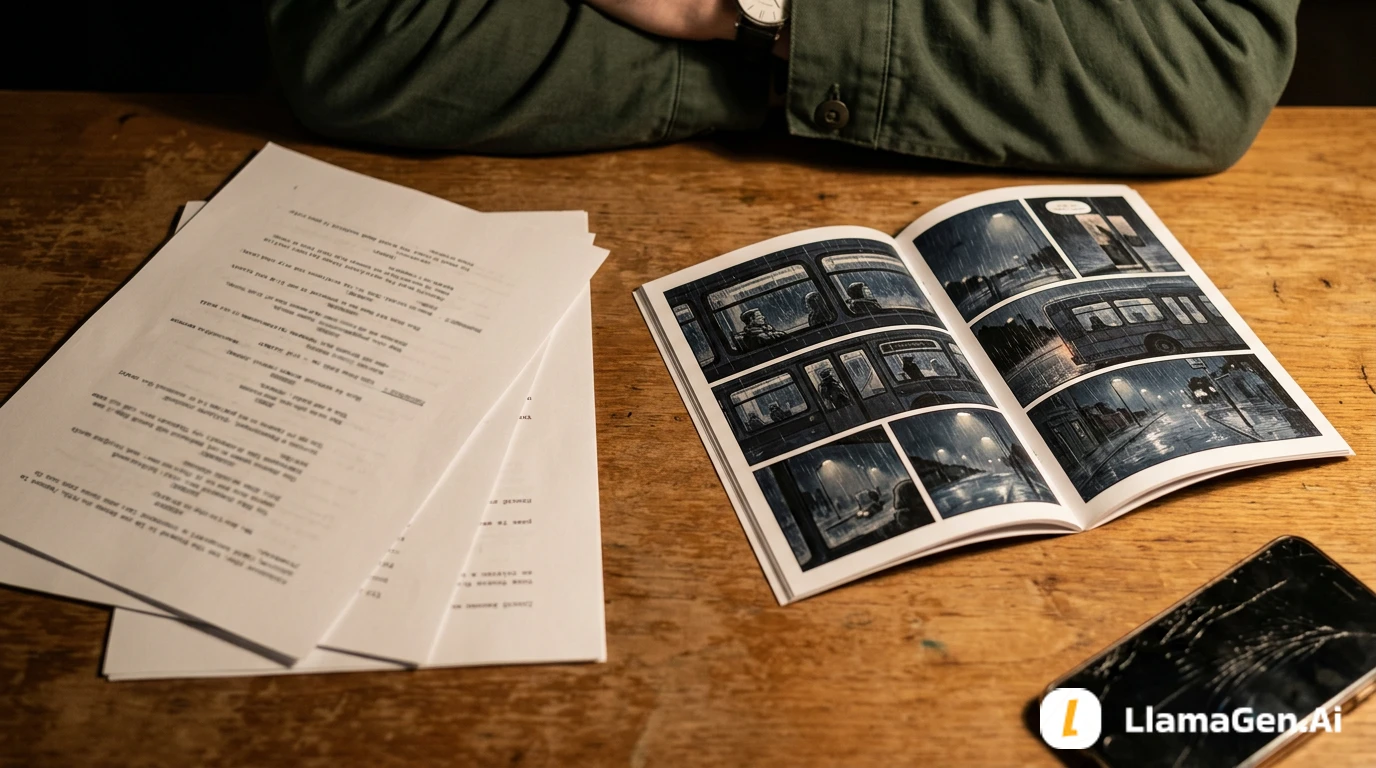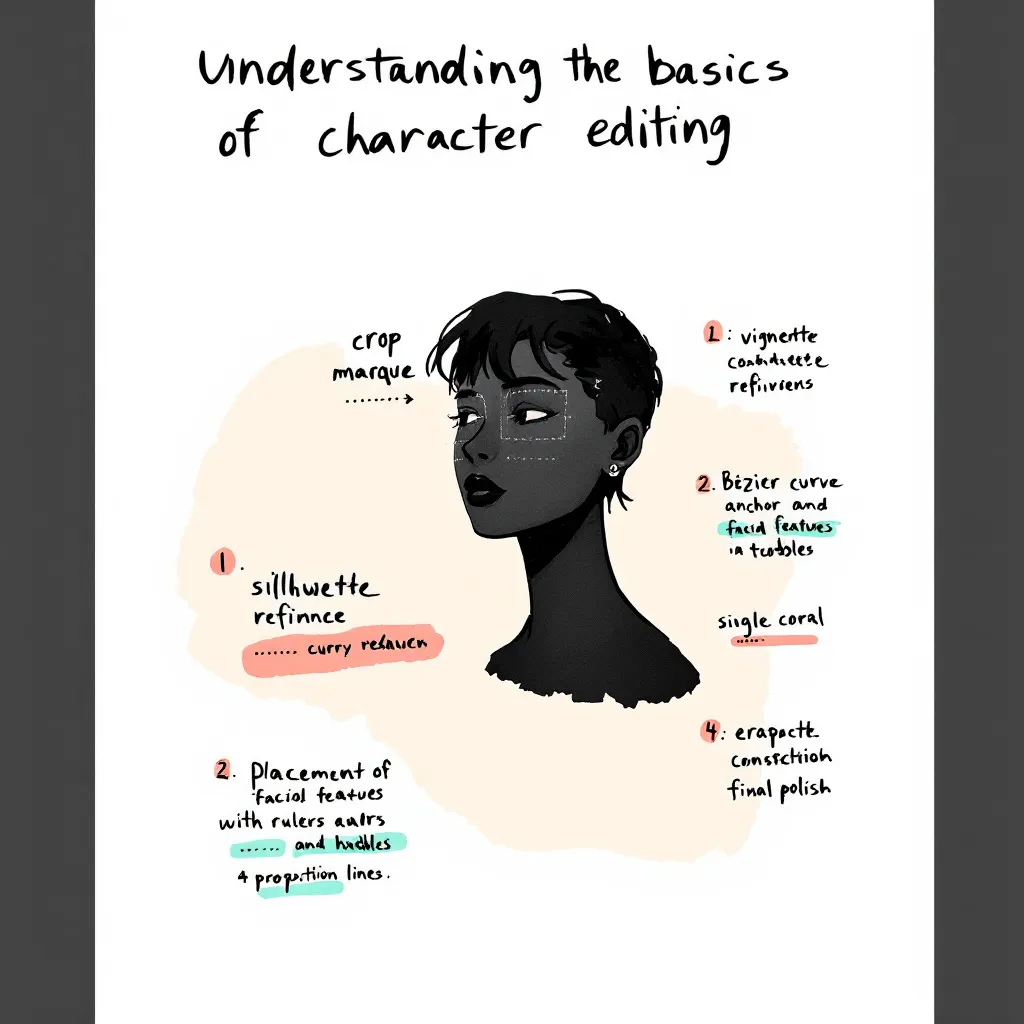

Editing comic characters can feel overwhelming, especially when you're just starting out. I remember working with a German author who faced this exact challenge. She had never edited characters before and felt lost looking at the interface. Her experience mirrors what many newcomers face. That's why we set out to simplify the character editing process and create an easy, beginner-friendly guide. In this post, I’ll share our journey, the practical solutions we implemented, and actionable tips you can use. Whether you’re a writer, artist, or developer, this tutorial will help you achieve 100% style stability and master intuitive editing with LlamaGen. Let’s dive into real user stories, best practices, and step-by-step instructions so you can confidently edit comic characters and elevate your creative workflow.
Before jumping into advanced features, it’s crucial to grasp the basics of character editing. Many authors—especially those new to digital comic creation—find this step confusing.
Character editing lets you define, customize, and refine the traits, style, and backstory of your comic characters. With LlamaGen, you can:
Common pain points include:
Our German author, for example, initially had no idea where to start. She struggled to find editing options and worried about losing her character’s unique style. These issues are typical for new users.
To address these challenges, we mapped out the user journey and focused on real-world application.
Our German author’s feedback was clear: she felt lost and frustrated. She needed a beginner’s guide that explained every step. Her story is common among creators exploring LlamaGen for the first time.
Over one week, we worked closely with the author, gathering feedback and testing solutions. This collaborative approach allowed us to:
Tổng hợp các tính năng mới nhất của LlamaGen, cải tiến sản phẩm, cập nhật thiết kế và các bản sửa lỗi quan trọng.
One major goal was to maintain consistent character style across long texts and multiple edits. We optimized memorization algorithms and improved prompt interactions, ensuring that style stability reached 100%.
Here’s a practical tutorial based on our experience. Follow these steps to make character editing easy and reliable.
We redesigned the prompts area for clarity. Now, when you open a character profile, you’ll see:
Actionable Tip: Hover over information icons for instant explanations.
Editing entries are now visible and easy to find. Just look for the “Edit” button next to each character trait or dialogue option.
Example: Want to change your character’s hairstyle? Click “Edit” next to “Appearance,” select a style, and hit “Save.”
Consistency matters, especially in comics. We optimized how LlamaGen memorizes character traits in long text sequences.
Actionable Tip: After making several edits, review the character’s preview panel for any inconsistencies.
Working with another creator? Use the “Share & Collaborate” feature.
Our German author loved this feature, saying, “I finally felt confident editing and sharing my characters—no more confusion!”
Learning from real user stories, these best practices will help you master character editing.
Here are specific use cases that highlight the value of our improvements.
Anna, a first-time comic creator, used our beginner’s guide and quickly mastered editing. She said, “The step-by-step instructions made it so easy. I was able to keep my characters consistent from start to finish.”
A German author and her illustrator collaborated using the new workflow. They commented, “Editing entries are finally visible! We saved hours and avoided confusion.”
A webcomic team used style stability features to keep characters consistent across 50+ episodes. Their feedback: “Memorization updates and prompts checks are a game-changer for long-form storytelling.”
For deeper insights, check out related topics like:
These guides expand on narrative design and editing principles.
How do I access editing entries in LlamaGen?
Click the “Edit” button next to each character trait. All entries are now visible and labeled.
Can I collaborate with other authors?
Yes! Use the “Share & Collaborate” feature to invite others and track edits.
How do I keep character style consistent?
Edit traits gradually, use prompt tips, and review the preview panel after each change.
Where can I find more tutorials?
Check the official YouTube guide or our help center.
Simplifying the character editing experience in LlamaGen was a journey driven by real user stories and collaborative solutions. By listening to feedback—especially from our German author—we improved the prompts area, made editing entries intuitive, and achieved unmatched style stability. Whether you’re a beginner or an experienced creator, these best practices, step-by-step instructions, and actionable tips will help you edit with confidence. Ready to create memorable comic characters? Start with our beginner’s guide, collaborate with others, and unlock the full potential of LlamaGen today.
For more tutorials, tips, and solutions, explore our related guides or reach out for personalized support. Your next great comic character is just a few edits away!
Popular creator tools
Go from comics and storyboards to stylized photos with LlamaGen.
Turn an idea into polished comic strips in minutes.
Tạo truyện tranh02Create expressive manga art and multi-panel stories.
Create manga03Visualize every scene before production starts.
Create storyboards04Transform any photo into a comic-style illustration.
Create comics from pictures05Build shareable strips with characters that stay consistent.
Create comic strips© 2026 LlamaGen.Ai Bản quyền đã được bảo lưu
Dẫn đầu xu hướng tạo truyện tranh AI tương lai