VIDEO TO VIDEO AI GUIDE
What Is Video to Video AI?
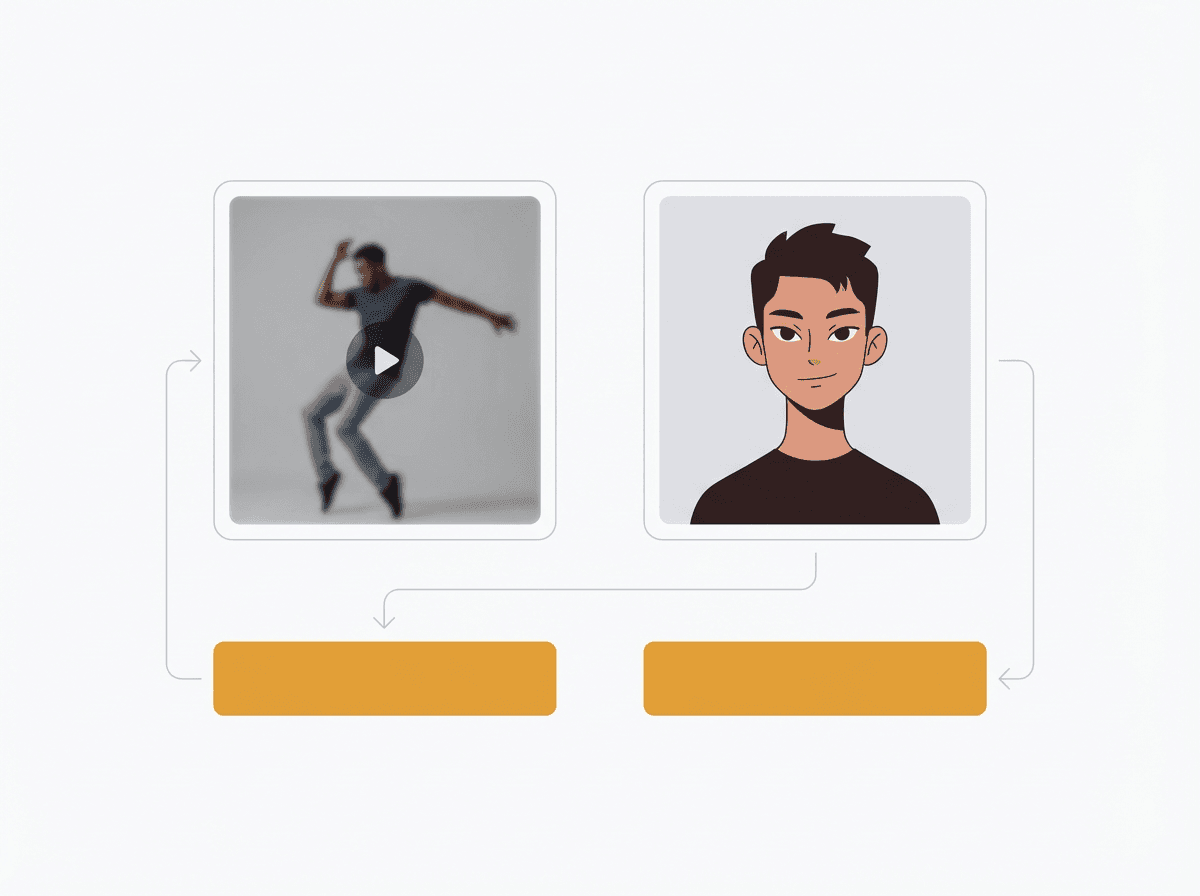
Answer: Video to Video AI uses a source video as motion input, then creates a new video guided by a character reference, style direction, edit instruction, or replacement goal.
How does LlamaGen.ai Video to Video work?
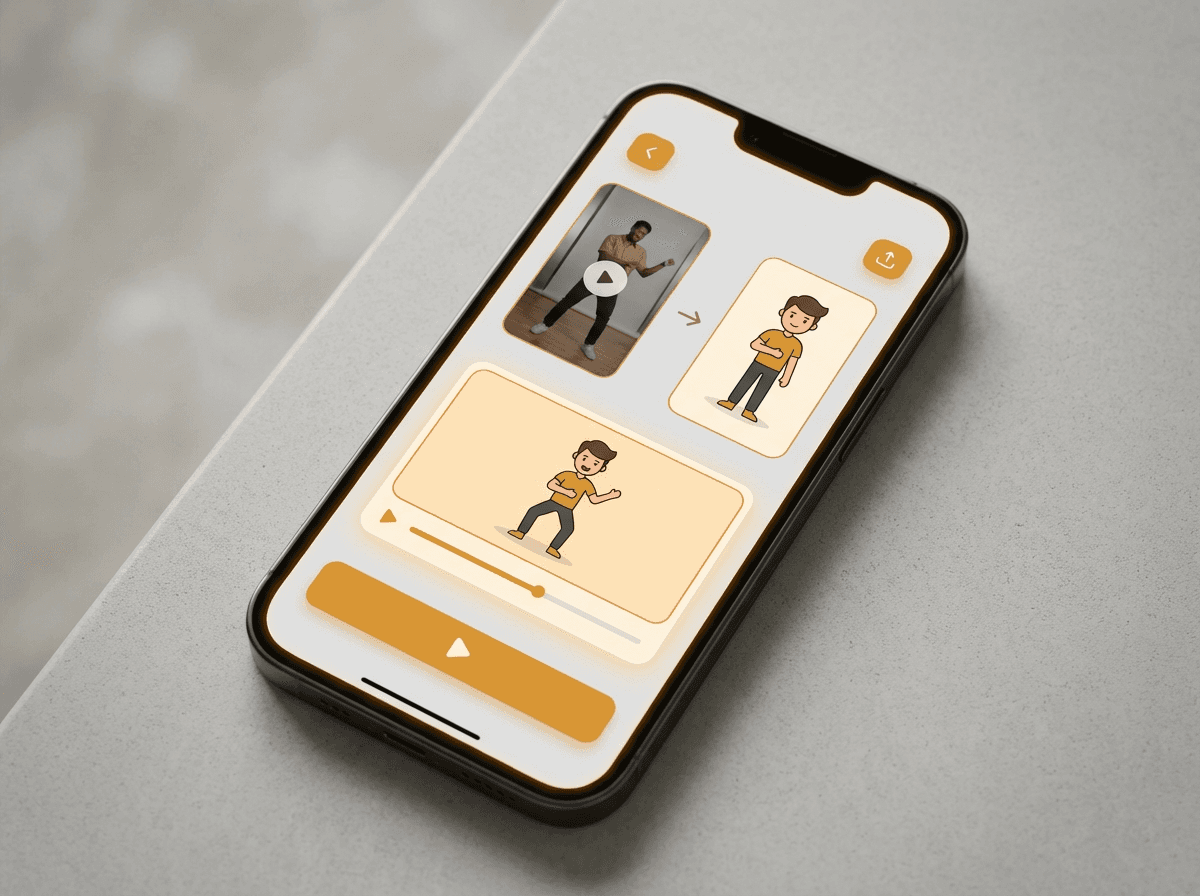
Answer: Upload a source video, add a character image, choose Kling 3.0 Motion Control or Wan 2.7 VideoEdit, and generate a short character-led video.
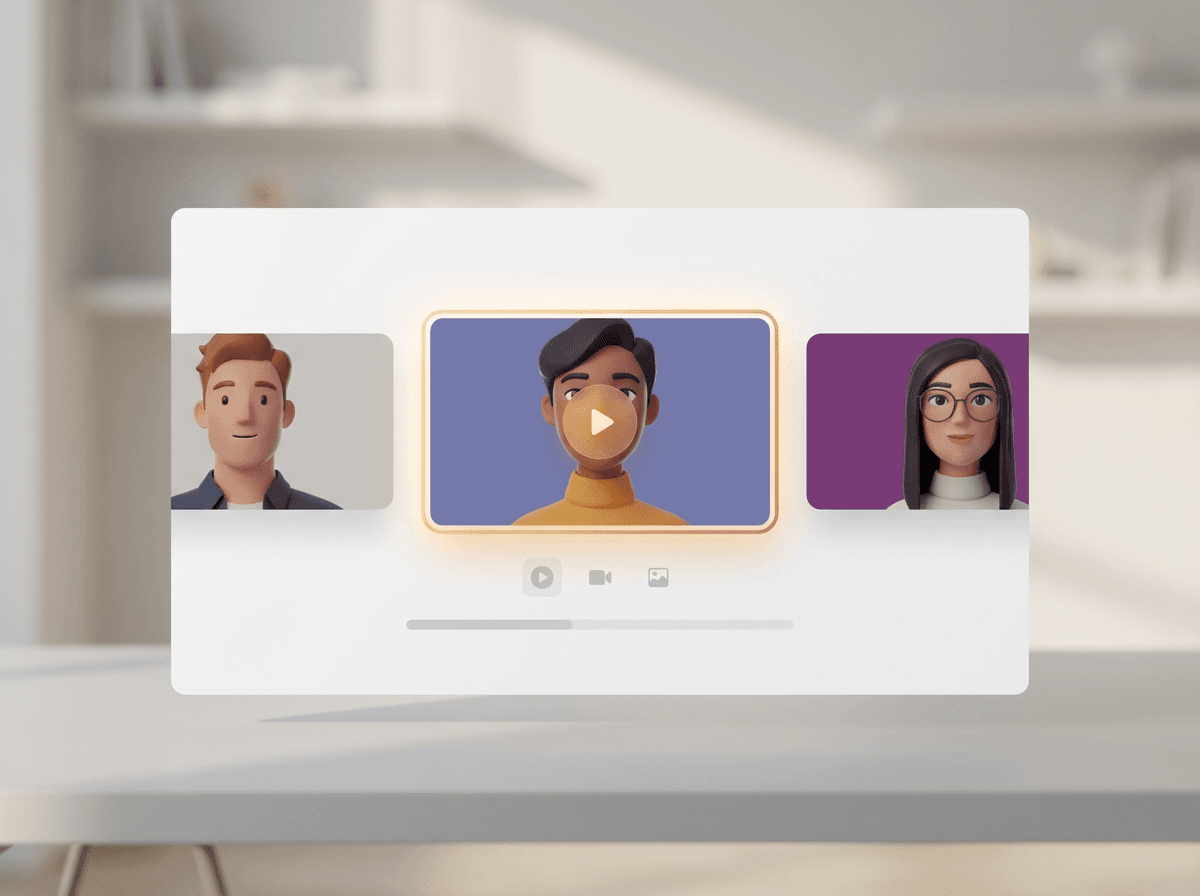
The source clip provides timing, pose, and camera framing. The character image gives the model a visual target so the result can preserve identity while following the source motion or edit instruction.
What problem does a video-to-video generator solve?
Answer: It helps creators test character acting without animating every pose from scratch.
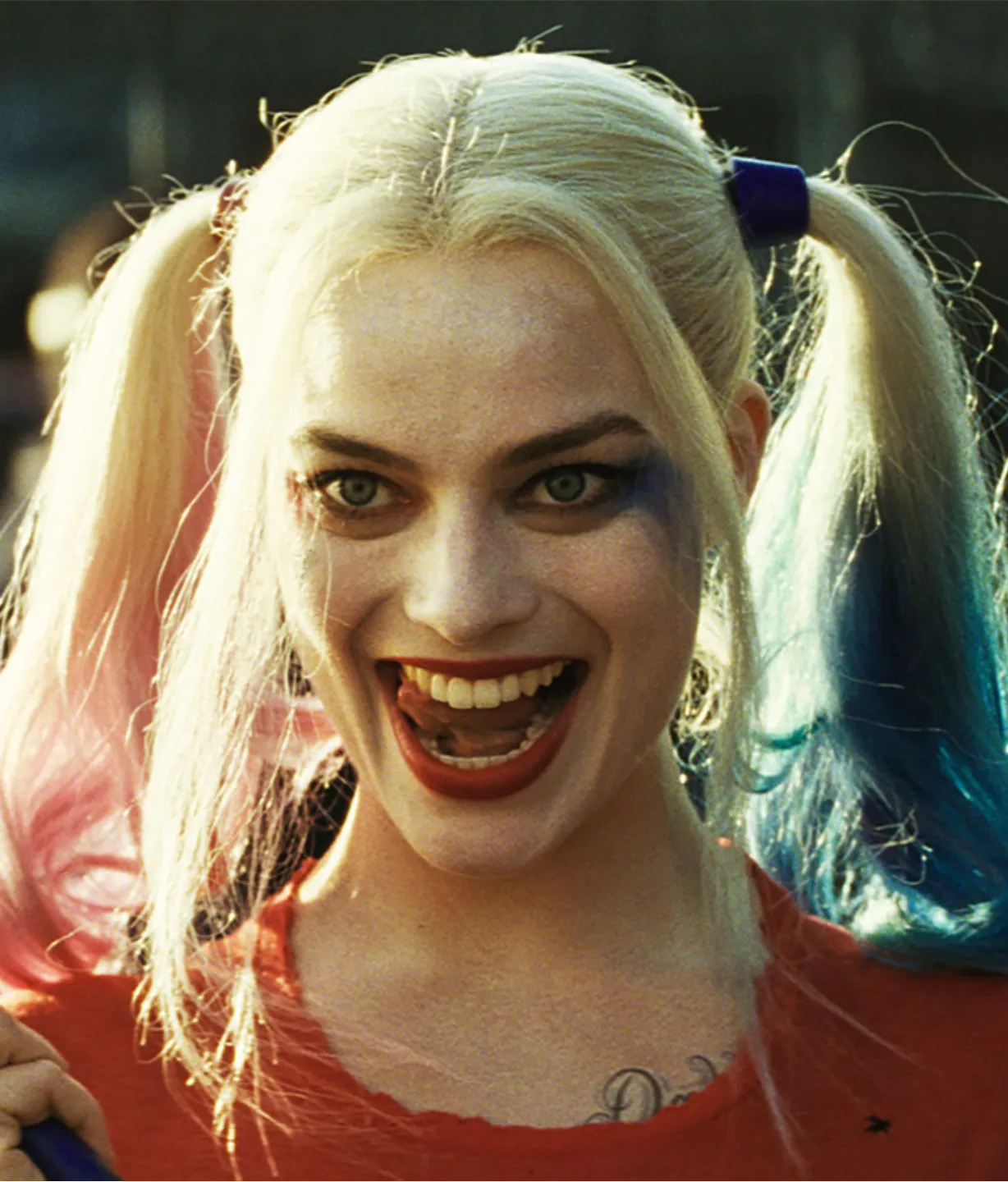
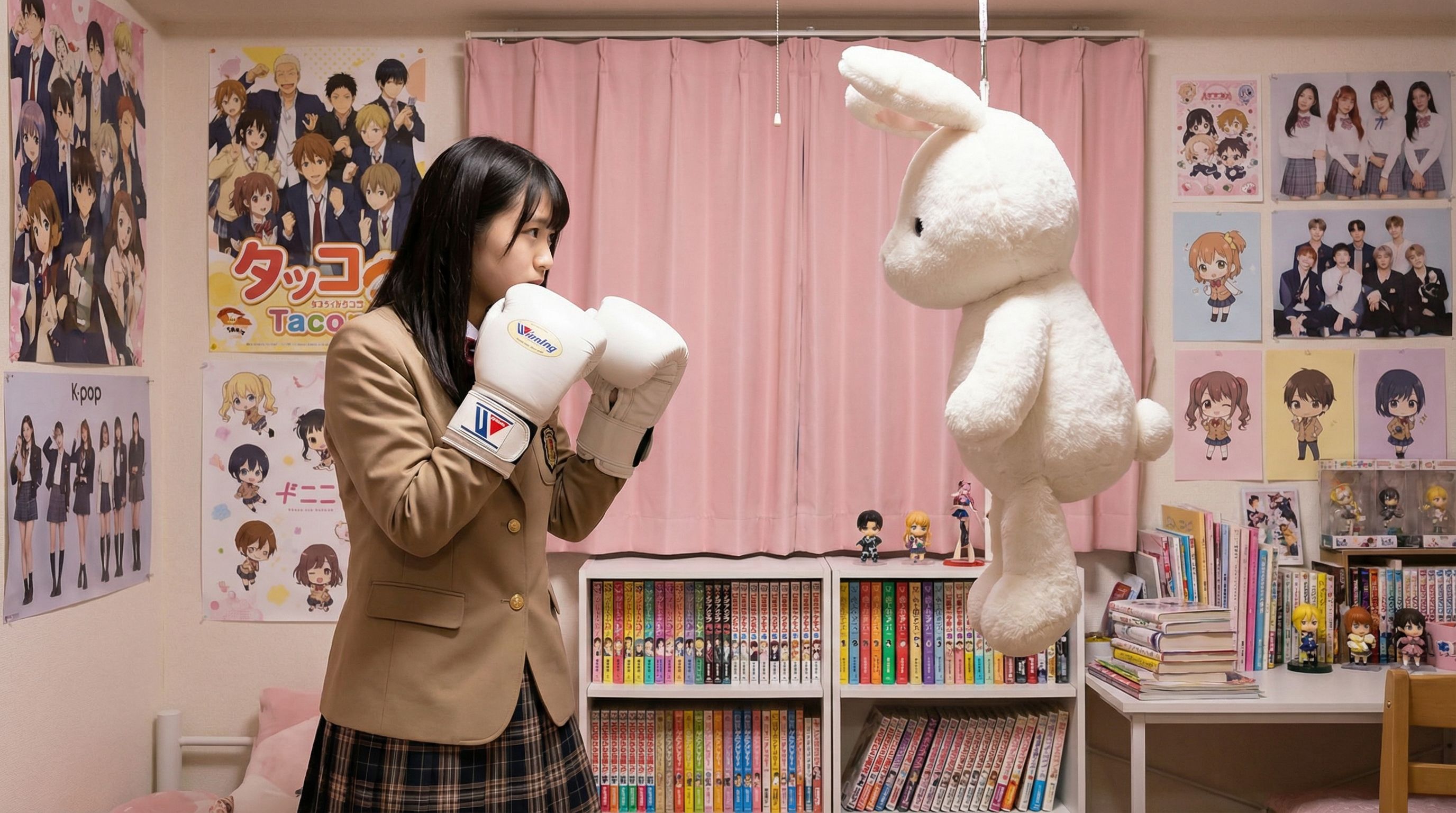
Use it for dance tests, acting references, cosplay previews, short-form character promos, and early animation blocking before committing to a longer production.
Which inputs make better Vid2Vid results?
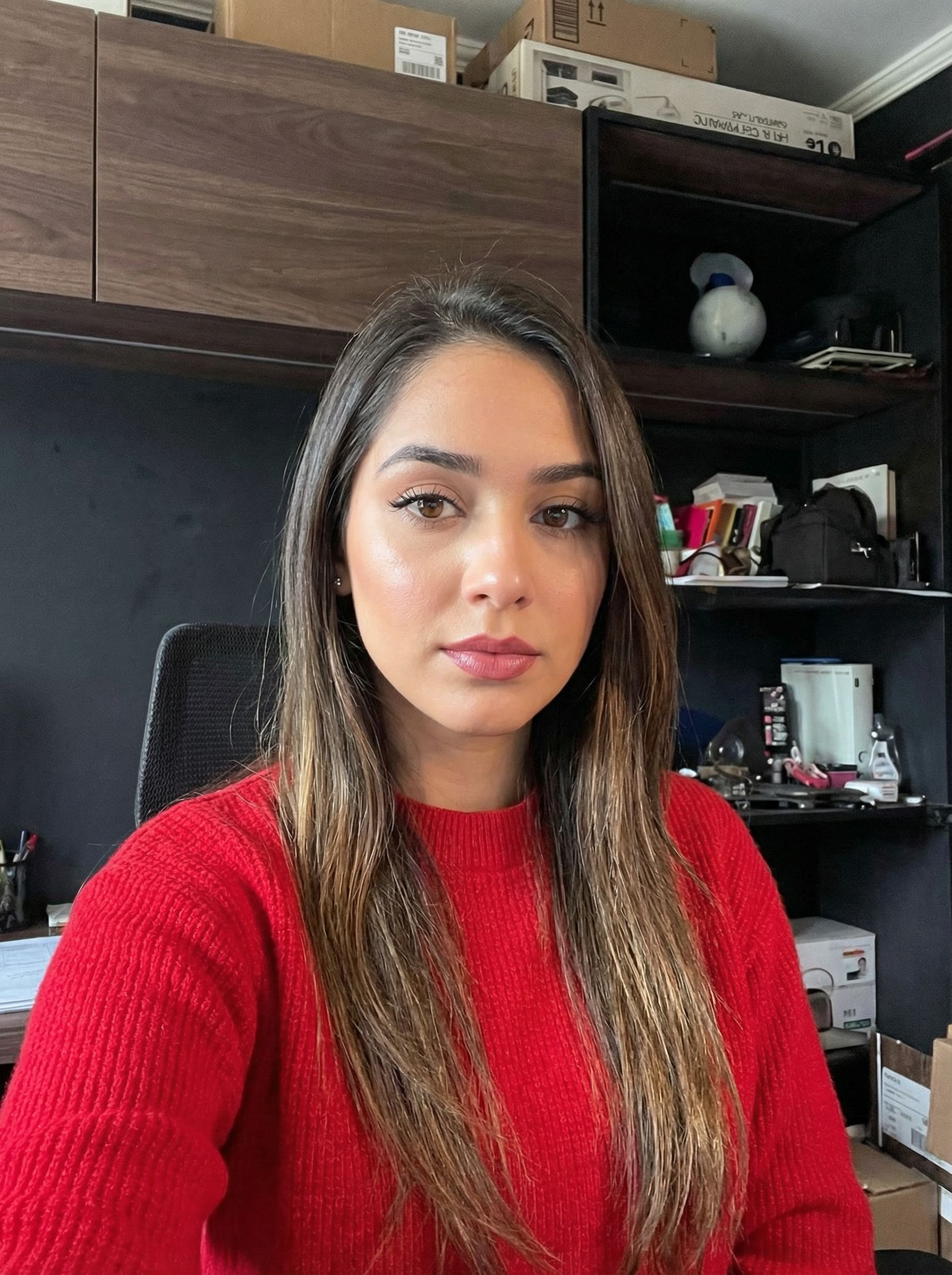
Answer: Short clips with stable lighting and clean character references usually work best.
Clear silhouettes, limited camera shake, visible faces, and consistent framing make the motion transfer easier to read and compare.
Why is Video to Video a paid feature?
Answer: Kling 3.0 Motion Control and Wan 2.7 VideoEdit are premium per-second video models.
The page estimates credits from Replicate model pricing and output duration, so generation is limited to paid accounts with enough credits.