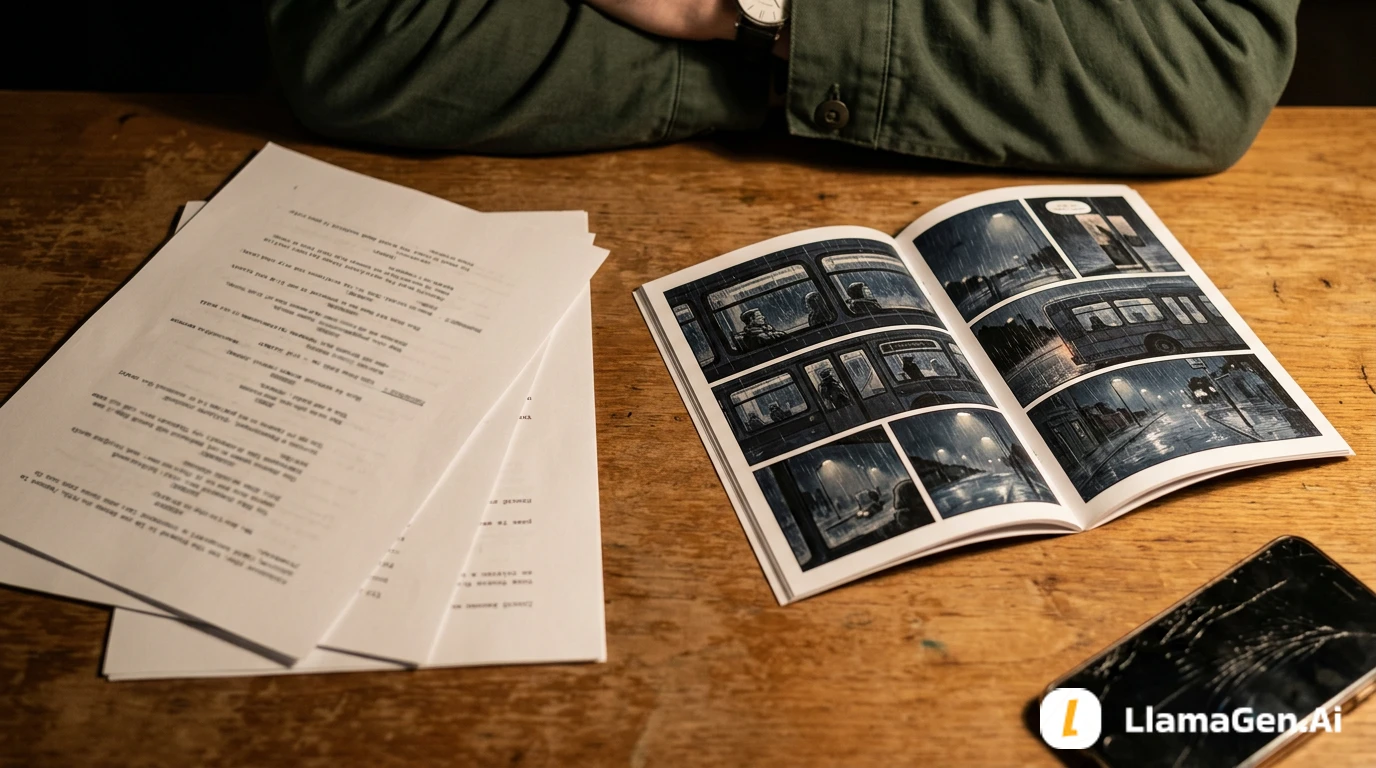
信頼できる4コマ漫画の統合には、1回の生成リクエスト以上のものが必要です。本番環境における最小ループは次のとおりです。
upload character reference -> create four panels -> poll terminal status -> inspect every panel -> repair only the failed panel
このクイックスタートは、そのループを TypeScript で実装します。API キーはサーバー上に保持し、安定したキャラクターレコードを提供し、作成リクエストには冪等性キーを使用し、経過時間と失敗を記録し、一貫性が崩れたときは1つのパネルを対象にします。
まずは LlamaGen.AI Comic API を確認し、その後、以下の完全なサンプルをサーバーサイド統合のベースラインとして使用してください。
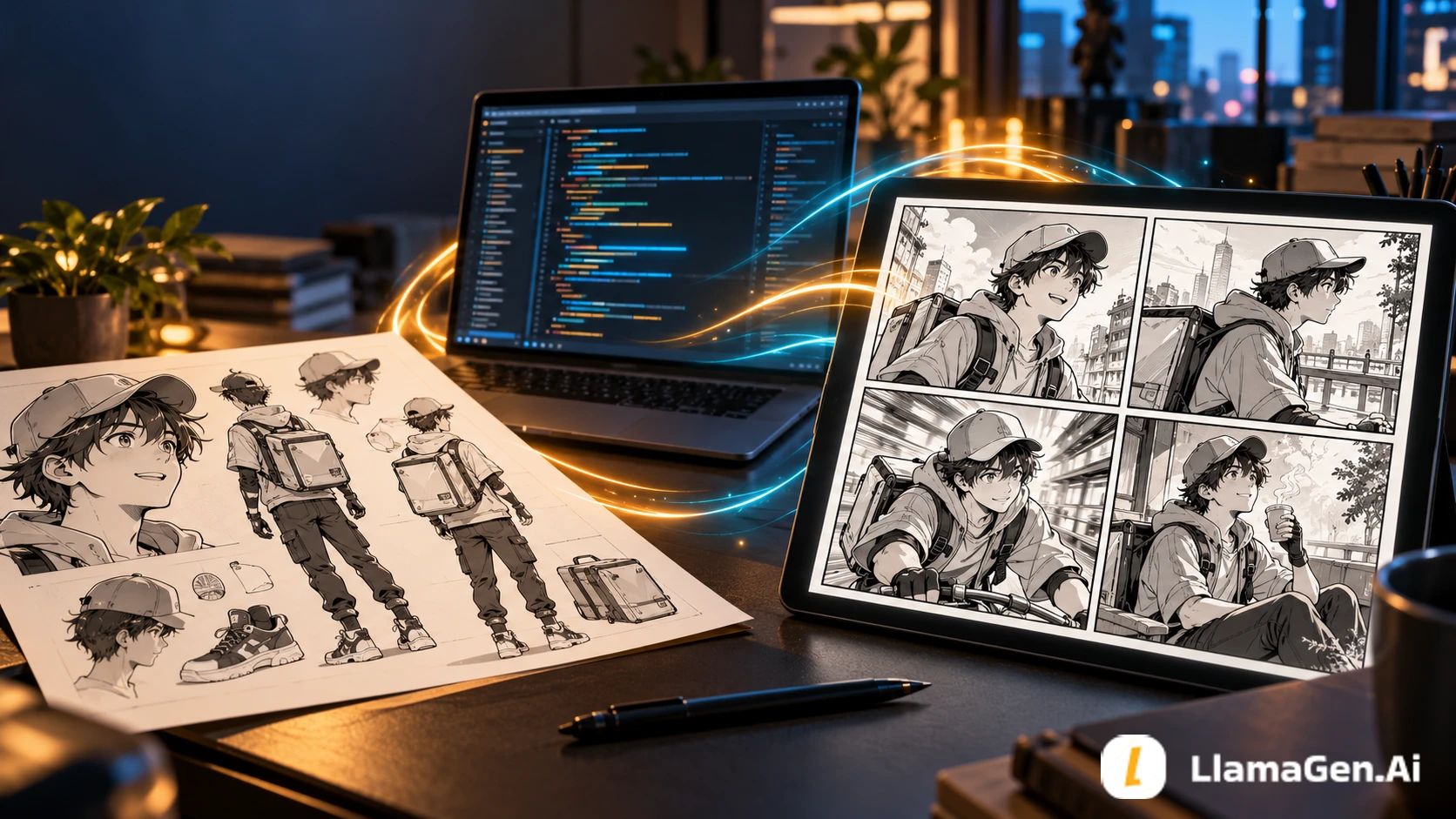
この記事は、2026年10月10日時点のライブな Comic API documentation に対して契約ベースで確認されています。
| Check | Verified behavior |
|---|---|
| Authentication | すべてのリクエストで Bearer トークンを使用 |
| Production base URL | https://api.llamagen.ai |
| Upload | POST /v1/comics/upload は再利用可能な fileUrl を返す |
| Create | POST /v1/comics/generations は fixPanelNum: 4 と comicRoles を受け付ける |
| Status | GET /v1/comics/generations/{generationId} はステータスとパネル出力を返す |
| Repair | PATCH /v1/comics/generations/{generationId} は0始まりの単一パネルを再生成できる |
| Usage | Create と repair のレスポンスは、独自ログ用の usage データを公開する |
遅延や成功率のベンチマークは作成していません。これらの値は、アカウント、キュー、モデル構成、入力によって変動します。このサンプルでは、実際の経過時間、API usage、終端ステータス、失敗の詳細を記録できるため、自分の環境で根拠あるベンチマークを作成できます。
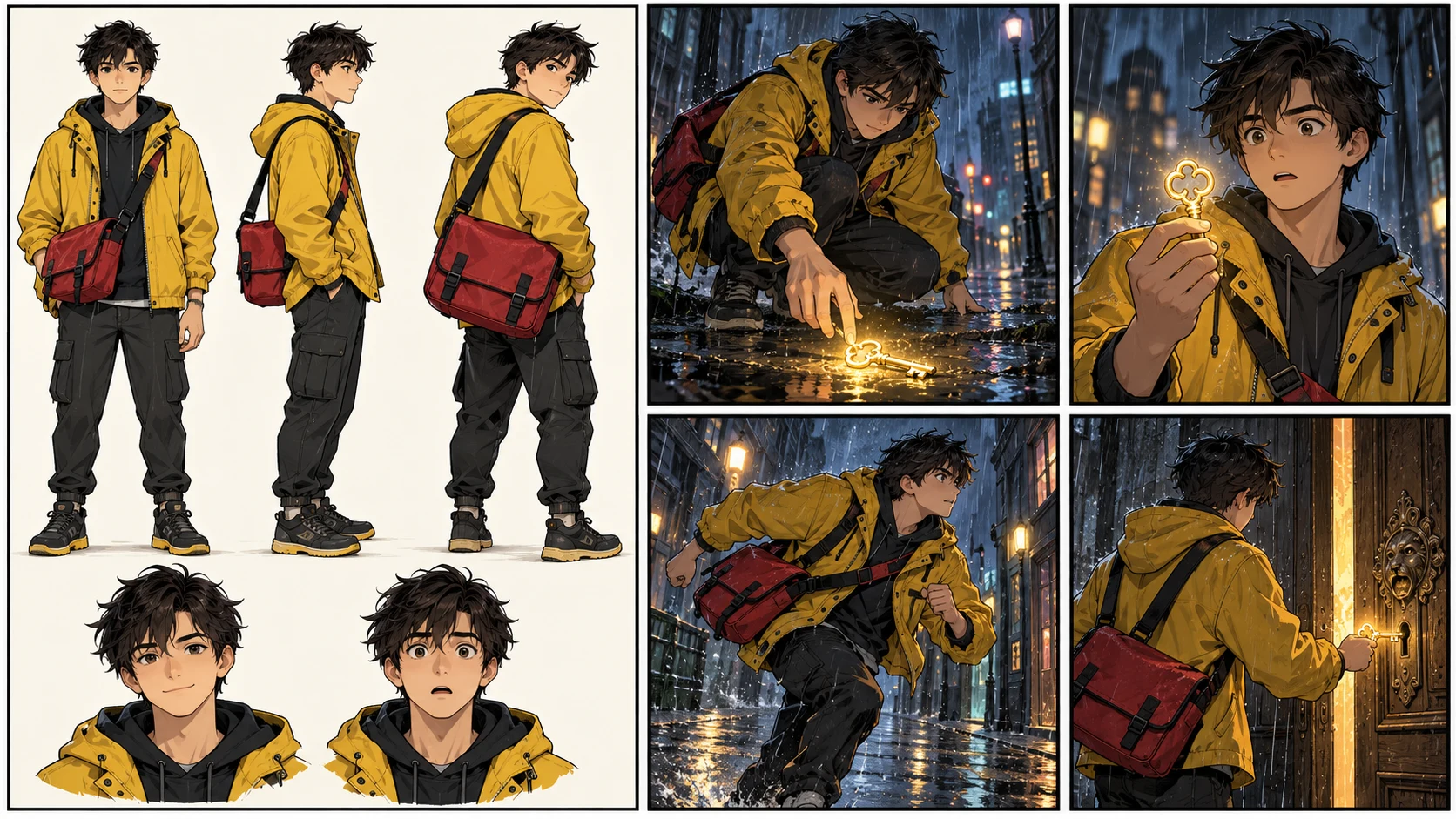
プロンプトは、モデルに何が起きるかを伝えます。キャラクター参照は、誰にその物語が起きているのかを伝えます。
繰り返し登場する役については、次の項目を安定させてください。
この例では、その役は短い黒髪、黄色のレインジャケット、赤いメッセンジャーバッグを持つ配達員です。これらの詳細は繰り返すのに十分コンパクトであり、監査するのに十分明確です。
fetch、FormData、Blob を利用できるように、Node.js 20 以降を使用してください。キーはサーバー専用の環境変数に保持します。
export LLAMAGEN_API_KEY="your_server_side_key"
このキーをブラウザバンドル、モバイルアプリケーション、公開リポジトリ、またはクライアントサイドのリクエストに公開しないでください。製品にフロントエンドがある場合は、ユーザーの概要を自分のバックエンドに送り、そのバックエンドから LlamaGen.AI を呼び出してください。
このワークフローには4つのネットワーク操作があります。
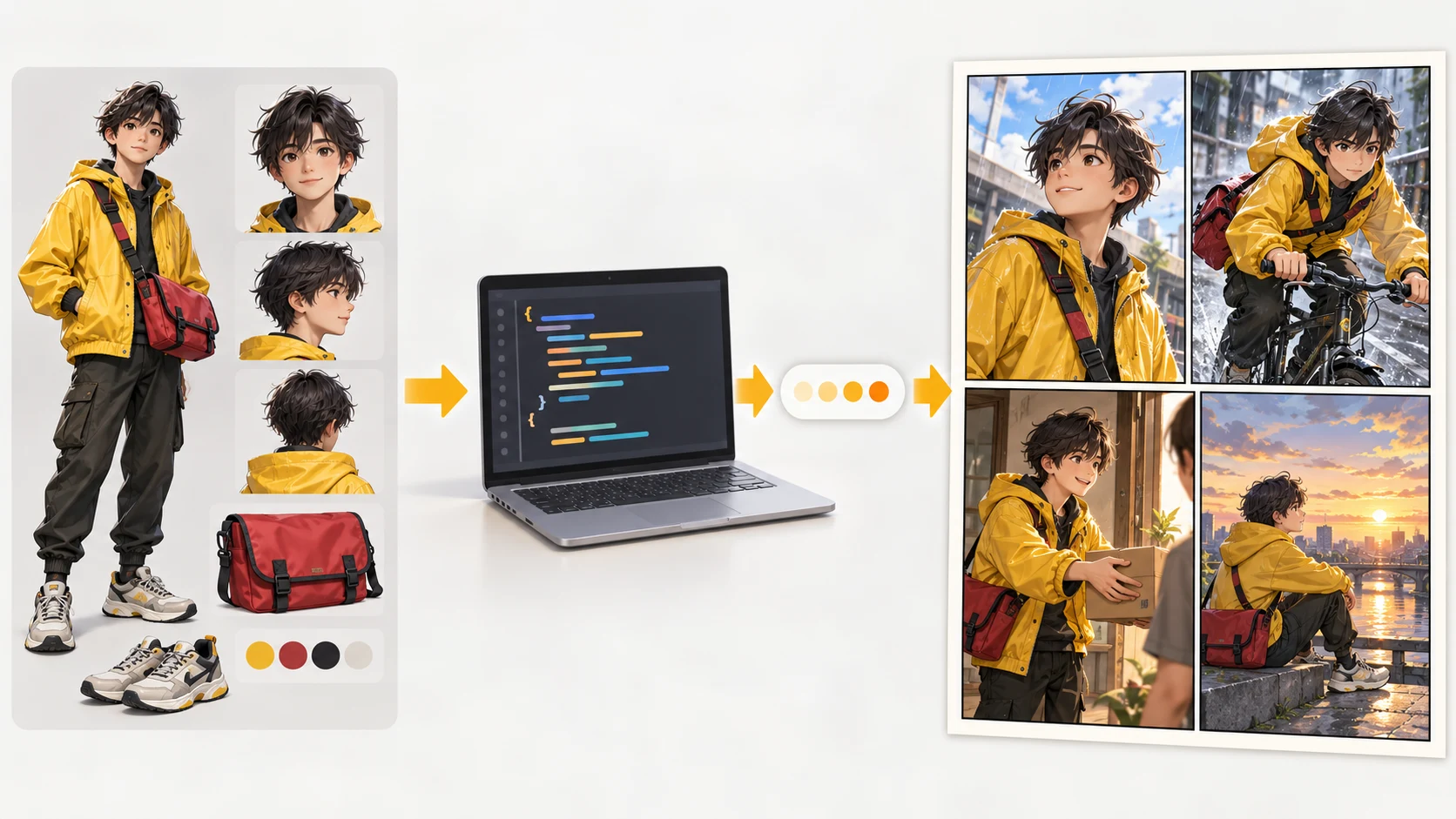
以下を comic-quickstart.ts として保存し、./courier-reference.png にキャラクター画像を配置して、サーバー環境から実行してください。
import { basename } from "node:path";
import { readFile } from "node:fs/promises";
import { randomUUID } from "node:crypto";

const API_BASE = "https://api.llamagen.ai";
const API_KEY = process.env.LLAMAGEN_API_KEY;

if (!API_KEY) {
  throw new Error("Set LLAMAGEN_API_KEY before running this script.");
}

type UploadResponse = {
  code?: number;
  fileUrl: string;
};

type Usage = {
  total_comics?: number;
  redraw_panels?: number;
  amount?: number;
};

type Generation = {
  id: string;
  status: "LOADING" | "PROCESSED" | "FAILED" | "CANCELLED" | string;
  usage?: Usage;
  comics?: Array<{
    page?: number;
    panels?: Array<{
      panel?: number;
      image?: string;
      assetUrl?: string;
      caption?: string;
    }>;
  }>;
  error?: unknown;
};

async function api<T>(path: string, init: RequestInit = {}): Promise<T> {
  const response = await fetch(`${API_BASE}${path}`, {
    ...init,
    headers: {
      Authorization: `Bearer ${API_KEY}`,
      ...init.headers,
    },
  });

  const text = await response.text();
  const body = text ? JSON.parse(text) : null;

  if (!response.ok) {
    throw new Error(
      `Comic API ${response.status}: ${JSON.stringify(body)}`,
    );
  }

  return body as T;
}

async function uploadReference(filePath: string) {
  const bytes = await readFile(filePath);
  const form = new FormData();
  form.set("file", new Blob([bytes]), basename(filePath));

  return api<UploadResponse>("/v1/comics/upload", {
    method: "POST",
    body: form,
  });
}

async function waitForGeneration(
  generationId: string,
  timeoutMs = 10 * 60_000,
) {
  const startedAt = Date.now();

  while (Date.now() - startedAt < timeoutMs) {
    const job = await api<Generation>(
      `/v1/comics/generations/${generationId}`,
    );

    console.log(
      JSON.stringify({
        generationId,
        status: job.status,
        elapsedMs: Date.now() - startedAt,
        usage: job.usage,
      }),
    );

    if (job.status === "PROCESSED") return job;

    if (job.status === "FAILED" || job.status === "CANCELLED") {
      throw new Error(
        `Generation ended as ${job.status}: ${JSON.stringify(job.error)}`,
      );
    }

    await new Promise((resolve) => setTimeout(resolve, 4_000));
  }

  throw new Error(`Generation ${generationId} timed out.`);
}

async function main() {
  const startedAt = Date.now();

  try {
    const reference = await uploadReference("./courier-reference.png");

    const created = await api<Generation>("/v1/comics/generations", {
      method: "POST",
      headers: {
        "Content-Type": "application/json",
        "Idempotency-Key": randomUUID(),
      },
      body: JSON.stringify({
        prompt: [
          "Create one four-panel comic page in a restrained cinematic manga style.",
          "Panel 1: Ren enters a rain-soaked station and notices a golden key.",
          "Panel 2: Close view as Ren lifts the key and studies it.",
          "Panel 3: Ren runs toward an old locked service door.",
          "Panel 4: Ren opens the door and warm light spills into the station.",
          "Keep the same face, haircut, yellow jacket, and red messenger bag.",
          "Leave clean space for later lettering.",
        ].join("\n"),
        preset: "japanese_manga",
        size: "1024x1024",
        fixPanelNum: 4,
        language: "en",
        comicRoles: [
          {
            name: "Ren",
            age: 22,
            gender: "male",
            dress: "yellow rain jacket, black trousers, red messenger bag",
            image: reference.fileUrl,
          },
        ],
      }),
    });

    const firstPass = await waitForGeneration(created.id);
    console.log("first_pass_complete", {
      id: firstPass.id,
      elapsedMs: Date.now() - startedAt,
      usage: firstPass.usage,
      pages: firstPass.comics?.length ?? 0,
    });

    // Example review result: panel 3 lost the red bag.
    const repairQueued = await api<Generation>(
      `/v1/comics/generations/${created.id}`,
      {
        method: "PATCH",
        headers: { "Content-Type": "application/json" },
        body: JSON.stringify({
          page: 0,
          panel: 2,
          panelPrompt:
            "Ren runs toward the service door. Preserve his exact face, short dark hair, yellow rain jacket, and visible red messenger bag.",
          images: [reference.fileUrl],
        }),
      },
    );

    console.log("repair_queued", {
      id: repairQueued.id,
      usage: repairQueued.usage,
    });

    const repaired = await waitForGeneration(created.id);
    console.log("workflow_complete", {
      id: repaired.id,
      totalElapsedMs: Date.now() - startedAt,
      finalStatus: repaired.status,
    });
  } catch (error) {
    console.error("comic_workflow_failed", {
      elapsedMs: Date.now() - startedAt,
      message: error instanceof Error ? error.message : String(error),
    });
    process.exitCode = 1;
  }
}

await main();
次のコマンドで実行します。
npx tsx comic-quickstart.ts
このサンプルは意図的に構造化オブジェクトをログ出力します。本番環境では、同じフィールドをオブザーバビリティシステムに送信し、独自のリクエストまたはプロジェクト識別子も含めてください。
サムネイルサイズで魅力的に見えるという理由だけでページを承認しないでください。各パネルをキャラクターロックに照らして監査します。
| Check | Pass condition |
|---|---|
| Face | 年齢、特徴、比率が同じ |
| Hair | シルエット、長さ、色が同じ |
| Costume | 黄色いジャケットが黄色のままで、同じ作りを保っている |
| Prop | 赤いメッセンジャーバッグが存在し続け、正しい位置にある |
| Sequence | 鍵、ドア、天気、移動方向の連続性が保たれている |
| Composition | すべてのパネルが異なる物語上の役割を持つ |
| Lettering space | 顔や重要なアクションが遮られていない |
より大きなパイプラインを構築している場合は、これを機械可読な品質管理として扱ってください。ページ全体への大まかな承認だけでなく、パネルごとに合格/不合格の理由を保存します。
最も速い修復プロンプトは、新しいアクションと変更してはいけない要素の両方を明示します。
Panel 3 repair:
Ren runs toward the service door.
Preserve his exact face, short dark hair, yellow rain jacket,
and visible red messenger bag.
Keep the rainy station and left-to-right movement.
パネルのインデックスは0始まりなので、見た目上の3番目のパネルは panel: 2 です。更新エンドポイントは panelPrompt、参照 images、または置き換え用の caption を受け取れます。
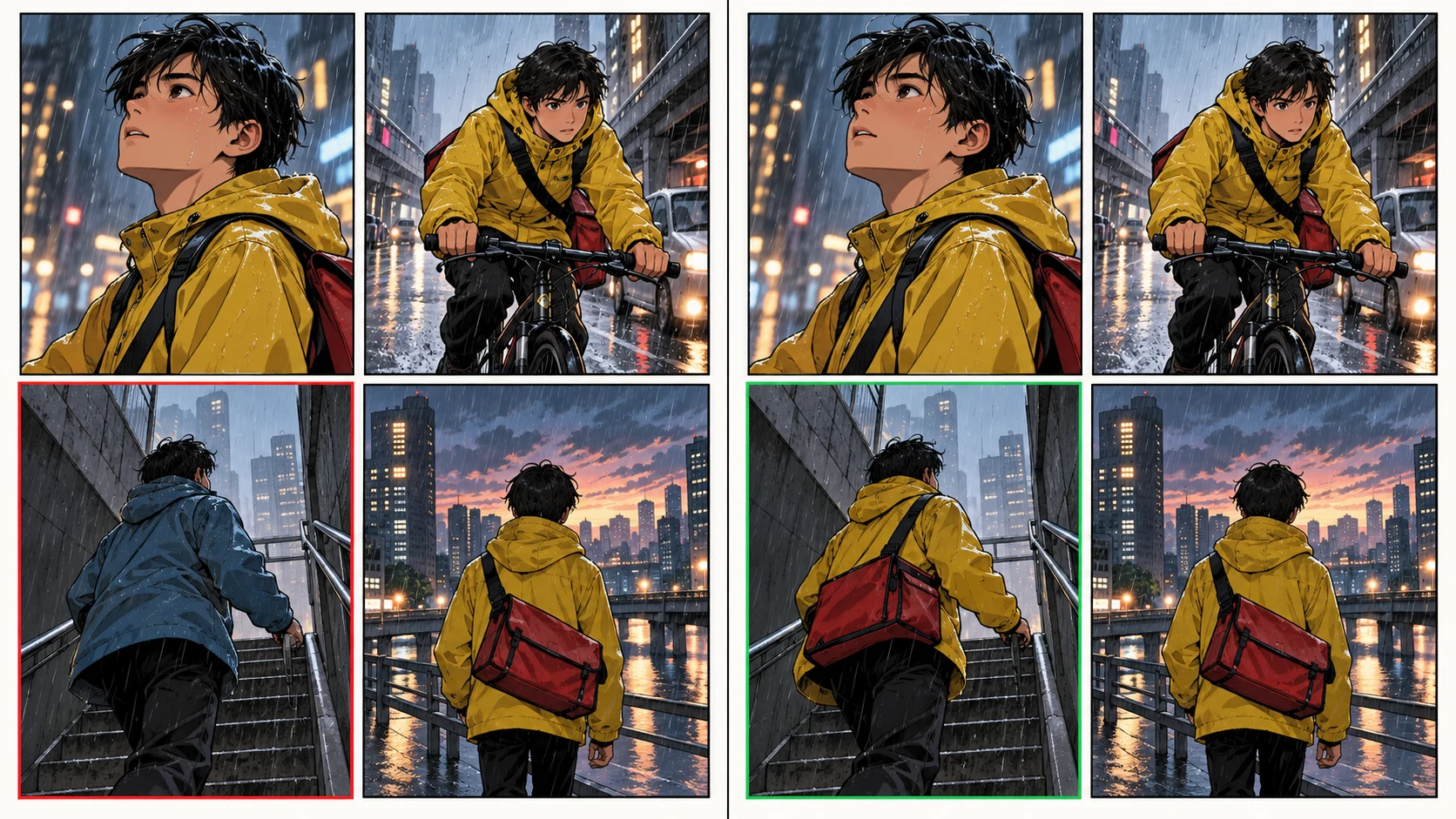
これは運用上重要です。4つすべてのパネルを再構築すると、1つの古い問題を直す一方で、新たに3つの連続性リスクを持ち込む可能性があります。対象を絞った修復は、レビュー対象範囲を狭めます。
統合をリリースする前に、以下の制御を追加してください。
より長いシーケンスでは、fixPanelNum の代わりに pagination.totalPages と pagination.panelsPerPage を使ってください。1つの create リクエストで両方のモードを送信しないでください。
コミックが自分の製品、バッチジョブ、教育ツール、出版パイプライン、または顧客ワークフローの中で生成される場合は、Comic API を使用してください。
クリエイターが物語を対話的に探りたい、代替案を比較したい、または各ページを手作業でアートディレクションしたい場合は、ビジュアルエディターを使用してください。多くのチームは両方を使っています。API が再現可能なファーストパスを作成して記録し、エディターが例外的な修正を処理します。
物語構成がまだ変わる可能性があるなら、完成パネルを作る前に計画してください。次のガイド Storyboard First or Comic Panels First? では、手戻りの差をどのように測定するかを紹介しています。
はい。1ページ4パネルのリクエストには fixPanelNum: 4 を送信します。複数ページの場合は、代わりに pagination オブジェクトを使用してください。
クリーンな参照画像をアップロードし、返された fileUrl を comicRoles[].image に渡し、役名と衣装説明を安定させ、シーケンスを続ける前に返された各パネルを監査してください。
はい。0始まりの page と panel インデックスに加えて、新しい panelPrompt、任意の参照画像、または caption を指定して PATCH リクエストを送信します。
ネットワーク再試行によって重複作業が誤って作成されないように、LlamaGen.AI が文書化している冪等性の挙動に従ってください。意図的に新しい生成を行いたい場合にのみ、新しいキーを使用してください。
いいえ。実際の数値を取得するために必要な計測情報を公開しているだけです。同じ入力を自分のアカウントで繰り返し実行し、条件を記録した後にのみ、遅延、usage、失敗率を公開してください。
Jay によって執筆され、LlamaGen.AI コンテンツチームによってライブエンドポイント契約に照らして技術レビューされました。製品の挙動は変更される可能性があります。リンク先のドキュメントが正確な情報源です。
ワークフローを構築する準備はできましたか? LlamaGen.AI Comic API を開き、サーバーサイドキーを作成し、自分のキャラクター参照でこのクイックスタートを実行してください。
Popular creator tools
Go from comics and storyboards to stylized photos with LlamaGen.
LlamaGenの最新機能リリース、製品改善、デザイン更新、重要なバグ修正をまとめてご紹介します。
© 2026 LlamaGen.Ai 全著作権所有
AIコミック生成の未来をリードする