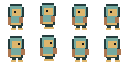
Criterion 01
Generated Godot 4 SpriteFrames and AnimatedSprite2D scene from Character Studio
Godot 4 wants named animations, FPS, loop flags, and a stable origin—not a folder of untitled PNGs. These PixelBox pages are ordered by how close they get to a SpriteFrames import.
Published by the LlamaGen team. This guide compares our own PixelBox workflows, not the entire pixel art software market. Check the listed output and limitations before choosing a tool.
Build the hero in Character Studio, export the generated Godot 4 package, then use the free sprite sheet slicer when you already have a sheet to cut into SpriteFrames.
Explore gameplay, handheld use, and coordinated designs. These AI-generated concepts illustrate visual possibilities; review your own assets and engine imports before shipping.
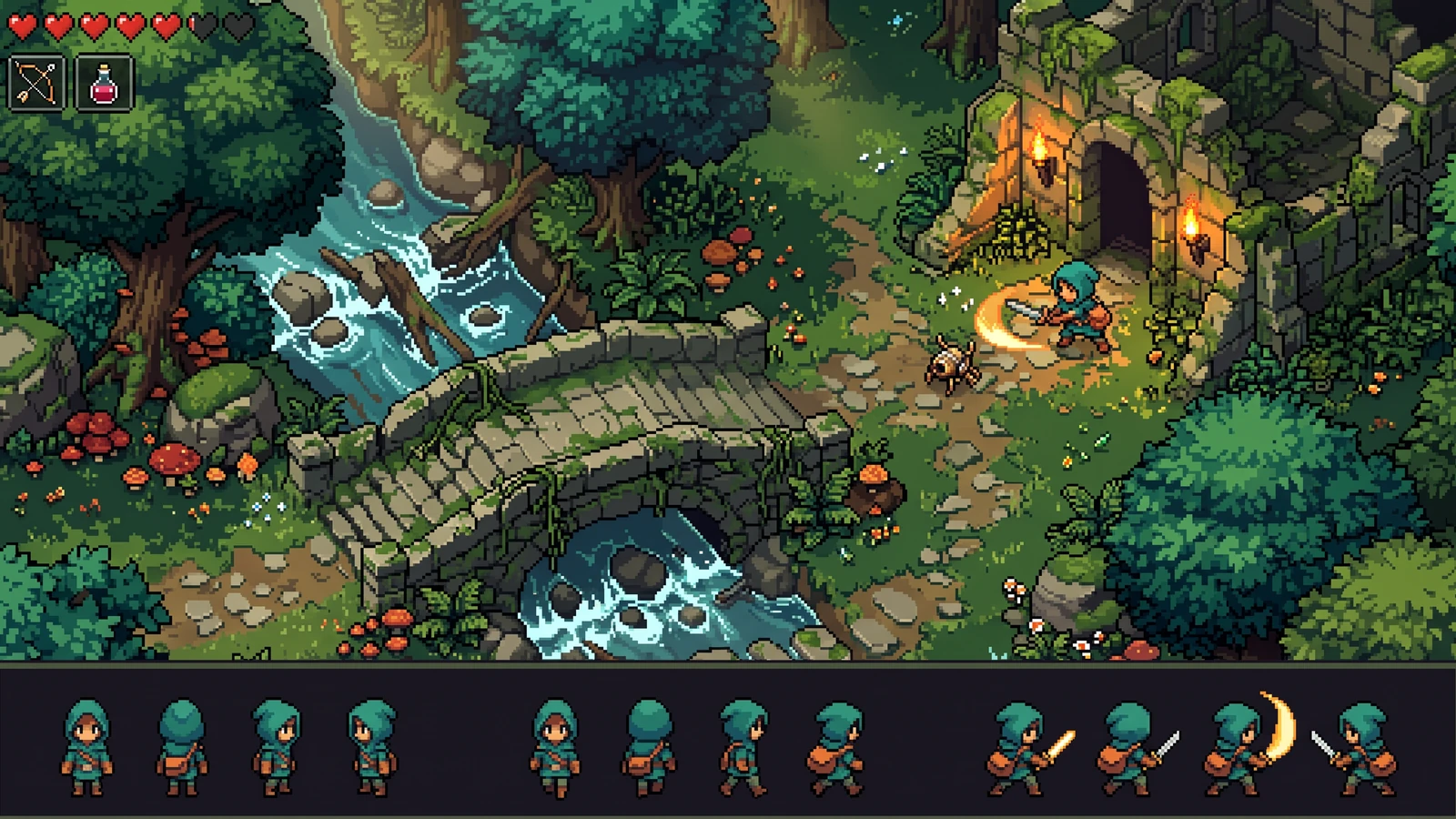
Compare the character's proportions, colors, and action silhouettes with the world around it.
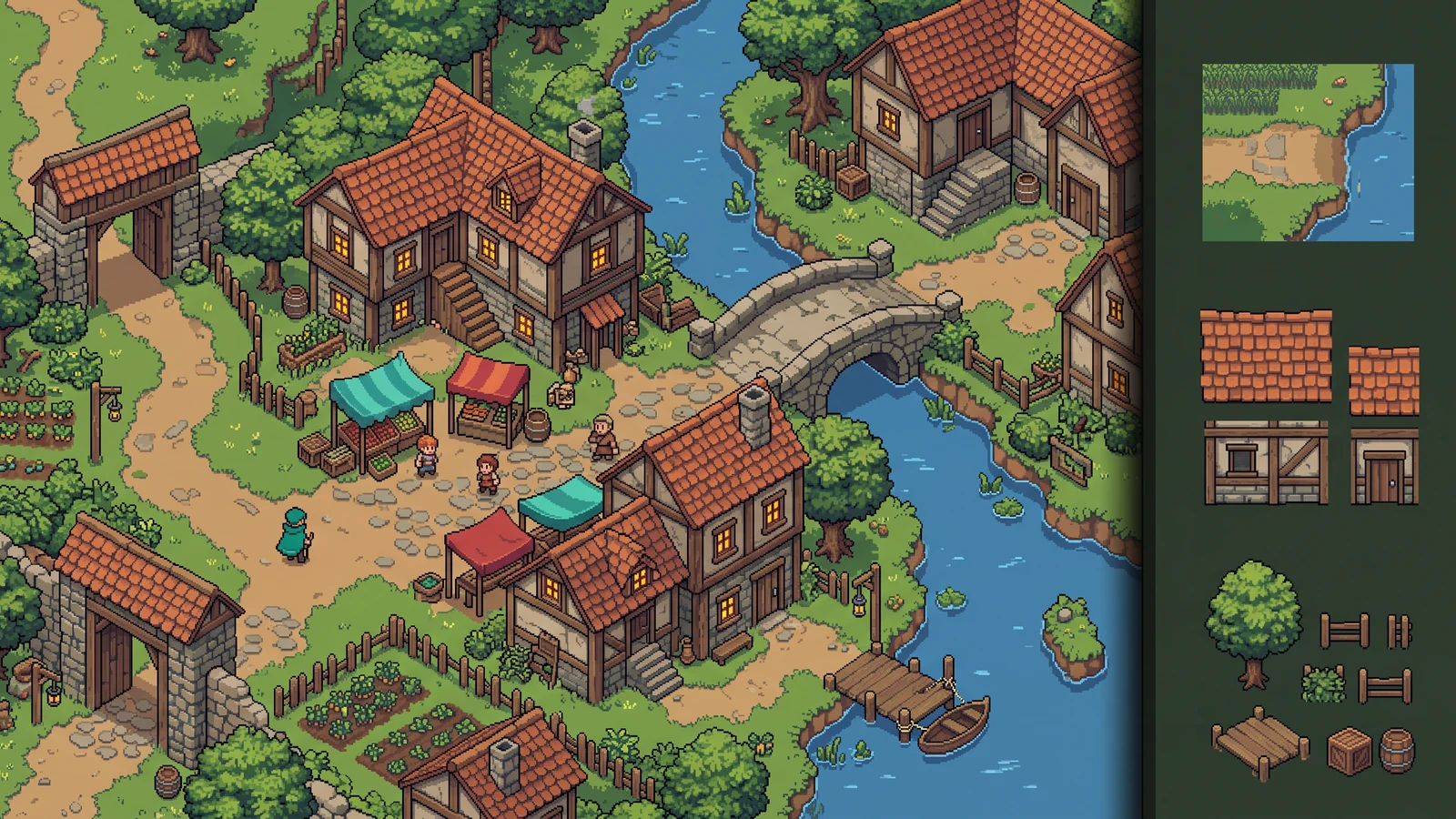
Review how terrain, buildings, and props work together as an inhabited level.
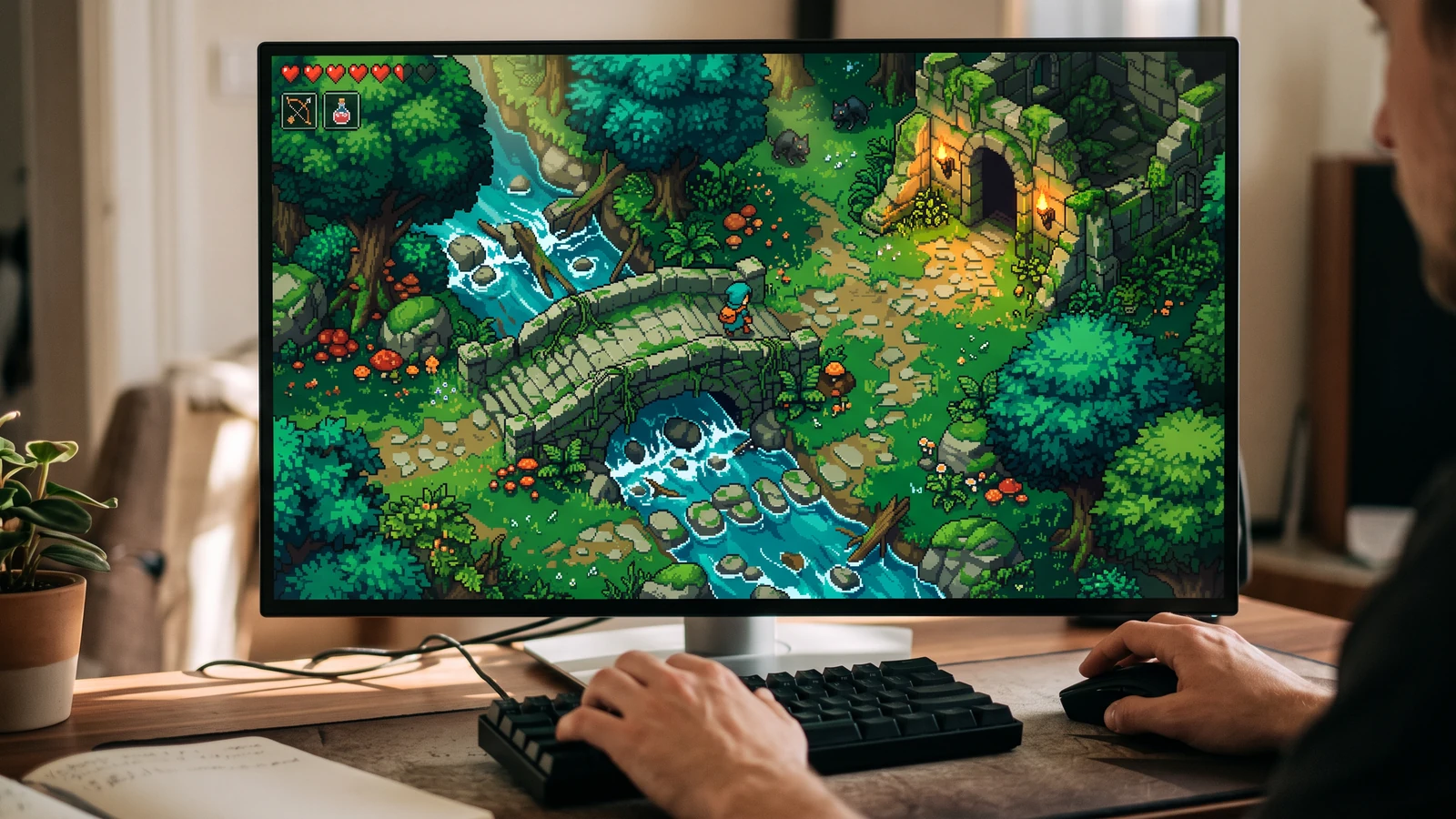
See the character, world, and interface together at desktop play size.
Generated Godot 4 SpriteFrames and AnimatedSprite2D scene from Character Studio
Free slicer ZIP that writes Godot-oriented import files
Local atlas + JSON when you only need coordinates
Labs tileset and VFX pages for style only until auto-tile export ships
Exports a Godot 4 pack with SpriteFrames, clip names, FPS, loop settings, and an AnimatedSprite2D scene after you accept the clips.
Open toolCut an existing sheet locally and download a Godot 4 package without spending credits.
Open toolWhen you already have frames, pack them and keep the coordinate JSON next to the PNG.
Open toolUse it to lock biome style before you paint a TileSet. Auto-tile metadata is still Labs.
Open toolSketch routes as PNG, then rebuild the map with your own tiles in Godot.
Open toolUse a concrete input, inspect the output, and check the current limits before choosing your next step.
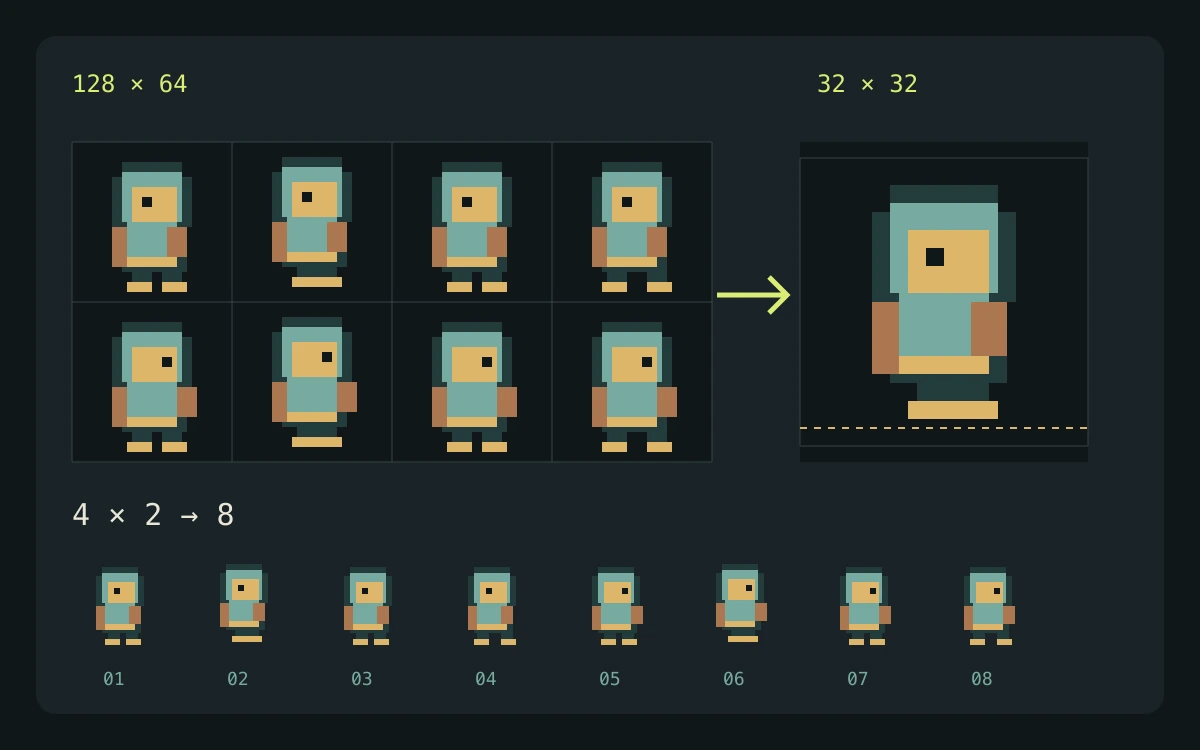
Use an existing sheet in the slicer, or a reviewed Character Studio pack. Keep the atlas together with its generated resource files.
A reviewed atlas and SpriteFrames resource can drive AnimatedSprite2D playback after the texture path, names, and timing are correct in your project.
The supplied references explain Godot's resource and playback behavior. Your scene placement, controller, collisions, and engine-version compatibility still require project-specific checks.
Check the engine or editor documentation when preparing your own import. These sources describe file and playback behavior, not an endorsement of PixelBox.
Content updated:
Published and maintained by LlamaGen. This page describes current PixelBox controls and export formats. Contact the team about incorrect information or an export problem.
Character Studio generates SpriteFrames and a scene after clip review. Test the import in your Godot 4 version before shipping.
Yes, if you already have a sheet. The slicer and packer are free and local. Generation credits are only for AI character frames.
Character Studio generates reviewable character animations. Free utilities prepare existing files in your browser. Labs generators return one concept image.