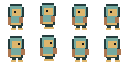
Criterion 01
Generated Unity atlas and AnimationClip package from Character Studio
Consistent pivots and named clips make Unity animation easier to review. Choose a PixelBox workflow by whether you need a PNG atlas, coordinate metadata, or generated AnimationClip files, then check the import in your Unity version.
Published by the LlamaGen team. This guide compares our own PixelBox workflows, not the entire pixel art software market. Check the listed output and limitations before choosing a tool.
Generate and review the character in Character Studio, export the Unity atlas and AnimationClip package, and use the free slicer when you are cutting a sheet you already drew.
Explore gameplay, handheld use, and coordinated designs. These AI-generated concepts illustrate visual possibilities; review your own assets and engine imports before shipping.
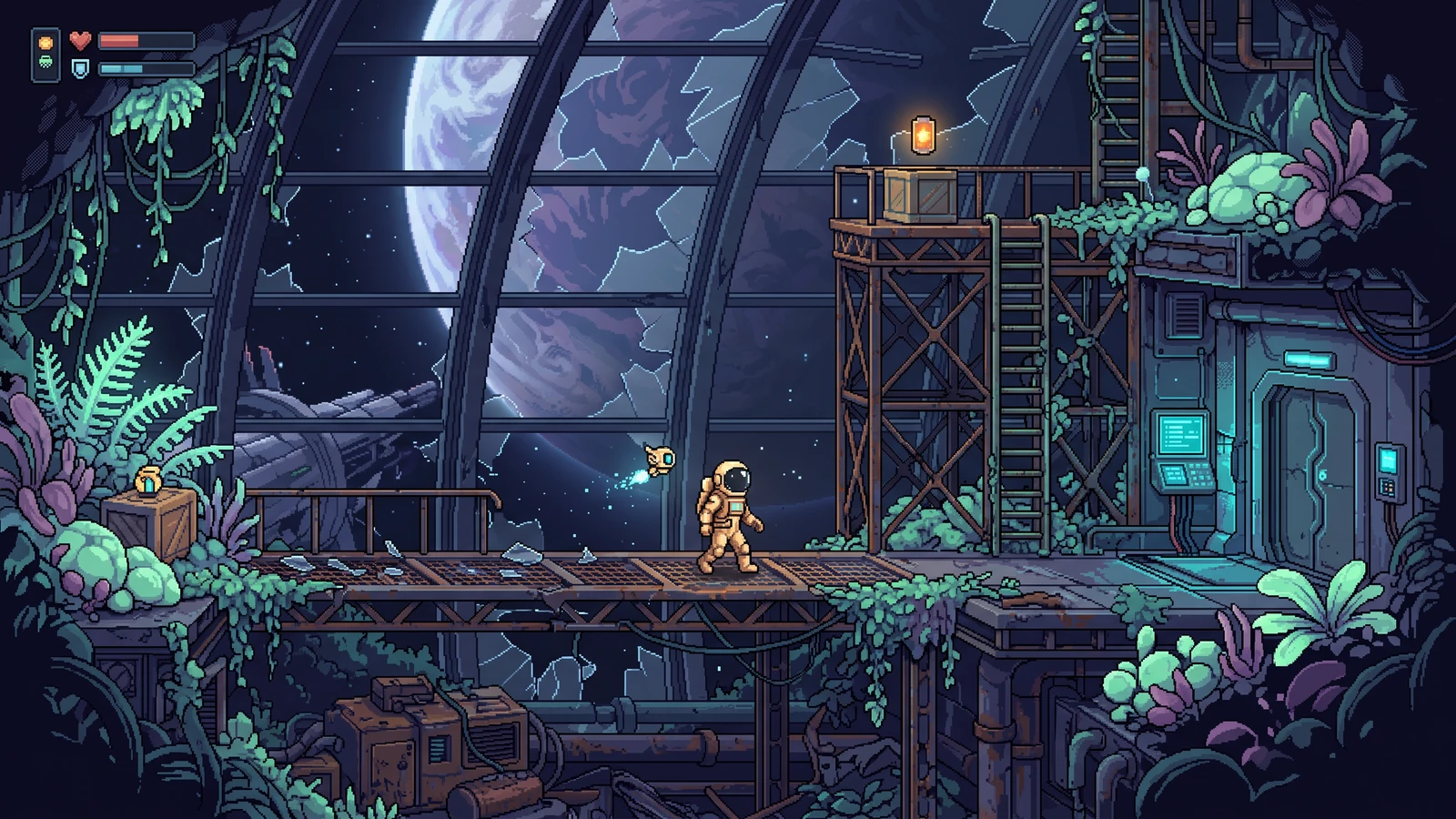
Explore a different genre while keeping character proportions, lighting, and interface language coherent.
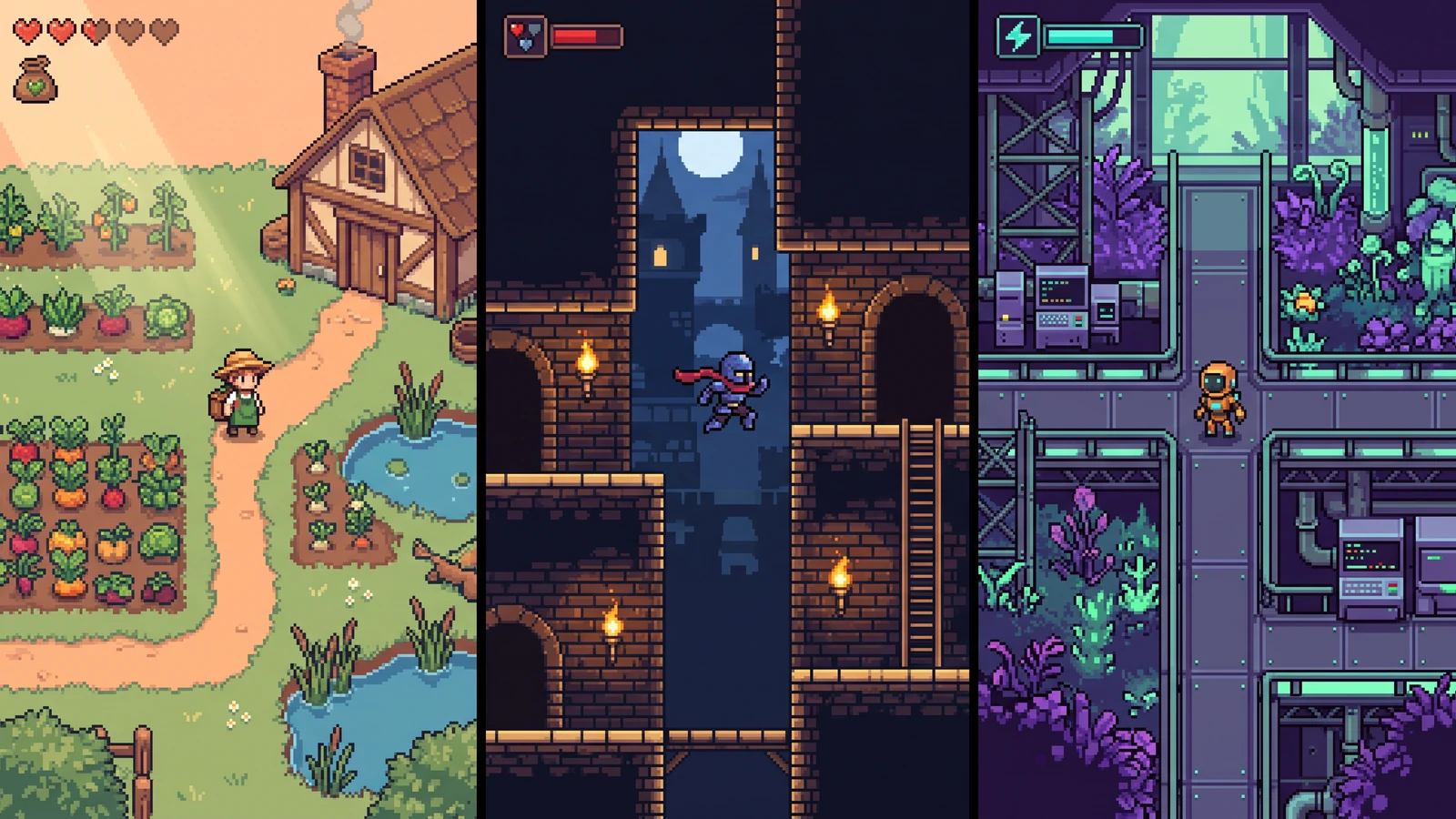
Compare different character designs inside the game worlds they are designed for.
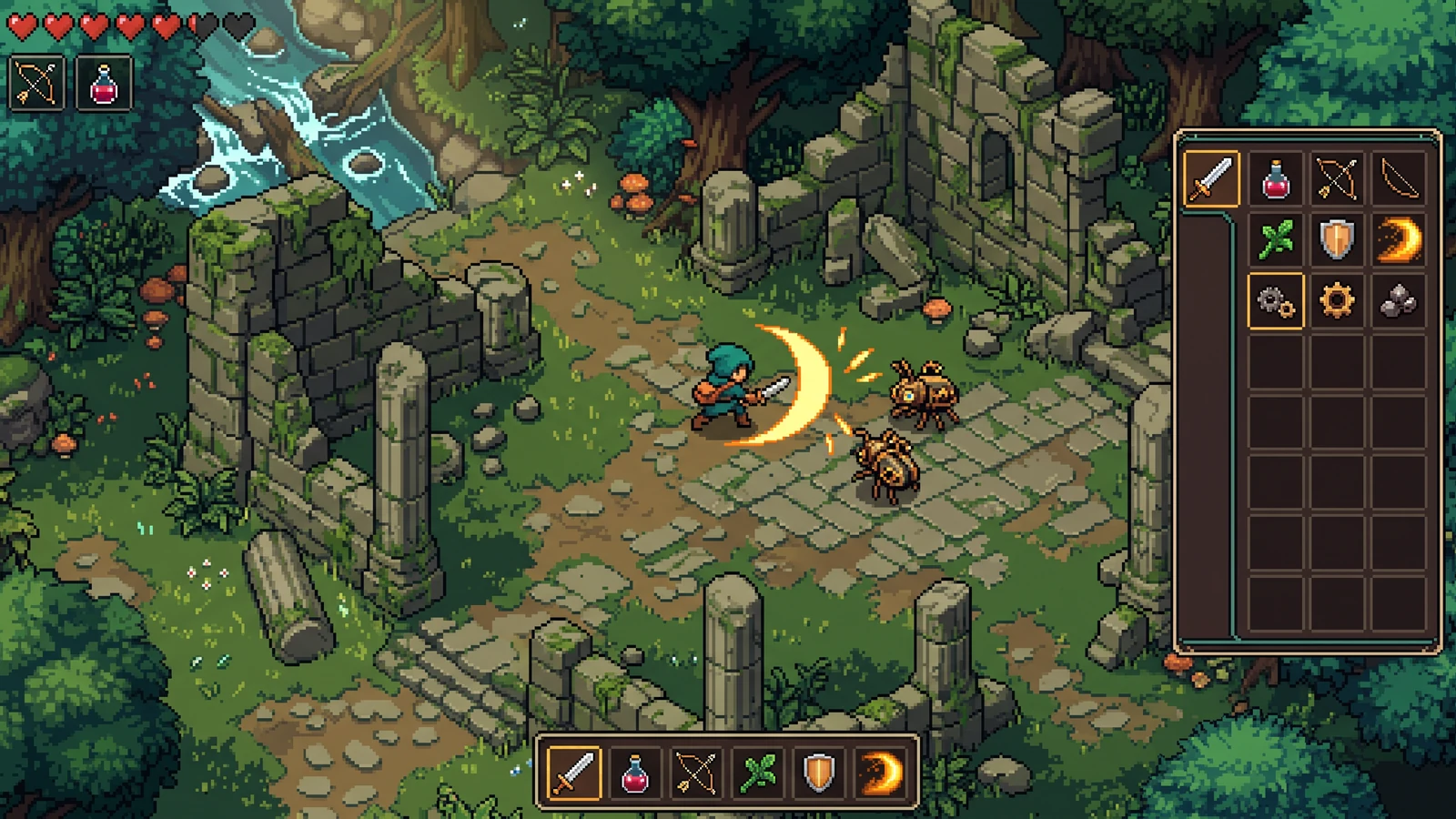
Judge effect visibility, item icons, and interface contrast during the same gameplay moment.
Generated Unity atlas and AnimationClip package from Character Studio
Free slicer ZIP aimed at Unity import
Local atlas packer with JSON coordinates
Labs pages for items, UI, and VFX style—not finished Sprite atlases
Writes an atlas layout plus AnimationClip files after you accept Idle, Walk, and Attack in four directions.
Open toolReview frames and pivots locally, then export a Unity-oriented package without credits.
Open toolCompact grid packing with JSON you can map to Sprite Meta files.
Open toolLabs concept for weapons and loot. Slice or pack the final icons once you have real frames.
Open toolUse it to lock panel language, then rebuild nine-slice sprites in Unity.
Open toolUse a concrete input, inspect the output, and check the current limits before choosing your next step.
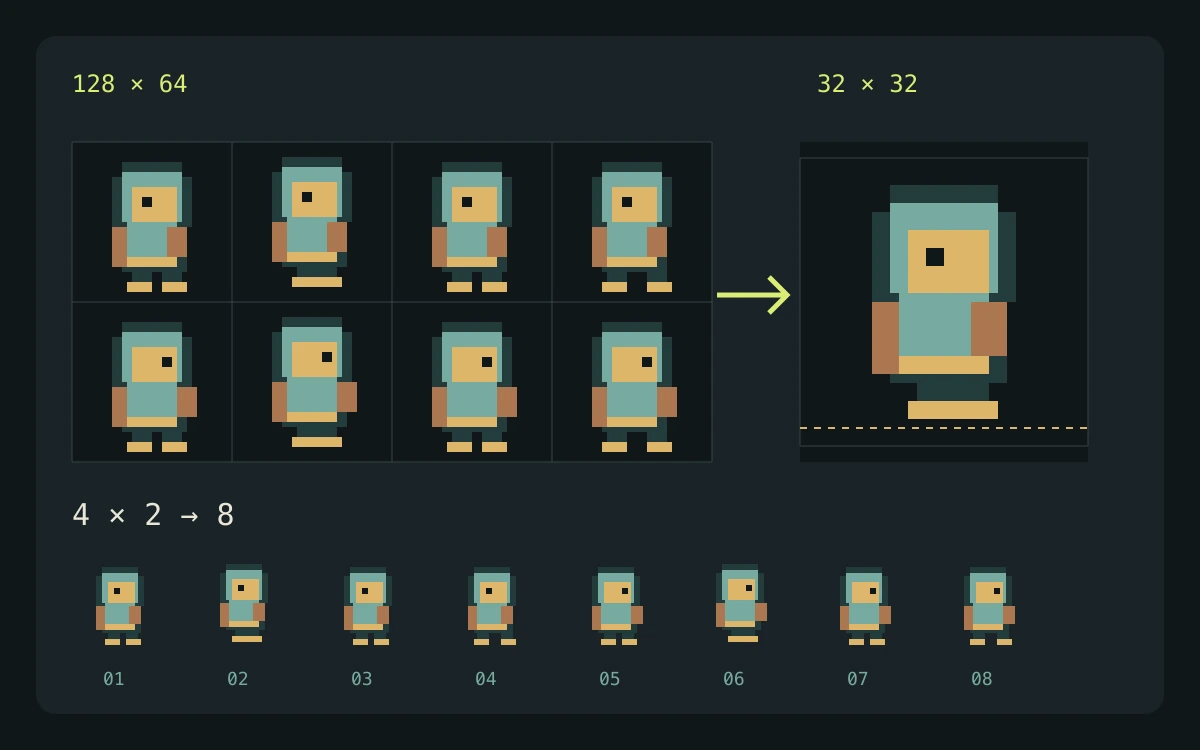
Use a reviewed sprite sheet or exported Unity sprite package. Keep the atlas PNG and its matching .meta file together.
A reviewed set of sprites and animation clips after Unity has imported and, where needed, rewritten the serialized metadata.
The generated files are a starting point for import. Check your installed Unity version, scene bindings, controller setup, and runtime playback before shipping.
Check the engine or editor documentation when preparing your own import. These sources describe file and playback behavior, not an endorsement of PixelBox.
Content updated:
Published and maintained by LlamaGen. This page describes current PixelBox controls and export formats. Contact the team about incorrect information or an export problem.
Yes, from Character Studio after clip review. Open the package in your Unity version and confirm pivot and pixels-per-unit before you ship.
The slicer and packer never charge. You only spend credits when PixelBox generates new character frames.
Character Studio generates reviewable character animations. Free utilities prepare existing files in your browser. Labs generators return one concept image.